Title here
Summary here

The Communication Point master data record is the middle tier of SAP EWM’s Material Flow System (MFS) hierarchy. Where the PLC master record registers the physical automation controller and its network endpoint, the Communication Point defines one logical telegram channel over that connection — grouping the specific message type, direction, and processing queue used for one category of MFS traffic (for example, inbound pick-confirmation telegrams versus outbound routing commands). One or more Communication Points are created under each PLC, and one or more Conveyor Segments are then linked underneath each Communication Point, completing the three-tier chain that drives automated material flow control. This article maps what the Communication Point represents, how it varies by telegram direction, where it sits in the MFS data hierarchy, and the fields an EWM consultant configures on it.
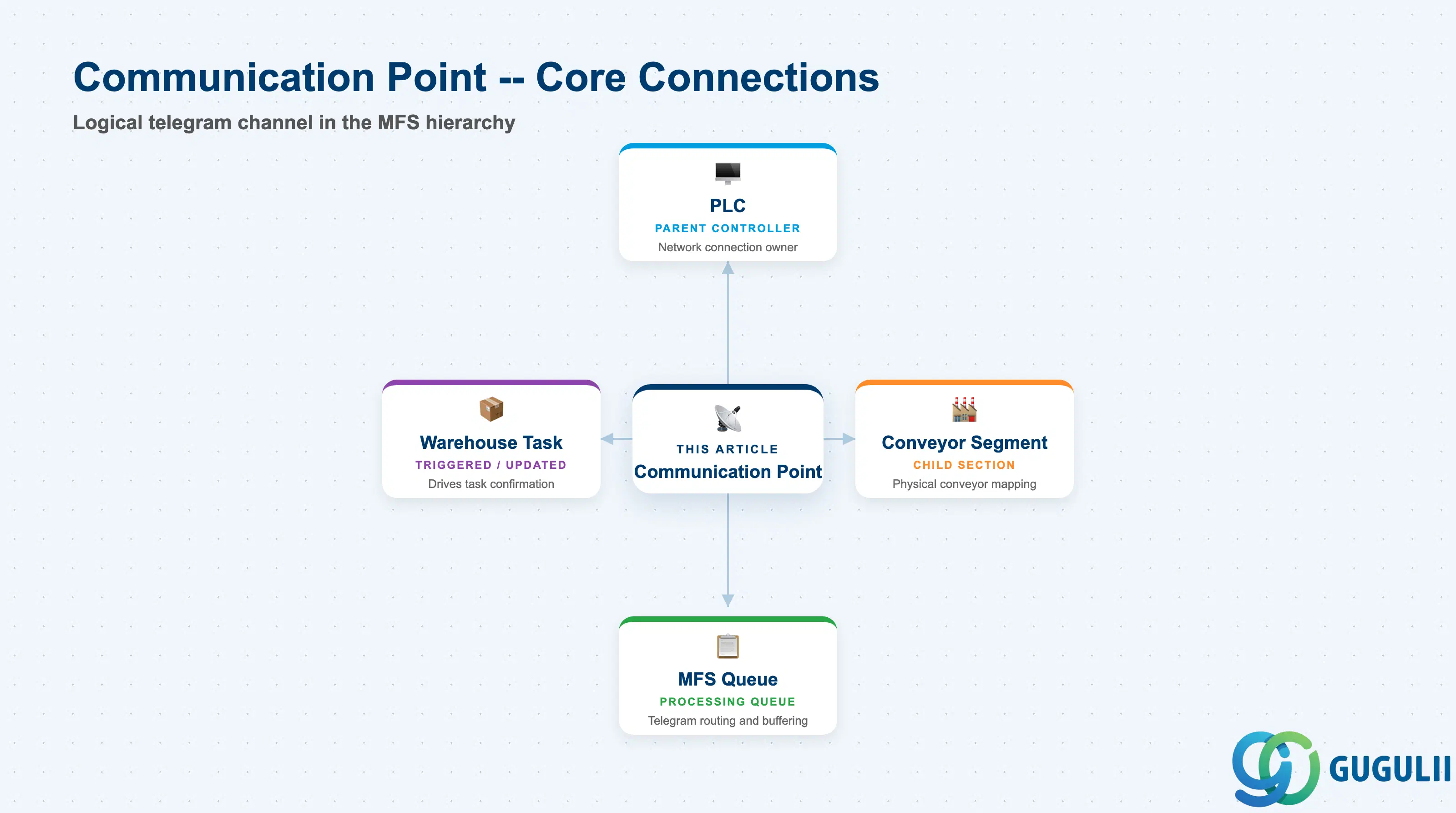
A Communication Point is the object that scopes and names one logical exchange channel between EWM’s MFS kernel and a PLC. It does not open a new physical network connection — that connection already exists at the PLC level — but it isolates one telegram type and direction so that EWM can process, queue, buffer, and troubleshoot that traffic independently of any other channel running over the same physical controller.
| Aspect | Details |
|---|---|
| Role | Defines a logical communication channel scoped to one PLC; groups the telegram type, direction, and queue used for one category of MFS traffic |
| Modules using it | EWM (MFS — sole owner); Decentralized EWM only; not available in Embedded Basic or Embedded Advanced editions |
| Transactions | /SCWM/MFS (MFS Configuration — covers PLC, Communication Point, and Conveyor Segment maintenance) |
| Key Tables | /SCWM/MFS_CP (Communication Point header), parent /SCWM/MFS_PLC (PLC), child /SCWM/MFS_CS (Conveyor Segment) |
| S/4HANA note | Inherits the same Decentralized-EWM-only scoping as its parent PLC — this MFS setup (PLC → Communication Point → Conveyor Segment) is relevant only when the customer runs Decentralized EWM; it does not appear in Embedded Basic or Embedded Advanced editions of S/4HANA EWM. |
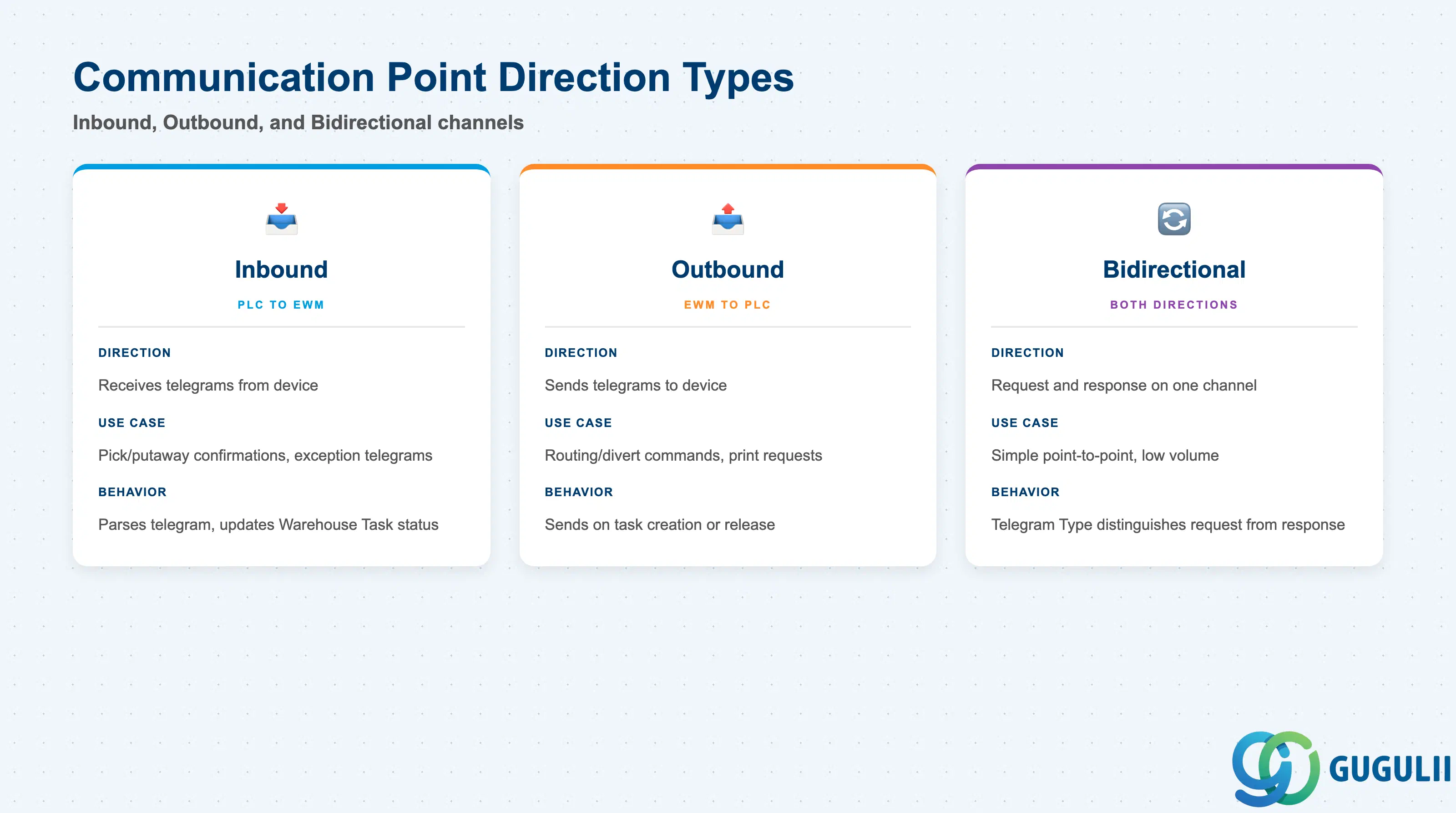
EWM does not assign named business types to Communication Points the way it does for, say, Storage Types. The meaningful dimension is telegram direction, because direction determines whether the Communication Point receives status updates from the PLC, sends control instructions to it, or both — and this in turn shapes how the channel’s queue and error handling must be configured.
| Direction | Description | Use Case | Key Behavior |
|---|---|---|---|
| Inbound (PLC → EWM) | Communication Point set up to receive telegrams reported by the device | Pick-confirmation, putaway-confirmation, or exception telegrams reported by a conveyor or ASRS crane | EWM parses the incoming telegram and updates the related Warehouse Task or Transfer Order status; often triggers automatic confirmation without operator intervention |
| Outbound (EWM → PLC) | Communication Point set up to send telegrams instructing the device | Routing/divert commands to conveyor gates, print requests to in-line label printers, task assignment to ASRS cranes | EWM sends the telegram as soon as the triggering Warehouse Task is created or released; the PLC executes the physical routing or handling action |
| Bidirectional | A single Communication Point that carries both request and response traffic over one logical channel | Simple point-to-point setups with low telegram volume, where splitting request/response onto separate channels is not justified | Requires the Telegram Type to distinguish request from response within the same structure; not recommended for high-throughput equipment |
Design principle: Splitting Inbound and Outbound traffic onto separate Communication Points is the standard, recommended approach for anything beyond the simplest setup — it keeps queue processing, buffer sizing, and error recovery independent per direction, so a stalled outbound channel does not block inbound confirmations (or vice versa).
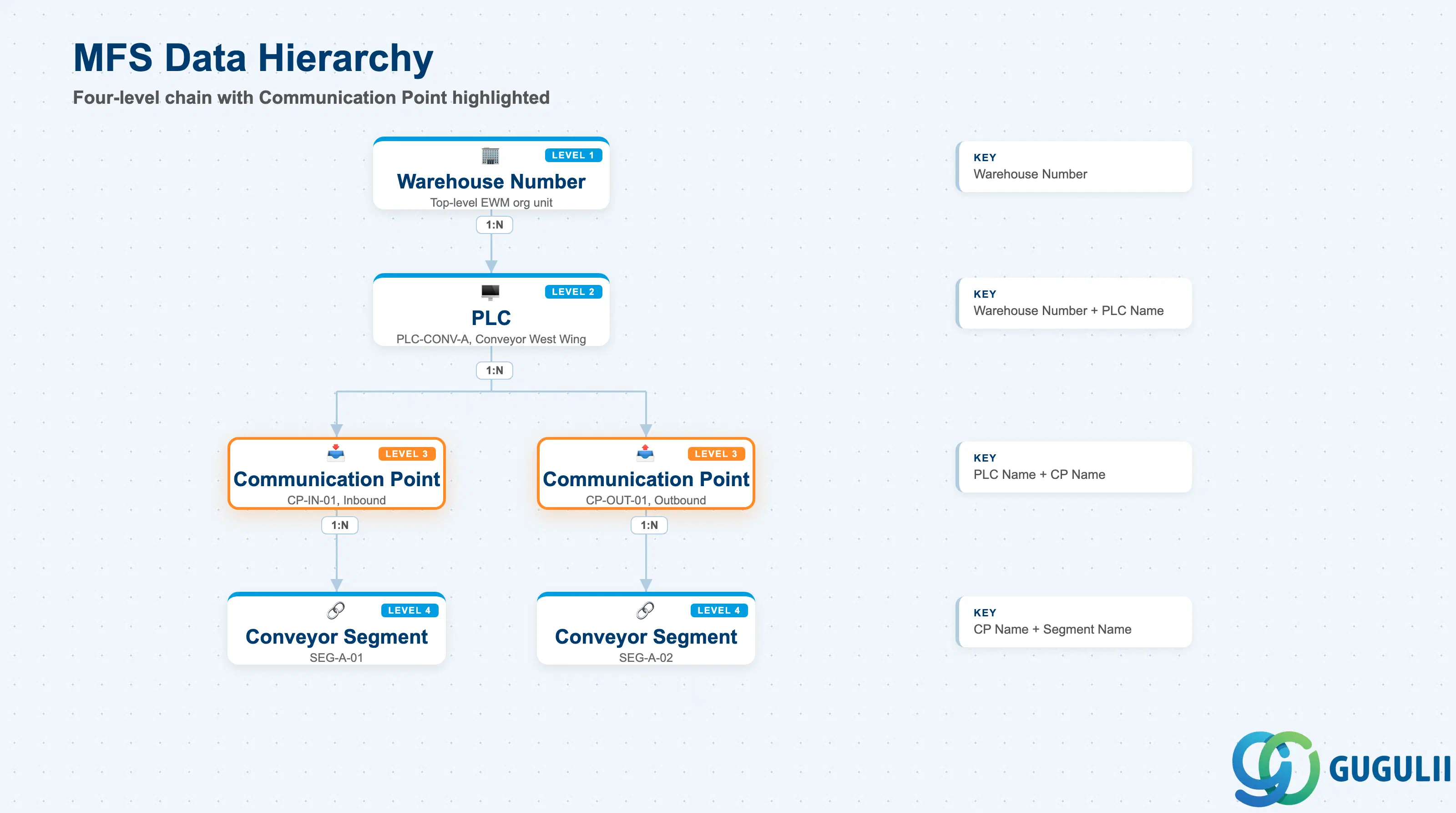
Data hierarchy with a concrete example
Warehouse Number (e.g., WH01)
   │
   └── PLC "PLC-CONV-A"  (/SCWM/MFS_PLC — Siemens S7-1500, Conveyor West Wing)
          │   Scope: Warehouse Number
          │   Key: Warehouse Number + PLC Name
          │
          ├── Communication Point "CP-IN-01"  (/SCWM/MFS_CP)
          │      │   Scope: PLC "PLC-CONV-A"
          │      │   Direction: Inbound — pick/putaway confirmation telegrams
          │      │   Key: PLC Name + CP Name
          │      │
          │      └── Conveyor Segment "SEG-A-01"  (/SCWM/MFS_CS)
          │             Scope: Communication Point "CP-IN-01"
          │             Key: CP Name + Segment Name
          │
          └── Communication Point "CP-OUT-01"  (/SCWM/MFS_CP)
                 │   Scope: PLC "PLC-CONV-A"
                 │   Direction: Outbound — routing/divert command telegrams
                 │   Key: PLC Name + CP Name
                 │
                 └── Conveyor Segment "SEG-A-02"  (/SCWM/MFS_CS)
                        Scope: Communication Point "CP-OUT-01"
Key: CP Name + Segment Name| Org Level | Table | Primary Fields | Notes |
|---|---|---|---|
| Warehouse Number | (SPRO) | Warehouse Number | Top-level scope shared by every MFS object; one Warehouse Number can hold multiple PLC records |
| PLC | /SCWM/MFS_PLC | PLC Name, IP Address, Port, Protocol | Parent of this article’s object (see EWM-A10-01); one PLC record represents one physical controller device |
| Communication Point (this article) | /SCWM/MFS_CP | CP Name, Direction, Telegram Type, Queue Name | Child of PLC; a single PLC commonly has multiple Communication Points, split by direction or telegram category, as shown above |
| Conveyor Segment | /SCWM/MFS_CS | Segment Name, Source/Destination Bins, Activity Area | Child of Communication Point; maps a physical conveyor section to EWM storage bins and inherits its parent Communication Point’s direction |
Key design decision: One Communication Point per direction-and-telegram-category combination is standard practice. Do not collapse Inbound and Outbound traffic onto a single Bidirectional Communication Point purely to reduce the number of master records — the resulting loss of independent queue monitoring and error isolation outweighs the setup convenience, except in the lowest-volume scenarios.
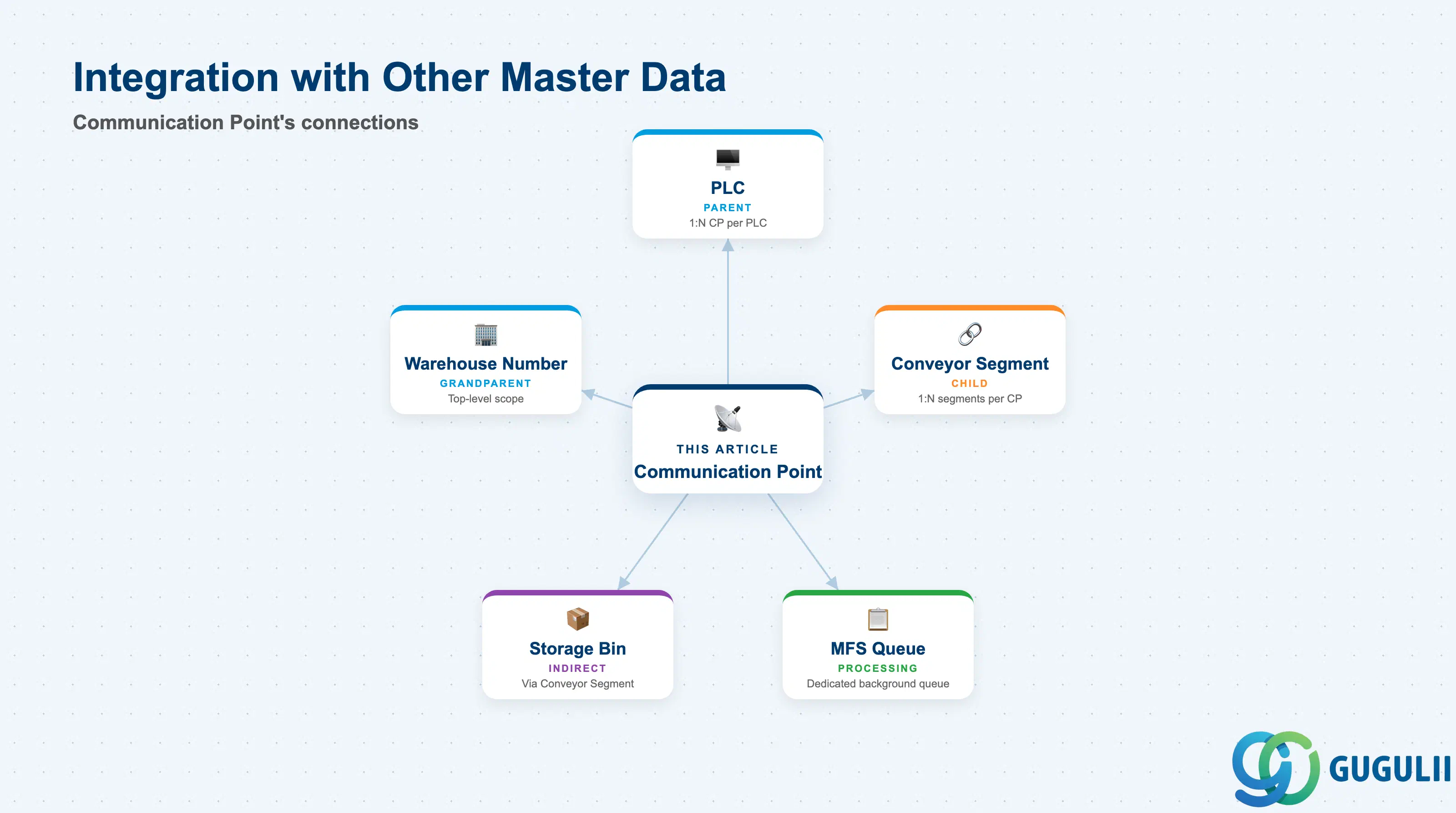
The Communication Point does not stand alone. It sits in the middle of the three-tier MFS master data chain, inheriting its network connection from the PLC above it and passing its direction and telegram type down to the Conveyor Segments below it.
| Object | Relationship | Practical Notes |
|---|---|---|
| PLC (EWM-A10-01) | Parent of Communication Point; one PLC has 1:N Communication Points | The PLC record — and its IP address, port, and protocol — must already exist before any Communication Point can be created underneath it. Deactivating the PLC suppresses all telegram traffic for every Communication Point below it. |
| Conveyor Segment (EWM-A10-03) | Child of Communication Point; one Communication Point has 1:N Conveyor Segments | Conveyor Segments inherit the Communication Point’s direction and telegram type; each Segment additionally maps to specific source/destination Storage Bins and an Activity Area. |
| Warehouse Number | Grandparent scope; Communication Point inherits Warehouse Number indirectly through its parent PLC | Multi-warehouse deployments keep each MFS hierarchy fully independent per Warehouse Number — a Communication Point cannot be shared across two warehouses. |
| Storage Bin (EWM-A04-02) | Indirectly referenced via child Conveyor Segments | The Communication Point itself carries no bin reference; physical bin mapping happens one level further down, at the Conveyor Segment. |
| MFS Queue | Each Communication Point’s telegrams are routed through a dedicated qRFC/MFS processing queue | The Queue Name configured on the Communication Point determines which background queue processes its inbound or outbound telegrams. During MFS Queue monitoring, backlogs and stuck telegrams are diagnosed per Communication Point, not per PLC. |
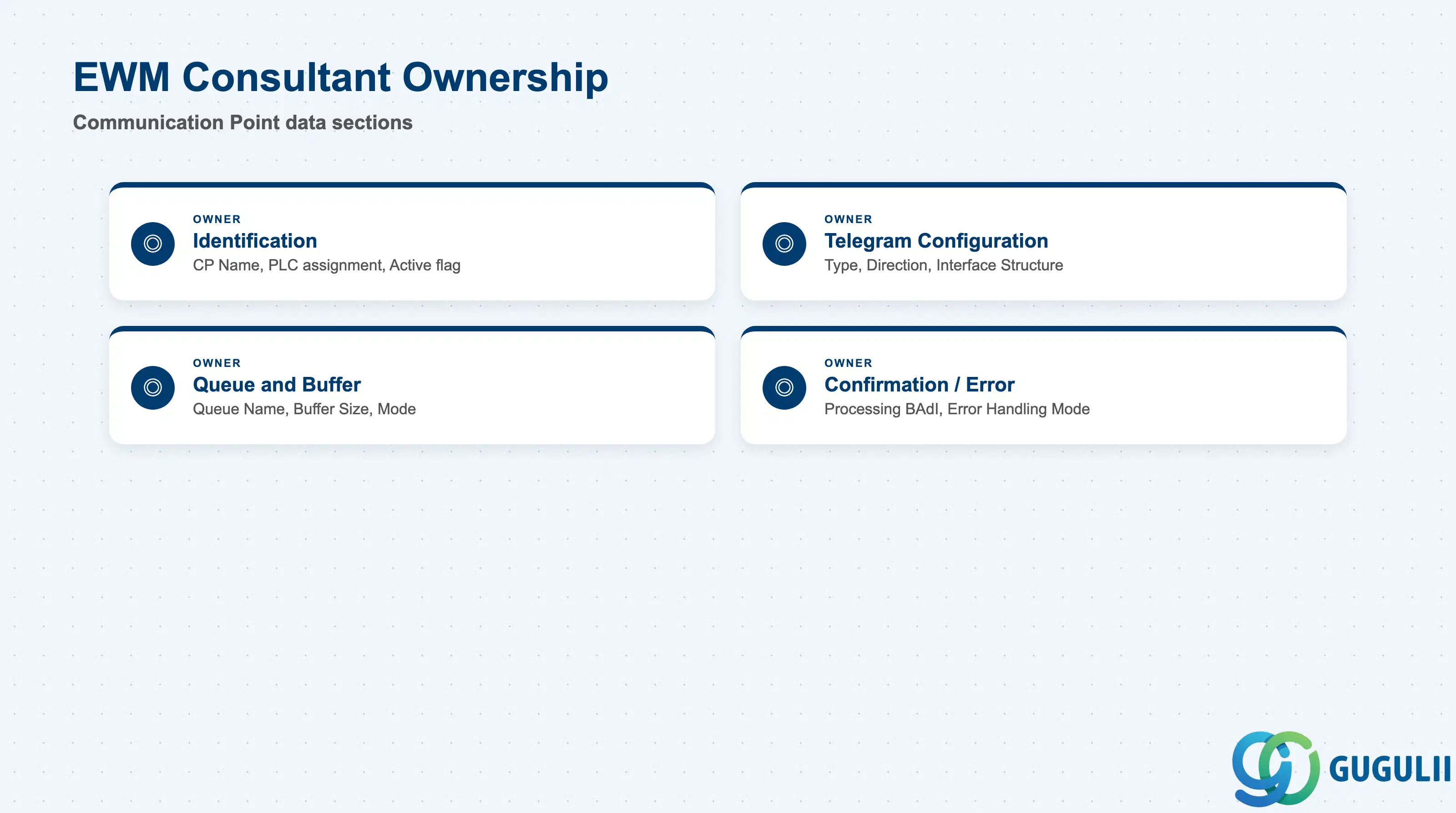
| Data Section | EWM Involvement | Notes |
|---|---|---|
| Identification | ◎ Owner | CP Name, parent PLC assignment, Description, Active Flag |
| Telegram Configuration | ◎ Owner | Telegram Type, Direction, Interface Structure — jointly confirmed with the MFS integration design team |
| Queue and Buffer Settings | ◎ Owner | Queue Name, Buffer Size, Processing Mode |
| Confirmation and Error Handling | ◎ Owner | Processing Function Module/BAdI, Confirmation Required flag, Error Handling Mode |
Legend: ◎ = Owner / Critical, ○ = Direct involvement
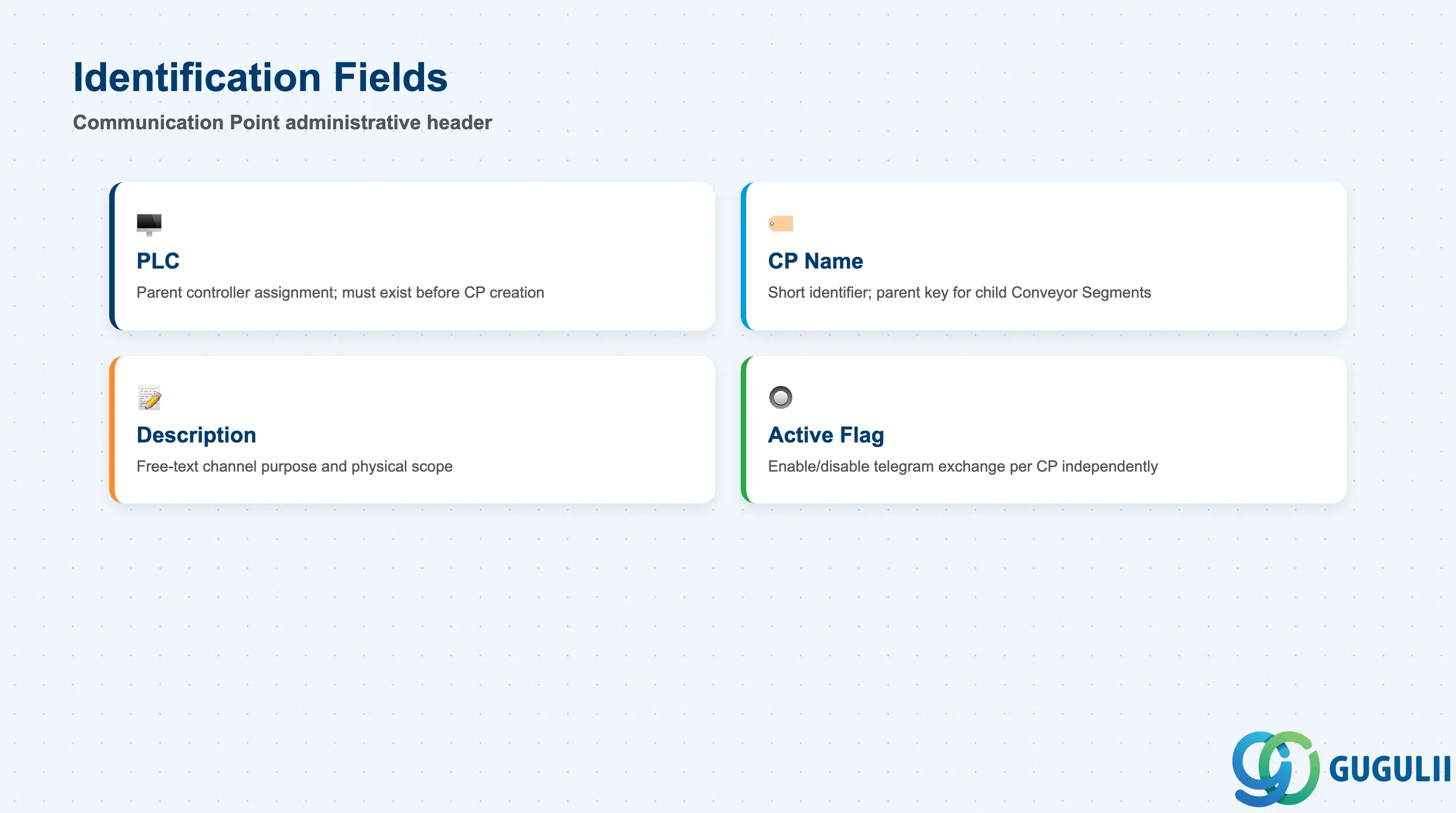
The Identification section is the administrative header of the Communication Point master record. Because the CP Name becomes the foreign key on every Conveyor Segment created underneath it, these fields should be agreed with the project team before setup begins.
| Field | Description | Practical Usage |
|---|---|---|
| PLC | The parent PLC this Communication Point belongs to | Must already exist as an active PLC record (EWM-A10-01) before the Communication Point can be created. In multi-PLC warehouses, double-check the PLC assignment carefully — pointing a Communication Point at the wrong PLC routes telegrams to the wrong physical controller. |
| CP Name | Short identifier for the Communication Point (typically up to 10 characters) | Used as the parent key on all child Conveyor Segment records. Adopt a naming convention that encodes direction early, e.g. CP-IN-01 / CP-OUT-01, so operators can identify traffic direction from the master record list without opening each one. The name cannot be changed after child Conveyor Segments exist without deleting and recreating the chain below it. |
| Description | Free-text description of the channel’s purpose | Record the telegram category and physical scope, e.g. “Inbound pick-confirmation — West Wing conveyor loop.” This is the primary human-readable identifier when several Communication Points exist under the same PLC. |
| Active Flag | Enables or disables telegram exchange for this Communication Point | Activate only after the Telegram Type and Interface Structure have been tested in a development or quality system. Deactivating a single Communication Point is the standard way to pause one direction of traffic (e.g., during printer maintenance) without shutting down the entire PLC. |
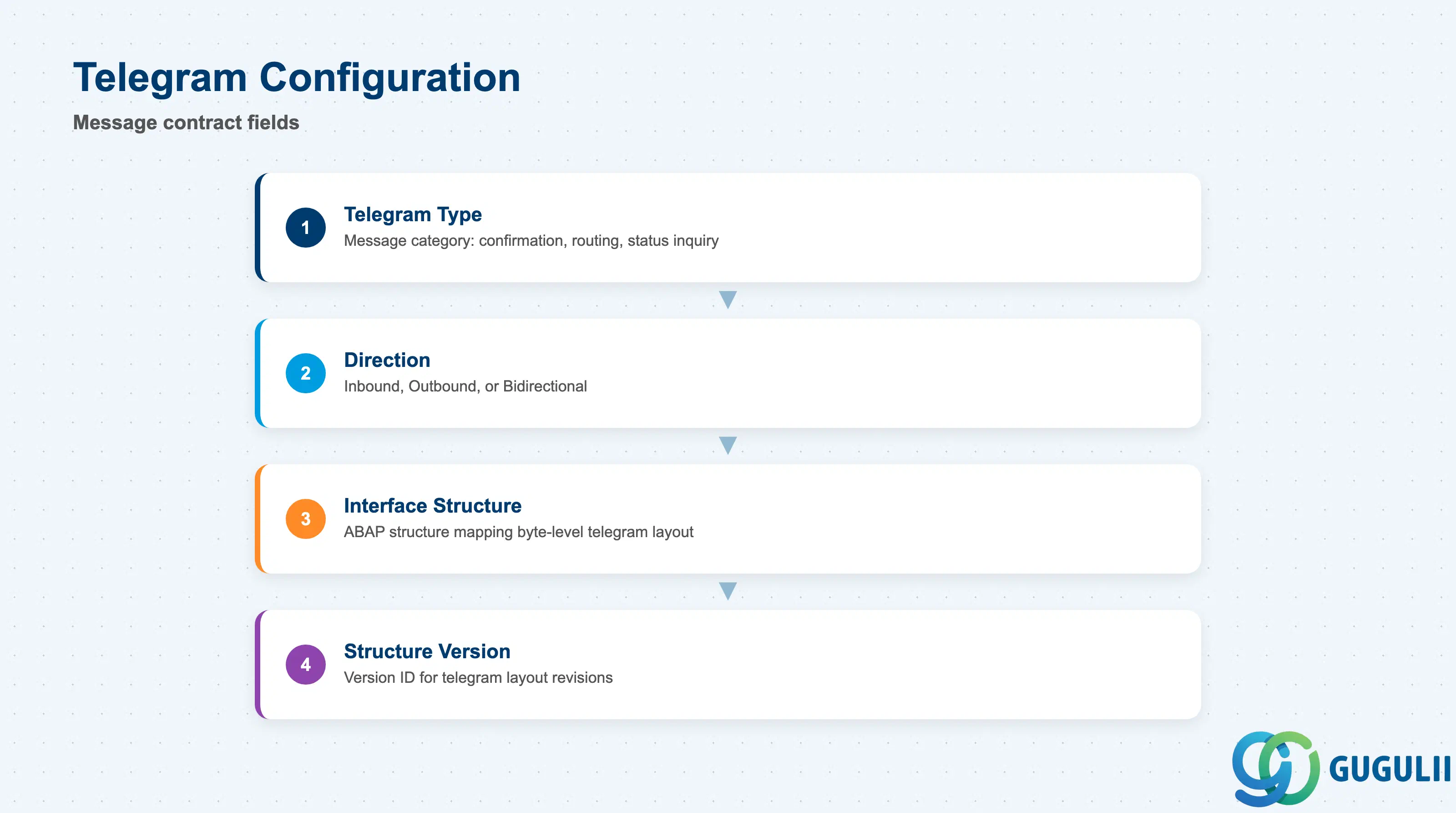
Telegram Configuration defines the message contract for this channel — which telegram type flows over it, in which direction, and which ABAP structure EWM uses to parse or build the telegram bytes.
| Field | Description | Practical Usage |
|---|---|---|
| Telegram Type | Identifies the category of message exchanged on this channel (e.g., confirmation, routing request, status inquiry) | Drives which processing logic EWM applies to an incoming or outgoing telegram. Telegram types are typically defined jointly with the PLC vendor’s integration specification; confirm the exact telegram layout before configuring this field, not after. |
| Direction | Inbound, Outbound, or Bidirectional (see Section 1.2) | Must match the physical flow agreed with the automation team. An Outbound Communication Point configured for a device that only sends status updates will never receive traffic and will appear falsely idle during monitoring. |
| Interface Structure | The ABAP structure that maps the byte-level telegram layout to SAP fields | Usually built during the MFS integration design phase in coordination with an ABAP developer. Changing the Interface Structure after go-live requires re-testing every telegram scenario that flows through this Communication Point. |
| Structure Version | Version identifier for the Interface Structure, used when a PLC vendor issues a revised telegram layout | Increment when the vendor changes their telegram format (e.g., a firmware update adds a new status code). Keep the previous version documented until the new one is fully validated in production. |
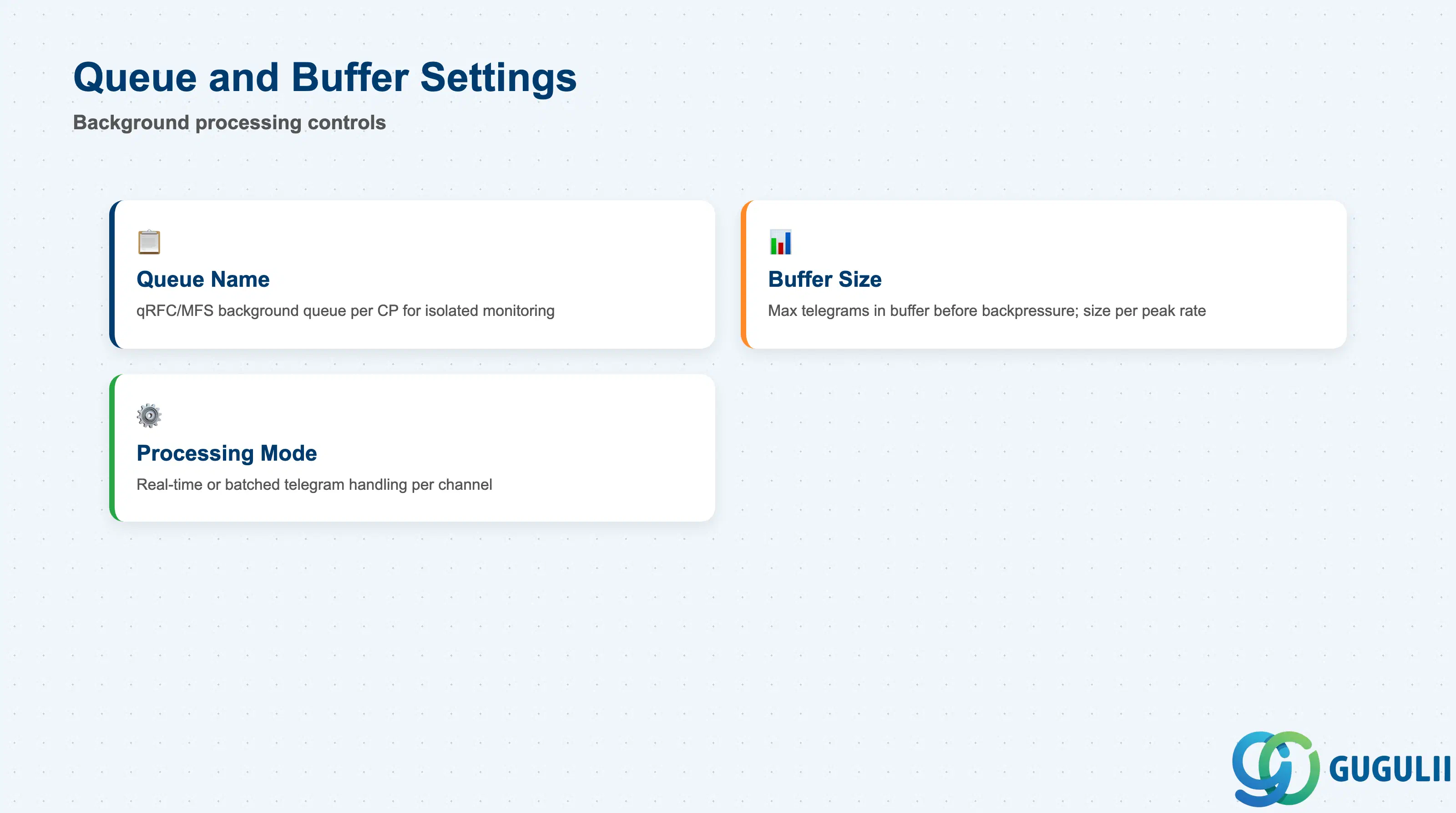
Queue and Buffer Settings control how EWM’s background processing handles telegram volume on this specific channel, independent of the queue settings on any other Communication Point sharing the same PLC.
| Field | Description | Practical Usage |
|---|---|---|
| Queue Name | The qRFC/MFS background queue this Communication Point’s telegrams are processed through | Assign a distinct queue name per Communication Point (or per direction) so that queue monitoring (SMQ1/SMQ2) can isolate a stuck channel without affecting sibling Communication Points on the same PLC. |
| Buffer Size | Maximum number of telegrams held in the channel’s processing buffer before EWM applies backpressure | Size according to expected peak telegram rate for this specific direction — an inbound confirmation channel on a fast sorter typically needs a larger buffer than a low-frequency outbound print channel. Undersizing causes dropped or delayed telegrams during traffic spikes. |
| Processing Mode | Whether telegrams on this channel are processed real-time as they arrive, or batched | Real-time processing is standard for confirmation and routing telegrams that drive downstream Warehouse Task updates. Batched processing may be acceptable for low-priority status/diagnostic telegrams where slight delay is tolerable. |
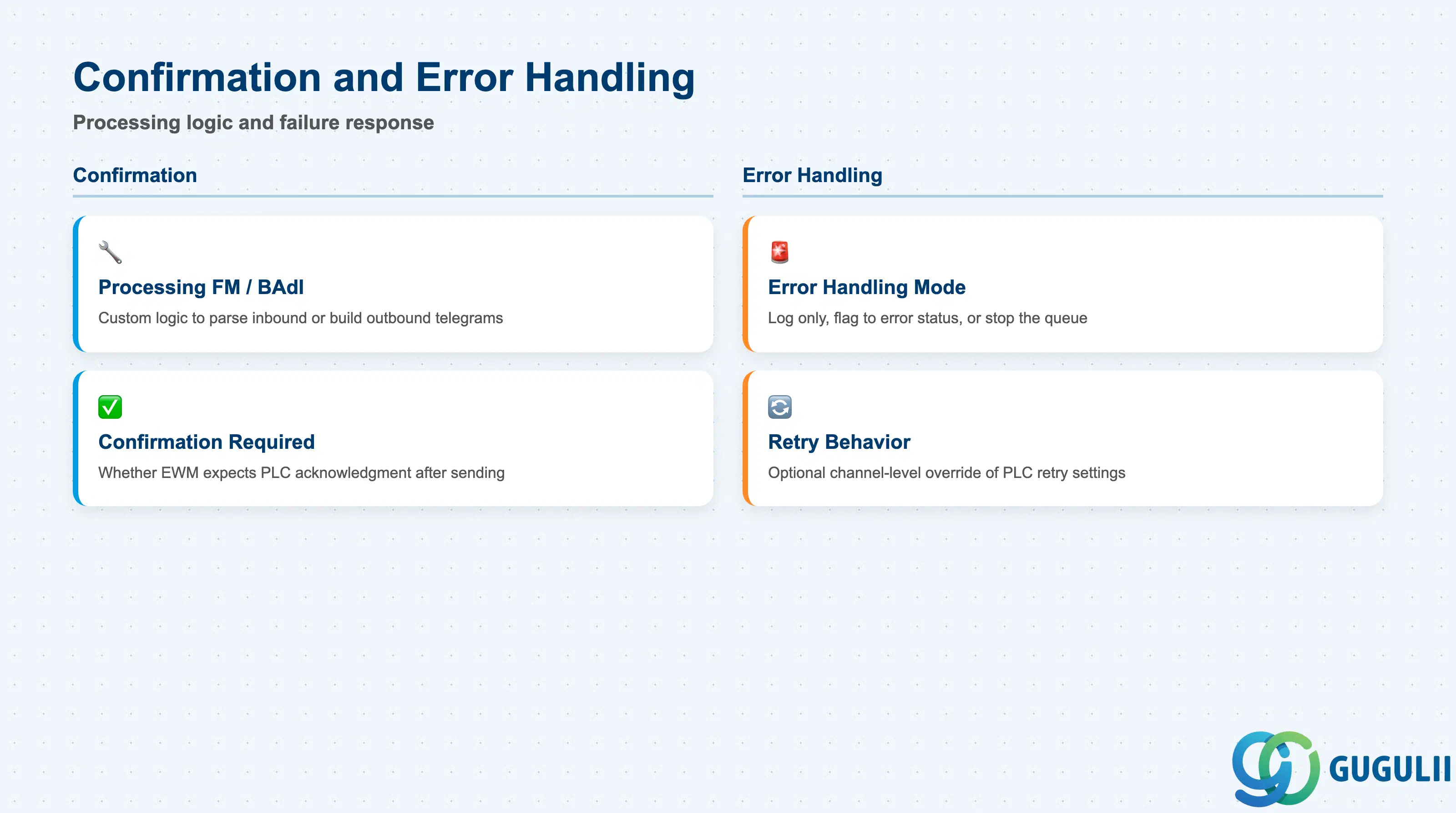
This section defines what EWM does with a telegram once it arrives on this channel, and how the channel behaves when processing fails — settings that can be tuned per Communication Point independently of the retry/timeout behavior configured at the parent PLC.
| Field | Description | Practical Usage |
|---|---|---|
| Processing Function Module / BAdI | The custom logic (standard function module or customer BAdI implementation) that parses an inbound telegram or builds an outbound one for this channel | Most Communication Points require a project-specific BAdI implementation because telegram content is vendor-specific. Document the BAdI implementation name against the Communication Point record so support teams can trace processing logic during incident response. |
| Confirmation Required | Whether EWM expects an acknowledgment telegram back from the PLC after sending an outbound message | Enable for critical routing commands where silent failure is unacceptable (e.g., a divert command that, if lost, sends a handling unit to the wrong destination). Leave disabled for low-risk, informational outbound traffic to reduce unnecessary channel overhead. |
| Error Handling Mode | Defines the channel’s response when telegram processing fails: log only, flag the Communication Point to error status, or escalate to stop its queue | For Inbound confirmation channels tied directly to Warehouse Task completion, the recommended mode is to flag the channel to error status so unconfirmed tasks are visible immediately rather than silently accumulating. |
| Retry Behavior (Channel Override) | Optional override of the parent PLC’s retry count/interval, scoped to this Communication Point only | Use sparingly — most projects rely on the PLC-level retry settings (EWM-A10-01) for consistency. A channel-level override is justified when one direction (e.g., high-priority routing commands) needs faster retry than the PLC default. |
| ID | Category | Title |
|---|---|---|
| ewm-001 | Overview | What is SAP EWM? |
| ID | Category | Title |
|---|---|---|
| ewm-b01 | Overview | SAP EWM Transactions: Process Flow, Hierarchy & Relationships |