Title here
Summary here

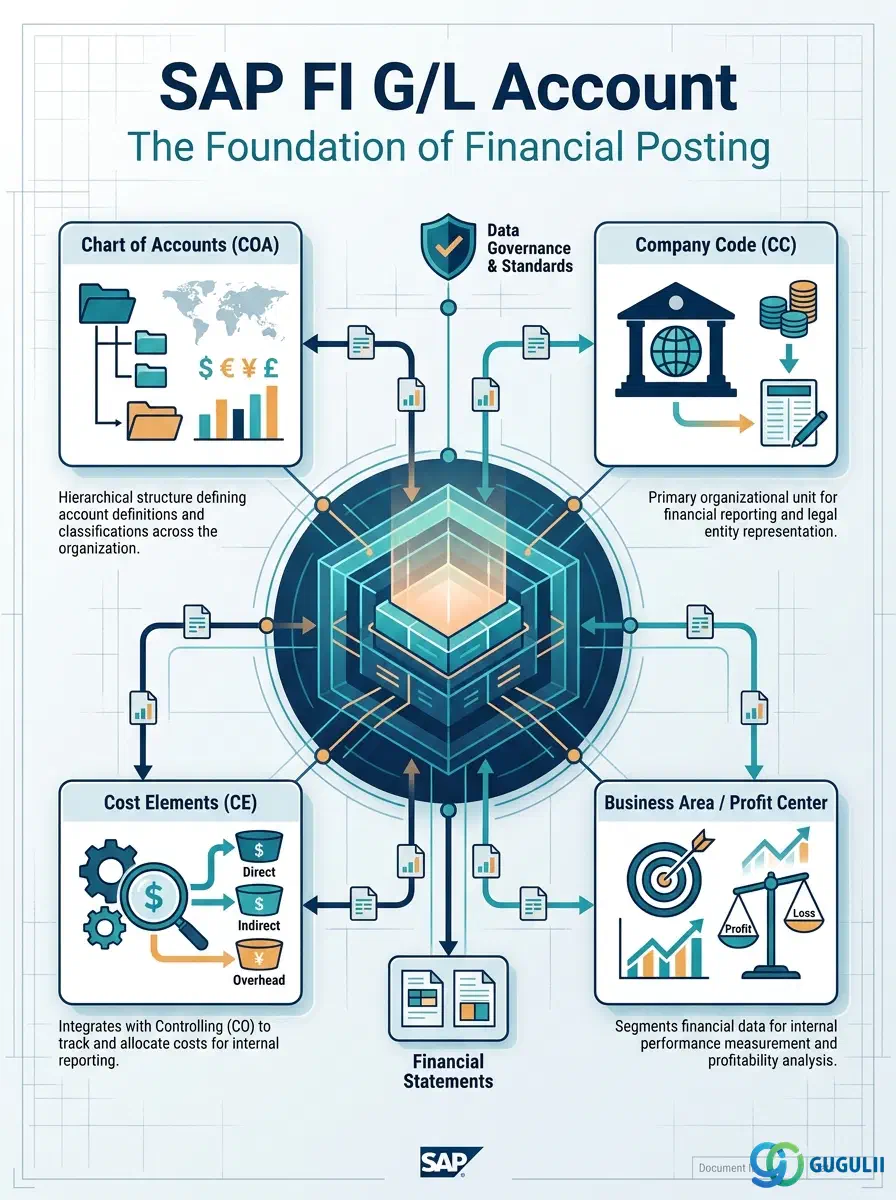
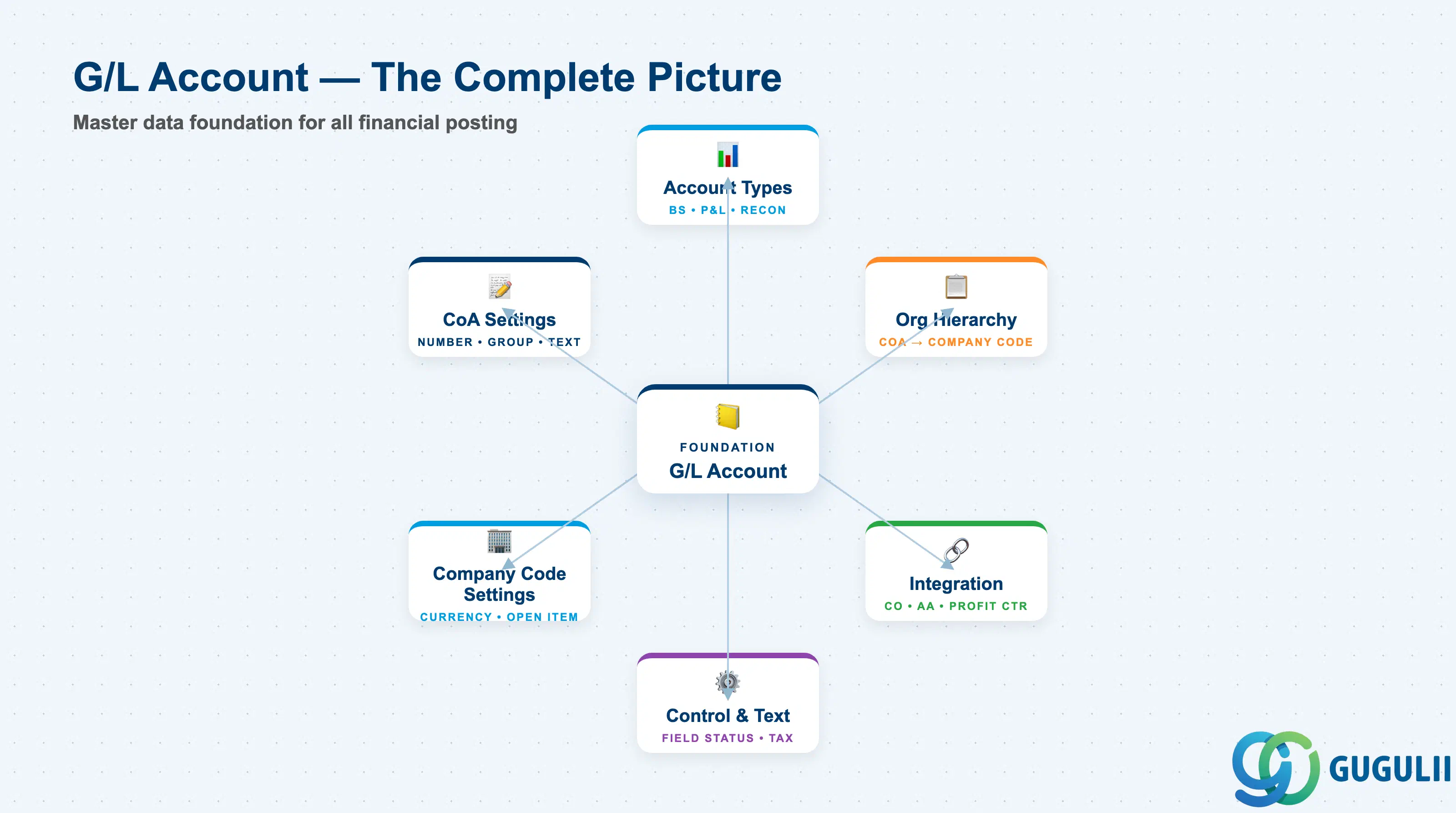
The G/L Account (General Ledger Account) is the master record that defines where and how business transactions are recorded in SAP’s financial ledger. Every posting in FI references a G/L account, making it the foundational building block of financial accounting. This article maps the account types, organizational hierarchy, and the complete field-level configuration required to design and maintain a robust chart of accounts.
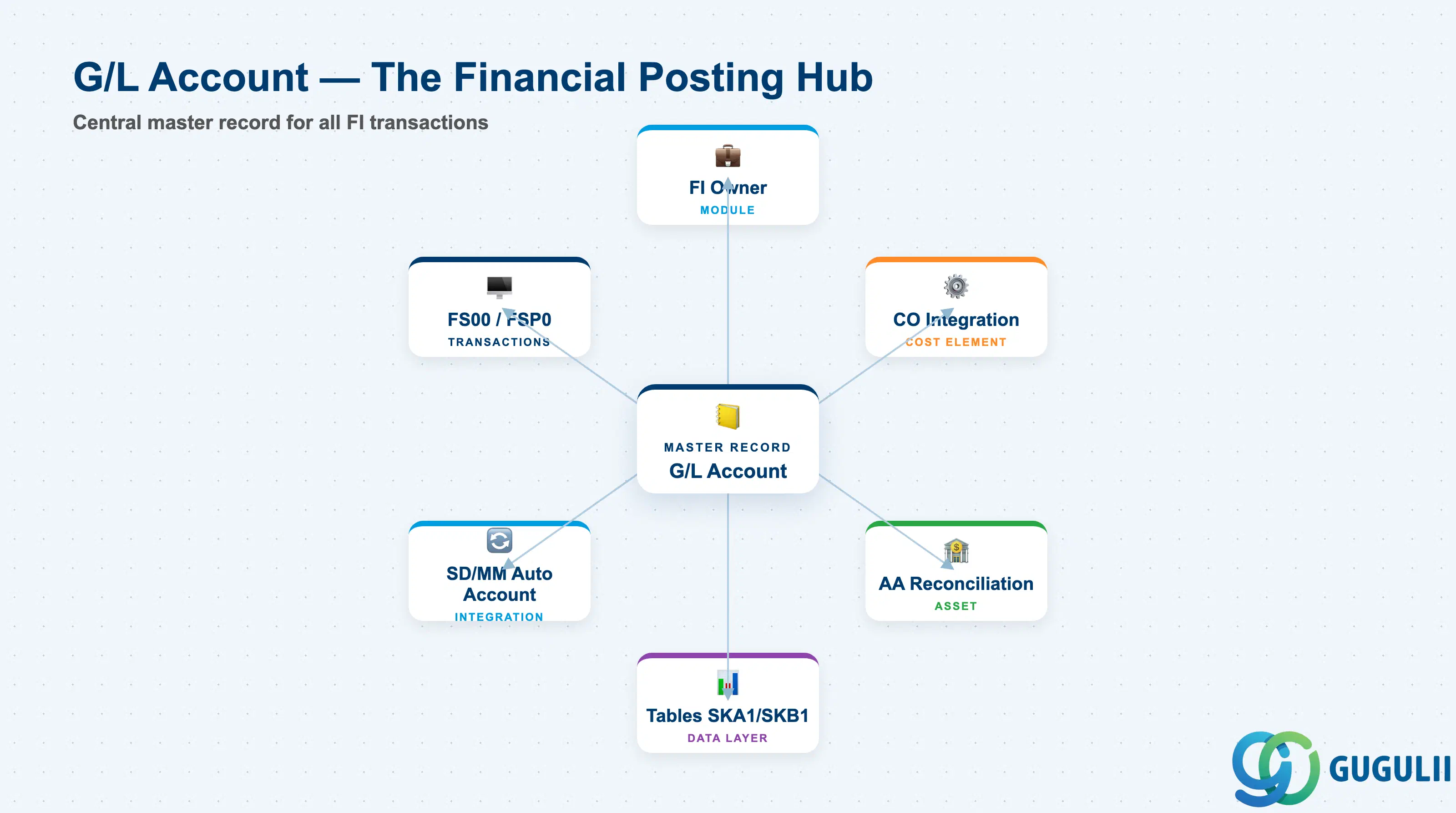
A G/L Account is a uniquely numbered master record within a Chart of Accounts that stores financial data from business transactions. It defines the account name, its behavior (balance sheet vs. profit & loss, open item management, line item display), and controls what data can be posted to it.
| Aspect | Details |
|---|---|
| Role | Central repository for all financial postings; determines account type, currency, and posting controls |
| Modules using it | FI (owner), CO (cost element integration), AA (asset reconciliation), SD/MM (automatic account determination) |
| Transactions | FS00 (create/change G/L), FSP0 (create), FSS0 (change), FK10 (mass change) |
| Key Tables | SKA1 (chart of accounts level), SKB1 (company code level), SKAS (G/L account texts), BSIS/BSAS (open items), GLT0 (Universal Journal in S/4) |
| S/4HANA note | Universal Journal replaces separate index tables; Fiori apps for mass maintenance (Manage G/L Accounts, Display Line Items); Chart of Accounts design unchanged from ECC |
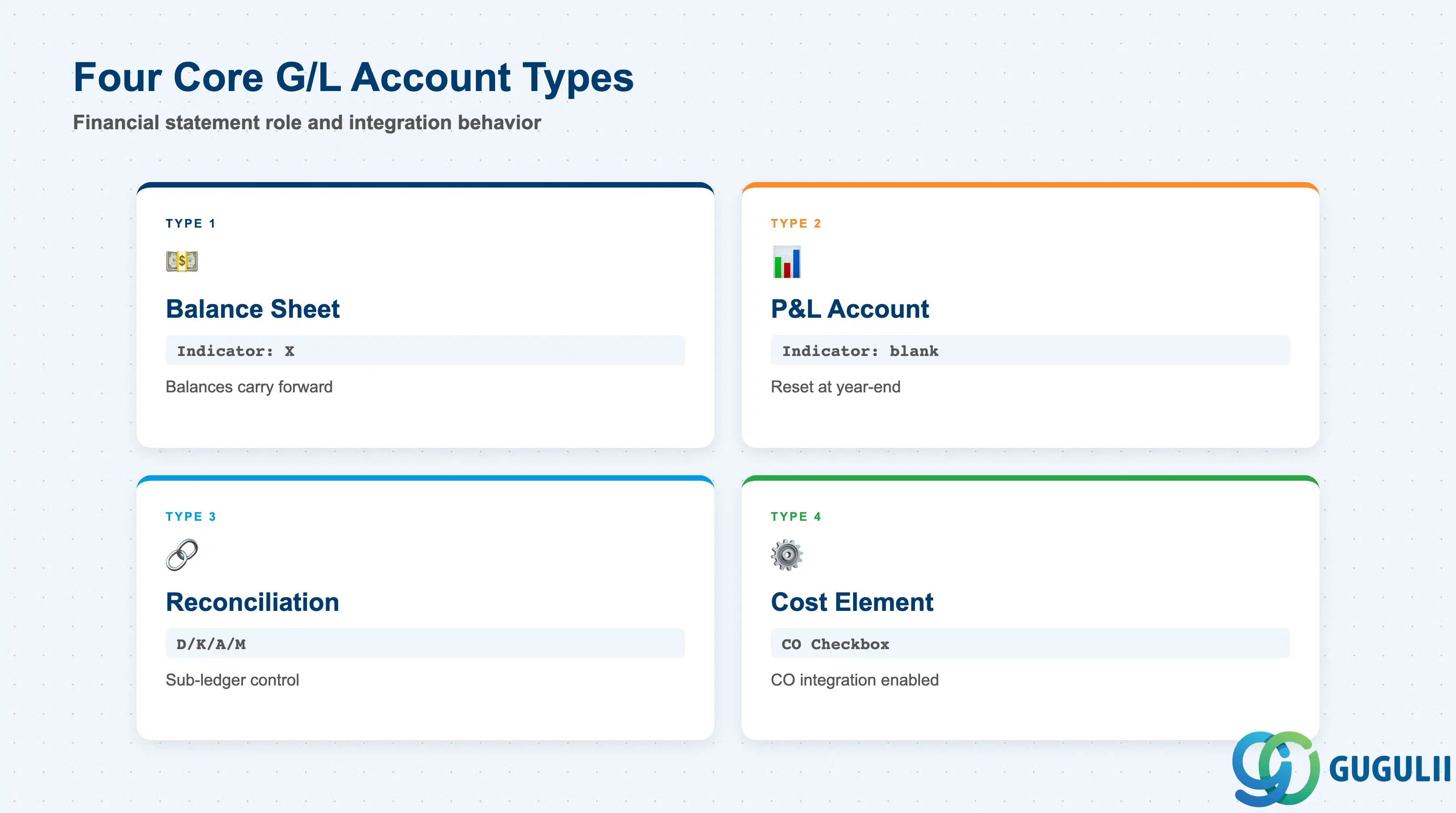
G/L Accounts are categorized by their financial statement role and integration behavior. Choosing the wrong type leads to incorrect period-end closings, failed reconciliations, and blocked postings.
| Type | Code | Use Case | Key Behavior |
|---|---|---|---|
| Balance Sheet Account | X | Assets, Liabilities, Equity accounts | Balances carry forward to next fiscal year; supports Open Item Management |
| P&L Account | (blank) | Revenue and Expense accounts | Balances reset at year-end; automatically closed to Retained Earnings |
| Reconciliation Account | Checkbox | Customer, Vendor, Asset, Material sub-ledgers | Cannot post directly; balance must match sub-ledger totals; requires account type assignment (D=Customer, K=Vendor, A=Asset, M=Material) |
| Cost Element (Primary) | Checkbox | Expense/Revenue accounts integrated with CO | Automatically creates CO cost element; enables cost center / internal order postings |
| Cost Element (Secondary) | — | CO-only allocation accounts | Exists in CO only; not a G/L account; used for distributions/assessments |
Design principle: Balance Sheet accounts for cumulative balances, P&L for periodic performance, Reconciliation for sub-ledger control, Cost Element for management accounting.
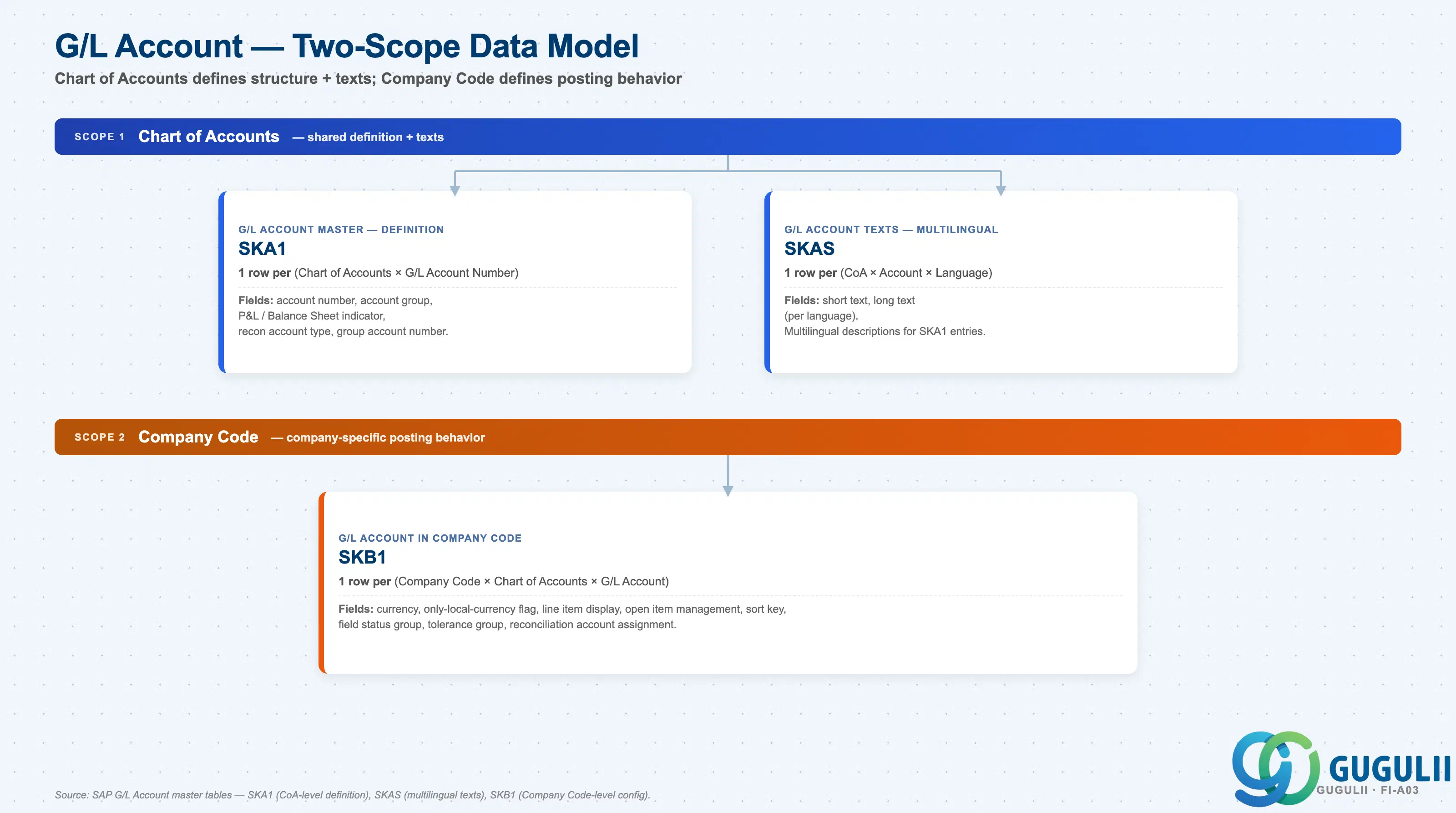
G/L Account data is stored at two organizational levels: Chart of Accounts (shared definition + texts) and Company Code (company-specific posting behavior). The CoA layer defines what the account is; the Company Code layer defines how it posts.
Chart of Accounts scope (shared across Company Codes using the same CoA)
   │
   ├── SKA1 — G/L Account Master (definition)
   │      One row per (Chart of Accounts × G/L Account Number).
   │      Fields: account number, account group, P&L / Balance Sheet indicator,
   │              recon account type, group account number.
   │
   └── SKAS — G/L Account Texts (multilingual)
          One row per (CoA × Account × Language).
          Fields: short text, long text.

Company Code scope (company-specific posting behavior)
   │
   └── SKB1 — G/L Account in Company Code
          One row per (Company Code × Chart of Accounts × G/L Account).
          Fields: currency, only-local-currency flag, line item display,
                  open item management, sort key, field status group,
tolerance group, reconciliation account assignment.| Org Scope | Table | Primary Fields | Notes |
|---|---|---|---|
| Chart of Accounts | SKA1 | Account number, account group, P&L / Balance Sheet indicator, recon account type, group account number | Shared across all Company Codes using the same Chart of Accounts. Changes affect every Company Code using this CoA. |
| Chart of Accounts | SKAS | Short text, long text (per language) | Multilingual descriptions for SKA1 entries. One row per language per account. |
| Company Code | SKB1 | Currency, line item display, open item management, sort key, field status group, tolerance group, recon assignment | Company-specific posting behavior. Same G/L number can have different SKB1 settings across Company Codes. |
Key design decision: Define account structure and texts at the Chart of Accounts level (SKA1 + SKAS); configure posting behavior at the Company Code level (SKB1). Avoid duplicating fields across the two scopes — the CoA layer is reused by all Company Codes sharing that CoA, while SKB1 customizations should reflect genuine company-specific differences only.
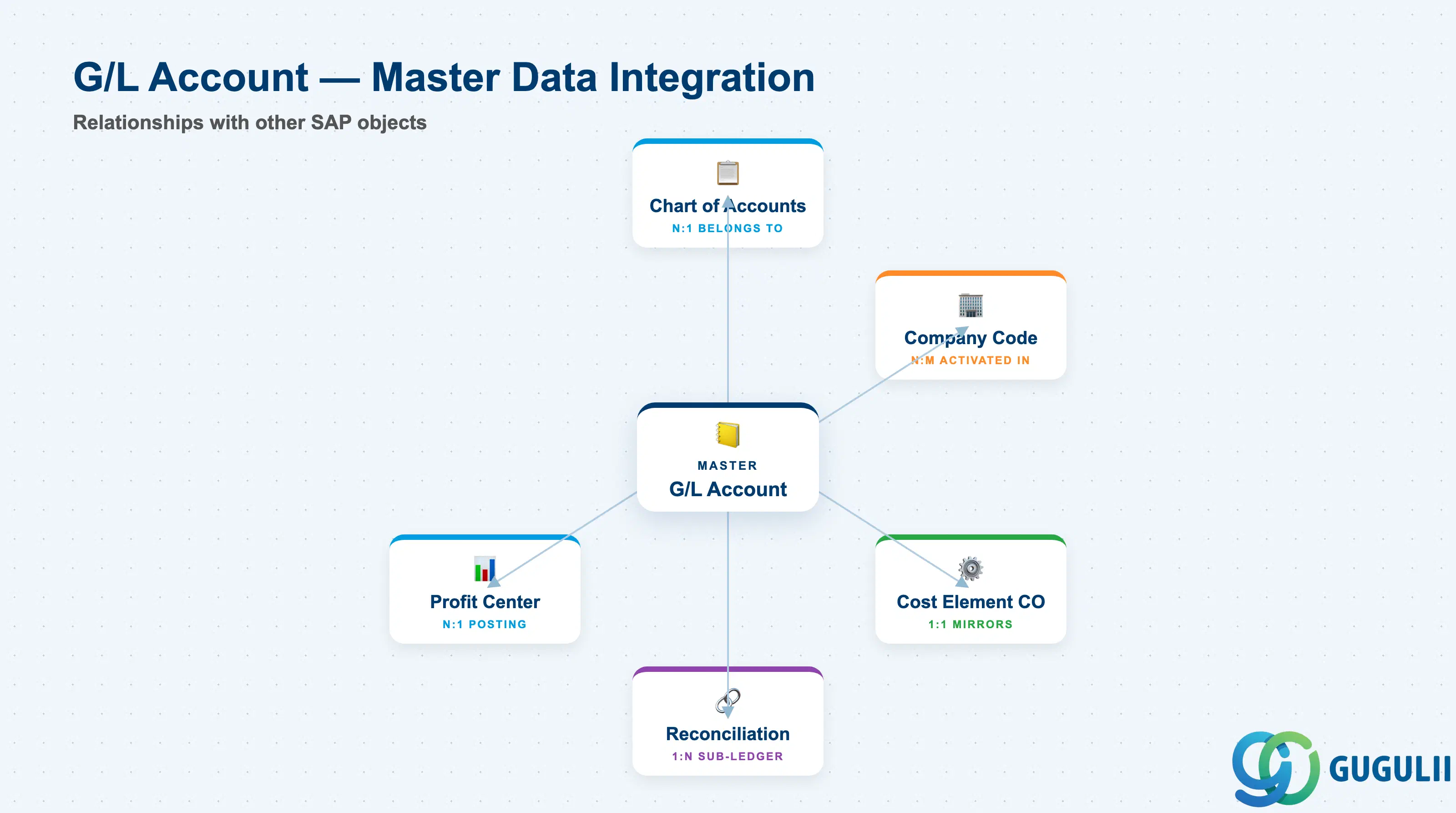
G/L Accounts do not stand alone. They serve as the posting target for transactions originating in sub-ledgers, cost accounting, and materials management.
| Object | Relationship | Practical Notes |
|---|---|---|
| Chart of Accounts | N:1 (many G/L accounts belong to one CoA) | A company code is assigned exactly one Chart of Accounts; all G/L accounts within that CoA are available for posting |
| Company Code | N:M (a G/L account can be activated in multiple company codes, and each company code uses many G/L accounts) | Must explicitly create company code segment (SKB1) for each G/L account; missing segment blocks posting |
| Cost Element (CO) | 1:1 (if cost element checkbox is set) | Primary cost elements mirror FI G/L accounts; changes to G/L account settings may require re-creating cost element |
| Reconciliation Account | 1:N (one G/L account reconciles many sub-ledger items) | Customer Master (KNA1), Vendor Master (LFA1), Asset Master (ANLA), Material Master (MARA) reference a G/L reconciliation account; direct posting to reconciliation G/L is blocked |
| Profit Center | N:1 (posting includes profit center if account requires it) | Controlled by Field Status Group; enables segment reporting in S/4 |
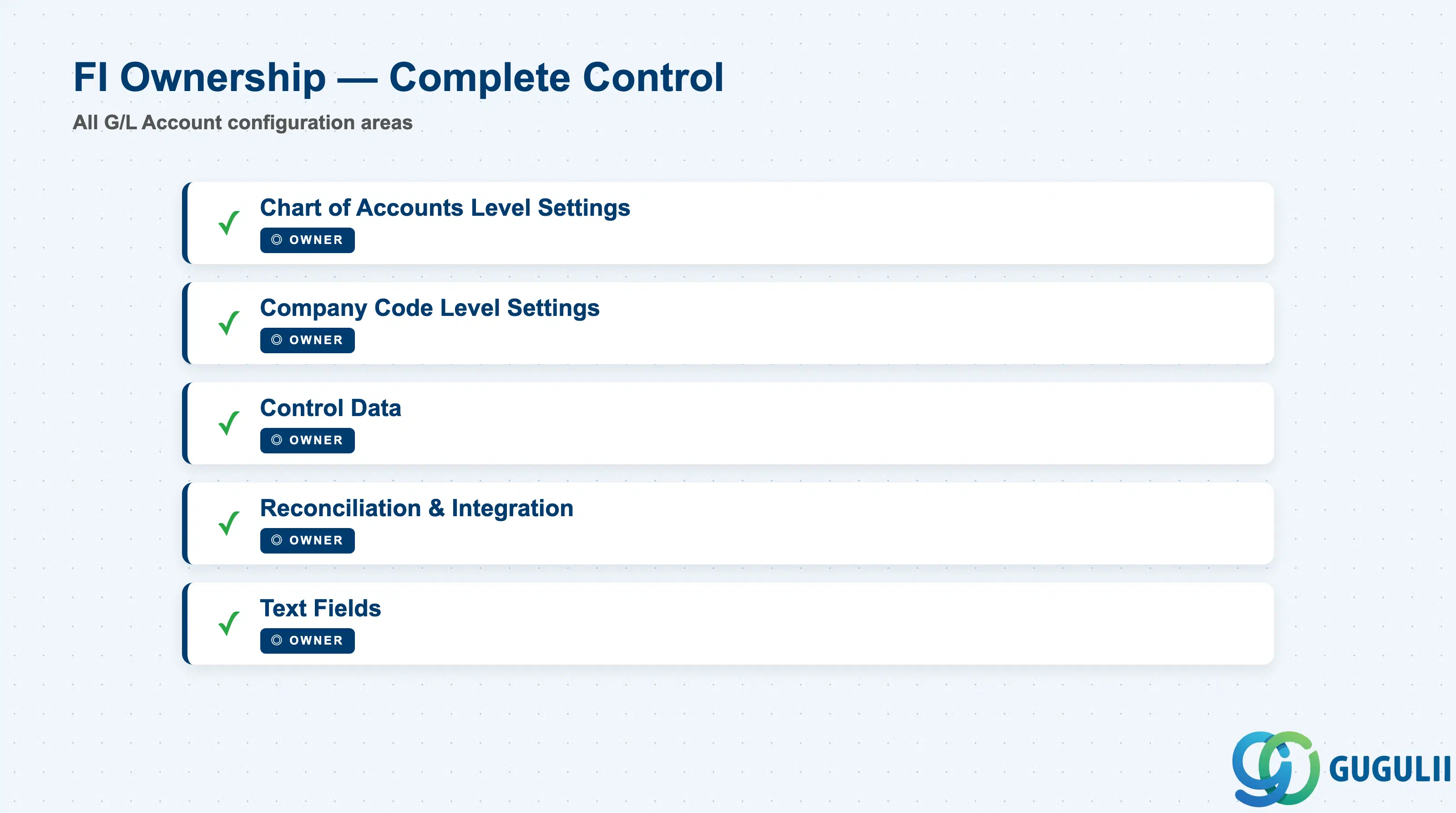
| Data Section | FI Involvement | Notes |
|---|---|---|
| Chart of Accounts Level Settings | ◎ Owner | G/L Number, Account Group, P&L/Balance Sheet indicator, Account Type |
| Company Code Level Settings | ◎ Owner | Currency, Open Item Management, Line Item Display, Sort Key |
| Control Data | ◎ Owner | Field Status Group, Tax Category, Posting Without Tax, Supplement Posting Block |
| Reconciliation & Integration | ◎ Owner | Reconciliation Account Type (D/K/A/M), Cost Element Indicator |
| Text Fields | ◎ Owner | Short Text, Long Text (multi-language support) |
Legend: ◎ = Owner / Critical, ○ = Direct involvement
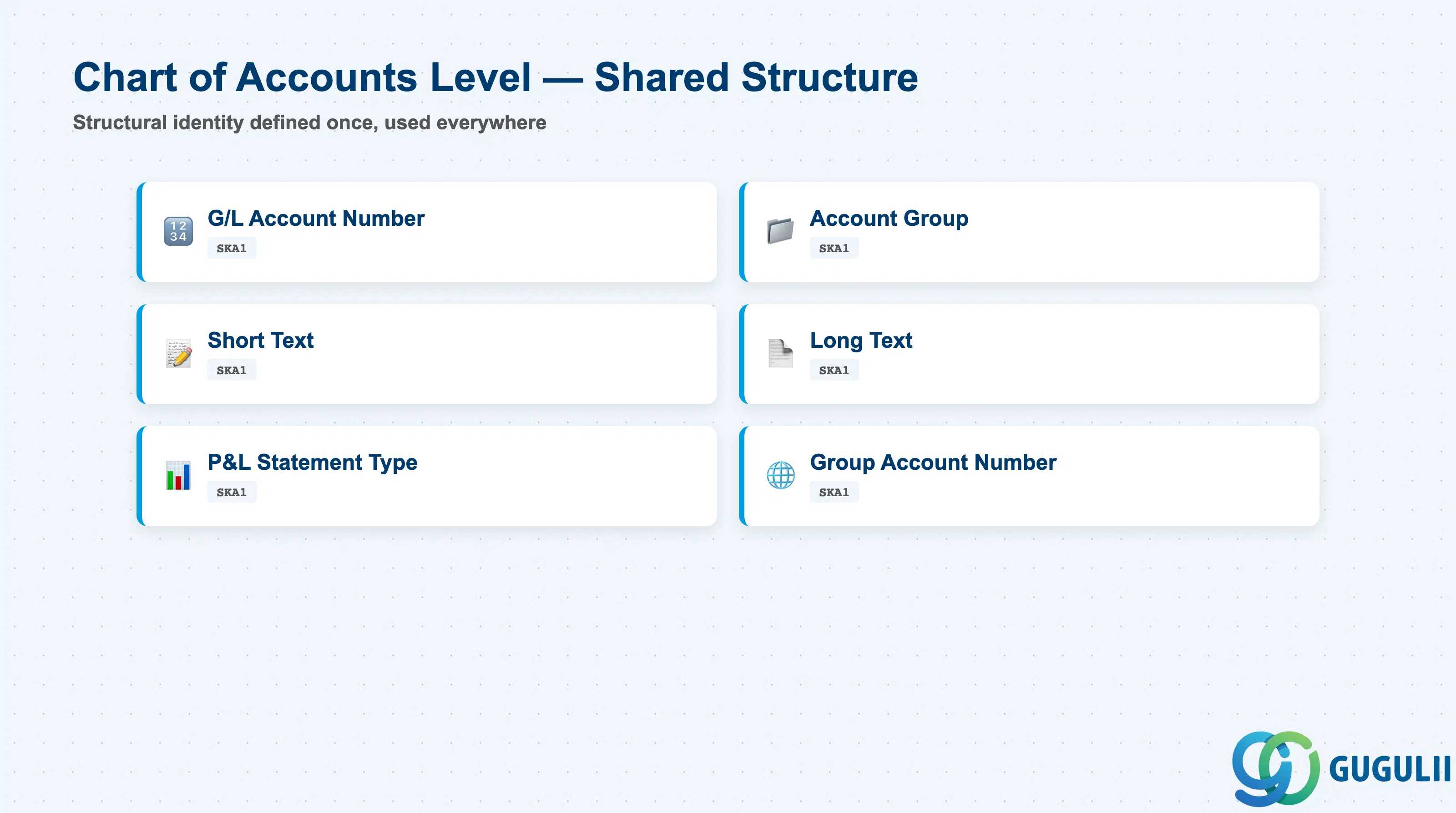
Chart of Accounts level settings define the structural identity of the G/L account. These fields are shared across all company codes using the CoA and cannot be changed at the company code level.
| Field | Description | Practical Usage |
|---|---|---|
| G/L Account Number | Unique identifier within the Chart of Accounts (up to 10 digits) | Design a numbering scheme aligned with financial statement structure: 100000–199999 for Assets, 200000–299999 for Liabilities, 300000–399999 for Equity, 400000–499999 for Revenue, 500000–699999 for Expenses. Leading zeros are stripped by SAP, so use non-zero first digit if you need fixed-length sorting. |
| Account Group | Classification that determines number range interval and field status variant | Assign account groups by financial statement category (e.g., SAKO for balance sheet, GUVR for P&L). The account group pre-fills field status group at company code level; consultants often use the same Account Group code across clients for consistency. |
| Short Text | Brief account name (20 characters) | Used in transaction entry screens and reports; must be concise and unambiguous. Example: “Cash on Hand” not “Cash”. Avoid client-specific abbreviations; they confuse offshore teams. |
| Long Text | Extended account description (50 characters) | Provides full context for financial statement line items; include the IFRS / local GAAP mapping if relevant. Example: “Cash on Hand - Petty Cash JPY” clarifies currency and sub-classification. |
| P&L Statement Account Type | Indicator: X = P&L, blank = Balance Sheet | Drives year-end balance carryforward behavior. P&L accounts reset to zero; Balance Sheet accounts carry balances forward. Set incorrectly and your income statement will cumulate across years (disastrous). |
| Group Account Number | Consolidation account for group reporting | Used when multiple legal entities report up to a holding company; local G/L accounts roll up to a standardized group account for consolidated financials. Leave blank for standalone entities. |
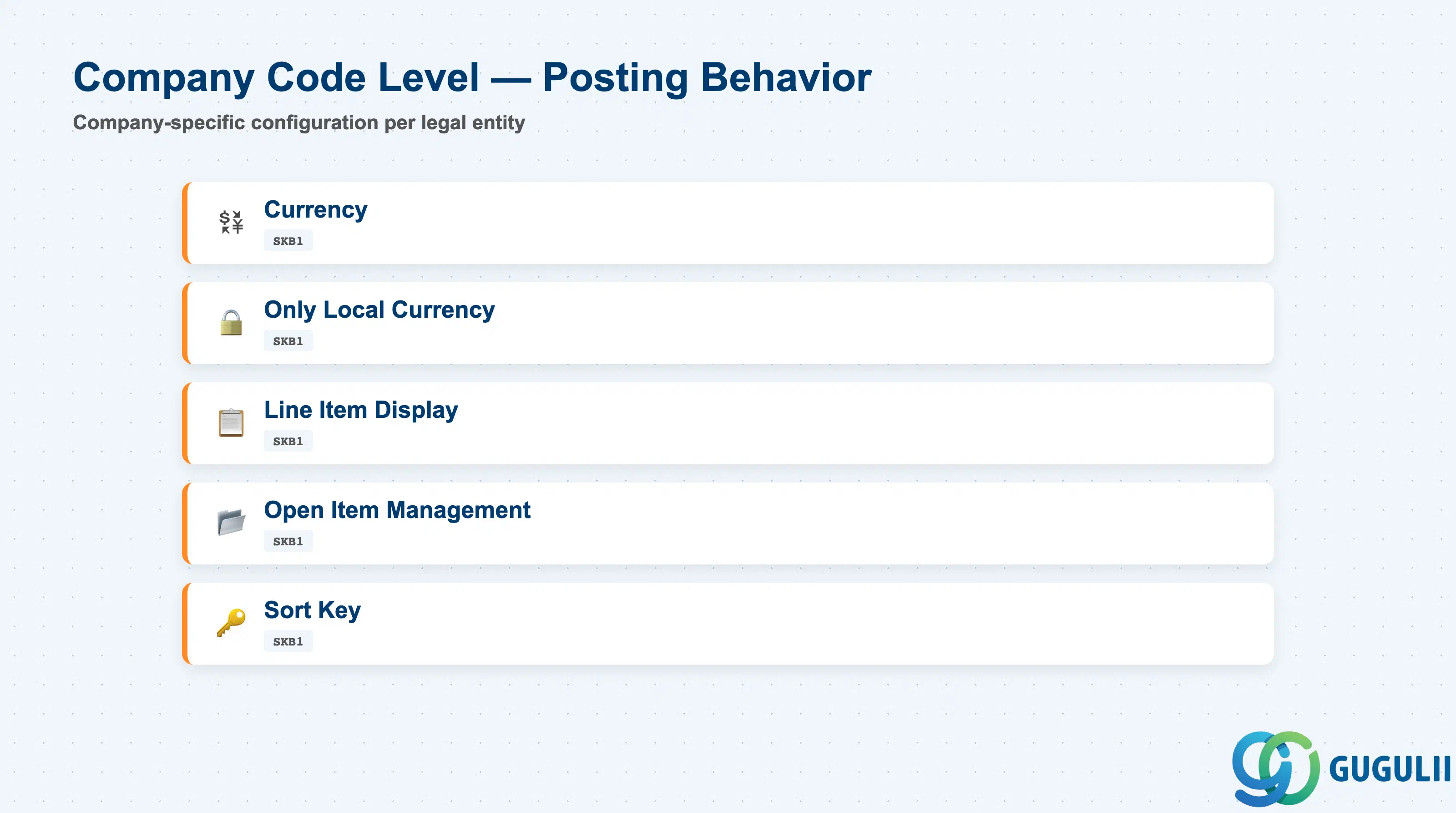
Company code level settings control the posting behavior and display characteristics within a specific legal entity. These can differ across company codes even for the same G/L account number.
| Field | Description | Practical Usage |
|---|---|---|
| Currency | The currency in which the account is managed | Typically set to company code local currency (e.g., JPY, USD, EUR). For multi-currency environments (foreign bank accounts), you may define a fixed foreign currency, but this blocks posting in other currencies. Most consultants recommend “Only Local Currency” flag instead of hard-coding a currency. |
| Only Local Currency | Checkbox: restricts postings to company code currency | Activate for most domestic accounts (Cash, AR, AP, Revenue, Expense). Deactivate only for accounts that must accept multiple currencies (foreign exchange gain/loss, inter-company clearing). Saves database space by not storing currency fields. |
| Line Item Display | Checkbox: enables drill-down to individual transactions | Activate for all balance sheet accounts (Cash, AR, AP, Inventory), reconciliation accounts, and any account requiring audit trails. Deactivate for high-volume P&L accounts to save database size — you can still report totals, just not line-by-line detail. Cannot be deactivated if open items exist. |
| Open Item Management | Checkbox: tracks uncleared balances | Activate for AR, AP, down payment clearing, GR/IR, tax clearing accounts. SAP tracks each line item until it is “cleared” by a matching payment or reversal. Critical for cash application and reconciliation. Cannot be activated if historical line items already exist without assignment numbers. |
| Sort Key | Determines the Assignment field auto-fill rule during posting | Common values: 001 (Posting Date), 012 (Document Number), 014 (Customer/Vendor number). For AR/AP accounts, use 014 so the Assignment field auto-populates with the business partner ID, simplifying payment matching. For general posting accounts, 001 (date) is typical. |
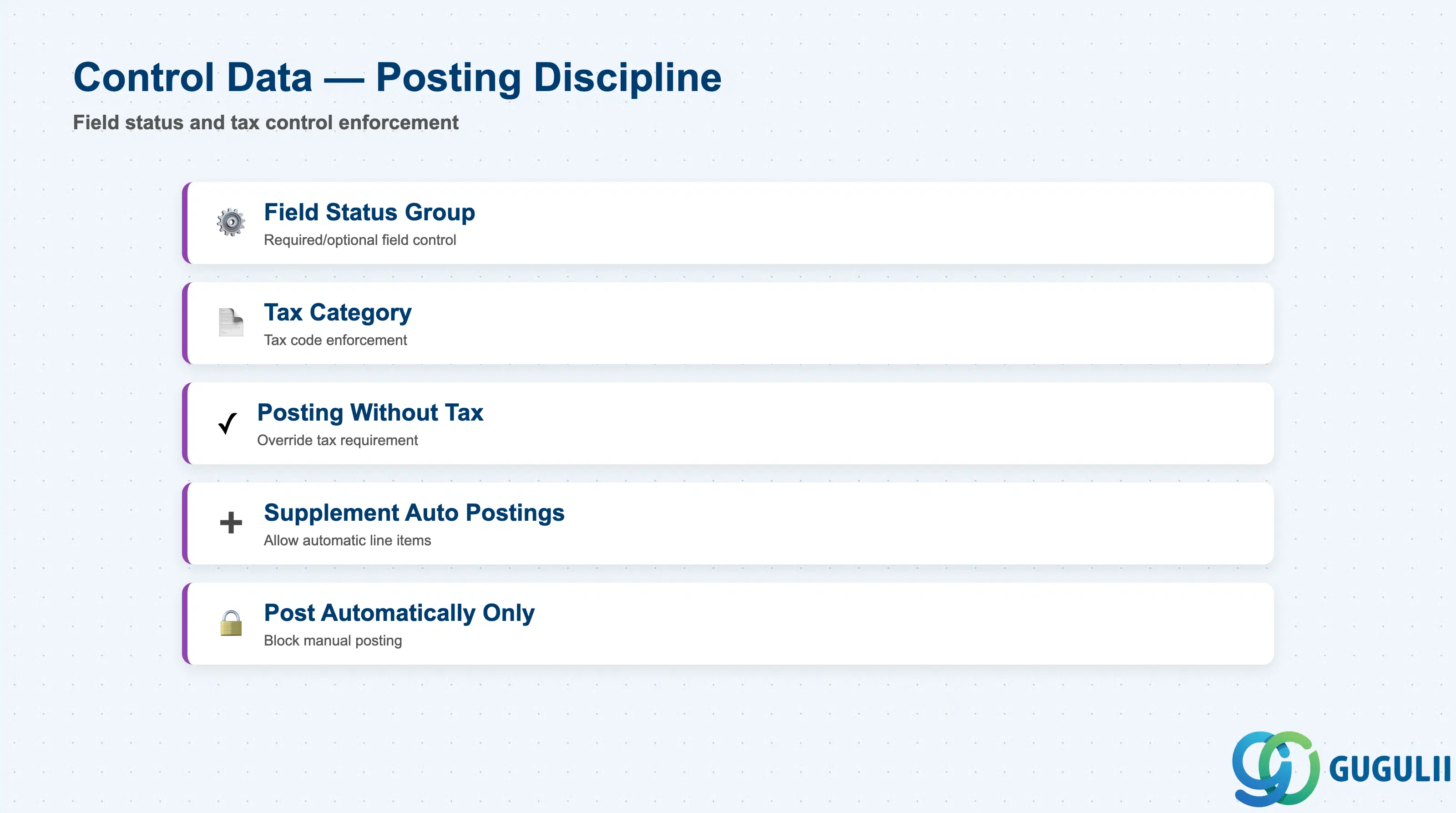
Control data governs which additional fields are required, optional, or suppressed during posting. This is where posting discipline is enforced.
| Field | Description | Practical Usage |
|---|---|---|
| Field Status Group | 4-character code linking to field status variant | Defines which fields (cost center, profit center, order, trading partner, tax code, etc.) are required, optional, or hidden during posting. For expense accounts, require cost center (to enforce CO integration). For revenue accounts, require profit center (for segment reporting). Create separate field status groups for AR (require trading partner), AP (require payment terms), tax clearing (require tax code). This is the single most powerful posting control; poor design here means missing data. |
| Tax Category | Indicator: * = postings must include tax code, < = postings without tax allowed, blank = tax code optional | Set “*” for revenue and most expense accounts to enforce VAT/sales tax entry. Set “<” for tax clearing accounts, AR/AP reconciliation accounts (tax is on line item, not G/L header). Set blank for non-taxable categories (bank charges, depreciation). Incorrect setting blocks month-end tax reporting or allows invalid postings. |
| Posting Without Tax Allowed | Checkbox: permits posting even if tax code is blank (overrides Tax Category = *) | Rarely used; creates exceptions to tax category enforcement. Some clients use this for petty cash accounts where tax is immaterial. Auditors dislike this; prefer explicit tax category design instead. |
| Supplement Automatic Postings | Checkbox: if checked, automatic postings (tax, exchange rate differences) can add lines beyond the original document | Typically checked for revenue and expense accounts so tax postings append automatically. Unchecked for balance sheet accounts to prevent unexpected clearing offsets. |
| Post Automatically Only | Checkbox: blocks manual posting; account is updated only by system-generated entries | Activate for accounts that should never receive manual journal entries: GR/IR clearing (updated only by MIGO and MIRO), tax clearing (updated only by tax calculation), exchange rate difference accounts (updated only by F.05 revaluation). Prevents user error and fraud risk. |
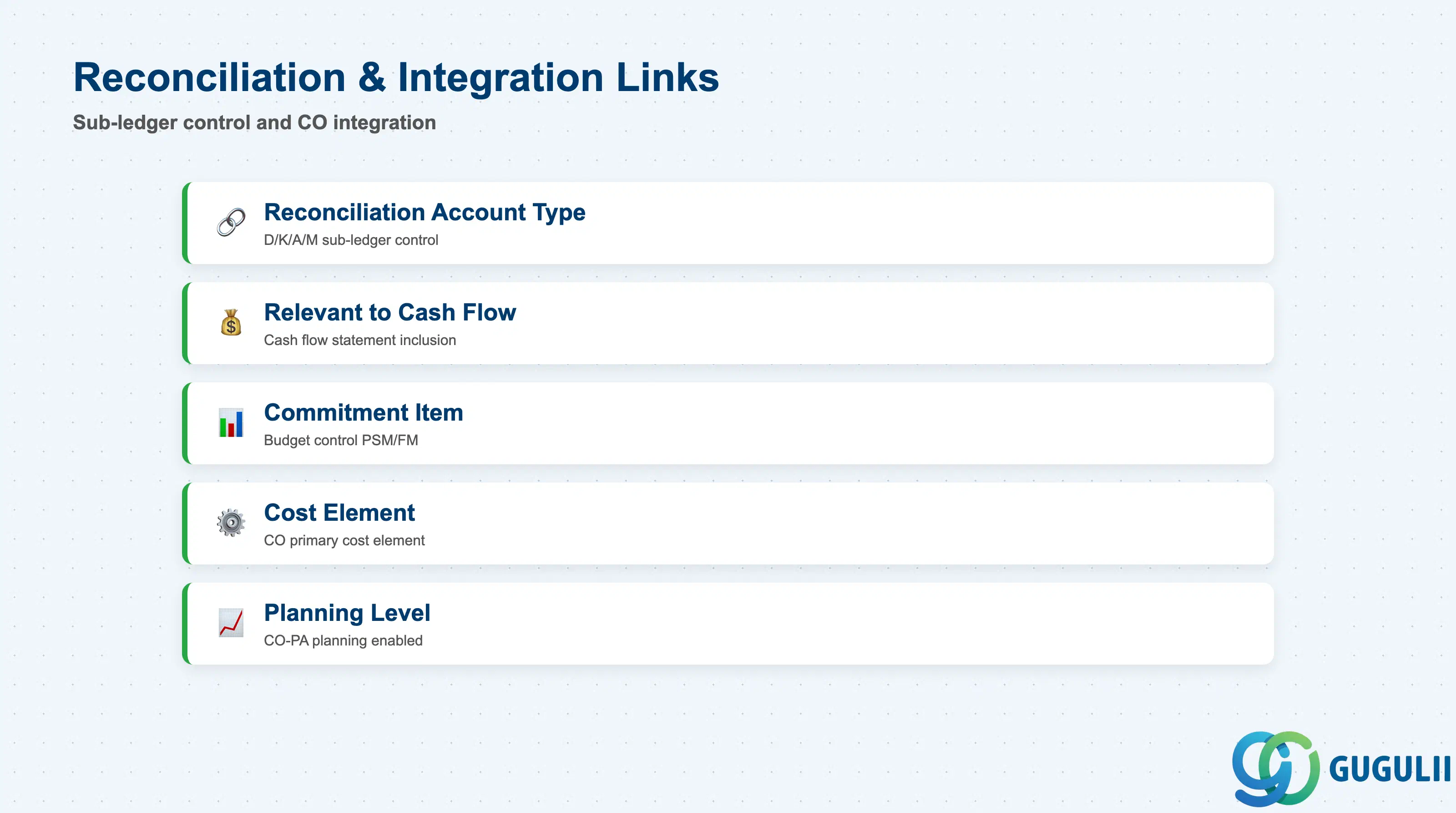
These settings link the G/L account to sub-ledgers (AR, AP, AA, MM) and management accounting (CO).
| Field | Description | Practical Usage |
|---|---|---|
| Reconciliation Account Type | Indicator: D = Customer, K = Vendor, A = Asset, M = Material | Designates the account as a control account for a sub-ledger. When set, direct posting is blocked; balance is maintained only via sub-ledger transactions (FB01 creates customer invoice → updates customer line item and G/L reconciliation account). You must assign the reconciliation account in the corresponding master (customer account group → reconciliation G/L). Set “D” for trade receivables, “K” for trade payables, “A” for fixed assets, “M” for inventory if using material ledger. |
| Relevant to Cash Flow | Checkbox: includes account in cash flow statement derivation | Activate for all balance sheet accounts that represent cash movements: bank accounts, AR, AP, down payments. SAP’s indirect cash flow report (T-code: GRCASTREPMIG) uses this flag. Leave unchecked for accruals, provisions, depreciation. |
| Commitment Item | Assignment to budget control object in PSM (Public Sector Management) or Funds Management | Relevant only for government / public sector clients using budgetary control. Maps G/L account to commitment items for funds reservation and budget consumption tracking. Leave blank for commercial clients. |
| Cost Element | Checkbox: creates corresponding primary cost element in CO | Activate for all P&L accounts (revenue and expense). SAP automatically creates a matching cost element in Controlling, enabling cost center and profit center reporting. If you deactivate this after go-live, existing cost center postings will fail; re-activation requires manual cost element re-creation. |
| Planning Level | Indicator: enables CO-PA (Profitability Analysis) or planning data entry at G/L level | Used in scenarios where FI-GL is the planning master for budget vs. actual reporting. Most clients plan in CO (cost centers / profit centers) or dedicated planning tools (BPC, SAC), so this remains blank. |
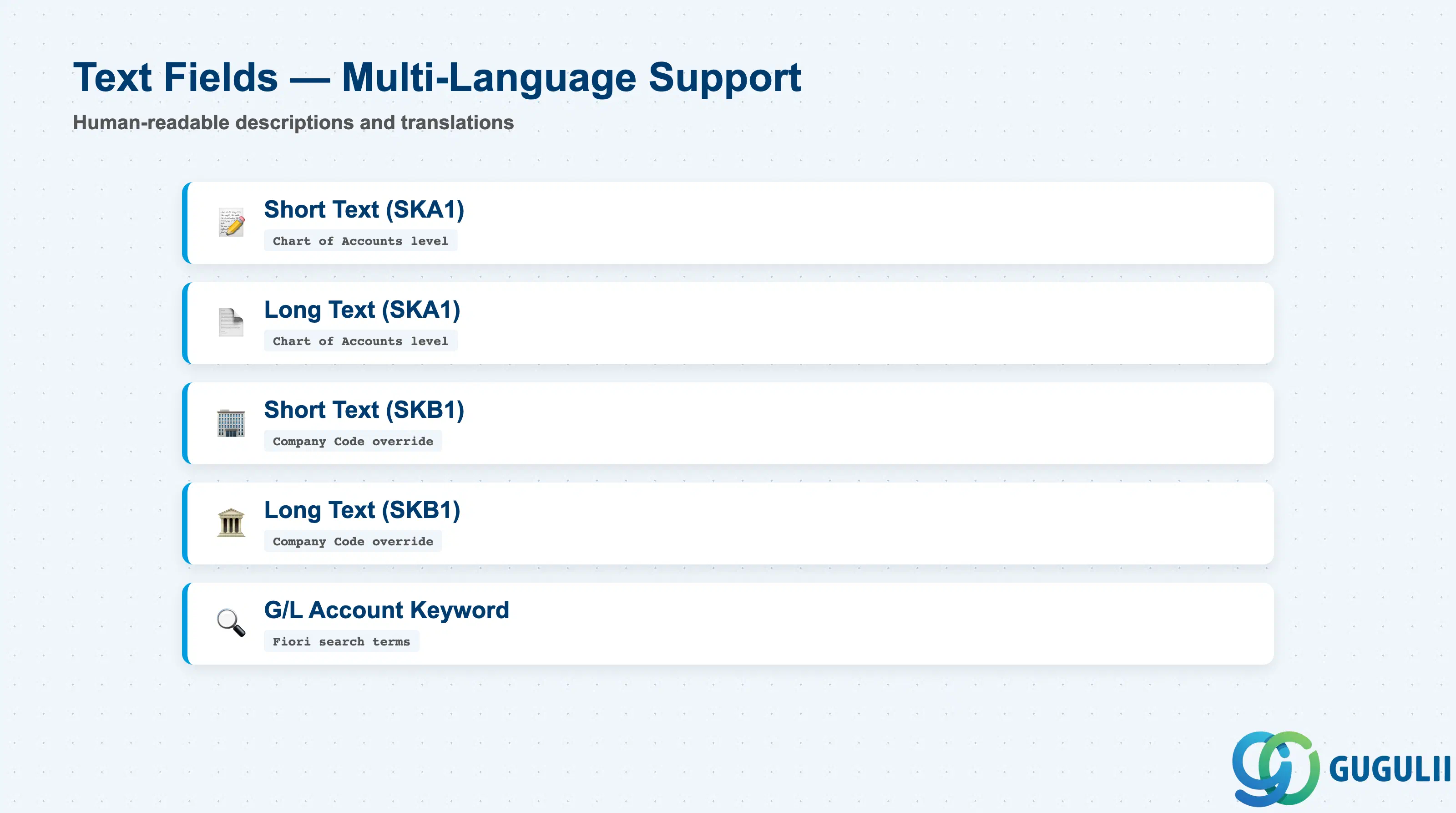
Text fields provide human-readable descriptions for the G/L account in reports and user interfaces. Multi-language support is critical for global rollouts.
| Field | Description | Practical Usage |
|---|---|---|
| Short Text (SKA1) | Brief account name at Chart of Accounts level (20 characters) | This is the default short text shown in all company codes unless overridden at SKB1 level. Use globally recognized terminology: “Cash”, “Accounts Receivable”, “Revenue”. Avoid region-specific abbreviations. For multi-national rollouts, create short texts in English as the master, then maintain language-specific translations via FS00 → Extras → Translations. |
| Long Text (SKA1) | Extended description at Chart of Accounts level (50 characters) | Provides full context for auditors and end-users; include the financial statement line item mapping. Example: “Revenue - Product Sales - Domestic - Taxable JPY”. This clarifies GAAP classification, tax treatment, and currency without needing to reference customizing. |
| Short Text (SKB1) | Company code-specific override of Short Text | Use only when a company code requires localized terminology (e.g., Japan subsidiary uses “売掛金” instead of “Accounts Receivable”). Overriding creates maintenance overhead; prefer global short text unless legally required. |
| Long Text (SKB1) | Company code-specific override of Long Text | Rarely used; same rationale as SKB1 short text. Document the reason for override in change request (e.g., “FR company code requires French GAAP nomenclature per local audit requirement”). |
| G/L Account Keyword | Search term for account finder tools (Fiori apps) | Not visible in classic FS00; used in S/4 Fiori apps for type-ahead search. Add common synonyms: for G/L 113100 “Prepaid Expenses”, add keywords “Prepayment”, “Accrual”, “Deferred”. Improves user productivity in large charts (1000+ accounts). |
| ID | Category | Title |
|---|---|---|
| fi-001 | Overview | What is SAP FI? |
| ID | Category | Title |
|---|---|---|
| fi-a01 | Overview | SAP FI Master Data: Overview, Hierarchy & Relationships |
| fi-a02-01 | Master Data | SAP FI Material Master |
| fi-a03-01 | Master Data | SAP FI Chart of Accounts |
| fi-a03-02 | Master Data | SAP FI G/L Account 📍 |
| fi-a04-01 | Master Data | SAP FI Payment Terms |
| fi-a04-02 | Master Data | SAP FI Tax Code |
| fi-a06-01 | Master Data | SAP FI Bank Master |
| fi-a06-02 | Master Data | SAP FI House Bank |
| fi-a07-01 | Master Data | SAP FI Asset Class |
| fi-a07-02 | Master Data | SAP FI Depreciation Key |
| fi-a07-03 | Master Data | SAP FI Asset Master |
| ID | Category | Title |
|---|---|---|
| fi-b01 | Overview | SAP FI Transactions: Process Flow, Hierarchy & Relationships |