Title here
Summary here

The Work Center (作業区) is the master data object that defines a production resource — a machine, a work group, or a production line — within SAP Production Planning. It stores the resource’s capacity, standard processing times, and cost assignment, and it is referenced by every Routing Operation that describes how a manufactured product is made. Without a correctly configured Work Center, capacity planning cannot function and production order costing will produce inaccurate results.
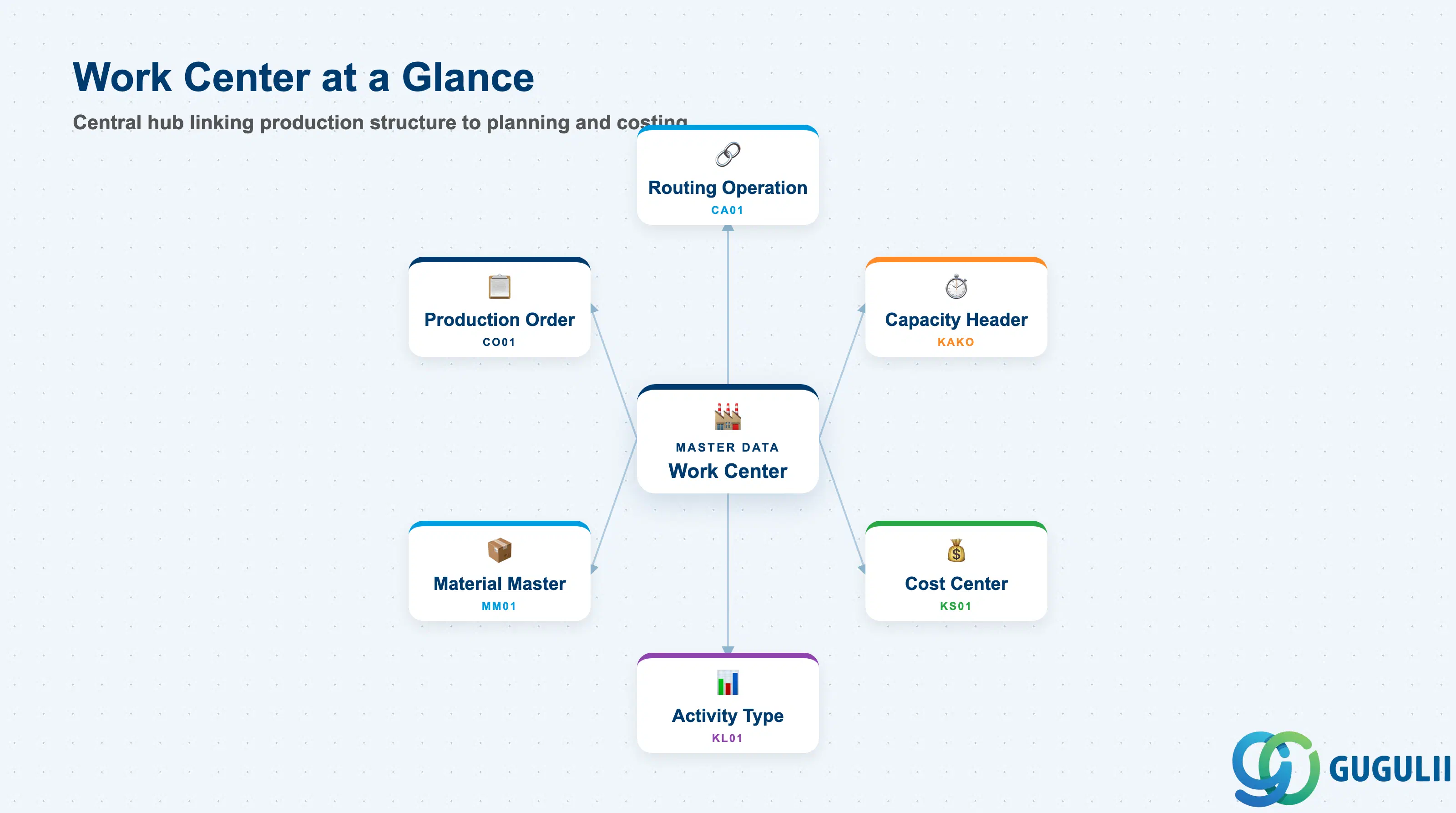
A Work Center is a location or group of people and machines in a plant where a production activity is carried out. In SAP, it is a master data object that abstracts the physical production resource into a set of configurable parameters covering capacity, scheduling, and cost accounting. Every operation in a Routing must reference exactly one Work Center, which means the Work Center is the common thread linking the production structure to both the capacity plan and the product cost estimate.
| Aspect | Details |
|---|---|
| Role | Defines a production resource (machine, work group, production line) including its capacity, standard operation times, and cost linkage |
| Modules using it | PP (Routing operations, capacity planning, production scheduling — primary owner), CO (cost center assignment, activity type determination, product costing), PM (equipment and functional location can be linked to a Work Center for maintenance planning) |
| Transactions | CR01 (Create) / CR02 (Change) / CR03 (Display) / CR05 (Mass change) / CRWS (Work Center — Schedule) |
| Key Tables | CRHD (Work Center header), CRCA (Work Center capacity), KAKO (Capacity header), CRHH (Work Center hierarchy) |
| S/4HANA note | Work Center is unchanged in data model from ECC. Fiori apps “Manage Work Centers” (F2610) and “Display Work Centers” (F2608) replace the classic CR01/CR03 transactions for day-to-day use. Resource objects in S/4HANA PP/DS serve a similar purpose in digital manufacturing scenarios but are a separate concept. |
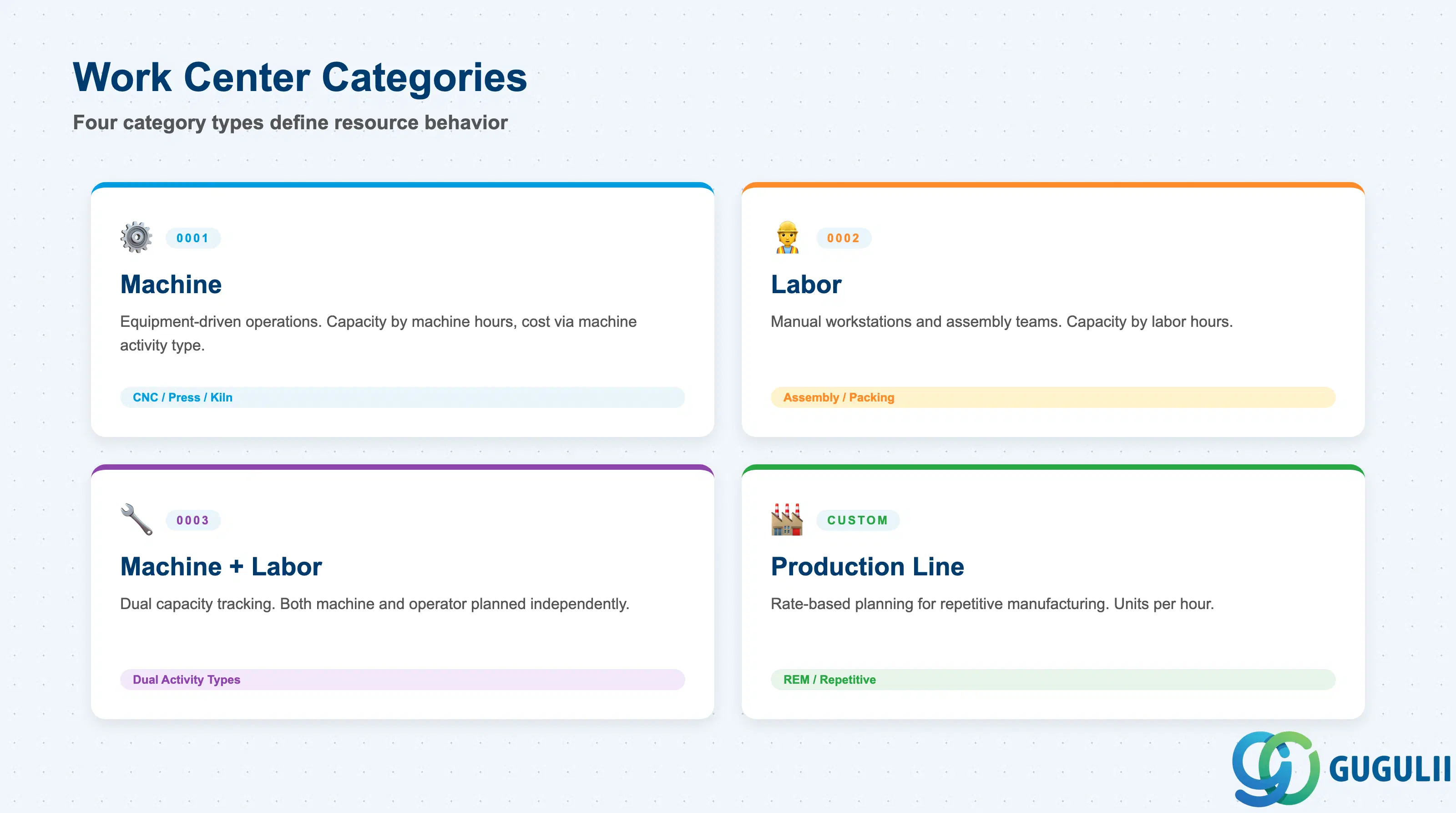
The Work Center Category is the single most important configuration parameter for a Work Center. It determines which tab screens and fields are available in the master record, which capacity categories are valid, and how the system handles scheduling and costing for operations assigned to this Work Center. Choosing the wrong category at go-live requires a data conversion effort to correct.
| Category | Code | Use Case | Key Behavior |
|---|---|---|---|
| Machine | 0001 | Equipment-driven operations (CNC machines, presses, kilns) | Capacity managed by machine hours. Standard values typically include setup time and machine time. Cost assigned via a machine-hour activity type. |
| Labor | 0002 | Manually operated workstations, assembly teams | Capacity managed by labor hours. Standard values typically include setup and labor time. Cost assigned via a labor-hour activity type. |
| Machine + Labor | 0003 | Operations where both machine and operator capacity must be planned | Dual capacity categories — machine capacity and labor capacity tracked independently. Both activity types assigned for costing. |
| Production Line | (custom) | Repetitive manufacturing lines with rate-based planning | Used in Repetitive Manufacturing (REM). Capacity managed as a production rate (units per hour) rather than elapsed time. Requires PP-REM Customizing activation. |
Design principle: Define Work Center Categories in Customizing (SPRO → PP → Work Centers → Define Work Center Category) before creating any Work Centers. Changing a category after Work Centers are created invalidates dependent capacity and costing data.
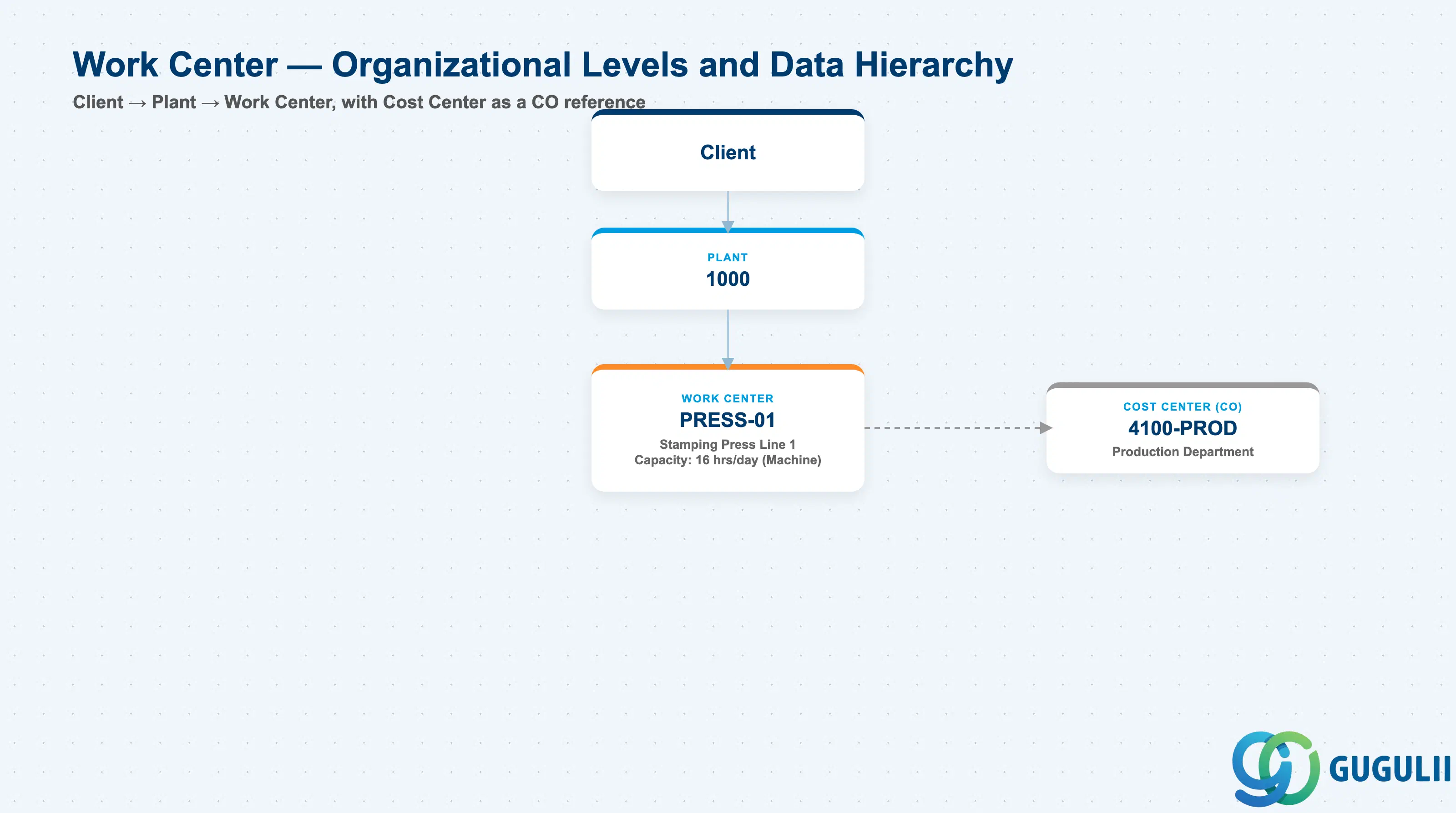
Data hierarchy with a concrete example
Client
   │
   └── Plant 1000
          │
          └── Work Center PRESS-01
                 Stamping Press Line 1
                 Capacity: 16 hrs/day (Machine)
                 │
                 └── ── references ──> Cost Center 4100-PROD
                                          Production Department (CO)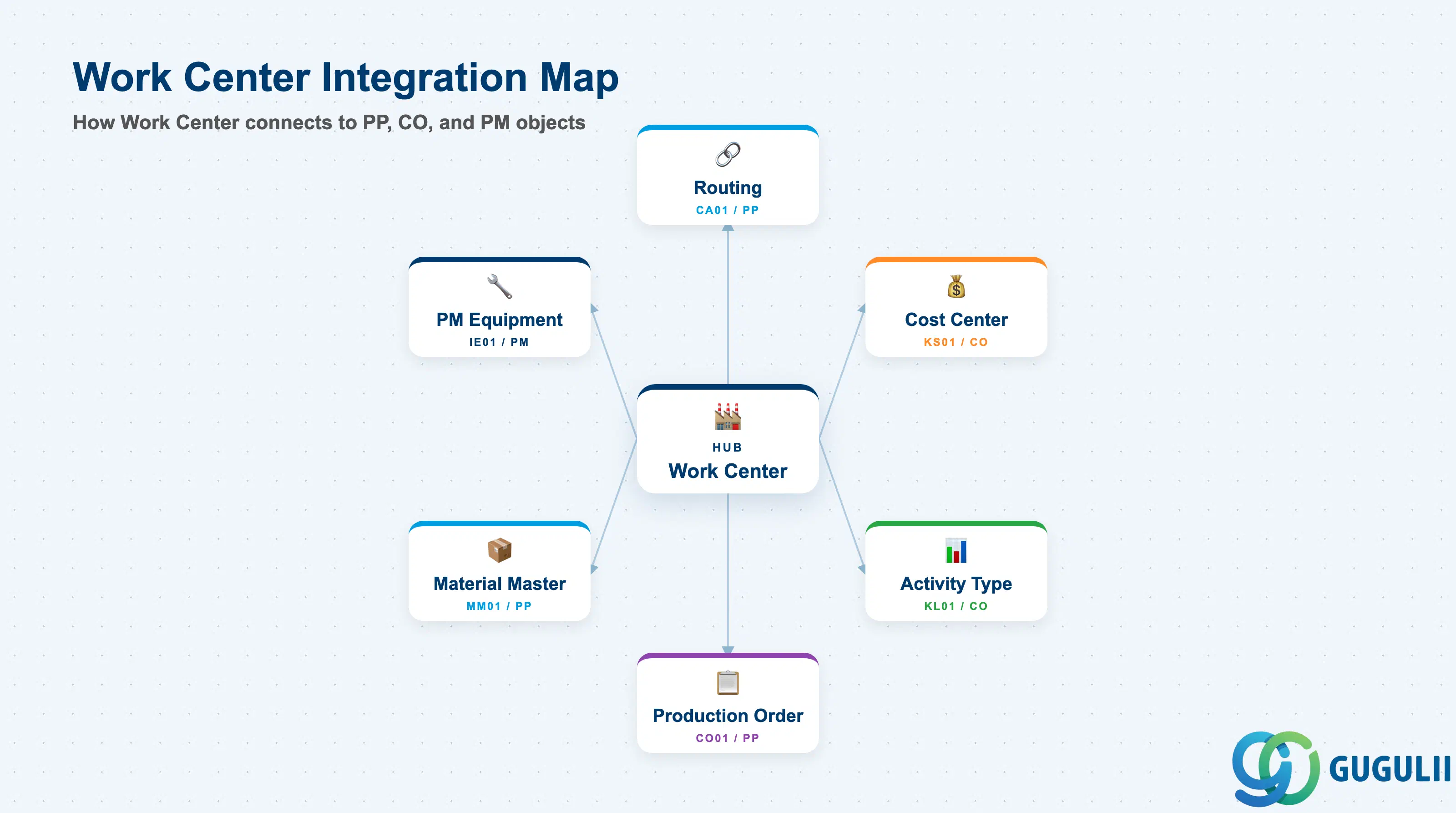
The Work Center is the hub between the production structure and both the capacity plan and cost model. It does not stand alone — it gains meaning only in combination with the Routing and the Controlling master data beneath it.
| Object | Relationship | Practical Notes |
|---|---|---|
| Routing (CA01) | Work Center is referenced by every Routing Operation | A Routing Operation cannot be saved without a valid Work Center assignment. If the Work Center is deleted or made inactive after Routing creation, the Routing becomes invalid — always check where-used (transaction CR60) before deactivating a Work Center. |
| Routing Operation | Each operation inherits default values (Control Key, standard times) from the Work Center | Default values are proposals only — they can be overridden at the Routing Operation level. When defaults are changed on the Work Center, existing Routing Operations are not automatically updated. |
| Cost Center (KS01) | Work Center is assigned to exactly one Cost Center for costing purposes | The Cost Center–Activity Type pairing on the Work Center is the mechanism by which production confirmations generate cost center actual activity postings in CO. A missing or incorrect Cost Center assignment causes costing errors in the product cost estimate (CK11N). |
| Activity Type (KL01) | Up to six Activity Types can be assigned per Work Center | Each Activity Type corresponds to one standard value key position (e.g., setup time → setup activity type, machine time → machine activity type). The activity type rate (planned price) set in CO drives the cost calculation for the corresponding time element. |
| Material Master (MRP View) | Work Center is not referenced directly in the Material Master, but the Routing that references it is linked to the Material via Production Version | The chain is: Material Master → Production Version → Routing → Routing Operation → Work Center. Disruption at any link in this chain prevents production order creation. |
| Production Order (CO01) | Work Center drives scheduling, capacity requirements, and operation costing in the production order | When a production order is created, the system copies Work Center data (capacity, standard values, cost center) into the order operations. Changes to the Work Center after order creation do not automatically update existing orders. |
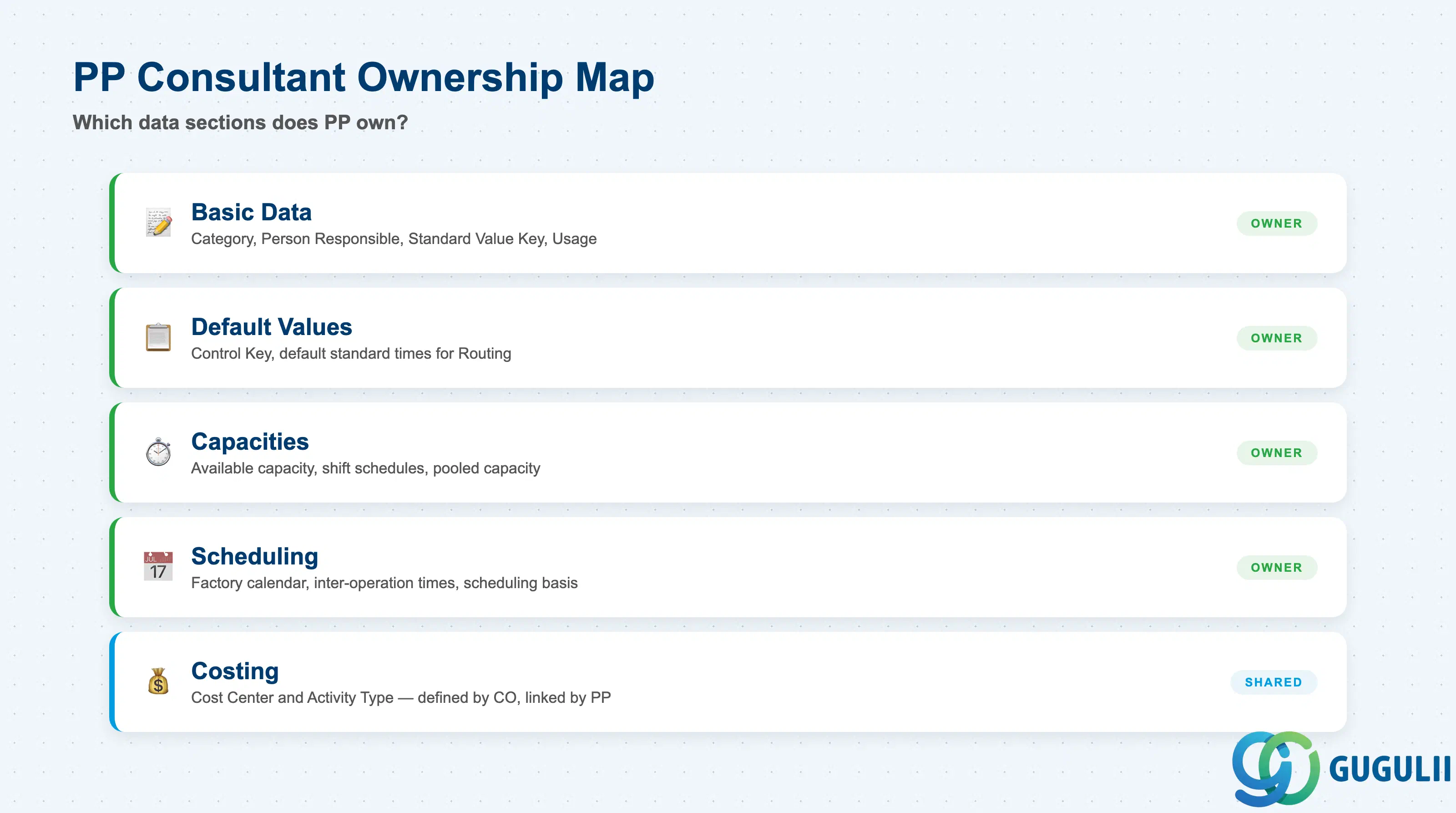
| Data Section | PP Involvement | Notes |
|---|---|---|
| Basic Data | ◎ Owner | Work Center Category, Person Responsible, Standard Value Key, Usage — all PP-defined |
| Default Values | ◎ Owner | Control Key, default standard times — PP configures and maintains |
| Capacities | ◎ Owner | Available capacity, shift schedules, pooled capacity — core to capacity planning |
| Scheduling | ◎ Owner | Factory calendar, inter-operation times, scheduling basis |
| Costing | ○ Shared with CO | Cost Center and Activity Type assignments are defined by CO; PP links them to the Work Center |
Legend: ◎ = Owner / Critical, ○ = Direct involvement
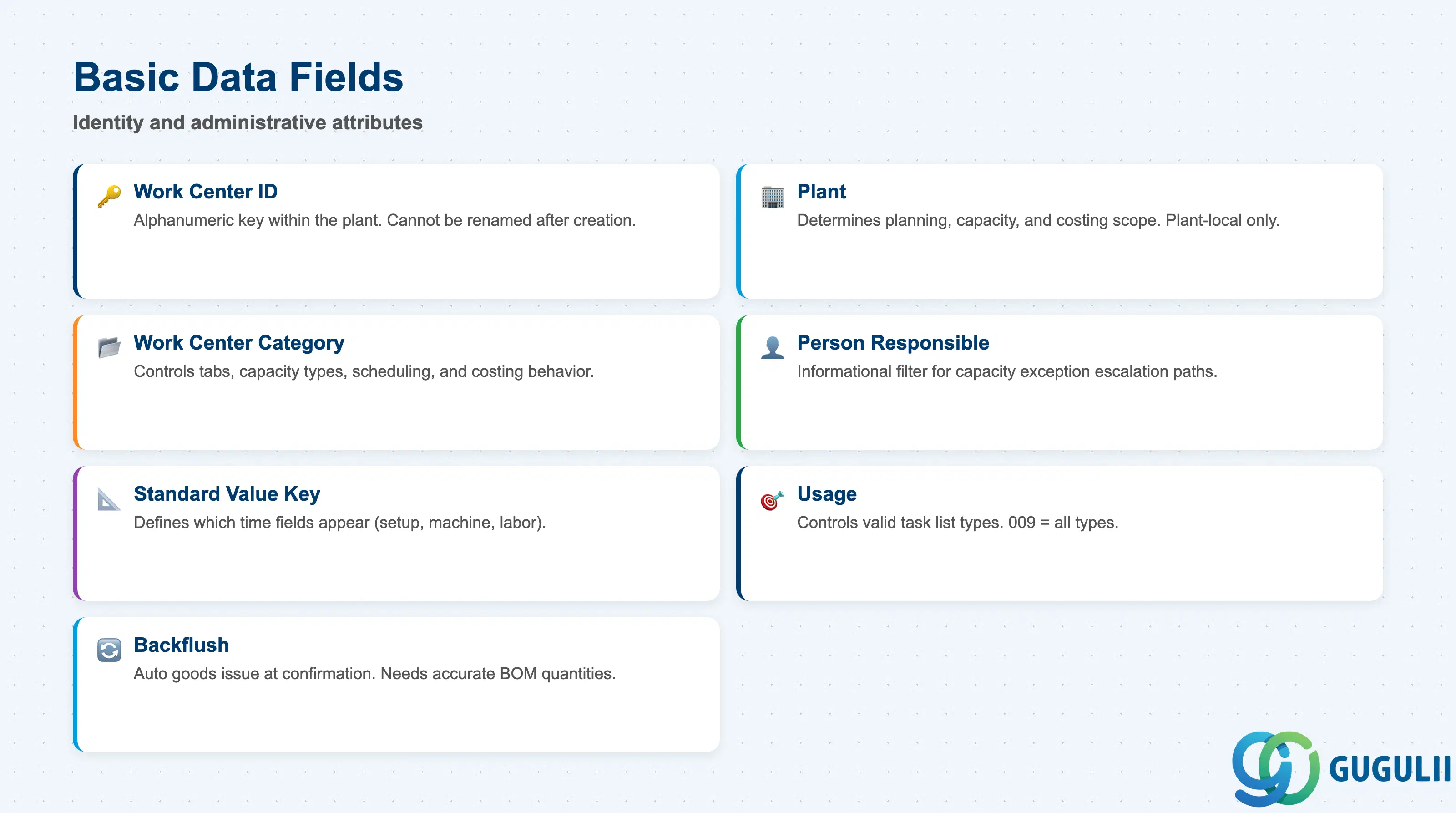
Basic Data defines the identity and administrative attributes of the Work Center. These fields are set at creation and rarely change. Errors here propagate to all Routing Operations that reference this Work Center.
| Field | Description | Practical Usage |
|---|---|---|
| Work Center | Alphanumeric key identifying the Work Center within the plant | The primary key used in Routing Operations, capacity reports, and production order scheduling. Naming conventions (e.g., MACH-001, LINE-A01, WELD-02) should be agreed during blueprint and documented in the data governance standard. Once created, the Work Center ID cannot be renamed — only inactivated and replaced. |
| Plant | Plant to which the Work Center belongs | Determines all planning, capacity, and costing scope. A Work Center created in Plant 1000 is invisible to Plant 2000 and cannot be shared without creating a separate record. Confirm the target plant before creation — moving a Work Center to another plant is not possible without recreation. |
| Work Center Category | Category code (e.g., 0001 Machine, 0002 Labor) | Controls which tabs and fields are displayed, which capacity categories are available, and how the system calculates scheduling and costing. Must align with the physical resource type. A machine Work Center set up as Labor type will produce incorrect capacity and costing results. |
| Person Responsible | Name or employee number of the Work Center responsible | Used for informational filtering and routing approvals. Useful for escalation paths in capacity exception management — the person responsible is shown in capacity planning reports (CM01, CM05). |
| Standard Value Key | Key that defines which standard value fields appear in the Work Center and Routing Operation | Determines up to six time fields (e.g., setup time, machine time, labor time, teardown time). The Standard Value Key must be defined in Customizing before Work Center creation. Changing it after Routing Operations exist requires re-entry of all dependent standard values. |
| Usage | Controls in which application area the Work Center is valid | “009” = valid for all task list types (standard routing, reference operation set, rate routing). Restricting usage (e.g., routing only, inspection only) prevents the Work Center from appearing in other task list types — useful when specific Work Centers are dedicated to QM inspection or PM maintenance rather than production. |
| Backflush | Indicator forcing automatic goods issue backflush | When set, all components consumed at this Work Center are backflushed automatically at production order confirmation (MFBF / CO15). Eliminates manual goods issue (MB1A/MIGO), but requires accurate BOM quantities — phantom components or incorrect quantities cannot be corrected until after the order is confirmed. |
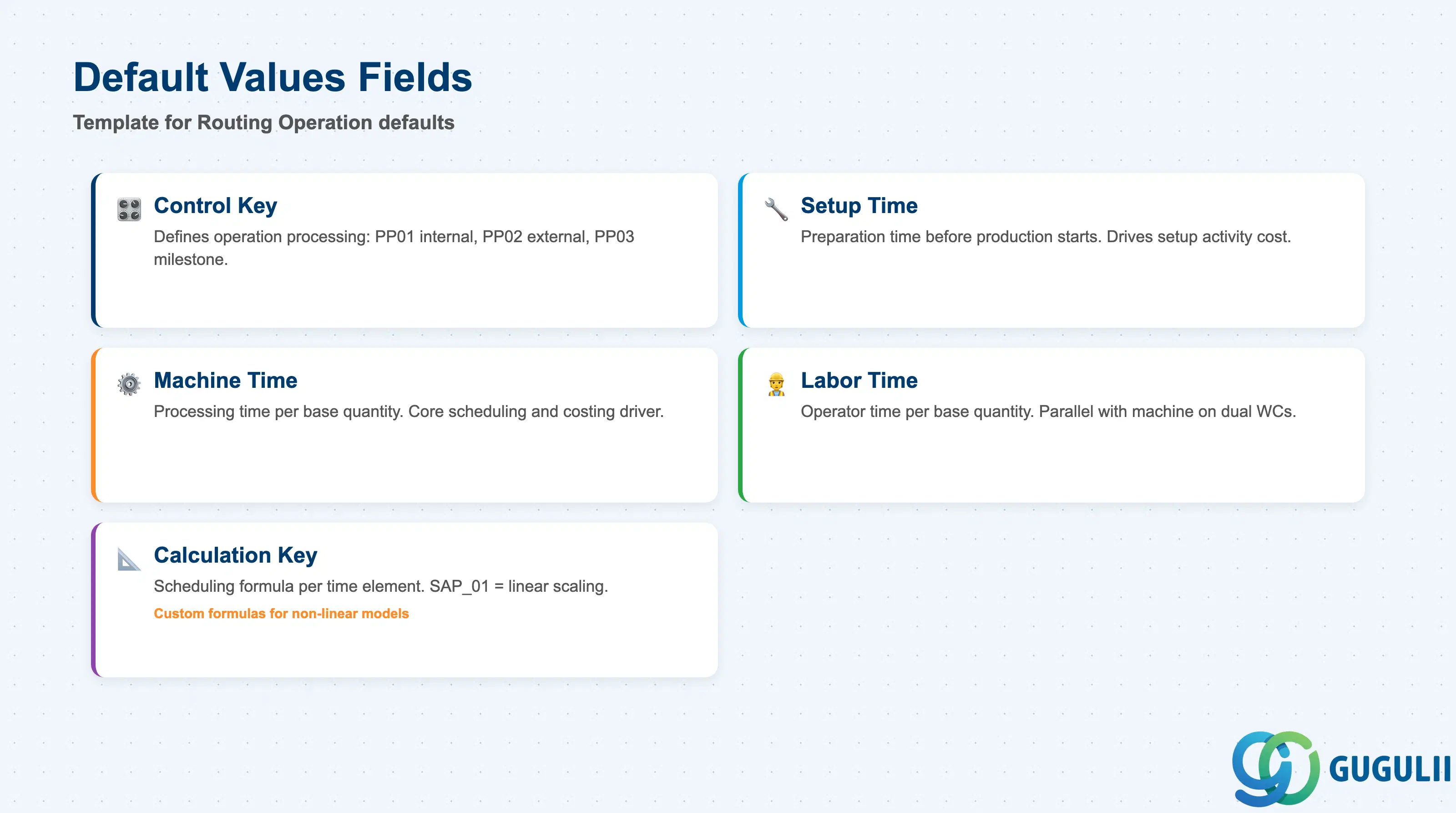
Default Values are the template for new Routing Operations that reference this Work Center. They reduce data entry effort and enforce consistency across Routing Operations, but they are proposals — individual Routing Operations can always override them.
| Field | Description | Practical Usage |
|---|---|---|
| Control Key | Key defining how an operation is processed in the production order (e.g., PP01 internal, PP02 external processing) | The most critical default value. PP01 (internal processing) applies standard SAP production logic — time confirmation, goods issue, and costing. PP02 (external processing) triggers a purchase requisition for the subcontracting operation and requires a subcontracting info record. PP03 (milestone) marks a quality gate or inspection point. Agree on Control Key assignments per operation type during blueprint. |
| Setup Time | Default setup preparation time for this Work Center | Proposed into every new Routing Operation referencing this Work Center. Represents the time required to prepare the Work Center before production starts (tooling, jig setup, material staging). Drives scheduling duration and setup activity type cost. Review and adjust at the Routing Operation level when machine-specific setup times differ from the Work Center default. |
| Machine Time | Default machine processing time per base quantity | Core time driver for machine-category Work Centers. Used in scheduling (determines operation duration) and costing (multiplied by the machine activity type rate to calculate operation cost). Must be expressed per the base quantity defined in the Standard Value Key. Inaccurate machine times are the most common root cause of scheduling distortion in PP go-lives. |
| Labor Time | Default labor processing time per base quantity | Used for labor costing and, on Machine+Labor Work Centers, for labor capacity planning in parallel with machine capacity. When both Machine Time and Labor Time are defined, the scheduling system calculates the longer of the two as the operation duration unless a combined formula is specified. |
| Calculation Key for Setup / Machine / Labor | Determines the scheduling formula for each time element | “SAP_01” (linear scaling: time × quantity / base quantity) is the standard. Custom formulas are configured in Customizing and can model non-linear relationships (e.g., setup time independent of quantity, machine time as a step function). Consult with PP scheduling specialists before using custom calculation keys in a first implementation. |
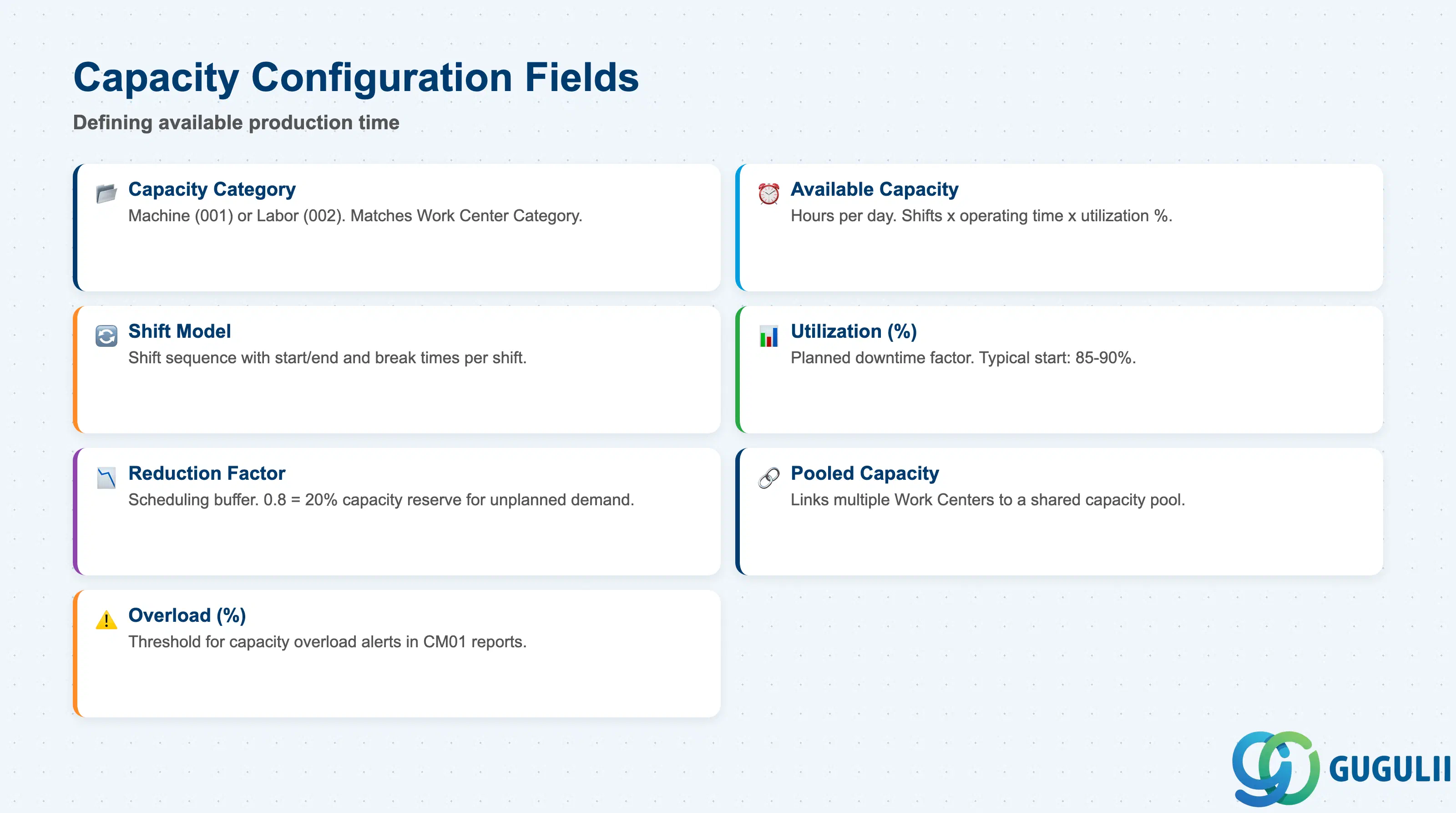
The Capacities tab defines how much productive time the Work Center has available for capacity planning (CM01–CM05, MRP run). Correctly configured capacity is the prerequisite for finite scheduling and valid bottleneck analysis. This is the section most frequently misconfigured during initial implementations.
| Field | Description | Practical Usage |
|---|---|---|
| Capacity Category | Classifies the type of capacity (e.g., machine capacity, labor capacity) | Matches to the Work Center Category. A Machine Work Center uses capacity category “001” (machine). A Labor Work Center uses “002” (labor). On a Machine+Labor Work Center, two separate KAKO records are created — one per category — enabling independent capacity planning for each resource dimension. |
| Available Capacity (Hours/Day) | Hours per day the Work Center is available for production | Calculated as: (Operating time per shift) × (Number of shifts) × (Utilization %). This value, combined with the factory calendar, defines the capacity ceiling against which production orders are planned. Overstating availability causes the system to schedule more orders than the Work Center can physically process. |
| Shift Model | Shift sequence assigned to the Work Center | Links to a factory calendar shift definition. Defines the start/end time and break times for each shift. One, two, or three-shift models are common in manufacturing. The shift model directly determines which hours appear as “available” in capacity evaluation reports (CM01). |
| Utilization (%) | Percentage of nominal capacity available for production | Accounts for planned downtime, maintenance windows, and efficiency factors. A common starting value is 85–90%. This is a design parameter agreed between PP and industrial engineering during the blueprint phase — it should reflect actual operational data rather than theoretical maximums. |
| Reduction Factor | Reduces the capacity load for scheduling purposes | Separate from Utilization. The Reduction Factor is used during lead time scheduling to build in a scheduling buffer. For example, a Reduction Factor of 0.8 tells the scheduler that only 80% of available capacity is used for order scheduling, leaving 20% as a buffer for unplanned demand. |
| Pooled Capacity | Flag linking multiple Work Centers to a shared capacity pool | When set, this Work Center contributes its capacity to a shared pool (capacity header type “Pooled”). Multiple physical resources (e.g., three identical CNC machines) can be modeled as one pooled Work Center, simplifying capacity planning while maintaining the ability to report individual machine utilization separately via alternate Work Centers. |
| Overload (%) | Threshold at which the system flags a capacity overload | When capacity requirements exceed available capacity by this percentage, the capacity planning reports (CM01) flag the period as overloaded. A value of 100% means flag at the first unit of overload. Setting this higher (e.g., 110%) allows short-term overloads to be visible but not immediately acted upon — useful in environments with flexible overtime approval processes. |
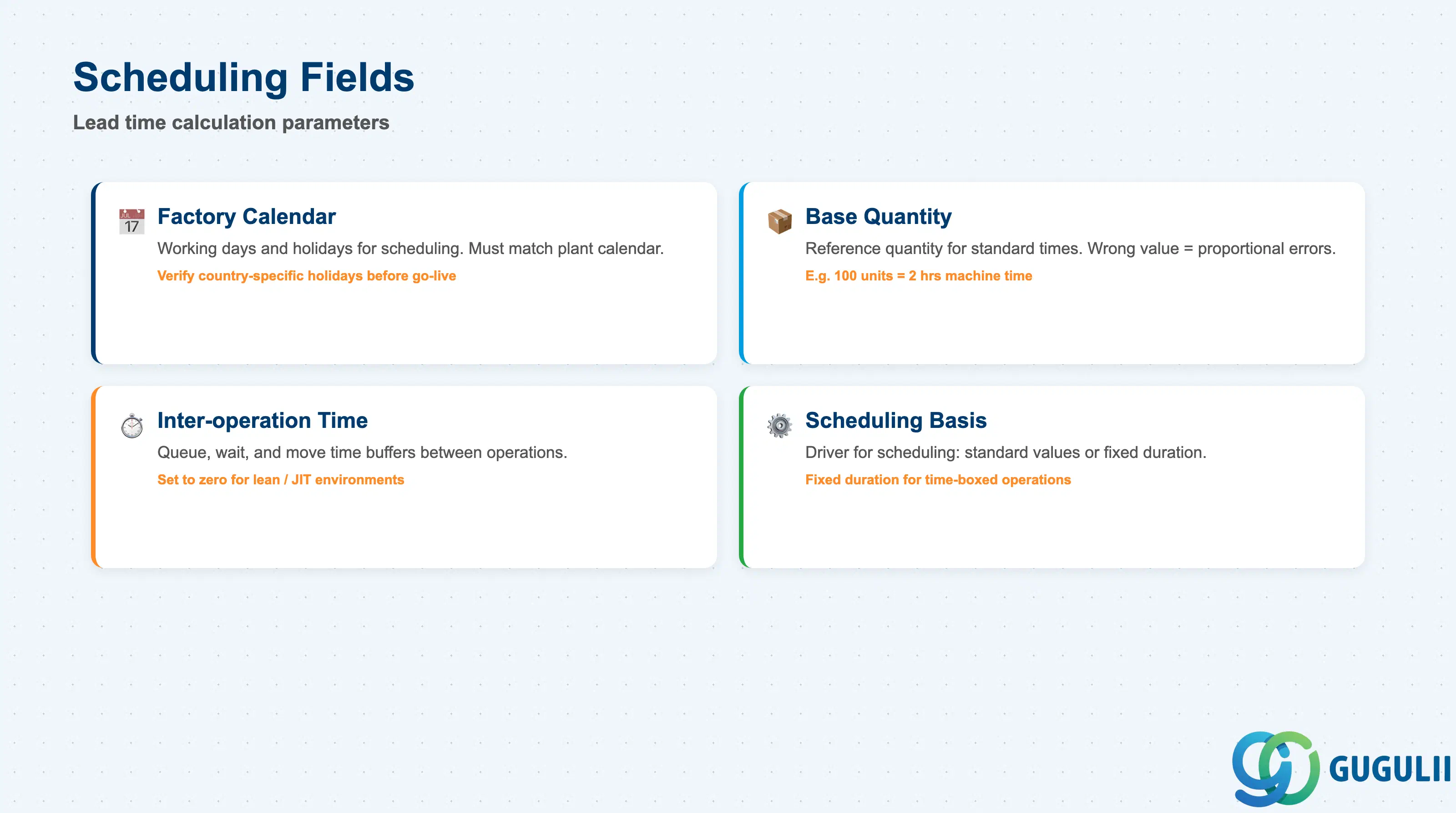
The Scheduling tab determines how the system calculates operation start and finish dates during lead time scheduling in production orders and planned orders. These fields interact directly with the MRP run output — incorrect scheduling data propagates into every production order created for materials whose Routings use this Work Center.
| Field | Description | Practical Usage |
|---|---|---|
| Factory Calendar | Public holiday and working day calendar for the Work Center | The factory calendar defines which days are available for scheduling. A mismatch between the plant calendar and the Work Center calendar causes the system to skip working days and produce longer-than-expected lead times. For multi-country plants, verify that country-specific public holidays are correctly captured in the calendar before go-live. |
| Base Quantity | Reference quantity for standard time calculations | Standard values (setup, machine, labor) are entered per this base quantity. For example, if Base Quantity = 100 and Machine Time = 2 hours, the system calculates 20 hours for an order of 1,000 units. Setting an incorrect base quantity causes proportional errors in all scheduled lead times. |
| Inter-operation Time (Queue / Wait / Move) | Time buffers between operations in a multi-operation Routing | Queue time = time the order waits before an operation starts. Move time = transit time to the next Work Center. Wait time = cooling, curing, or inspection wait after an operation. These buffers inflate the planned lead time. In lean or just-in-time environments, set inter-operation times to zero and rely on shift scheduling instead. In complex multi-step routings, buffer times prevent unrealistic back-to-back scheduling. |
| Scheduling Basis | Determines which time element is used as the scheduling driver | Options: (1) Standard values (machine time, labor time) — the normal choice, using actual defined operation times. (2) Duration only — the scheduler uses a fixed calendar duration regardless of quantity, useful for time-boxed operations like heat treatment (e.g., always 4 hours in the oven). Confirm the scheduling basis with industrial engineering for each Work Center category. |
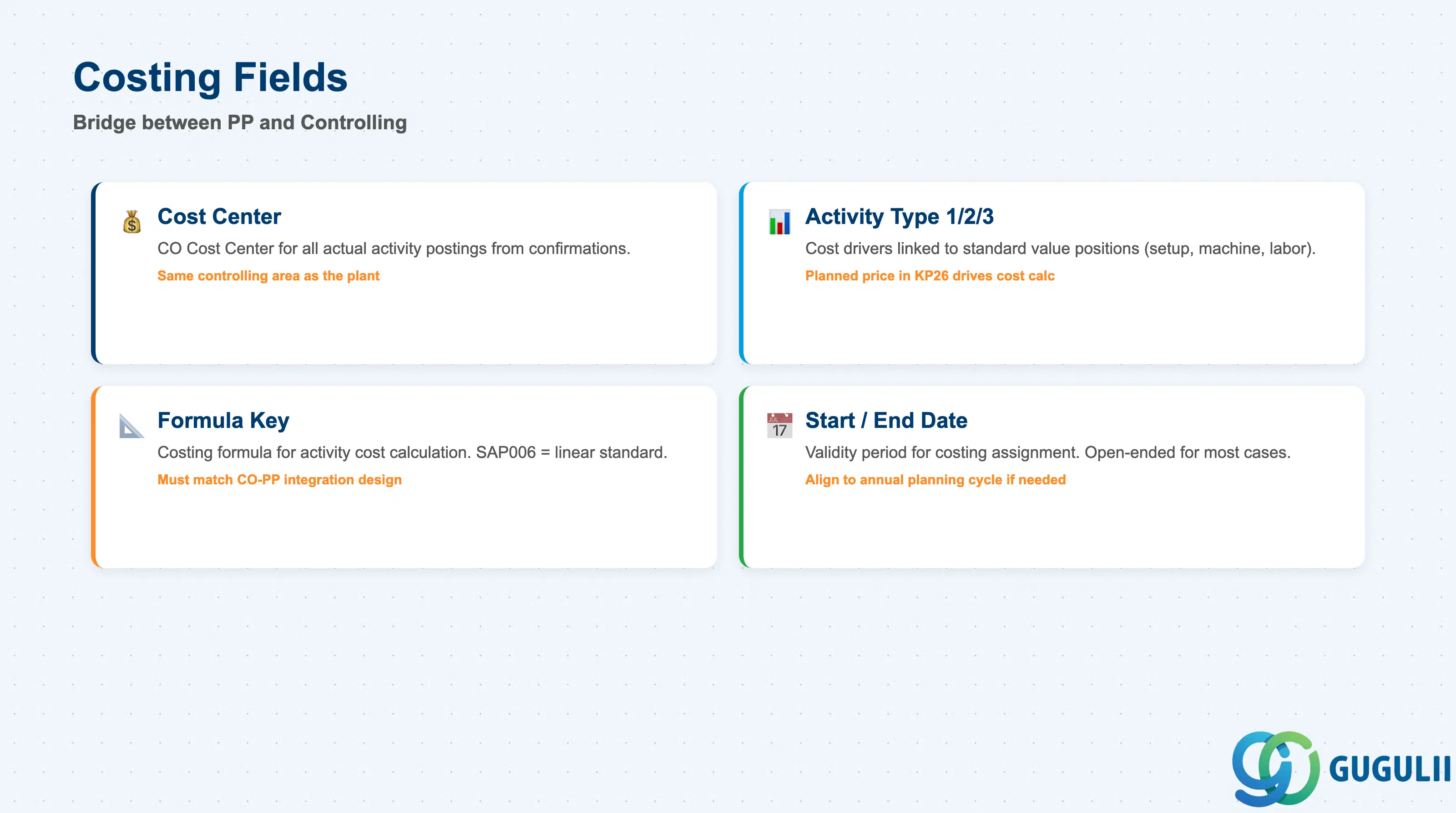
The Costing tab is the bridge between PP and Controlling. The data here determines how production activities are valued in the product cost estimate (CK11N) and how actual activity costs are posted to the cost center when production orders are confirmed. This section is co-owned with CO — the Cost Center and Activity Types must exist in CO before they can be assigned to a Work Center.
| Field | Description | Practical Usage |
|---|---|---|
| Cost Center | CO Cost Center to which this Work Center’s production costs are posted | All actual activity postings from production order confirmations flow to this Cost Center. The Cost Center must belong to the same controlling area as the plant. If a Cost Center is changed on a Work Center mid-period, open production orders continue to post to the old Cost Center until recosted — always coordinate Cost Center changes with CO during period close. |
| Activity Type 1 / 2 / 3 | CO Activity Types linked to standard value positions (e.g., setup → KLA1, machine → MACH, labor → LABC) | Each Activity Type represents a distinct cost driver. The planned price for each Activity Type is maintained in CO (KP26). The product cost estimate multiplies the standard value (e.g., 2 hours machine time per 100 units) by the planned rate to calculate the manufacturing cost component. Missing or incorrect Activity Type assignments cause the cost estimate to use a zero rate for those cost components. |
| Formula Key for Costing | Defines the costing formula used to calculate activity costs per operation | Standard formula SAP006 (linear: time × quantity / base quantity × rate) is used in most implementations. Custom formulas can model non-linear cost behaviors (e.g., setup cost independent of quantity). The formula key must match the calculation logic agreed in the CO-PP integration design — using mismatched formulas between costing and scheduling creates variance between planned and actual cost. |
| Start and End Date (Costing) | Validity period for the costing assignment | Allows seasonal or period-specific cost center and activity type assignments. For most implementations, a single open-ended assignment is sufficient. If the plant uses activity rates that vary by fiscal year, the validity period can align the Work Center costing data to the annual planning cycle. |
| ID | Category | Title |
|---|---|---|
| pp-001 | Overview | What is SAP PP? |
| ID | Category | Title |
|---|---|---|
| pp-a01 | Overview | SAP PP Master Data: Overview, Hierarchy & Relationships |
| pp-a02-01 | Master Data | SAP PP Material Master |
| pp-a02-02 | Master Data | SAP PP MRP Controller |
| pp-a03-01 | Master Data | SAP PP Work Center 📍 |
| pp-a04-01 | Master Data | SAP PP Bill of Materials (BOM) |
| pp-a04-02 | Master Data | SAP PP Routing |
| pp-a05-01 | Master Data | SAP PP Production Version |
| pp-a06-01 | Master Data | SAP PP Class |
| pp-a06-02 | Master Data | SAP PP Characteristic |
| ID | Category | Title |
|---|---|---|
| pp-b01 | Overview | SAP PP Transactions: Process Flow, Hierarchy & Relationships |