Title here
Summary here

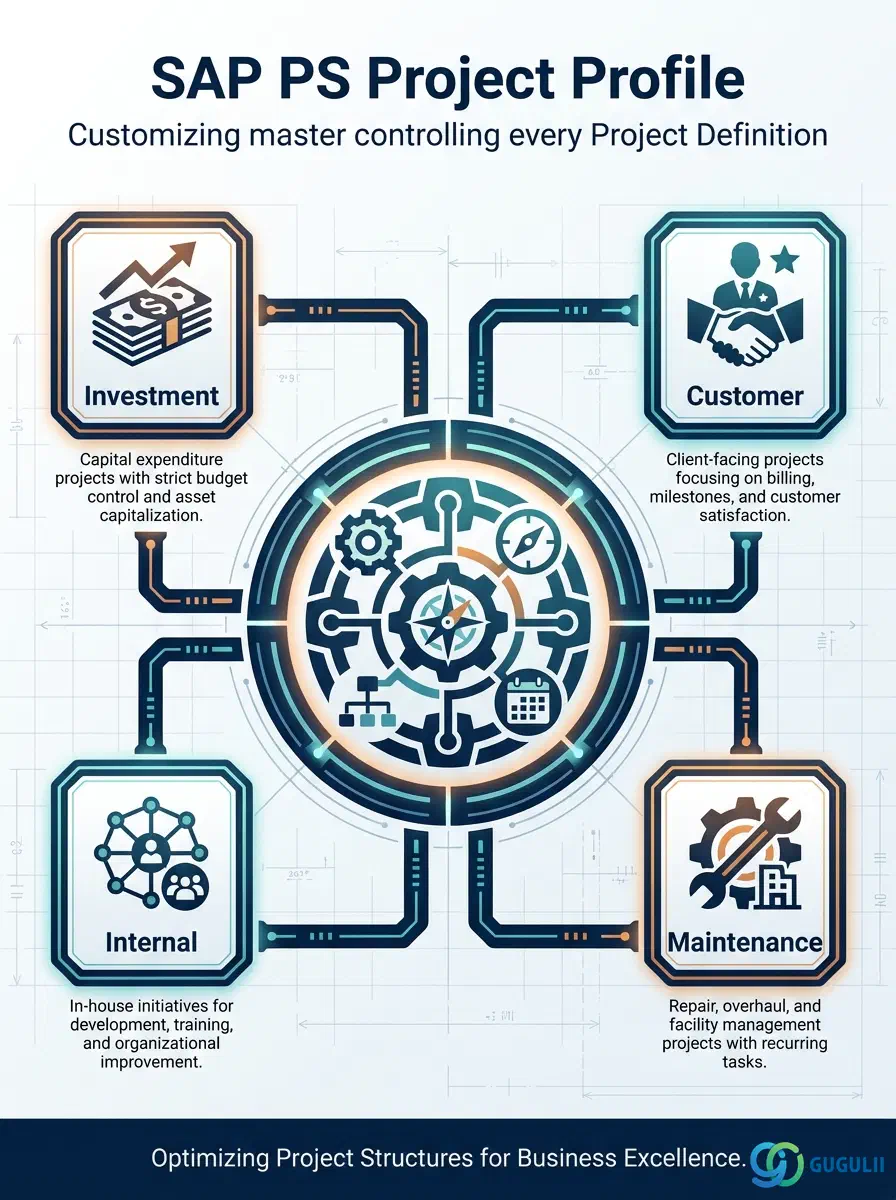
The Project Profile is the Customizing-level configuration object that controls the behavior of every Project Definition in SAP PS. It determines the project type (Investment, Customer, Internal, Maintenance), links the planning and budget profiles, sets the default network profile, and defines the status management schema. Every Project Definition must reference exactly one Project Profile at creation time, making the profile design the single most important configuration decision in a PS implementation.
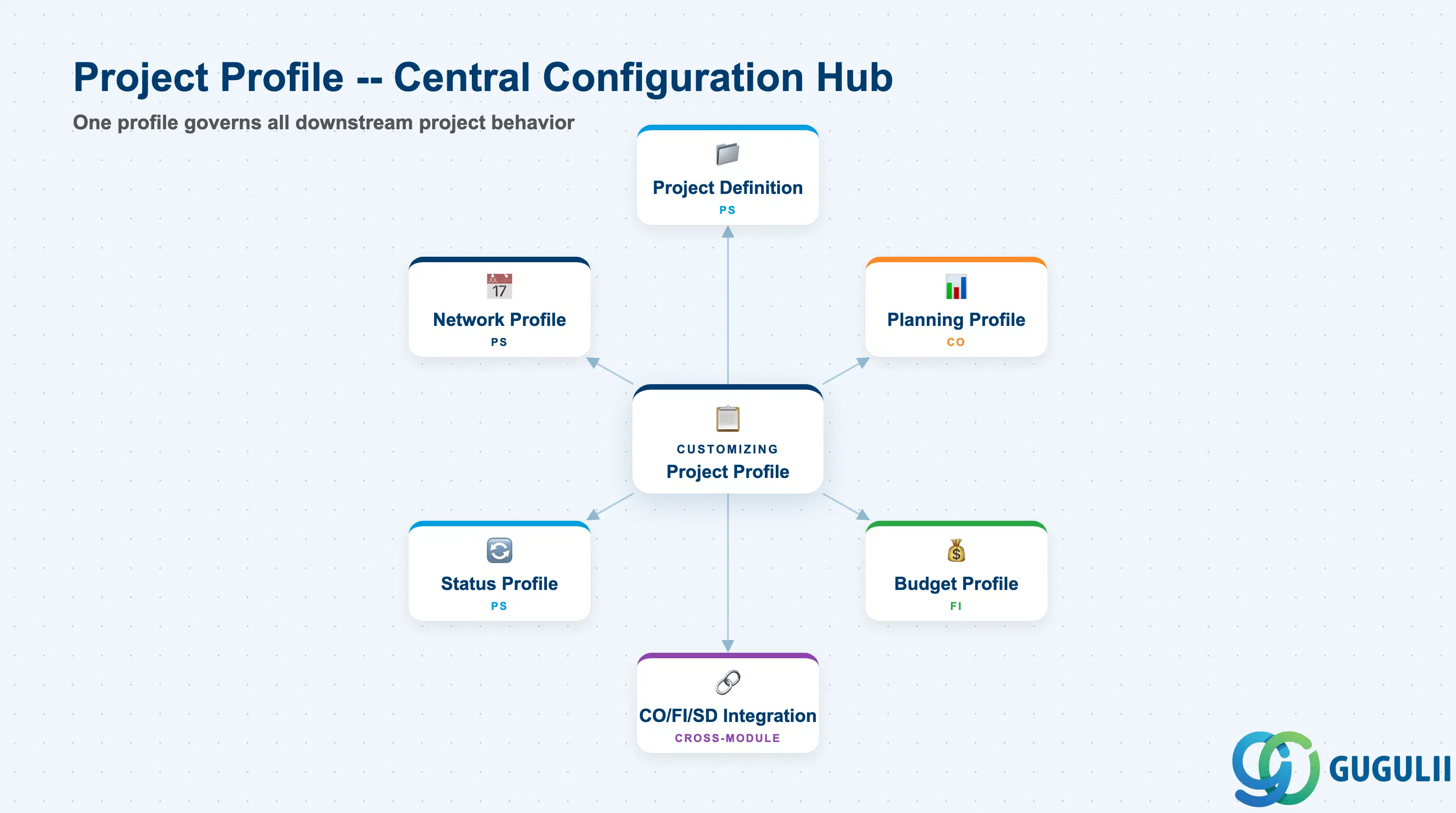
The Project Profile is a Customizing template — not a transactional master record — that acts as a blueprint for the Project Definition. It encapsulates the control parameters that determine how a project is managed, planned, and financially accounted for within SAP S/4HANA PS.
| Aspect | Details |
|---|---|
| Role | Customizing template controlling project type, planning, budgeting, and status behavior for Project Definitions |
| Modules using it | PS (primary owner — Customizing and project creation), CO (cost/revenue planning via Planning Profile), FI (budget management via Budget Profile), SD (customer project integration via project type) |
| Transactions | OPSA (Customizing — Define Project Profiles) |
| Key Tables | T_PS_PROFIL (Project Profile header), PROJ (Project Definition — references profile), T_PS_PLPRO (Planning Profile), T_PS_BUBUD (Budget Profile) |
| S/4HANA note | Project Profile configuration is unchanged from ECC in structure. S/4HANA adds Fiori-based project creation (SAP Fiori app “Create Project”) but all profiles are still defined via Customizing transaction OPSA. The Profit Center assignment on WBS elements became mandatory in S/4HANA — profiles for investment projects must account for this. |
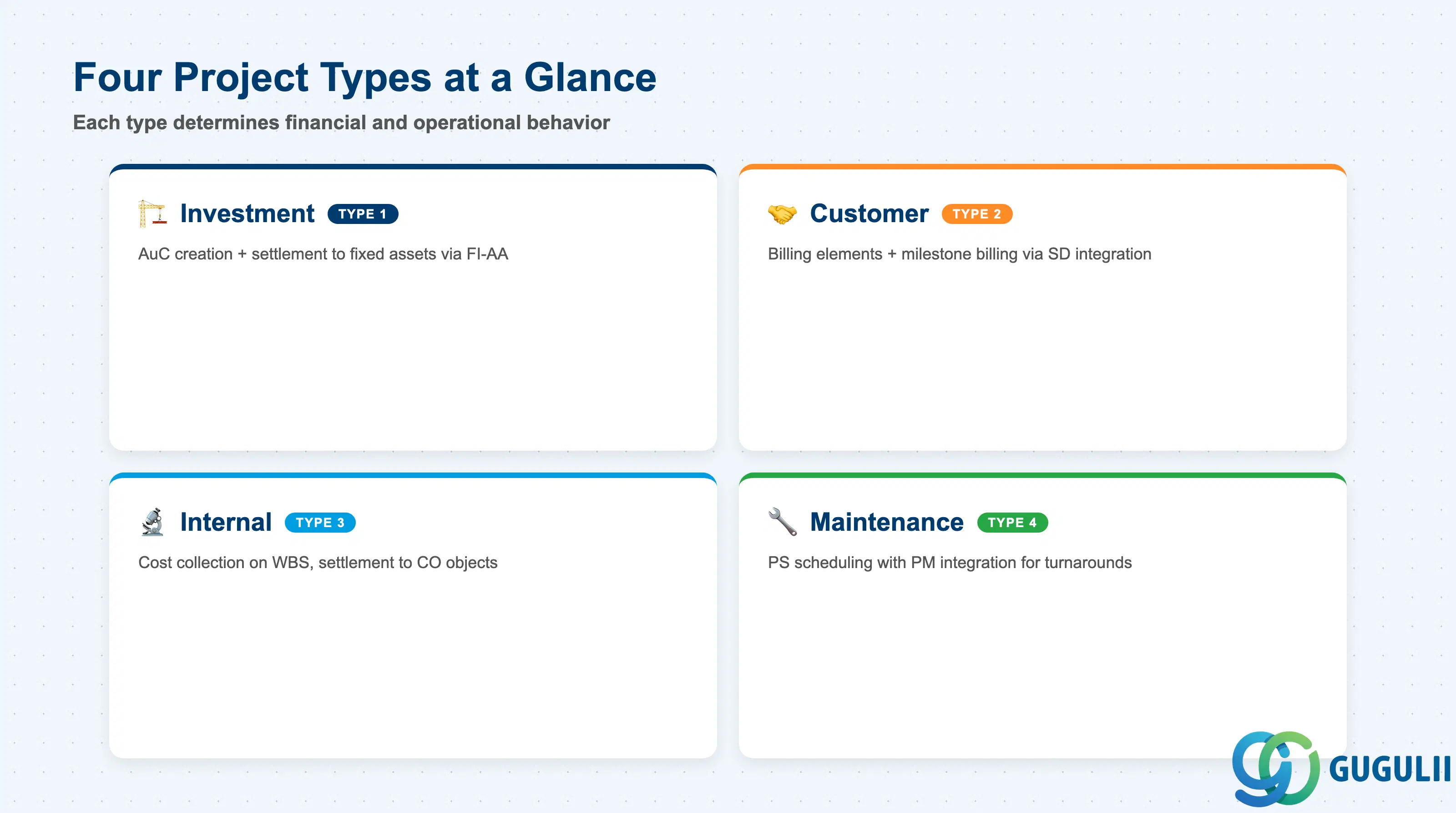
The Project Type is the most fundamental field in the Project Profile. It determines the financial and operational behavior of every project created under this profile. Selecting the wrong type requires a project recreation — it cannot be changed after the Project Definition is saved.
| Project Type | Code | Use Case | Key Behavior |
|---|---|---|---|
| Investment Project | 1 | Capital expenditure — asset acquisition, plant construction, equipment replacement | Enables WBS Element (AuC) for assets under construction. Settlement to fixed assets (via FI-AA) at period-end or project close. Budget control with Investment Management (IM) integration optional. |
| Customer Project | 2 | Make-to-order or engineer-to-order manufacturing; professional services with milestone billing | WBS Billing Elements link to Sales Order items. Milestone billing via SD billing plan. Revenue is recognized on the project and settled to SD. |
| Internal Project | 3 | R&D, IT projects, internal events, organizational change initiatives | No external billing or asset creation. Costs collected on WBS and settled to Cost Centers, Internal Orders, or Profitability Analysis (CO-PA). |
| Maintenance Project | 4 | Large-scale plant turnarounds, major refurbishments, facility upgrades | Combines PS scheduling and network capability with PM (Plant Maintenance) integration. Activities can reference PM equipment and functional locations. |
Design principle: The Project Type must be decided during blueprint and locked before the Customizing transport is created. One project type per profile is mandatory — use separate profiles for each type used in the business.
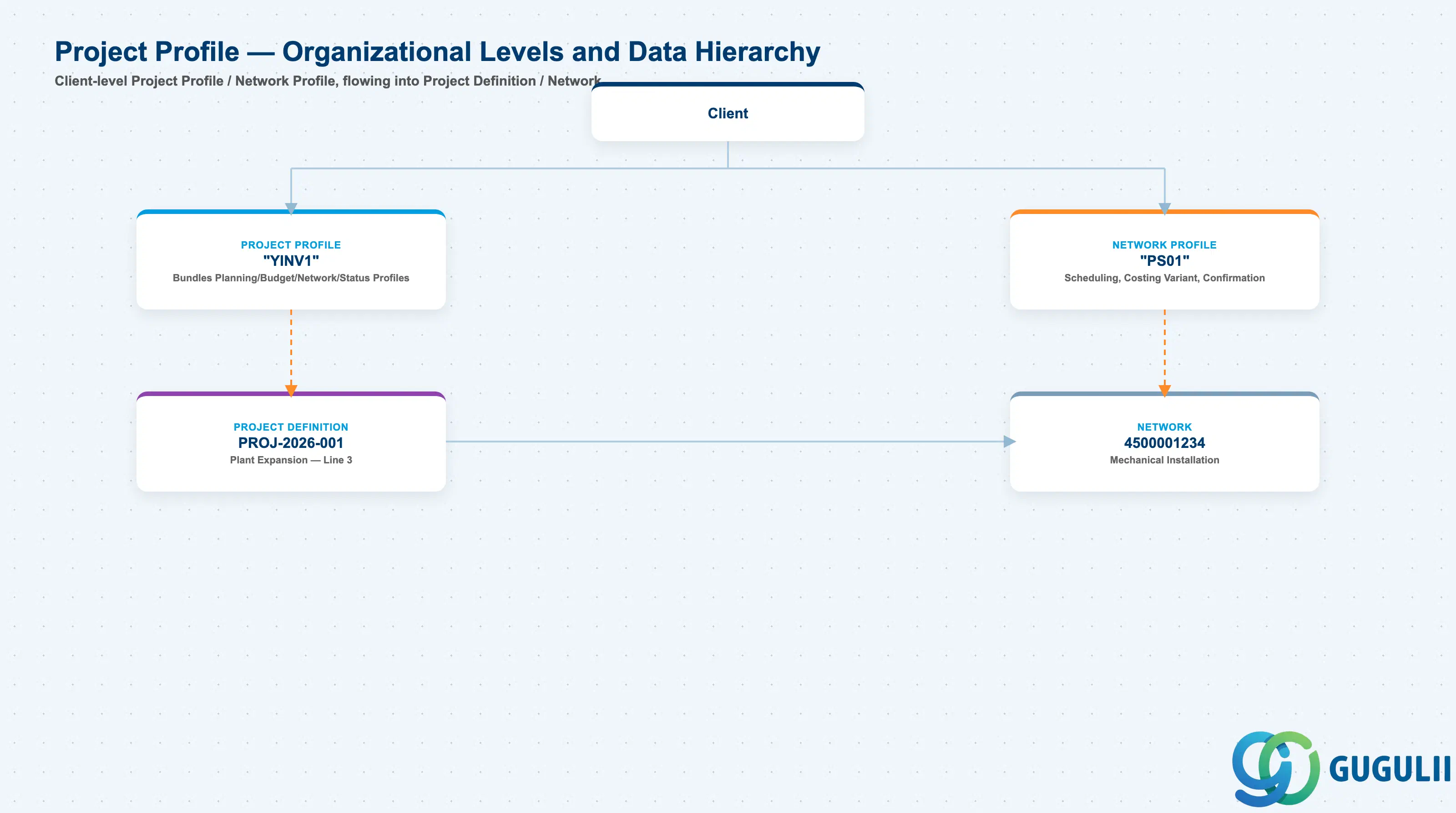
Data hierarchy with a concrete example
Client
   │
   ├── Project Profile "YINV1"
   │      Investment Project (Type 1)
   │      Bundles Planning, Budget, Network, Status Profiles
   │      ── includes ──> Network Profile "PS01"
   │
   ├── Network Profile "PS01"
   │      Standard Project Network
   │      Controls: Scheduling, Costing Variant, Confirmation
   │
   └── Project Definition PROJ-2026-001
          Plant Expansion — Line 3 Capacity Increase
          ── assigned to ──> Project Profile "YINV1"
          Company Code 1000, Plant 1000
          │
          └── Network 4500001234
                 Mechanical Installation
                 ── assigned to ──> Network Profile "PS01"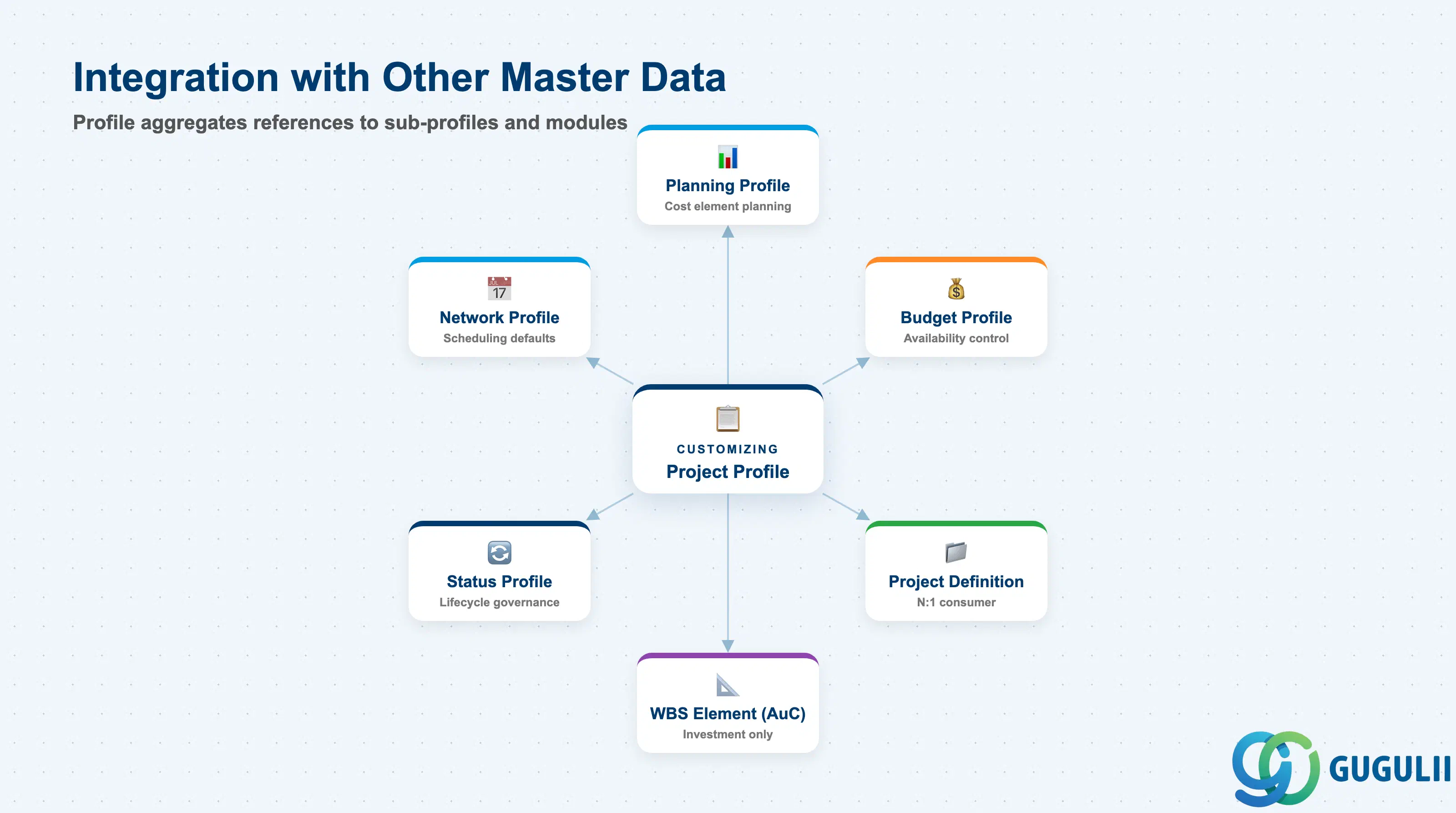
The Project Profile does not stand alone. It aggregates references to several sub-profiles that are each maintained independently and can be reused across multiple project profiles.
| Object | Relationship | Practical Notes |
|---|---|---|
| Planning Profile | Referenced by Project Profile (1:N — one profile, many planning profiles possible; one assigned per project profile) | Controls which cost element planning methods are available on WBS elements. If omitted, cost element planning is unrestricted. Consultants should define separate planning profiles for overhead-based vs. unit-costing projects. |
| Budget Profile | Referenced by Project Profile | Controls whether budget is managed annually or as a total (overall). Also controls availability control activation level and tolerance limits. A project without a Budget Profile has no budget availability checking — common for internal projects where budget is tracked in CO only. |
| Network Profile | Referenced by Project Profile as default | Sets scheduling parameters (float type, reduction strategy, scheduling direction) for networks created under this project. Can be overridden at individual network level. |
| Status Profile | Referenced by Project Profile | Defines user statuses (e.g., APPR = Approved, HOLD = On Hold, CLOS = Closed) and which business transactions each status allows or blocks. Without a Status Profile, only system statuses (CRTD, REL, TECO, CLSD) are available. |
| Project Definition | Created with reference to Project Profile (N:1) | The Project Profile is the only mandatory reference at Project Definition creation. Every attribute defined in the profile is stamped onto the project at creation and controls its lifetime behavior. |
| WBS Element (AuC) | Enabled by Project Type = Investment | AuC WBS Elements and the corresponding Asset under Construction in FI-AA only appear when the Project Profile’s Project Type is set to Investment. Attempting to use AuC on other project types results in a configuration error. |
| Data Section | PS Involvement | Notes |
|---|---|---|
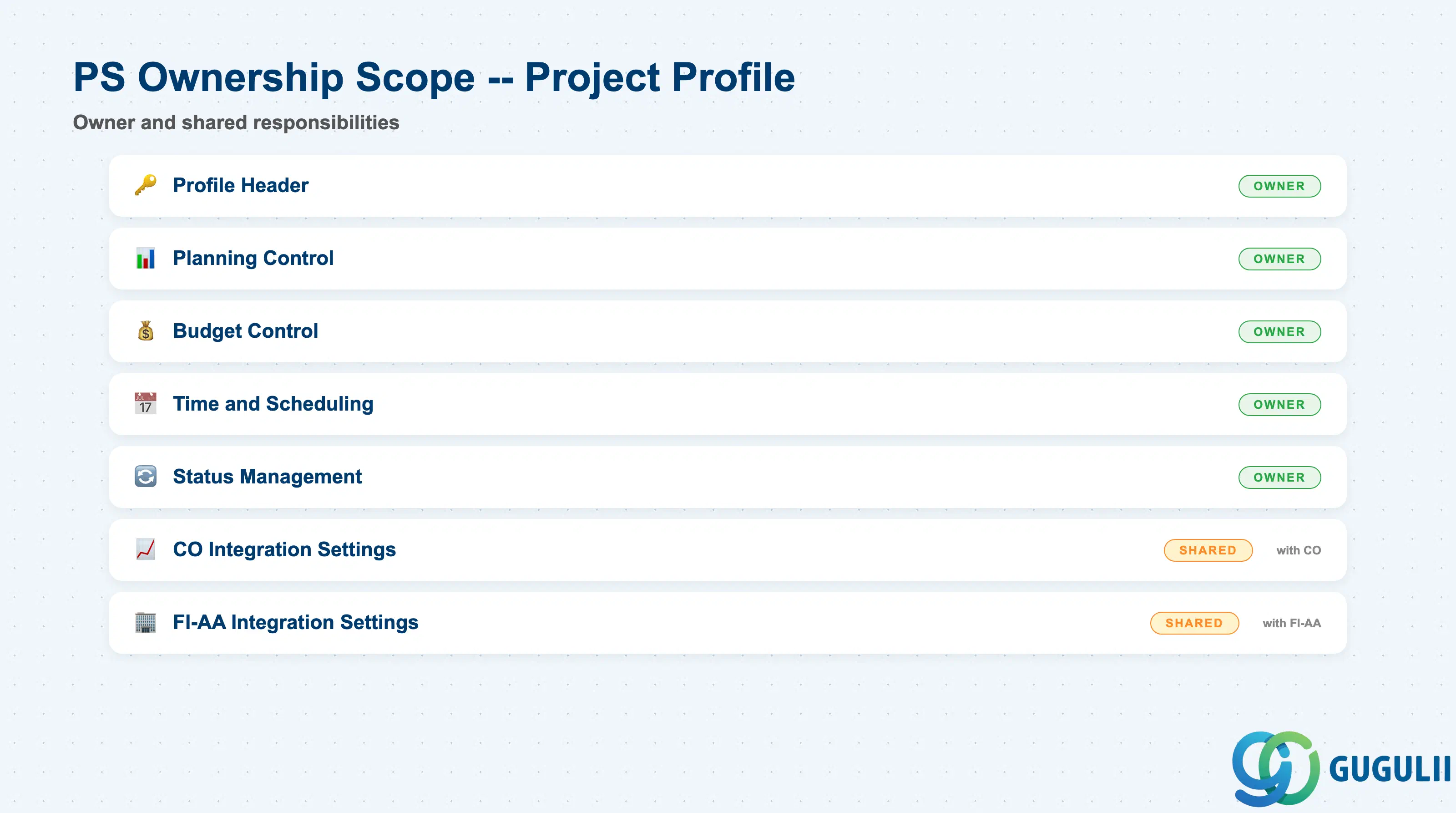
| Profile Header | ◎ Owner | Profile key, description, project type — PS Customizing |
| Planning Control | ◎ Owner | Planning Profile assignment, cost element and revenue planning method |
| Budget Control | ◎ Owner | Budget Profile assignment, availability control setup |
| Time and Scheduling | ◎ Owner | Factory calendar, scheduling parameters, network profile default |
| Status Management | ◎ Owner | Status Profile assignment, initial user status |
| CO Integration Settings | ○ Shared with CO | Profit Center default, results analysis key, settlement profile |
| FI-AA Integration Settings | ○ Shared with FI-AA | AuC asset class, depreciation area (Investment projects only) |
Legend: ◎ = Owner / Critical, ○ = Direct involvement
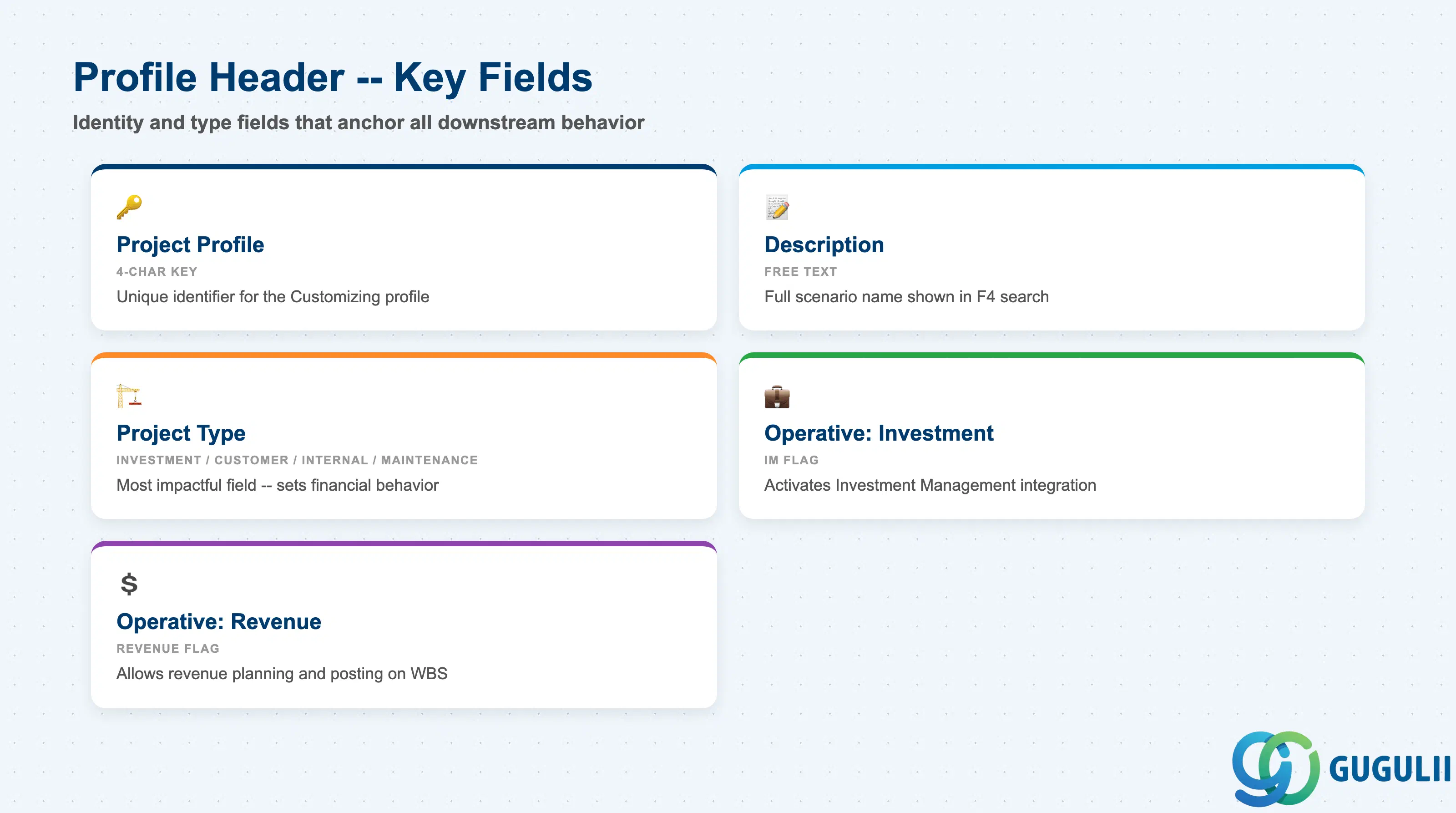
The Profile Header contains the identity and type fields that anchor all downstream behavior. These are set once at Customizing time and cannot be changed after projects have been created using the profile.
| Field | Description | Practical Usage |
|---|---|---|
| Project Profile | 4-character alphanumeric key identifying the profile | Choose a naming convention that encodes the project type and business area (e.g., INV1 = Investment domestic, CUS1 = Customer project). A clear naming convention is critical: once projects are created, the profile cannot be renamed without a transport to all landscapes. |
| Description | Free-text description of the profile | Enter the full name of the project scenario this profile targets (e.g., “Investment Project — Capital Equipment”). Visible in the F4 search at Project Definition creation; a clear description reduces user error when selecting a profile. |
| Project Type | Defines the financial and operational category (Investment / Customer / Internal / Maintenance) | This is the single most impactful field. Investment type enables AuC; Customer type enables billing elements and SD integration; Internal type simplifies settlement to cost centers. Confirm with FI, CO, and SD during blueprint before creating the first transport. |
| Operative Indicator: Investment | Activates Investment Management (IM) integration | Set only for projects managed as capital appropriation requests in the IM module. Enables the IM Appropriation Request linkage. Most investment projects do not use IM — confirm the client’s IM scope in blueprint. |
| Operative Indicator: Revenue | Allows revenue planning and posting on WBS elements | Required for Customer projects with revenue recognition. If not set, revenue postings to WBS are rejected at runtime. Ensure this is active before the first customer project goes live. |
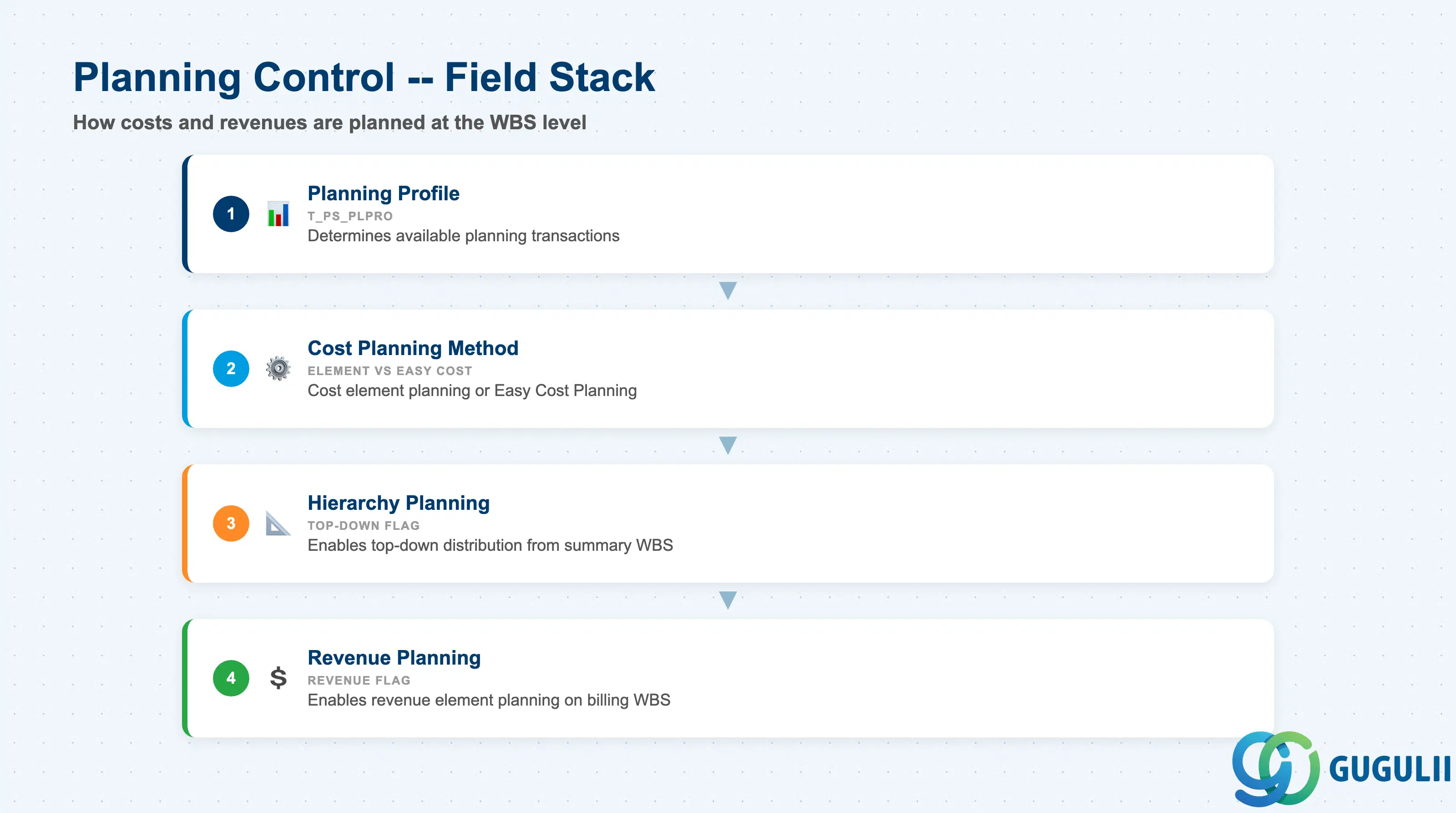
Planning Control fields determine how costs and revenues are planned at the WBS level. The choices here define the planning UX for project managers and the data model available for project reporting and EVM.
| Field | Description | Practical Usage |
|---|---|---|
| Planning Profile | Key referencing the PS Planning Profile (T_PS_PLPRO) | Determines which planning transactions are available: cost element planning (CJR2), hierarchy planning, unit costing (CJ9B). Define one Planning Profile per planning method used in the business. A missing Planning Profile means no planning restrictions — all methods are open, which can lead to inconsistent plan data across projects. |
| Cost Planning Method | Controls whether cost element planning or Easy Cost Planning is used | For S/4HANA, Easy Cost Planning (via Fiori) is the preferred method for project managers without deep SAP experience. Cost element planning (CJR2) remains available for controllers who need element-level detail. Choose one method per project category and configure the Planning Profile accordingly. |
| Hierarchy Planning | Enables top-down plan distribution from summary WBS to child elements | Useful for large projects where the project controller sets a top-level plan figure and distributes it down the WBS hierarchy. Without this flag, planning is bottom-up only — each WBS element is planned independently. |
| Revenue Planning | Enables revenue element planning on WBS billing elements | Required only for Customer and (in some cases) Internal projects where revenue is tracked against a plan. Investment projects should not have revenue planning enabled — it creates confusing variance reports and complicates settlement. |
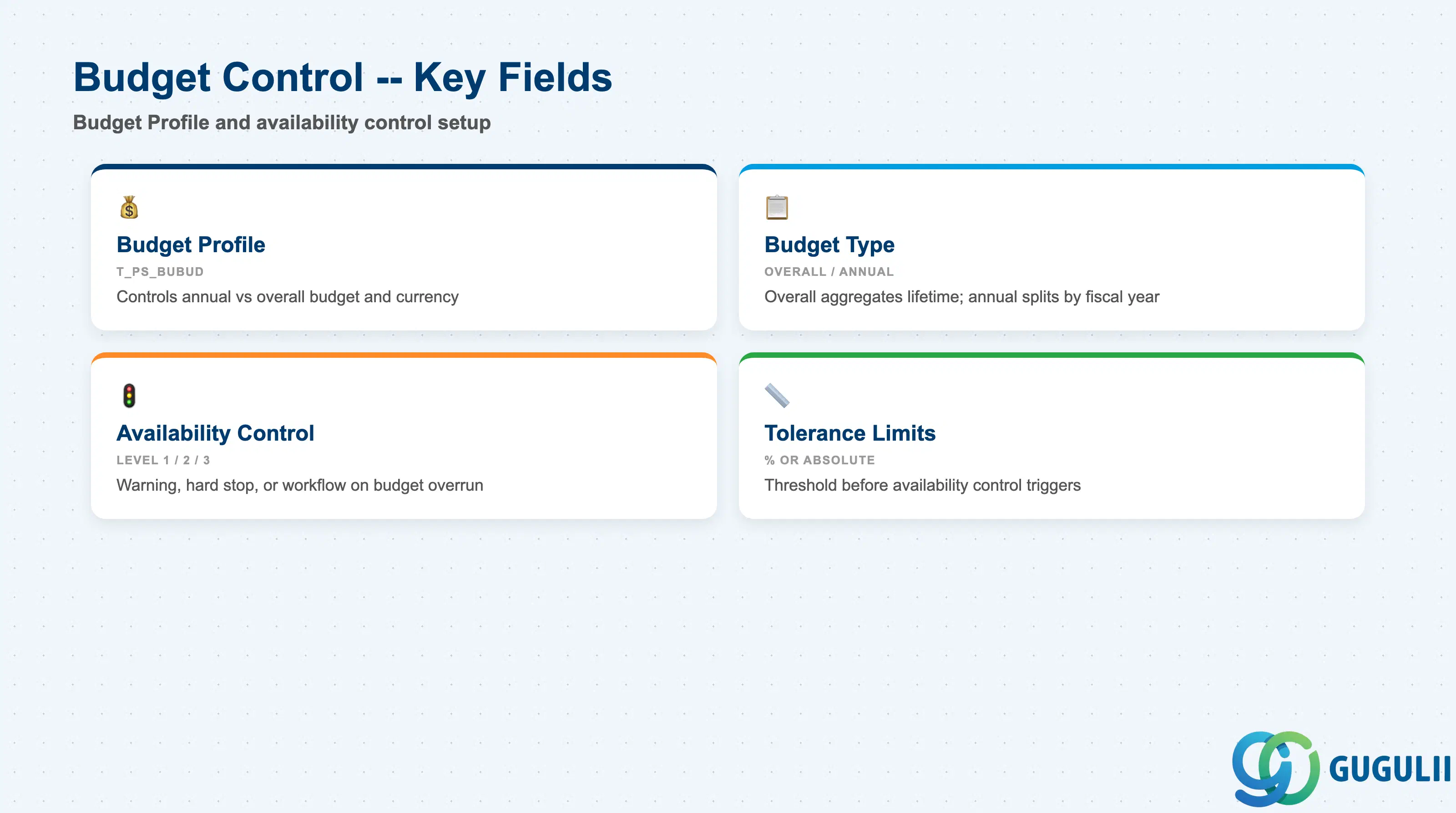
Budget Control fields link the Project Profile to the Budget Profile and determine whether the system will prevent budget overruns. This section is jointly owned with FI/CO during blueprint and configuration.
| Field | Description | Practical Usage |
|---|---|---|
| Budget Profile | Key referencing the PS Budget Profile (T_PS_BUBUD) | The Budget Profile controls annual vs. overall budget, the budget currency, and the availability control settings. Leave blank only for projects that are deliberately excluded from budget control (e.g., preliminary cost estimates before formal budget approval). A common design: separate Budget Profiles for Investment (annual budget with strict availability control) vs. Customer (overall budget with warning-only control). |
| Budget Type | Overall budget or annual budget | Overall budget aggregates the full project lifetime into a single budget figure. Annual budget splits the budget by fiscal year. Choose based on the client’s capital expenditure approval process — annual budgets require more maintenance but align with fiscal year reporting. |
| Availability Control | Activation level: 1 = Warning, 2 = Error (hard stop), 3 = Workflow | Error-level availability control (level 2) prevents purchase orders and actual postings when budget is exceeded. This is the standard for regulated capital projects. Warning-only (level 1) is common for customer projects where over-delivery may be required to complete the scope. Confirm with Finance during blueprint — changing from Warning to Error on live projects can block existing purchase orders. |
| Tolerance Limits | Percentage or absolute amount threshold before the availability control triggers | Typically set at 100% of budget (trigger at first overage). Some clients allow a 5–10% buffer for contingency. Multiple tolerance limits can be defined — for example, Warning at 90%, Error at 100%. Document the tolerance design in the Functional Specification as it is a business policy decision. |
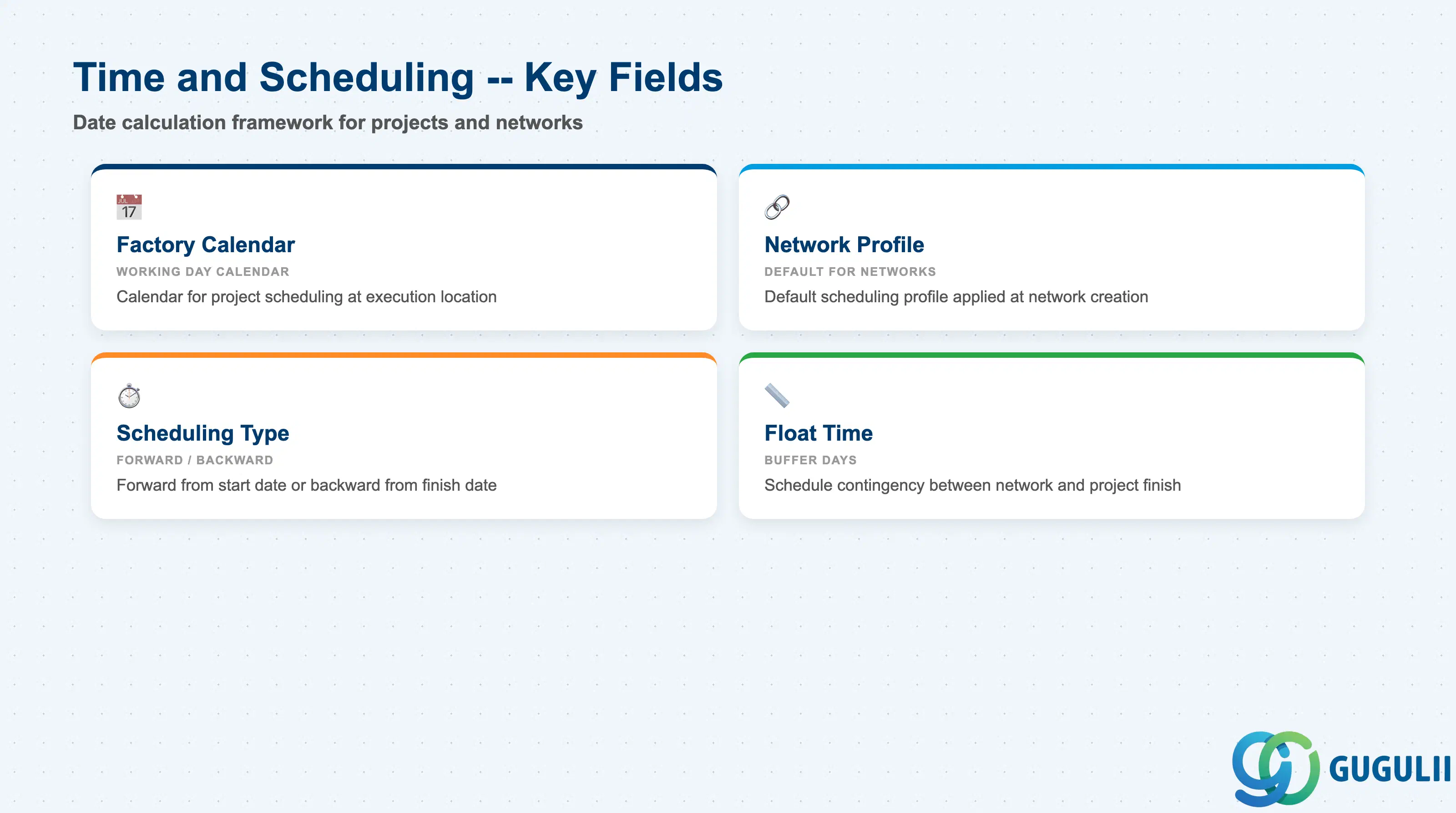
Time and Scheduling fields control the date calculation framework for the project and its networks. Correct setup here is prerequisite to meaningful Gantt chart planning and capacity utilization analysis.
| Field | Description | Practical Usage |
|---|---|---|
| Factory Calendar | Working day calendar used for project scheduling | Select the calendar matching the primary project execution location. For multinational projects with activities in multiple countries, the Network Profile (at the network level) can override this — but the Project Profile calendar is the fallback for WBS-level date calculations. Japan standard: JPN (Japanese public holidays included). |
| Network Profile (Default) | Default Network Profile applied to networks created under this project | Networks can override this at creation, but setting a sensible default minimizes configuration errors for project planners who may not know which Network Profile to select. Define one Network Profile default per project category (e.g., construction projects use a different scheduling float than software projects). |
| Scheduling Type | Forward, Backward, or Only capacities | Forward scheduling: start from the Project Definition start date. Backward scheduling: work backward from the required finish date. For deadline-driven projects (customer delivery commitments), backward scheduling ensures that any activity duration increase immediately surfaces as a project delay. |
| Float Time | Buffer days between network finish and project finish date | Acts as schedule contingency at the project level. A common practice is to set a 5–10 day float for large capital projects to absorb minor delays without triggering a project finish date warning. Do not rely on float as a substitute for activity-level risk buffers — it is a project-level indicator only. |
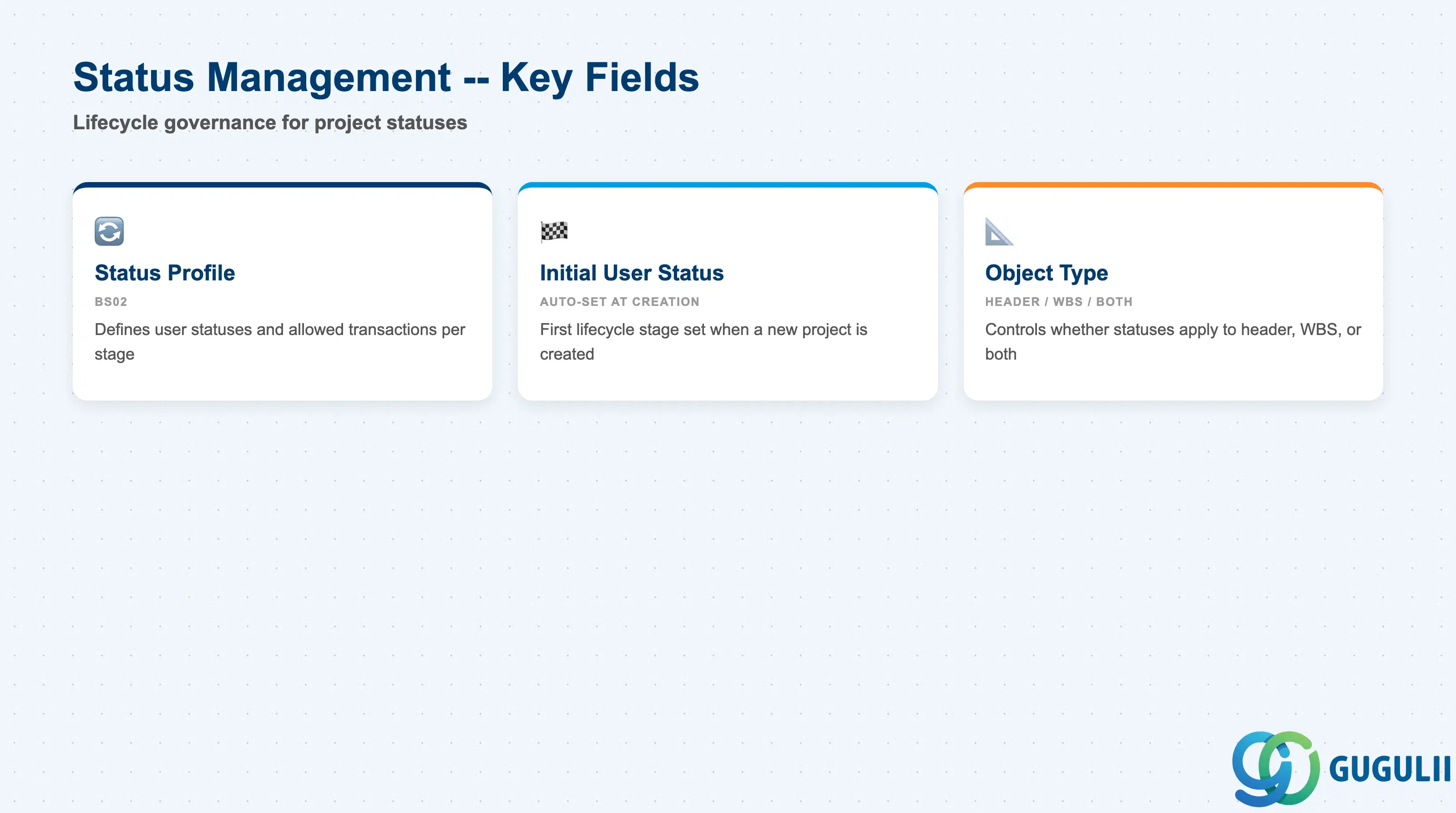
Status Management fields connect the Project Profile to the user-defined status schema that governs what actions are allowed at each lifecycle stage of the project. This is a critical governance control in regulated industries.
| Field | Description | Practical Usage |
|---|---|---|
| Status Profile | Key referencing the Status Profile (BS02 — Define Status Profiles) | The Status Profile defines user statuses (e.g., PLAN = In Planning, APPR = Approved, EXEC = In Execution, CLOS = Closed) and the business transactions each status blocks or allows. Without a Status Profile, the project lifecycle is controlled only by system statuses (CRTD, REL, TECO, CLSD) — sufficient for simple projects but inadequate for regulated capital projects requiring approval gates. |
| Initial User Status | The user status automatically set when a new project is created | Set to the first stage in the approval lifecycle (e.g., PLAN or DRFT). This ensures that all new projects begin in a defined state without requiring the project creator to manually set a status. Alignment with the Change Management workstream is required — the initial status should match the workflow trigger for the first approval step. |
| Object Type | Controls whether the status profile applies to the project header, WBS element, or both | For most implementations, apply the status profile at both project header and WBS element level. If only the header is controlled, WBS elements can be released independently — which may conflict with approval governance requiring all-or-nothing project release. |
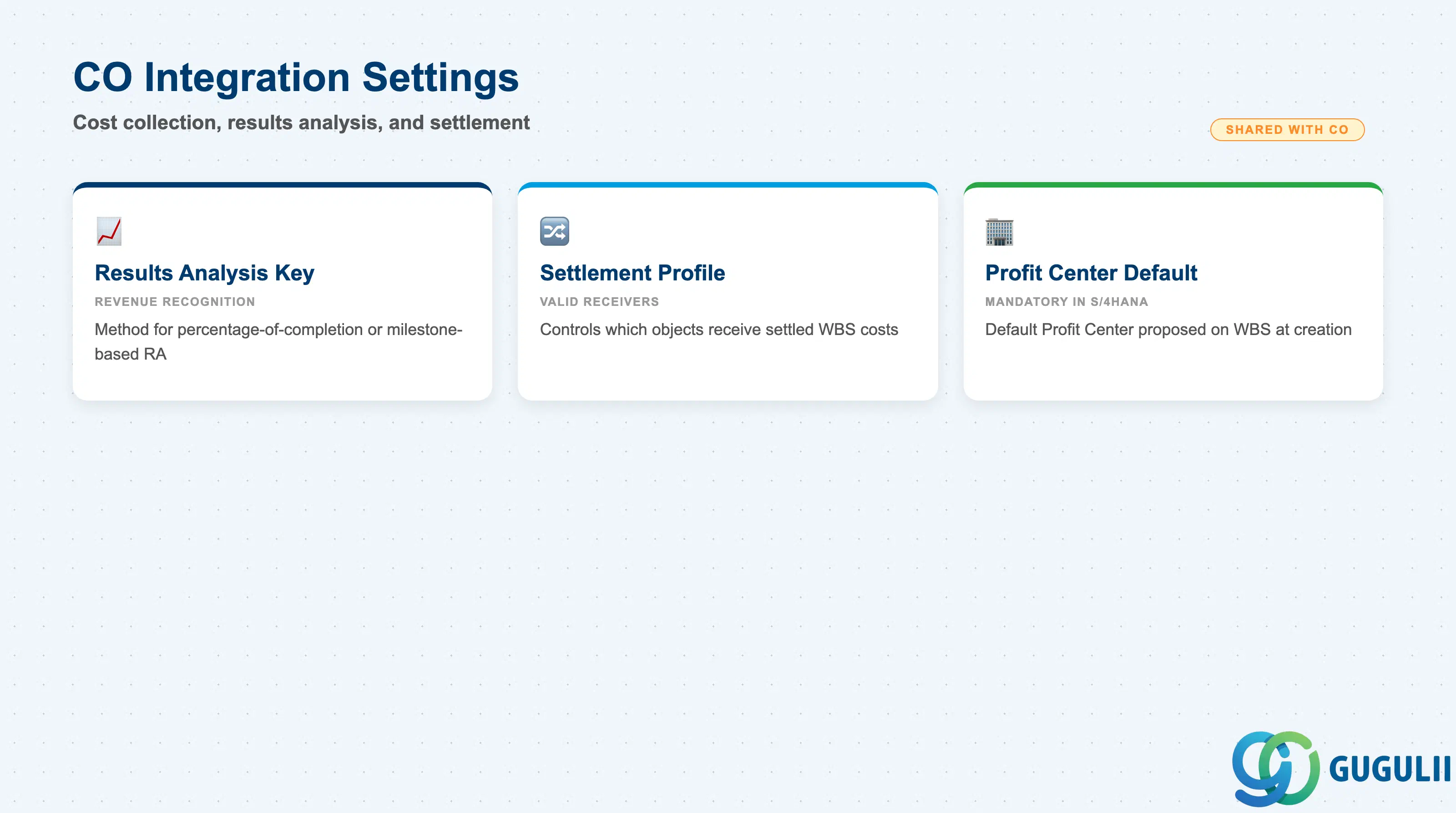
CO Integration Settings link the Project Profile to the Controlling objects that govern cost collection, results analysis, and period-end settlement. These fields are jointly designed between the PS and CO consultants during blueprint.
| Field | Description | Practical Usage |
|---|---|---|
| Results Analysis Key | Key controlling the method of results analysis (revenue recognition) for WBS elements | Used for Customer projects where revenue is recognized based on project progress (percentage of completion, cost-based, or milestone-based). The Results Analysis Key references a CO-PA assignment and defines the calculation method run during period-end closing (CJ44). For Internal and Investment projects, results analysis is typically not used — leave blank to avoid unnecessary period-end postings. |
| Settlement Profile | Controls the valid settlement receivers and distribution rules for WBS settlement | Defines which object types can receive the settled costs: Cost Center, Internal Order, Profitability Segment, Fixed Asset (AuC), GL Account. The profile also sets the default settlement rule source (manual entry vs. automatic derivation). Each project type should have a dedicated settlement profile — mixing investment and internal project settlement rules on the same profile leads to misconfiguration errors and audit findings. |
| Profit Center Default | Default Profit Center proposed on WBS elements at creation | In S/4HANA, every WBS element (Account Assignment Element) requires a Profit Center. Define a default at the Project Profile level for the controlling area’s dummy Profit Center or the most common Profit Center for this project category. Project managers and controllers can override at the WBS level — the profile default prevents blank Profit Center errors during project creation. |
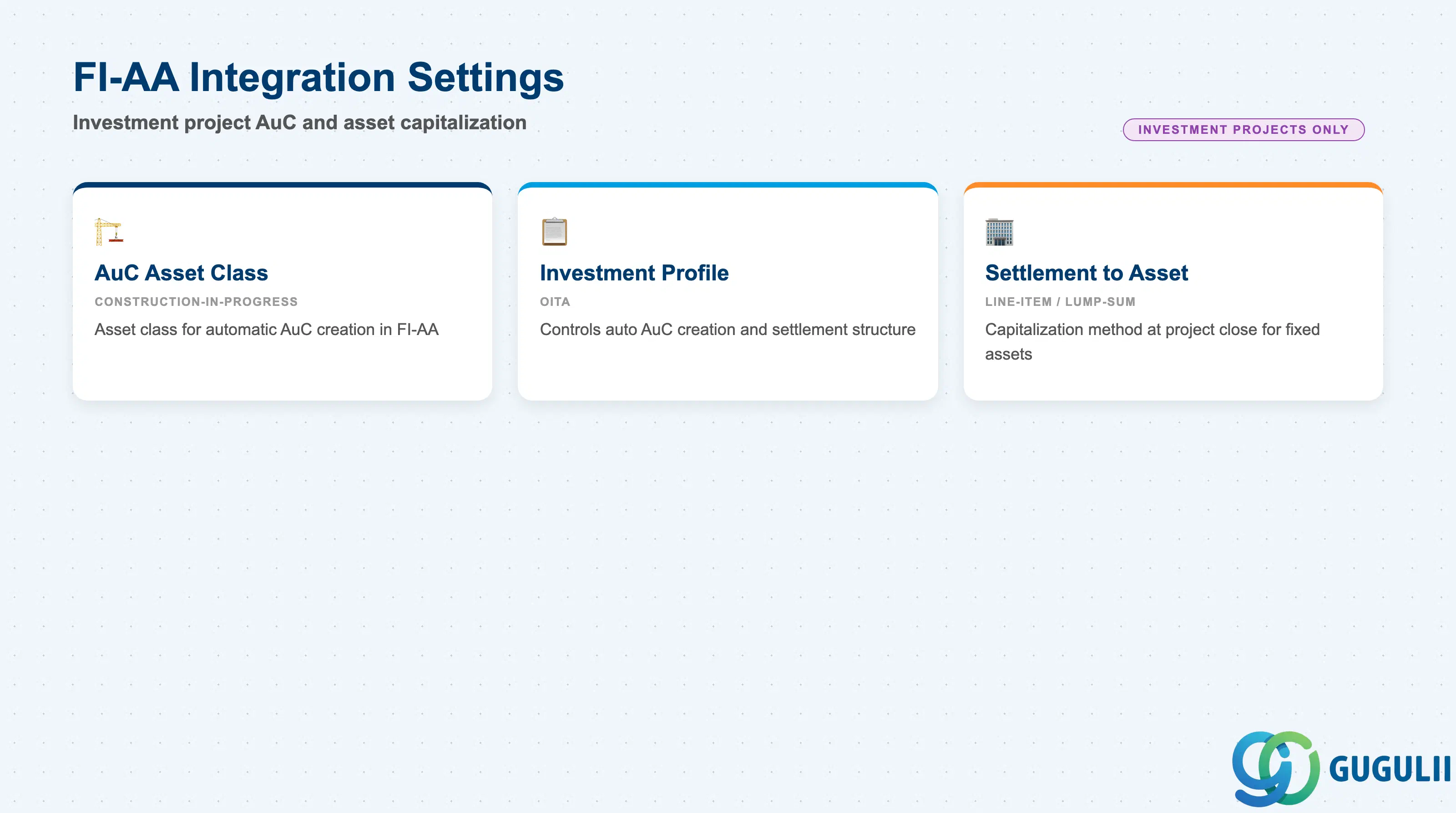
FI-AA Integration Settings are relevant only for Investment Project profiles. They define how assets under construction (AuC) are linked to fixed assets in the Asset Accounting module. These fields are configured jointly by the PS and FI-AA consultants.
| Field | Description | Practical Usage |
|---|---|---|
| AuC Asset Class | Asset class used when a WBS Element (AuC) automatically creates an Asset under Construction in FI-AA | The AuC asset class controls the depreciation area configuration and the balance sheet account for the construction-in-progress (CIP) value. Coordinate with FI-AA to ensure the asset class is configured before the first investment project is created. A missing or incorrect AuC asset class causes errors at the first actual posting to the WBS. |
| Investment Profile | Controls automatic AuC creation and the settlement structure from WBS to fixed asset | Linked to the FI-AA Investment Profile (transaction OITA), which defines the default asset class for automatic AuC creation and whether the AuC is created at WBS creation or at the first actual posting. For Japan: confirm the AuC naming convention and asset numbering with the FI-AA team — Japanese audit requirements typically mandate AuC records at the individual asset level rather than aggregated per project. |
| Settlement to Fixed Asset | Defines the asset capitalization method at project close (line-item settlement vs. lump-sum) | Line-item settlement creates individual fixed assets for each WBS line, preserving cost component detail. Lump-sum settlement rolls all project costs into a single asset. Line-item is the recommended approach for regulated industries and for projects with mixed asset types (machinery, buildings, software). Confirm with FI-AA during blueprint — the settlement method cannot be changed after the first period-end settlement has been posted. |
| ID | Category | Title |
|---|---|---|
| ps-001 | Overview | What is SAP PS? |
| ID | Category | Title |
|---|---|---|
| ps-a01 | Overview | SAP PS Master Data: Overview, Hierarchy & Relationships |
| ps-a02-01 | Master Data | SAP PS Material Master |
| ps-a03-01 | Master Data | SAP PS Project Profile 📍 |
| ps-a03-02 | Master Data | SAP PS Network Profile |
| ps-a03-03 | Master Data | SAP PS Milestone Group |
| ps-a04-01 | Master Data | SAP PS Project Definition |
| ps-a04-02 | Master Data | SAP PS WBS Element |
| ps-a04-03 | Master Data | SAP PS WBS Element (AuC) |
| ps-a04-04 | Master Data | SAP PS WBS Hierarchy |
| ps-a05-01 | Master Data | SAP PS Network |
| ps-a05-02 | Master Data | SAP PS Activity |
| ps-a05-03 | Master Data | SAP PS Activity Element |
| ps-a05-04 | Master Data | SAP PS Milestone |
| ID | Category | Title |
|---|---|---|
| ps-b01 | Overview | SAP PS Transactions: Process Flow, Hierarchy & Relationships |