Title here
Summary here

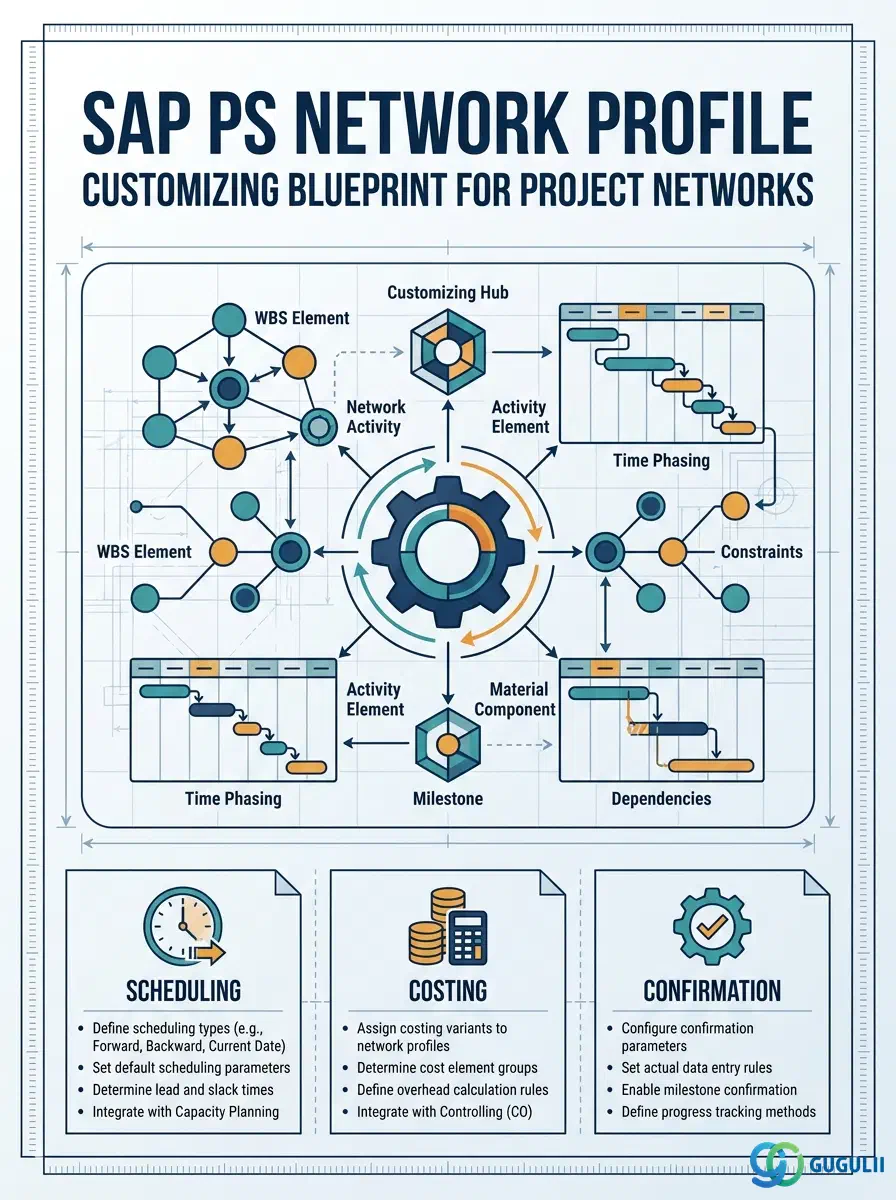
The Network Profile is a Phase 1 Customizing object in SAP Project System that acts as the control blueprint for every Network created on a project. Where the Project Profile governs the project as a whole, the Network Profile governs the scheduling, costing, and confirmation behavior of the network layer sitting beneath it. Without a correctly configured Network Profile, project planners cannot create Networks, and all downstream scheduling, capacity planning, and external processing flows are unavailable.
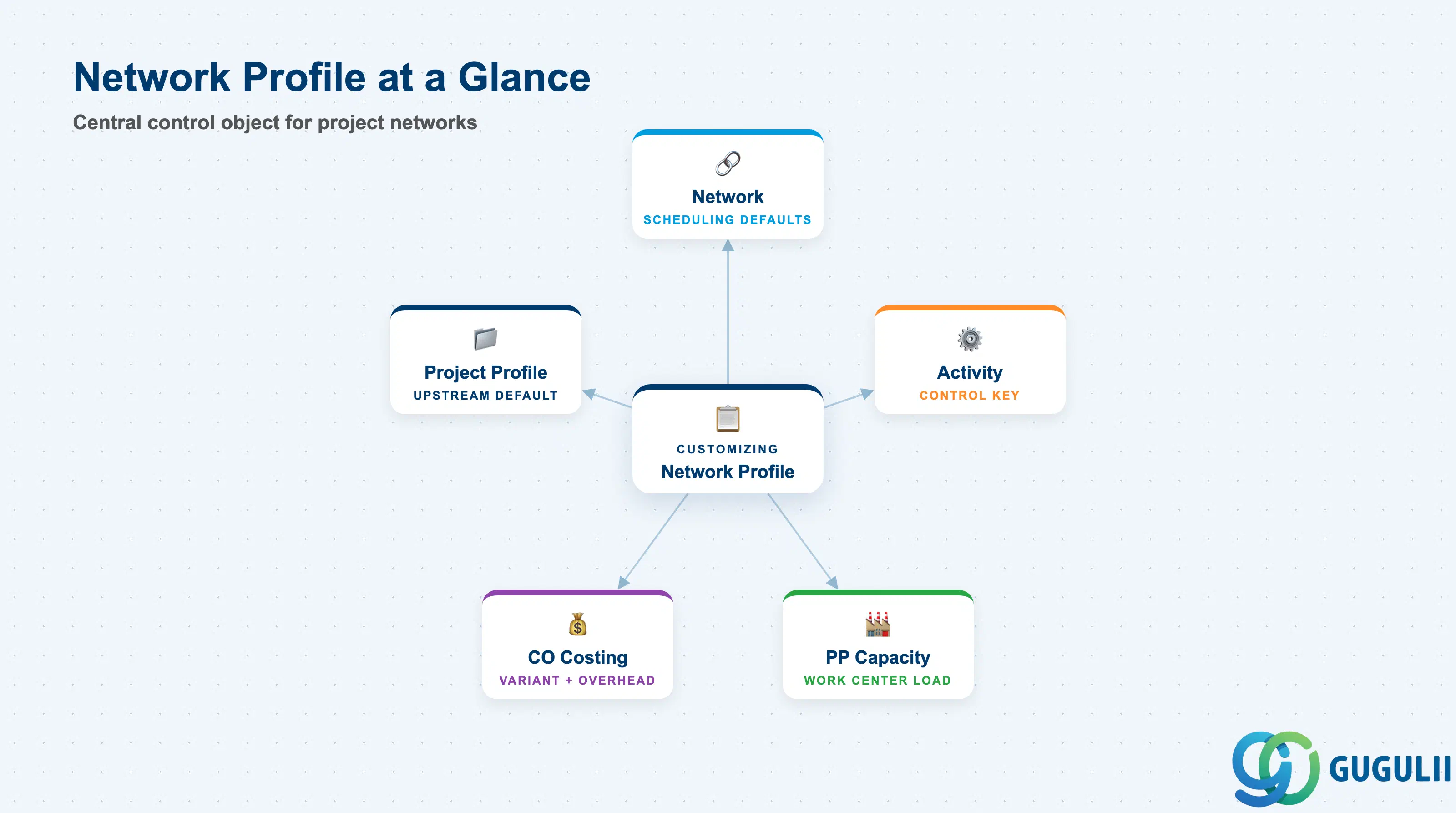
The Network Profile is a Customizing configuration object that defines the default control parameters applied to every Network when it is created. It determines which scheduling strategy, confirmation method, and costing variant the network will use — making it the single configuration lever that shapes the operational behavior of the entire network layer in a project.
| Aspect | Details |
|---|---|
| Role | Defines control parameters (scheduling type, costing, confirmation) applied as defaults when a Network is created in project planning |
| Modules using it | PS (primary owner — network creation and planning), PP (capacity planning via work centers), CO (overhead calculation and results analysis via costing variant) |
| Transactions | OPSC (Define Network Profile — Customizing) / CN21, CN22, CN23 (Network Create / Change / Display — references the profile) |
| Key Tables | T423 (Network Profiles — header), T423T (Network Profile texts) |
| S/4HANA note | Network Profile settings are unchanged from ECC. In S/4HANA, project planning via Fiori apps (e.g., “Manage Projects”) still respects the Network Profile assigned to the network type. No new profile fields added in S/4HANA migration. |
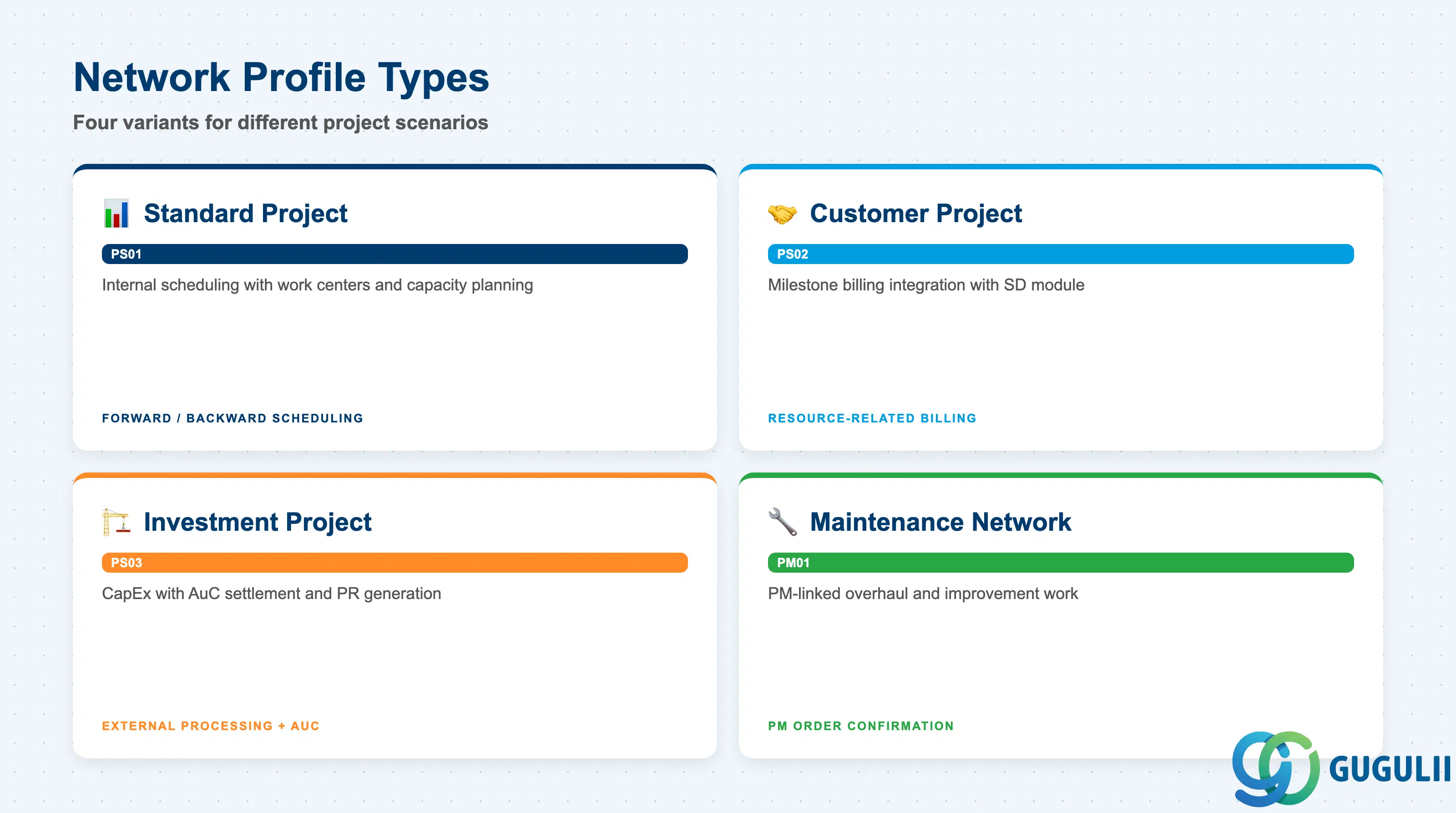
The Network Profile is configured at the Customizing level and a project may use one or more profiles depending on the variety of network types required. Selecting the wrong profile at project creation leads to scheduling errors and incorrect cost object behavior that are difficult to correct after the fact.
| Profile Variant | Code Pattern | Use Case | Key Behavior |
|---|---|---|---|
| Standard Project Network | e.g., PS01 | Internal project scheduling with work centers and capacity planning | Uses forward/backward scheduling, internal activity types for costing, standard confirmation via CN25/CN27 |
| Customer Project Network | e.g., PS02 | Customer-facing projects requiring milestone billing integration with SD | Same as standard but milestone settings enabled; resource-related billing feasible |
| Investment Project Network | e.g., PS03 | Capital expenditure projects with AuC settlement targets | External processing activities generate purchase requisitions; settlement to AuC via WBS |
| Maintenance Network | e.g., PM01 | Plant maintenance-linked projects (large overhaul, improvement work) | Integrates with PM orders; confirmation via maintenance order confirmation path |
Design principle: Define one Network Profile per distinct project type in the template library. Sharing a single profile across investment and customer projects forces compromises in scheduling strategy and costing variant that degrade reporting accuracy.
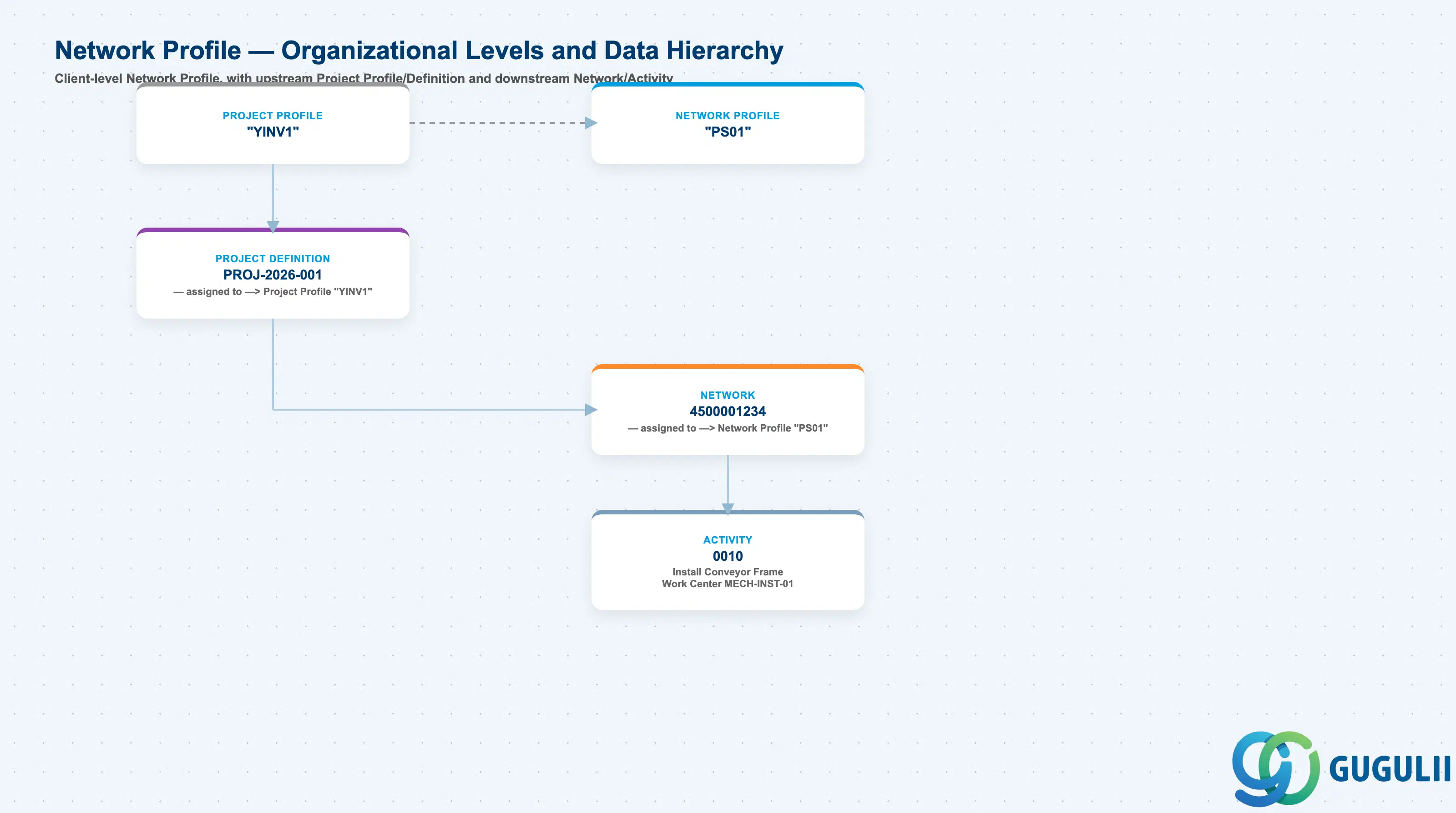
Data hierarchy with a concrete example
Client
   │
   ├── Project Profile "YINV1"
   │      ── includes ──> Network Profile "PS01"
   │
   ├── Network Profile "PS01"
   │      Standard Project Network
   │      Controls: Scheduling, Costing Variant, Confirmation
   │
   └── Project Definition PROJ-2026-001
          Plant Expansion — Line 3 Capacity Increase
          ── assigned to ──> Project Profile "YINV1"
          │
          └── Network 4500001234
                 Line 3 Expansion — Mechanical Installation
                 ── assigned to ──> Network Profile "PS01"
                 │
                 └── Activity 0010
                        Install Conveyor Frame
                        Work Center MECH-INST-01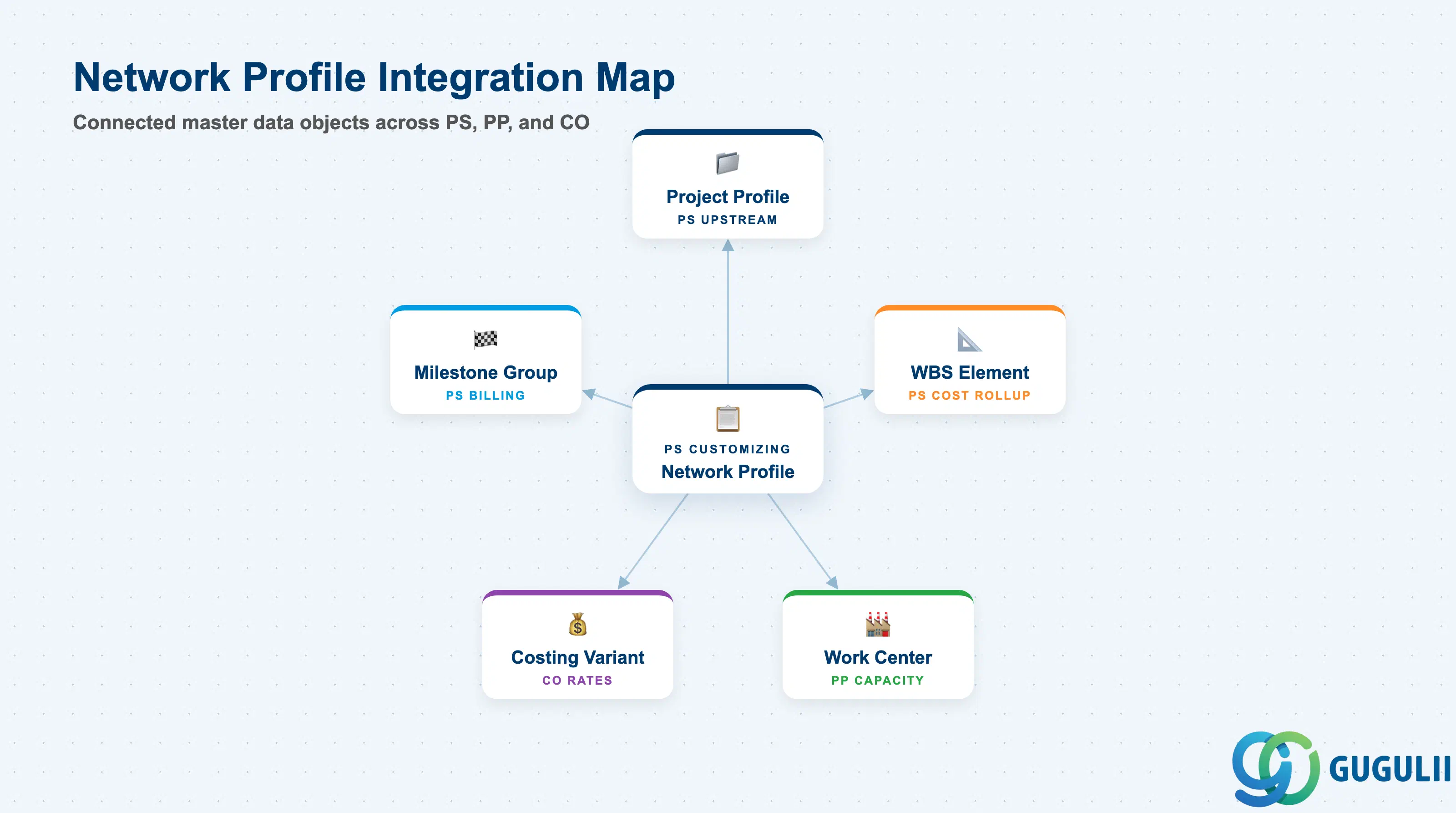
The Network Profile does not stand alone — it connects upstream to the Project Profile and downstream to every network master created in the project. The costing variant it carries links the PS world to CO, and the scheduling settings link it to PP capacity.
| Object | Relationship | Practical Notes |
|---|---|---|
| Project Profile | Upstream dependency — Project Profile carries a default Network Profile field | When a Network is created, SAP proposes the Network Profile stored in the Project Profile. The planner can override it. Misalignment between Project Profile and Network Profile type (e.g., investment profile pointing to a customer network profile) causes costing variant conflicts. |
| WBS Element | Lateral — Network is assigned to one or more WBS Elements for cost rollup | The Network Profile does not carry WBS information, but the costing variant it defines determines how network actual costs are settled to the WBS. Ensure settlement profile is consistent. |
| Milestone Group | Downstream complement — Milestone Group is assigned at the Activity level; Network Profile controls whether milestones are enabled at all | If the Network Profile disables milestone usage, milestone fields are greyed out at the activity level regardless of which Milestone Group is configured. |
| Work Center (PP) | Lateral — Activities reference work centers for capacity planning | The scheduling type in the Network Profile (basic dates vs. detailed scheduling) determines whether capacity requirements are generated on work centers. A profile using basic dates only does not trigger PP capacity planning. |
| Costing Variant (CO) | Downstream dependency — Network Profile carries the Planned Cost Costing Variant | The costing variant defines which activity type rates and overhead keys are applied during network costing. Using the wrong variant (e.g., a standard costing variant on a customer project) produces incorrect cost estimates for billing. |
| Data Section | PS Involvement | Notes |
|---|---|---|
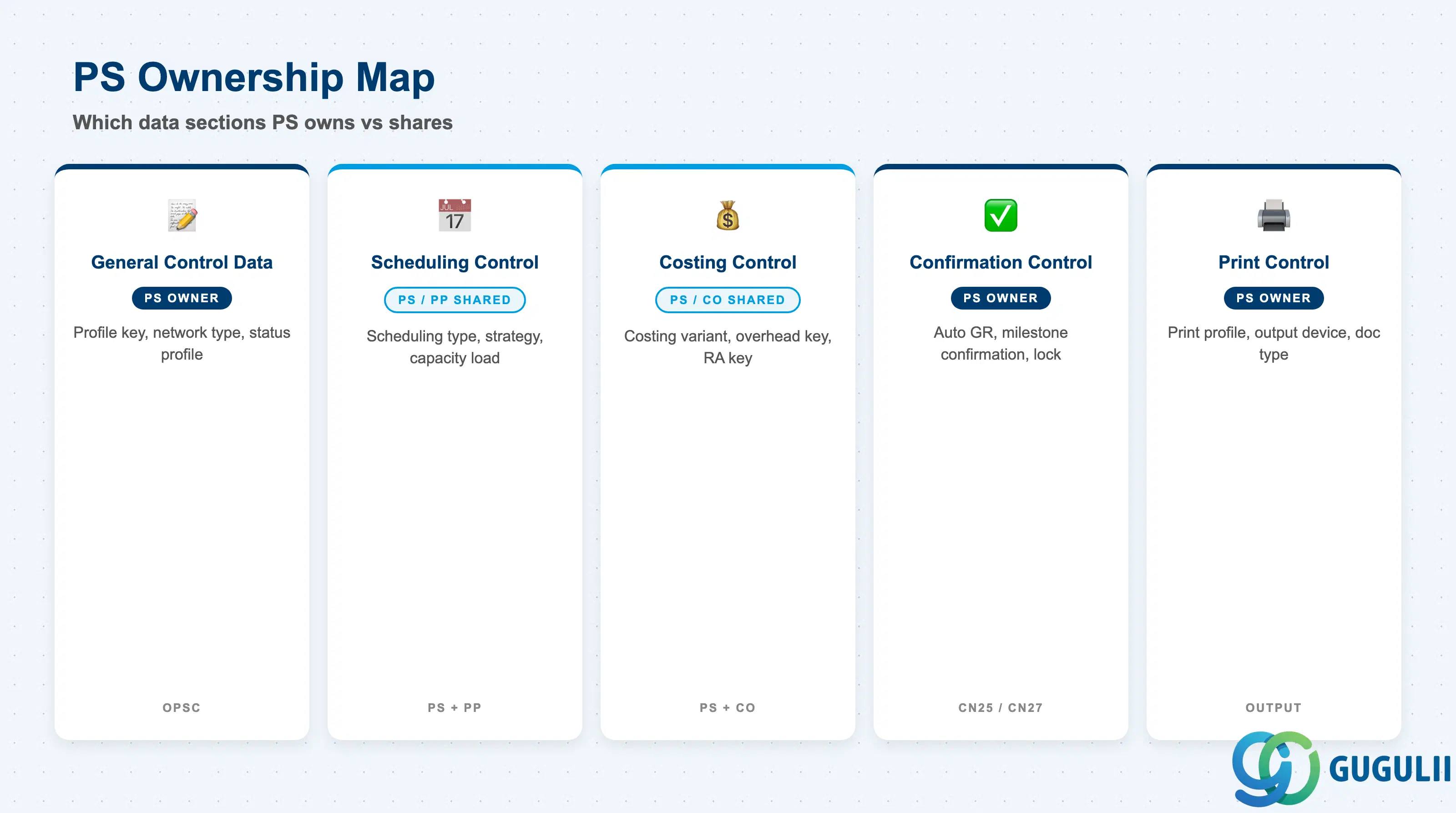
| General Control Data | ◎ Owner | Profile key, network type, status profile, and object class are defined and maintained exclusively by the PS consultant in Customizing (OPSC) |
| Scheduling Control | ○ Shared with PP | Scheduling type and scheduling strategy are PS-defined, but PP confirms feasibility of capacity requirements generated as a result |
| Costing Control | ○ Shared with CO | PS selects the costing variant; CO owns the costing variant definition (rates, overhead keys, valuation) |
| Confirmation Control | ◎ Owner | Confirmation parameters (automatic goods receipt, automatic billing milestone confirmation) are PS-managed |
| Print Control | ◎ Owner | Print profile for network and activity output documents is PS-managed |
Legend: ◎ = Owner / Critical, ○ = Direct involvement
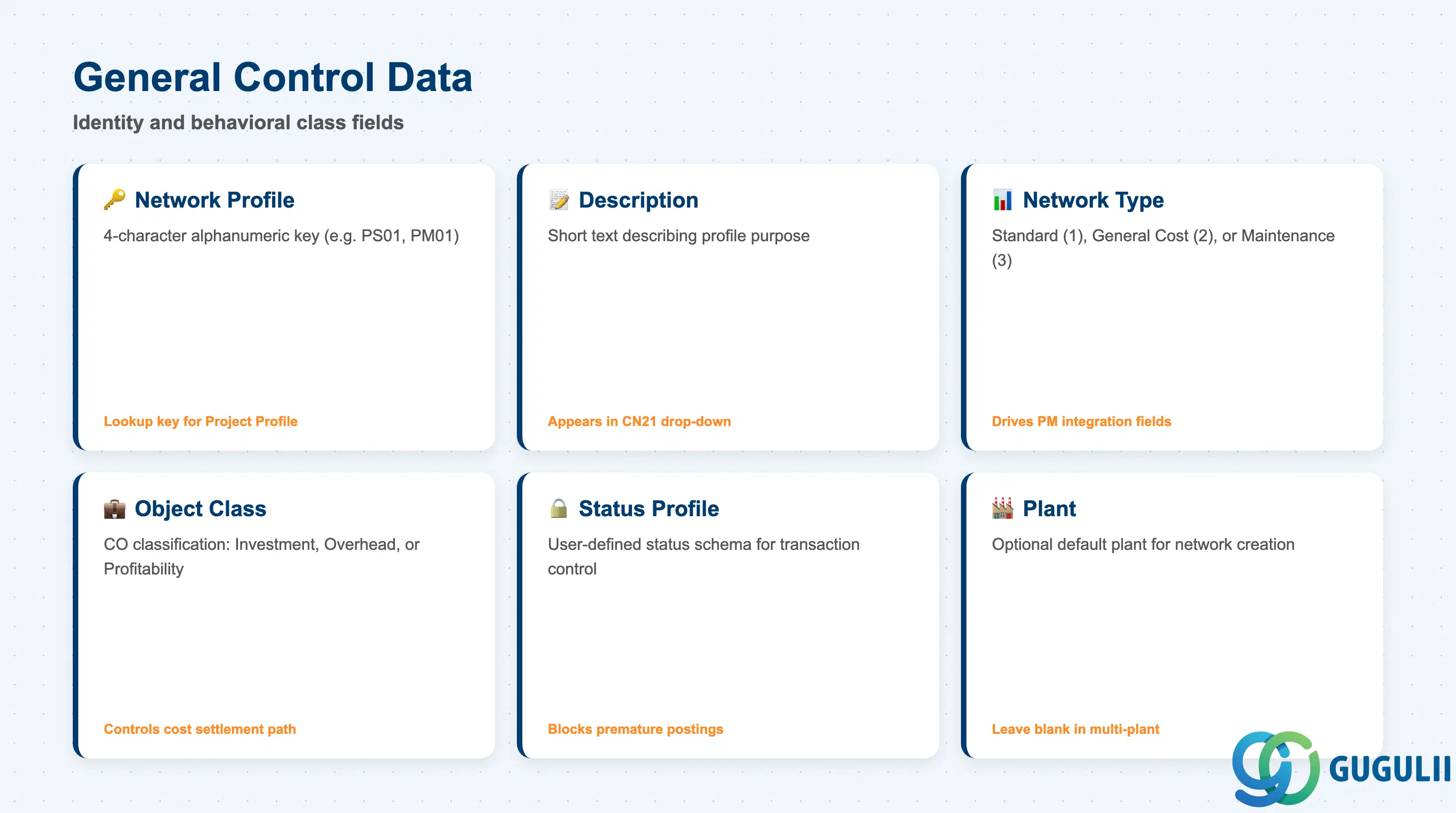
The General Control Data section defines the identity and behavioral class of the Network Profile. These settings are fixed at creation and cannot be changed on a live network without recreating it.
| Field | Description | Practical Usage |
|---|---|---|
| Network Profile | 4-character alphanumeric key identifying the profile (e.g., PS01, PM01) | Acts as the lookup key referenced by Project Profile and entered during network creation. Use a meaningful naming convention — e.g., prefix by project type (PS = project system, PM = maintenance) — because the key appears in every network header report. Changing the key requires mass update of all referencing Project Profiles. |
| Description | Short text describing the profile purpose | Always use a clear business-language description such as “Investment Project Network” rather than a technical code. Operations teams use this description in CN21 drop-down lists; an unclear description leads planners to select wrong profiles. |
| Network Type | Classifies the network as standard (1), general cost (2), or maintenance (3) | Network Type drives the availability of certain fields on the network. For example, maintenance networks (type 3) allow linkage to PM functional locations and equipment. Misselecting type 1 for a maintenance scenario means PM integration fields are invisible and cannot be added later without network deletion. |
| Object Class | Classifies the CO object linked to the network: Investment (I), Overhead (O), or Profitability (P) | This field controls how costs flow in CO — investment object class routes settlement to AuC (asset under construction); overhead class routes to cost centers. Selecting the wrong object class at profile level is one of the most consequential configuration errors in PS because it affects every network created under this profile. |
| Status Profile | Links to a user-defined status schema controlling which business transactions are permitted at each status | Define a status profile for every major project type. A status profile that blocks GR confirmation before “In Execution” status is set prevents accidental postings during the planning phase. Without a status profile, all transactions are allowed at all times. |
| Plant | Optional default plant proposed when creating a network | Used in single-plant deployments to streamline data entry. In multi-plant environments, leave blank and let the planner choose at network creation time to avoid defaulting the wrong plant. |
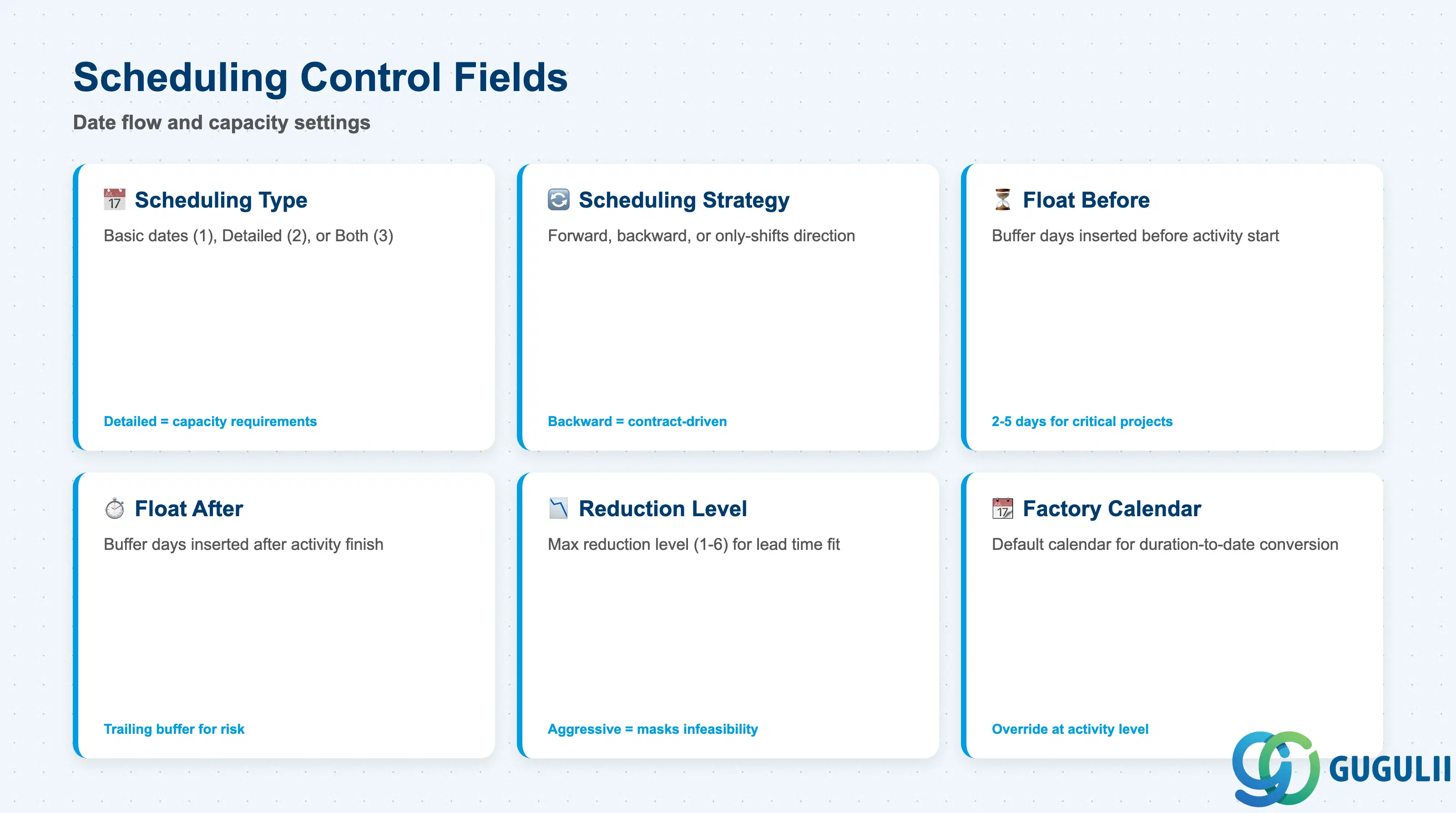
The Scheduling Control section determines how dates flow through the network. Scheduling settings have a direct impact on network capacity requirements and, for customer projects, on milestone dates that trigger billing.
| Field | Description | Practical Usage |
|---|---|---|
| Scheduling Type | Defines whether the network uses basic dates (1), detailed scheduling (2), or both (3) | Basic dates scheduling uses only start/finish dates without capacity load calculation — suitable for high-level project templates. Detailed scheduling generates capacity requirements on work centers and enables backward/forward scheduling with bottleneck analysis. For capacity-intensive manufacturing projects, always use detailed scheduling. |
| Scheduling Strategy | Controls direction of scheduling — forward from start date, backward from finish date, or only-shifts (adjust dates without recalculating durations) | Backward scheduling from the contractual delivery date is the most common pattern in customer projects. Forward scheduling suits investment projects where the start date is fixed. Choosing only-shifts disables automatic date recalculation, which is sometimes used for frozen project baselines. |
| Float Before Activity | Number of buffer days inserted before each activity start | Build float time into the profile when project risk requires schedule buffer. For critical infrastructure projects, a float of 2–5 days per activity avoids cascading delays. Set to zero for time-and-material projects where every day of buffer is a billable day. |
| Float After Activity | Number of buffer days inserted after each activity finish | Acts as trailing buffer. Combined with float before, it creates a protected window around each activity. Large floats reduce scheduling pressure but can mask real timeline risks if planners become dependent on the buffer. |
| Reduction Level | Specifies the maximum reduction level (1–6) applied during lead time scheduling to meet deadline | Used when backward scheduling generates a start date in the past. SAP reduces activity durations in steps (per work center reduction settings) until the schedule fits. Configuring too aggressive a reduction level (e.g., 6) masks infeasible schedules that planners should be escalating. |
| Factory Calendar | Default factory calendar used for duration-to-date conversion | Use the calendar of the primary execution plant. Multi-site projects with activities in different countries need activity-level calendar overrides — the profile default is just the starting point. |
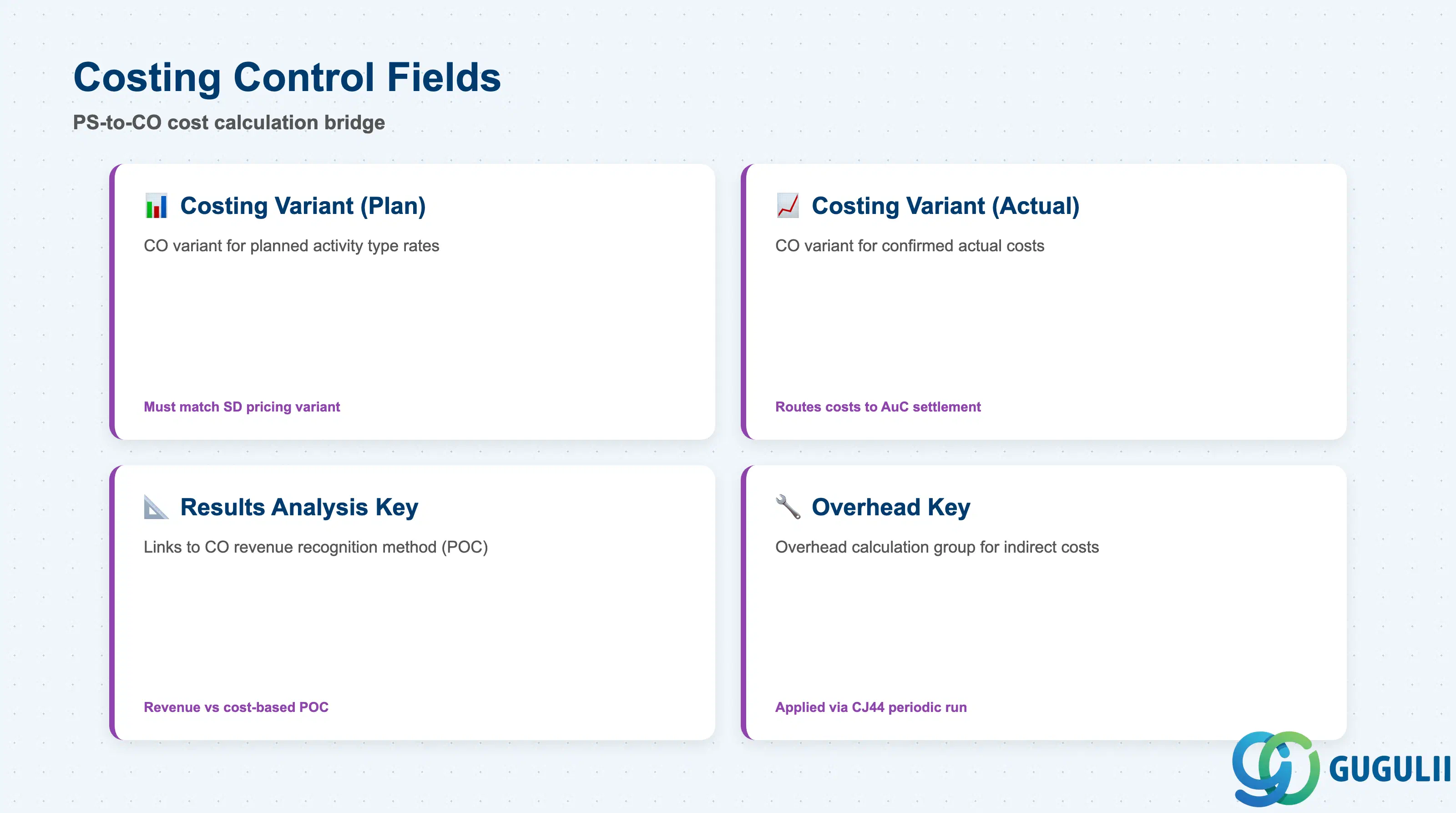
The Costing Control section bridges PS network planning to CO cost calculation. These settings determine which rates are used for planned costs and how actual costs are presented in results analysis — directly affecting project profitability reporting.
| Field | Description | Practical Usage |
|---|---|---|
| Costing Variant (Planned) | CO costing variant applied during network cost calculation to value internal activities | Select a costing variant that uses current activity type rates from CO. For customer projects, planned costing variant must match the variant used in SD pricing to ensure the cost estimate and the billing calculation are based on the same rates. Misalignment produces unexplained variances in profitability analysis. |
| Costing Variant (Actual) | CO costing variant applied to actual confirmations | Usually set to the standard actual costing variant (e.g., PP01 or a PS-specific equivalent). For investment projects, ensure the actual costing variant routes costs to the correct AuC settlement profile; otherwise, capitalization amounts will not reconcile to the planned cost estimate. |
| Results Analysis Key | Links the network to a CO results analysis method (e.g., revenue-based POC, cost-based POC) | Critical for customer projects that recognize revenue based on percentage of completion. The results analysis key determines whether revenue is recognized on a cost-basis or milestone-basis method. Projects that bill on milestones should use a different key than projects that bill resource-related. Selecting the wrong key causes incorrect deferred revenue postings in period-end closing. |
| Overhead Key | Links the network to a CO overhead calculation group for applying indirect costs | Overhead keys define which overhead rates (e.g., 15% material overhead, 20% labor overhead) are applied to network activities during periodic overhead calculation (CJ44). Ensure the overhead key matches the overhead schema defined with CO — an incorrect key results in either over-application or under-application of overhead, both of which distort project margins. |
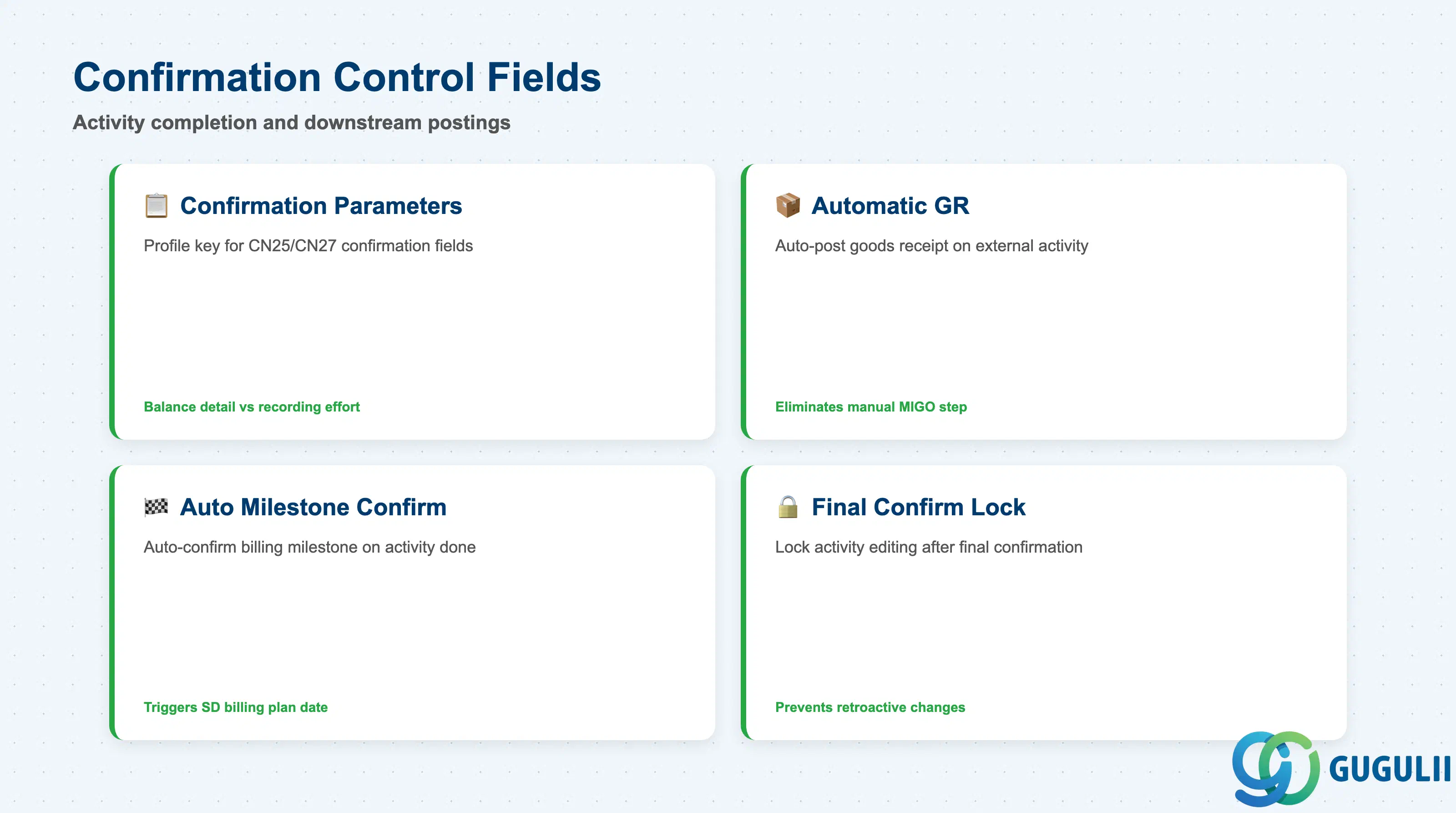
Confirmation Control governs how activities are completed in the system and what automatic downstream postings are triggered when an activity is confirmed. Incorrect confirmation settings are a frequent source of missing goods receipts and missed billing milestones.
| Field | Description | Practical Usage |
|---|---|---|
| Confirmation Parameters | Key linking to the network confirmation profile (OPSK) that defines which fields are displayed and mandatory during activity confirmation (CN25/CN27) | Assign a confirmation profile that matches the project type. A lean confirmation profile (few mandatory fields) speeds up time recording but reduces data quality. A comprehensive profile (actual work, actual dates, forecast dates, activity element breakdown) provides better EVA data. Balance the profile requirements against the recording effort expected of project team members. |
| Automatic Goods Receipt | Flag that controls whether a GR is automatically posted when an external processing (PS02) activity is confirmed | Set to active for external processing activities where the vendor’s work completion is the GR event. Failing to activate this flag means procurement teams must manually post GR in MIGO, creating a reconciliation burden and delaying invoice verification. |
| Automatic Milestone Confirmation | Flag that automatically confirms a Billing Milestone when the linked activity is confirmed | Use with care on customer projects. Auto-confirmation triggers the SD billing plan date, which can generate an invoice before the customer has formally accepted the deliverable. For projects requiring written acceptance, disable auto-confirmation and use manual milestone confirmation (CN25) as an acceptance gate. |
| Final Confirmation Lock | Controls whether editing of an activity is locked after final confirmation is posted | Always activate for completed activities to prevent retroactive changes to confirmed dates and actual costs. Without this lock, planners can inadvertently modify confirmed data during period-end, leading to audit findings. |
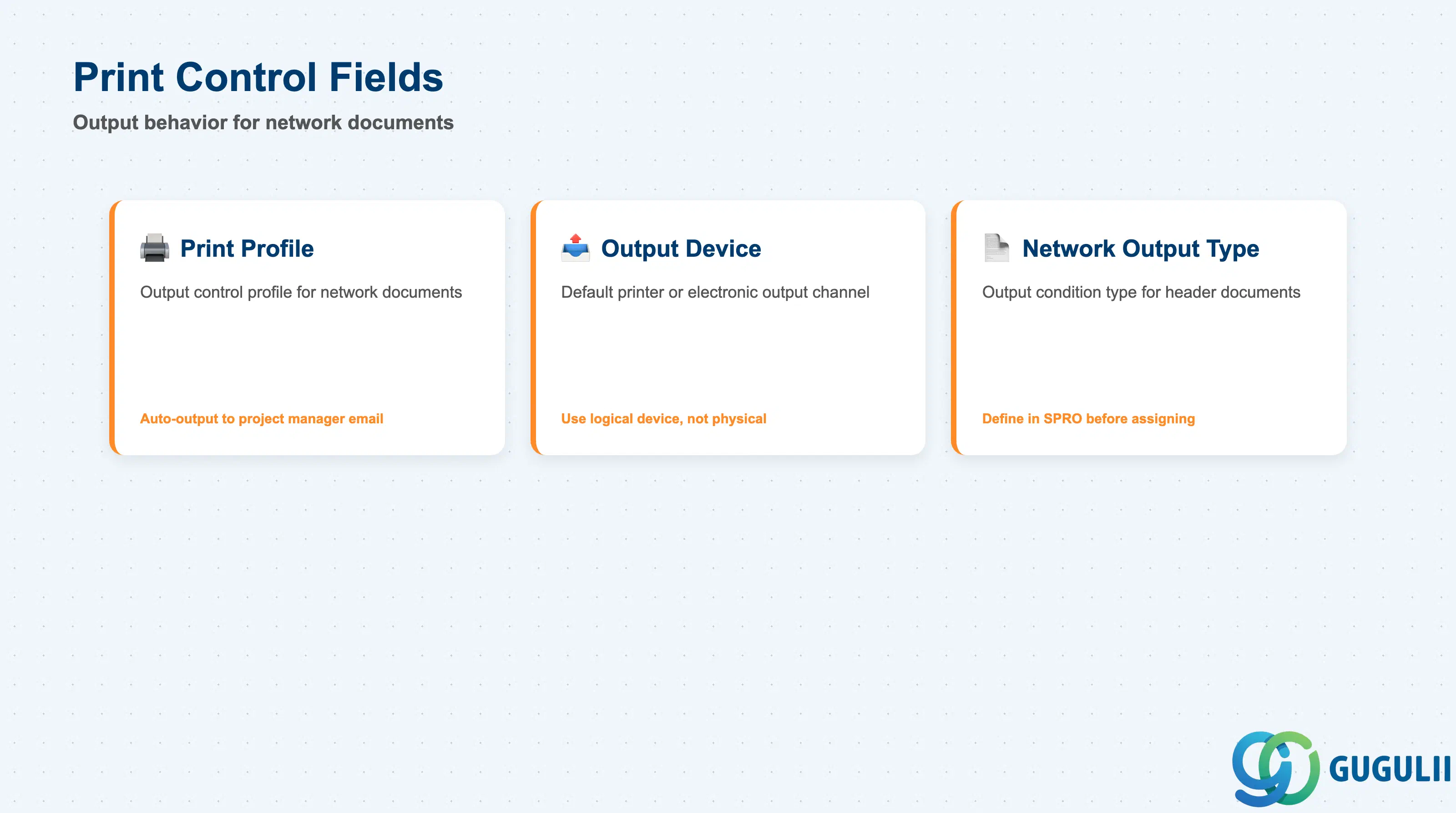
Print Control defines the default output behavior for network-related documents — primarily relevant for external processing activities that generate purchase requisitions and for customer project documentation requirements.
| Field | Description | Practical Usage |
|---|---|---|
| Print Profile | Key referencing the output control profile that determines which documents are printed or transmitted when network transactions are saved | Assign a print profile aligned to the project’s communication requirements. For customer projects, a print profile that automatically outputs the network activity plan to the project manager’s email reduces manual follow-up. For internal projects, suppress unnecessary output to avoid paper waste. |
| Output Device | Default printer or output channel (e.g., LP01 for local print, EMAIL for electronic output) | Set to a logical output device rather than a physical printer to avoid hard-coding a specific printer that may be decommissioned. Use SAP output condition technique to route documents to the correct device based on plant or organizational unit. |
| Network Output Type | Output condition type applied to the network header document (e.g., schedule print, network overview) | Used primarily in customer-facing contexts where the network schedule must be formatted as a project document. Define output types in Customizing SPRO before assigning here — missing output type definitions cause output errors at network save. |
| ID | Category | Title |
|---|---|---|
| ps-001 | Overview | What is SAP PS? |
| ID | Category | Title |
|---|---|---|
| ps-a01 | Overview | SAP PS Master Data: Overview, Hierarchy & Relationships |
| ps-a02-01 | Master Data | SAP PS Material Master |
| ps-a03-01 | Master Data | SAP PS Project Profile |
| ps-a03-02 | Master Data | SAP PS Network Profile 📍 |
| ps-a03-03 | Master Data | SAP PS Milestone Group |
| ps-a04-01 | Master Data | SAP PS Project Definition |
| ps-a04-02 | Master Data | SAP PS WBS Element |
| ps-a04-03 | Master Data | SAP PS WBS Element (AuC) |
| ps-a04-04 | Master Data | SAP PS WBS Hierarchy |
| ps-a05-01 | Master Data | SAP PS Network |
| ps-a05-02 | Master Data | SAP PS Activity |
| ps-a05-03 | Master Data | SAP PS Activity Element |
| ps-a05-04 | Master Data | SAP PS Milestone |
| ID | Category | Title |
|---|---|---|
| ps-b01 | Overview | SAP PS Transactions: Process Flow, Hierarchy & Relationships |