Title here
Summary here

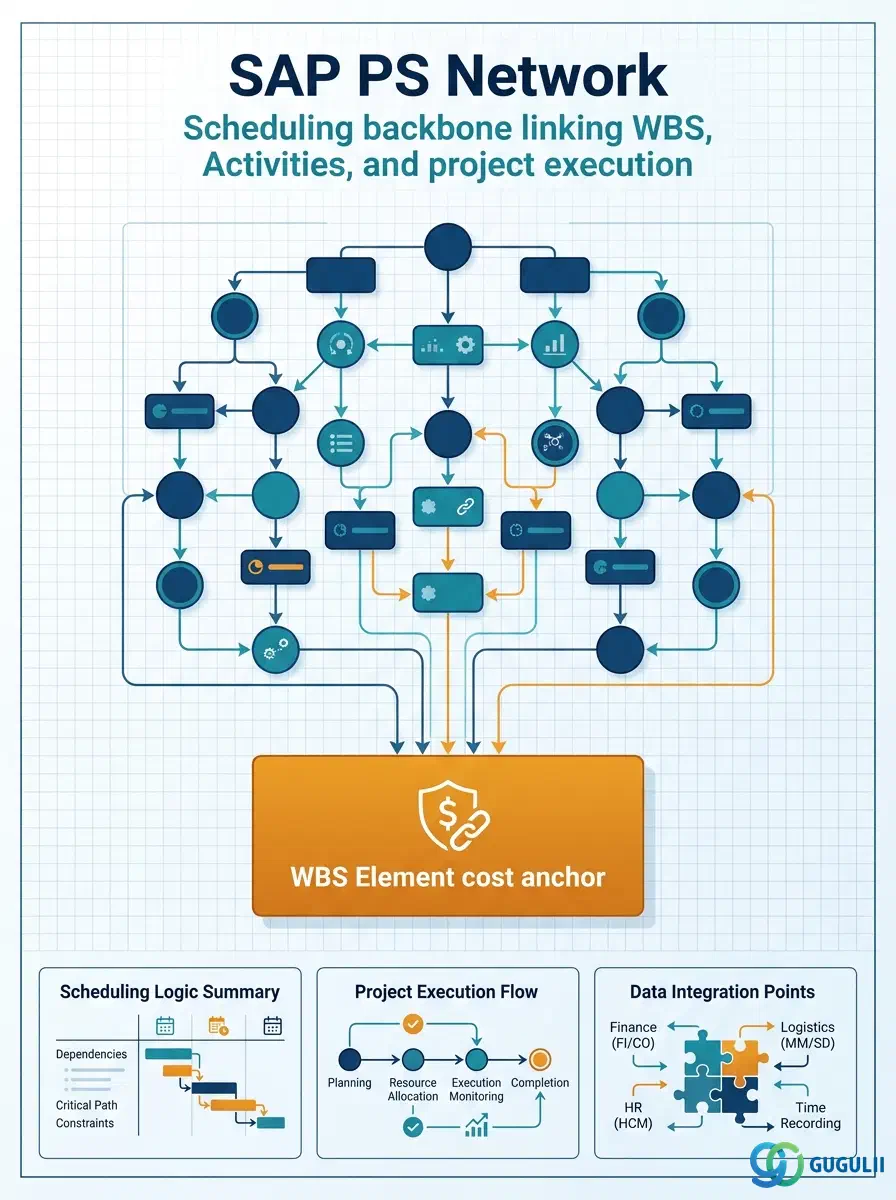
The Network is the scheduling and capacity-planning master data object in SAP Project System. Created from a Network Profile and assigned to one or more WBS Elements, a Network organizes the detailed execution work of a project into Activities, defines their dependencies, and drives forward or backward scheduling, MRP integration, and cost collection at activity level. Where WBS Elements answer “what” and “at what cost,” the Network answers “how” and “when.” The rest of this article covers Network types, organizational hierarchy, integration with WBS and PP, and every field a PS consultant must configure.
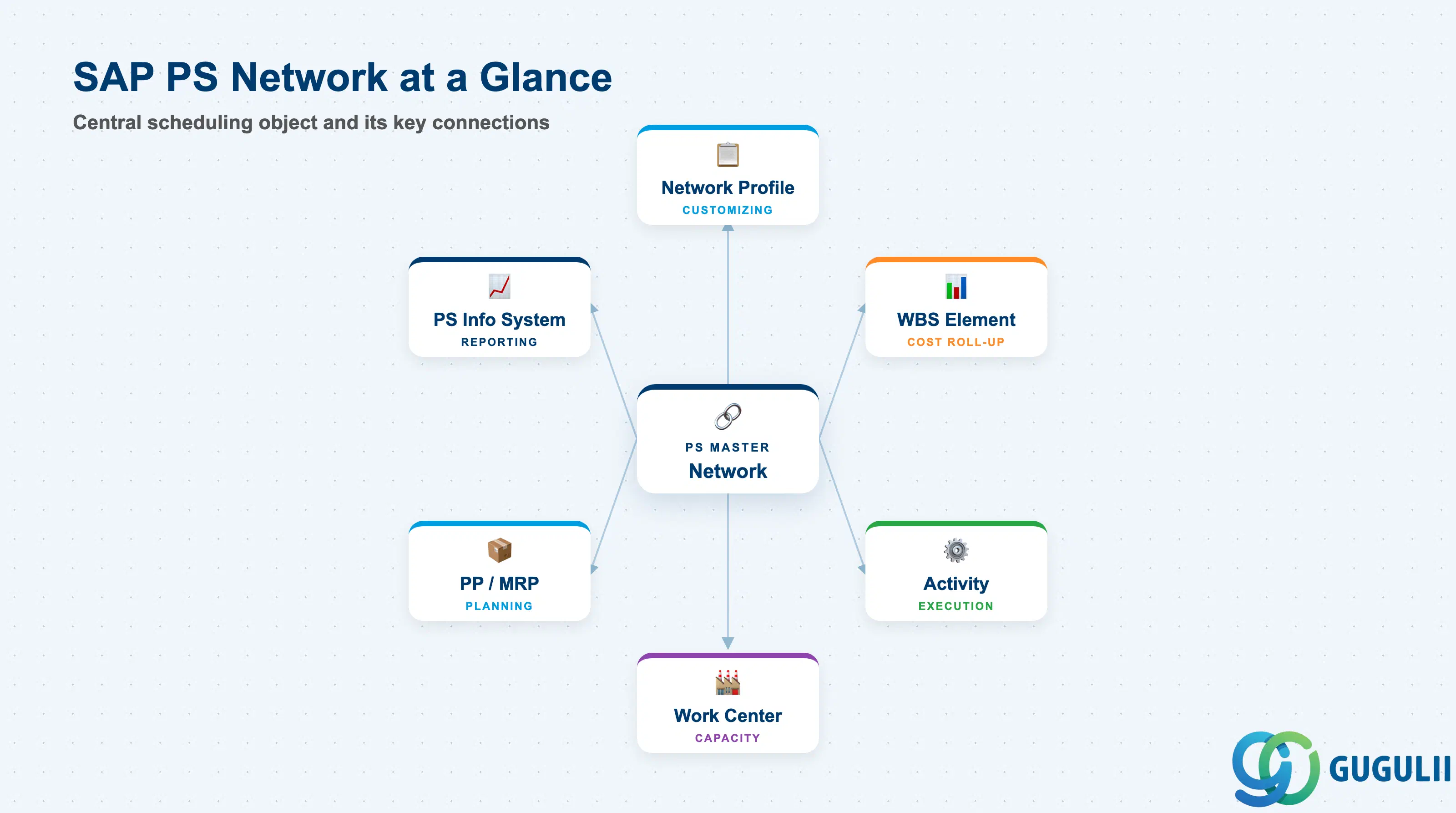
A Network is a directed graph of Activities (nodes) linked by relationships (edges) that models the work sequence of a project. In SAP PS, the Network object holds the header-level scheduling parameters while the real execution detail lives in its Activities (see PS-A05-02). The Network header controls the scheduling direction (forward/backward), the date constraints, and the link back to the WBS Element that collects the resulting costs.
| Aspect | Details |
|---|---|
| Role | Scheduling and work-decomposition structure within a project; links Activities to WBS Elements for cost collection and to Work Centers for capacity planning |
| Modules using it | PS (primary owner — scheduling, execution), PP (capacity planning via Work Centers), MM (automatic PR/PO generation for External Processing activities), CO (activity-type-based cost calculation) |
| Transactions | CN21 (Create Network) / CN22 (Change) / CN23 (Display) / CJ20N (Project Builder — create interactively with WBS) / CN41 (Network list report) |
| Key Tables | AUFK (Network header — same table as internal orders) / AFVC (Activity / Operation) / AFVV (Activity dates and quantities) / AFKO (Network order header scheduling data) |
| S/4HANA note | Network data model is functionally unchanged from ECC. Fiori app “Manage Projects” (F2373) supports Network and Activity creation within the project context. Capacity planning integration with PP remains via the same Work Center objects. |
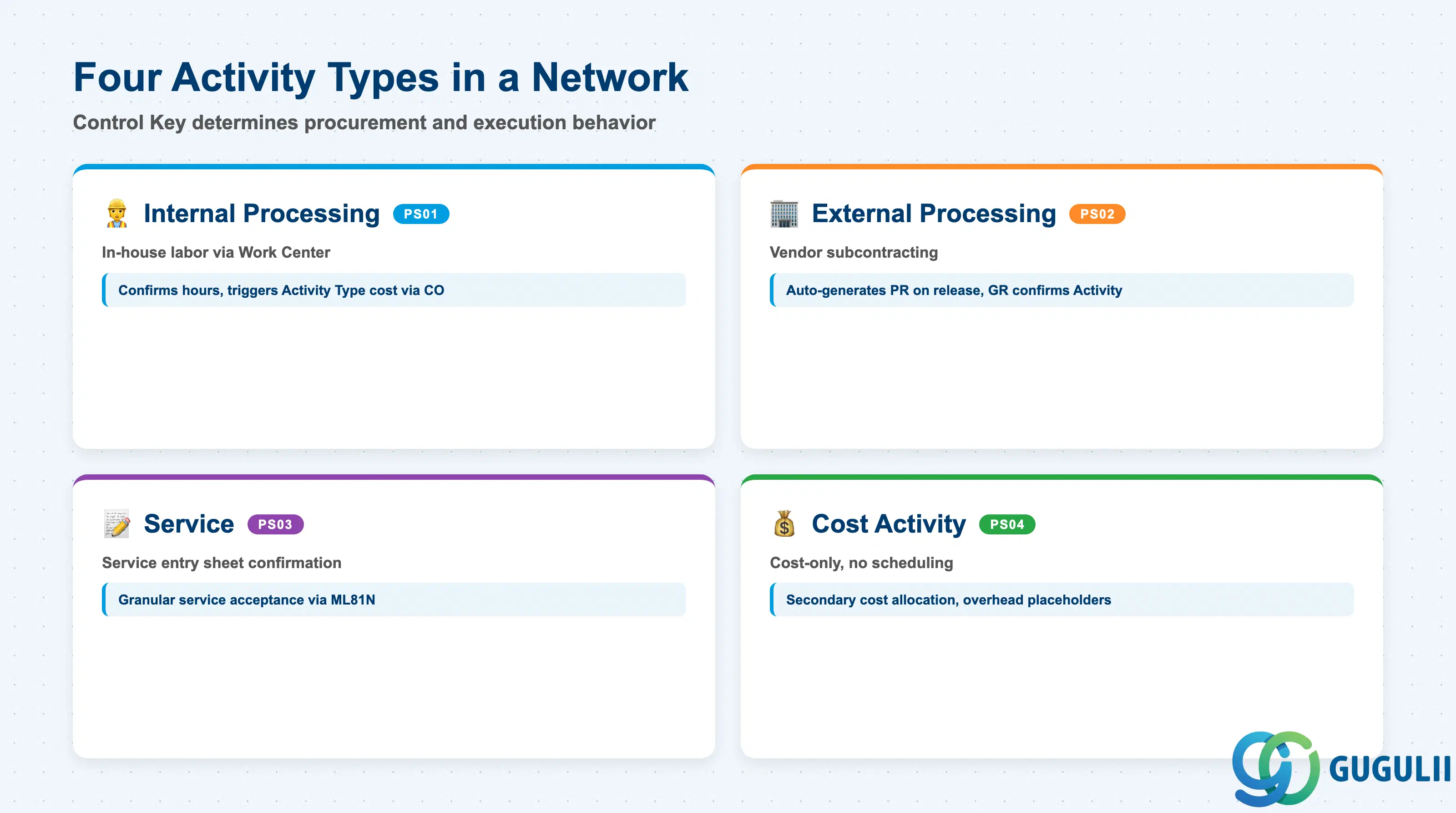
The Network header itself does not carry a “type” flag — it is the Activity inside the Network that determines the procurement and execution behavior. However, Networks are practically categorized by the Control Key (Steuerungsschlüssel) of their dominant Activity type. Choosing the wrong Control Key drives the wrong procurement and confirmation behavior.
| Activity Type | Control Key | Use Case | Key Behavior |
|---|---|---|---|
| Internal Processing | PS01 | Work performed by company employees using a Work Center | Scheduling uses the Work Center’s capacity and formula. Activity confirmation (CN25/CAT5) records hours and triggers Activity Type cost calculation via CO. |
| External Processing | PS02 | Work performed by an external vendor — subcontracting or service | Automatically generates a Purchase Requisition when the Activity is released. PR is converted to a PO in MM. GR against the PO confirms the Activity. |
| Service | PS03 | Procurement of services using service specifications (ML81N) | Uses service entry sheets for confirmation. More granular than PS02 for projects requiring itemized service acceptance. |
| Cost Activity | PS04 | Activities that carry only cost values — no scheduling or Work Center usage | Used for secondary cost allocations, overhead placeholders, or budget holders inside the Network without a physical work sequence. No Work Center assignment required. |
Design principle: Define the Control Key default in the Network Profile (Customizing) so that all Activities created under a Network start with the correct type. Overriding at Activity level is possible but creates governance risk if not monitored.
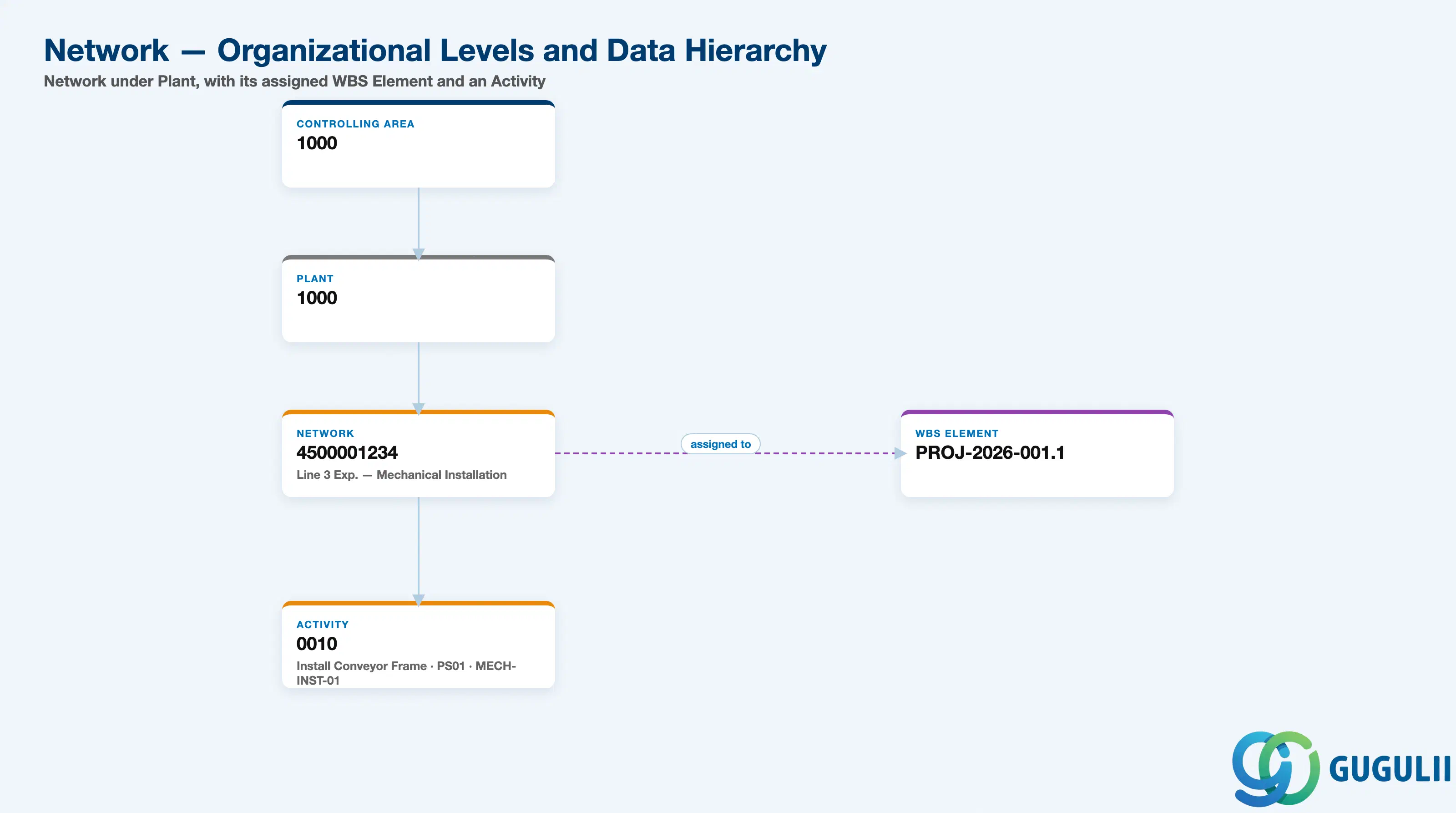
Data hierarchy with a concrete example
Controlling Area 1000
   │
   └── Plant 1000
          │
          └── Network 4500001234
                 Line 3 Expansion — Mechanical Installation
                 ── assigned to ──> WBS Element PROJ-2026-001.1
                 │
                 └── Activity 0010
                        Install Conveyor Frame
                        Control Key PS01 (Internal), Work Center MECH-INST-01
                        Duration: 3 days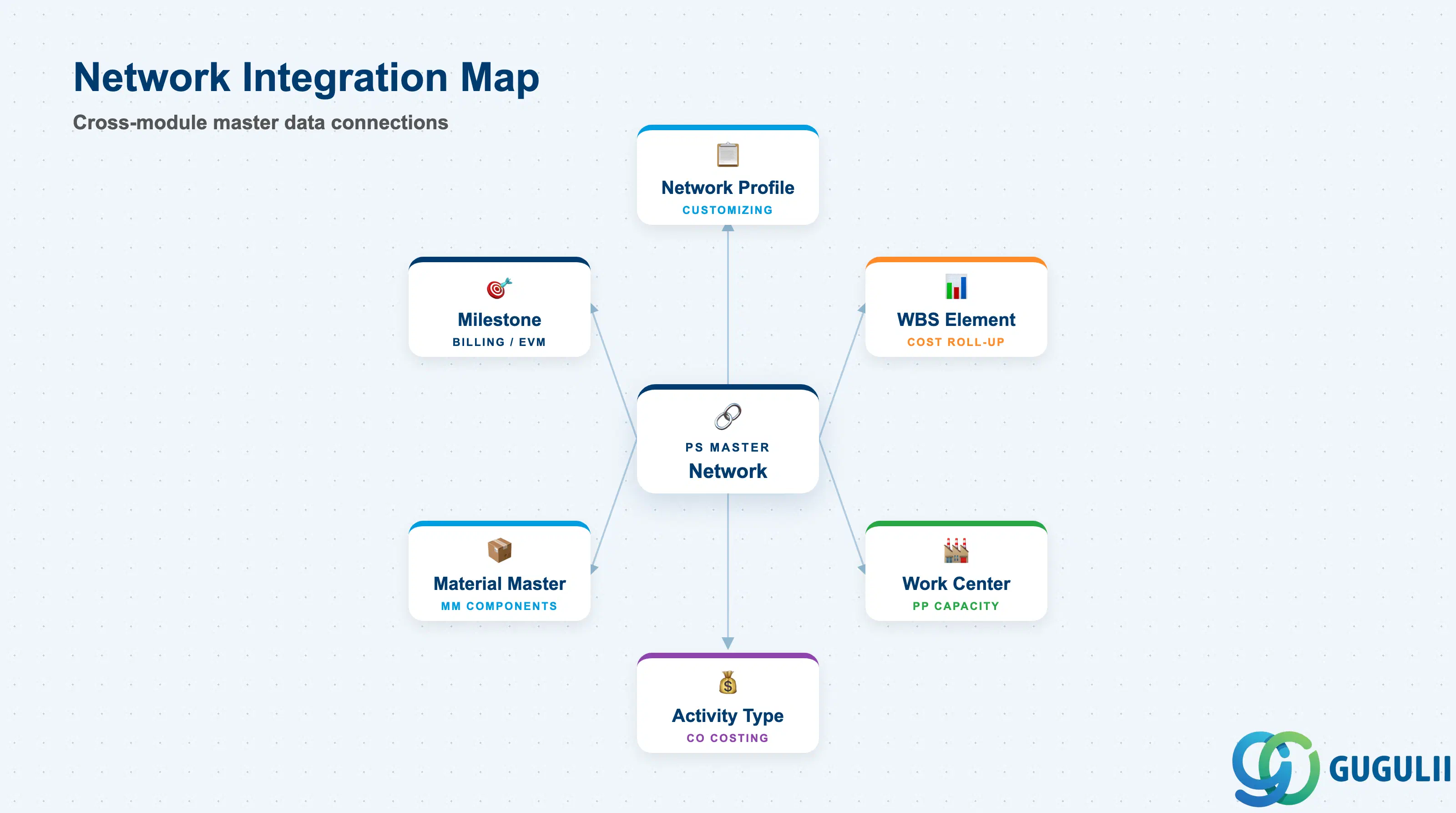
The Network is the most operationally connected master data object in PS. Its header references the Network Profile and WBS Element; its Activities reference Work Centers, Activity Types, Materials, and Milestones that extend into PP, CO, and MM.
| Object | Relationship | Practical Notes |
|---|---|---|
| Network Profile | Controlling reference (1:N) — one Profile to many Networks | The Network Profile defaults the Control Key, scheduling parameters, and Customizing settings for all Networks created under it. Changes to the Profile affect future Networks only — existing Networks retain their settings. |
| WBS Element | Assignment (N:1) — a Network is assigned to one WBS Element for cost roll-up | The assigned WBS Element collects all actual costs from the Network’s Activities. A single WBS Element can have multiple Networks assigned — useful when parallel work streams exist within one phase. |
| Work Center (PP) | Referenced by Internal Processing Activities | The Work Center provides the capacity, formulas, and Activity Types for scheduling and costing. PS reads PP Work Centers directly — no separate PS Work Center master exists. Work Center availability must be maintained in PP for scheduling to produce realistic dates. |
| Activity Type (CO) | Referenced by Internal Processing Activities for cost calculation | Activity Type price × confirmed hours = actual cost posted to the WBS Element. The Activity Type must exist in the Controlling Area and have a valid plan price for the fiscal year. |
| Material Master (MM) | Referenced by Activities using Material Components | Components assigned to Activities drive Material Reservations (movement type 281). MRP considers these reservations if the material is MRP-relevant. Confirms goods issue at Activity confirmation. |
| Milestone | Child of Activity — scheduling and billing trigger point | Milestones attached to Activities can trigger SD billing (Billing Milestone) or serve as EVM measurement points (Progress Milestone). See PS-A05-04 for full Milestone field detail. |
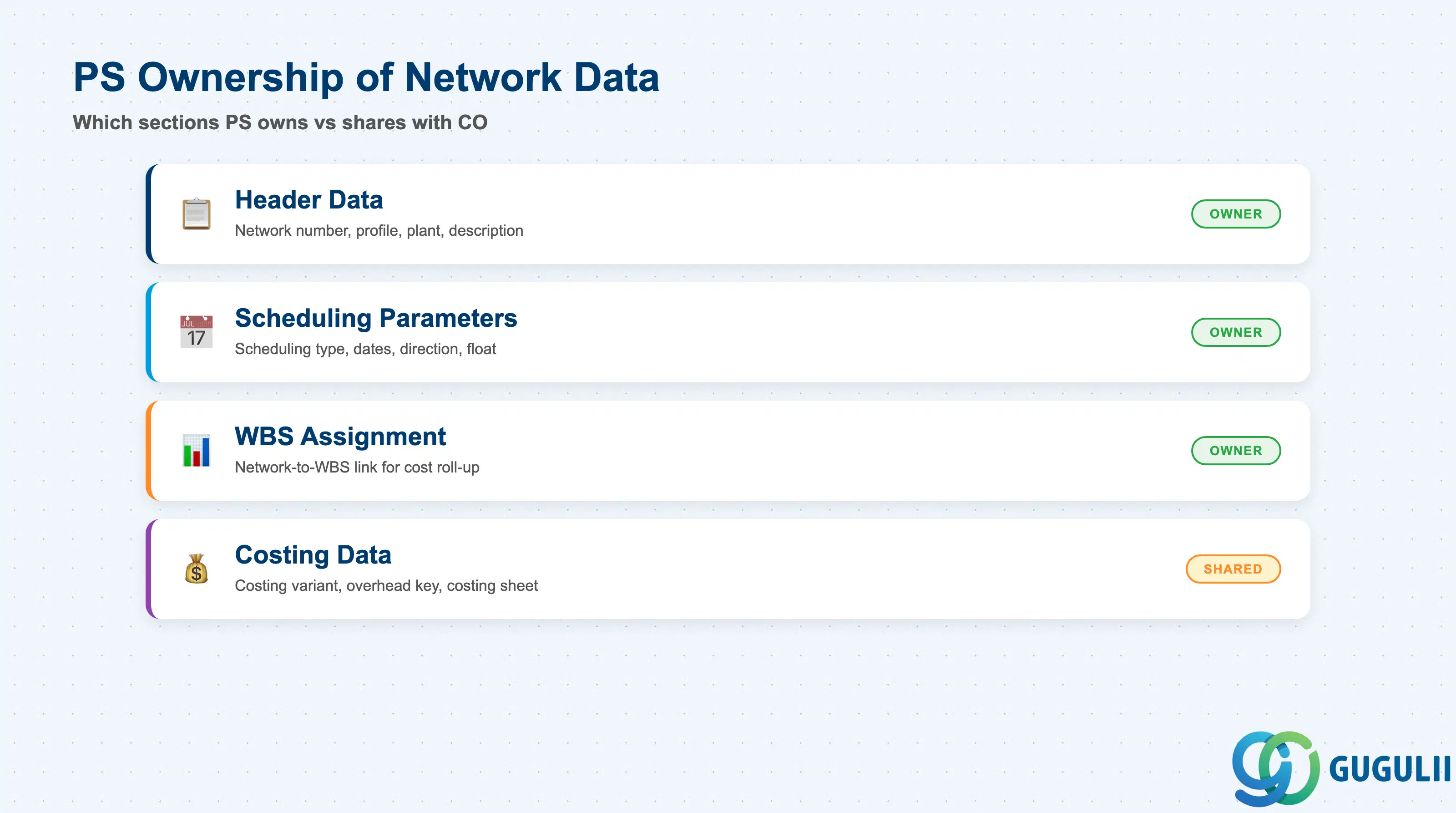
| Data Section | PS Involvement | Notes |
|---|---|---|
| Header Data | ◎ Owner | Network number, Network Profile, Plant, description — defined by PS consultant during project setup |
| Scheduling Parameters | ◎ Owner | Scheduling type, basic dates, scheduling direction — PS consultant configures per project template |
| WBS Assignment | ◎ Owner | Linkage from Network to WBS Element — critical for cost roll-up and financial reporting |
| Costing Data | ○ Shared with CO | Costing variant, overhead key — PS configures the assignment; CO owns the costing variant definition |
Legend: ◎ = Owner / Critical, ○ = Direct involvement
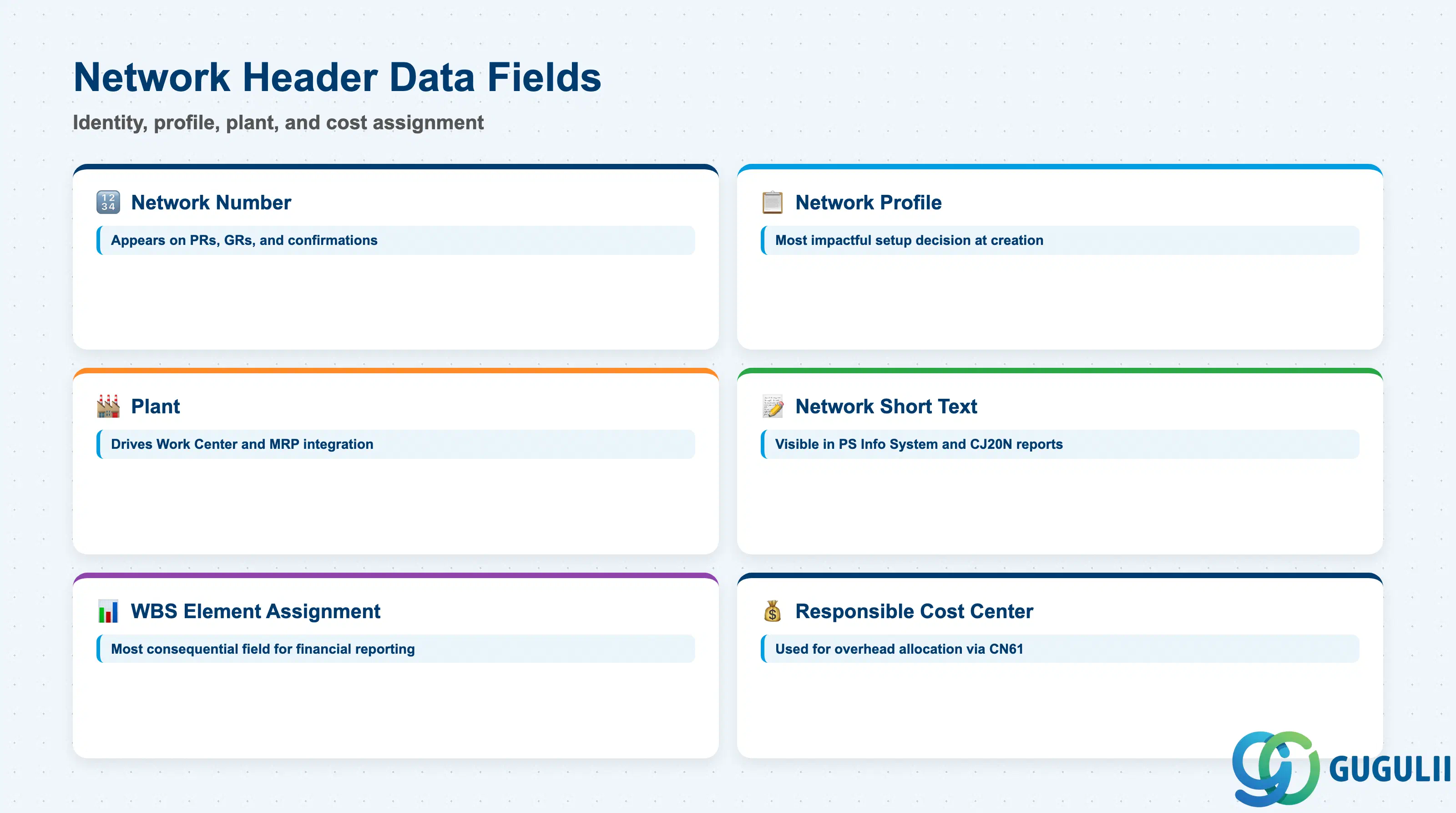
Header Data fields identify the Network, associate it with its controlling Network Profile, and assign it to the plant that governs Work Center availability and MRP integration. These fields are set at Network creation and are rarely changed after actual postings begin.
| Field | Description | Practical Usage |
|---|---|---|
| Network Number | System-assigned or externally assigned identifier for the Network (up to 12 characters) | The Network number appears on all purchase requisitions, goods receipts, and activity confirmations generated from this Network. For externally numbered projects, design the number range to encode the project phase or work stream — this makes cross-system reconciliation significantly faster. |
| Network Profile | The Customizing profile that defaults Control Key, scheduling parameters, and print settings for this Network | Selecting the correct Network Profile at creation is the single most impactful setup decision for the Network. A wrong Profile cannot be corrected after Activities have been created without deleting and re-creating the Network. Maintain one Profile per major project type (e.g., Capital Project Network Profile, Customer Project Network Profile). |
| Plant | The plant where the Network’s Activities will be executed — drives Work Center selection and MRP integration | Must be set before any Activities are created. External Processing Activities generate Purchase Requisitions with this plant as the receiving plant. Internal Processing Activities use this plant to locate Work Centers. For global projects spanning multiple plants, design separate Networks per plant rather than mixing plants within one Network. |
| Network Short Text | Free-text description of the Network’s scope (40 characters) | Appears in project information system reports and in the project builder (CJ20N). Write descriptions that communicate the work scope rather than an internal code — project managers and auditors use this field in milestone and progress reporting. |
| WBS Element Assignment | The WBS Element to which this Network’s Activity costs will be rolled up | This is the most consequential field on the Network header for financial reporting. All actual costs (labor, external services, materials) from Activities in this Network are collected on the assigned WBS Element. Assign at the lowest WBS level that represents this Network’s deliverable scope. Verify the WBS Element has Account Assignment flag active before assigning. |
| Responsible Cost Center | The cost center responsible for overhead allocation on this Network | Used in overhead calculation (CN61) to apply the overhead rate from the Costing Sheet. Set this to the department delivering the Network scope. Changing after actual postings are made may require a retroactive overhead recalculation to realign cost reporting. |
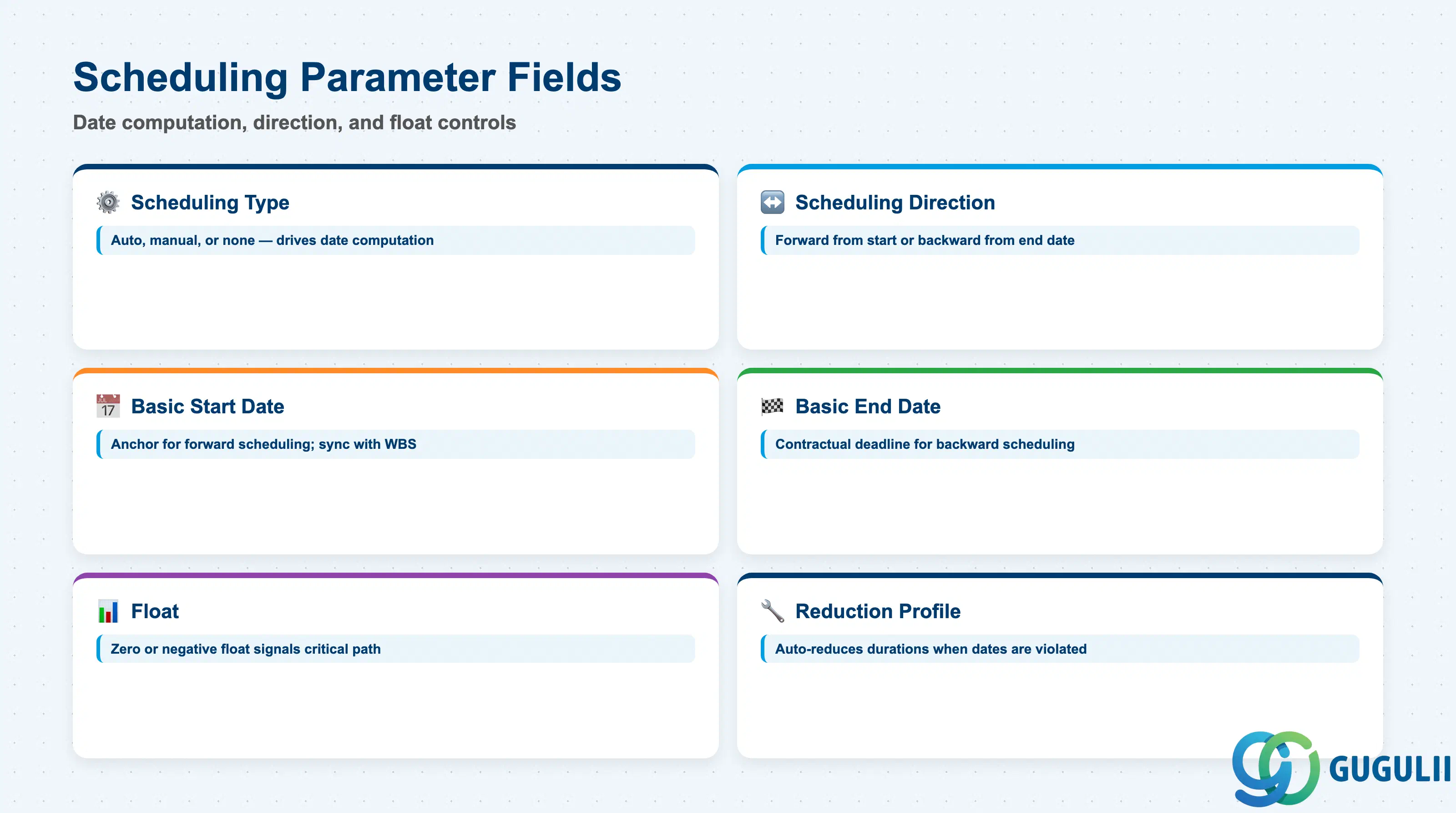
Scheduling Parameters define how the Network calculates Activity start and end dates from the Activity durations and relationships. These are the fields that make the Network a live scheduling tool rather than a static list of tasks — and they are also the most frequent source of planning errors when set without understanding their interactions.
| Field | Description | Practical Usage |
|---|---|---|
| Scheduling Type | Determines whether the Network is scheduled automatically on save, manually on demand, or not at all | Set to “Automatic” for projects where PS scheduling drives the project timeline. Set to “Manual” when project dates are fixed externally (e.g., contractual milestones) and Activity scheduling is used only for capacity planning, not date computation. “No scheduling” is appropriate for cost-only Networks that carry no Work Center work. |
| Scheduling Direction | Forward scheduling (from project start) or backward scheduling (from project end date) | Forward scheduling is used when the project has a fixed start and the end date is derived from work content. Backward scheduling is used when the project has a fixed end date (contractual completion) and the system calculates how far back activities must start. For most customer projects, backward scheduling from the contractual delivery date is the more client-facing choice. |
| Basic Start Date | The earliest date the Network can begin — used as the anchor date for forward scheduling | Set this to the project kickoff date or the earliest date the plant/Work Centers are available. For forward-scheduled Networks, all Activity dates are calculated forward from this point. Keep synchronized with the WBS Element’s Basic Start Date to avoid date hierarchy violations. |
| Basic End Date | The latest date the Network must complete — used as the anchor date for backward scheduling | For backward-scheduled Networks, this is the contractual or planned completion date. The scheduling run pushes Activity dates backward from this point based on durations and relationships. Any float (time buffer) between the backward-computed start and the Basic Start Date indicates schedule margin. |
| Float (Scheduling Buffer) | The time buffer between the network’s scheduled end and the Basic End Date (calendar days) | Positive float indicates the Network will finish before its deadline. Zero or negative float signals a critical path. Monitor float values in CN41 or CJ20N after each scheduling run — a sudden float reduction signals a newly critical Activity that needs resource attention. |
| Reduction Profile | Controls which reduction steps the system applies when scheduling produces a date violation | When the scheduled end date exceeds the Basic End Date (negative float), SAP can automatically reduce Activity durations in a defined sequence. Define a Reduction Profile in Customizing per project type and assign here. Without a Reduction Profile, scheduling violations are reported but not automatically resolved. |
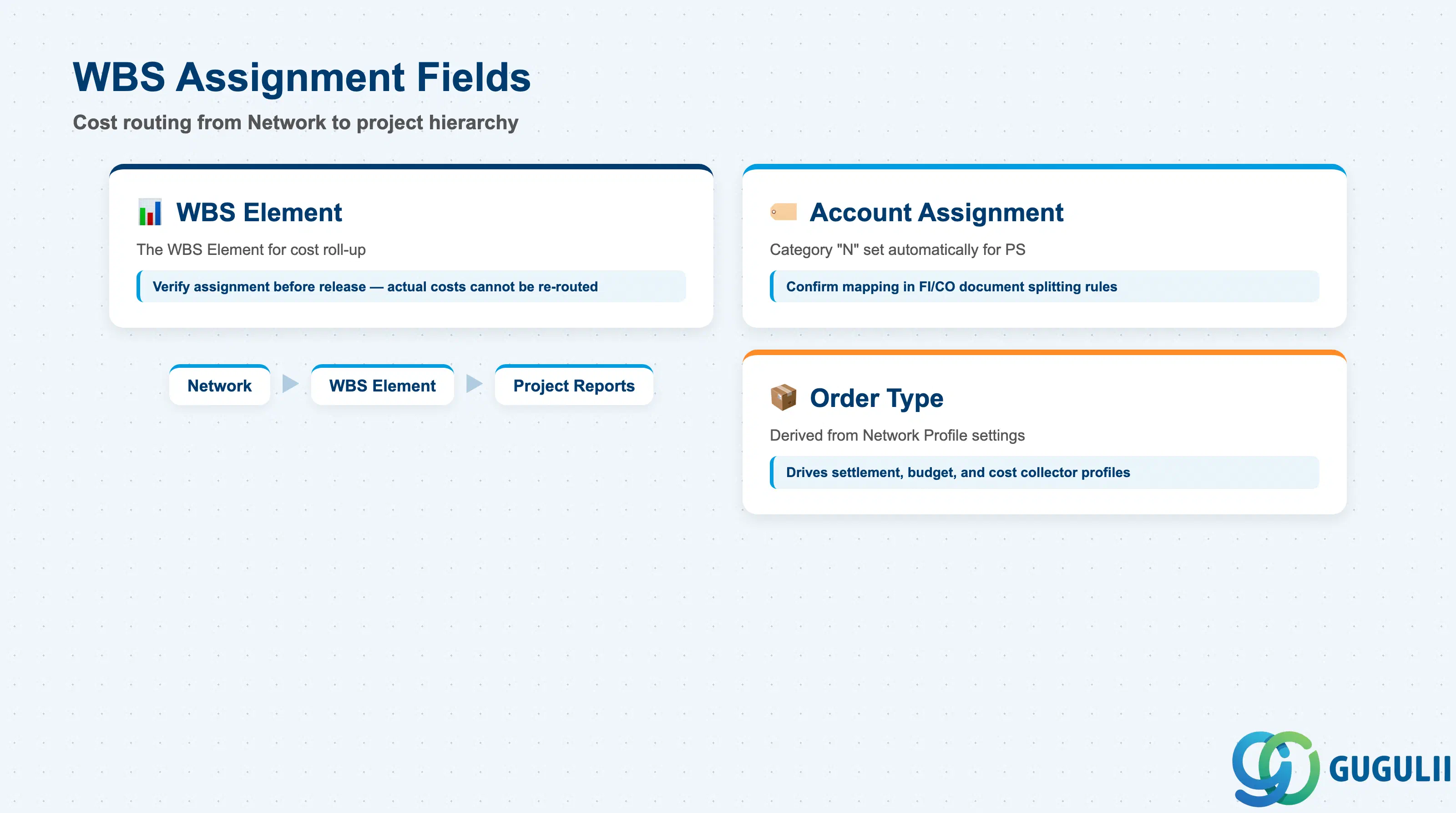
The WBS Assignment section on the Network header defines where the Network’s costs land in the financial hierarchy. This is a lightweight data section but its correctness is critical — all Activity-level cost postings flow through this assignment to the project’s cost structure.
| Field | Description | Practical Usage |
|---|---|---|
| WBS Element | The WBS Element code to which this Network is assigned for cost roll-up | A Network can be assigned to only one WBS Element, but one WBS Element can have multiple Networks. Verify the assignment before releasing the Network — actual costs posted to Activities cannot be re-routed to a different WBS Element without reversing and re-posting. In multi-WBS projects, align the Network-to-WBS mapping during blueprint with the project cost reporting structure. |
| Account Assignment Category | Indicates the account assignment object type for Activity cost postings (typically “N” for Network/Activity in PS) | This field is set automatically based on the Network type. In standard PS configuration, Activity costs post with account assignment category “N” and the Activity number. Confirm with CO that the account assignment category is correctly mapped in FI/CO document splitting rules — incorrect mapping causes posting errors in complex cost center or segment reporting scenarios. |
| Order Type | The order type classification of the Network (derived from the Network Profile’s Customizing settings) | Order type drives which Cost Collector profile, settlement profile, and budget profile are defaulted. In standard PS, the Network order type is distinct from Production Orders and Internal Orders — confirm with CO that CO reporting includes PS Network costs in the correct CO object hierarchy. |
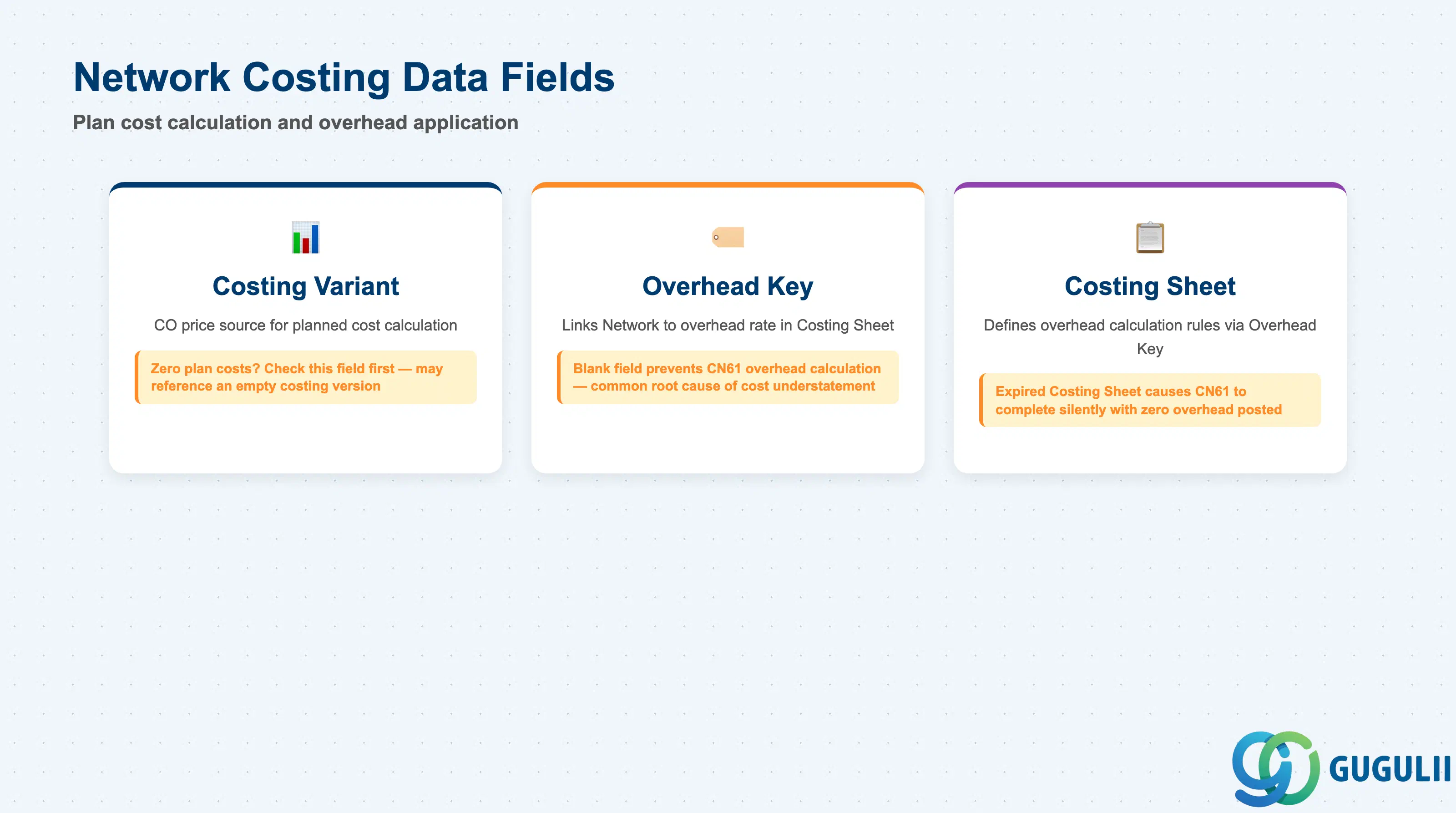
Costing Data fields link the Network to the CO costing infrastructure that calculates planned costs from Activity quantities and determines how overhead is applied. These fields are set in Customizing but can be verified and adjusted at Network creation. Errors here cause plan cost calculation to produce zero values or incorrect overhead amounts.
| Field | Description | Practical Usage |
|---|---|---|
| Costing Variant | The CO configuration object that defines which price for Activity Types, materials, and external services is used in planned cost calculation | Assign the correct Costing Variant per project type in the Network Profile Customizing. For PS project cost planning (CJ30/CJ40), the Costing Variant must reference a valid cost estimate version. If plan costs display as zero after Activity creation, the Costing Variant is the first field to check — it may reference a costing version with no prices for the current fiscal year. |
| Overhead Key | Identifies the overhead group for this Network — used by the Costing Sheet to determine which overhead rate to apply | The Overhead Key links the Network to a specific row in the Costing Sheet that applies overhead percentages on top of primary costs. For projects with differentiated overhead rates by project type or plant, define separate Overhead Keys in Customizing. Leaving this field blank prevents overhead calculation during CN61 — a common root cause of project cost understatement in period-end reporting. |
| Costing Sheet | The CO Costing Sheet that defines overhead calculation rules applied to this Network | Selected indirectly via the Overhead Key. The Costing Sheet specifies base costs (e.g., total direct labor cost), overhead rate, and credit object (cost center that is credited when overhead is applied). Verify the Costing Sheet version covers the current fiscal year — expired Costing Sheets cause CN61 to complete without posting any overhead, with no error message. |
| ID | Category | Title |
|---|---|---|
| ps-001 | Overview | What is SAP PS? |
| ID | Category | Title |
|---|---|---|
| ps-a01 | Overview | SAP PS Master Data: Overview, Hierarchy & Relationships |
| ps-a02-01 | Master Data | SAP PS Material Master |
| ps-a03-01 | Master Data | SAP PS Project Profile |
| ps-a03-02 | Master Data | SAP PS Network Profile |
| ps-a03-03 | Master Data | SAP PS Milestone Group |
| ps-a04-01 | Master Data | SAP PS Project Definition |
| ps-a04-02 | Master Data | SAP PS WBS Element |
| ps-a04-03 | Master Data | SAP PS WBS Element (AuC) |
| ps-a04-04 | Master Data | SAP PS WBS Hierarchy |
| ps-a05-01 | Master Data | SAP PS Network 📍 |
| ps-a05-02 | Master Data | SAP PS Activity |
| ps-a05-03 | Master Data | SAP PS Activity Element |
| ps-a05-04 | Master Data | SAP PS Milestone |
| ID | Category | Title |
|---|---|---|
| ps-b01 | Overview | SAP PS Transactions: Process Flow, Hierarchy & Relationships |