Title here
Summary here

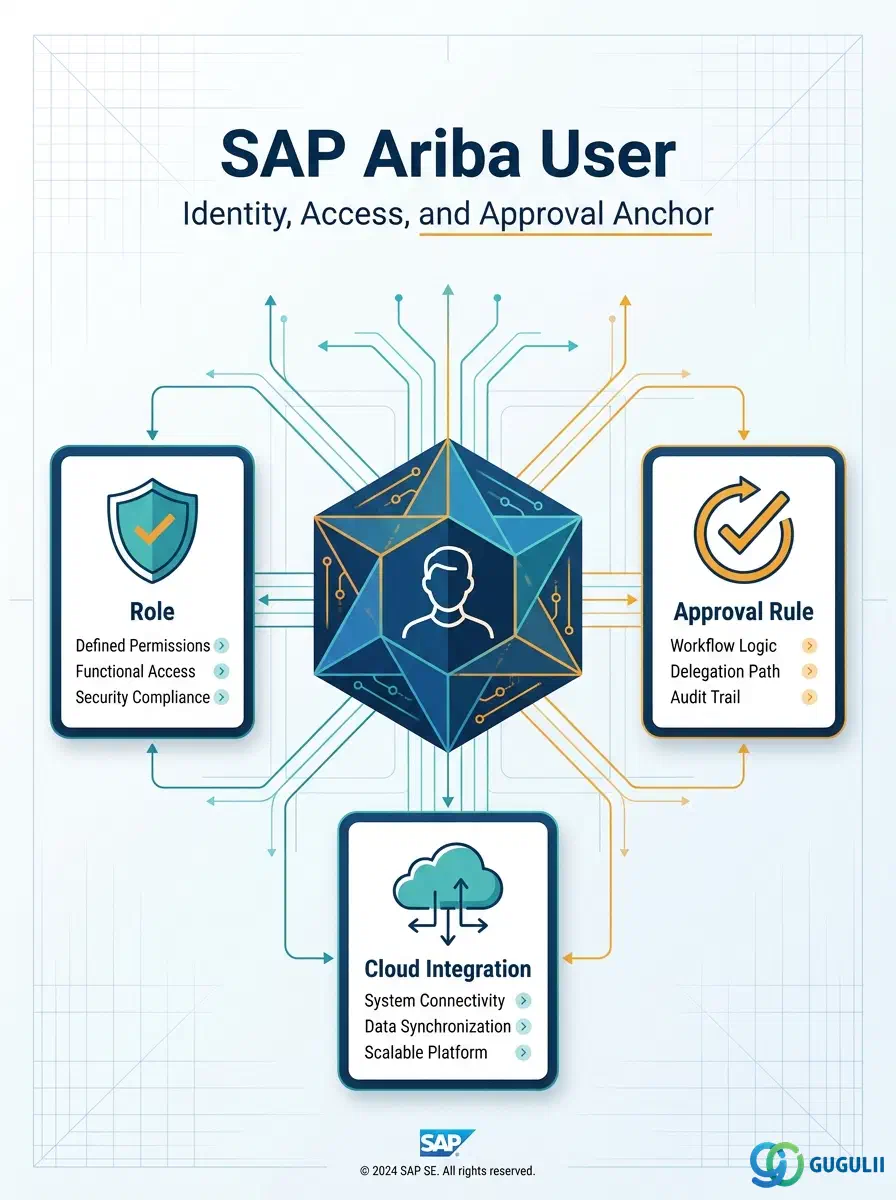
The User is the first master data object configured in any SAP Ariba implementation — it establishes who can log in, what they can see, and what actions they are permitted to perform. Every downstream object in the Phase 1–5 setup flow depends on it directly or indirectly: Role assignment (Phase 1) reads the User record, Approval Rule matching (Phase 4) resolves through the User’s assigned Role, and CIG-based integration (Phase 5) may provision or synchronize User records from S/4HANA. This article maps the User’s core concepts across all Ariba capability areas (Part 1), then details every field a Buying/Sourcing/Invoicing administrator configures when creating and maintaining User records (Part 2).
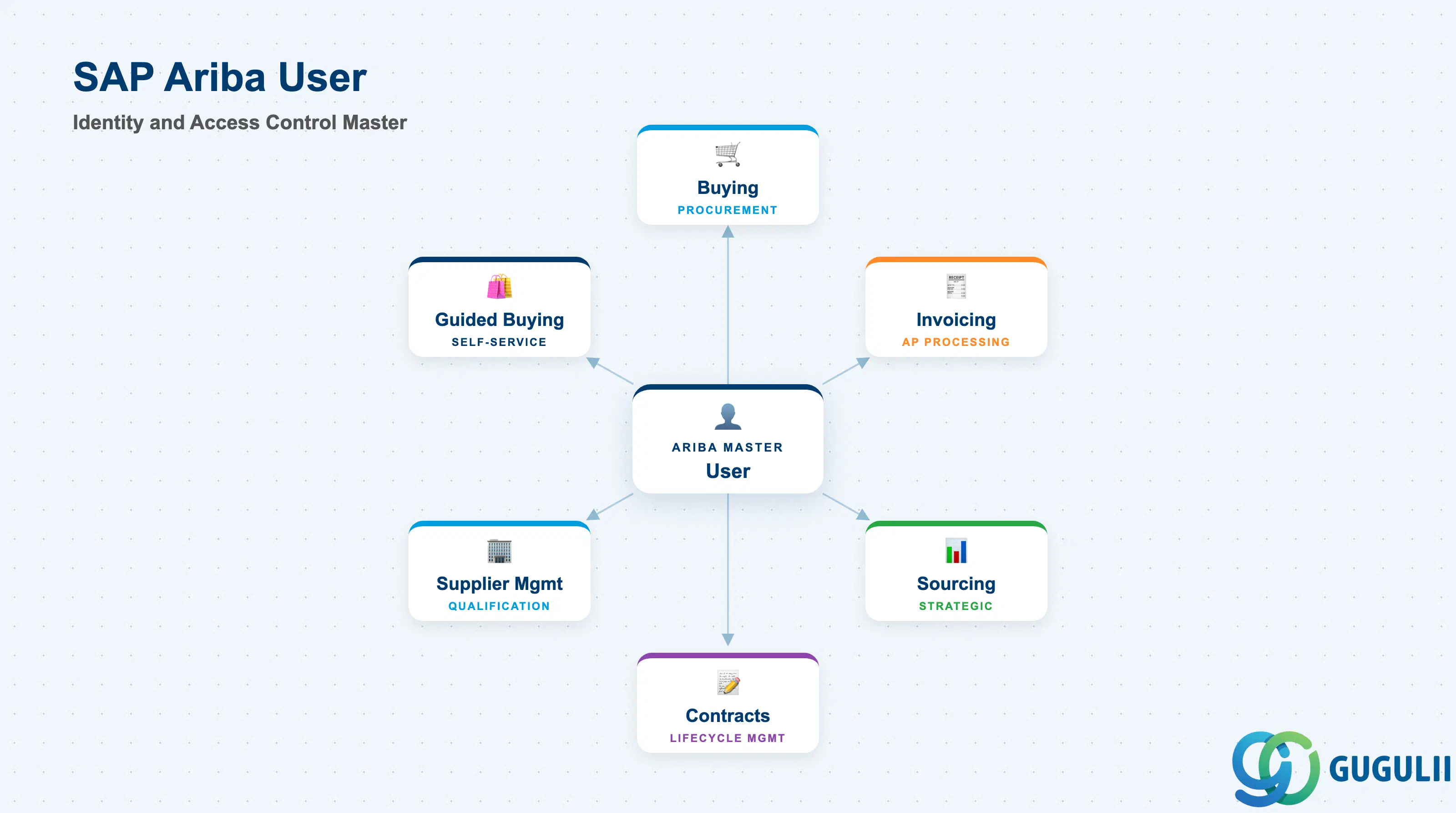
The User is the identity record that represents an individual person (or, for automated integrations, a service account) who interacts with an SAP Ariba site. It carries authentication credentials, locale settings, and — critically — the Group/Role assignment that determines which screens, transactions, and approval steps that person can access. Unlike ECC/S4 user records (SU01), the Ariba User is a cloud-native object maintained directly on the Ariba site (or provisioned via SAP Cloud Identity Services); there is no automatic real-time sync unless explicitly configured.
| Aspect | Details |
|---|---|
| Role | Identity and access-control master; the entry point that every transaction and approval step ultimately authenticates against |
| Modules using it | All Ariba capability areas — Buying, Invoicing, Sourcing, Contracts, Supplier Management, Guided Buying — every screen and workflow step resolves back to the acting User |
| Transactions | Manage Users (site admin console), User Import/Export (CSV batch load), Group/Role assignment screen |
| Key Tables | No direct ECC/S4 table equivalent — User is a cloud object native to the Ariba site; if federated, it maps to an identity record in SAP Cloud Identity Services (Identity Authentication Service) |
| S/4HANA note | Not synchronized with SU01/Business Partner by default. Where SSO/federation is configured via CIG or SAP Cloud Identity Services, a User’s authentication (not its Ariba-side permissions) can be centrally managed |
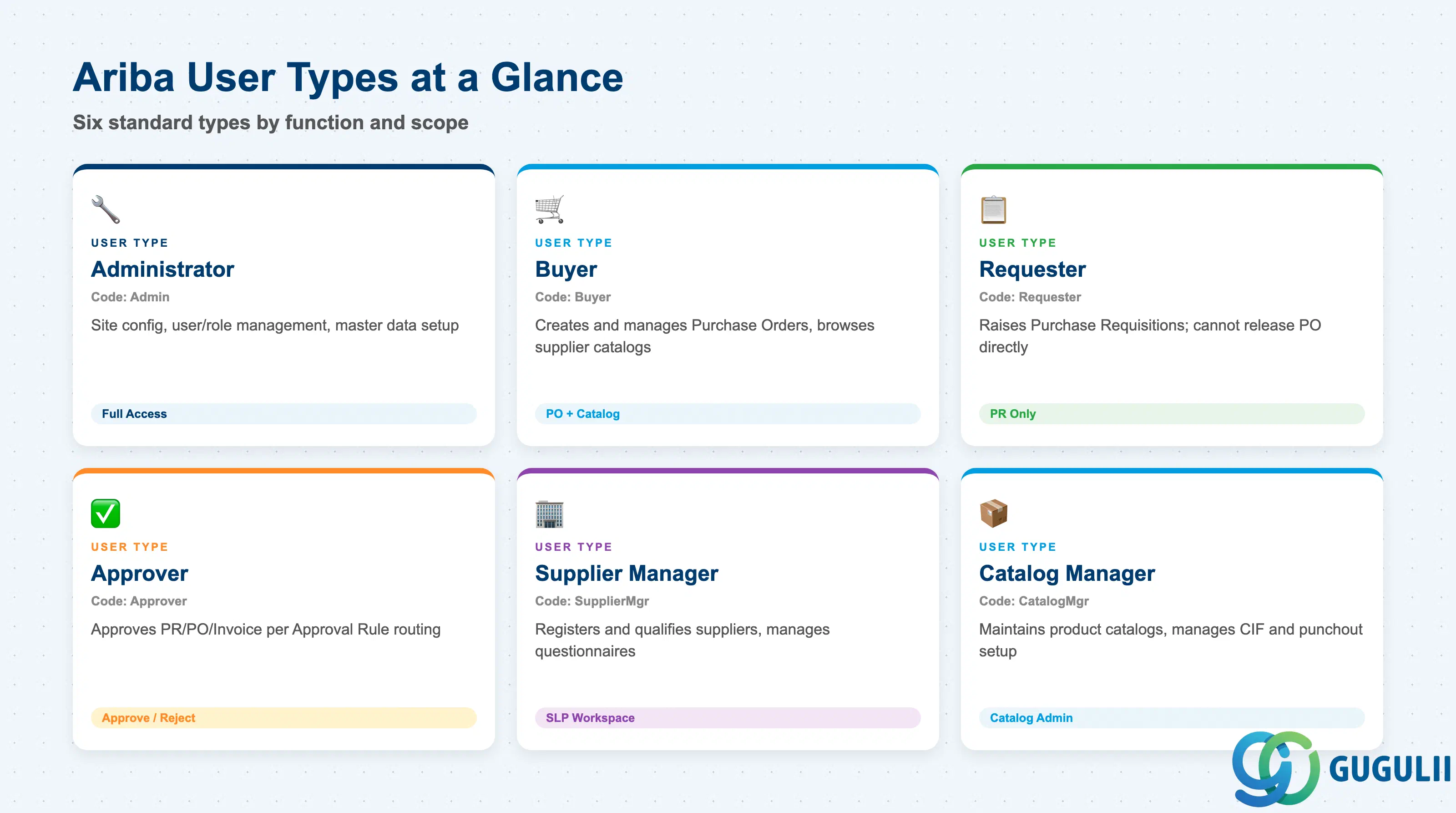
The User Type is not a separate configuration field so much as a practical shorthand for the Group/Role combination assigned to a person — it describes what that person is expected to do day-to-day. Getting this wrong at go-live is one of the most common causes of rework: assigning “Buyer” access to someone who should only ever be a “Requester” opens up PO creation and supplier-visibility rights that procurement governance did not intend to grant.
| Type | Code | Use Case | Key Behavior |
|---|---|---|---|
| Administrator | Admin | Site configuration, user/role management, master data setup | Full access to Manage Users, Manage Groups, and Site Administration; should be limited to a small named group, never a shared login |
| Buyer | Buyer | Creates and manages Purchase Orders | Access to Create PO, Manage Requisitions, Supplier catalog browsing scoped to assigned Commodity |
| Requester | Requester | Raises Purchase Requisitions for own consumption | Restricted to Create PR / My Requisitions; cannot release a PO directly — always routes through Approval Rule |
| Approver | Approver | Approves PR/PO/Invoice per Approval Rule routing | Sees only documents routed to them by Approval Rule; approve/reject/reassign actions only |
| Supplier Manager | SupplierMgr | Registers and qualifies suppliers | Access to Supplier Management workspace; can approve/reject supplier registration and qualification questionnaires |
| Catalog Manager | CatalogMgr | Maintains product catalogs | Access to Catalog Administration; upload/update CIF catalogs, manage punchout setup |
Design principle: Assign the narrowest User Type that lets a person complete their job — broaden access later via an explicit Role change request, not by defaulting everyone to Buyer or Administrator at go-live.
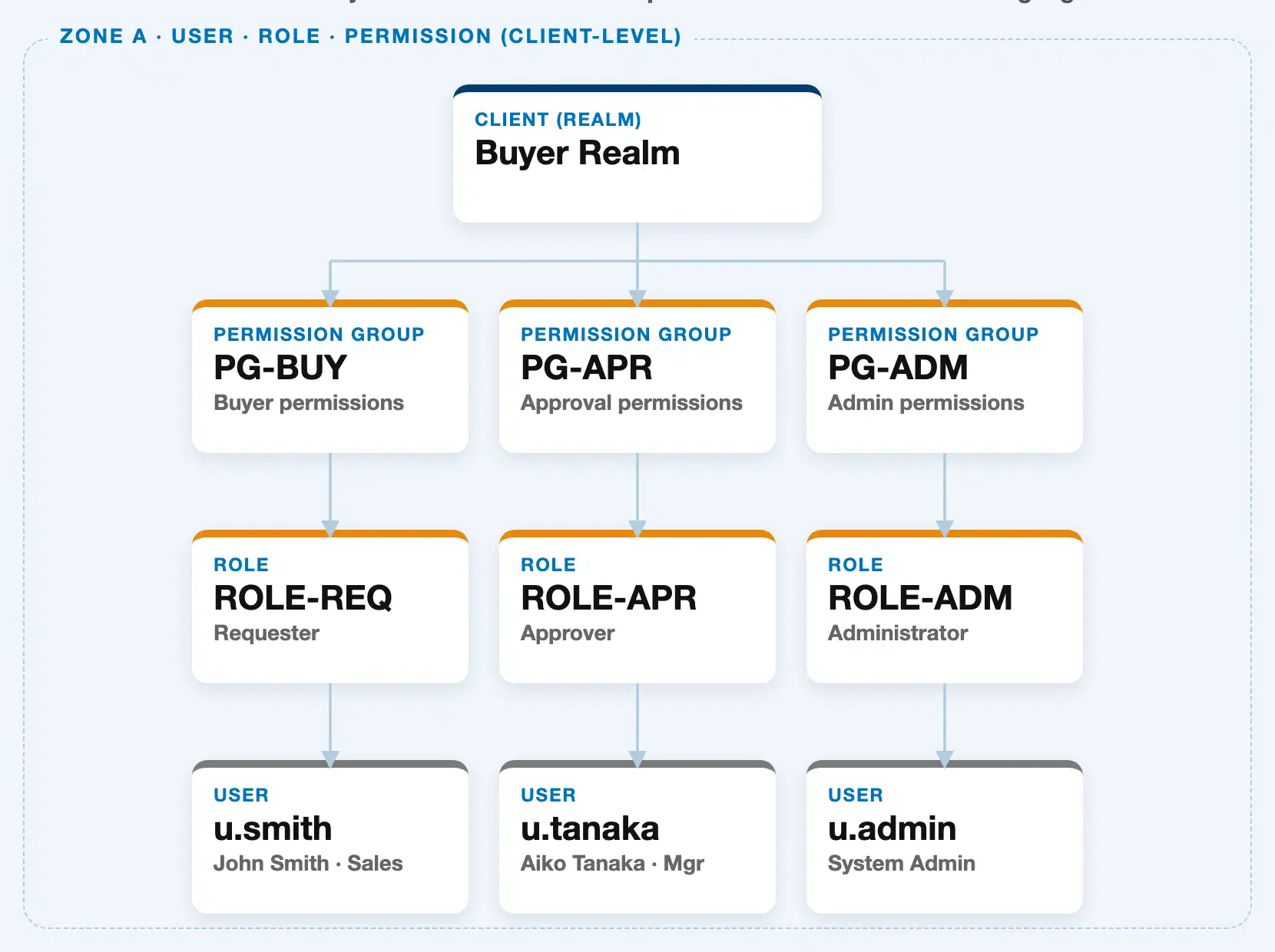
Data hierarchy with a concrete example
Buyer Realm (client-level scope — equivalent to Client in S/4HANA terms)
│
├── Permission Group "PG-BUY" — Buyer permissions
│      └── Role "ROLE-REQ" — Requester
│             └── User "u.smith" — John Smith, Sales
│
├── Permission Group "PG-APR" — Approval permissions
│      └── Role "ROLE-APR" — Approver
│             └── User "u.tanaka" — Aiko Tanaka, Mgr
│
└── Permission Group "PG-ADM" — Admin permissions
       └── Role "ROLE-ADM" — Administrator
              └── User "u.admin" — System Admin
The User does not own the Realm — it sits at the bottom of a strict client-level hierarchy: the Realm (the top-level site/tenant boundary in Ariba) contains Permission Groups, each Permission Group grants exactly one Role, and each Role is held by one or more Users. A User’s effective access is therefore inherited down this chain, not configured directly on the User record. Approval Rule is a separate configuration object, not part of this hierarchy — it reads a User’s Role at runtime to decide routing (see Section 1.4).
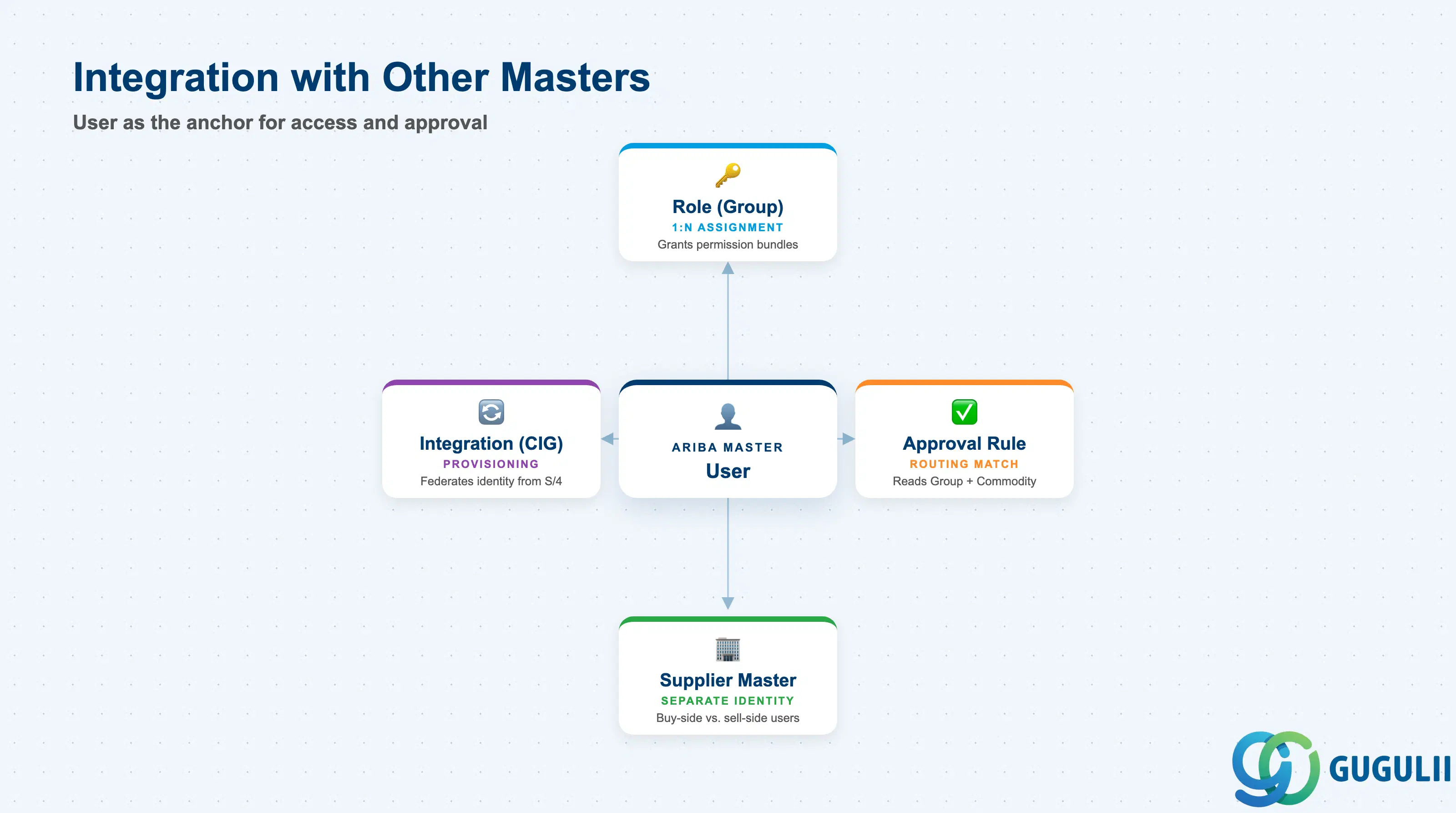
The User record does not stand alone — it is the anchor that three other Phase 1–5 objects read from or provision into.
| Object | Relationship | Practical Notes |
|---|---|---|
| Role (Group) | User is assigned 1:N Groups; a Group grants a bundle of permissions | Model Groups around job function, not individual named users — this keeps Role maintenance manageable as headcount changes |
| Approval Rule | Approval Rule matches on the User’s Group/Role plus Commodity, not on the User record directly | If a User’s Group changes, existing approval routing for documents they created does not retroactively change — only new documents route under the new Group |
| Supplier Master | A “Supplier Manager” User (buy-side) is a distinct identity space from a Supplier’s own Ariba Network account (sell-side) | Do not confuse buy-side Users (this object) with Supplier Network users — they are managed in entirely separate user stores, even in the same realm |
| Integration Model (CIG) | CIG/SAP Cloud Identity Services can provision or federate Buyer-side User identities from S/4HANA Business Partner or an external IdP | Common pattern: HR/BP feeds identity attributes into SAP Cloud Identity Services, which federates SSO into Ariba — Ariba still owns the Group/Role assignment locally |
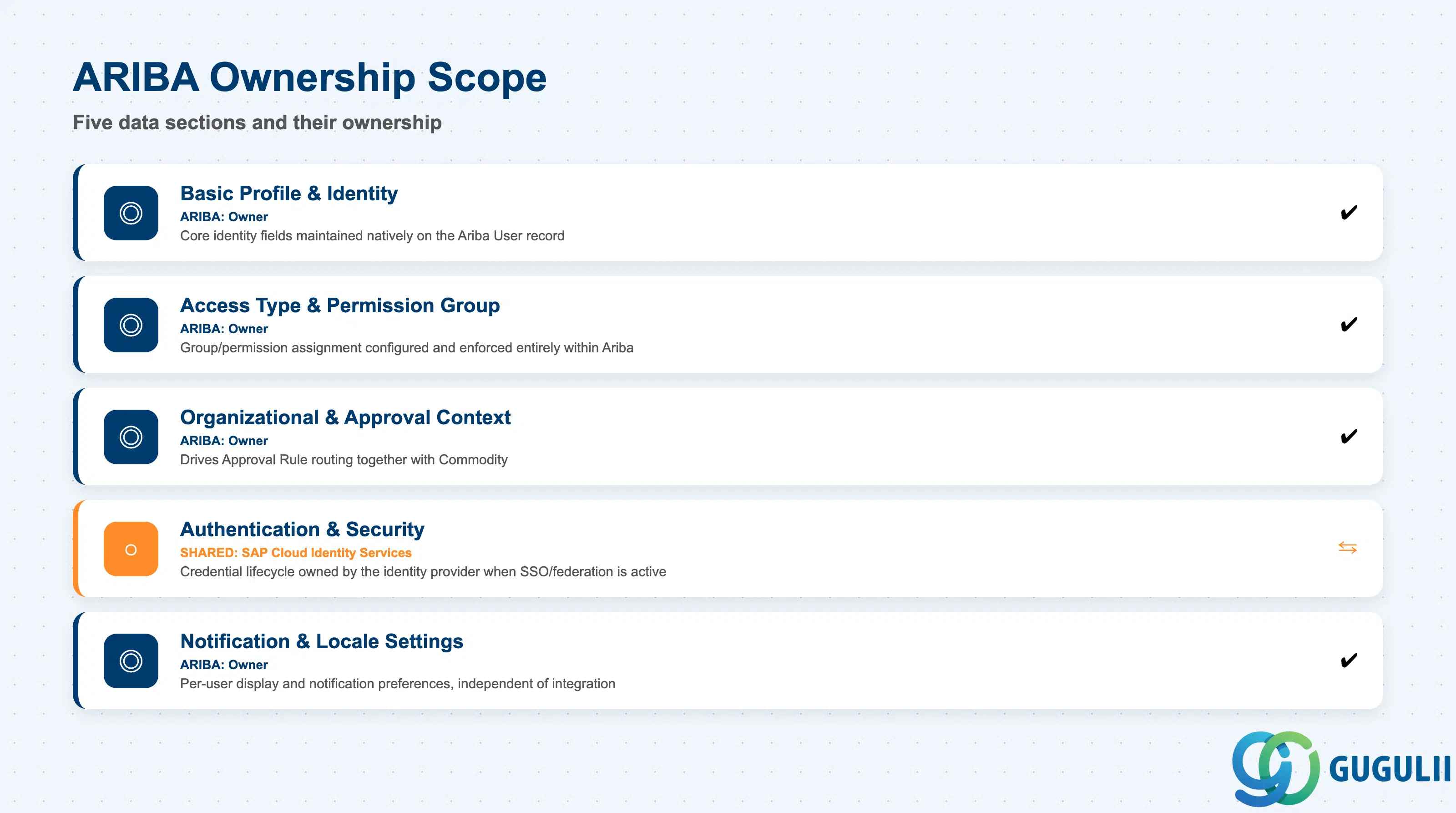
| Data Section | ARIBA Involvement | Notes |
|---|---|---|
| Basic Profile & Identity | ◎ Owner | Core identity fields are maintained natively on the Ariba User record, whether created manually or via CSV import |
| Access Type & Permission Group | ◎ Owner | Group/permission assignment is configured and enforced entirely within Ariba; no S/4 equivalent |
| Organizational & Approval Context | ◎ Owner | Drives Approval Rule routing together with Commodity; maintained on the User record |
| Authentication & Security | ○ Shared with SAP Cloud Identity Services | When SSO/federated login is enabled, credential lifecycle (password reset, MFA) is owned by the identity provider, not Ariba |
| Notification & Locale Settings | ◎ Owner | Per-user display and notification preferences, independent of any integration |
Legend: ◎ = Owner / Critical, ○ = Direct involvement
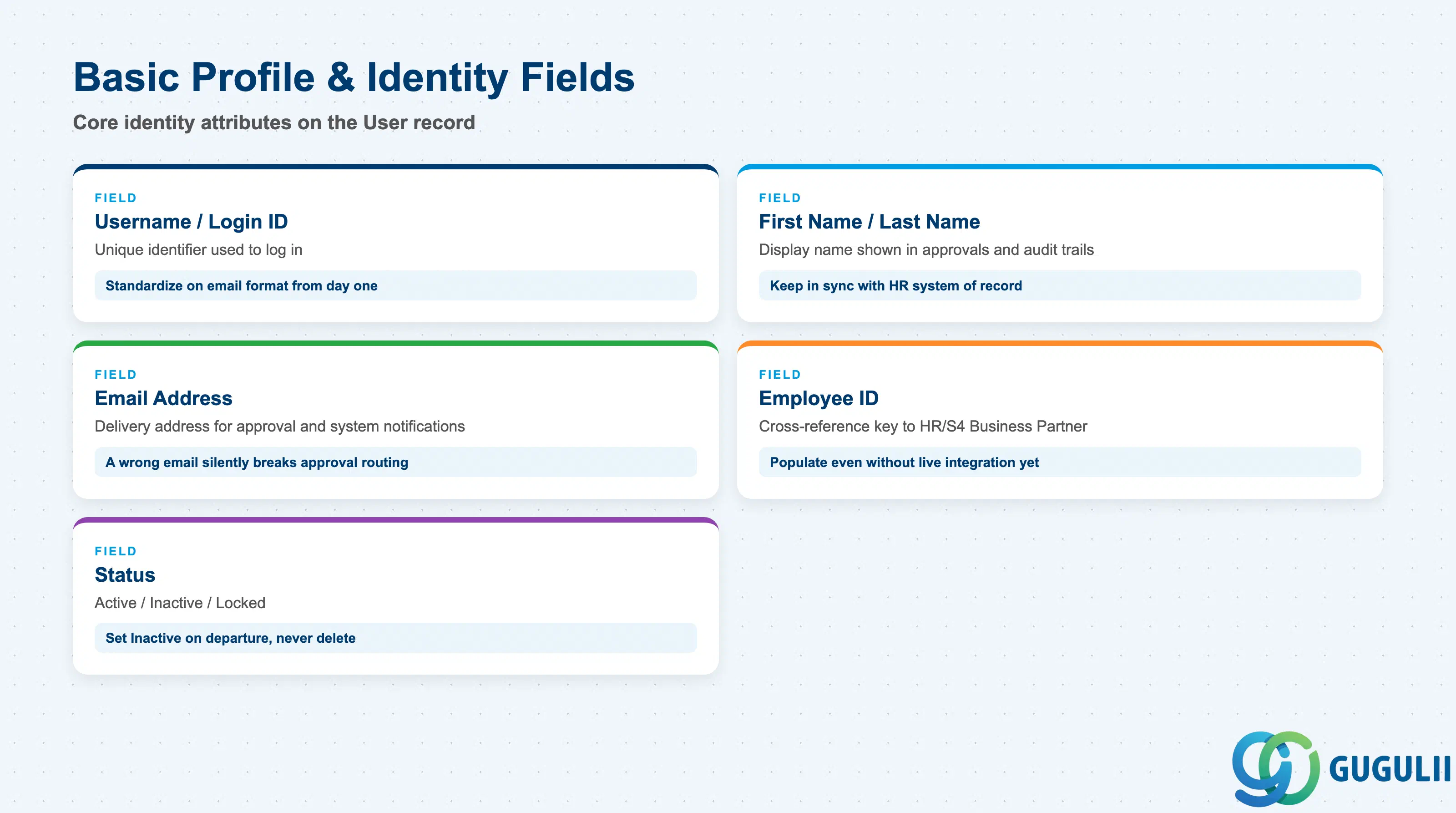
These are the attributes that uniquely identify a person on the Ariba site and are required before any Group or approval context can be assigned.
| Field | Description | Practical Usage |
|---|---|---|
| Username / Login ID | Unique identifier used to log in; typically the corporate email address | Standardize on email-format usernames from day one — mixed formats (employee ID vs. email) across a rollout create painful reconciliation work during CSV re-imports |
| First Name / Last Name | Display name shown in approval notifications and audit trails | Keep these in sync with the HR system of record if federation is planned — mismatches surface later as confusing approver names in notification emails |
| Email Address | Delivery address for approval, PO, and system notifications | A wrong or stale email silently breaks approval routing — the document sits “pending” with no visible error, so validate this field on every bulk load |
| Employee ID (optional) | Cross-reference key to the HR/S4 Business Partner record | Populate this even when no live integration exists yet; it dramatically simplifies a later CIG or SAP Cloud Identity Services rollout |
| Status | Active / Inactive / Locked | Set to Inactive (not deleted) when someone leaves — deleting a User can orphan historical PO/PR/Invoice audit trails that still reference them as creator or approver |
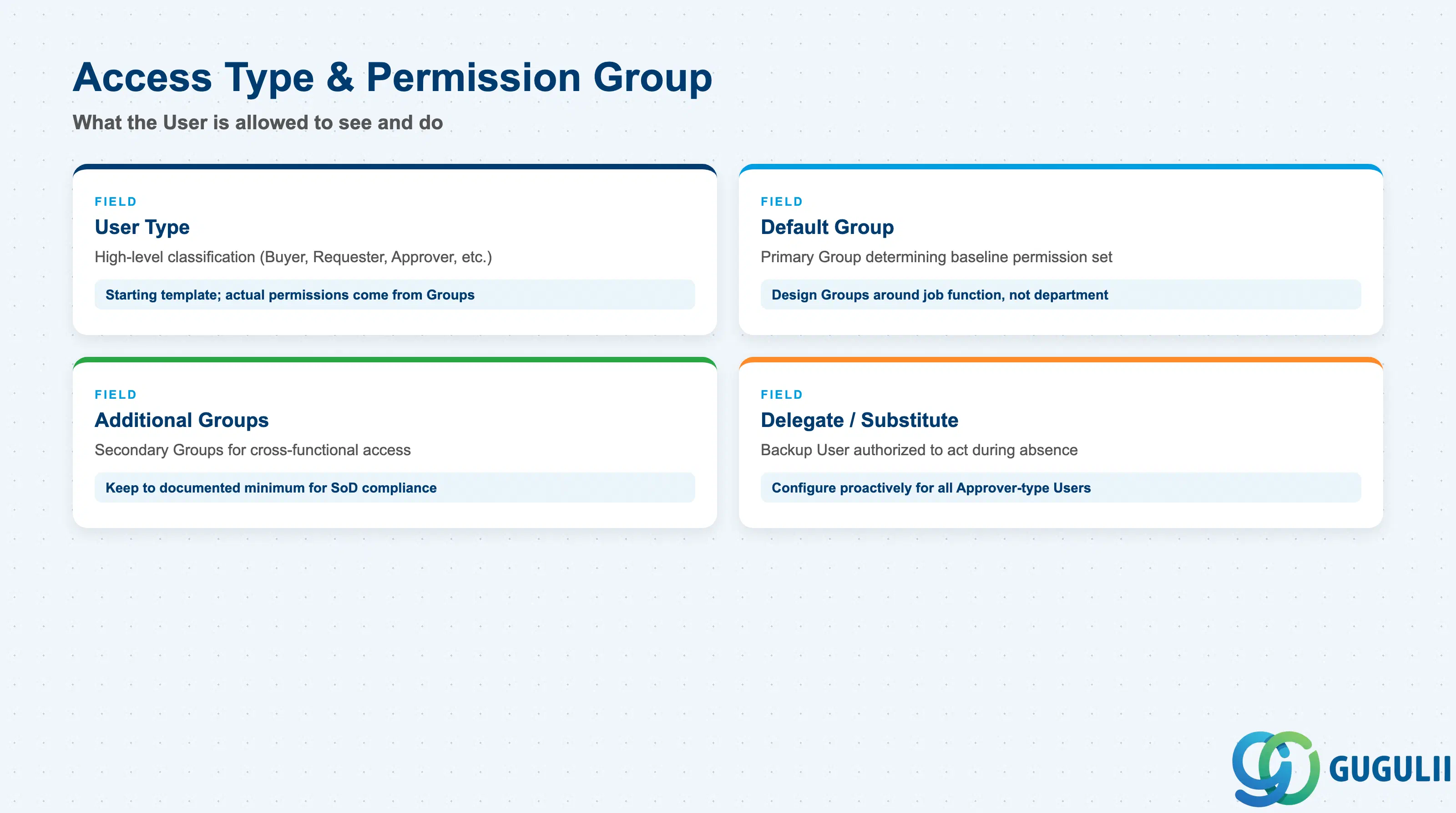
This section controls what the User is allowed to see and do — the practical translation of the User Type described in Section 1.2 into concrete configuration.
| Field | Description | Practical Usage |
|---|---|---|
| User Type | High-level classification (Buyer, Requester, Approver, etc.) | Treat this as a starting template, not the final word — actual permissions come from the Group(s) assigned below, which can be more granular |
| Default Group | Primary Permission Group determining the User’s baseline access, via its assigned Role | Design Permission Groups around job function (“PG-BUY”) rather than department name — job function is more stable as the org chart is reorganized |
| Additional Groups | Secondary Groups for users who need cross-functional access (e.g., a Catalog Manager who is also a Requester) | Keep additional-Group assignments to a documented minimum — every extra Group widens the audit surface for SoD (segregation of duties) reviews |
| Delegate / Substitute User | A backup User authorized to act during absence | Configure this proactively for all Approver-type Users — an approver on leave with no substitute is one of the most common causes of stalled PO/Invoice approval queues |
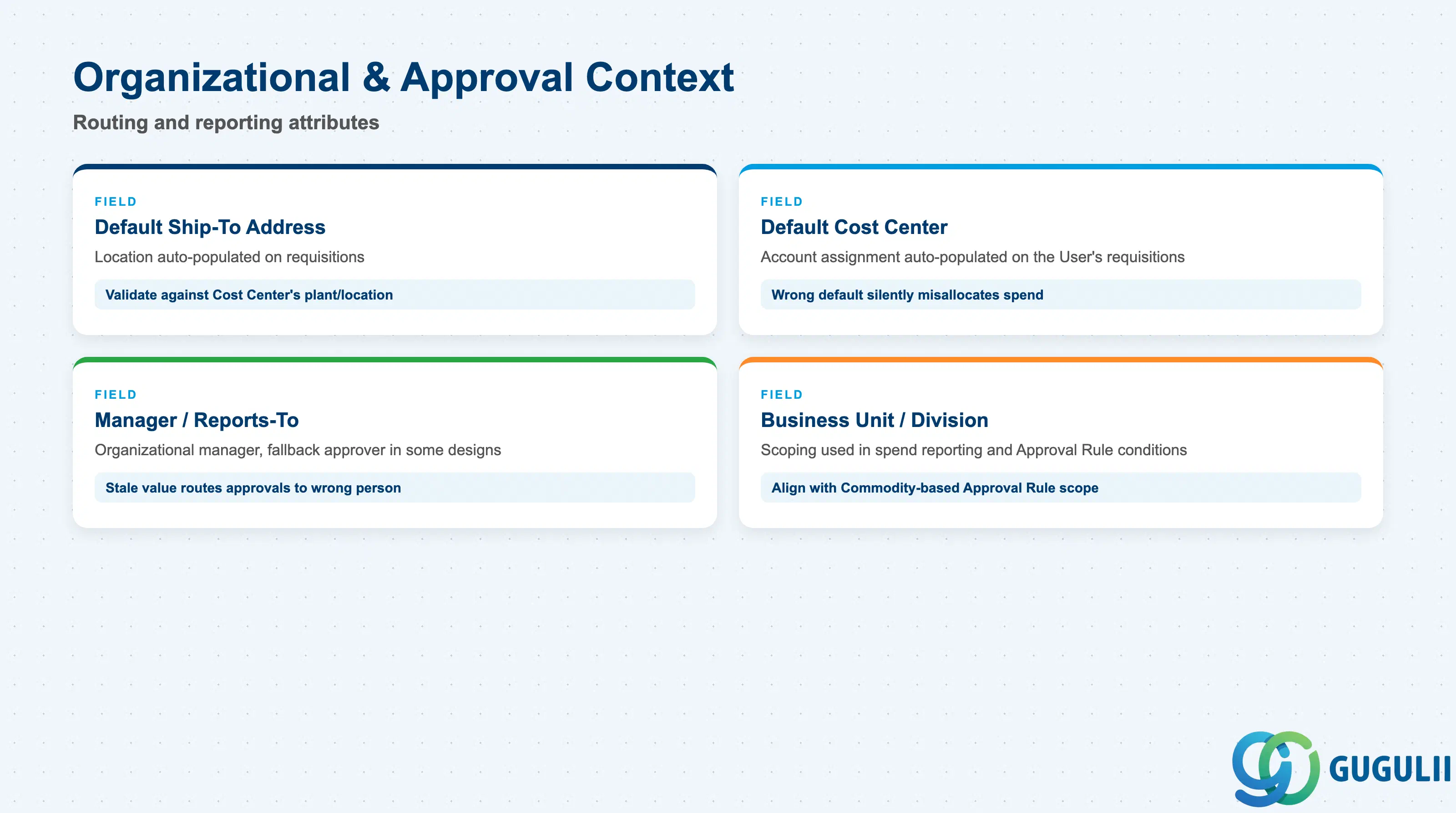
These fields place the User within an organizational and financial context, which Approval Rule (Phase 4) and reporting both depend on.
| Field | Description | Practical Usage |
|---|---|---|
| Default Ship-To / Deliver-To Address | Location auto-populated on requisitions this User raises | Set at the User level for individual Requesters, but validate it against the Cost Center’s plant/location to avoid mismatched delivery addresses on recurring orders |
| Default Cost Center / Cost Object | Account assignment auto-populated on the User’s requisitions | Getting this wrong is a frequent go-live issue — a Requester whose default Cost Center points to the wrong department silently misallocates spend until someone notices in month-end reporting |
| Manager / Reports-To | Organizational manager, used as a fallback approver in some Approval Rule designs | Keep this synchronized with the actual org chart — a stale Reports-To value routes approvals to someone who left the role months ago |
| Business Unit / Division | Organizational scoping used in spend reporting and some Approval Rule conditions | Align this value with how Commodity-based Approval Rules are scoped, or approval routing conditions can silently fail to match |
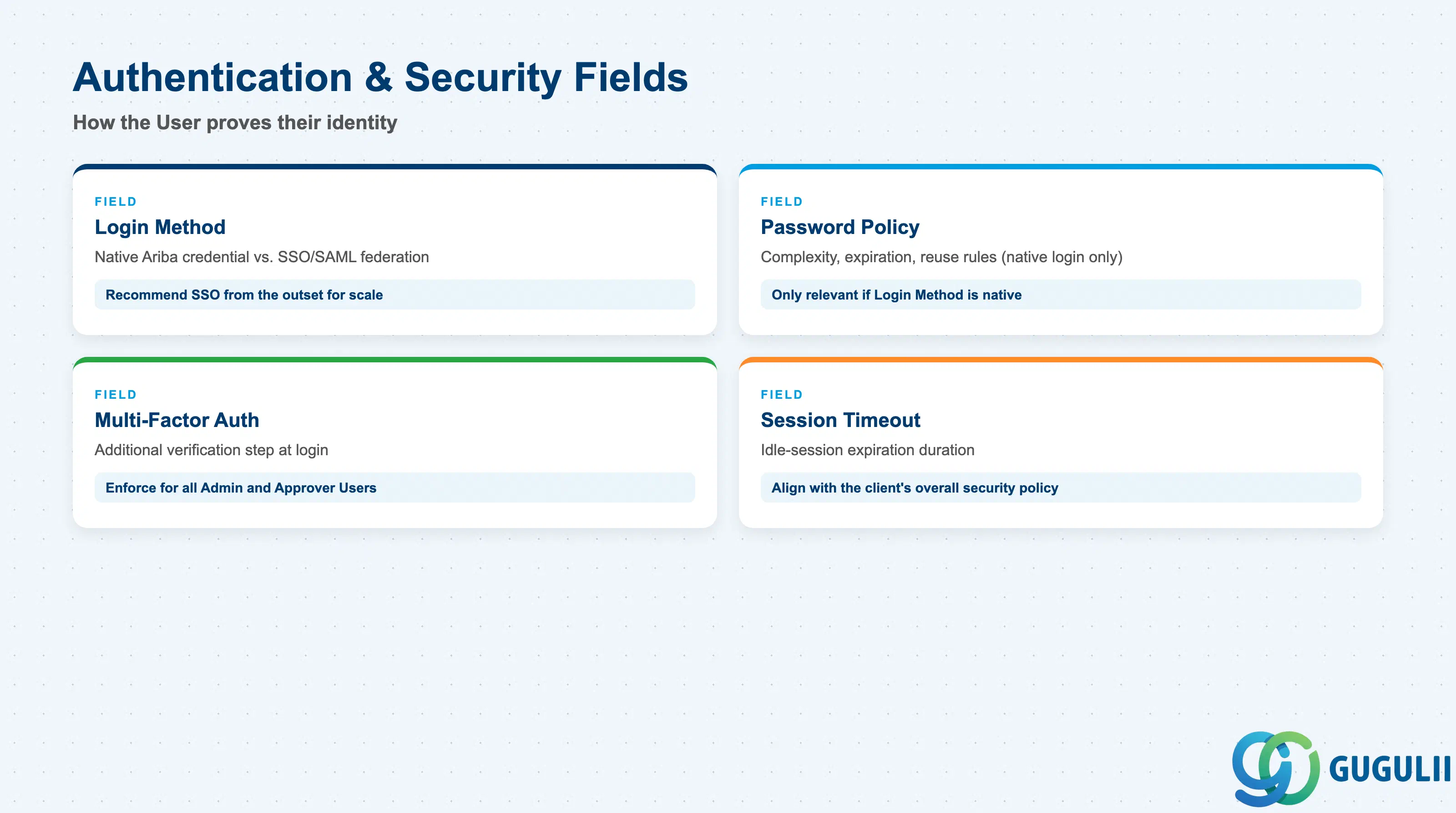
Authentication configuration determines how a User proves their identity, and — when federated — who is actually responsible for maintaining these values.
| Field | Description | Practical Usage |
|---|---|---|
| Login Method | Native Ariba credential vs. SSO/SAML federation | Recommend SSO from the outset for any implementation with more than a handful of users — it removes password-reset support load and centralizes offboarding in the corporate IdP |
| Password Policy | Complexity, expiration, and reuse rules (native login only) | Only relevant if Login Method is native — document clearly which User population (if any) is exempt from SSO and why (e.g., external contractor accounts) |
| Multi-Factor Authentication | Additional verification step at login | Enforce for all Administrator and Approver-type Users at minimum, even if not mandated site-wide, given the financial approval authority these roles carry |
| Session Timeout | Idle-session expiration duration | Align with the client’s overall security policy rather than leaving the Ariba default — a mismatch here is a common finding in security review workshops |
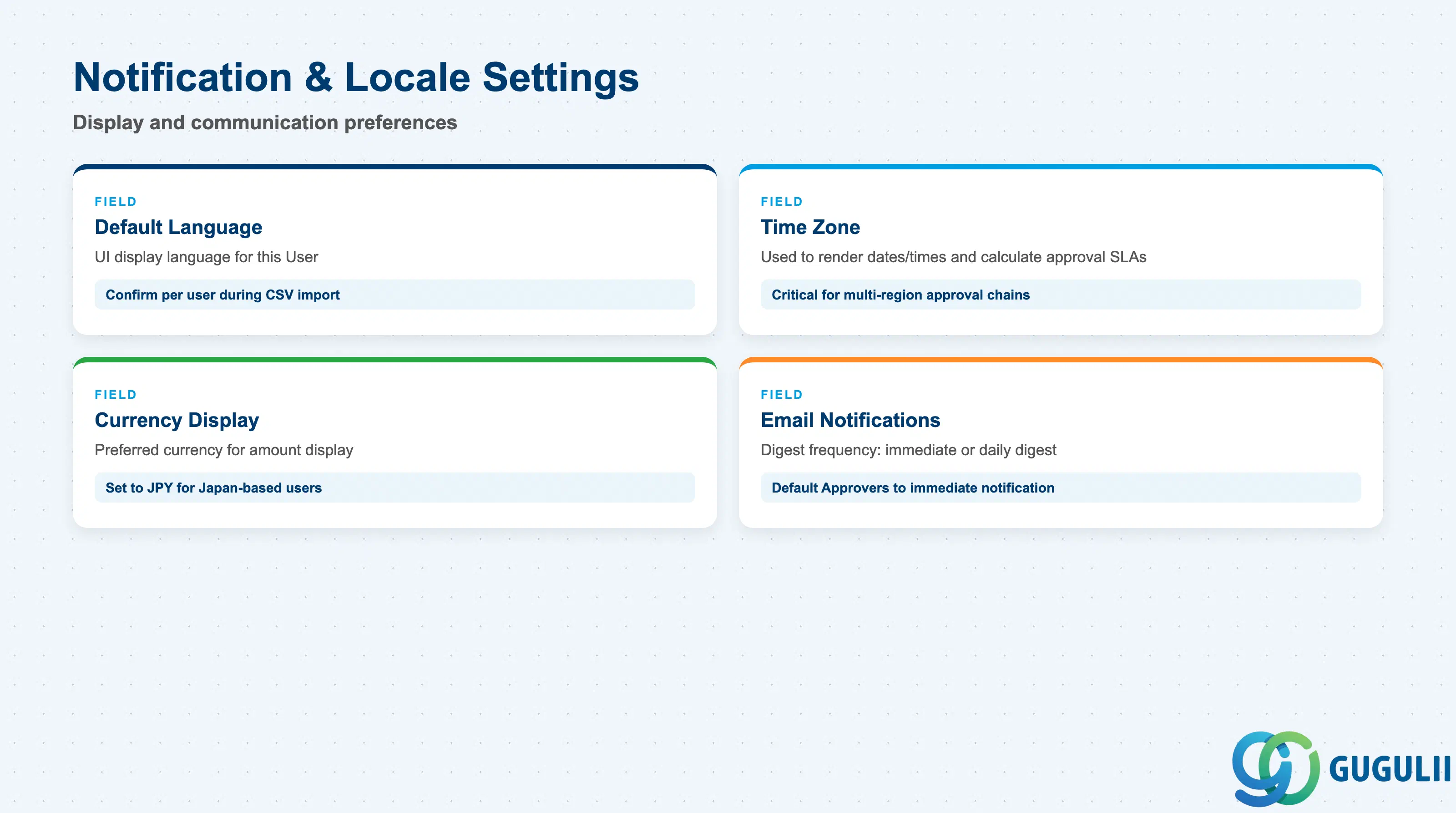
Per-user display and communication preferences — these do not affect access rights but materially affect user adoption and support-ticket volume.
| Field | Description | Practical Usage |
|---|---|---|
| Default Language | UI display language for this User | For a Japan-based rollout, confirm this is set correctly per user during CSV import — an incorrect default is one of the most common early support tickets after go-live |
| Time Zone | Time zone used to render dates/times and calculate approval SLAs | Critical for multi-region approval chains — an Approver in a different time zone from the Requester can appear to be “late” on an SLA report when they are not |
| Currency Display | Preferred currency for amount display where the underlying document currency differs | Set to JPY for Japan-based Requesters/Approvers even when the transaction currency is USD or EUR, to reduce misread-amount errors during approval |
| Email Notification Preferences | Digest frequency (immediate / daily digest) for approval and status notifications | Default Approvers to immediate notification — daily digests are appropriate for Requesters tracking their own PR status, but delay approval turnaround if applied to Approvers |
| ID | Category | Title |
|---|---|---|
| ariba-001 | Overview | What is SAP Ariba? |
| ID | Category | Title |
|---|---|---|
| ariba-a01 | Overview | SAP Ariba Master Data: Overview, Hierarchy & Relationships |
| ariba-a02-01 | Master Data | SAP Ariba User 📍 |
| ariba-a02-02 | Master Data | SAP Ariba Role |
| ariba-a03-01 | Master Data | SAP Ariba Commodity |
| ariba-a04-02 | Master Data | SAP Ariba Catalog |
| ariba-a05-01 | Master Data | SAP Ariba Approval Rule |
| ariba-a06-01 | Master Data | SAP Ariba Integration Model |
| ID | Category | Title |
|---|---|---|
| ariba-b01 | Overview | SAP Ariba Transactions: Process Flow, Hierarchy & Relationships |