Title here
Summary here

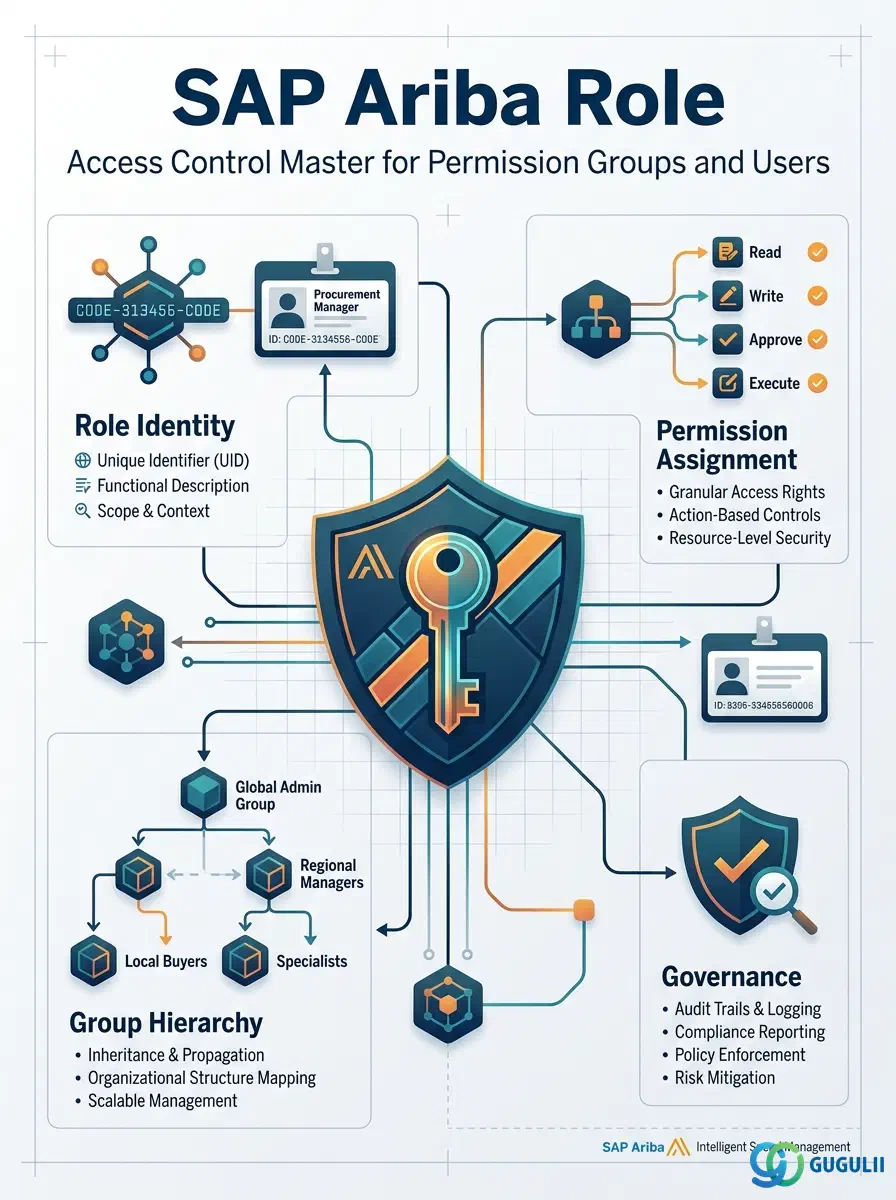
The Role is the second master data object configured in the Phase 1 User & Access setup — created immediately after the User record, it is what actually determines what a person can see and do inside SAP Ariba. Every Role is granted by exactly one Permission Group and held by one or more Users; Approval Rule (Phase 4) then matches on a User’s Role, together with Commodity, to decide routing for every Purchase Requisition, Purchase Order, and Invoice. This article maps the Role’s core concepts across all Ariba capability areas (Part 1), then details every field an Administrator configures when defining, structuring, and assigning Roles (Part 2).
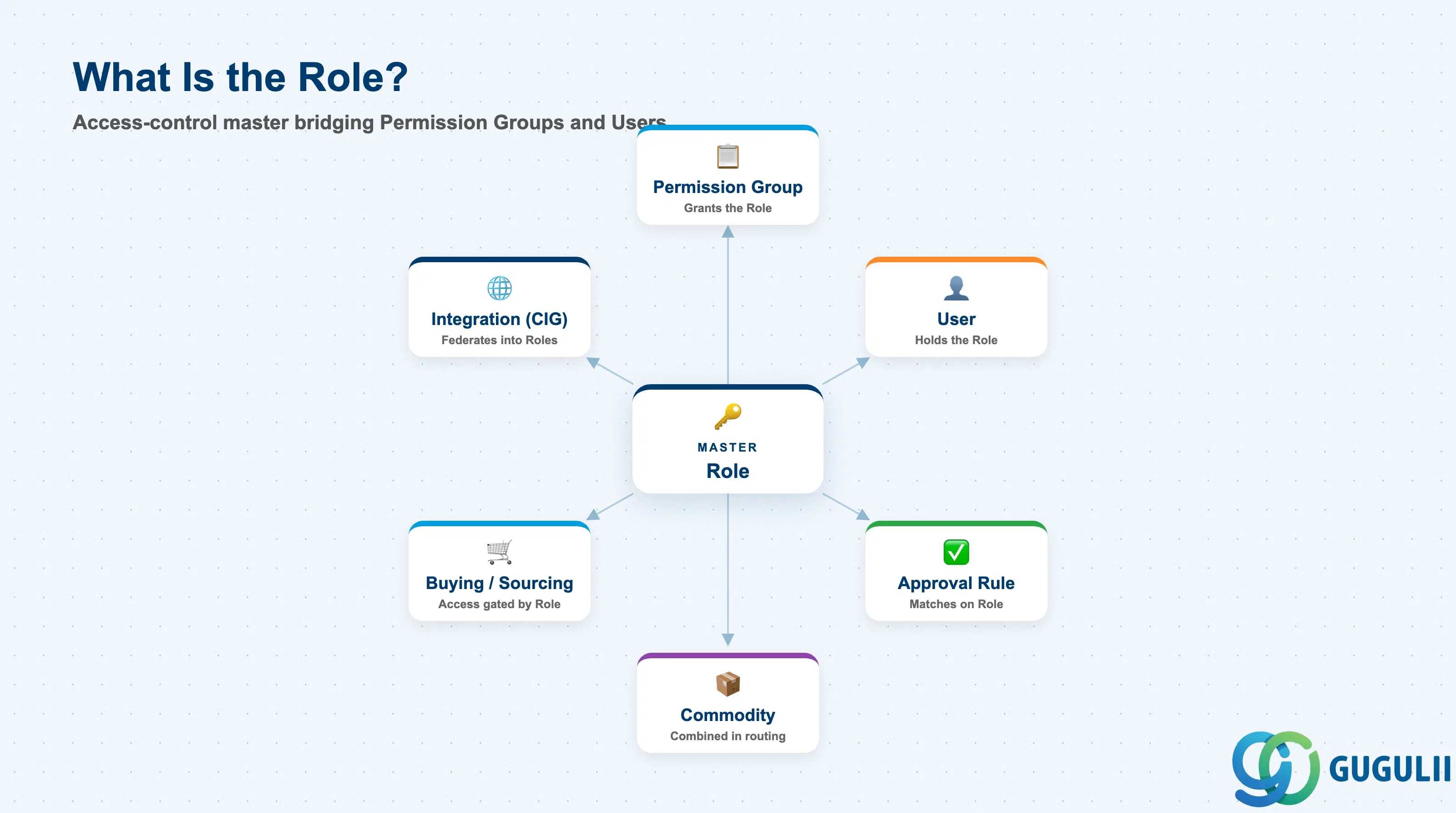
The Role is the access-control master that bundles a set of system permissions into a single assignable unit. It sits between the Permission Group that grants it and the User(s) who hold it — a Role is never configured directly on a User; it is always reached through the Permission Group that owns it. This indirection is what lets an Administrator change access for an entire job function by editing one Role, rather than touching every affected User individually.
| Aspect | Details |
|---|---|
| Role | Access-control master that bundles system permissions into an assignable unit; connects a Permission Group to one or more Users |
| Modules using it | All Ariba capability areas — permissions gate visibility and actions across Buying, Invoicing, Sourcing, Contracts, Supplier Management, and Guided Buying |
| Transactions | Manage Roles / Manage Groups (site admin console), Role assignment screen (within Manage Users), CSV batch Role assignment |
| Key Tables | No direct ECC/S4 table equivalent — Role is a cloud object native to the Ariba site; where federated, role-to-permission mapping may be mirrored in SAP Cloud Identity Services group assignments |
| S/4HANA note | Not the same concept as an S/4 PFCG Role — there is no authorization object or activity-group tree here. An Ariba Role is a flat, assignable permission bundle, simpler in structure than an S/4 authorization role |
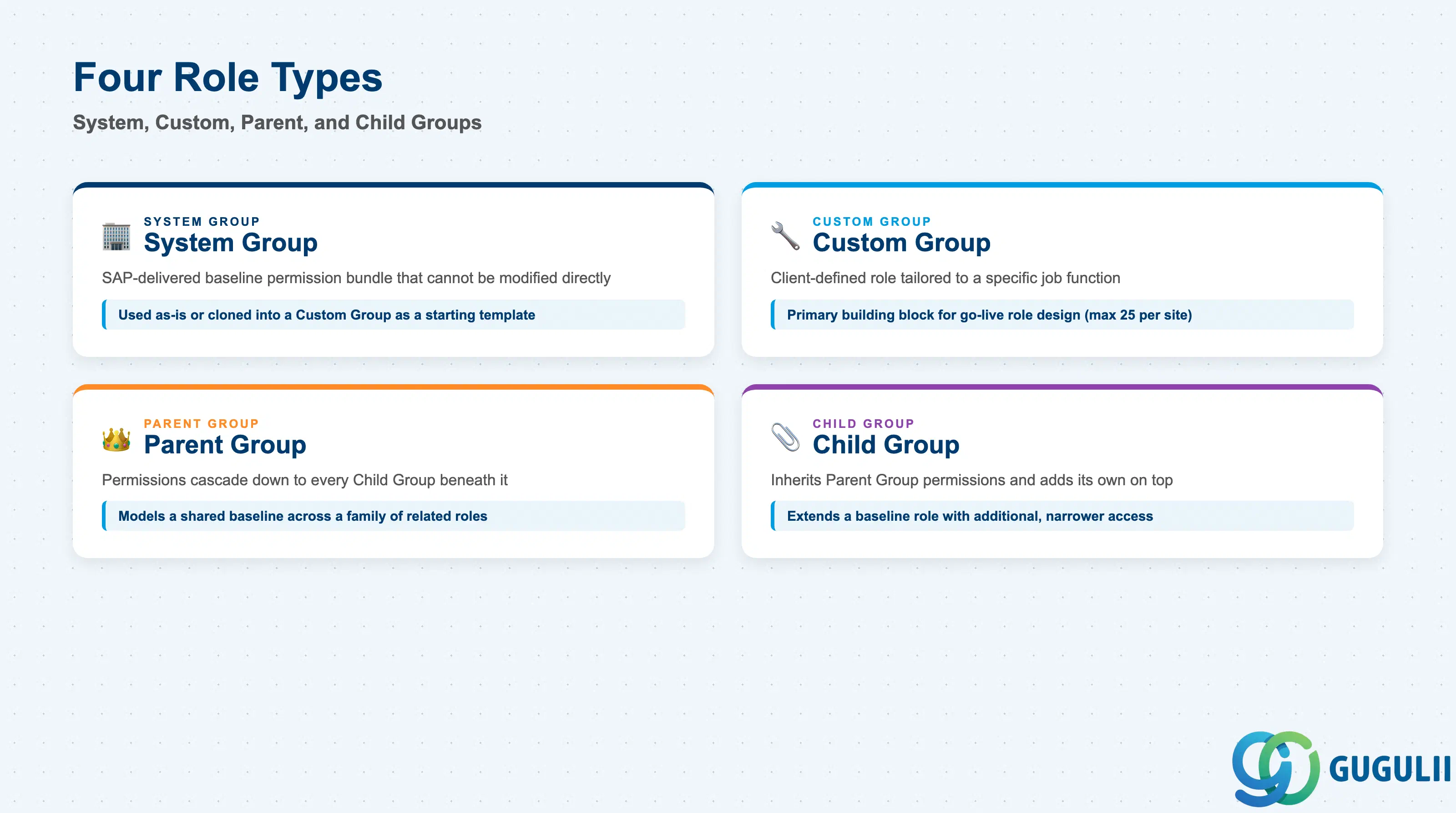
Getting the Role Type wrong at go-live is expensive to unwind: System Groups cannot be edited directly, and a Parent/Child inheritance chain set up incorrectly propagates the wrong permissions to every Role beneath it.
| Role Type | Code | Use Case | Key Behavior |
|---|---|---|---|
| System Group | System | SAP-delivered baseline permission bundle (Administrator, Buyer, Supplier Manager, etc.) | Predefined permission set that cannot be modified directly; used as-is or cloned into a Custom Group as a starting template |
| Custom Group | Custom | Client-defined role tailored to a specific job function | Created by an Administrator by combining exactly the permissions that function needs; the primary building block for go-live role design |
| Parent Group | Parent | Role positioned above others in an inheritance chain | Its permissions cascade down to every Child Group beneath it; used to model a shared baseline across a family of related roles |
| Child Group | Child | Role positioned below a Parent Group | Inherits the Parent Group’s permissions and adds its own on top; used to extend a baseline role with additional, narrower access |
Design principle: SAP Ariba limits a site to a maximum of 25 Custom Groups — consolidate job functions into as few distinct Roles as the design allows, and use Parent/Child inheritance rather than duplicating near-identical Custom Groups to stay within this ceiling.
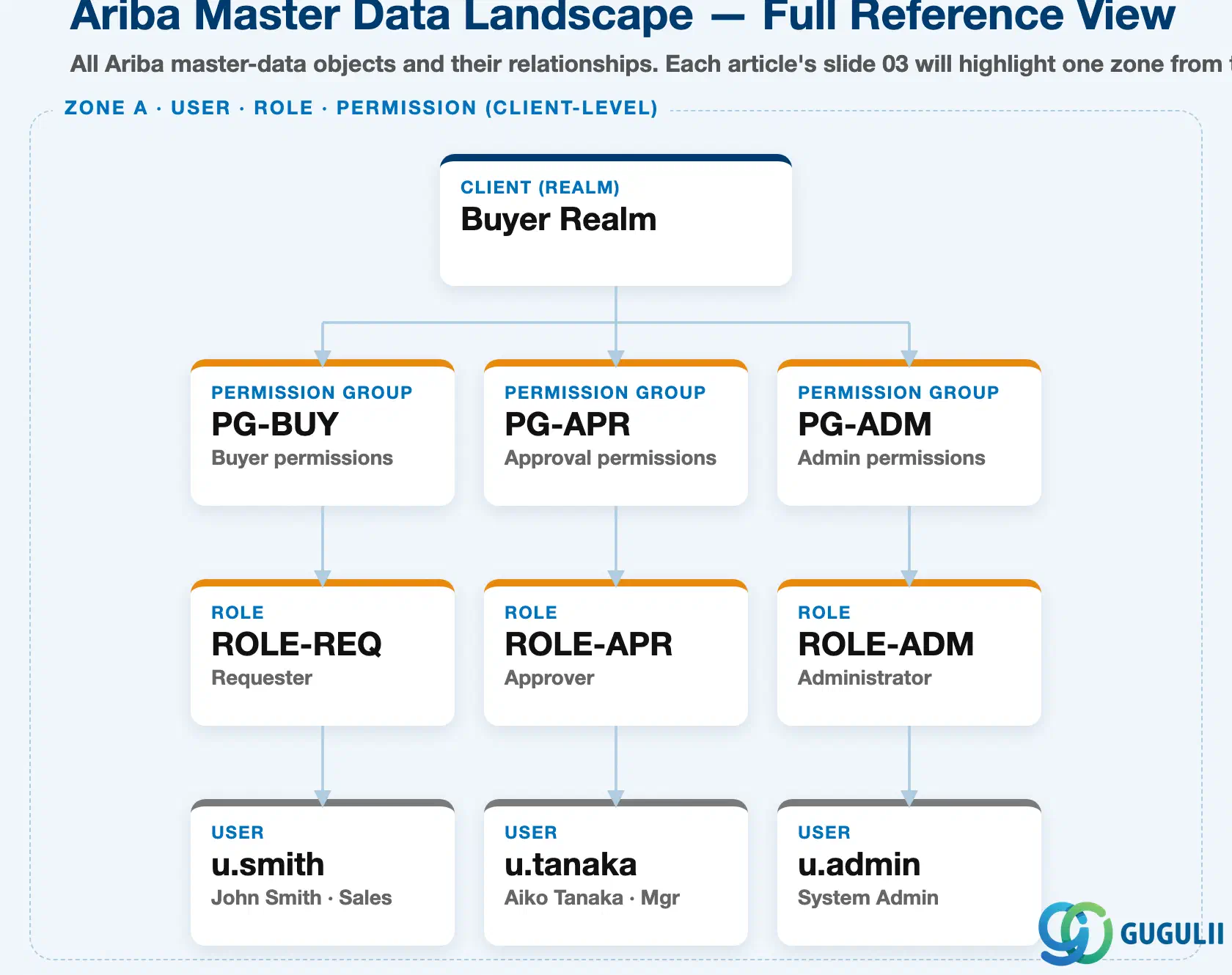
Data hierarchy with a concrete example
Buyer Realm (client-level)
├── Permission Group "PG-BUY" (Buyer permissions) → Role "ROLE-REQ" (Requester) → User "u.smith" (John Smith, Sales)
├── Permission Group "PG-APR" (Approval permissions) → Role "ROLE-APR" (Approver) → User "u.tanaka" (Aiko Tanaka, Mgr)
└── Permission Group "PG-ADM" (Admin permissions) → Role "ROLE-ADM" (Administrator) → User "u.admin" (System Admin)
The Role sits at the middle of this strict, four-level client hierarchy: the Buyer Realm (the top-level site/tenant boundary) contains Permission Groups, each Permission Group grants exactly one Role, and each Role is held by one or more Users. Configuration flows top-down — a Role never grants itself permissions directly; it always inherits them from its parent Permission Group — and access flows bottom-up at runtime, since a User’s effective permissions are whatever their held Role carries. Approval Rule is a separate configuration object, not part of this containment chain; it reads a User’s Role at runtime to decide routing (see Section 1.4).
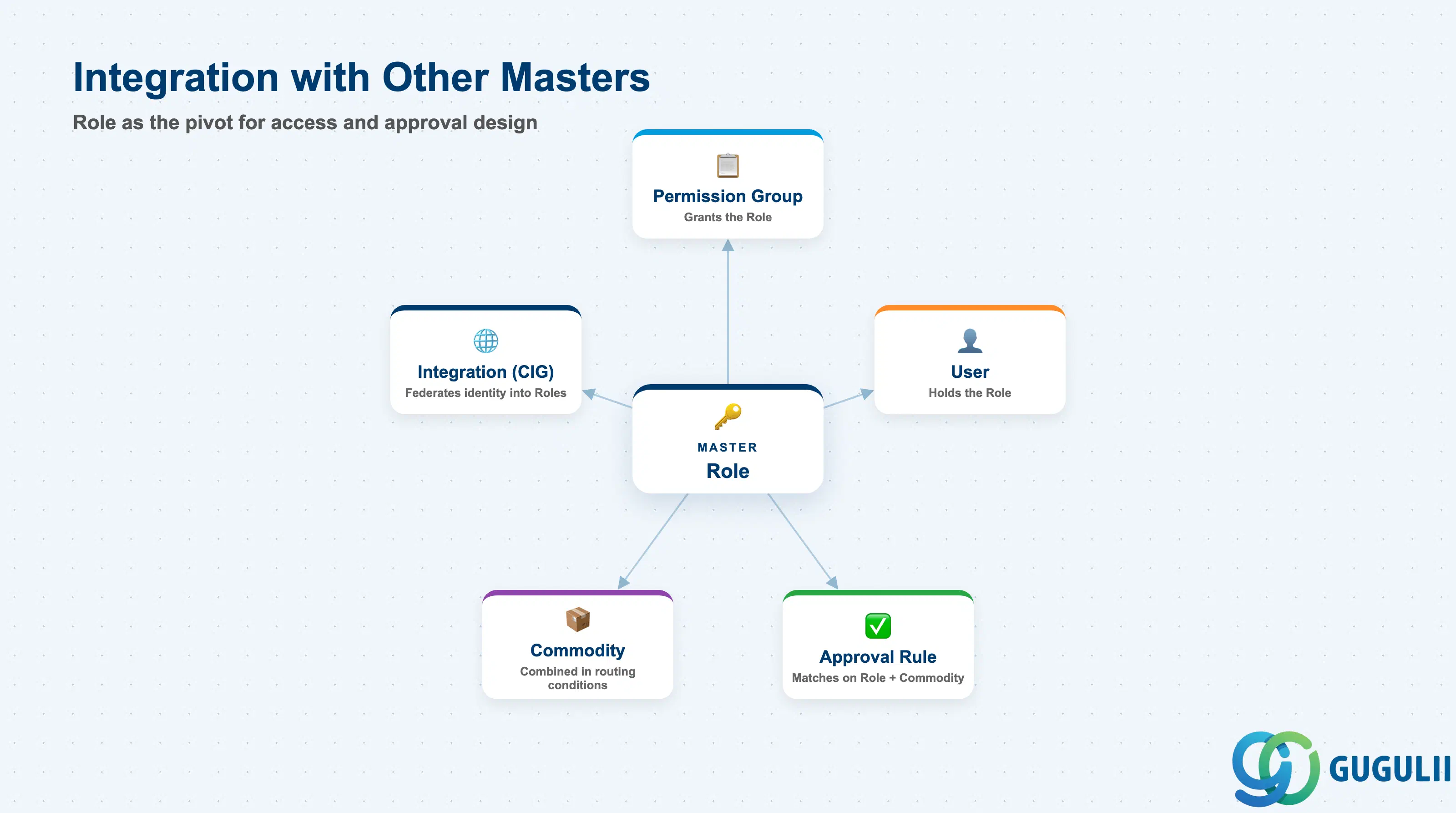
The Role does not stand alone — it is the pivot point that Permission Group, User, and Approval Rule are all built around.
| Object | Relationship | Practical Notes |
|---|---|---|
| Permission Group | A Role is granted by exactly one Permission Group; the Permission Group is the actual container of raw system permissions | Design Permission Groups first, around the smallest sensible permission bundle, then build Roles on top — trying to design Roles before Permission Groups usually produces overlapping, hard-to-audit permission sets |
| User | A Role is held by one or more Users; a User’s effective access is inherited entirely from its held Role, never configured on the User record directly | When a User’s job function changes, reassign their Role rather than editing individual permissions on the User — this keeps the permission model auditable |
| Approval Rule | Approval Rule matches on a User’s Role, together with Commodity, to determine routing for PR/PO/Invoice documents | Design a dedicated Role per approval tier (e.g., a distinct “Approver — Tier 1” Role versus “Approver — Tier 2”) so Approval Rule conditions stay simple rather than layering multiple nested amount conditions on one generic Approver Role |
| Commodity | Approval Rule conditions frequently combine a Role with a Commodity scope (e.g., an IT-specialist Role approving only IT-category spend) | Align Role naming with the Commodity groupings used in Approval Rule design, or category-based routing becomes difficult to trace during audit |
| Integration Model (CIG) | CIG or SAP Cloud Identity Services can federate group/permission mapping from S/4HANA or an external identity provider | Even when federated, the underlying Role and its permission bundle are still defined and owned natively in Ariba — federation maps identities into Roles, it does not create the Roles themselves |
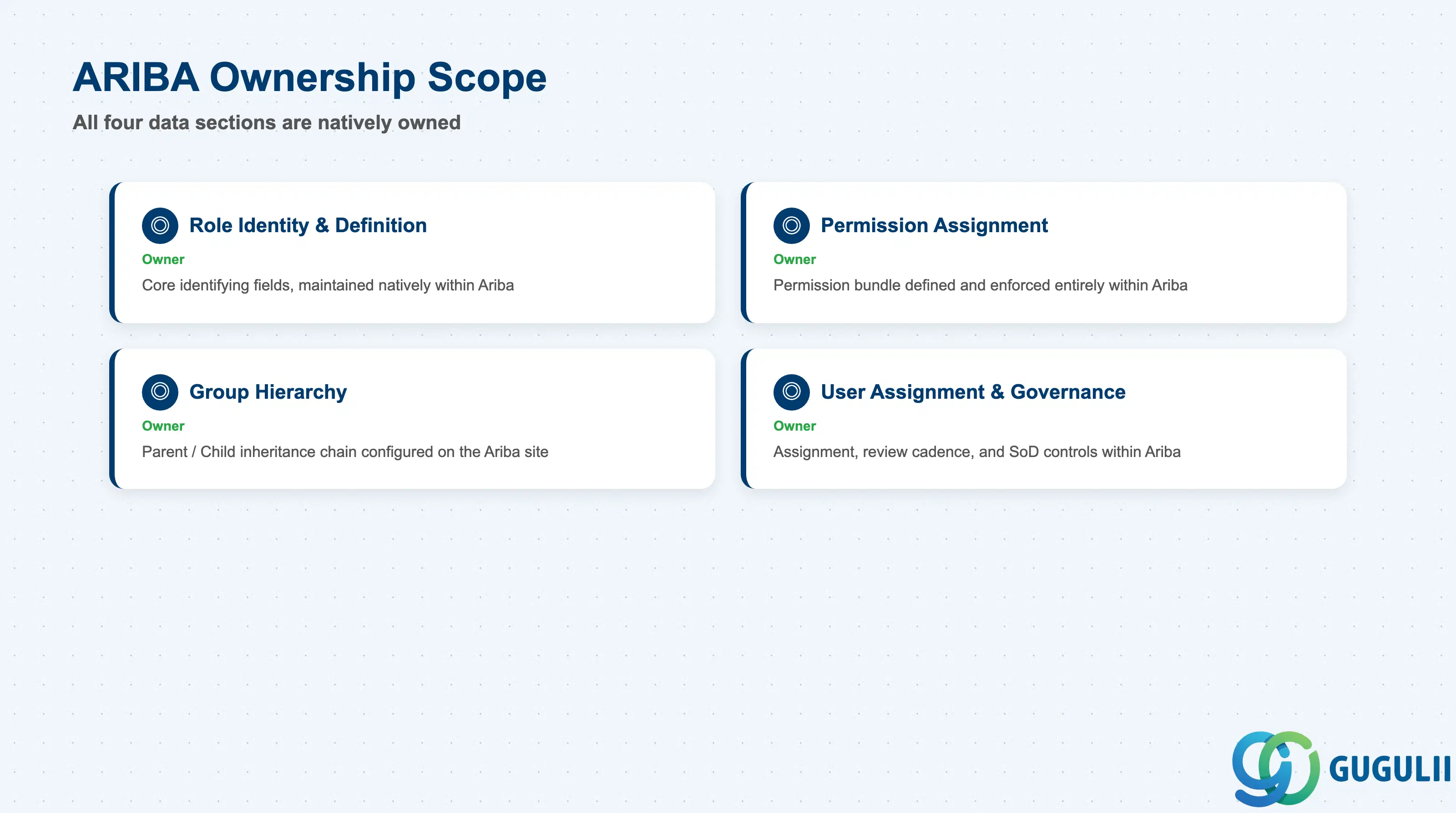
| Data Section | ARIBA Involvement | Notes |
|---|---|---|
| Role Identity & Definition | ◎ Owner | Core identifying fields, maintained natively whether the Role is created manually or via CSV import |
| Permission Assignment | ◎ Owner | The permission bundle itself is defined and enforced entirely within Ariba; no S/4 equivalent |
| Group Hierarchy (Parent / Child) | ◎ Owner | Inheritance chain configured and enforced on the Ariba site |
| User Assignment & Governance | ◎ Owner | Assignment, review cadence, and SoD controls are maintained on the Role/User relationship within Ariba |
Legend: ◎ = Owner / Critical, ○ = Direct involvement
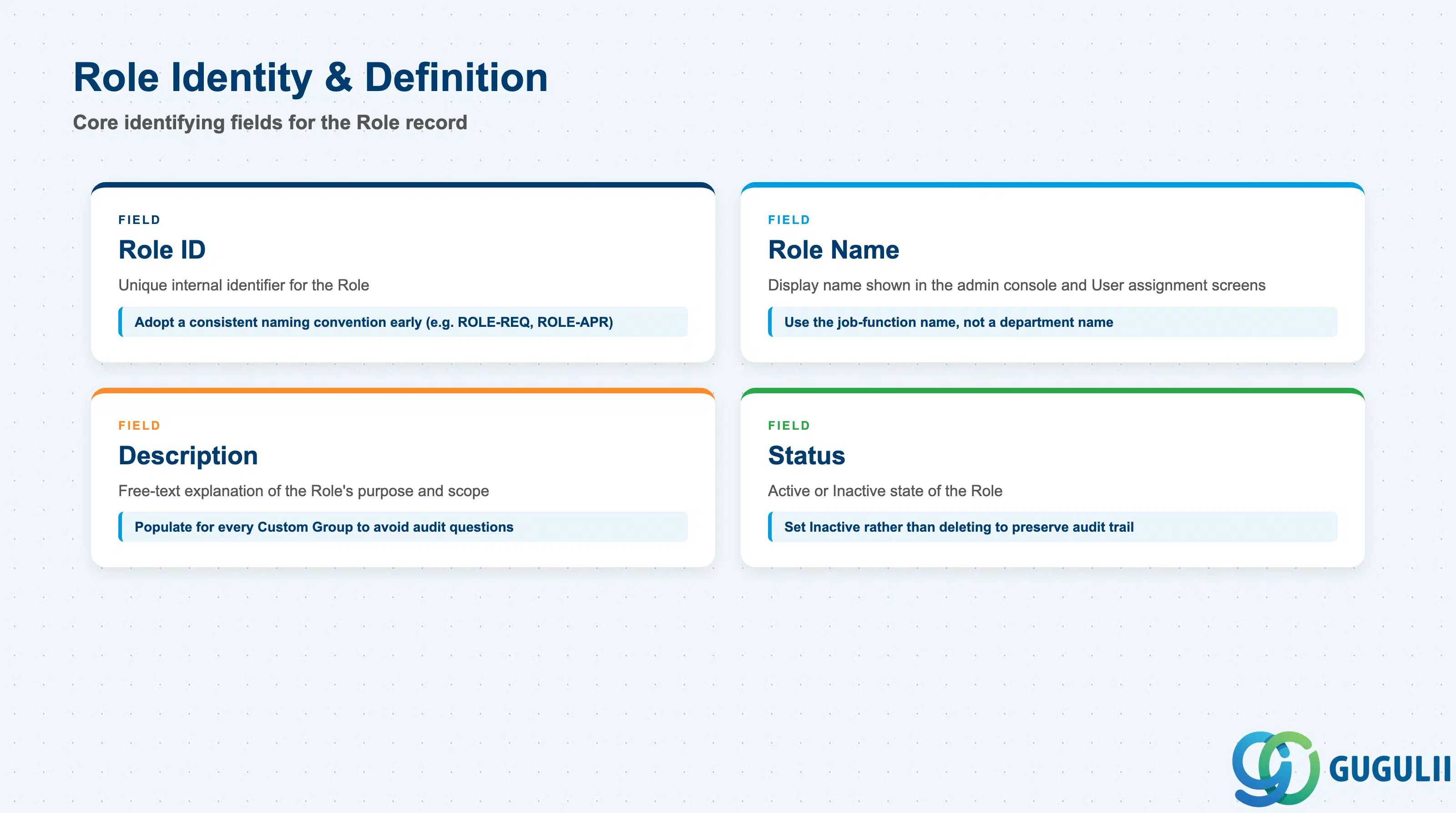
These fields uniquely identify a Role and establish what it represents before any permission or inheritance configuration is layered on top.
| Field | Description | Practical Usage |
|---|---|---|
| Role ID | Unique internal identifier for the Role | Adopt a short, consistent naming convention early (e.g., ROLE-REQ, ROLE-APR) — retrofitting a naming scheme after dozens of Roles exist is a common and avoidable cleanup project |
| Role Name | Display name shown throughout the site admin console and User assignment screens | Use the job-function name, not a department name — job function is far more stable as the org chart is reorganized around the same underlying access needs |
| Description | Free-text explanation of the Role’s purpose and intended permission scope | Populate this for every Custom Group; six months after go-live, an undocumented Role with a cryptic name is a frequent source of “why does this person have this access” audit questions |
| Status | Active / Inactive | Set to Inactive rather than deleting a Role that is no longer used — deleting can orphan the audit trail of past permission assignments tied to that Role |
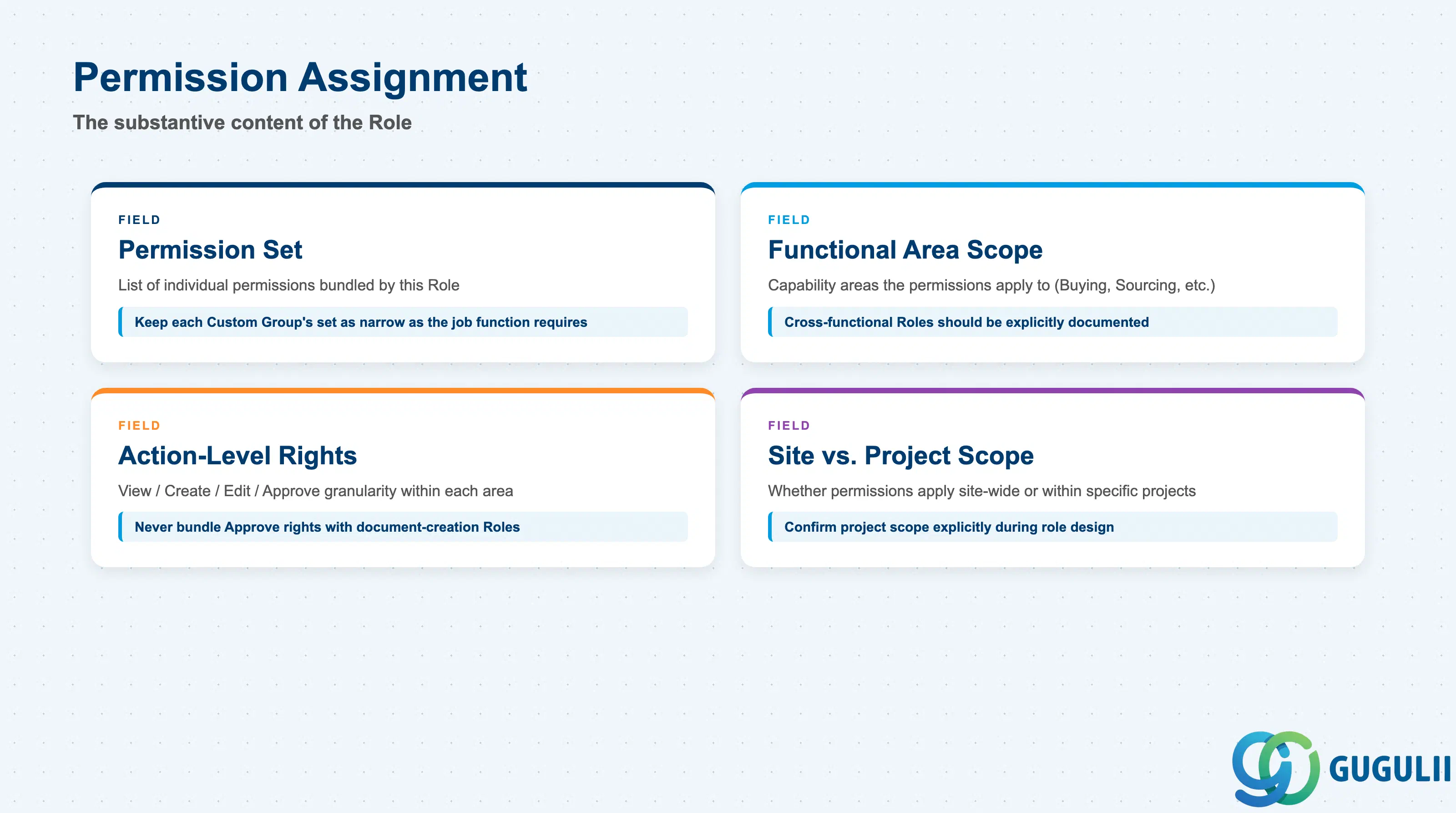
This is the substantive content of the Role — the actual set of actions and screens a held User can access, translated from the Permission Group above it (Section 1.3) into a concrete, assignable bundle.
| Field | Description | Practical Usage |
|---|---|---|
| Permission Set | The list of individual permissions bundled by this Role (e.g., Create PR, Approve PO, Manage Catalog) | Keep each Custom Group’s permission set as narrow as the job function requires; broadening “just in case” is the most common cause of failed segregation-of-duties reviews |
| Functional Area Scope | The capability area(s) the permissions apply to (Buying, Sourcing, Invoicing, Supplier Management, etc.) | Cross-functional Roles (e.g., a Requester who is also a Catalog Manager) should be modeled as an explicit, documented combination — not assumed implicitly — so reviewers can see exactly why a User holds broad access |
| Action-Level Rights | View / Create / Edit / Approve granularity within the scoped functional area | Approve rights in particular should never be bundled into a Role whose primary purpose is document creation — this is the specific combination SoD reviews flag first |
| Site vs. Project Scope | Whether the permission applies site-wide or only within specific Sourcing/Contract projects | Project-scoped permissions are common for Sourcing Roles (e.g., a category buyer only sees their own RFx projects); confirm this scope explicitly during role design, not after the first cross-project visibility complaint |
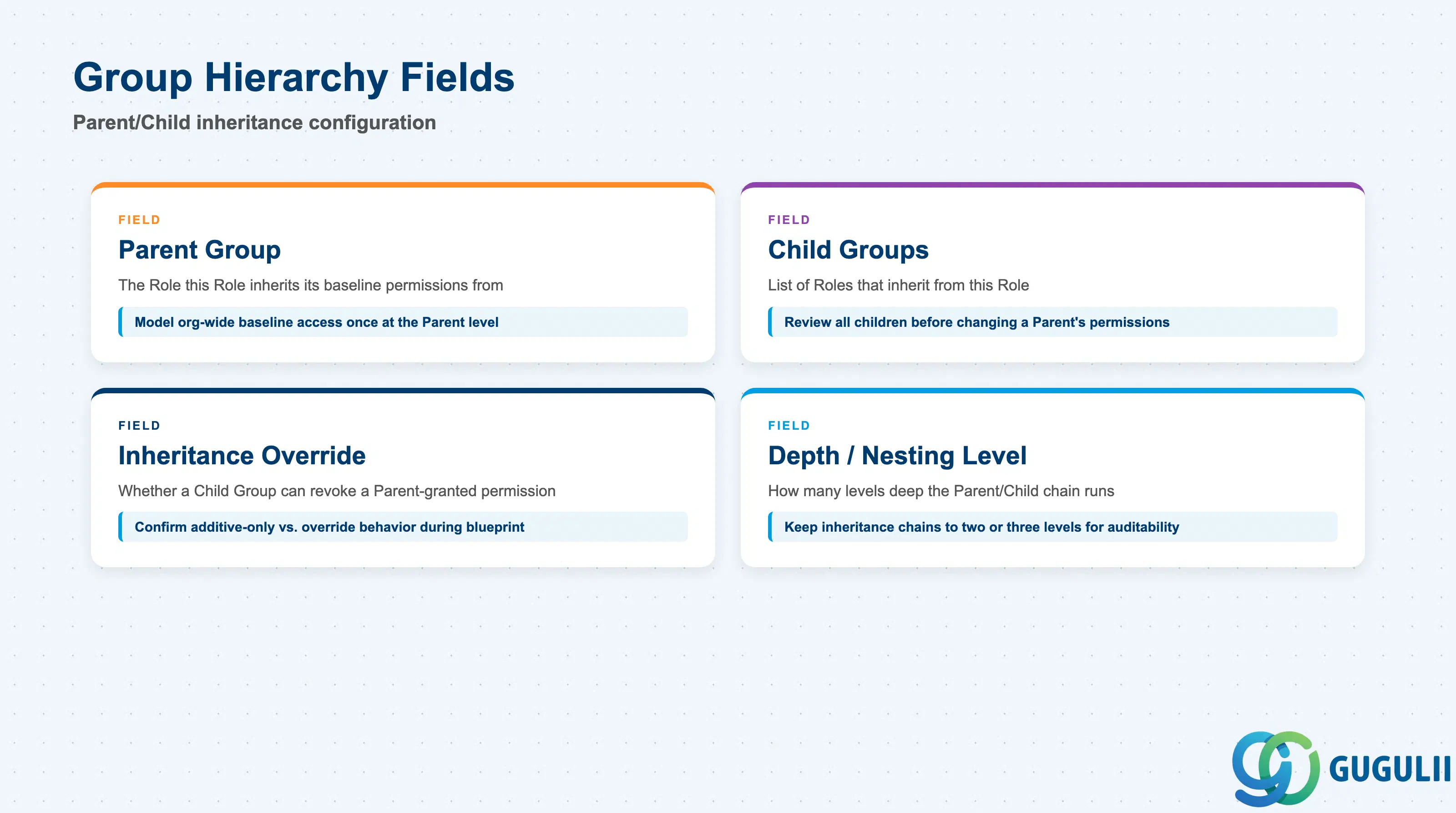
Roles rarely stand in isolation — most site designs use a Parent/Child inheritance chain so common baseline permissions are maintained once and extended, not re-entered, for each variant.
| Field | Description | Practical Usage |
|---|---|---|
| Parent Group | The Role this Role inherits its baseline permission set from | Model organization-wide baseline access (e.g., “all Buyers can view the shared catalog”) once at the Parent level, and let every Child Role inherit it automatically |
| Child Groups | The list of Roles that inherit from this Role | Review the full Child Group list before changing a Parent Group’s permissions — a change here cascades silently to every dependent Role, which is a frequent cause of unintended access changes after a “small” permission tweak |
| Inheritance Override | Whether a Child Group can revoke a permission granted by its Parent | Confirm this behavior during blueprint — some site configurations only support additive inheritance (Child can add, never remove), which changes how narrowly the Parent Group should be scoped from the outset |
| Depth / Nesting Level | How many levels deep the Parent/Child chain runs for this Role | Keep inheritance chains shallow (two to three levels); deeply nested chains become difficult to trace during an access audit and slow down troubleshooting of “why does this User have this permission” questions |
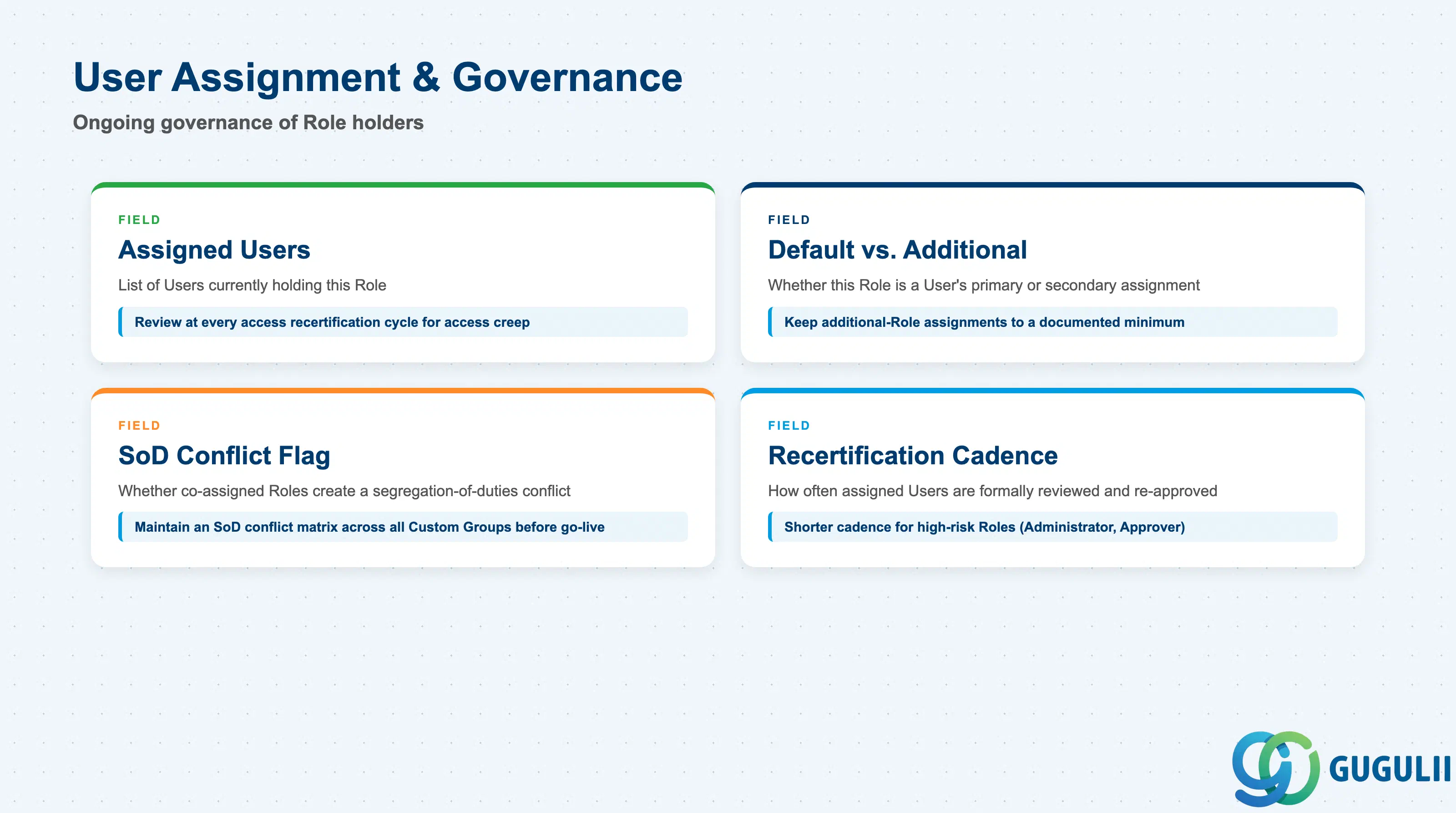
Once a Role is defined and positioned in the hierarchy, ongoing governance of who holds it — and how often that is reviewed — is what keeps the access model trustworthy over time.
| Field | Description | Practical Usage |
|---|---|---|
| Assigned Users | The list of Users currently holding this Role | Review this list at every access recertification cycle; a Role with an unexpectedly large or stale User list is a leading indicator of access creep |
| Default vs. Additional Assignment | Whether this Role is a User’s primary (default) Role or a secondary, additional one | Keep Additional-Role assignments to a documented minimum — every extra Role a User holds widens the segregation-of-duties surface that must be reviewed |
| Segregation of Duties (SoD) Conflict Flag | Whether this Role, combined with another commonly co-assigned Role, creates a known SoD conflict (e.g., Requester + Approver) | Maintain an SoD conflict matrix across all Custom Groups before go-live, not reactively after an audit finding — retrofitting SoD controls onto an already-assigned User base is significantly more disruptive |
| Recertification Cadence | How often assigned Users for this Role are formally reviewed and re-approved | Set a shorter cadence (e.g., quarterly) for high-risk Roles such as Administrator or Approver, and a longer cadence for low-risk Roles such as Requester |
| ID | Category | Title |
|---|---|---|
| ariba-001 | Overview | What is SAP Ariba? |
| ID | Category | Title |
|---|---|---|
| ariba-a01 | Overview | SAP Ariba Master Data: Overview, Hierarchy & Relationships |
| ariba-a02-01 | Master Data | SAP Ariba User |
| ariba-a02-02 | Master Data | SAP Ariba Role 📍 |
| ariba-a03-01 | Master Data | SAP Ariba Commodity |
| ariba-a04-02 | Master Data | SAP Ariba Catalog |
| ariba-a05-01 | Master Data | SAP Ariba Approval Rule |
| ariba-a06-01 | Master Data | SAP Ariba Integration Model |
| ID | Category | Title |
|---|---|---|
| ariba-b01 | Overview | SAP Ariba Transactions: Process Flow, Hierarchy & Relationships |