Title here
Summary here

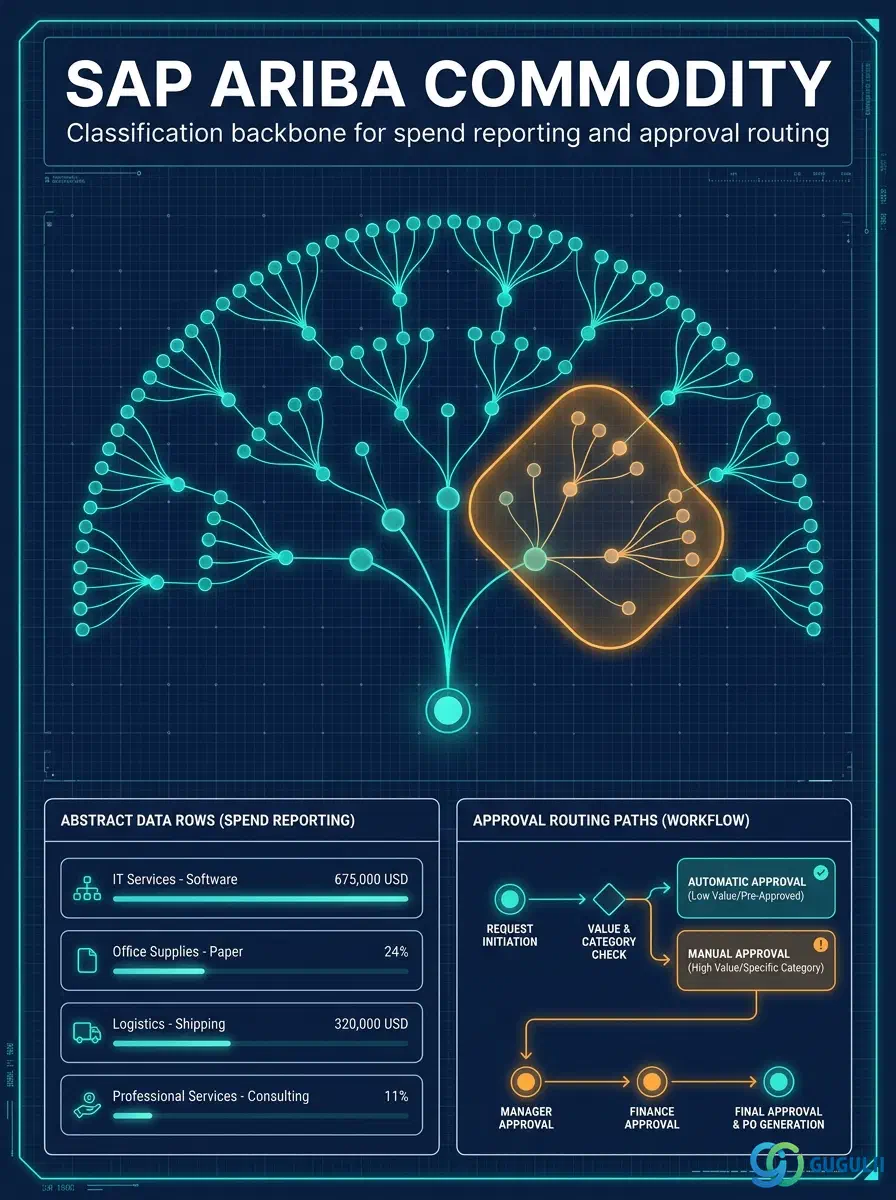
Commodity is one of the first master data objects configured in any SAP Ariba implementation — before a single Purchase Requisition, Supplier record, or Approval Rule can be built, the underlying classification structure of what the organization buys must exist. Every requisition line item is tagged with a Commodity Code, every Supplier Master record is scoped to the Commodity Codes it can fulfill, and Approval Rule (Phase 4) frequently matches on Commodity to decide routing. This article maps Commodity’s core concepts across all Ariba capability areas (Part 1), then details every field an Ariba Administrator configures when defining Commodity Codes and Spend Categories (Part 2).
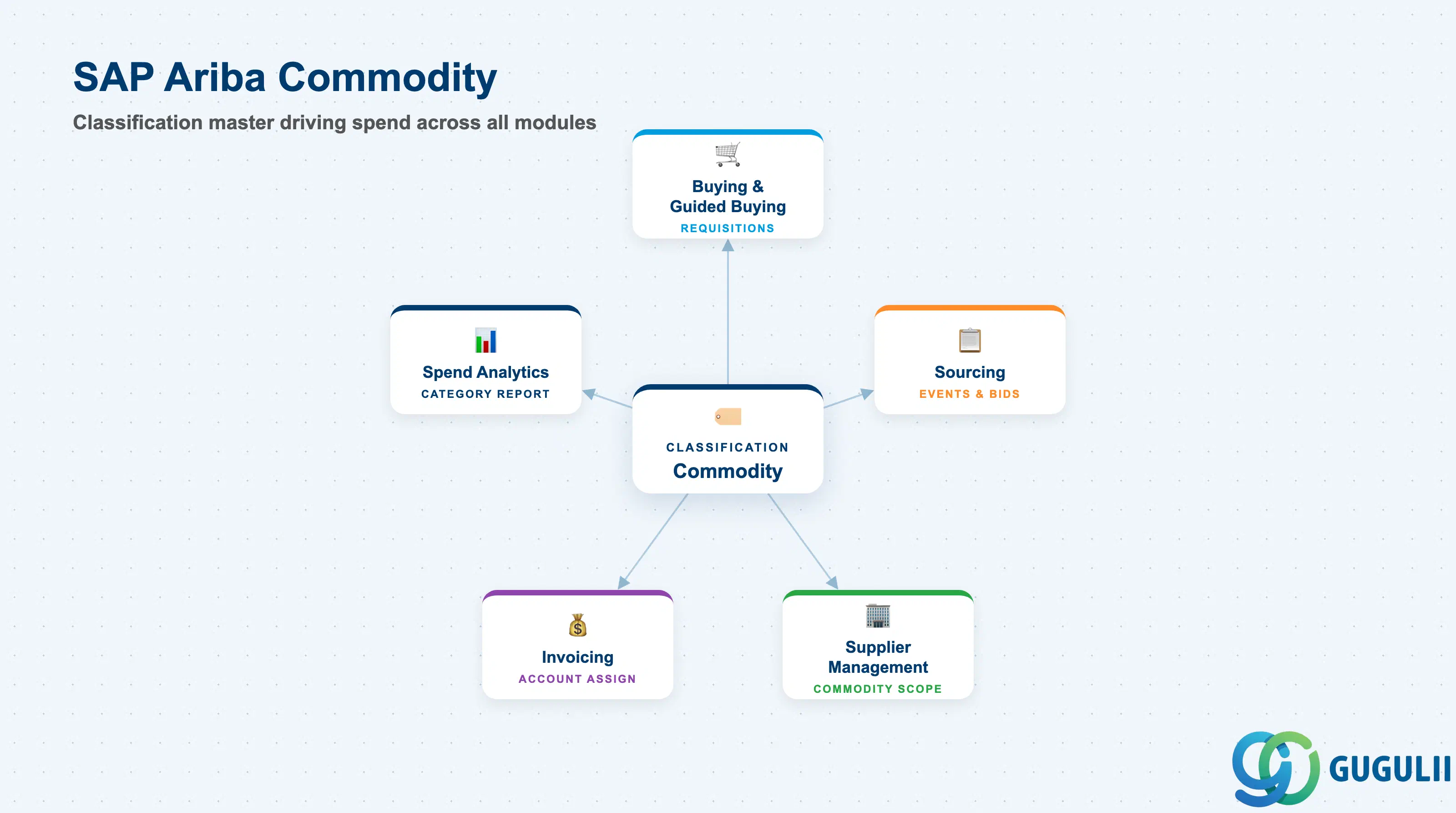
Commodity is the classification object that groups everything an organization buys into standardized categories — used to scope sourcing, drive approval routing, restrict catalog visibility, and produce spend-analysis reporting. It has two layers: the Commodity Code itself (an external, standards-based classification value) and the Spend Category (an Ariba-defined grouping of Commodity Codes for reporting and buying-scope purposes). Unlike User or Role, Commodity is not an access-control object — it is a taxonomy that every transactional and master data object in Ariba references to answer “what kind of spend is this.”
| Aspect | Details |
|---|---|
| Role | Classification master that groups spend into standardized categories used for sourcing scope, approval routing, and spend reporting |
| Modules using it | All Ariba capability areas — Buying, Guided Buying, Sourcing, Supplier Management, Invoicing — every requisition line, catalog item, and Supplier record carries a Commodity assignment |
| Transactions | Administration > Commodity Code Management, Commodity Code / Spend Category import-export (CSV), Spend Category configuration screen |
| Key Tables | No direct ECC/S4 table equivalent — Commodity is an Ariba cloud configuration object; when integrated, it maps to S/4HANA Material Group (MATKL) via a CIG-maintained translation table, not a shared table |
| S/4HANA note | The Ariba Commodity Code list is typically NOT the same code set as S/4HANA Material Group — a CIG mapping table translates between the two. Not synchronized automatically; the mapping is maintained explicitly as part of Integration Model (Phase 5) |
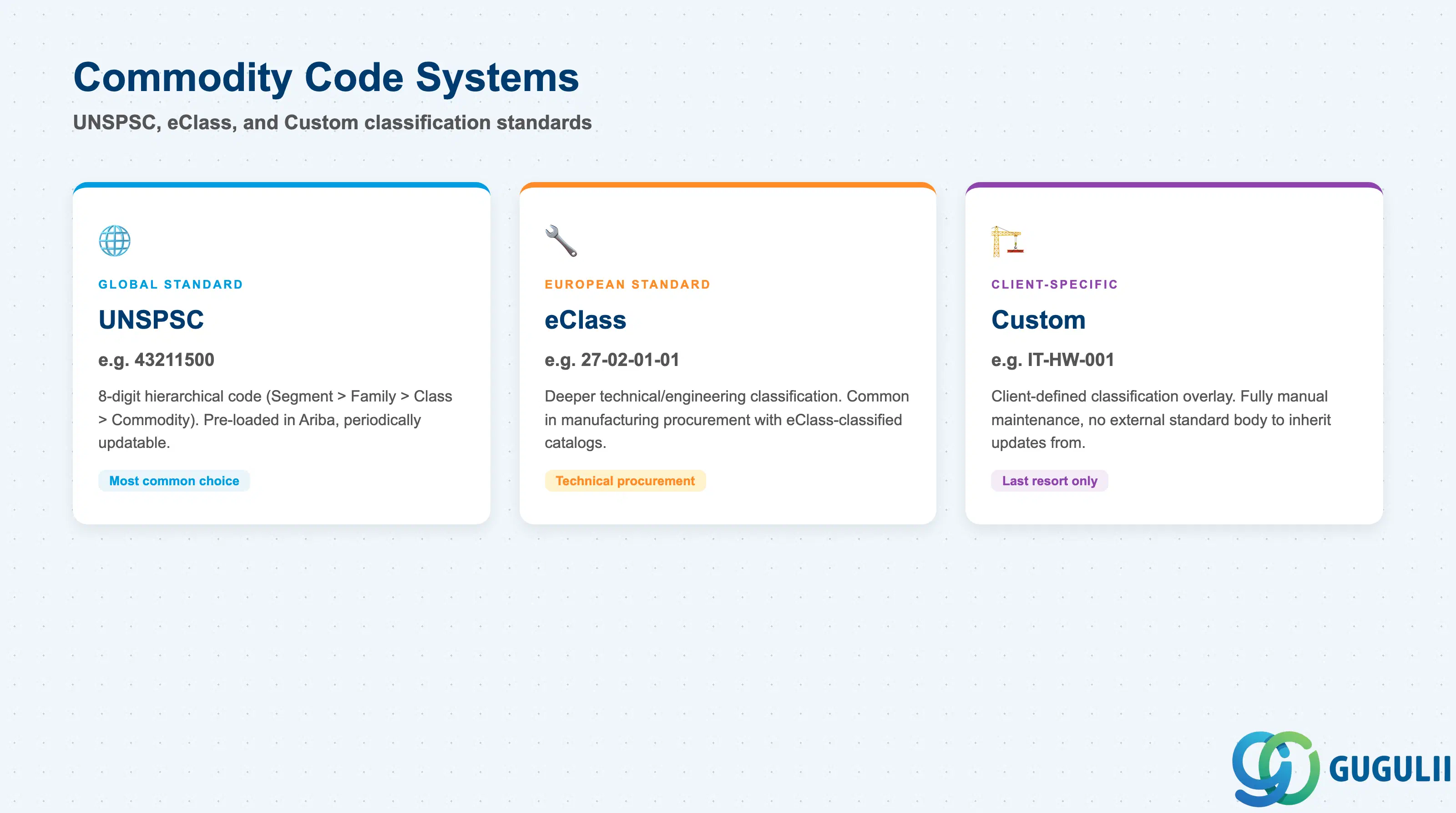
The Commodity Code System determines which external (or internal) classification standard a code belongs to — this choice is made once, early in the implementation, and is expensive to change later because every downstream Supplier assignment, catalog tag, and Approval Rule condition is written against the code values chosen.
| Type | Code | Use Case | Key Behavior |
|---|---|---|---|
| UNSPSC | e.g. 43211500 (Computer Equipment) | Global standard adopted by most Ariba Buying/Sourcing implementations | 8-digit hierarchical code (Segment > Family > Class > Commodity); Ariba ships the full UNSPSC code set pre-loaded and periodically updatable |
| eClass | e.g. 27-02-01-01 | European standard, common in manufacturing/technical procurement | Deeper technical/engineering classification than UNSPSC; used when supplier catalogs are already eClass-classified |
| Custom | e.g. IT-HW-001 | Client-specific classification overlay | Defined only when neither external standard fits the client’s internal spend-reporting structure; requires fully manual maintenance, no external standards body to inherit updates from |
Design principle: Adopt UNSPSC as the default classification standard and reserve Custom codes only for spend segments the standard genuinely cannot represent — mixing systems arbitrarily across the same Spend Category breaks cross-period spend-trend reporting.
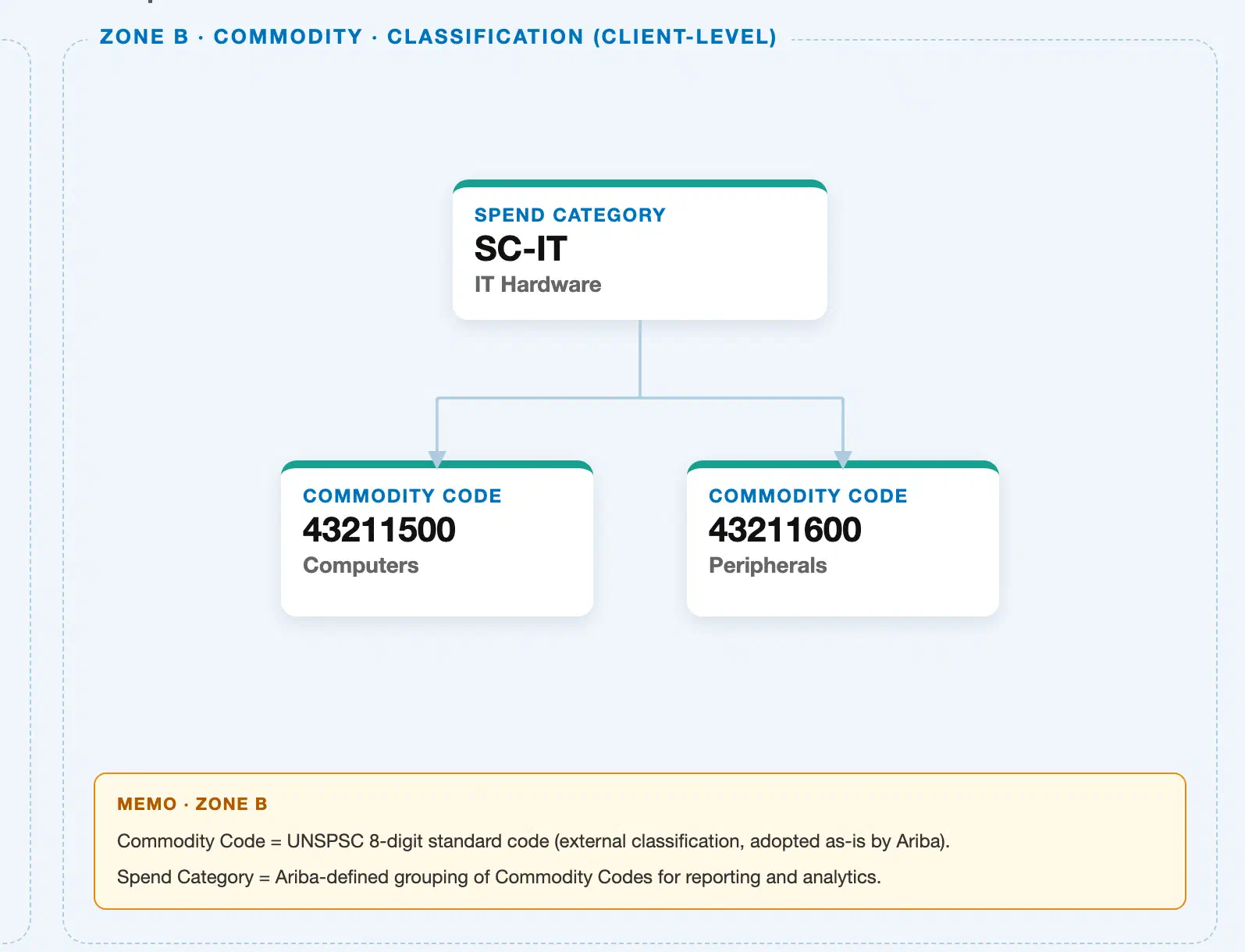
Data hierarchy with a concrete example
Spend Category "SC-IT" (IT Hardware)
├── Commodity Code "43211500" (Computers)
└── Commodity Code "43211600" (Peripherals)
This is a flat, 2-level hierarchy — simpler than the Realm/Permission Group/Role/User chain in the User and Role master (Phase 1). The Commodity Code is the external, standards-based value: 43211500 is the 8-digit UNSPSC code for Computers, adopted by Ariba as-is rather than invented by Ariba itself — it is not an Ariba-generated ID. The Spend Category, by contrast, is an Ariba-defined grouping on top of one or more Commodity Codes: SC-IT rolls up both 43211500 (Computers) and 43211600 (Peripherals) into a single reportable “IT Hardware” bucket for spend analytics and buying-scope configuration. Do not confuse the two — Commodity Code classifies what is bought at the external-standard level; Spend Category groups those codes the way the business wants to report and route spend.
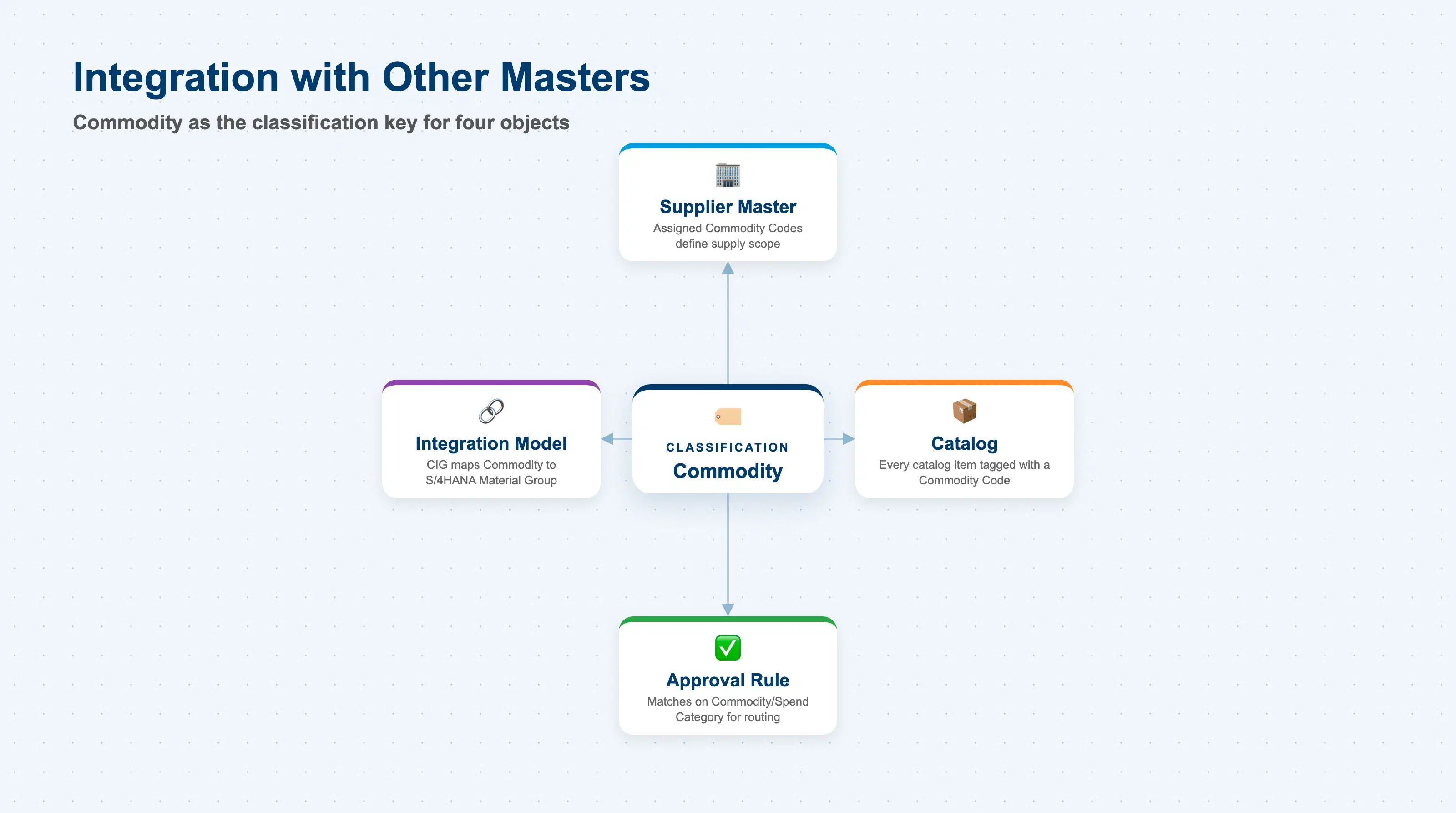
Commodity does not stand alone — it is the classification key that four other Phase 1–5 objects read from or filter by.
| Object | Relationship | Practical Notes |
|---|---|---|
| Supplier Master | A Supplier is assigned one or more Commodity Codes describing what it can supply | Keep Supplier-to-Commodity assignments current after every sourcing event — a Supplier missing a newly added Commodity Code silently drops out of catalog search and preferred-supplier routing for that category |
| Catalog | Every Catalog item is tagged with a Commodity Code, which determines which Buying scope and Approval Rule apply to it | A catalog item tagged with the wrong Commodity Code routes through the wrong approval path and can bypass category-specific spend controls entirely |
| Approval Rule | Approval Rule (Phase 4) frequently matches on Commodity Code or its parent Spend Category, together with Role, to decide routing | A category-based rule (e.g., “IT Hardware → route to IT Manager”) only fires correctly if every underlying Commodity Code is consistently assigned — untagged items silently bypass the intended approver |
| Integration Model (CIG) | CIG maintains the mapping between Ariba Commodity Code and S/4HANA Material Group, feeding both Purchase Order account assignment and Vendor Master commodity scoping | Build this mapping before go-live — a PO created in Ariba cannot resolve a Material Group on synchronization to S/4HANA without it, and the sync fails |
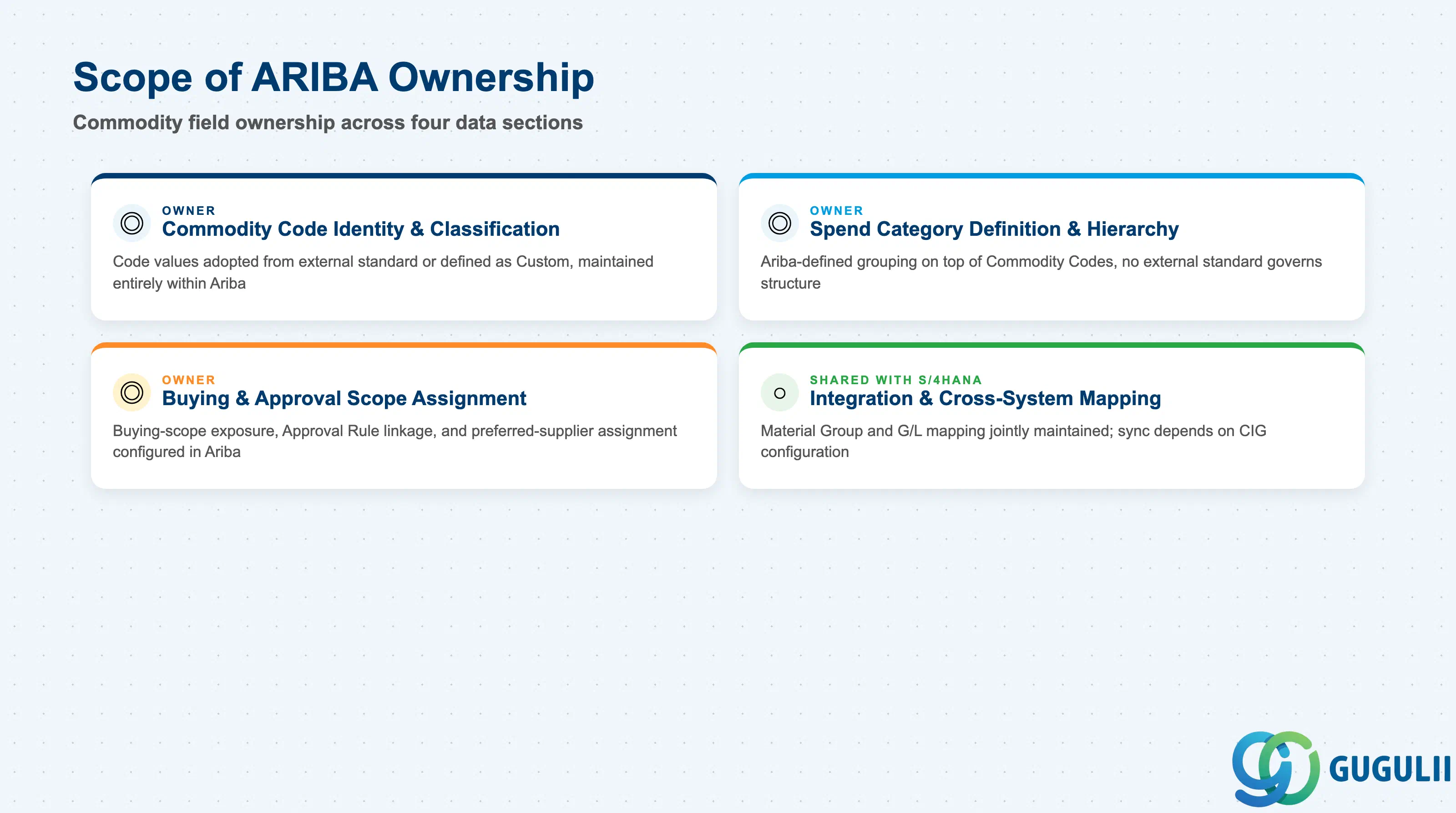
| Data Section | ARIBA Involvement | Notes |
|---|---|---|
| Commodity Code Identity & Classification | ◎ Owner | Code values are adopted from an external standard (UNSPSC/eClass) or defined as Custom, but maintained entirely within Ariba |
| Spend Category Definition & Hierarchy | ◎ Owner | Ariba-defined grouping on top of Commodity Codes; no external standard governs Spend Category structure |
| Buying & Approval Scope Assignment | ◎ Owner | Buying-scope exposure, Approval Rule linkage, and preferred-supplier assignment are configured and enforced entirely within Ariba |
| Integration & Cross-System Mapping | ○ Shared with S/4HANA (via CIG) | Material Group and G/L account mapping are jointly maintained; sync status and timing depend on CIG/Integration Model configuration |
Legend: ◎ = Owner / Critical, ○ = Direct involvement
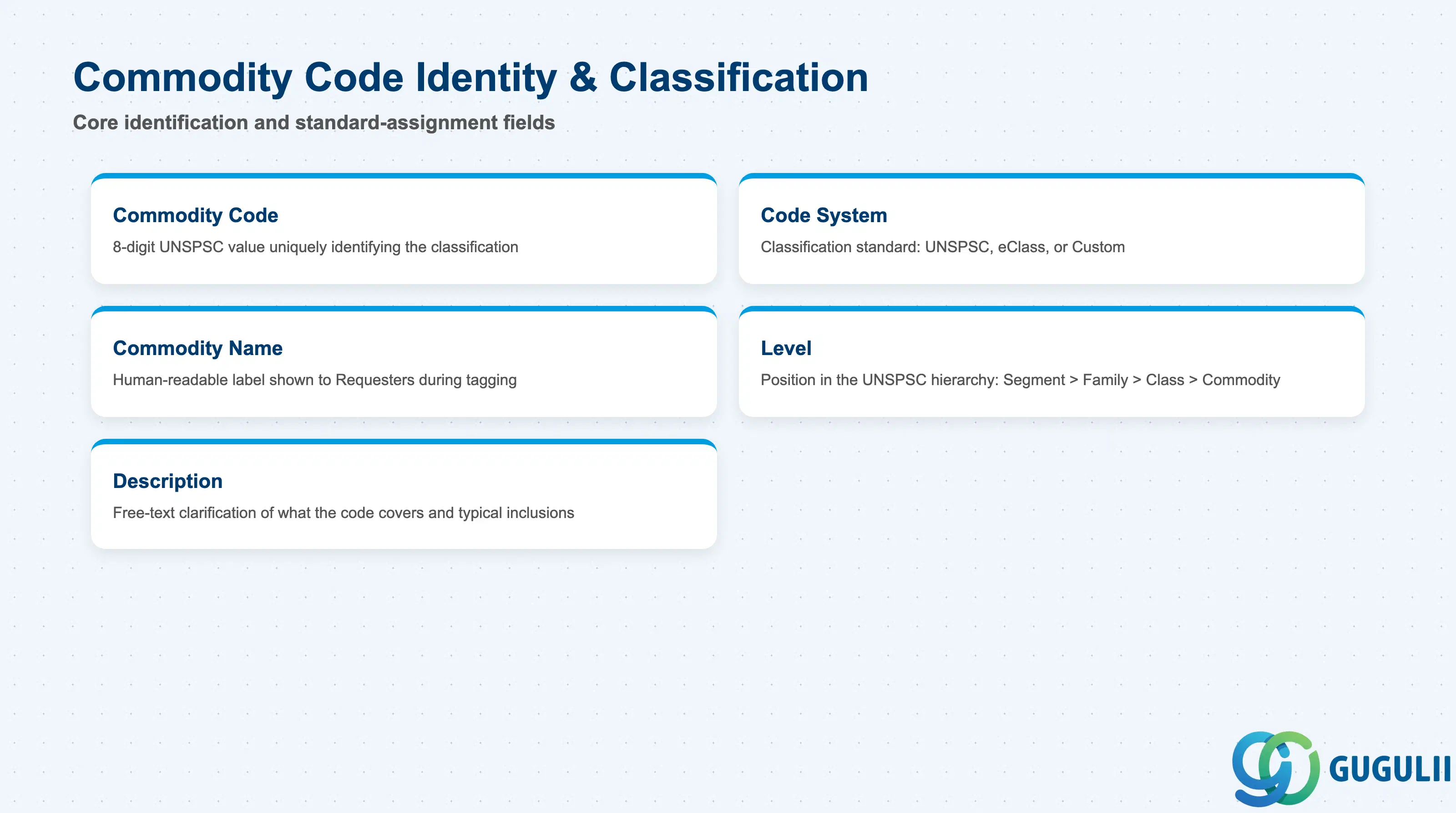
These fields identify a single Commodity Code and the external (or internal) standard it belongs to — the foundation every Spend Category and downstream assignment is built on.
| Field | Description | Practical Usage |
|---|---|---|
| Commodity Code | The 8-digit UNSPSC code (or equivalent under eClass/Custom) uniquely identifying the classification | Treat this as an external code, not an Ariba-invented ID — do not renumber or repurpose a UNSPSC value for a different meaning; if a spend segment doesn’t map cleanly, add a Custom code instead |
| Code System | Indicates which classification standard the code belongs to (UNSPSC / eClass / Custom) | Standardize on one primary system per Spend Category — mixing systems within SC-IT makes cross-period spend-trend comparisons unreliable because code granularity differs between standards |
| Commodity Name | Human-readable label for the code (e.g., “Computers”, “Peripherals”) | Keep names short and business-facing — Requesters see this name when tagging a requisition line, so an overly technical UNSPSC title should be simplified for the buying UI without altering the underlying code |
| Level | Position within the UNSPSC hierarchy (Segment > Family > Class > Commodity) | Most Buying scenarios classify at the Commodity (lowest) level; Segment/Family levels are typically used only for spend-analysis rollups, not for tagging individual PR/PO lines |
| Description | Free-text clarification of what the code covers and typical inclusions/exclusions | Populate this during initial load — it is the best reference for Requesters and Buyers choosing between similarly named codes and materially reduces mis-classification support tickets |
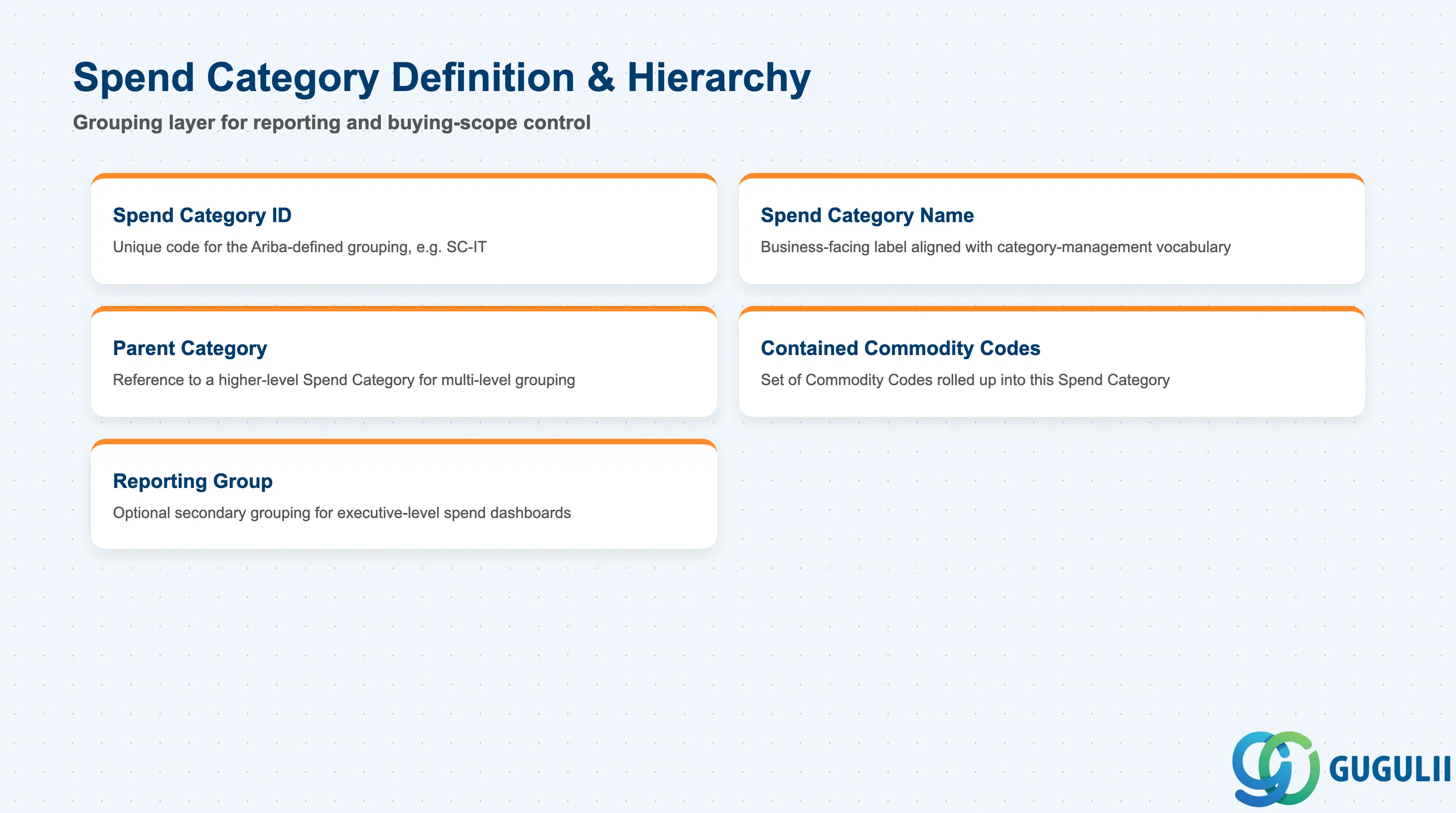
These fields define the Ariba-side grouping layer on top of Commodity Codes — the structure Procurement and Finance actually use to report and steer spend.
| Field | Description | Practical Usage |
|---|---|---|
| Spend Category ID | Unique code for the Ariba-defined grouping (e.g., SC-IT) | Design Spend Category IDs around how Sourcing/Category Management actually reports spend, not around an existing ERP cost center hierarchy — the two rarely match one-to-one |
| Spend Category Name | Business-facing label (e.g., “IT Hardware”) | Align naming with the client’s existing category-management vocabulary from sourcing workshops, since this label appears directly in executive spend-analysis dashboards |
| Parent Category | Reference to a higher-level Spend Category, if a multi-level grouping is used | Keep this hierarchy shallow (2–3 levels max) — a deep category tree is harder for Requesters to navigate and rarely improves the quality of spend reporting |
| Contained Commodity Codes | The set of Commodity Codes rolled up into this Spend Category | Review this mapping at least annually — UNSPSC updates and new supplier-catalog categories can leave newly added Commodity Codes unassigned to any Spend Category, silently excluding that spend from reporting |
| Reporting Group | Optional secondary grouping used for executive-level spend dashboards, independent of the Spend Category hierarchy | Reserve this for CFO-level rollups (e.g., “Indirect Spend”) distinct from the operational Spend Category structure Buyers use day to day |
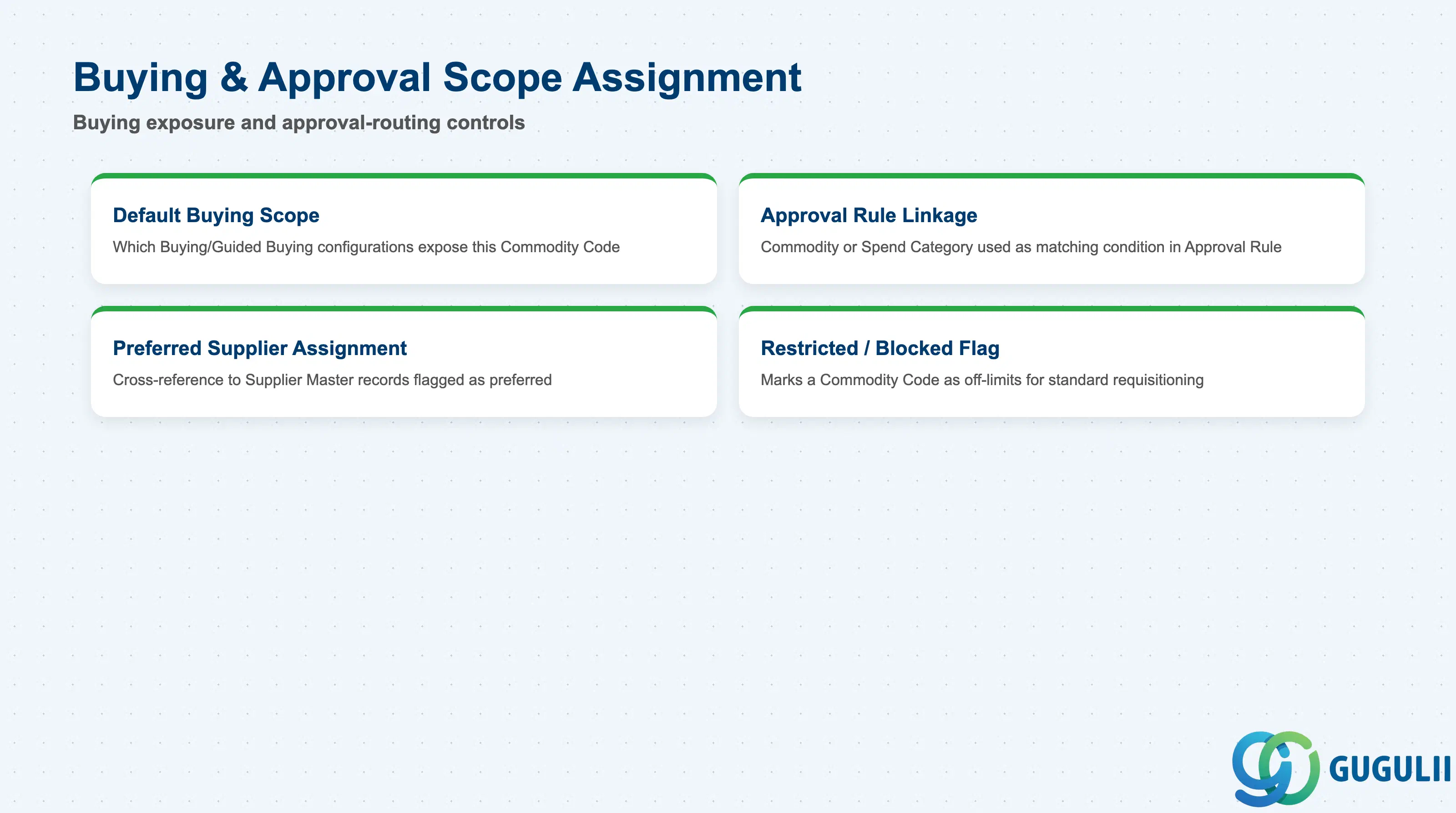
These fields control where a Commodity Code is exposed for purchasing and how it feeds Approval Rule (Phase 4) routing.
| Field | Description | Practical Usage |
|---|---|---|
| Default Buying Scope | Which Buying/Guided Buying configurations expose this Commodity Code for requisitioning | Restrict a newly added Commodity Code to a pilot buying scope before rolling it out site-wide, so a mis-classified new code doesn’t appear as a selectable option across every Requester’s catalog immediately |
| Approval Rule Linkage | Commodity Code (or its parent Spend Category) used as a matching condition inside Approval Rule | A category-based rule (e.g., “IT Hardware → route to IT Manager”) only fires correctly if every Commodity Code under that category is consistently tagged — untagged catalog items silently bypass the intended routing |
| Preferred Supplier Assignment | Cross-reference to Supplier Master records flagged as preferred for this Commodity Code | Maintain this actively during sourcing events — Guided Buying nudges Requesters toward preferred suppliers per commodity, so a stale flag can redirect spend to a supplier that has since lost a contract |
| Restricted / Blocked Flag | Marks a Commodity Code as off-limits for standard requisitioning (e.g., pending contract renewal or compliance hold) | Use sparingly and always pair with an approval-workflow message explaining why, or Requesters will simply route around the restriction through a different, incorrectly classified code |
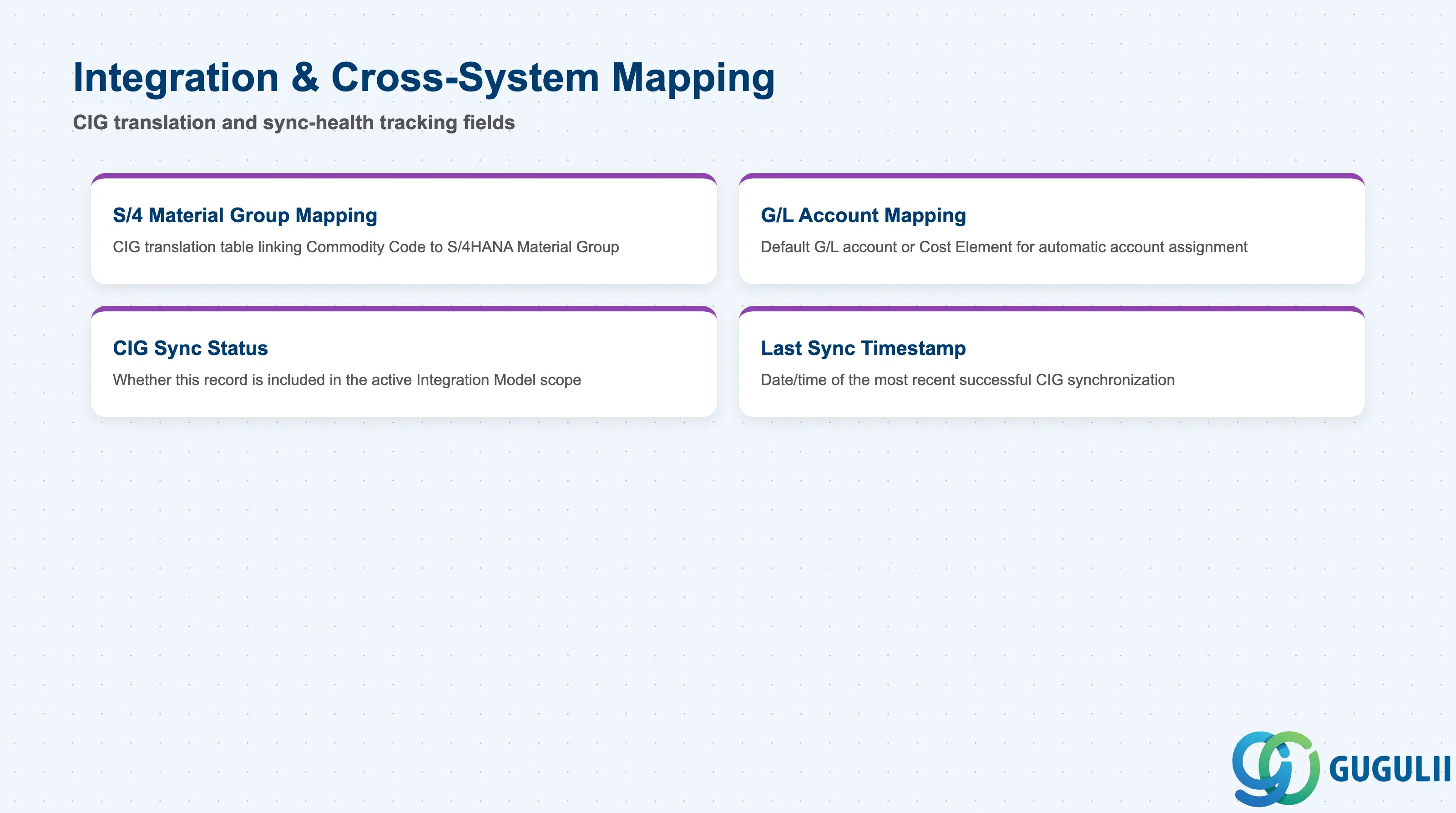
These fields govern how a Commodity Code and Spend Category are translated into S/4HANA equivalents via CIG, and how synchronization health is tracked.
| Field | Description | Practical Usage |
|---|---|---|
| S/4 Material Group Mapping | CIG-maintained translation table linking a Commodity Code to one or more S/4HANA Material Group (MATKL) values | Build this mapping table before go-live, not reactively — without it, a Purchase Order created in Ariba cannot resolve a valid Material Group when it synchronizes back to S/4HANA, and the sync fails |
| G/L Account / Cost Element Mapping | Default G/L account or Cost Element associated with spend under this Commodity Code, used for automatic account assignment | Where multiple valid G/L accounts exist for one Commodity Code (e.g., by company code), model this as a lookup table in CIG rather than a single fixed value, or account-assignment errors surface as posting failures in FI |
| CIG Sync Status | Indicates whether this Commodity Code / Spend Category record is included in the active Integration Model (Phase 5) synchronization scope | Newly added Commodity Codes are not automatically included in an existing Integration Model — confirm sync scope explicitly whenever the Commodity Code set is extended after go-live |
| Last Sync Timestamp | Date/time of the most recent successful CIG synchronization for this record | Monitor this field (or the CIG monitoring dashboard) after any bulk Commodity Code load — a stale timestamp on a subset of records is the fastest signal that a batch sync partially failed |
| ID | Category | Title |
|---|---|---|
| ariba-001 | Overview | What is SAP Ariba? |
| ID | Category | Title |
|---|---|---|
| ariba-a01 | Overview | SAP Ariba Master Data: Overview, Hierarchy & Relationships |
| ariba-a02-01 | Master Data | SAP Ariba User |
| ariba-a02-02 | Master Data | SAP Ariba Role |
| ariba-a03-01 | Master Data | SAP Ariba Commodity 📍 |
| ariba-a04-02 | Master Data | SAP Ariba Catalog |
| ariba-a05-01 | Master Data | SAP Ariba Approval Rule |
| ariba-a06-01 | Master Data | SAP Ariba Integration Model |
| ID | Category | Title |
|---|---|---|
| ariba-b01 | Overview | SAP Ariba Transactions: Process Flow, Hierarchy & Relationships |