Title here
Summary here

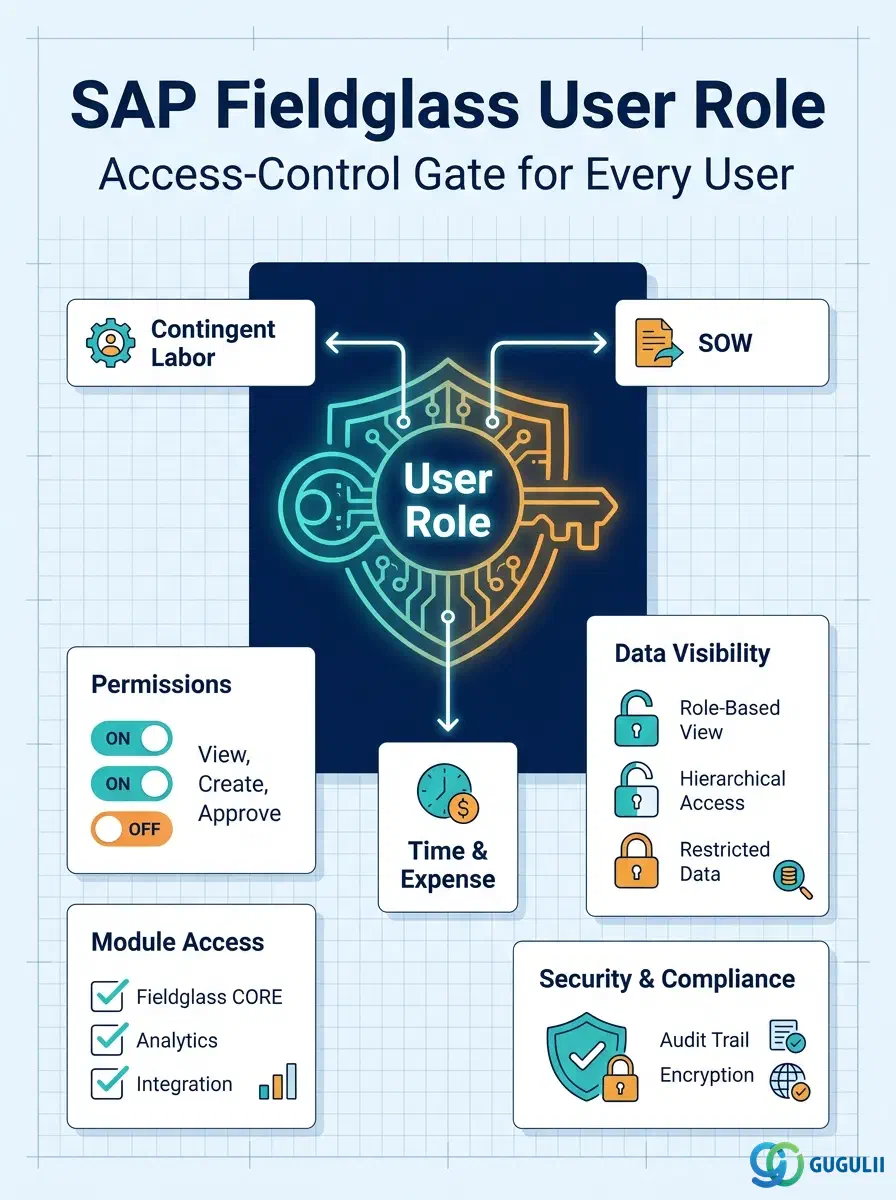
The User Role is the first object configured in the Phase 2 User & Permission Settings sequence — it has no upstream master data dependency, and every User created afterward must be assigned at least one Role before they can log in and do anything useful. A Role defines what a person can see and do: which Fieldglass modules they can open, which actions they are permitted to perform, and how much of the tenant’s data is visible to them. This article maps the User Role’s core concepts across all Fieldglass capability areas (Part 1), then details every field an administrator configures when creating and maintaining Role records (Part 2).
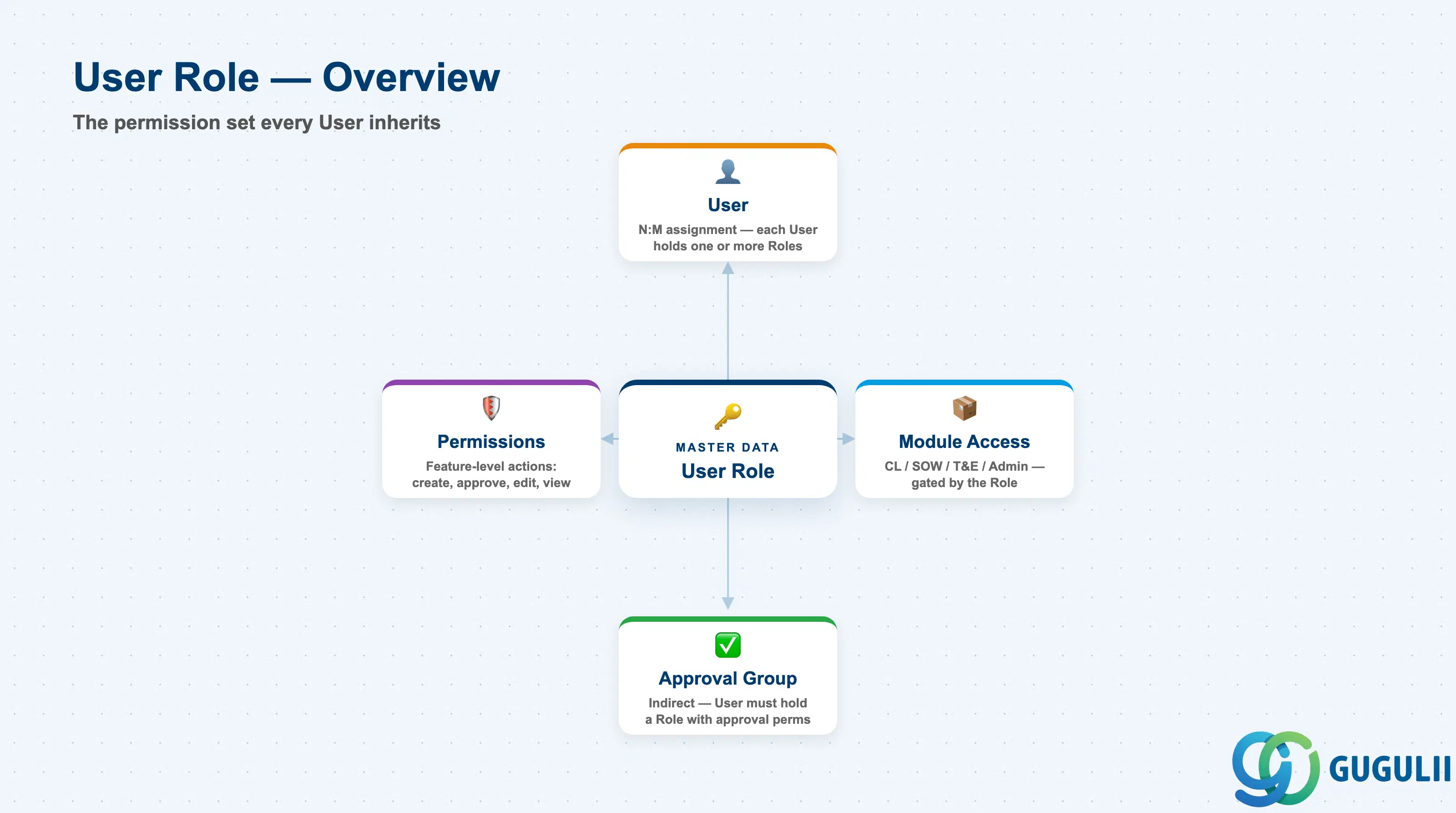
The User Role is a named permission set in SAP Fieldglass that determines what a User can access and do across the tenant. Rather than assigning permissions directly to individual people, an administrator defines a small library of Roles once — Hiring Manager, Approver, Administrator, and similar — and then assigns one or more of those Roles to each User. It is the first object created in the Phase 2 User & Permission Settings setup sequence and has no upstream master data dependency; User, the very next object in the sequence, cannot be created without at least one existing Role to assign to it.
| Aspect | Details |
|---|---|
| Role | Access-control master; defines the permission set, module scope, and data-visibility scope that every downstream User inherits when assigned |
| Modules using it | Every Fieldglass capability area — Contingent Labor (Job Posting → Work Order), SOW, Time & Expense, and Program Administration — is gated behind a Role’s Module Access setting |
| Transactions | Admin > User Roles (create/maintain); Role assignment happens on the User record itself (Admin > Users) |
| Key Tables | No direct ECC/S4 table equivalent — User Role is a cloud object native to the Fieldglass tenant, with no standard S/4HANA authorization object mapped to it |
| S/4HANA note | Unlike Site, Business Unit, or Cost Center, User Role is not a synchronization candidate — it has no S/4HANA counterpart and is always configured natively inside Fieldglass, independent of any ERP authorization design |
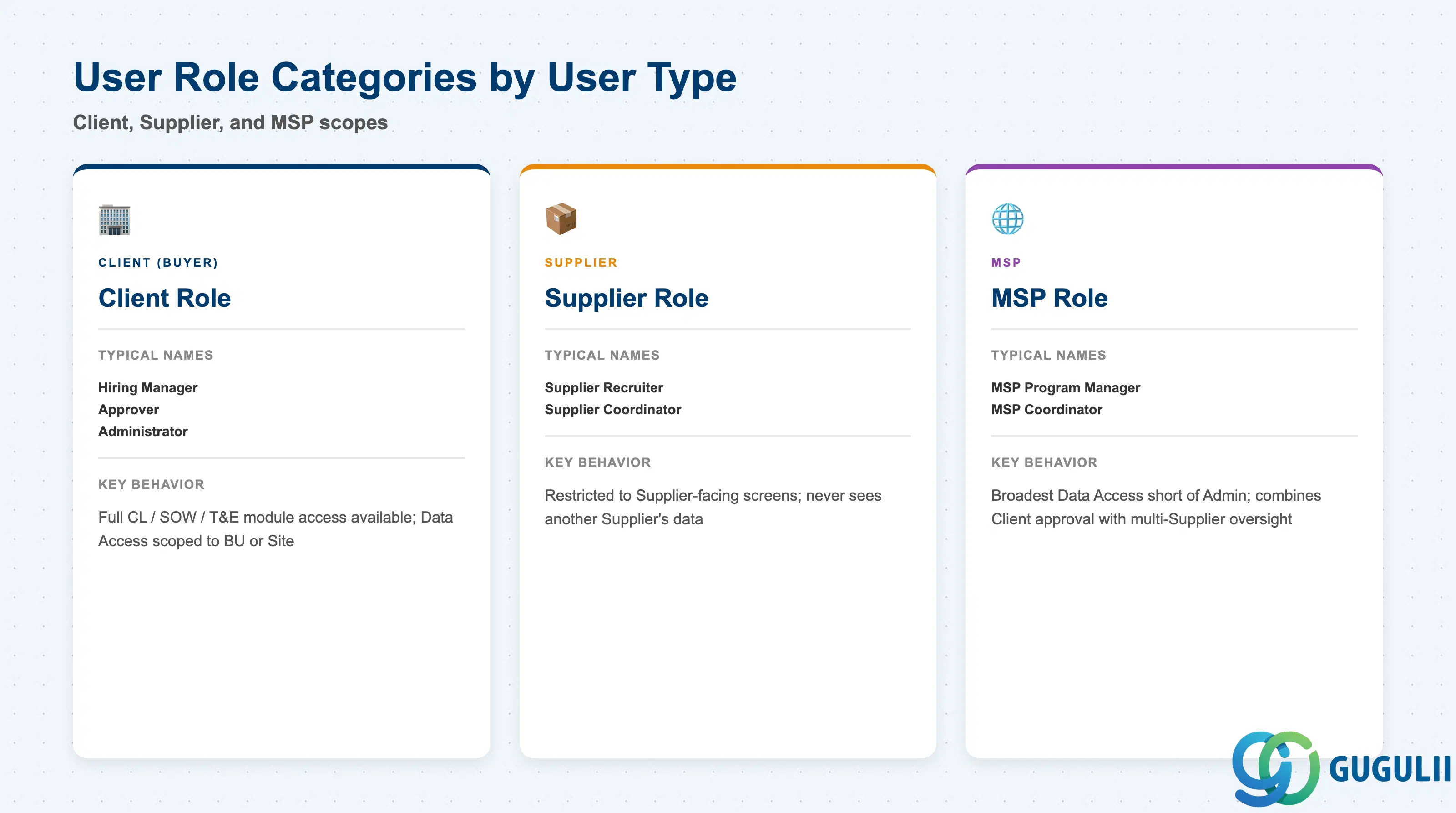
User Role does not carry a formal “Role Type” code field the way Rate Category carries a Rate Type — instead, every Role is created within one of three User Type scopes, and that scope determines which screens, permission catalogs, and Module Access options are even available to select when building the Role. Confusing these scopes at design time — for example, trying to grant a Supplier-scoped Role visibility into another Supplier’s submissions — is a common source of a failed security review before go-live.
| User Type Scope | Typical Role Names | Use Case | Key Behavior |
|---|---|---|---|
| Client (Buyer) Role | Hiring Manager, Approver, Administrator | Internal employees who requisition workers, approve documents, and administer the program | Full Contingent Labor / SOW / Time & Expense module access can be granted; Data Access can still be scoped down to specific Business Units or Sites |
| Supplier Role | Supplier Recruiter, Supplier Coordinator | External staffing agency or SOW vendor users who respond to Job Postings and submit or manage workers | Module Access is restricted to Supplier-facing screens only; a Supplier Role never sees another Supplier’s candidates, rates, or submissions |
| MSP Role | MSP Program Manager, MSP Coordinator | Managed Service Provider staff administering the program on the Client’s behalf | Broadest Data Access short of a full Client Administrator; typically combines Client-side approval visibility with oversight across multiple Suppliers |
Design principle: Fieldglass has no formal parent/child Role inheritance model — Roles do not “extend” a broader Role the way an org hierarchy nests. Assign the narrowest Role that matches the User’s actual job; if a Role turns out to be too broad, every User individually assigned to it must be reassigned one by one, since there is no parent Role to correct centrally.
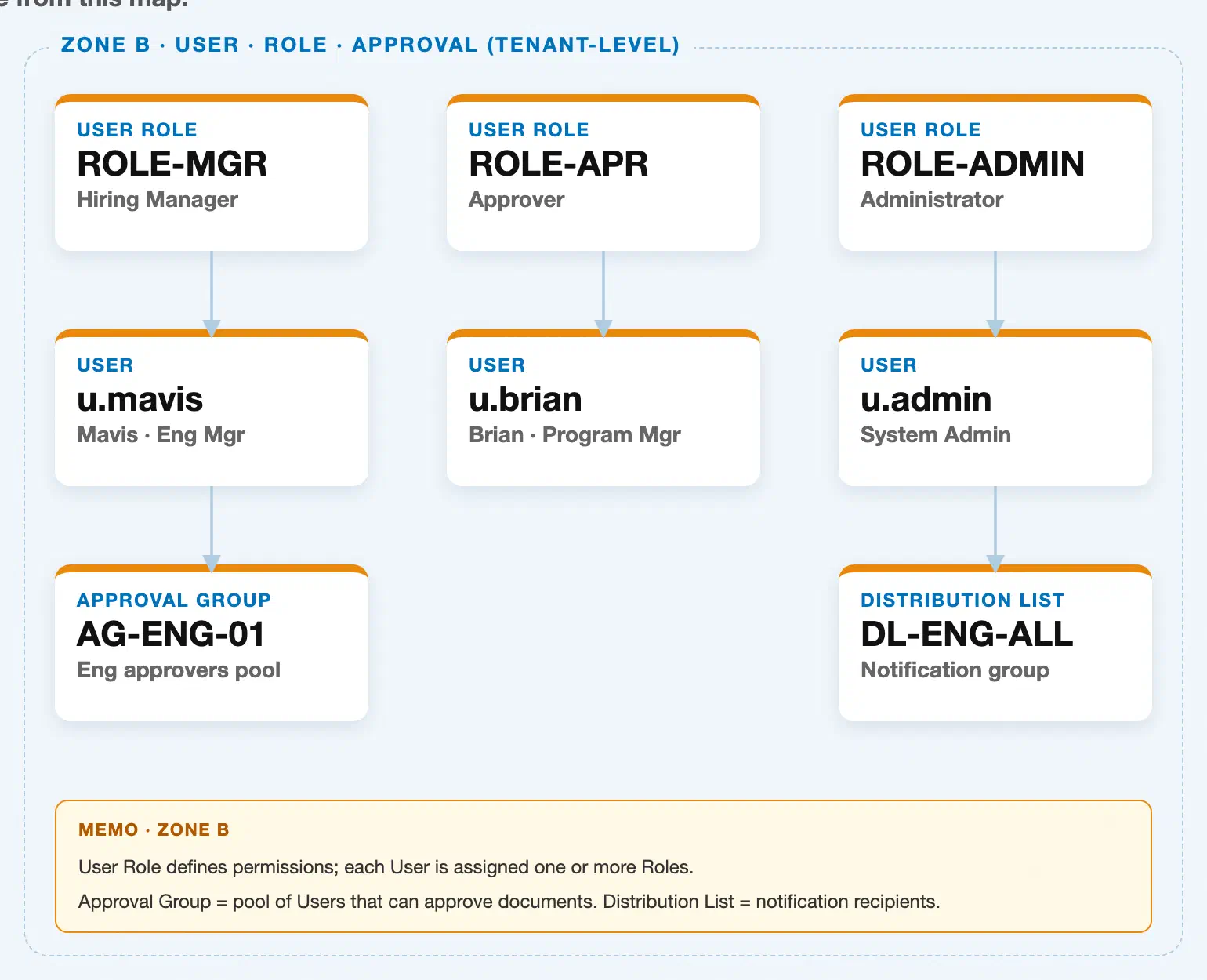
Data hierarchy with a concrete example
User Role "ROLE-MGR" — Hiring Manager  ◄── this article
│
└── User "u.mavis" — Mavis, Eng Mgr
       └── Approval Group "AG-ENG-01" — Eng approvers pool

User Role "ROLE-APR" — Approver
│
└── User "u.brian" — Brian, Program Mgr

User Role "ROLE-ADMIN" — Administrator
│
└── User "u.admin" — System Admin
       └── Distribution List "DL-ENG-ALL" — Notification group
User Role sits at the top of this zone, at the same tenant level as the other Company Structure and Rate objects — it has no organizational parent. Its relationship to User is not true containment: the underlying multiplicity is N:M (one Role can be assigned to many Users, and one User can hold several Roles at once), rendered above as a single assignment per Role only to keep the concrete example readable. Approval Group membership is likewise an N:M assignment that flows through User, not through Role directly — a User must first hold a Role with the right permissions before they can be added to an Approval Group.
Distribution List appears in this same zone for administrative proximity (it is maintained from the same Admin area as Users and Approval Groups), but its actual master-data prerequisite is Supplier, not User Role or User — see FG-A03-04 (Distribution List) for that relationship in detail.
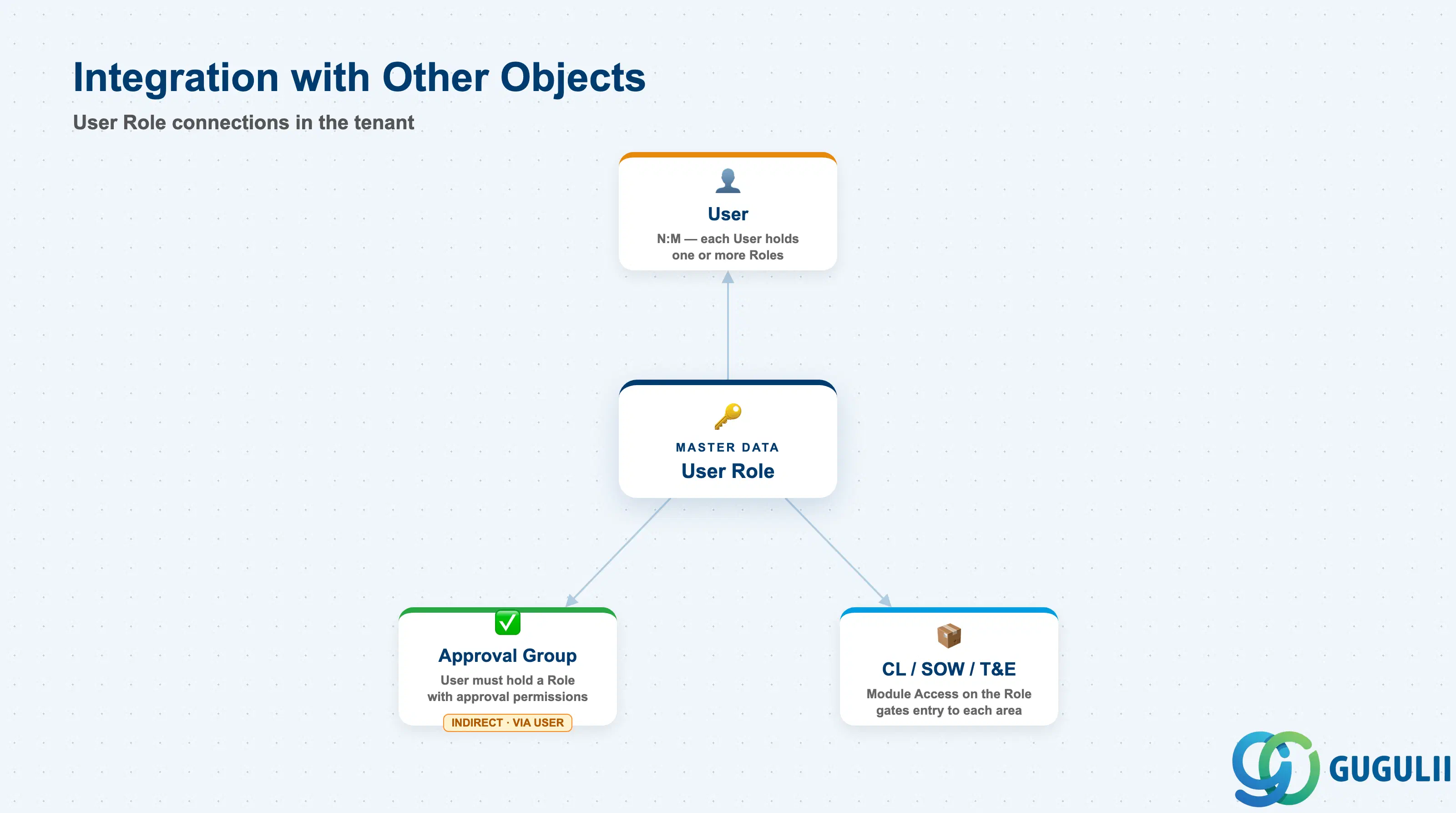
The User Role record does not stand alone — it is the prerequisite that the entire User & Permission Settings phase, and everything downstream of it, depends on.
| Object | Relationship | Practical Notes |
|---|---|---|
| User | Every User must be assigned at least one User Role before the account is usable (N:M — a User can carry multiple Roles, a Role can be assigned to many Users) | Set up the full Role library before mass-loading Users via CSV import; retrofitting Roles onto hundreds of existing Users is far more effort than assigning them at creation |
| Approval Group | Not a direct relationship — a User must already hold a Role with approval permissions before that User can be added to an Approval Group | Verify the Permissions field on the Role includes the relevant approval action before troubleshooting why a User cannot be added to a group |
| Contingent Labor / SOW / Time & Expense modules | Module Access on the Role determines which of these areas a User can even open | Review Module Access whenever a program adds a new capability area (e.g., turning on SOW after running Contingent Labor only) — existing Roles do not automatically gain access to newly enabled modules |
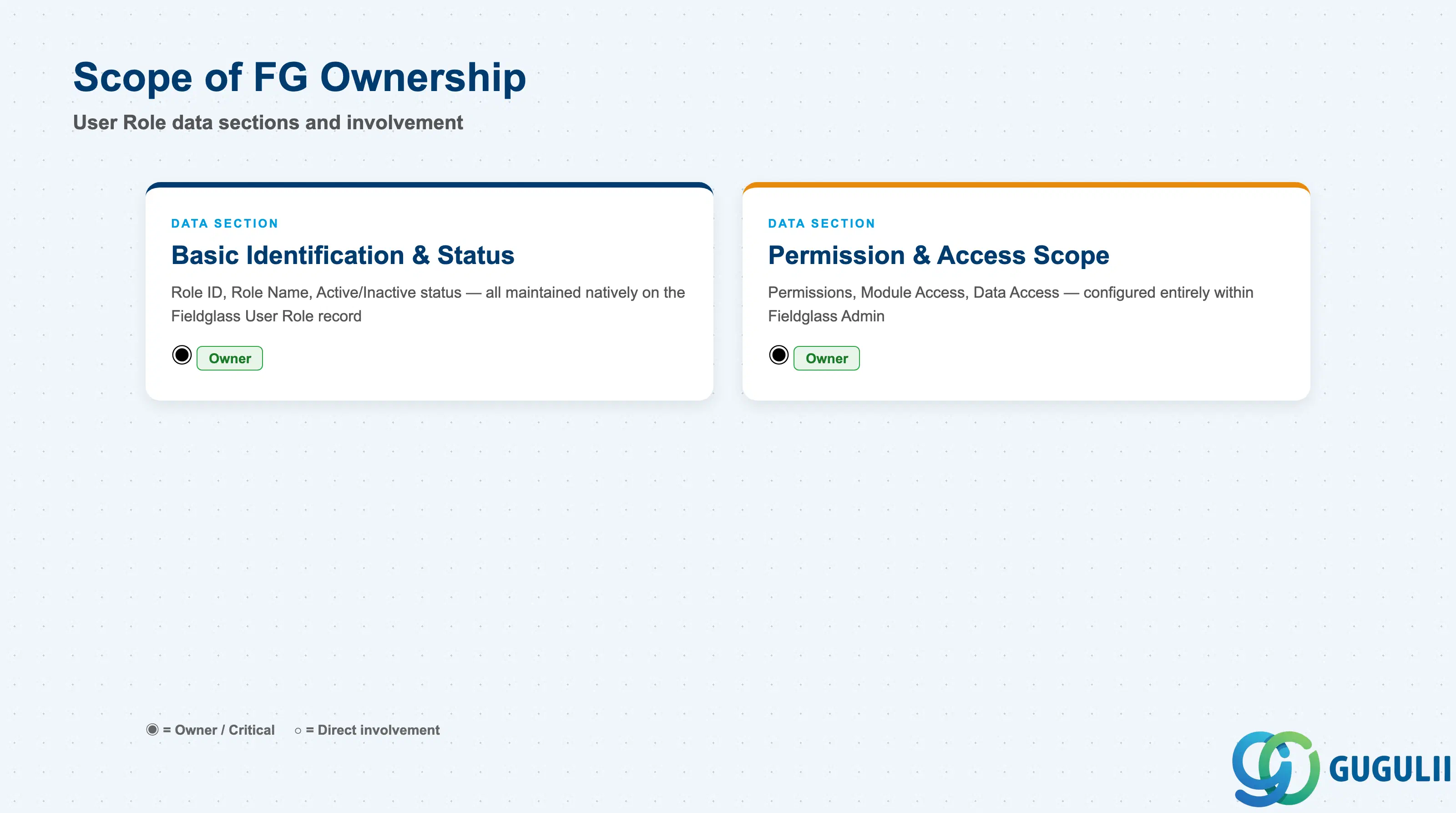
| Data Section | FG Involvement | Notes |
|---|---|---|
| Basic Identification & Status | ◎ Owner | Role ID, Role Name, and Active/Inactive status are maintained natively on the Fieldglass User Role record; no S/4HANA equivalent exists |
| Permission & Access Scope | ◎ Owner | Permissions, Module Access, and Data Access are configured entirely within Fieldglass Admin; none of these values are synchronized from an ERP authorization object |
Legend: ◎ = Owner / Critical, ○ = Direct involvement
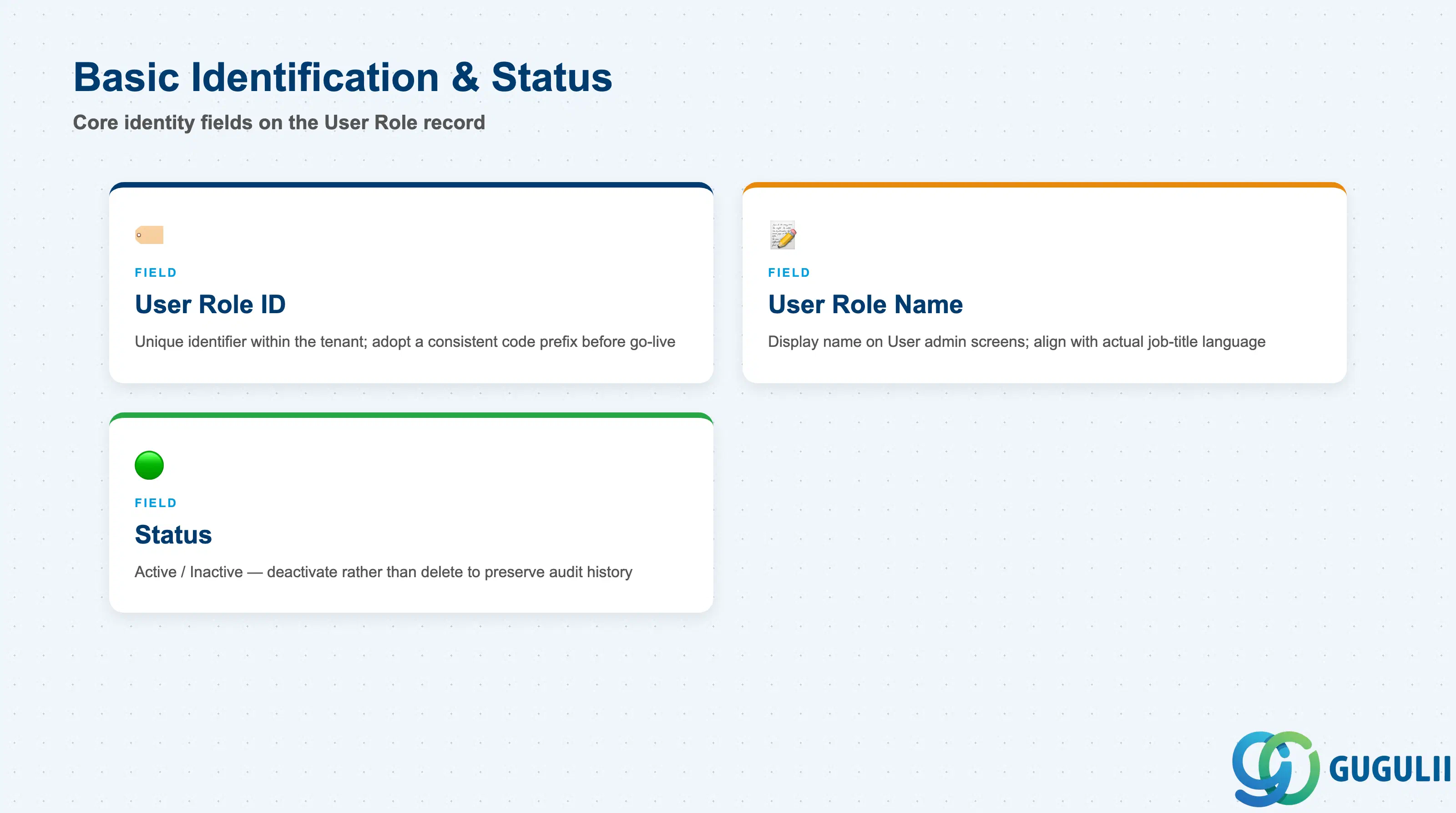
These fields uniquely identify a Role and control whether it can still be assigned to new Users.
| Field | Description | Practical Usage |
|---|---|---|
| User Role ID | Unique identifier for the Role within the tenant | Adopt a short, consistent code prefix (e.g., ROLE-MGR, ROLE-APR) before go-live — Role IDs are referenced on every User record and in Approval Rule configuration, so renaming later means re-checking every dependent assignment |
| User Role Name | Display name shown throughout the application and on User admin screens | Keep this aligned with the business’s actual job-title language (e.g., “Hiring Manager,” not “Requestor Level 2”) — Administrators and Approvers both see this name daily and it should be immediately recognizable |
| Status | Active / Inactive | Deactivate rather than delete a Role that is no longer used but still referenced by historical Users — deactivating blocks new assignments while preserving audit history for Users who already carry it |
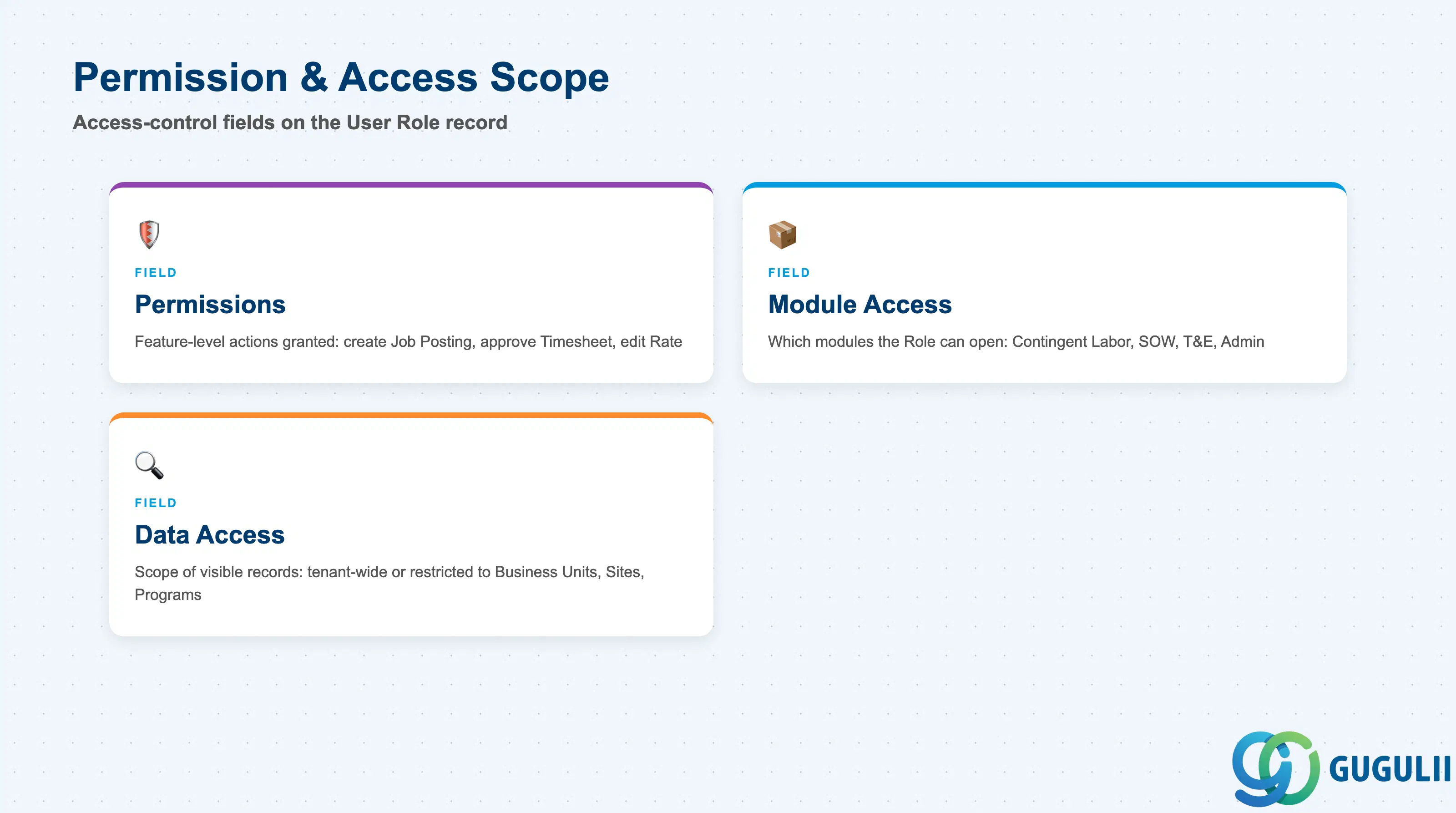
These three fields are the actual access-control logic of the Role — together they decide what a User assigned to this Role can see and do.
| Field | Description | Practical Usage |
|---|---|---|
| Permissions | The specific feature-level actions granted (e.g., create Job Posting, approve Timesheet, edit Rate) | Build Permissions around a documented job-function matrix before configuration begins — ad hoc permission grants during go-live are the most common source of later access-review findings |
| Module Access | Which Fieldglass modules the Role can open at all (Contingent Labor, SOW, Time & Expense, Program Admin) | A User with Permissions but no Module Access to that area simply cannot reach the screen — when troubleshooting “why can’t this User do X,” check Module Access before Permissions, since a missing module grant is a more common root cause than a missing individual permission |
| Data Access | The scope of records visible to the Role — tenant-wide, or restricted to specific Business Units, Sites, or Programs | Scope Data Access to the Business Unit or Site structure established in FG-A02, not left tenant-wide by default; over-broad Data Access is the single most common finding in a Fieldglass security review, since it is easy to grant during setup and easy to forget to narrow afterward |
Prerequisite: User Role must exist and be Active before any User can be created and assigned to it (Setup Flow Phase 2, Step 8 → Step 9).
| ID | Category | Title |
|---|---|---|
| fg-001 | Overview | What is SAP Fieldglass? |
| ID | Category | Title |
|---|---|---|
| fg-a01 | Overview | SAP Fieldglass Master Data: Overview, Hierarchy & Relationships |
| fg-a02-01 | Master Data | SAP Fieldglass Site |
| fg-a02-02 | Master Data | SAP Fieldglass Location |
| fg-a02-03 | Master Data | SAP Fieldglass Business Unit |
| fg-a02-04 | Master Data | SAP Fieldglass Cost Center |
| fg-a03-01 | Master Data | SAP Fieldglass User Role 📍 |
| fg-a03-02 | Master Data | SAP Fieldglass User |
| fg-a03-03 | Master Data | SAP Fieldglass Approval Group |
| fg-a03-04 | Master Data | SAP Fieldglass Distribution List |
| fg-a04-01 | Master Data | SAP Fieldglass Rate Category |
| fg-a04-02 | Master Data | SAP Fieldglass Rate Grid |
| fg-a04-03 | Master Data | SAP Fieldglass Contingent Type |
| fg-a04-04 | Master Data | SAP Fieldglass SOW Template |
| fg-a05-01 | Master Data | SAP Fieldglass MSP Company |
| fg-a05-02 | Master Data | SAP Fieldglass Certification |
| ID | Category | Title |
|---|---|---|
| fg-b01 | Overview | SAP Fieldglass Transactions: Process Flow, Hierarchy & Relationships |