Title here
Summary here

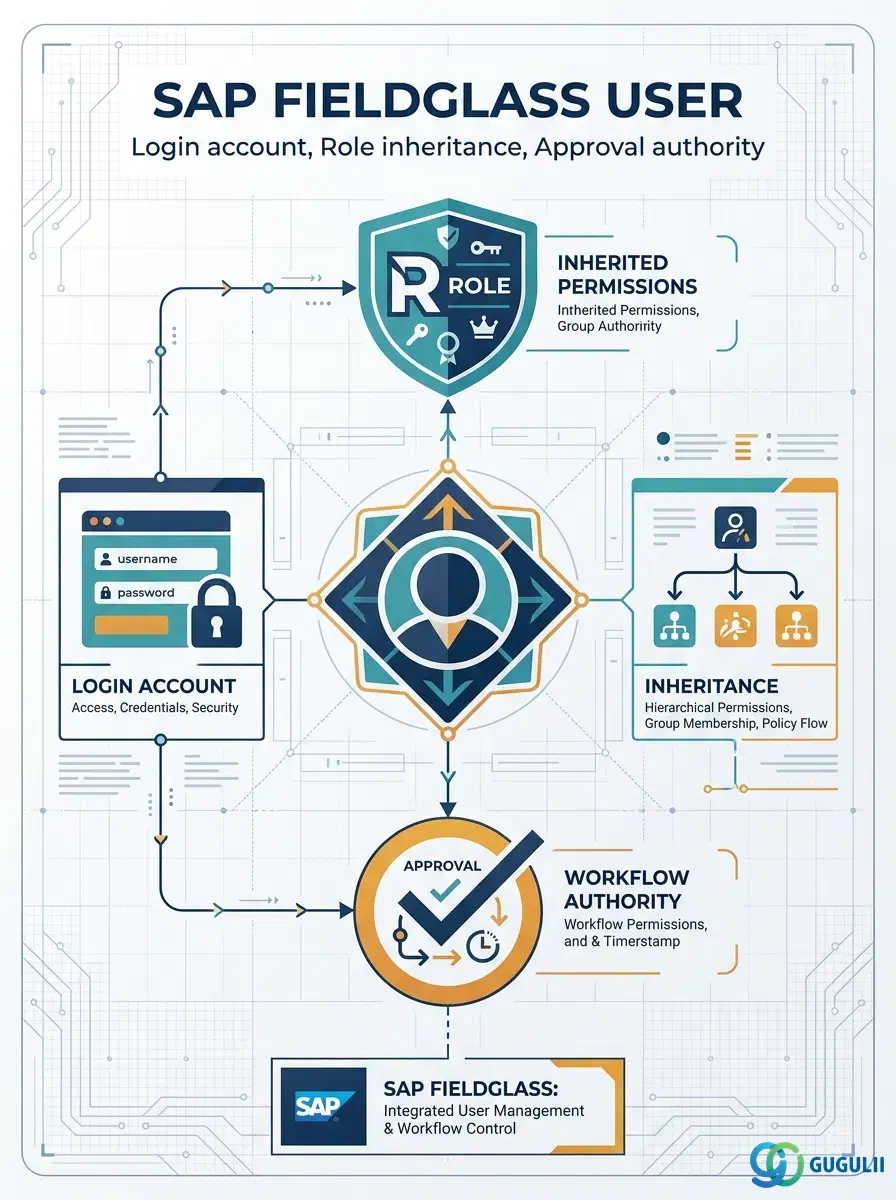
The User is the second object configured in the Phase 2 User & Permission Settings sequence — it cannot be created until at least one User Role already exists, and it is the record every person in the tenant actually logs in through, whether they work for the Client, a Supplier, or an MSP. A User carries identity attributes (name, email, status), one or more assigned User Roles that determine what it can see and do, and — when its Role grants approval permissions — the Approval Authority that lets it be added to an Approval Group. This article maps the User’s core concepts across all Fieldglass capability areas (Part 1), then details every field an administrator configures when creating and maintaining User records (Part 2).
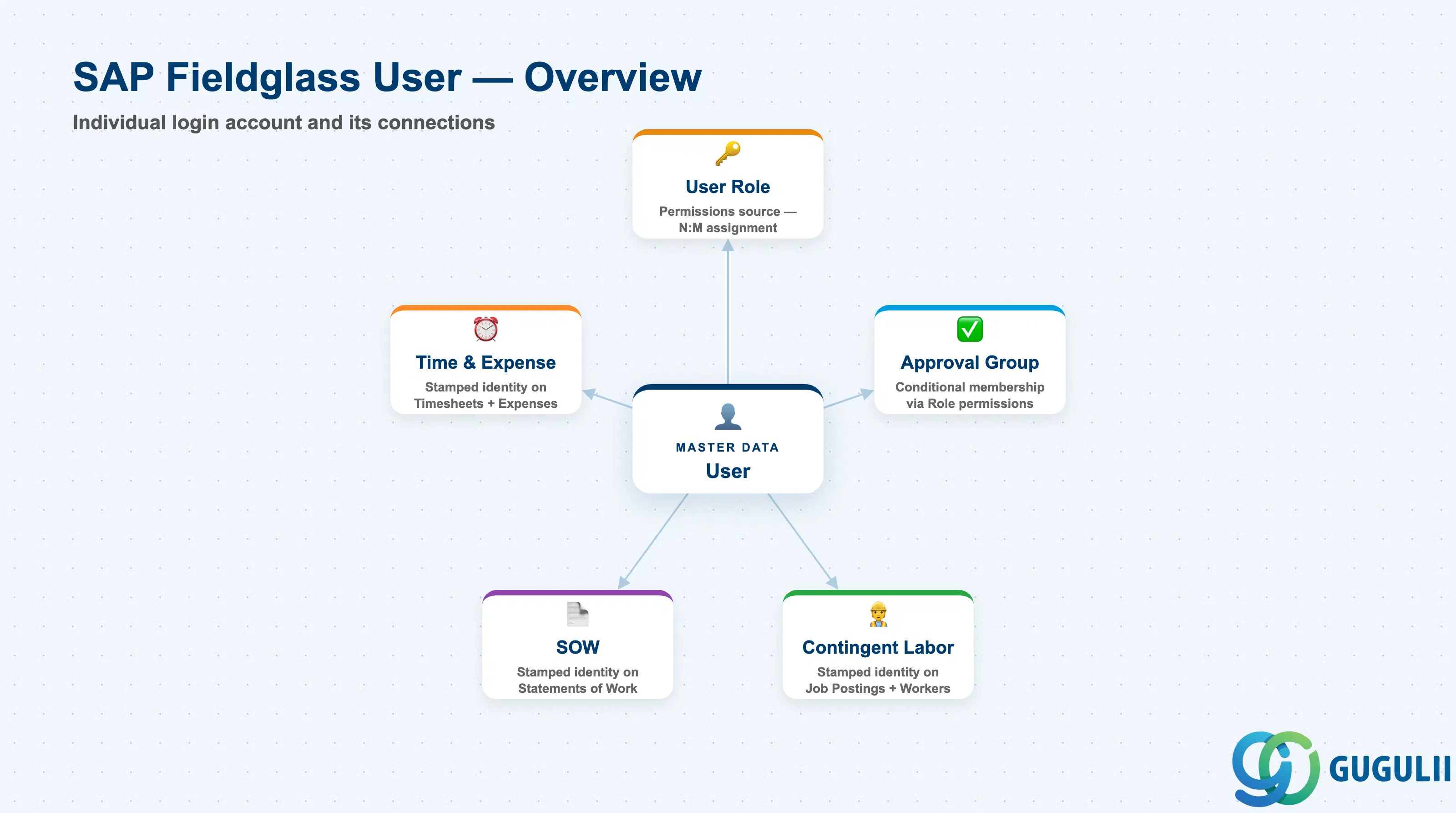
The User is the individual login account in SAP Fieldglass — the record that represents one specific person and determines, through its assigned Role(s), what that person can access and do across the tenant. Unlike User Role, which is a small reusable permission template, User is a high-volume object: a mid-size program can easily carry hundreds or thousands of active User records, one per employee, supplier recruiter, or MSP coordinator who touches the system.
| Aspect | Details |
|---|---|
| Role | Individual login account; identifies a specific person and carries the permissions inherited from their assigned User Role(s) |
| Modules using it | Every Fieldglass capability area — Contingent Labor, SOW, Time & Expense, Program Administration — is used as a specific User; every transactional record stamps the acting User’s identity |
| Transactions | Admin > Users (create/maintain); Role assignment is done inline on the User record itself |
| Key Tables | No direct ECC/S4 table equivalent — User is a cloud object native to the Fieldglass tenant, with no standard S/4HANA authorization object mapped to it |
| S/4HANA note | Like User Role, User is not a synchronization candidate — unlike Site, Business Unit, or Cost Center it has no S/4HANA counterpart and is always created and maintained natively inside Fieldglass |
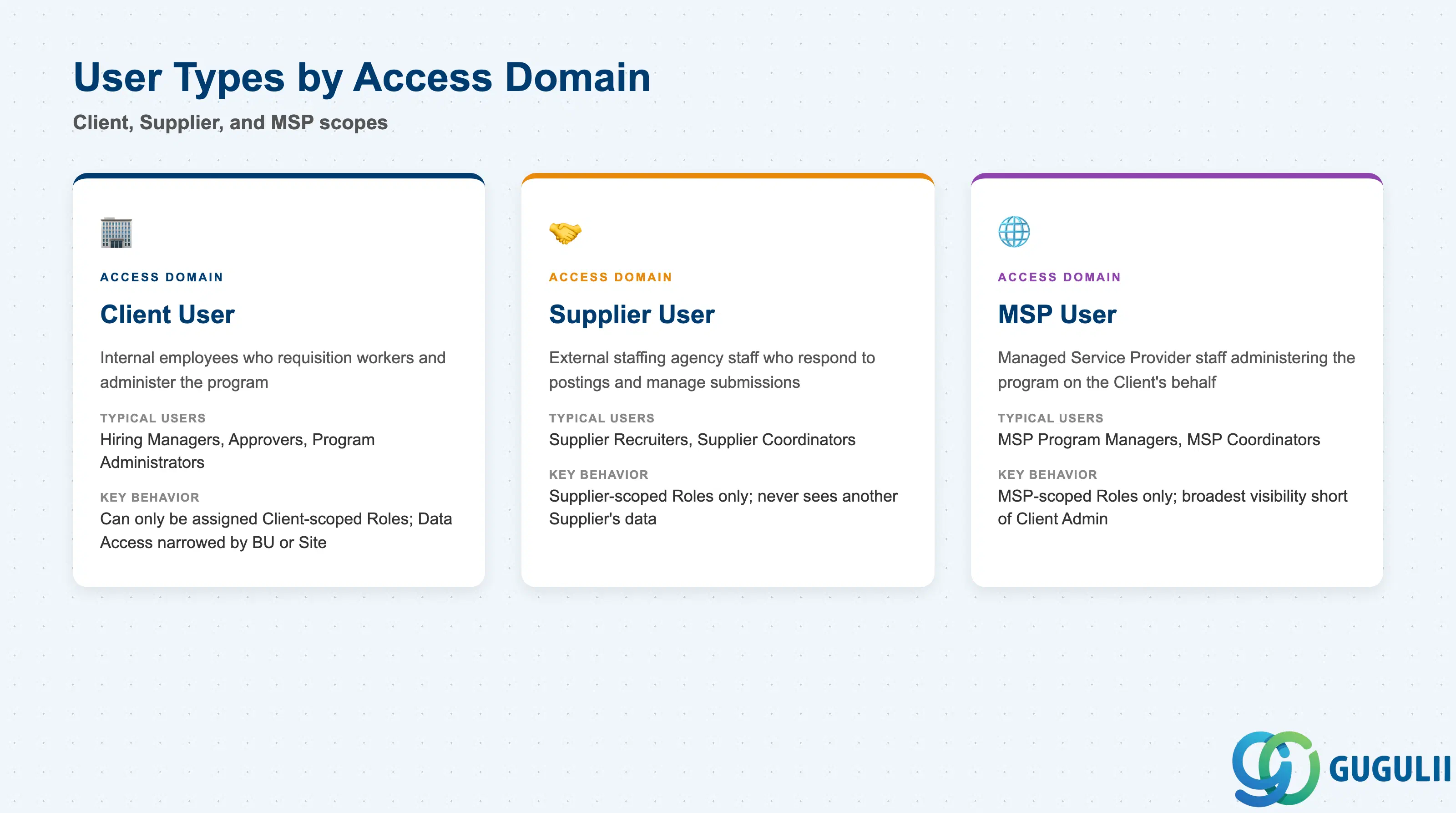
Every User is created within one of three access domains, and that domain is fixed at creation — it is not a field that gets changed later, because it determines which company’s email/login format is expected and which User Roles can even be assigned. Getting this wrong at onboarding (for example, creating a Supplier recruiter as a Client User) is a fast path to a failed access review, since the User would then be eligible for Roles far broader than their actual job requires.
| Access Domain | Typical Users | Use Case | Key Behavior |
|---|---|---|---|
| Client User | Hiring Managers, Approvers, Program Administrators | Internal employees who requisition workers, approve documents, and administer the program | Can only be assigned Client-scoped Roles; Data Access can still be narrowed to specific Business Units or Sites at Role or User level |
| Supplier User | Supplier Recruiters, Supplier Coordinators | External staffing agency or SOW vendor staff who respond to Job Postings and manage worker submissions | Can only be assigned Supplier-scoped Roles; a Supplier User never sees another Supplier’s candidates, rates, or submissions |
| MSP User | MSP Program Managers, MSP Coordinators | Managed Service Provider staff administering the program on the Client’s behalf | Can only be assigned MSP-scoped Roles; typically the broadest visibility short of a Client Administrator |
Design principle: A User’s access domain must match the User Type Scope of every Role assigned to it — Fieldglass enforces this at assignment time, not as a manual convention. Confirm the domain is correct before the first Role is attached; correcting it later means deactivating and recreating the User rather than editing a field.
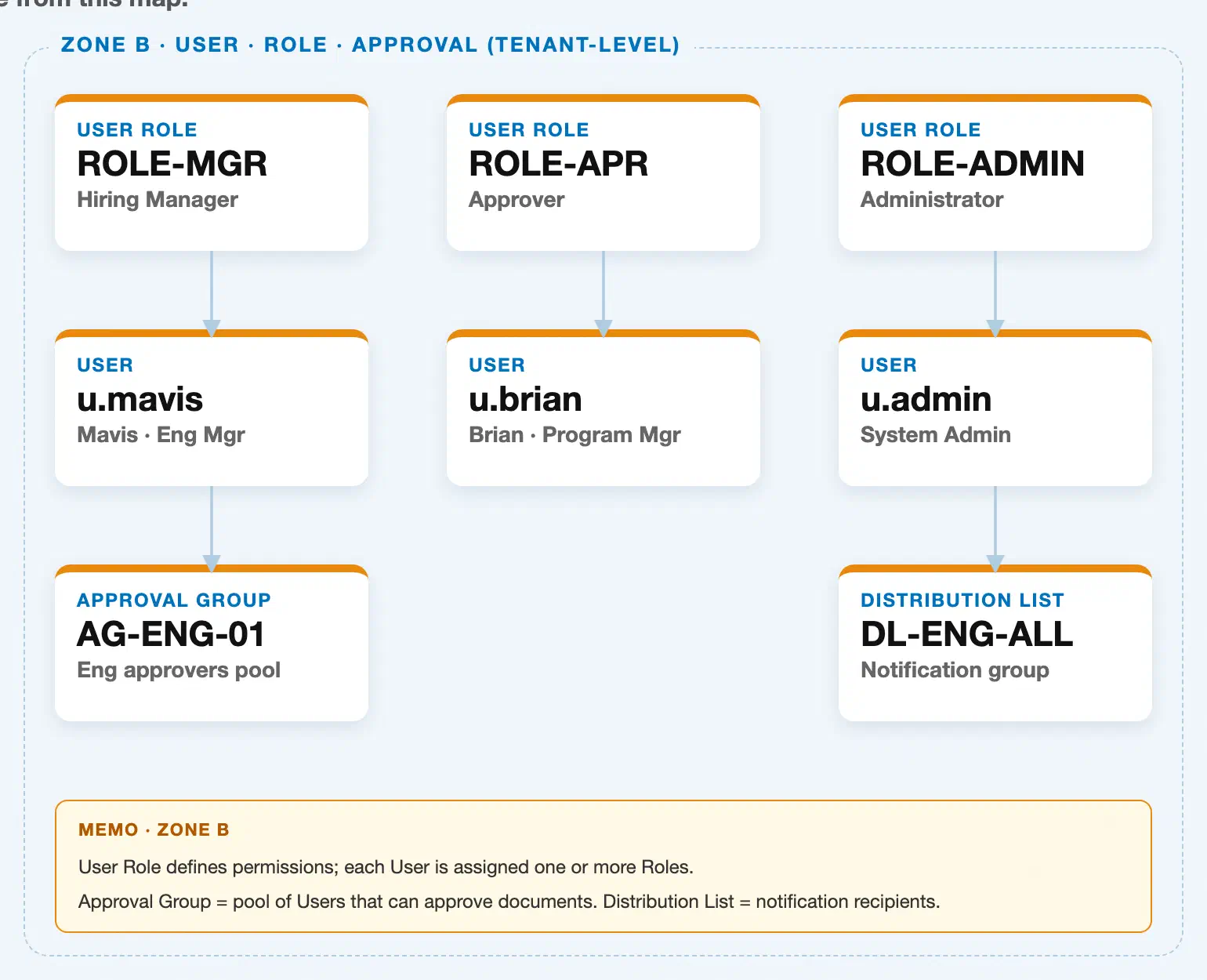
Data hierarchy with a concrete example
User Role "ROLE-MGR" — Hiring Manager
│
└── User "u.mavis" — Mavis, Eng Mgr  ◄── this article
       └── Approval Group "AG-ENG-01" — Eng approvers pool

User Role "ROLE-APR" — Approver
│
└── User "u.brian" — Brian, Program Mgr  ◄── this article

User Role "ROLE-ADMIN" — Administrator
│
└── User "u.admin" — System Admin  ◄── this article
       └── Distribution List "DL-ENG-ALL" — Notification group
User sits in the middle of this zone, between User Role above it and Approval Group below it. Its relationship to User Role is not true containment: the underlying multiplicity is N:M (one Role can be assigned to many Users, and one User can hold several Roles at once), rendered above as a single assignment per User only to keep the concrete example readable — u.mavis, for instance, could also carry a second, narrower Role in addition to ROLE-MGR. Approval Group membership is likewise an N:M assignment that flows through User, not through Role directly: a User must first hold a Role with the right approval permission before it can be added to an Approval Group, which is why u.brian (an Approver-Role User in this example) has no Approval Group shown — Approval Group assignment is a separate, additional step, not an automatic consequence of the Role.
Distribution List appears in this same zone for administrative proximity (it is maintained from the same Admin area as Users and Approval Groups), but its actual master-data prerequisite is Supplier, not User Role or User — see FG-A03-04 (Distribution List) for that relationship in detail.
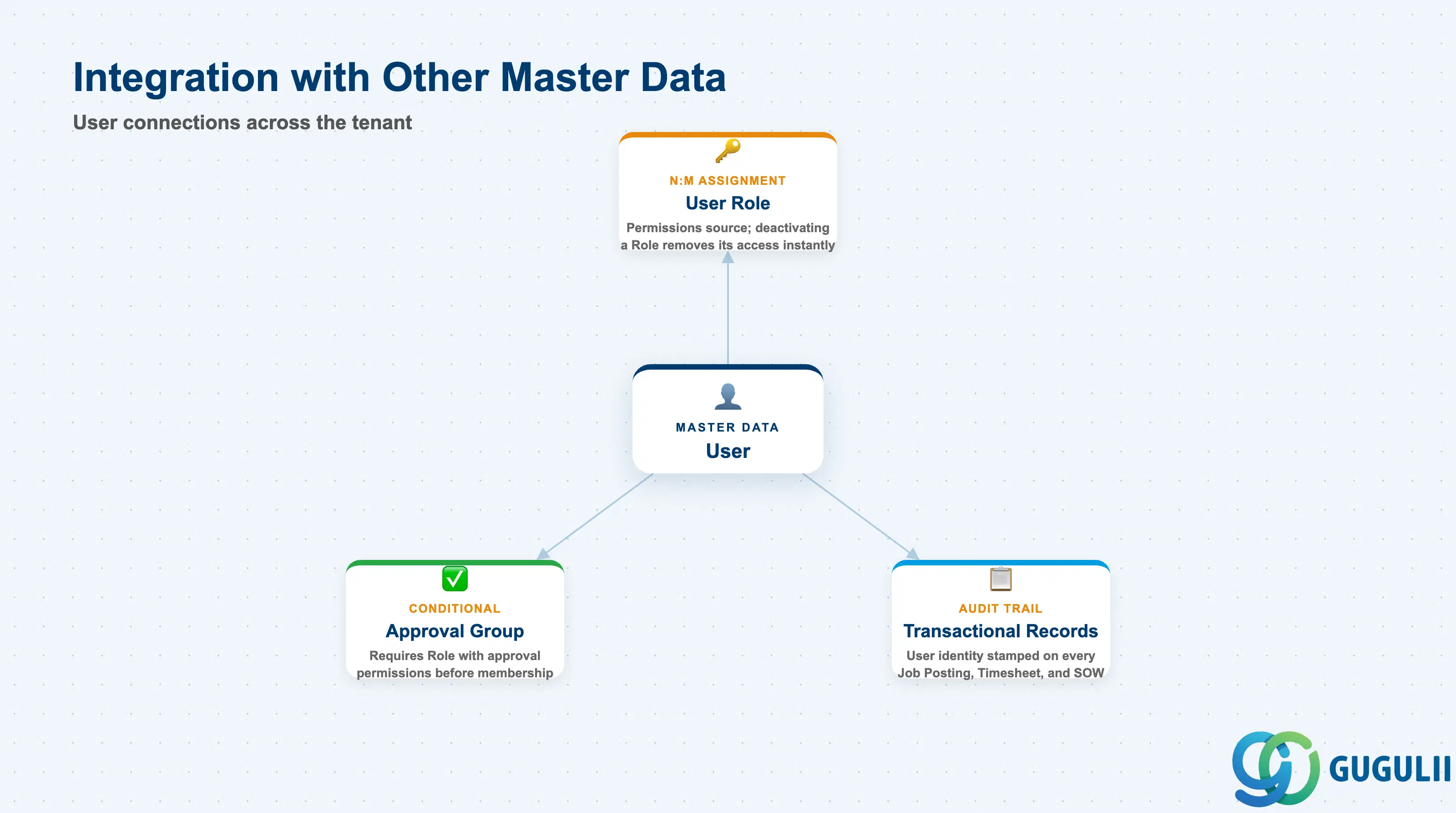
The User record does not stand alone — every login and every action recorded in the tenant traces back to one.
| Object | Relationship | Practical Notes |
|---|---|---|
| User Role | Every User must be assigned at least one active Role before the account is usable (N:M — a User can carry multiple Roles, a Role can be assigned to many Users) | Deactivating a Role does not deactivate the Users assigned to it, but those Users immediately lose whatever access that Role granted — always confirm no other active Role covers the same permissions before deactivating |
| Approval Group | Not a direct relationship — a User must already hold a Role with approval permissions before it can be added to an Approval Group | When a User cannot be added to an Approval Group, check the Permissions on their assigned Role(s) first; a missing approval permission is the most common root cause |
| Contingent Labor / SOW / Time & Expense transactional records | Every Job Posting, Timesheet, and SOW document stamps the acting User’s identity (Requested By, Approved By, Submitted By) for audit trail | When investigating a workflow or audit question, trace the User ID on the record first — it identifies exactly who acted and, via their Role, what they were authorized to do at that point |
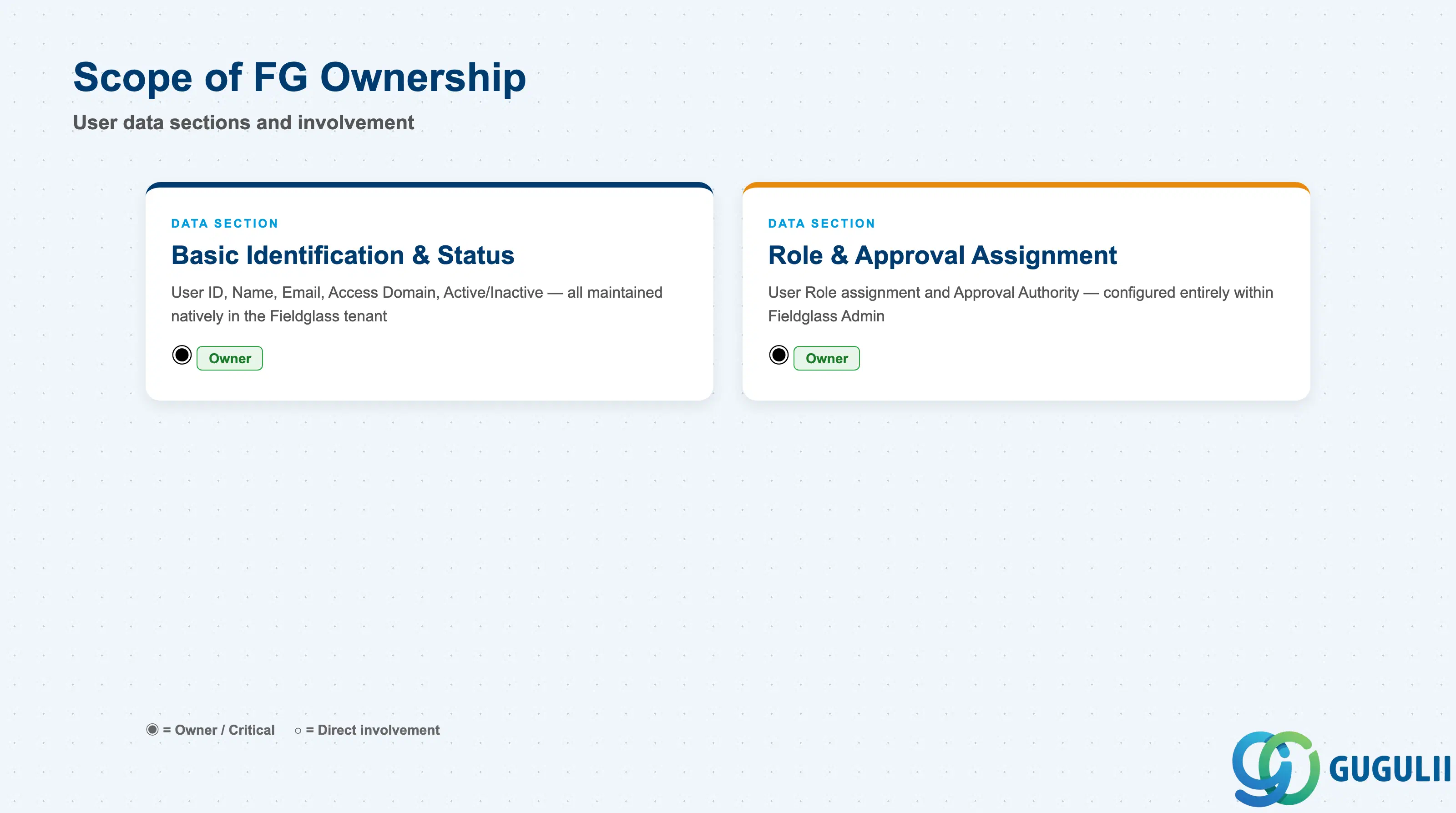
| Data Section | FG Involvement | Notes |
|---|---|---|
| Basic Identification & Status | ◎ Owner | User ID, User Name, Email, access domain, and Active/Inactive status are maintained natively on the Fieldglass User record; no S/4HANA equivalent exists |
| Role & Approval Assignment | ◎ Owner | User Role assignment and Approval Authority are configured entirely within Fieldglass Admin; neither is synchronized from an ERP authorization object |
Legend: ◎ = Owner / Critical, ○ = Direct involvement
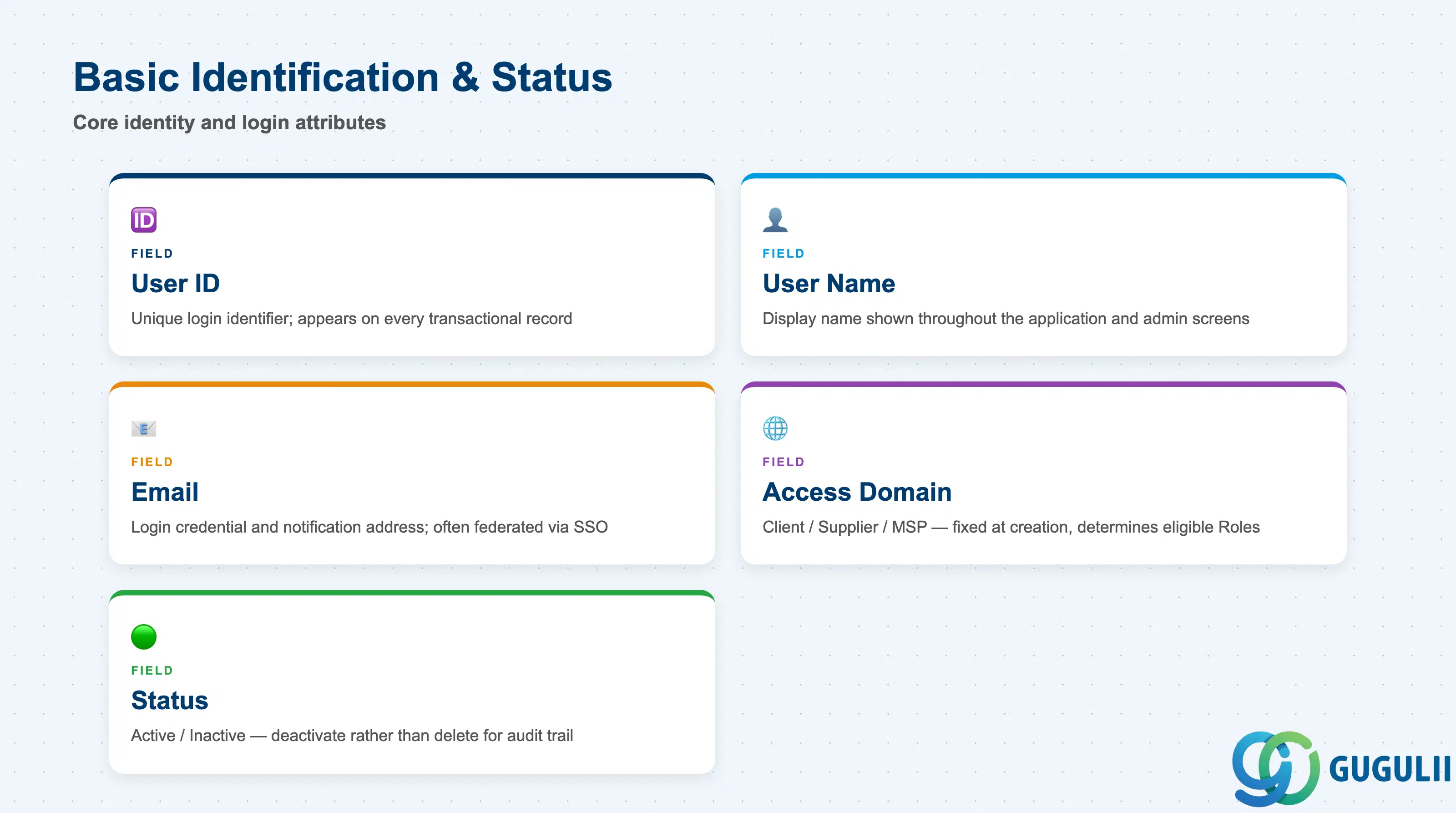
These fields uniquely identify a person and control whether their account can be used to log in.
| Field | Description | Practical Usage |
|---|---|---|
| User ID | Unique login identifier for the User within the tenant | Prefer a stable, non-guessable ID over an email-derived one where possible — User ID appears on every transactional record the person touches (Requested By, Approved By), and it is far more disruptive to change than a display name |
| User Name | The person’s display name shown throughout the application and on admin screens | Keep this consistent with the source-of-truth HR or supplier directory name — mismatched names between Fieldglass and email/SSO are a common cause of “who approved this” confusion during audits |
| Login credential and notification address; typically the User’s actual work email | For Client and MSP Users this is usually federated through SSO; for Supplier Users it is often the primary channel for Job Posting and Timesheet notifications, so verify it before go-live rather than after the first missed alert | |
| Access Domain | Client / Supplier / MSP — set at creation, fixed thereafter | Confirm this before assigning the first Role, since Fieldglass will only offer Roles whose User Type Scope matches; a wrong domain choice means deactivating and recreating the User, not editing a field |
| Status | Active / Inactive | Deactivate rather than delete a User who has left the program but is referenced on historical transactional records — deactivating blocks login while preserving the audit trail on every Timesheet, Job Posting, or SOW they touched |
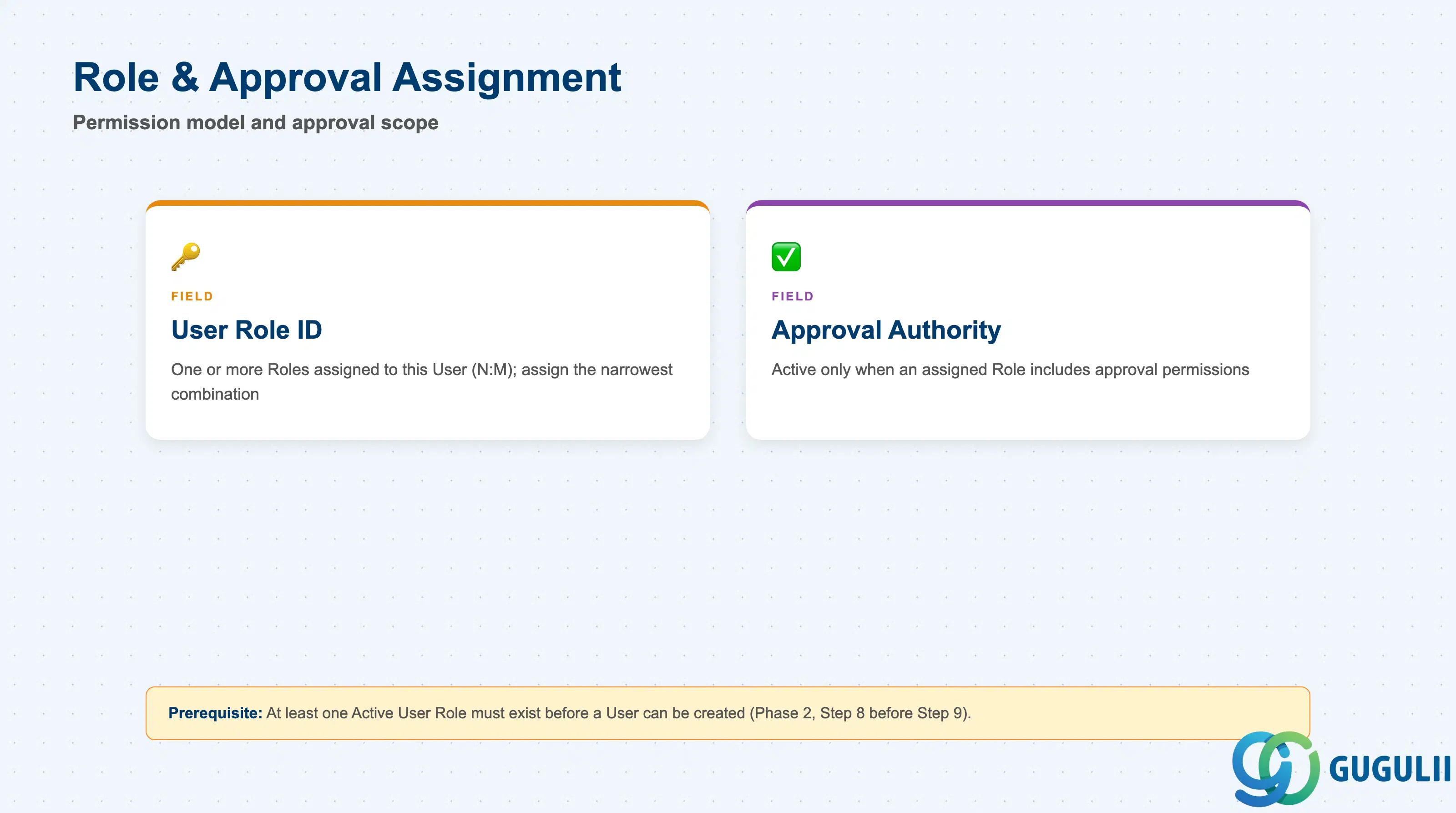
These fields connect the User to the permission model and, where applicable, the approval workflow.
| Field | Description | Practical Usage |
|---|---|---|
| User Role ID | The one or more Roles assigned to this User (N:M — a User can hold multiple Roles simultaneously) | Assign the narrowest combination of Roles that covers the person’s actual job; stacking a broad Administrator Role “just in case” on top of a working Role is the most common source of over-privileged accounts found in security reviews |
| Approval Authority | The approval limit or scope granted to this User, active only when at least one assigned Role includes approval permissions | Set Approval Authority to match the person’s actual sign-off limit in the business process (e.g., spend threshold or headcount), not the maximum the Role technically allows — the Role sets the ceiling, Approval Authority sets the person’s actual level under it |
Prerequisite: At least one Active User Role must exist before a User can be created and assigned to it (Setup Flow Phase 2, Step 8 → Step 9).
| ID | Category | Title |
|---|---|---|
| fg-001 | Overview | What is SAP Fieldglass? |
| ID | Category | Title |
|---|---|---|
| fg-a01 | Overview | SAP Fieldglass Master Data: Overview, Hierarchy & Relationships |
| fg-a02-01 | Master Data | SAP Fieldglass Site |
| fg-a02-02 | Master Data | SAP Fieldglass Location |
| fg-a02-03 | Master Data | SAP Fieldglass Business Unit |
| fg-a02-04 | Master Data | SAP Fieldglass Cost Center |
| fg-a03-01 | Master Data | SAP Fieldglass User Role |
| fg-a03-02 | Master Data | SAP Fieldglass User 📍 |
| fg-a03-03 | Master Data | SAP Fieldglass Approval Group |
| fg-a03-04 | Master Data | SAP Fieldglass Distribution List |
| fg-a04-01 | Master Data | SAP Fieldglass Rate Category |
| fg-a04-02 | Master Data | SAP Fieldglass Rate Grid |
| fg-a04-03 | Master Data | SAP Fieldglass Contingent Type |
| fg-a04-04 | Master Data | SAP Fieldglass SOW Template |
| fg-a05-01 | Master Data | SAP Fieldglass MSP Company |
| fg-a05-02 | Master Data | SAP Fieldglass Certification |
| ID | Category | Title |
|---|---|---|
| fg-b01 | Overview | SAP Fieldglass Transactions: Process Flow, Hierarchy & Relationships |