Title here
Summary here

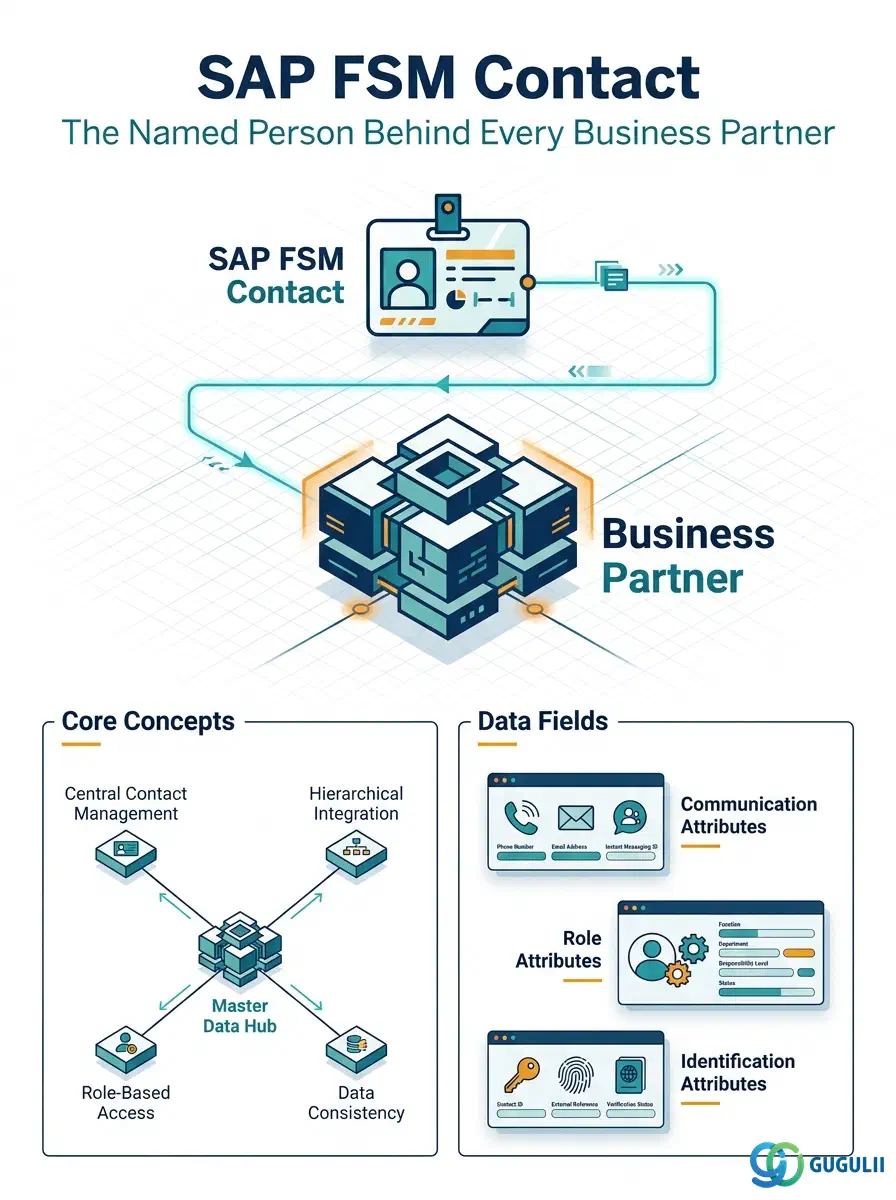
Contact is FSM’s master record for an individual named person associated with a Business Partner (Customer) — a facility manager, a site administrator, or any other person a dispatcher or technician may need to reach. It is always a child record of a Business Partner: a single Business Partner can carry any number of Contacts, each distinguished by role and communication details, and Contact itself has no further sub-objects of its own. This article maps every field FSM consultants configure and maintain when creating a Contact record, and how those fields connect Contact back to the Business Partner and Address masters that sit alongside it in Phase 1 (Customer Management).
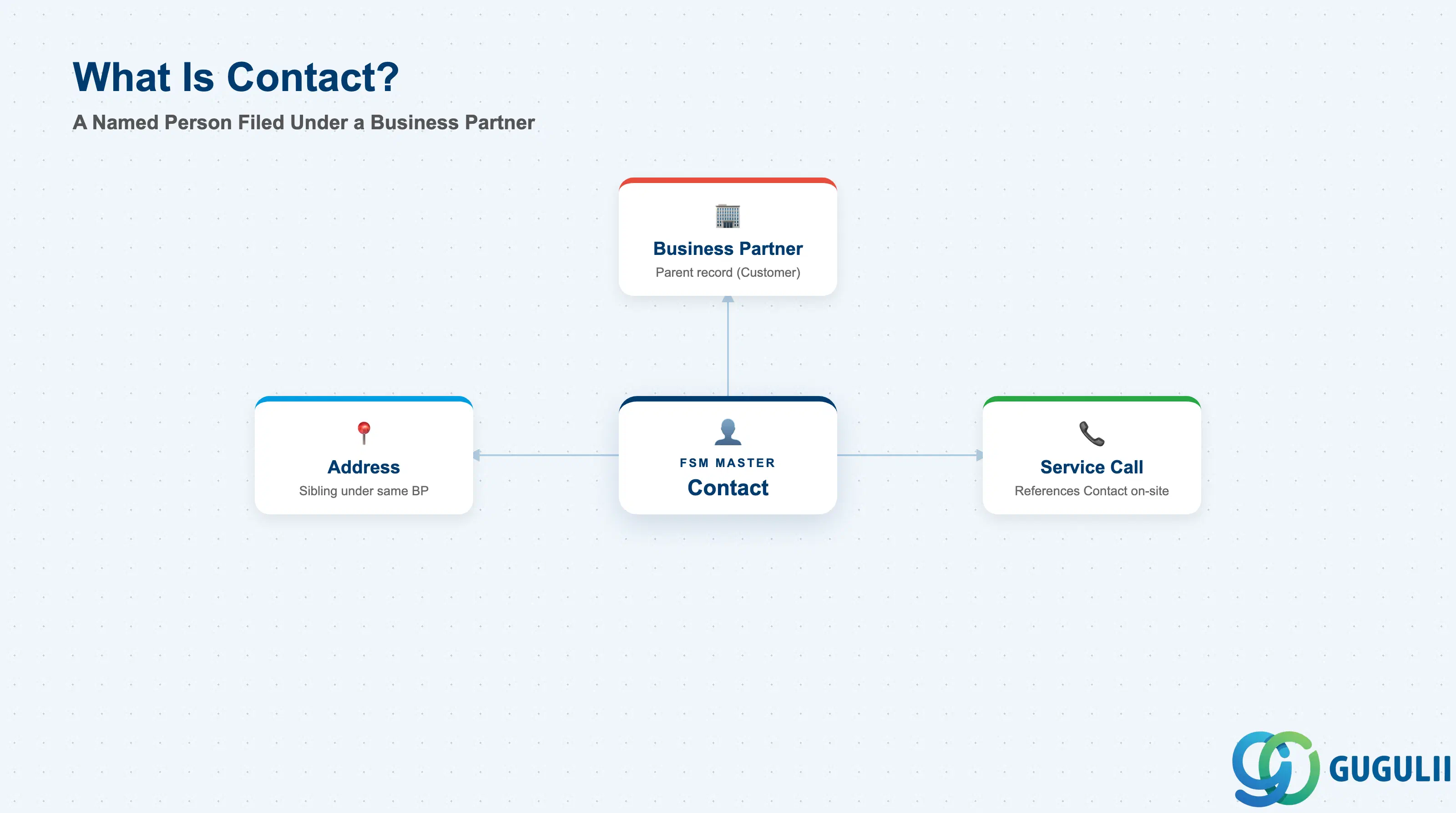
Contact represents a specific, named individual tied to a customer — not the customer organization itself (that is Business Partner), and not a physical location (that is Address). It exists so that FSM always has a real person’s name and communication details on file whenever a technician or dispatcher needs to reach someone at the site, rather than relying on a generic company phone number.
| Aspect | Details |
|---|---|
| Role | Master record of an individual named person associated with a Business Partner (Customer); used across FSM to identify who to call or notify at a customer site |
| Modules using it | FSM (Customer Management — primary owner), S/4HANA / SAP Business Partner (source system when Contact is replicated as a Contact Person relationship on the Business Partner, not created natively in FSM), S/4HANA Service (referenced during ERP integration, FSM-B10, when a service order needs an on-site point of contact) |
| Transactions | FSM Web UI “Manage Business Partner” app, Contacts tab; on the S/4HANA source side, transaction BP (Contact Person tab) when Contact originates from Business Partner |
| Key Tables | FSM: Contact business object (Core API / OData entity) — FSM is a multi-tenant cloud solution and does not use classical ABAP tables. Source system: S/4HANA Business Partner relationship tables (e.g. BUT050 Business Partner relationship, BUT051 Contact Person address usage) when synchronized from Business Partner |
| S/4HANA note | Contact can be created natively in FSM or synchronized from the S/4HANA Business Partner’s Contact Person relationship (recommended). When synchronized, the Business Partner reference on the FSM Contact record must resolve to the same customer master already replicated into FSM. |
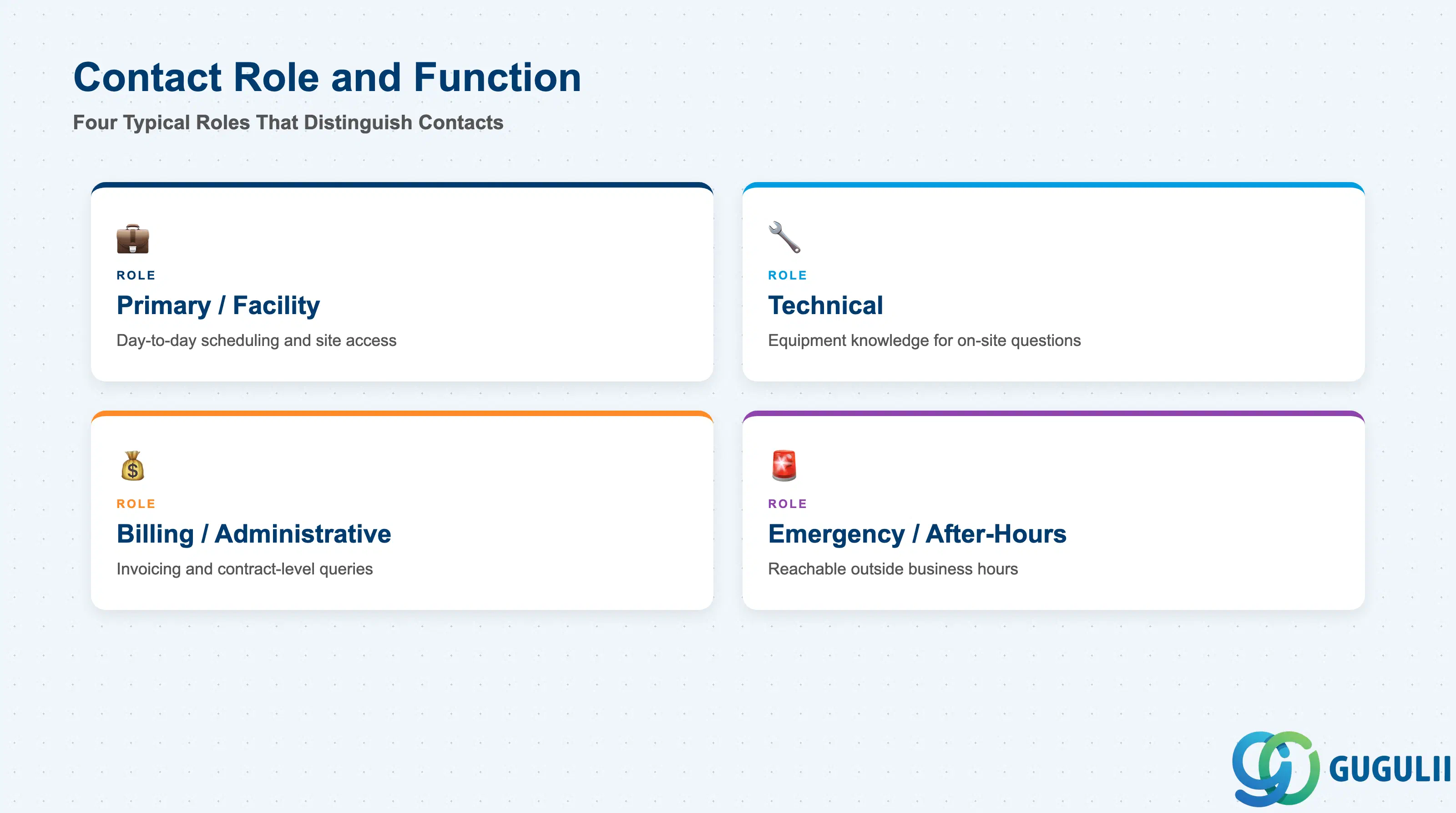
A single Business Partner in FSM commonly has more than one Contact on file — a facility manager, a billing administrator, an emergency after-hours contact. The Contact Role (or Function) field is what lets dispatchers and technicians tell these apart at a glance, and getting it wrong risks calling the wrong person when something urgent comes up on site.
| Role / Function | Description | Typical Use Case | Key Behavior |
|---|---|---|---|
| Primary / Facility Contact | Day-to-day point of contact for scheduling and site access | General appointment coordination | Usually the default name shown to technicians on the mobile app for a given Business Partner |
| Technical Contact | Person with working knowledge of the equipment or installation itself | Technical clarification before or during a Service Call | Consulted when a job requires site-specific technical context a dispatcher can’t answer |
| Billing / Administrative Contact | Handles invoicing and contract-level questions | Back-office billing and contract queries | Typically not surfaced to the field technician; used by billing and account-management processes |
| Emergency / After-Hours Contact | Reachable outside normal business hours for urgent call-outs | Emergency dispatch outside standard hours | Referenced by Planning & Dispatching (FSM-B04) when an emergency Service Call is raised outside standard Work Time Patterns |
Design principle: Contact Role is a configurable field, not a fixed SAP-delivered picklist — align the value list with how the client’s service desk actually triages incoming calls, rather than carrying over a generic template unchanged.
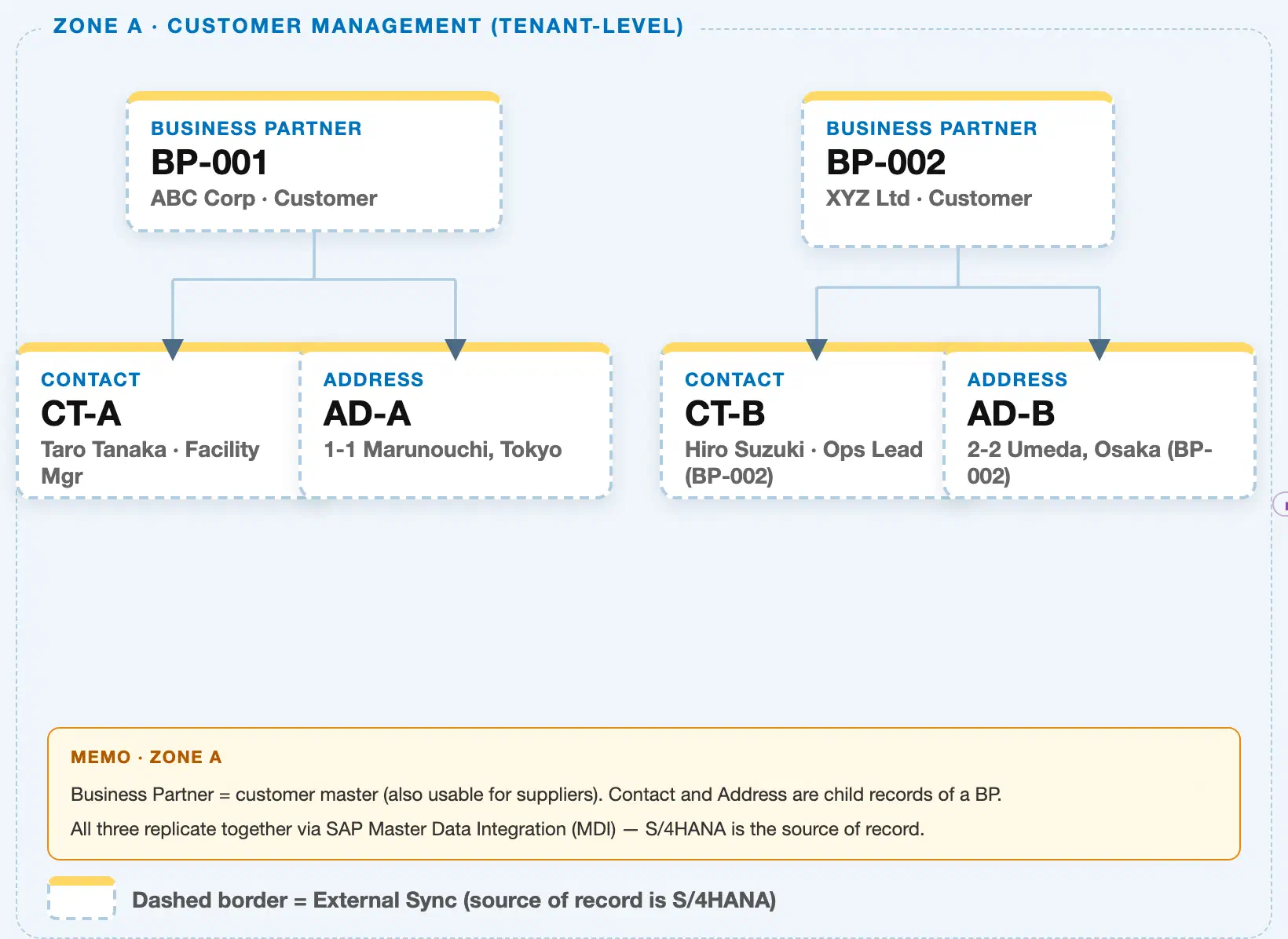
Data hierarchy with a concrete example (Zone A · Customer Management — tenant-level; FSM has no Company Code / Plant scoping above Business Partner)
Client (FSM Tenant)
   │
   ├── Business Partner BP-001 — ABC Corp (Customer)
   │      │
   │      ├── Contact CT-A — Taro Tanaka, Facility Manager
   │      └── Address AD-A — 1-1 Marunouchi, Tokyo
   │
   └── Business Partner BP-002 — XYZ Ltd (Customer)
          │
          ├── Contact CT-B — Hiro Suzuki, Ops Lead
          └── Address AD-B — 2-2 Umeda, Osaka
Design principle: Contact is a tenant-level (client-level) child record of Business Partner — there is no Company Code / Plant hierarchy involved. Contact and Address are siblings under the same Business Partner; they do not reference each other directly, they are simply both filed under the same parent.
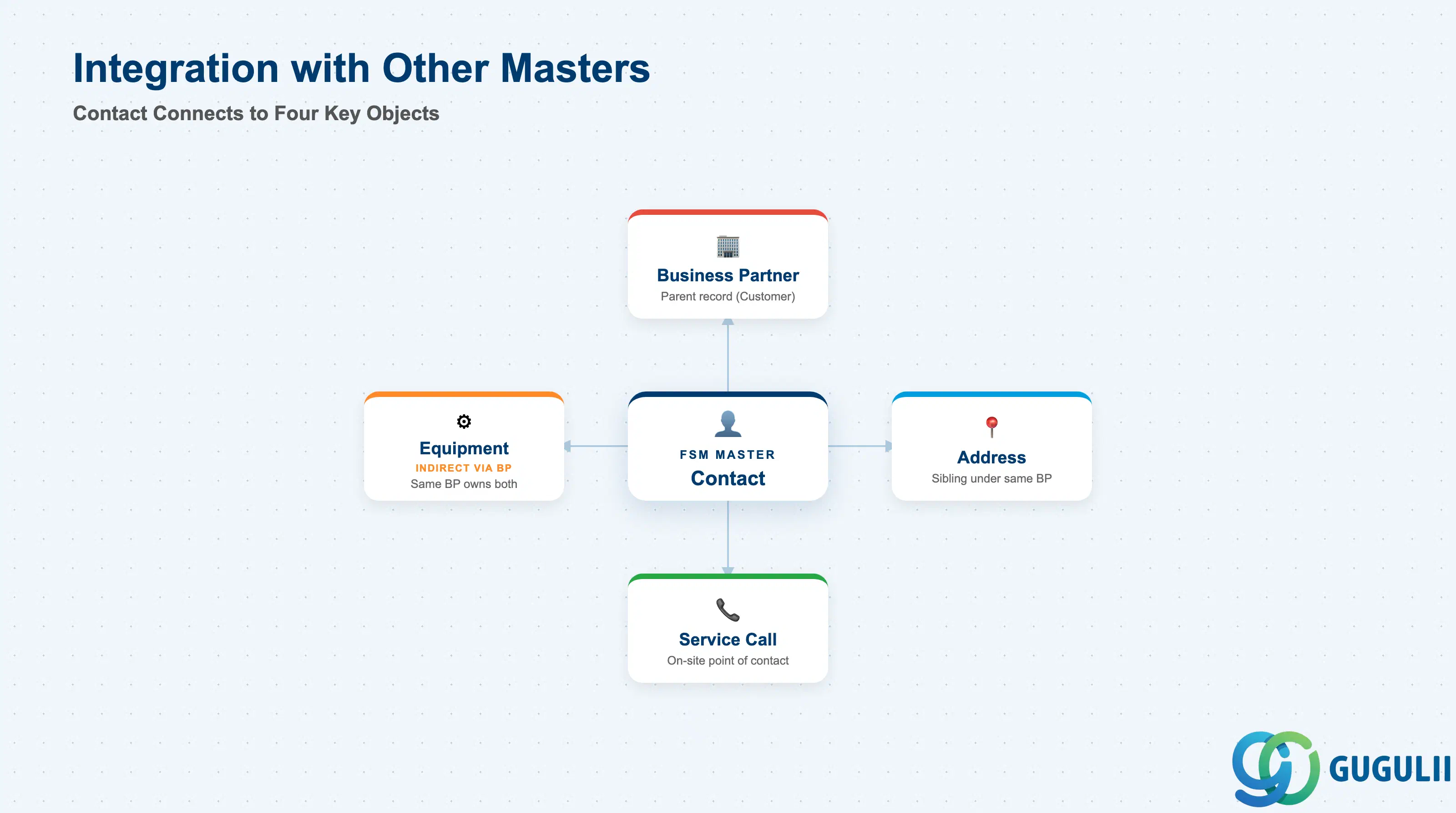
Contact does not stand alone — it is filed under a Business Partner and is picked up whenever FSM’s other objects need a named person to reach.
| Object | Relationship | Practical Notes |
|---|---|---|
| Business Partner | Contact is a child record of exactly one Business Partner (parent) | Determines which contracts and service history the Contact is associated with when referenced elsewhere. Reassigning a Contact to a different Business Partner is uncommon and should be governed by change control. |
| Address | Sibling record filed under the same Business Partner | Contact and Address don’t reference each other directly — both simply belong to the same Business Partner. A dispatcher typically confirms both together: who to ask for, and where to go. |
| Equipment | Indirectly related — Equipment is owned by the same Business Partner the Contact is filed under | Contacts are frequently selected when a Service Call is raised against a piece of Equipment, giving the technician an on-site person to coordinate access with. |
| Service Call (FSM-B03) | Contact can be recorded as the on-site point of contact for a Service Call | Not owned by Contact, but heavily referenced during dispatch — an outdated phone number here is a common, avoidable cause of missed on-site coordination. |
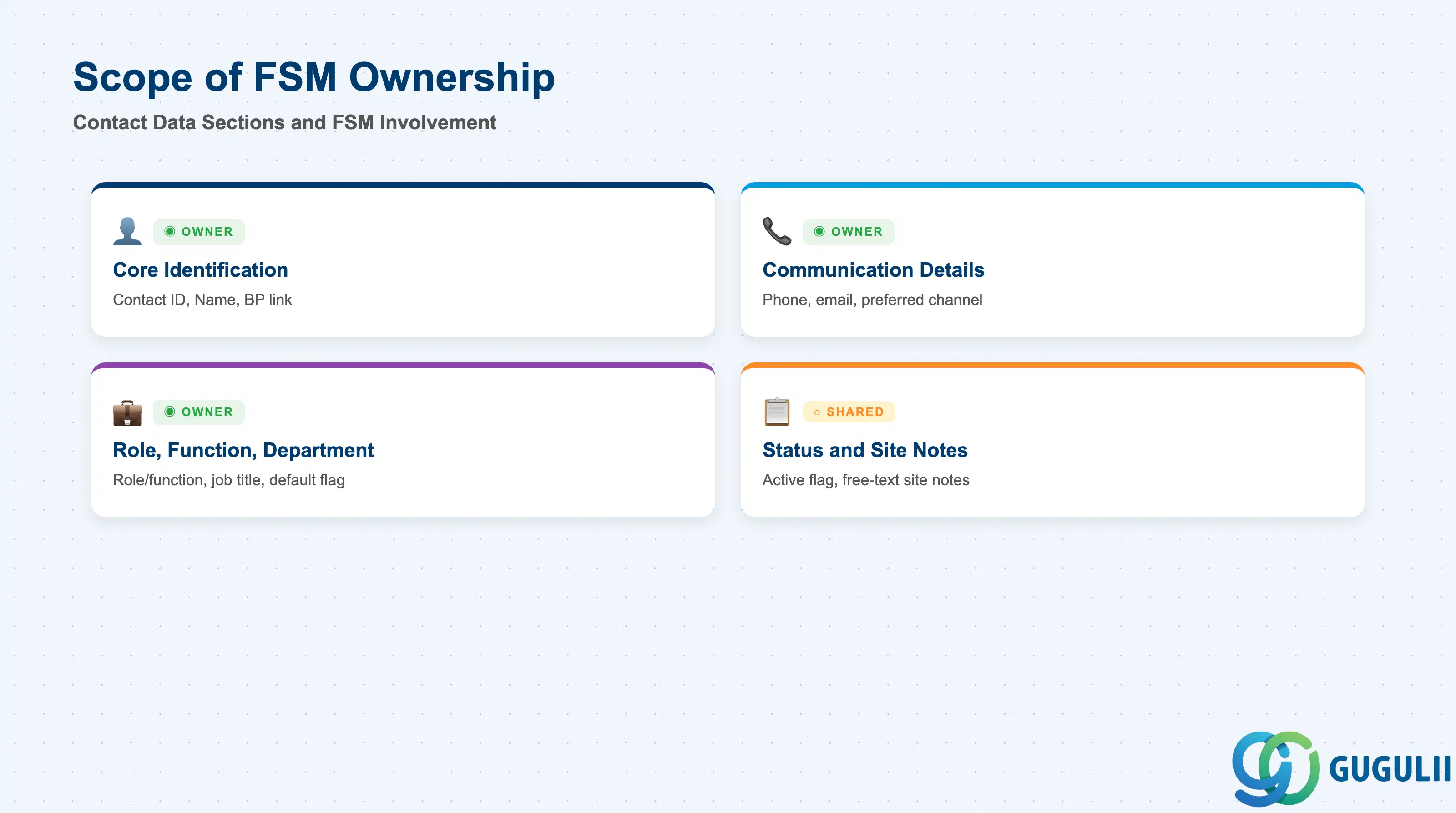
| Data Section | FSM Involvement | Notes |
|---|---|---|
| Core Identification & Business Partner Assignment | ◎ Owner | Contact ID, Name, Business Partner link — establishes who this person is and which Business Partner they belong to |
| Communication Details | ◎ Owner | Phone, mobile, email, and preferred channel — how dispatchers and technicians actually reach this person |
| Role, Function & Department | ◎ Owner | Contact Role/Function, Department, Job Title, and default-Contact flag used to distinguish multiple Contacts at the same Business Partner |
| Status & Site Notes | ○ Shared with Business Partner Management | Active flag and free-text site notes; lifecycle context largely follows the parent Business Partner |
Legend: ◎ = Owner / Critical, ○ = Direct involvement
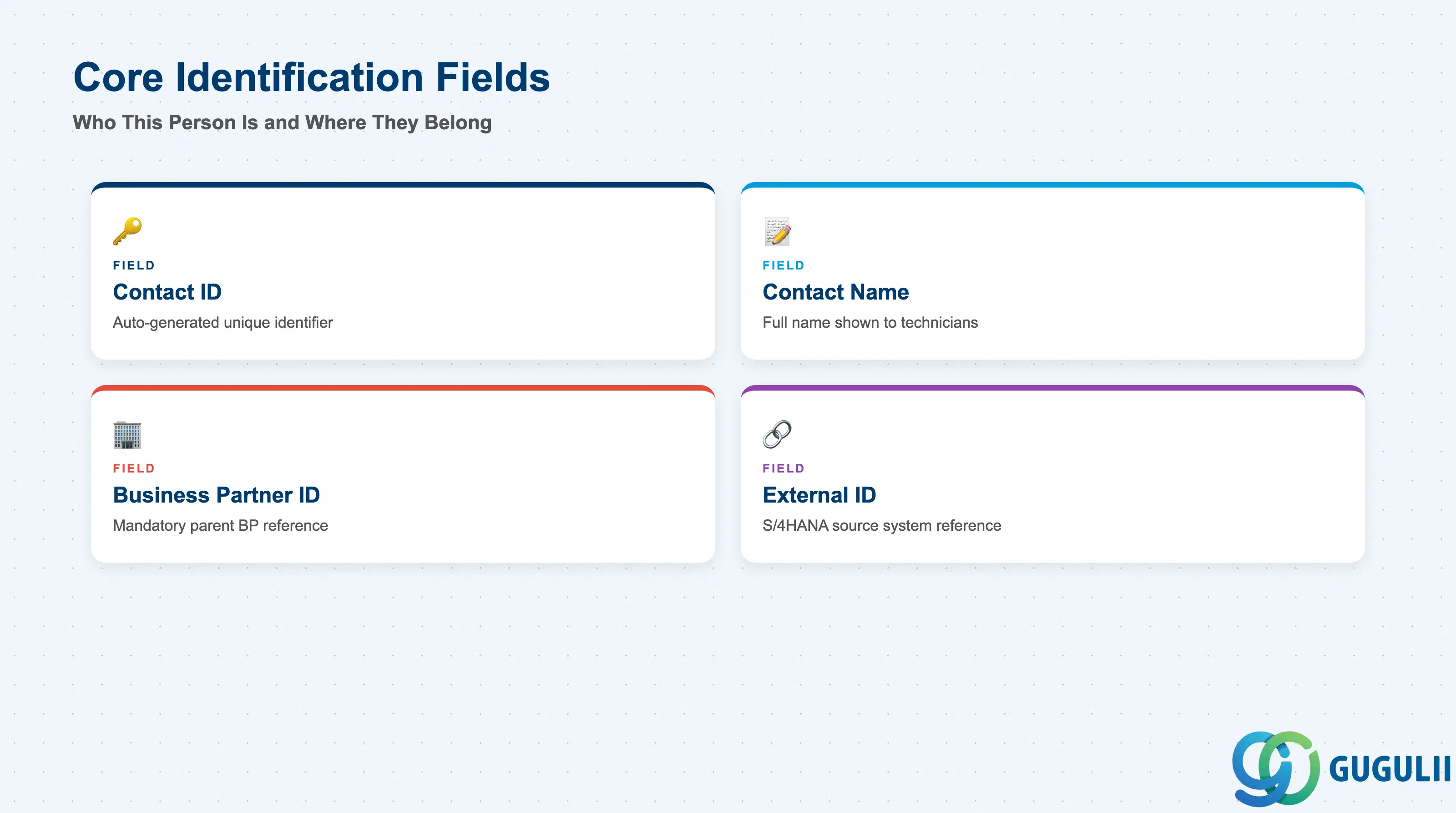
These fields establish who this person is and which Business Partner the Contact record is filed under — every other field on Contact only makes sense once these two are set.
| Field | Description | Practical Usage |
|---|---|---|
| Contact ID | FSM’s internal unique identifier for the record | Auto-generated on creation; used in every cross-reference from Service Call and reporting. Keep IDs stable — correct a typo in the name by editing the existing record, not by recreating it. |
| Contact Name | Free-text full name of the person | Displayed to technicians and dispatchers whenever a Service Call needs an on-site point of contact. Keep the field to the person’s name only — capture title/role separately (2.3) so search and display stay clean. |
| Business Partner ID | The Business Partner (customer) this Contact belongs to | Mandatory — a Contact cannot exist without a parent Business Partner. The Business Partner must already be created and synchronized into FSM before the Contact record can be saved. |
| External ID (Source System Reference) | Reference back to the originating S/4HANA Business Partner Contact Person relationship (e.g. the BUT050 relationship number) when synchronized | Used for reconciliation between FSM and S/4HANA. A missing or mismatched External ID after a sync run is a common cause of duplicate Contact records for the same real-world person. |
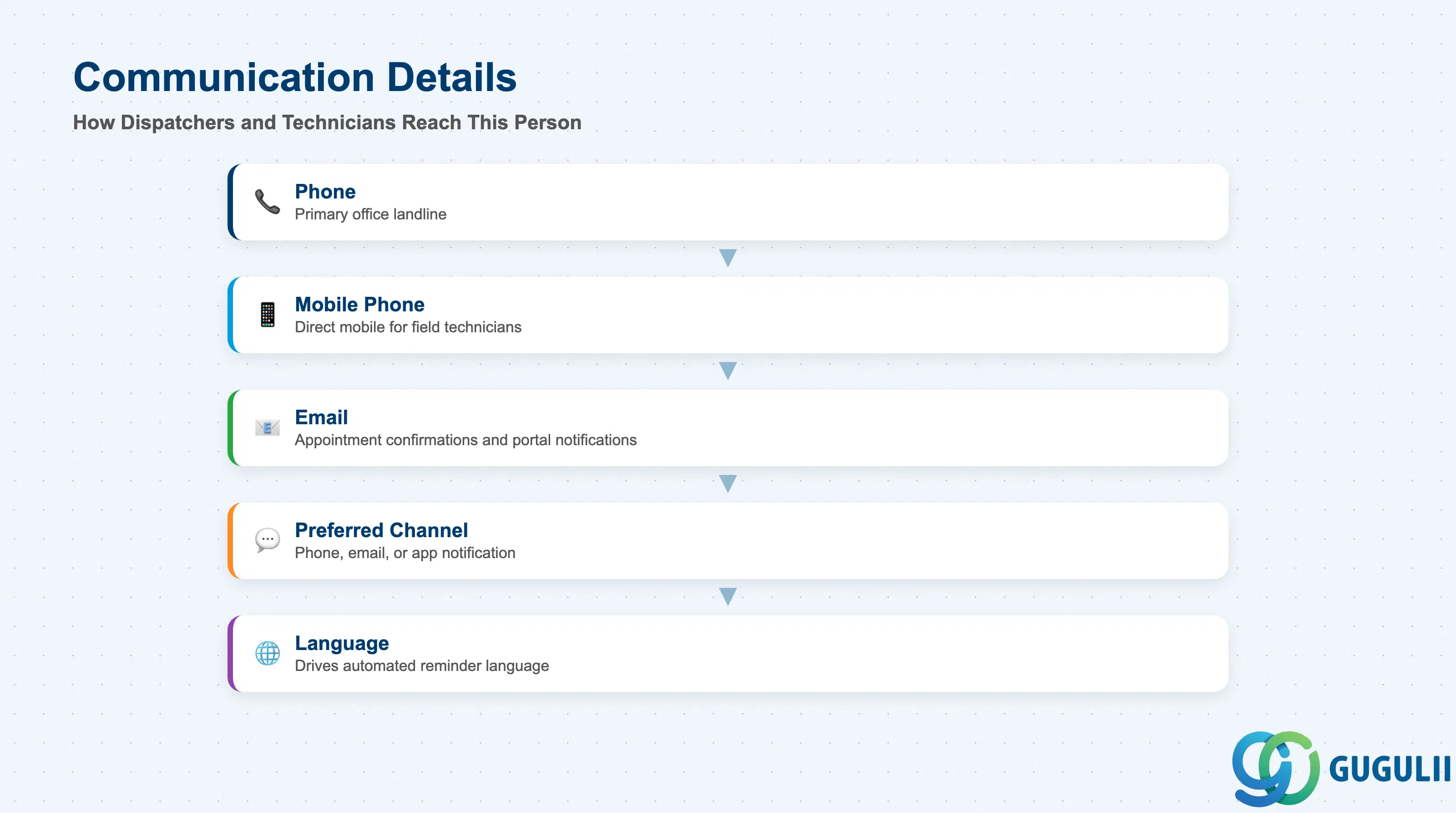
These are the fields dispatchers and technicians actually use to reach the Contact — accuracy here has a direct, same-day operational impact.
| Field | Description | Practical Usage |
|---|---|---|
| Phone | Primary landline or office phone number | Used by dispatchers to confirm appointment windows before a technician is sent. Keep it separate from Mobile Phone since office lines are often unattended outside business hours. |
| Mobile Phone | Direct mobile number for the Contact | The number most technicians actually call en route or on arrival; prioritize keeping this field current, since it changes more often and matters more operationally than Phone. |
| Contact’s email address | Used for appointment confirmations and, where Customer Self-Service is enabled, portal notifications. Validate format at data load — malformed addresses silently fail notification sends rather than raising a visible error. | |
| Preferred Communication Channel | Indicates whether the Contact prefers phone, email, or SMS/mobile-app notification | Respecting this flag reduces missed-appointment risk; some customers explicitly ask not to be called and only respond to email or app notifications. |
| Language | Preferred language for communications | Drives which language template FSM uses for automated appointment reminders and Self-Service portal text, where language configuration supports it. Missing or incorrect language leads to reminders sent in a language the Contact doesn’t read. |
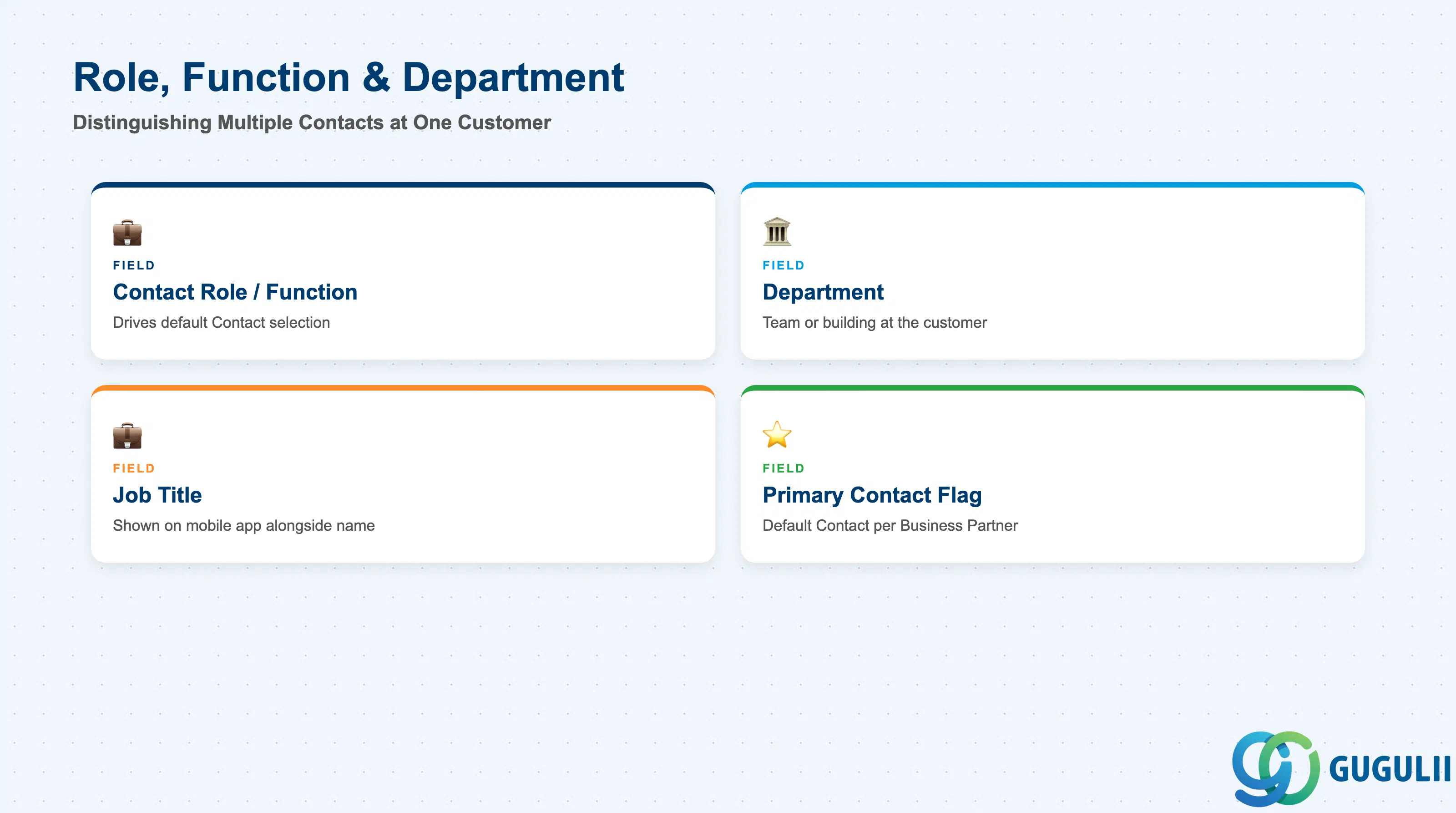
Because a Business Partner commonly has more than one Contact on file, these fields are what let a dispatcher pick the right one for a given situation rather than defaulting to whichever record happens to be listed first.
| Field | Description | Practical Usage |
|---|---|---|
| Contact Role / Function | Categorizes what this Contact is responsible for (see 1.2) | Drives which Contact is surfaced by default for a given scenario — an emergency Service Call should prefer an Emergency/After-Hours Contact over a Billing Contact if both exist for the same Business Partner. |
| Department | Free-text department or team the Contact belongs to within the Business Partner’s organization | Most useful at large enterprise customers with many Contacts across sites/departments; helps a dispatcher confirm they’ve reached someone from the right building or team, not just the right company. |
| Job Title | Free-text job title | Displayed alongside Contact Name on the mobile app so a technician arriving on site knows who they’re meeting and their likely level of authority (e.g. facility manager vs. general staff). |
| Primary Contact Flag | Marks one Contact per Business Partner as the default | Controls which Contact is pre-selected when a new Service Call is created for that Business Partner. Exactly one Contact should carry this flag per Business Partner to avoid an ambiguous default. |
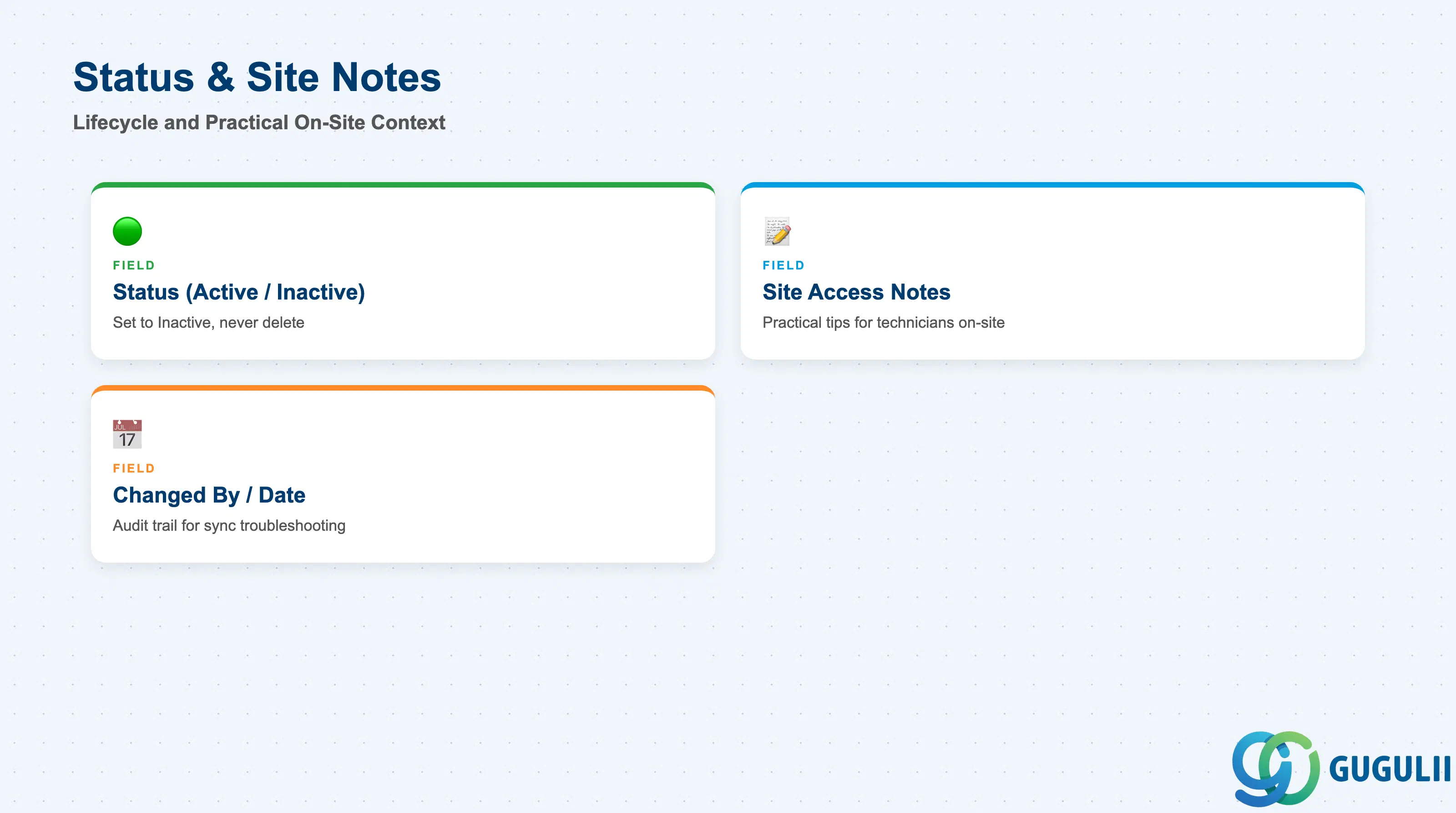
These fields round out the Contact record with lifecycle and practical on-site context that doesn’t fit cleanly into identification, communication, or role.
| Field | Description | Practical Usage |
|---|---|---|
| Status (Active / Inactive) | Indicates whether this Contact is still a valid point of contact | Set to Inactive rather than deleting the record when a person leaves the customer’s organization — Service Call history that referenced this Contact should remain queryable. |
| Site Access Notes | Free-text notes about reaching or working with this specific person | Populate with practical details a technician benefits from ahead of a visit — e.g. “reachable only 9am–3pm” or “prefers text message over phone call.” Distinct from Address’s Installation Address Override, which covers physical site access rather than the person. |
| Changed By / Last Changed Date | User or integration account that last updated the record, and when | Useful when troubleshooting unexpected data changes after a Business Partner sync, distinguishing manual dispatcher edits from automated updates from S/4HANA. |
| ID | Category | Title |
|---|---|---|
| fsm-001 | Overview | What is SAP FSM? |
| ID | Category | Title |
|---|---|---|
| fsm-a01 | Overview | SAP FSM Master Data: Overview, Hierarchy & Relationships |
| fsm-a02-02 | Master Data | SAP FSM Contact 📍 |
| fsm-a02-03 | Master Data | SAP FSM Address |
| fsm-a03-01 | Master Data | SAP FSM Equipment |
| fsm-a03-02 | Master Data | SAP FSM Equipment Hierarchy |
| fsm-a03-03 | Master Data | SAP FSM Service History |
| fsm-a04-01 | Master Data | SAP FSM Skill |
| fsm-a04-02 | Master Data | SAP FSM Work Time Pattern |
| fsm-a04-03 | Master Data | SAP FSM Region |
| fsm-a04-04 | Master Data | SAP FSM Technician |
| fsm-a04-05 | Master Data | SAP FSM Crew |
| fsm-a04-06 | Master Data | SAP FSM Absence |
| fsm-a04-07 | Master Data | SAP FSM Skill Requirement |
| fsm-a05-02 | Master Data | SAP FSM Generic Tool |
| fsm-a05-03 | Master Data | SAP FSM Serialized Tool |
| fsm-a05-04 | Master Data | SAP FSM Warehouse |
| fsm-a05-05 | Master Data | SAP FSM Van Stock |
| fsm-a06-01 | Master Data | SAP FSM Partner Invitation |
| fsm-a06-02 | Master Data | SAP FSM Partner Registration |
| fsm-a06-03 | Master Data | SAP FSM Crowd Partner |
| fsm-a06-04 | Master Data | SAP FSM Partner Technician |
| ID | Category | Title |
|---|---|---|
| fsm-b01 | Overview | SAP FSM Transactions: Process Flow, Hierarchy & Relationships |