Title here
Summary here

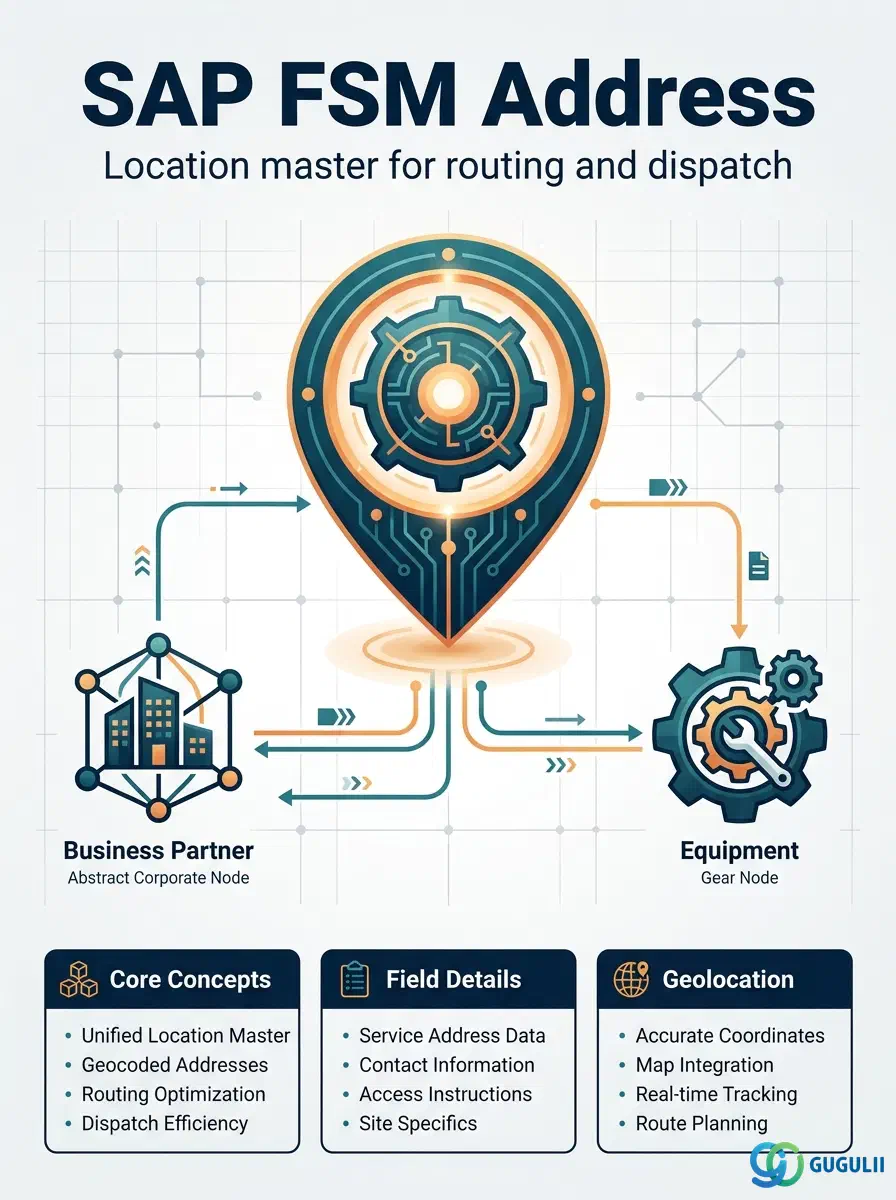
Address is FSM’s master record for a physical location associated with a Business Partner (Customer) — the registered billing site, the location where Equipment is installed, or any other site a technician might be dispatched to. It is always a child record of a Business Partner: a single Business Partner can carry any number of Address records, each distinguished by Address Type and resolved to a geolocation for routing, and Address itself has no further sub-objects of its own. This article maps every field FSM consultants configure and maintain when creating an Address record, and how those fields connect Address back to the Business Partner and Contact masters that sit alongside it in Phase 1 (Customer Management), and forward to Equipment in Phase 2.
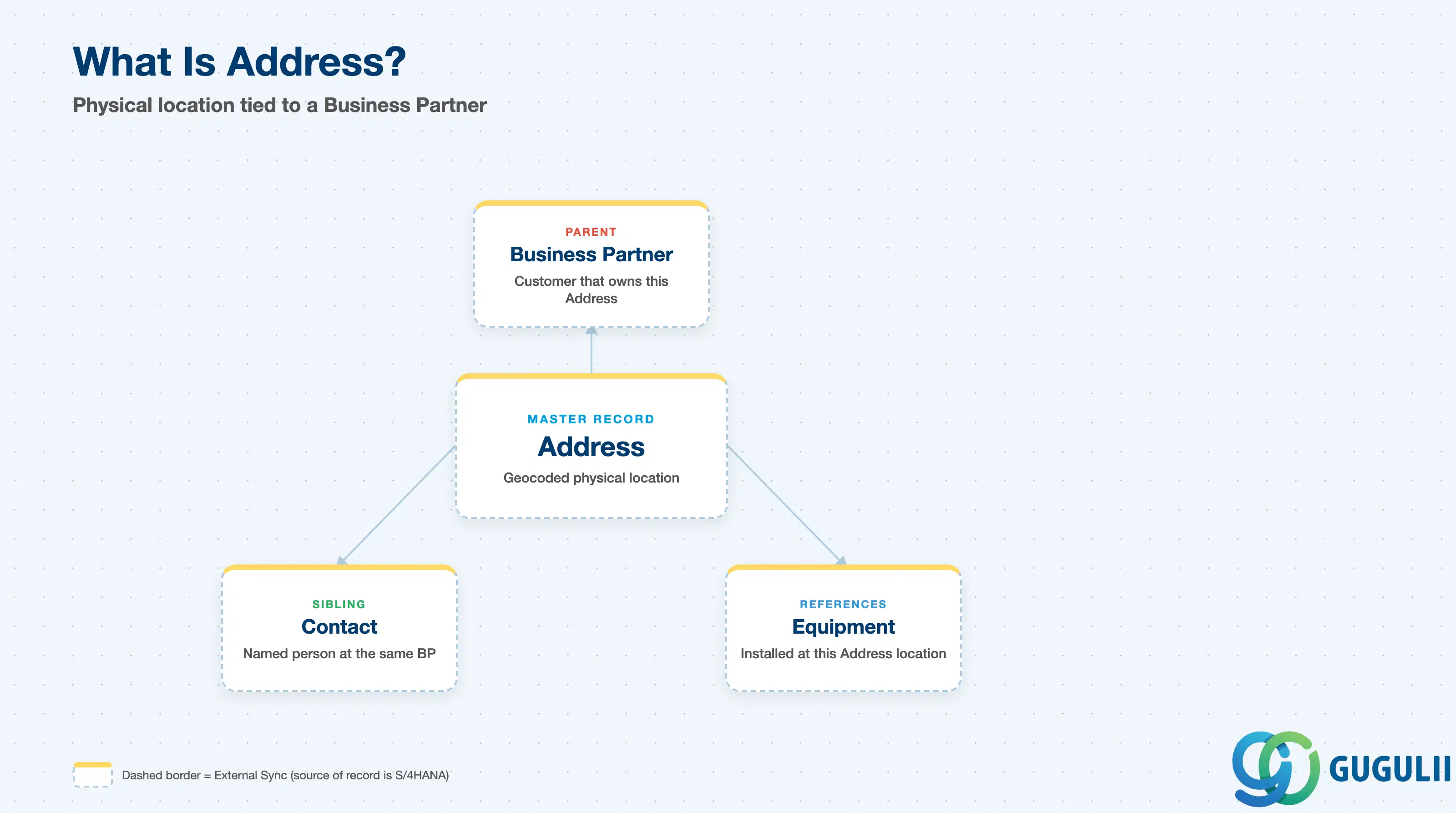
Address represents a specific physical location tied to a customer — not the customer organization itself (that is Business Partner), and not a named individual (that is Contact). It exists so that FSM always has a geocoded, resolvable location on file whenever a technician needs to be routed somewhere, or whenever billing/correspondence needs a mailing site, rather than relying on a single generic company address for every purpose.
| Aspect | Details |
|---|---|
| Role | Master record of a physical location associated with a Business Partner (Customer); resolves to a geolocation used for routing, dispatch, and correspondence |
| Modules using it | FSM (Customer Management — primary owner), S/4HANA / SAP Business Partner (source system when Address is replicated as a standard or usage-specific address on the Business Partner, not created natively in FSM), S/4HANA Service (referenced during ERP integration, FSM-B10, when a service order needs a resolved site location) |
| Transactions | FSM Web UI “Manage Business Partner” app, Addresses tab; on the S/4HANA source side, transaction BP (Addresses tab / standard address) when Address originates from Business Partner |
| Key Tables | FSM: Address business object (Core API / OData entity) — FSM is a multi-tenant cloud solution and does not use classical ABAP tables. Source system: S/4HANA address table ADRC and Business Partner address assignment table BUT020 when synchronized from Business Partner |
| S/4HANA note | Address can be created natively in FSM or synchronized from the S/4HANA Business Partner’s standard/usage address (recommended). When synchronized, the Business Partner reference on the FSM Address record must resolve to the same customer master already replicated into FSM, and the free-text address is typically geocoded into latitude/longitude after the sync. |
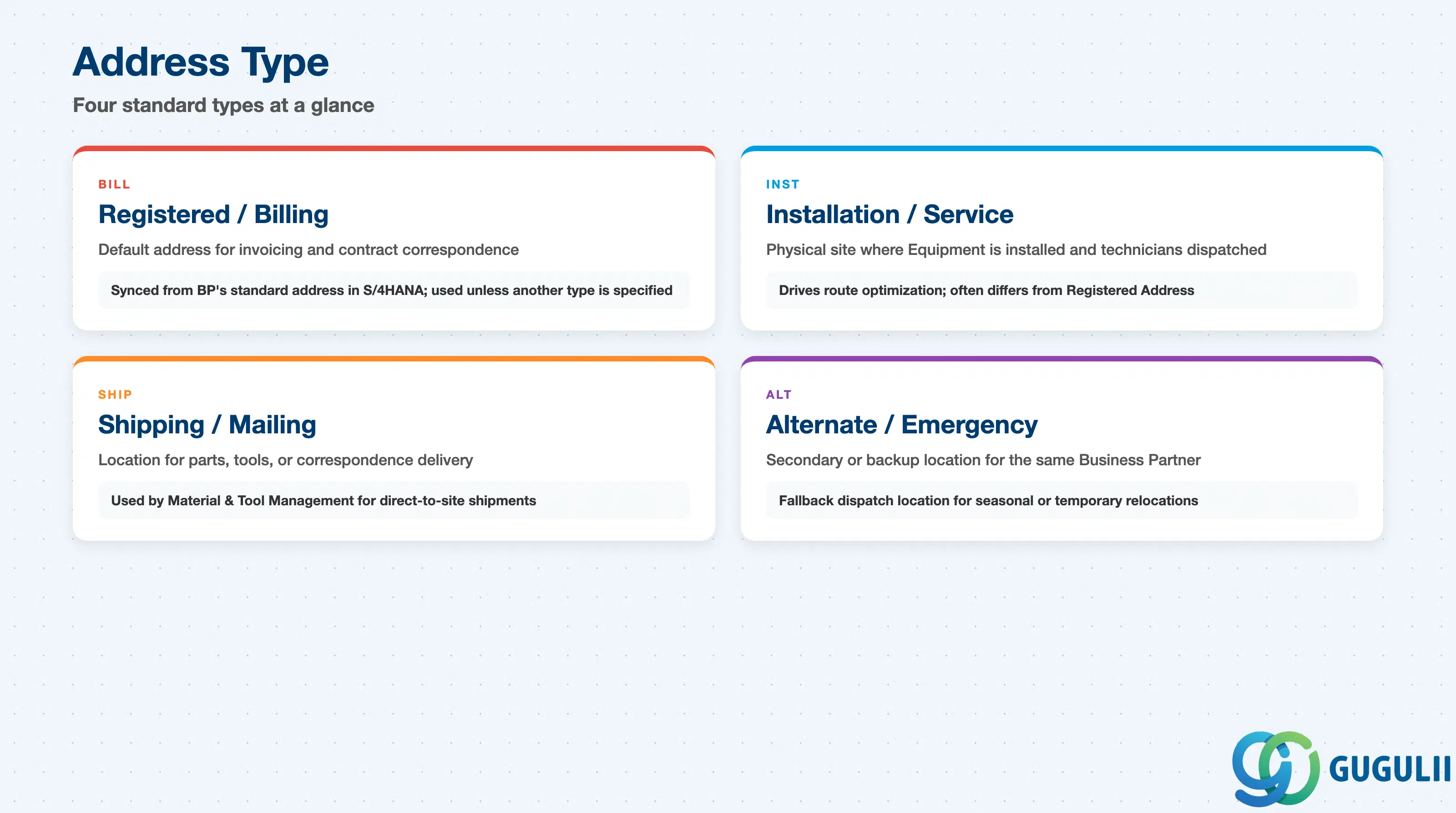
A single Business Partner in FSM commonly has more than one Address on file — a billing office, a site where Equipment is installed, a warehouse dock for parts delivery. The Address Type field is what lets dispatchers and back-office staff tell these apart, and getting it wrong risks routing a technician to the wrong site or mailing an invoice to an empty lot.
| Address Type | Code | Use Case | Key Behavior |
|---|---|---|---|
| Registered / Billing Address | BILL | Default address for invoicing and contract correspondence | Typically synchronized directly from the Business Partner’s standard address in S/4HANA; used by default unless a Service Call or Equipment record specifies a different site |
| Installation / Service Address | INST | Physical site where Equipment is installed and where technicians are actually dispatched | Drives route optimization and travel-time calculation in Planning & Dispatching (FSM-B04); frequently differs from the Business Partner’s Registered Address for customers with multiple locations |
| Shipping / Mailing Address | SHIP | Location parts, tools, or correspondence should be delivered to | Used by Material & Tool Management when a Van Stock replenishment or a return ships directly to a customer site rather than through a technician |
| Alternate / Emergency Site Address | ALT | Secondary or backup location for the same Business Partner | Used for temporary relocations (e.g. a seasonal site) or as a fallback dispatch location when the primary Installation Address is unreachable |
Design principle: Address Type is a configurable field, not a fixed SAP-delivered picklist — a Business Partner with multiple physical sites should carry one Address record per site/purpose rather than overloading a single Address record with conflicting details.
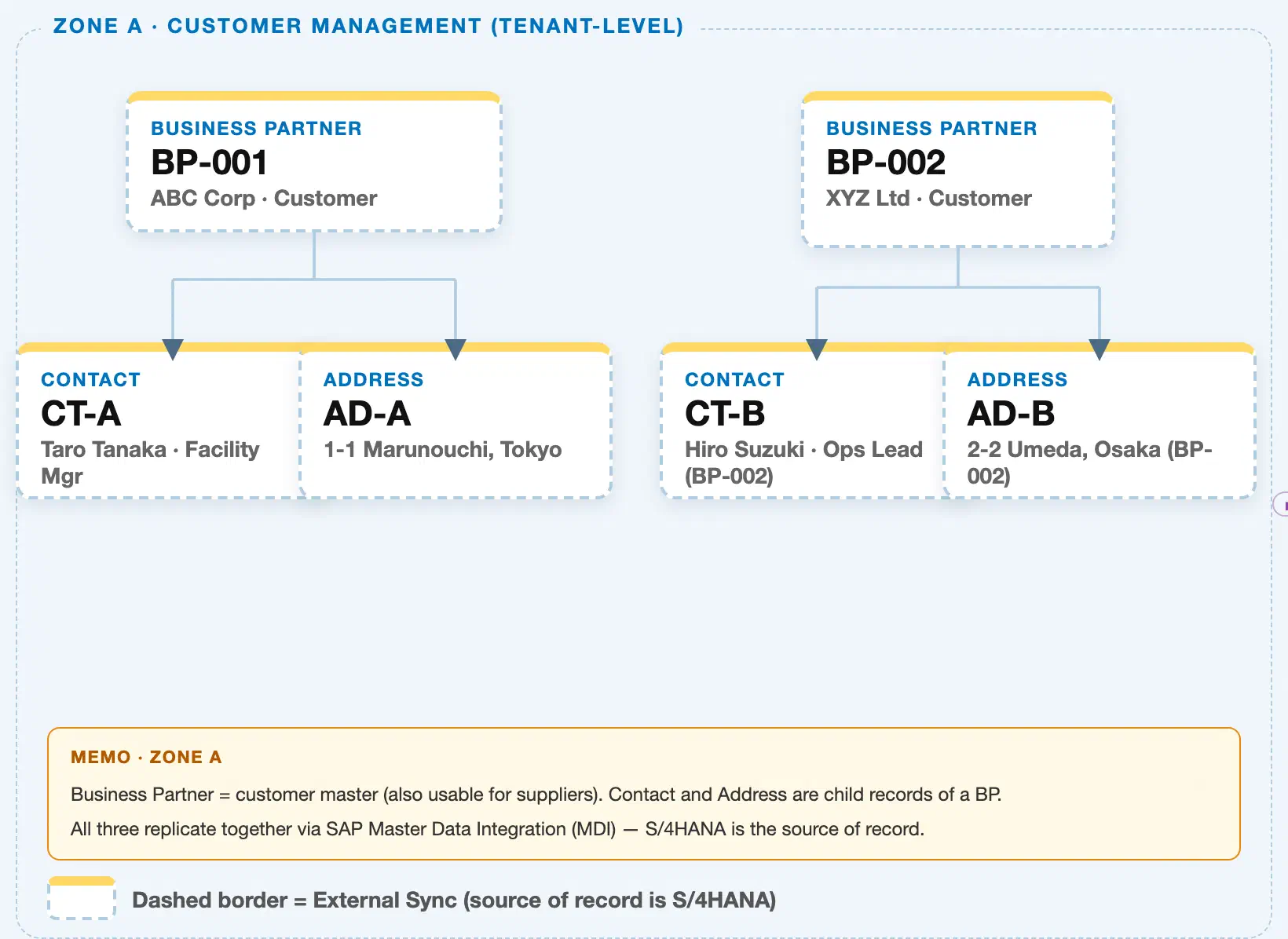
Data hierarchy with a concrete example (Zone A · Customer Management — tenant-level; FSM has no Company Code / Plant scoping above Business Partner)
Client (FSM Tenant)
   │
   ├── Business Partner BP-001 — ABC Corp (Customer)
   │      │
   │      ├── Contact CT-A — Taro Tanaka, Facility Manager
   │      └── Address AD-A — 1-1 Marunouchi, Tokyo
   │
   └── Business Partner BP-002 — XYZ Ltd (Customer)
          │
          ├── Contact CT-B — Hiro Suzuki, Ops Lead
          └── Address AD-B — 2-2 Umeda, Osaka
Design principle: Address is a tenant-level (client-level) child record of Business Partner — there is no Company Code / Plant hierarchy involved. Address and Contact are siblings under the same Business Partner; they do not reference each other directly, they are simply both filed under the same parent.
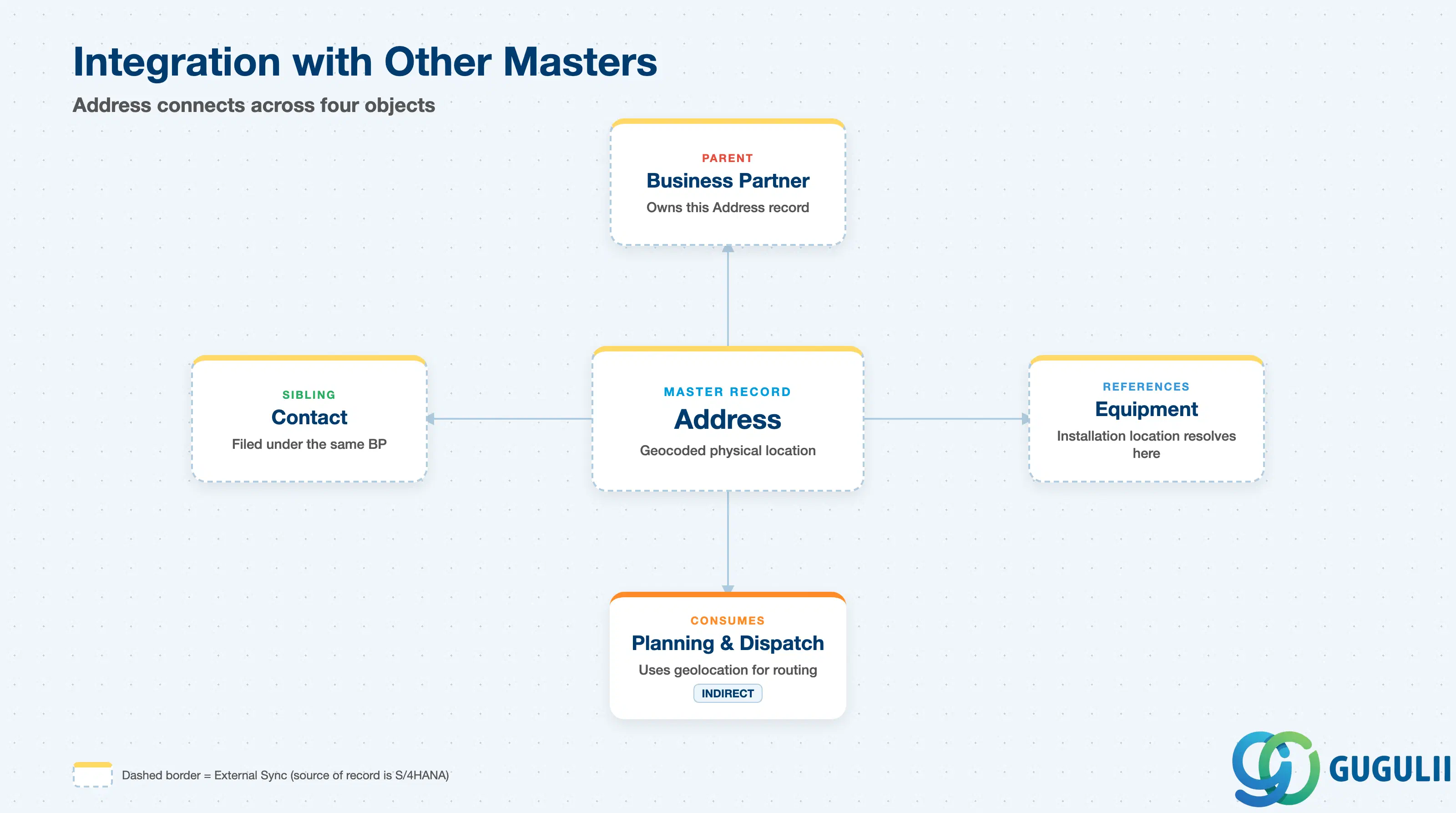
Address does not stand alone — it is filed under a Business Partner and is picked up whenever FSM’s other objects need a resolved, geocoded location.
| Object | Relationship | Practical Notes |
|---|---|---|
| Business Partner | Address is a child record of exactly one Business Partner (parent) | Determines which contracts and billing terms apply when the Address is used for invoicing. Reassigning an Address to a different Business Partner is uncommon and should be governed by change control. |
| Contact | Sibling record filed under the same Business Partner | Address and Contact don’t reference each other directly — both simply belong to the same Business Partner. A dispatcher typically confirms both together: who to ask for, and where to go. |
| Equipment | Equipment’s installation location resolves to a specific Address record, distinct from the Business Partner’s Registered Address | An Equipment record references exactly one Address for dispatch purposes; getting the wrong Address Type assigned here is a common cause of technicians being routed to the wrong site. |
| Planning & Dispatching (FSM-B04) | Address geolocation feeds route optimization and travel-time calculation on the Planning Board | Not owned by Address, but heavily consumed at dispatch time — an ungeocoded or inaccurate Address silently degrades routing quality without raising a visible error. |
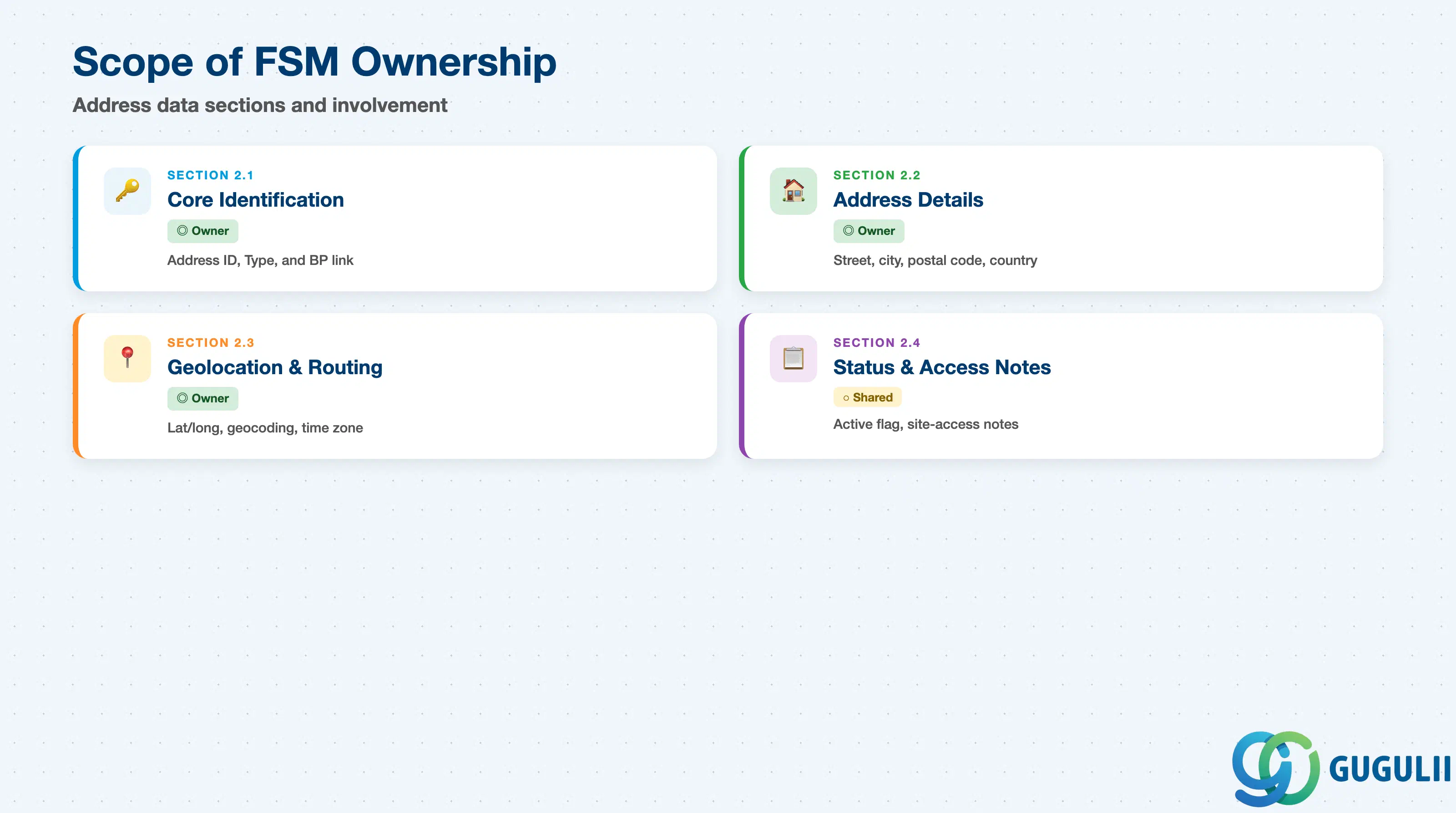
| Data Section | FSM Involvement | Notes |
|---|---|---|
| Core Identification & Business Partner Assignment | ◎ Owner | Address ID, Address Type, Business Partner link — establishes what this location is for and which Business Partner it belongs to |
| Address Details | ◎ Owner | Street, city, postal code, region/state, and country — the human-readable postal address |
| Geolocation & Routing | ◎ Owner | Latitude/longitude, geocoding status, and time zone used by Planning & Dispatching for routing |
| Status & Access Notes | ○ Shared with Business Partner Management | Active flag and free-text site-access notes; lifecycle context largely follows the parent Business Partner |
Legend: ◎ = Owner / Critical, ○ = Direct involvement
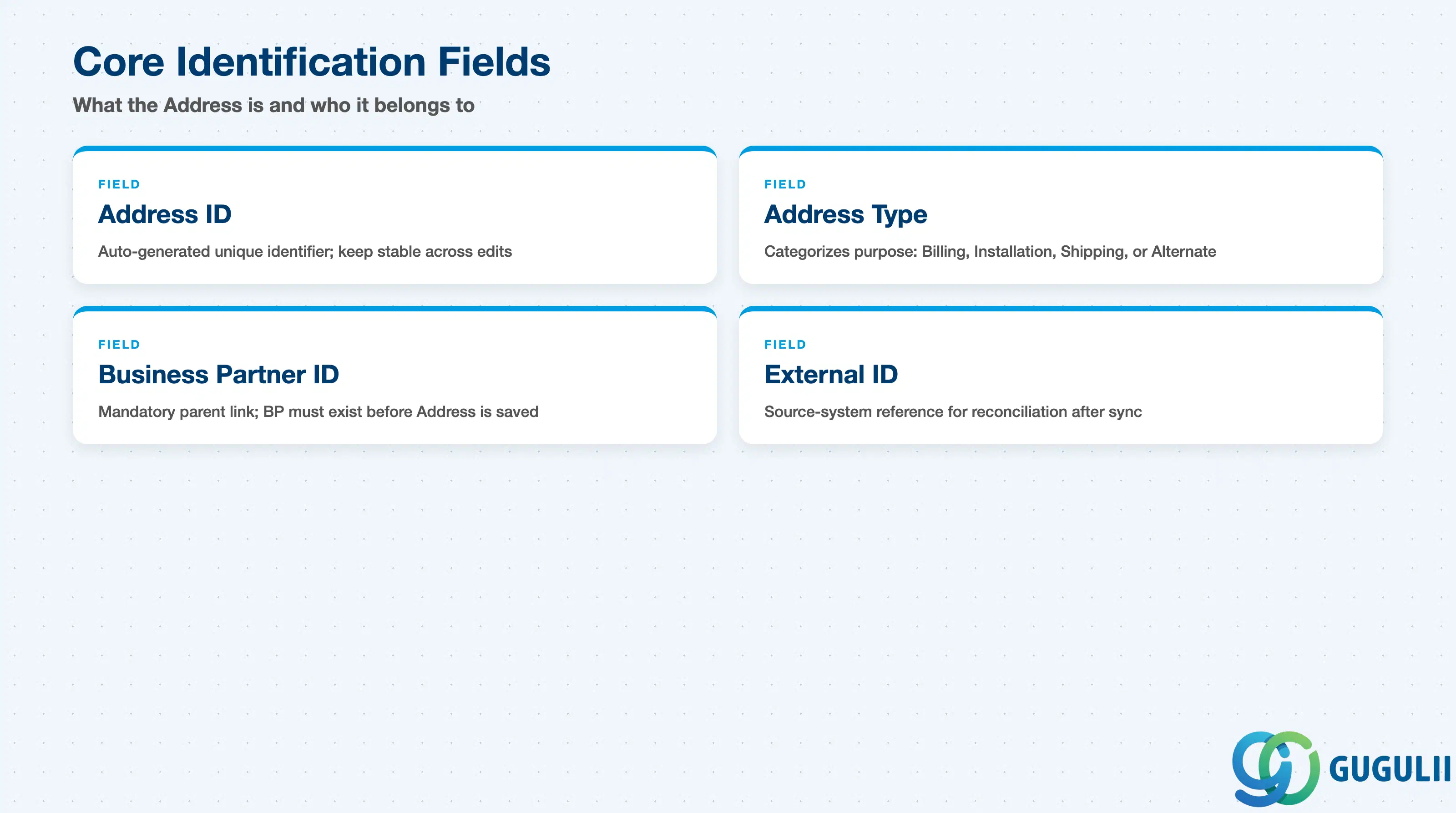
These fields establish what this location is for and which Business Partner the Address record is filed under — every other field on Address only makes sense once these two are set.
| Field | Description | Practical Usage |
|---|---|---|
| Address ID | FSM’s internal unique identifier for the record | Auto-generated on creation; used in every cross-reference from Equipment and reporting. Keep IDs stable — correct a typo in the street or city by editing the existing record, not by recreating it. |
| Address Type | Categorizes the purpose of this Address (see 1.2) | Drives which Address is surfaced by default for a given scenario — Equipment dispatch should resolve to the Installation/Service Address rather than the Business Partner’s Billing Address if both exist. |
| Business Partner ID | The Business Partner (customer) this Address belongs to | Mandatory — an Address cannot exist without a parent Business Partner. The Business Partner must already be created and synchronized into FSM before the Address record can be saved. |
| External ID (Source System Reference) | Reference back to the originating S/4HANA Business Partner address (e.g. the ADRC address number) when synchronized | Used for reconciliation between FSM and S/4HANA. A missing or mismatched External ID after a sync run is a common cause of duplicate Address records for the same real-world location. |
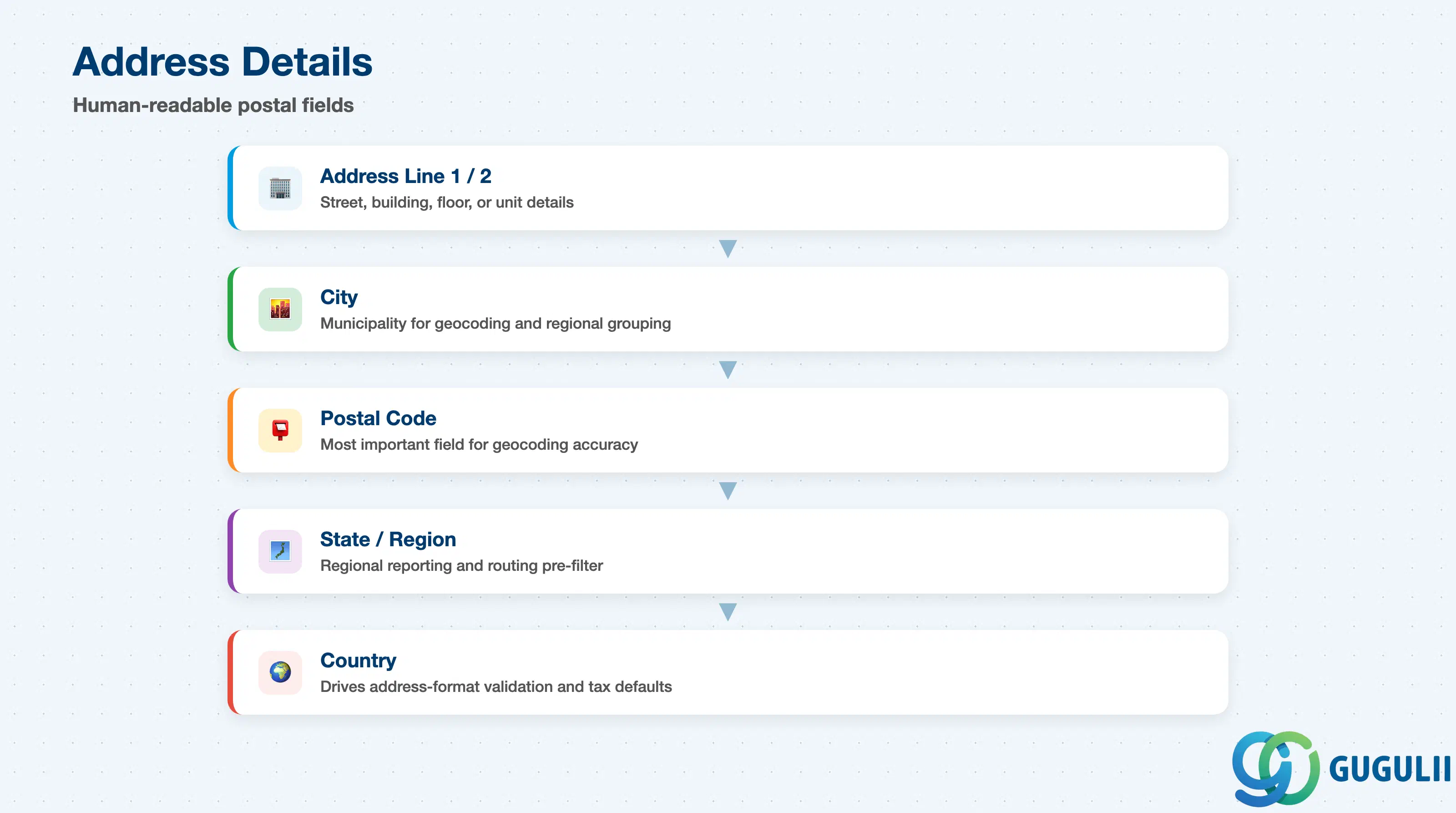
These are the human-readable postal fields that form the actual mailing or site address — the raw input that geocoding (2.3) converts into a routable location.
| Field | Description | Practical Usage |
|---|---|---|
| Address Line 1 / 2 | Street name and number, plus a secondary line for building, floor, or unit | Keep street details precise and consistent with the source system’s format — inconsistent abbreviations (e.g. “St.” vs “Street”) reduce geocoding accuracy at load time. |
| City | City or municipality name | Used alongside Postal Code for geocoding and for regional grouping in reporting. Verify romanization consistency for non-English city names synchronized from S/4HANA. |
| Postal Code | Postal / ZIP code | The single most important field for automated geocoding accuracy; a missing or malformed postal code is a common root cause of a poorly-placed geolocation pin. |
| State / Region | State, prefecture, or region subdivision | Used for regional reporting and, in some configurations, to pre-filter which Region (FSM-A04-03) a Service Call should be routed through before precise geolocation is available. |
| Country | Country of the address | Drives which address-format validation and postal-code pattern is applied; also relevant for tax and currency defaults when Address feeds billing processes. |
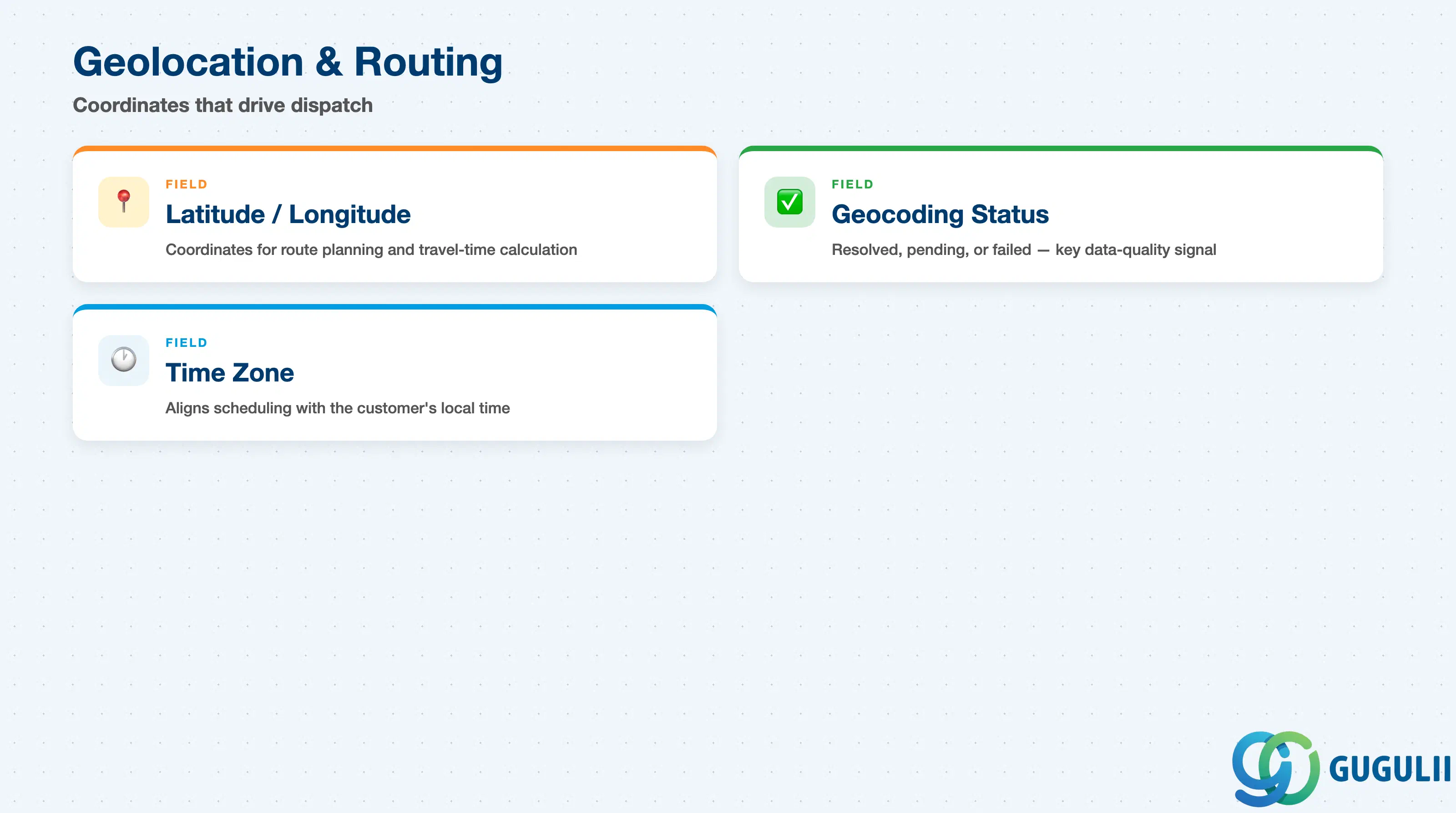
These fields are what actually make an Address usable for dispatch — Planning & Dispatching (FSM-B04) plans routes and estimates travel time from the coordinates here, not from the postal text alone.
| Field | Description | Practical Usage |
|---|---|---|
| Latitude / Longitude | Geographic coordinates of the Address, typically derived by geocoding the postal fields | Feeds the Planning Board map view and travel-time calculation directly. Verify geolocation accuracy after initial data load — addresses geocoded automatically from free-text can land several hundred meters off for rural or newly-built sites. |
| Geocoding Status | Indicates whether the coordinates were successfully resolved, are pending, or failed | A common data-quality signal after bulk load; Addresses left in a failed or pending state should be manually corrected before they’re relied on for dispatch. |
| Time Zone | Time zone applicable to the Address location | Used to align Service Call scheduling and technician Work Time Pattern (FSM-A04-02) with the customer’s local time, particularly relevant for multi-region rollouts. |
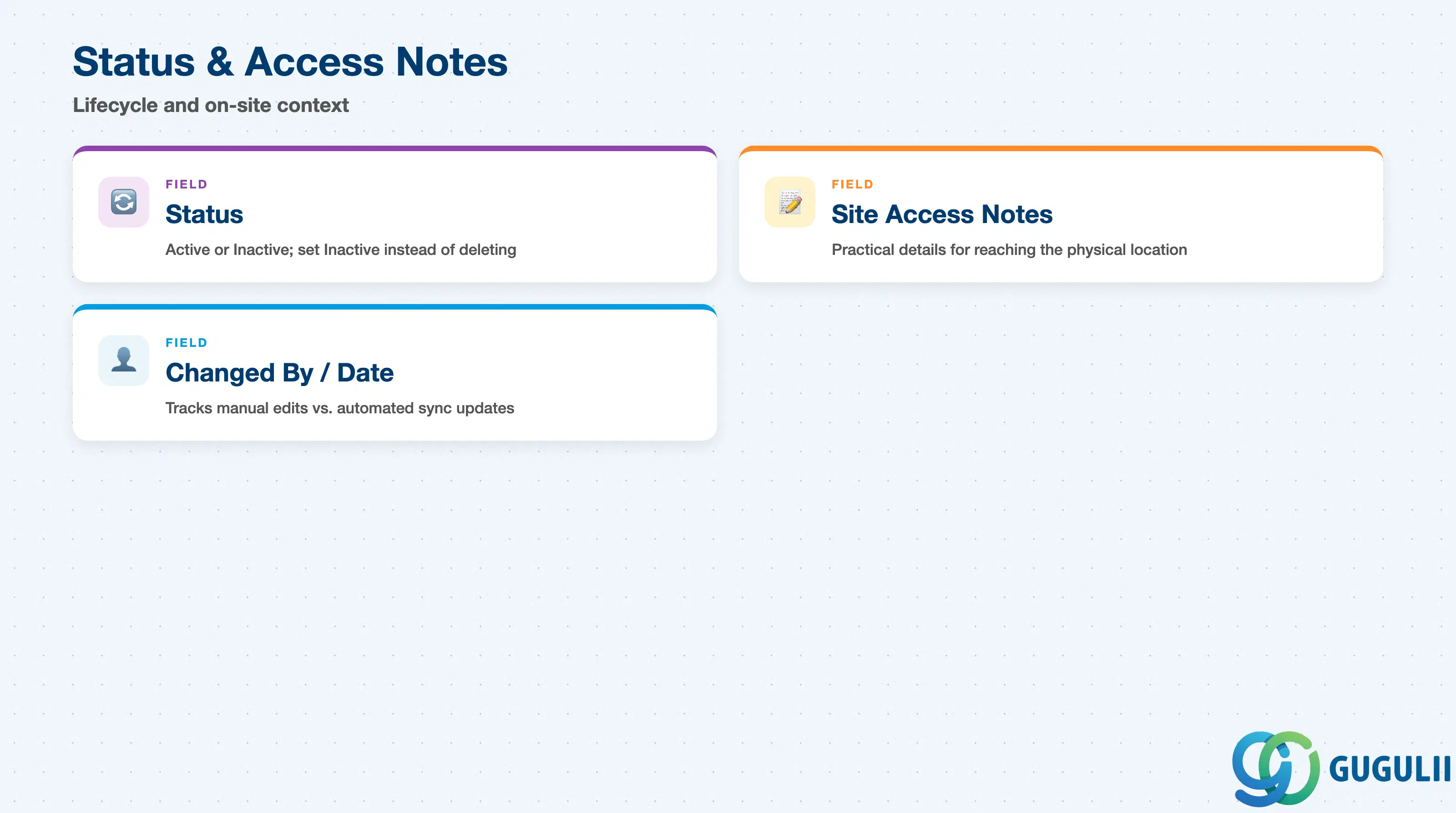
These fields round out the Address record with lifecycle and practical on-site context that doesn’t fit cleanly into identification, address details, or geolocation.
| Field | Description | Practical Usage |
|---|---|---|
| Status (Active / Inactive) | Indicates whether this Address is still a valid, in-use location | Set to Inactive rather than deleting the record when a site closes or a customer relocates — Service Call and Equipment history that referenced this Address should remain queryable. |
| Site Access Notes | Free-text notes about physically reaching or entering this specific location | Populate with practical details a technician benefits from ahead of a visit — e.g. “loading dock entrance only” or “gate code required after hours.” Distinct from Contact’s Site Access Notes, which covers the person rather than the physical location. |
| Changed By / Last Changed Date | User or integration account that last updated the record, and when | Useful when troubleshooting unexpected data changes after a Business Partner sync, distinguishing manual dispatcher edits from automated updates from S/4HANA. |
| ID | Category | Title |
|---|---|---|
| fsm-001 | Overview | What is SAP FSM? |
| ID | Category | Title |
|---|---|---|
| fsm-a01 | Overview | SAP FSM Master Data: Overview, Hierarchy & Relationships |
| fsm-a02-02 | Master Data | SAP FSM Contact |
| fsm-a02-03 | Master Data | SAP FSM Address 📍 |
| fsm-a03-01 | Master Data | SAP FSM Equipment |
| fsm-a03-02 | Master Data | SAP FSM Equipment Hierarchy |
| fsm-a03-03 | Master Data | SAP FSM Service History |
| fsm-a04-01 | Master Data | SAP FSM Skill |
| fsm-a04-02 | Master Data | SAP FSM Work Time Pattern |
| fsm-a04-03 | Master Data | SAP FSM Region |
| fsm-a04-04 | Master Data | SAP FSM Technician |
| fsm-a04-05 | Master Data | SAP FSM Crew |
| fsm-a04-06 | Master Data | SAP FSM Absence |
| fsm-a04-07 | Master Data | SAP FSM Skill Requirement |
| fsm-a05-02 | Master Data | SAP FSM Generic Tool |
| fsm-a05-03 | Master Data | SAP FSM Serialized Tool |
| fsm-a05-04 | Master Data | SAP FSM Warehouse |
| fsm-a05-05 | Master Data | SAP FSM Van Stock |
| fsm-a06-01 | Master Data | SAP FSM Partner Invitation |
| fsm-a06-02 | Master Data | SAP FSM Partner Registration |
| fsm-a06-03 | Master Data | SAP FSM Crowd Partner |
| fsm-a06-04 | Master Data | SAP FSM Partner Technician |
| ID | Category | Title |
|---|---|---|
| fsm-b01 | Overview | SAP FSM Transactions: Process Flow, Hierarchy & Relationships |