Title here
Summary here

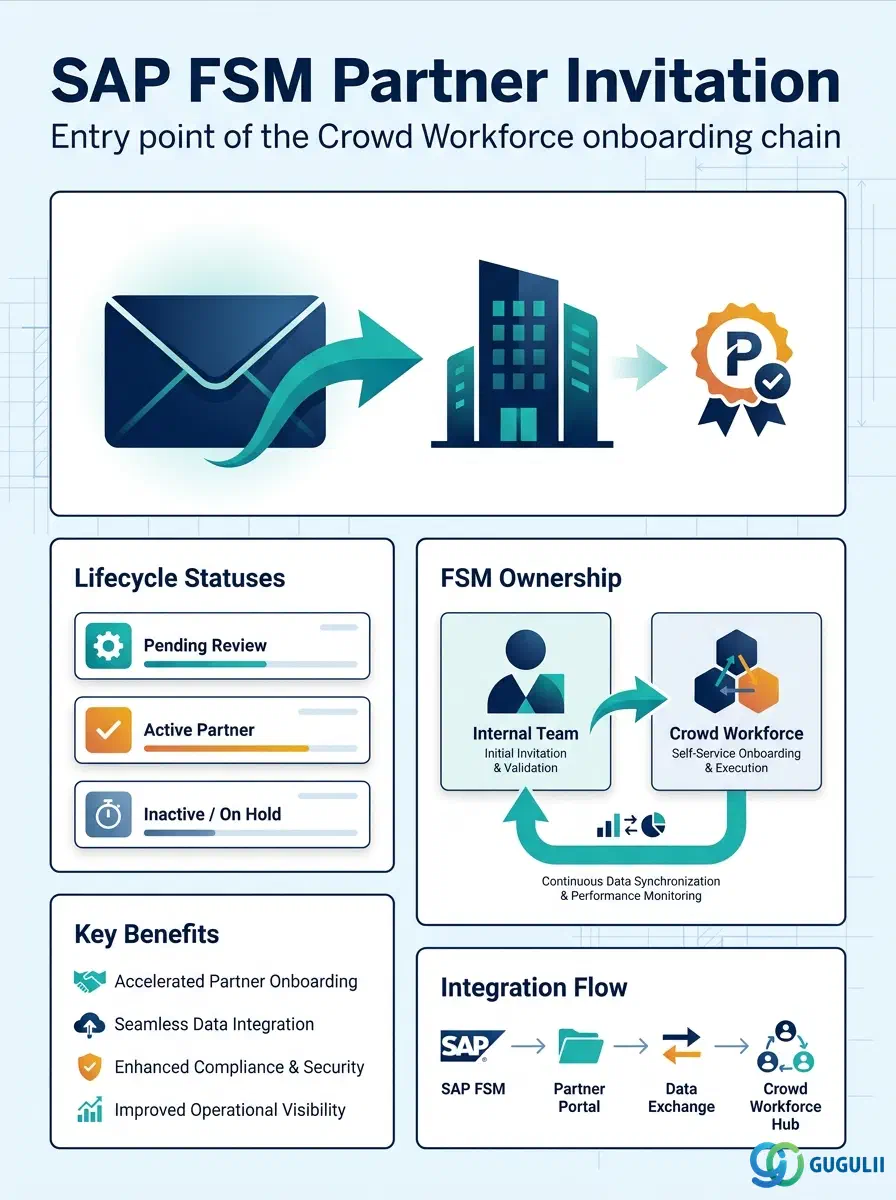
Partner Invitation is the record a Crowd Owner creates to invite an external service company into SAP Field Service Management’s Crowd Workforce ecosystem — before that company becomes a registered, dispatchable Crowd Partner. It carries no organizational prerequisite of its own; it is the object that opens the Partner Ecosystem chain (Partner Invitation → Partner Registration → Crowd Partner → Partner Technician) and hands off to Partner Registration once the invitee accepts. This article covers the concept and its position in that chain (Part 1), then its FSM-specific field details (Part 2).
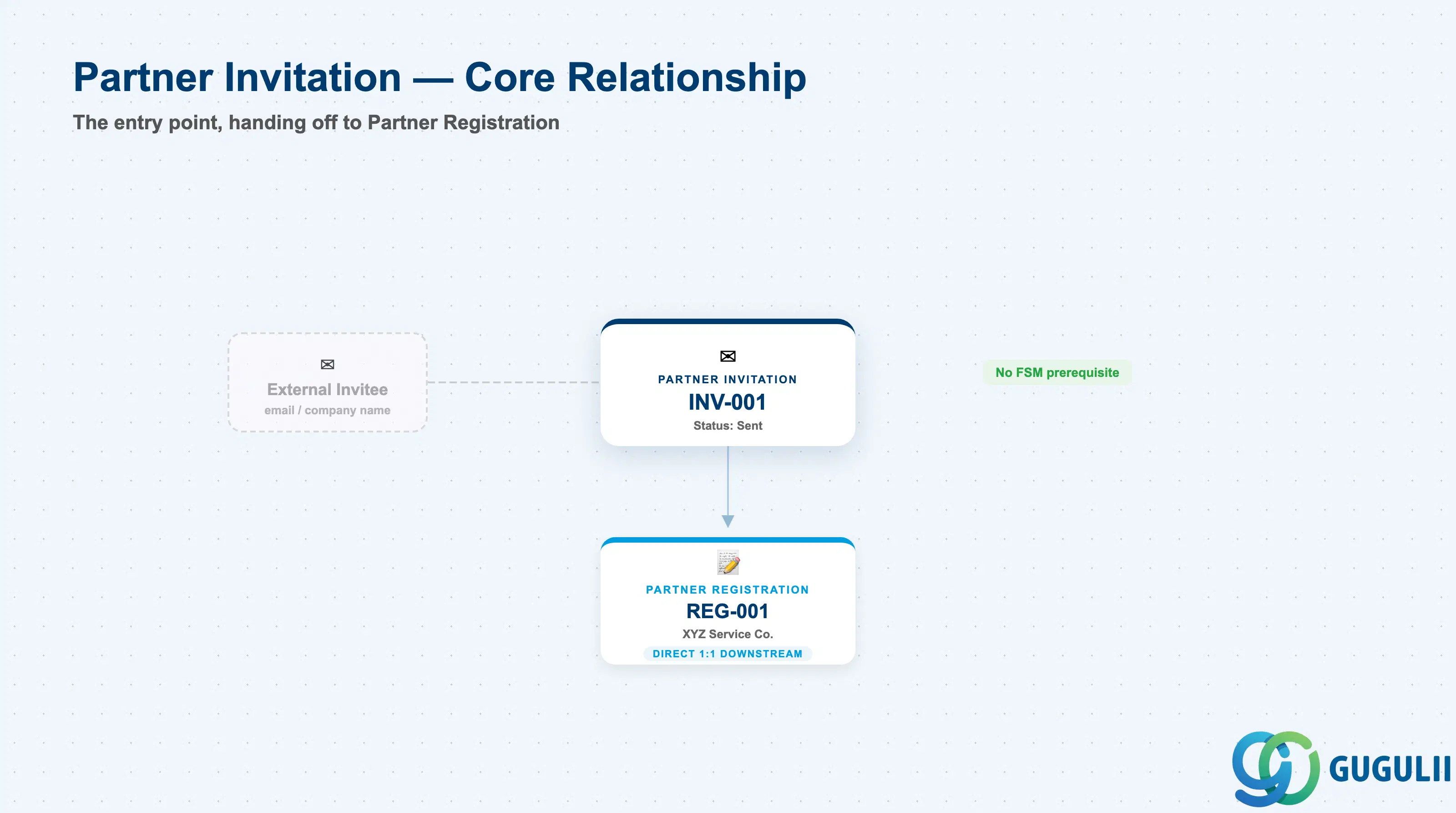
Partner Invitation is the formal, trackable “offer to onboard” that an FSM tenant sends to a prospective crowd/subcontracted service provider. Conceptually it sits outside the tenant’s own operational master data (Business Partner, Equipment, Person/Technician) — it is the on-ramp by which an external organization is introduced into the system, one invitation at a time.
| Aspect | Details |
|---|---|
| Role | The invitation record that starts onboarding of an external service company into the Crowd Workforce ecosystem |
| Modules using it | FSM only (Crowd Service / Partner Ecosystem) — no S/4HANA or ECC equivalent object |
| Transactions | Crowd Company Management work center (send/manage invitation); FSM is a stand-alone cloud UI, not embedded in the S/4HANA Fiori launchpad, so there is no classic Tr-Cd |
| Key Tables | FSM-native SaaS data model, exposed via FSM OData/REST API only — no customer-visible ABAP table |
| S/4HANA note | Not applicable at this object. Partner Invitation is FSM-native with no ECC/S/4HANA predecessor; only the eventual Crowd Partner may later be cross-referenced to an S/4HANA Business Partner/Vendor for billing purposes |
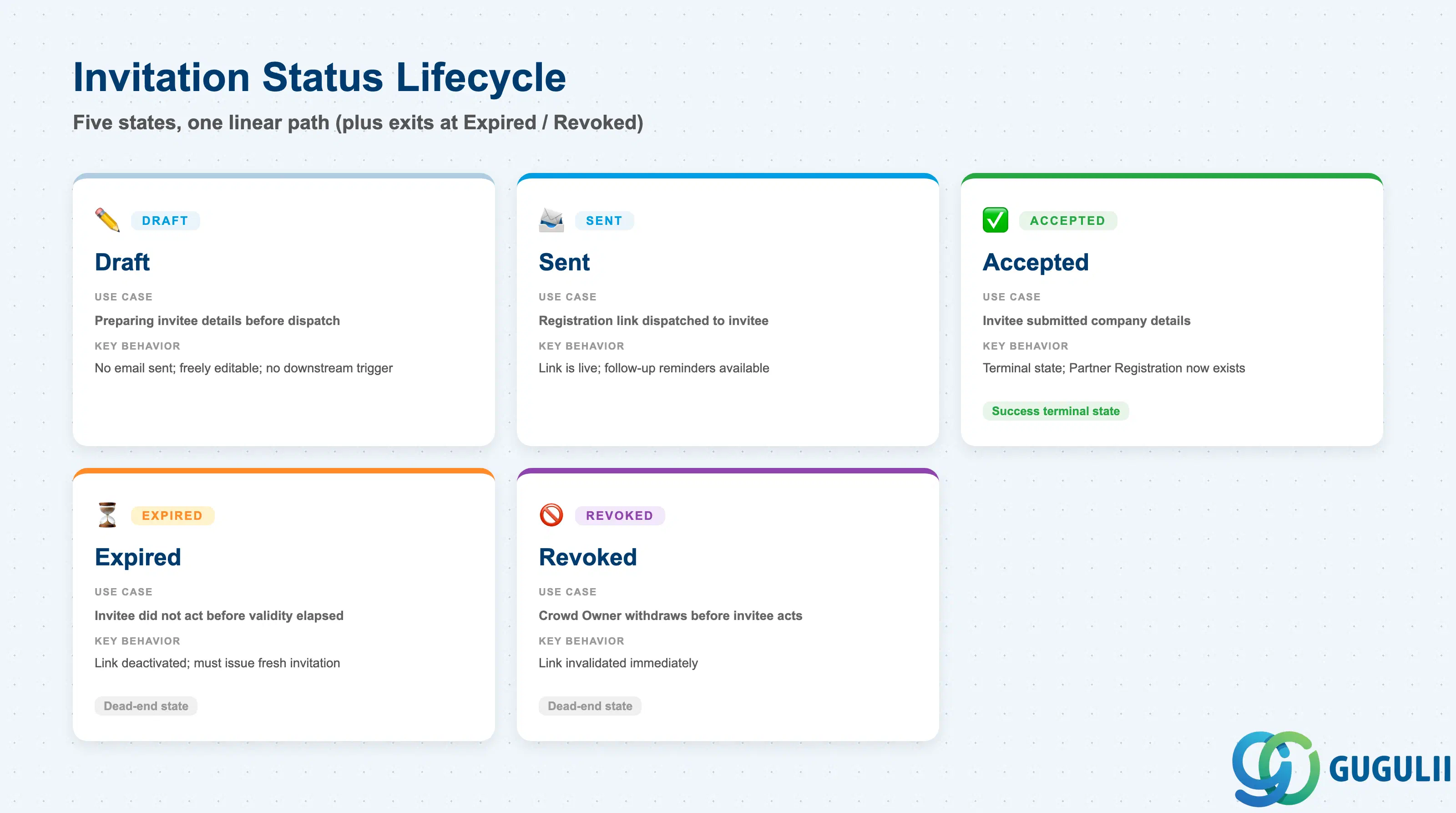
An invitation is not a static record — it moves through a small, well-defined lifecycle between the moment a Crowd Owner drafts it and the moment it either converts into a Partner Registration or lapses. Getting the status transitions right matters operationally: a Crowd Owner chasing an “Expired” invitation with a reminder, or double-inviting a company that already accepted, creates duplicate/orphaned records downstream.
| Status | Use Case | Key Behavior |
|---|---|---|
| Draft | Crowd Owner is preparing invitee details before dispatch | No email sent yet; freely editable; does not yet block or trigger anything downstream |
| Sent | Invitation email with a secure registration link has been dispatched | The registration link is live; the Crowd Owner can trigger follow-up reminders while the invitee has not yet acted |
| Accepted | The invitee opened the link and submitted their company details | Terminal state on Partner Invitation itself — a Partner Registration record now exists and carries the relationship forward |
| Expired | The invitee did not act before the configured validity window elapsed | The link is deactivated; the Crowd Owner must issue a fresh invitation to restart the chain — there is no “reopen” action |
| Revoked | The Crowd Owner withdraws the invitation before the invitee acts | The link is invalidated immediately; used when an internal decision changes before the partner responds |
Design principle: Partner Invitation is intentionally lightweight — it holds just enough data to identify the invitee and dispatch a secure link. All substantive company information (legal name, tax ID, service capabilities) is captured downstream, in Partner Registration, not here.
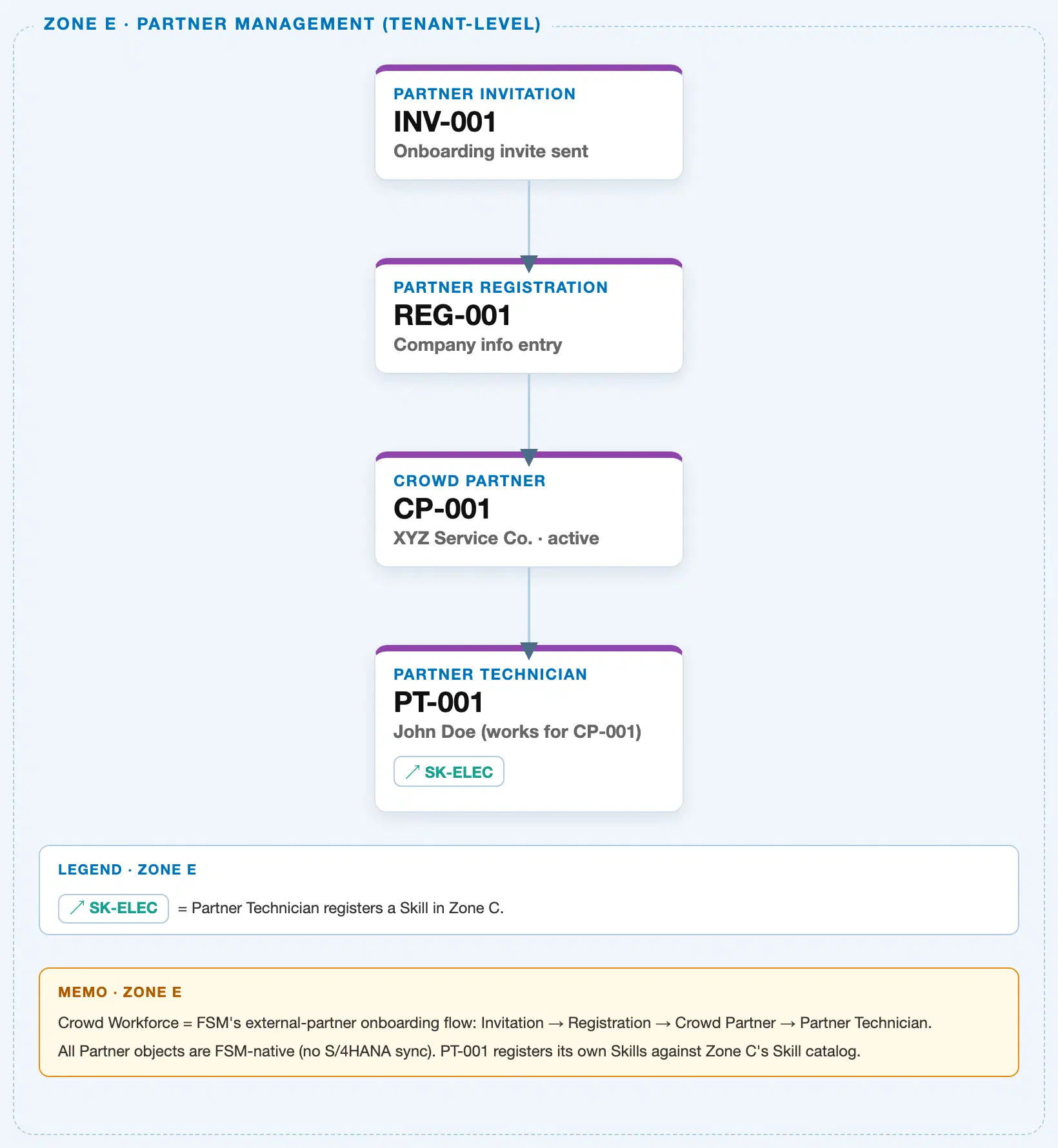
Data hierarchy with a concrete example
Client (FSM Tenant)
└── Partner Invitation "INV-001" — invite sent to partner@example.com, Status: Sent
    └── Partner Registration "REG-001" — company info submitted by XYZ Service Co.
        └── Crowd Partner "CP-001" — XYZ Service Co., Status: Active
            └── Partner Technician "PT-001" — John Doe, works for CP-001
                                                          ── registers skill ──> Skill "SK-ELEC" (Zone C, Electrical Work L3)
Partner Invitation sits at the top of the Partner Ecosystem chain, directly under the Client (tenant) level — it has no FSM master-data prerequisite of its own. Each downstream node is a true 1:1 or 1:N containment (Invitation → Registration is 1:1; Crowd Partner → Partner Technician is 1:N), while Partner Technician’s link to Skill is a cross-zone reference, not containment, and is drawn as a side arrow rather than nested underneath.
Note on scope: Unlike Equipment or Person/Technician, Partner Invitation does not sit under a Business Partner, Plant, or Region — the Partner Ecosystem chain is a self-contained, tenant-level onboarding flow with no organizational-unit dependency until Crowd Partner and Partner Technician are matched to Region/Skill Requirement at dispatch time.
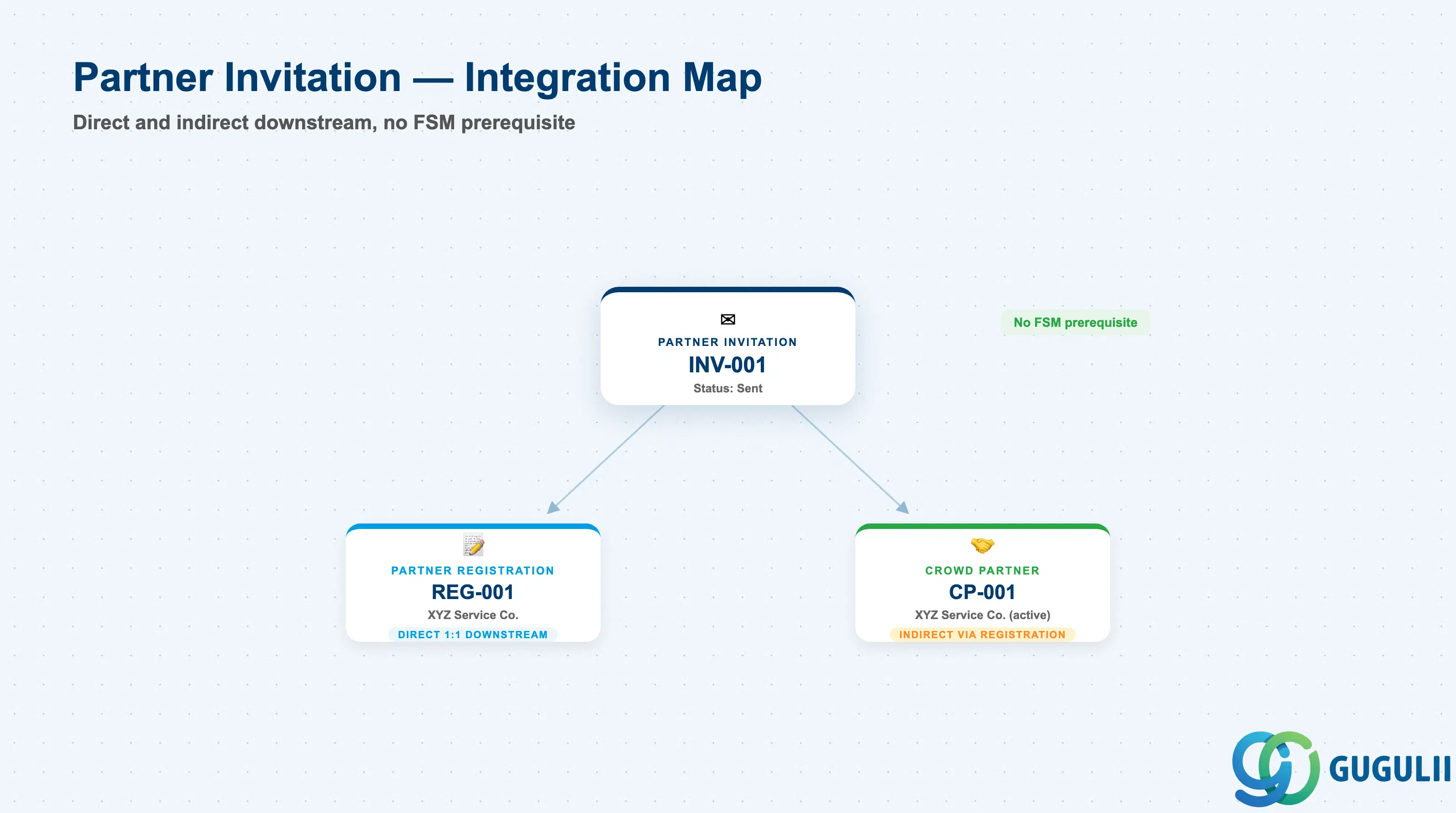
Partner Invitation does not stand alone — its entire purpose is to hand off into the rest of the Partner Ecosystem chain. Because it has no upstream FSM prerequisite, its integration story is entirely forward-looking.
| Object | Relationship | Practical Notes |
|---|---|---|
| Partner Registration | Direct 1:1 downstream — accepting the invitation creates exactly one Registration record | This is the only outcome of a successful invitation; there is no way to create a Partner Registration without first going through an accepted Partner Invitation |
| Crowd Partner | Indirect two-step downstream — approval of the Partner Registration creates the Crowd Partner record | Consultants tracking onboarding SLAs should measure from Invitation-Sent to Crowd-Partner-Active, not just Invitation-to-Registration, since the registration review step can itself take days |
| Invitee organization (external, non-FSM) | Referenced only by contact email/name — not an FSM master record at this stage | Confirms Partner Invitation’s role as the true entry point: no Business Partner, Equipment, or Person/Technician record precedes it. The invited company only becomes a tracked system object starting at Partner Registration |
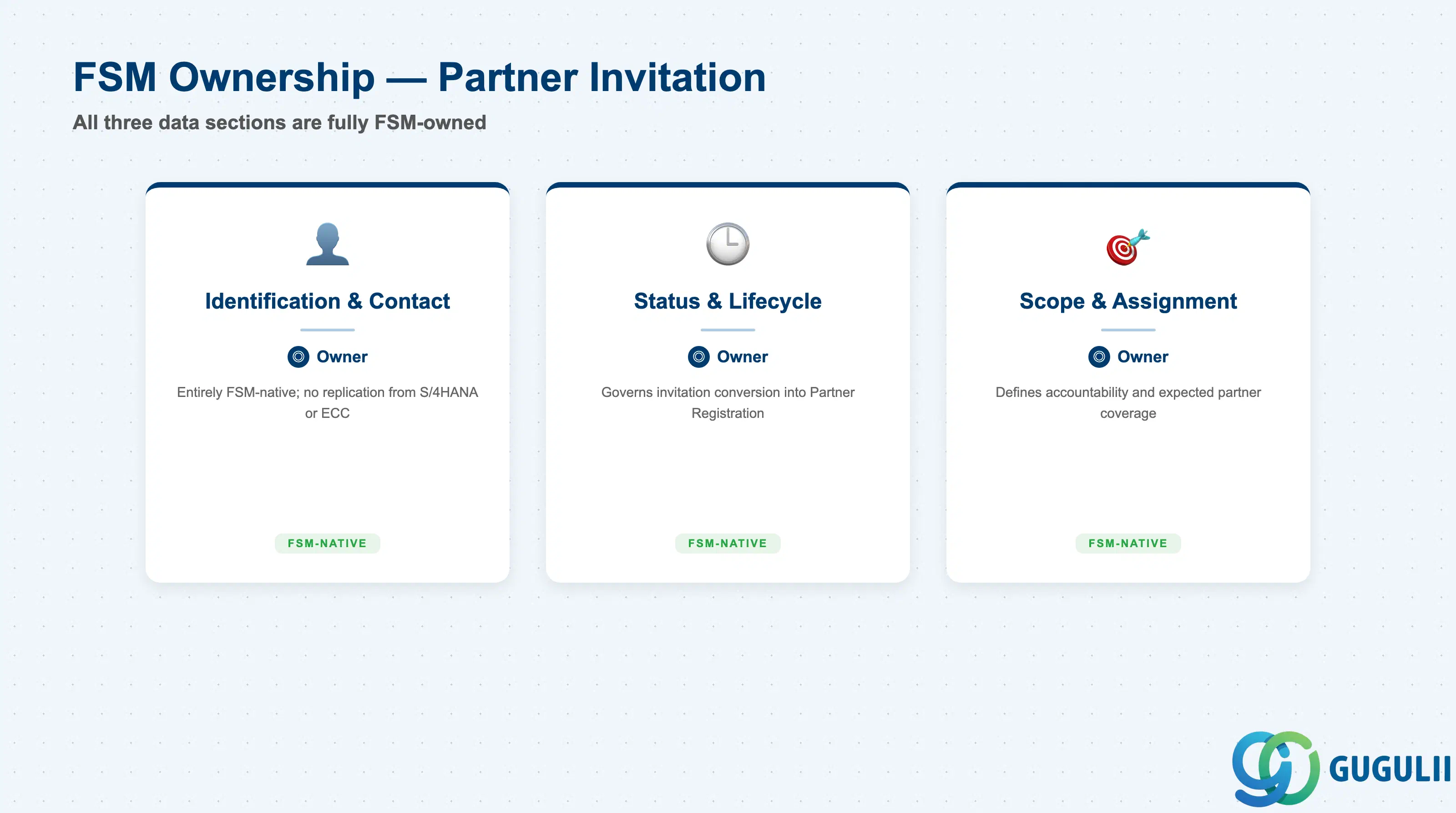
| Data Section | FSM Involvement | Notes |
|---|---|---|
| Identification & Contact | ◎ Owner | Entirely FSM-native; no replication from S/4HANA or ECC |
| Status & Lifecycle | ◎ Owner | Governs when (and whether) the invitation converts into a Partner Registration |
| Scope & Assignment | ◎ Owner | Defines who is accountable for the relationship and what the invited partner is expected to cover once active |
Legend: ◎ = Owner / Critical, ○ = Direct involvement
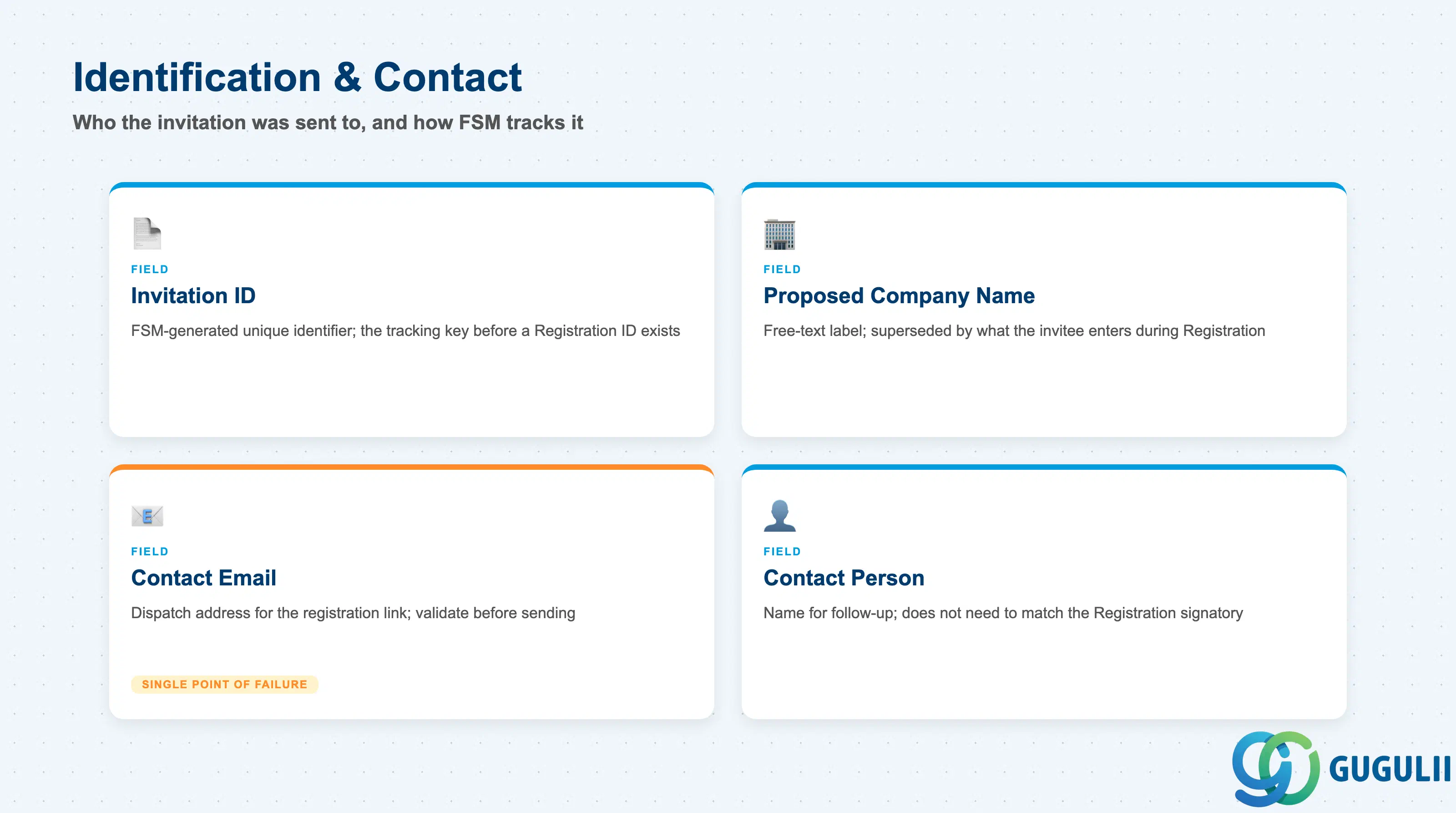
This section holds the minimum data needed to address and track a single invitation — who it was sent to, and how the system refers to it internally.
| Field | Description | Practical Usage |
|---|---|---|
| Invitation ID | FSM-generated unique identifier for the invitation record (e.g. INV-001) | Used as the tracking key across the Crowd Company Management work center; consultants should map this ID into any onboarding tracker spreadsheet used alongside FSM, since it is the only stable reference before a Partner Registration ID exists |
| Proposed Company Name | Name of the external service company as entered by the Crowd Owner at invitation time | This is a free-text label only — it is not validated against any master record and is superseded by whatever the invitee actually enters during Partner Registration; treat mismatches as expected, not as data errors |
| Contact Email | Email address the invitation link is dispatched to | The single point of failure for the whole flow — an invalid or mistyped address silently strands the invitation in “Sent” until it expires, so validate this field before dispatch in any bulk-onboarding scenario |
| Contact Person | Name of the individual at the invitee organization who is expected to act on the invite | Useful for phone/email follow-up when an invitation sits unaccepted; does not need to match the eventual Partner Registration signatory |
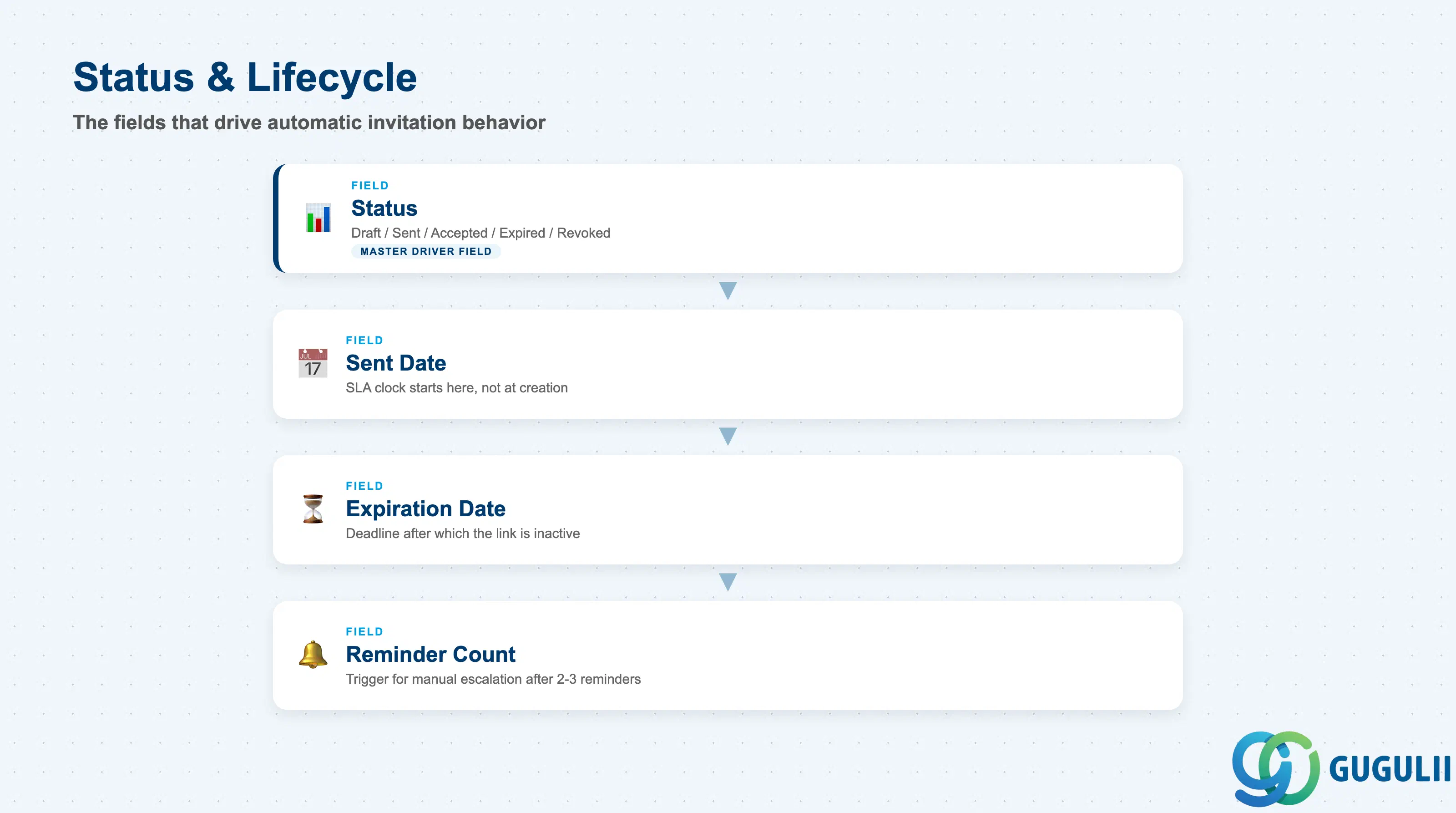
These fields drive the invitation’s automatic behavior — when it stops being actionable, and how much nudging has already happened.
| Field | Description | Practical Usage |
|---|---|---|
| Status | Current lifecycle state — Draft, Sent, Accepted, Expired, or Revoked | Drives which actions are available in the UI (e.g. “Resend” is only valid in Sent; “Edit invitee details” is only valid in Draft); build any onboarding dashboard around this field first |
| Sent Date | Timestamp the invitation email/link was dispatched | Anchor point for SLA tracking — the clock for “days to accept” starts here, not at invitation creation |
| Expiration Date | Deadline after which the registration link becomes inactive | Configured per tenant policy; consultants should confirm this window with the client before go-live, since a too-short window is the most common cause of “partner says they never got a working link” support tickets |
| Reminder Count | Number of follow-up reminder emails sent while the invitation remains in Sent status | A practical trigger for manual escalation — after 2-3 automated reminders with no acceptance, most crowd-workforce teams switch to a phone follow-up rather than sending more emails |
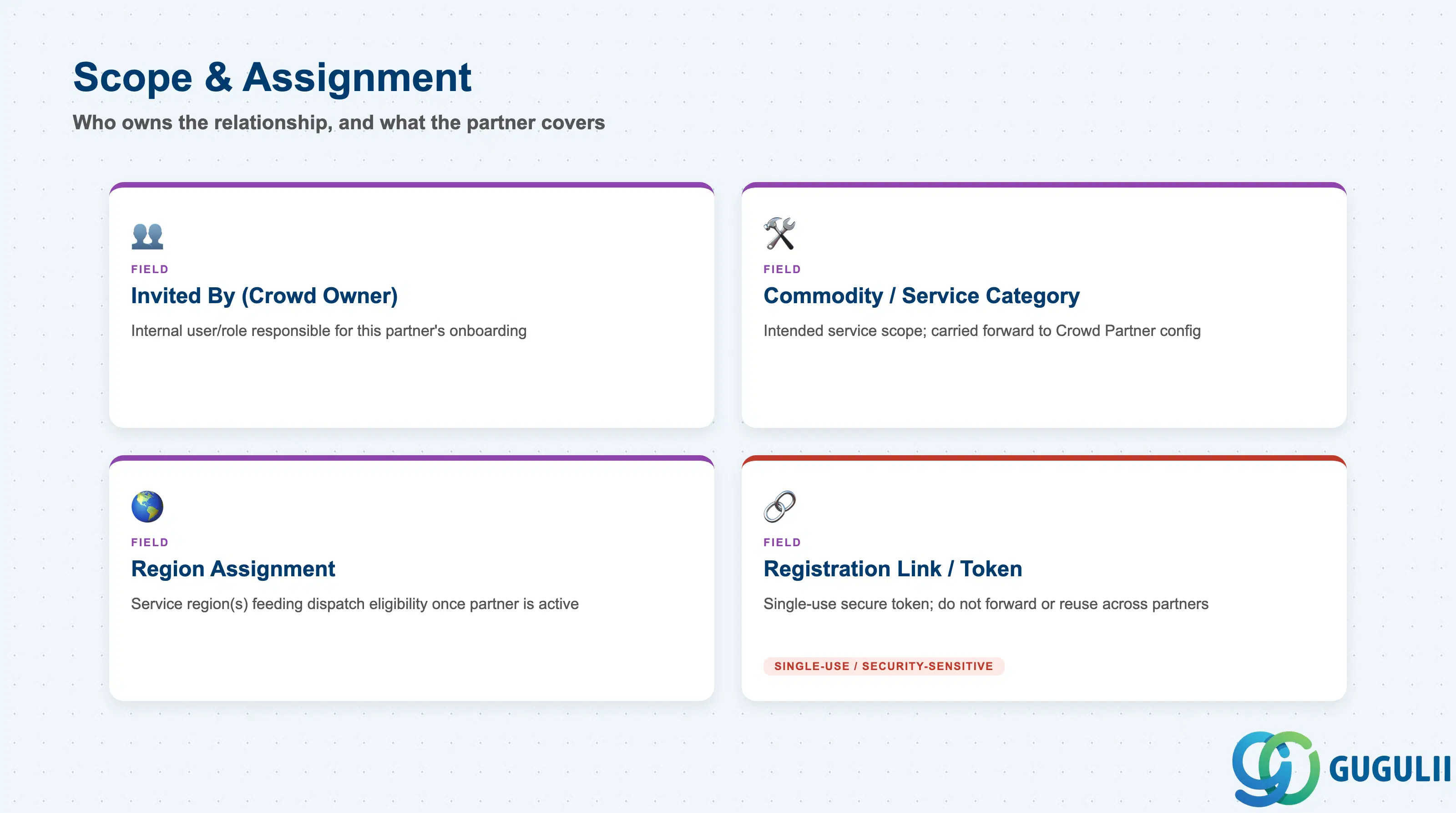
These fields capture why the invitation was sent and who owns the relationship — the intent behind the invite, separate from the invitee’s own eventual company data.
| Field | Description | Practical Usage |
|---|---|---|
| Invited By (Crowd Owner) | The internal FSM user or role responsible for onboarding this partner | Determines who is notified of status changes and who is accountable if the invitation stalls; in larger crowd-workforce operations this is often a dedicated partner-management role, not a dispatcher |
| Commodity / Service Category | The intended scope of service types the invited partner is expected to cover once active | Set expectations early — this value is typically carried forward as a starting point for the Crowd Partner’s own commodity/service configuration, so an inaccurate value here creates rework at Partner Registration review |
| Region Assignment | The service region(s) the invited partner is expected to operate in | Feeds directly into later dispatch eligibility once the partner is Active; consultants should treat this as a planning input, confirmed (not assumed) once the partner’s actual coverage is registered |
| Registration Link / Token | Unique, secure token embedded in the invitation that opens the corresponding Partner Registration form | Single-use by design — do not forward or reuse a link across multiple prospective partners; if a partner reports a broken link, revoke and reissue rather than troubleshooting the existing token |
| ID | Category | Title |
|---|---|---|
| fsm-001 | Overview | What is SAP FSM? |
| ID | Category | Title |
|---|---|---|
| fsm-a01 | Overview | SAP FSM Master Data: Overview, Hierarchy & Relationships |
| fsm-a02-02 | Master Data | SAP FSM Contact |
| fsm-a02-03 | Master Data | SAP FSM Address |
| fsm-a03-01 | Master Data | SAP FSM Equipment |
| fsm-a03-02 | Master Data | SAP FSM Equipment Hierarchy |
| fsm-a03-03 | Master Data | SAP FSM Service History |
| fsm-a04-01 | Master Data | SAP FSM Skill |
| fsm-a04-02 | Master Data | SAP FSM Work Time Pattern |
| fsm-a04-03 | Master Data | SAP FSM Region |
| fsm-a04-04 | Master Data | SAP FSM Technician |
| fsm-a04-05 | Master Data | SAP FSM Crew |
| fsm-a04-06 | Master Data | SAP FSM Absence |
| fsm-a04-07 | Master Data | SAP FSM Skill Requirement |
| fsm-a05-02 | Master Data | SAP FSM Generic Tool |
| fsm-a05-03 | Master Data | SAP FSM Serialized Tool |
| fsm-a05-04 | Master Data | SAP FSM Warehouse |
| fsm-a05-05 | Master Data | SAP FSM Van Stock |
| fsm-a06-01 | Master Data | SAP FSM Partner Invitation 📍 |
| fsm-a06-02 | Master Data | SAP FSM Partner Registration |
| fsm-a06-03 | Master Data | SAP FSM Crowd Partner |
| fsm-a06-04 | Master Data | SAP FSM Partner Technician |
| ID | Category | Title |
|---|---|---|
| fsm-b01 | Overview | SAP FSM Transactions: Process Flow, Hierarchy & Relationships |