Title here
Summary here

Crowd Partner is the record created the moment a Crowd Owner approves a Completed Partner Registration — it represents the external service-provider organization itself, now certified and active in the Crowd Workforce ecosystem, as distinct from the individual Partner Technicians that company will go on to employ and assign to jobs. It is the third link in the Partner Ecosystem chain (Partner Invitation → Partner Registration → Crowd Partner → Partner Technician), converting a one-time onboarding submission into a standing, dispatchable partner company, and its Active status is the single gate that allows work to be assigned to that partner at all. This article covers the concept and its position in that chain (Part 1), then its FSM-specific field details (Part 2).
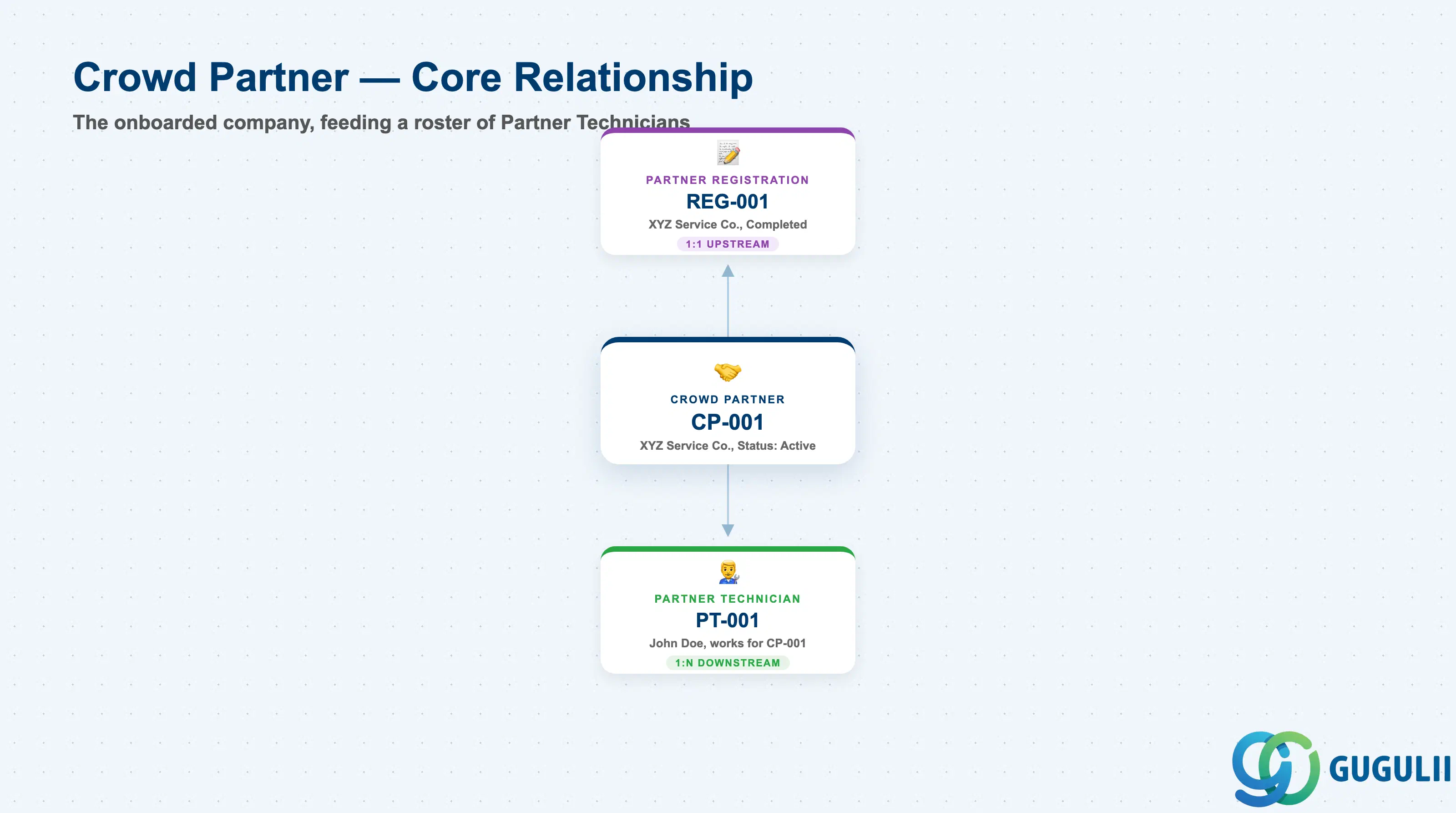
Crowd Partner is the ongoing, maintained master record for an external company once it has cleared onboarding — the object a Crowd Owner keeps up to date for as long as the relationship lasts, in contrast to the one-time snapshot captured at Partner Registration. Conceptually it is the pivot between “a company that applied” and “a company technicians can be sourced from”: everything before it (Invitation, Registration) is a single pass-through event, while Crowd Partner persists, can be re-certified, suspended, or reactivated, and accumulates a roster of its own Partner Technicians over time.
| Aspect | Details |
|---|---|
| Role | The standing master record for an onboarded, dispatchable external service-provider company |
| Modules using it | FSM only (Crowd Service / Partner Ecosystem) — no S/4HANA or ECC equivalent object |
| Transactions | Crowd Workforce work center (the Crowd Owner’s ongoing partner management UI) — distinct from the external-facing Partner Portal used only at the Registration stage; no classic Tr-Cd since FSM is a stand-alone cloud UI |
| Key Tables | FSM-native SaaS data model, exposed via FSM OData/REST API only — no customer-visible ABAP table |
| S/4HANA note | Not applicable directly. Once Active, a Crowd Partner is commonly cross-referenced to an S/4HANA Business Partner/Vendor for the Crowd Service Procurement flow (Purchase Requisition/ME51N → Purchase Order/ME21N → Service Entry Sheet/ML81N), but no such link exists automatically at creation |
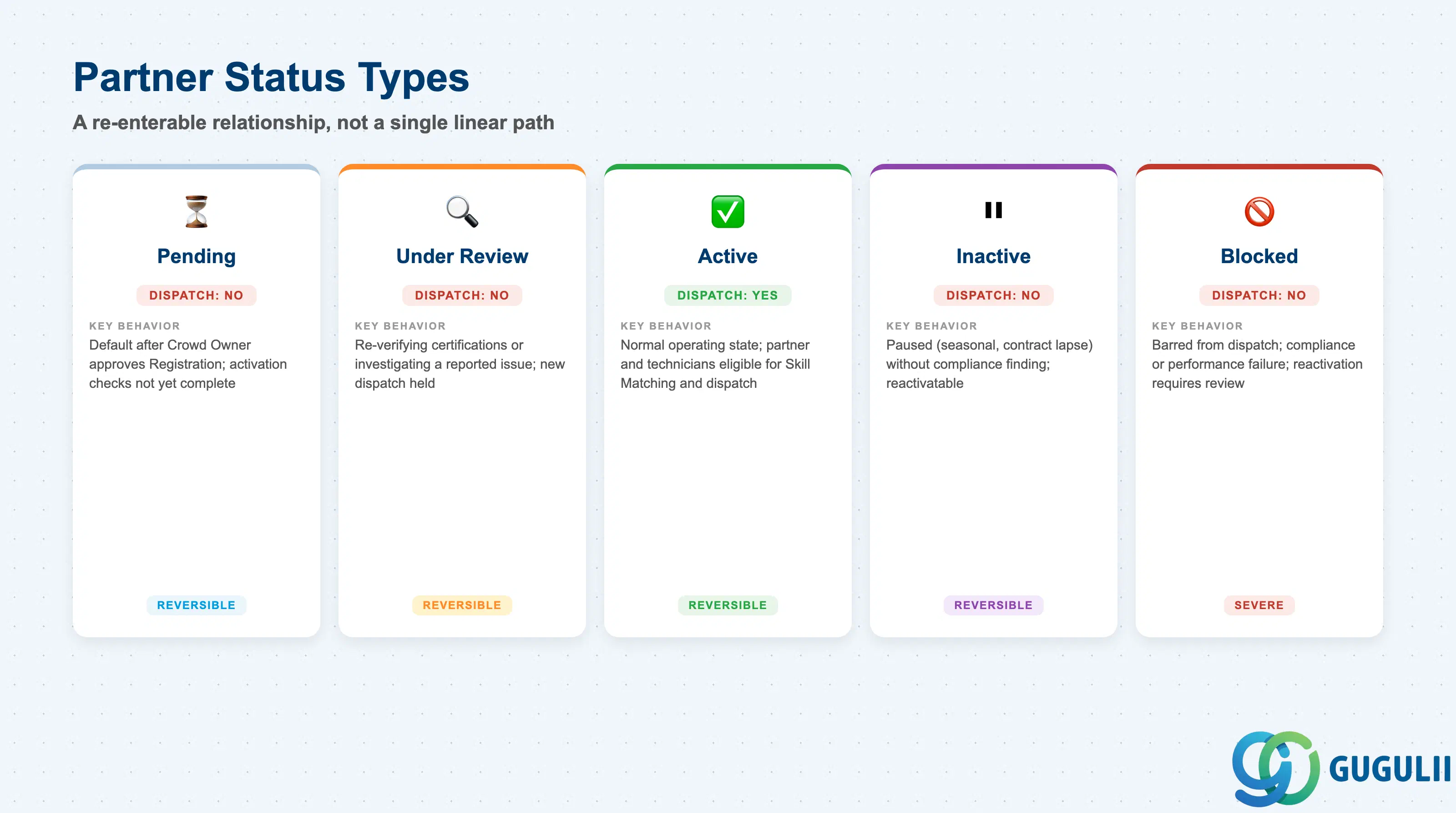
Unlike Partner Invitation and Partner Registration, whose statuses describe a single pass through a workflow, Crowd Partner’s status governs an ongoing, re-enterable relationship — a partner can be Active for months, then Blocked after a compliance issue, and potentially reinstated later. Getting this status right matters directly at dispatch time: it is the one field that determines whether Assisted Scheduling is even allowed to consider this partner’s technicians for a job.
| Status | Dispatch Allowed | Key Behavior |
|---|---|---|
| Pending | No | Default status immediately after the Crowd Owner approves the Partner Registration, before final activation checks are complete |
| Under Review | No | Crowd Owner is re-verifying certifications or investigating a reported issue; existing Partner Technicians are typically not removed but new dispatch is held |
| Active | Yes | Normal operating state — the partner and its registered Partner Technicians are eligible for Skill Matching and dispatch |
| Inactive | No | Partner relationship is paused (e.g. seasonal, contract lapse) without a compliance finding; can typically be reactivated without restarting the full onboarding chain |
| Blocked | No | Partner is barred from further dispatch, usually following a compliance or performance failure; reactivation, if permitted at all, requires Crowd Owner review, not a simple status flip |
Design principle: Crowd Partner’s status is a live gate, not a onetime pass/fail checkpoint. Consultants should model it as a field that can move in both directions over the life of the relationship, and build any partner-eligibility logic in Assisted Scheduling to check current Status at dispatch time, not just at initial activation.
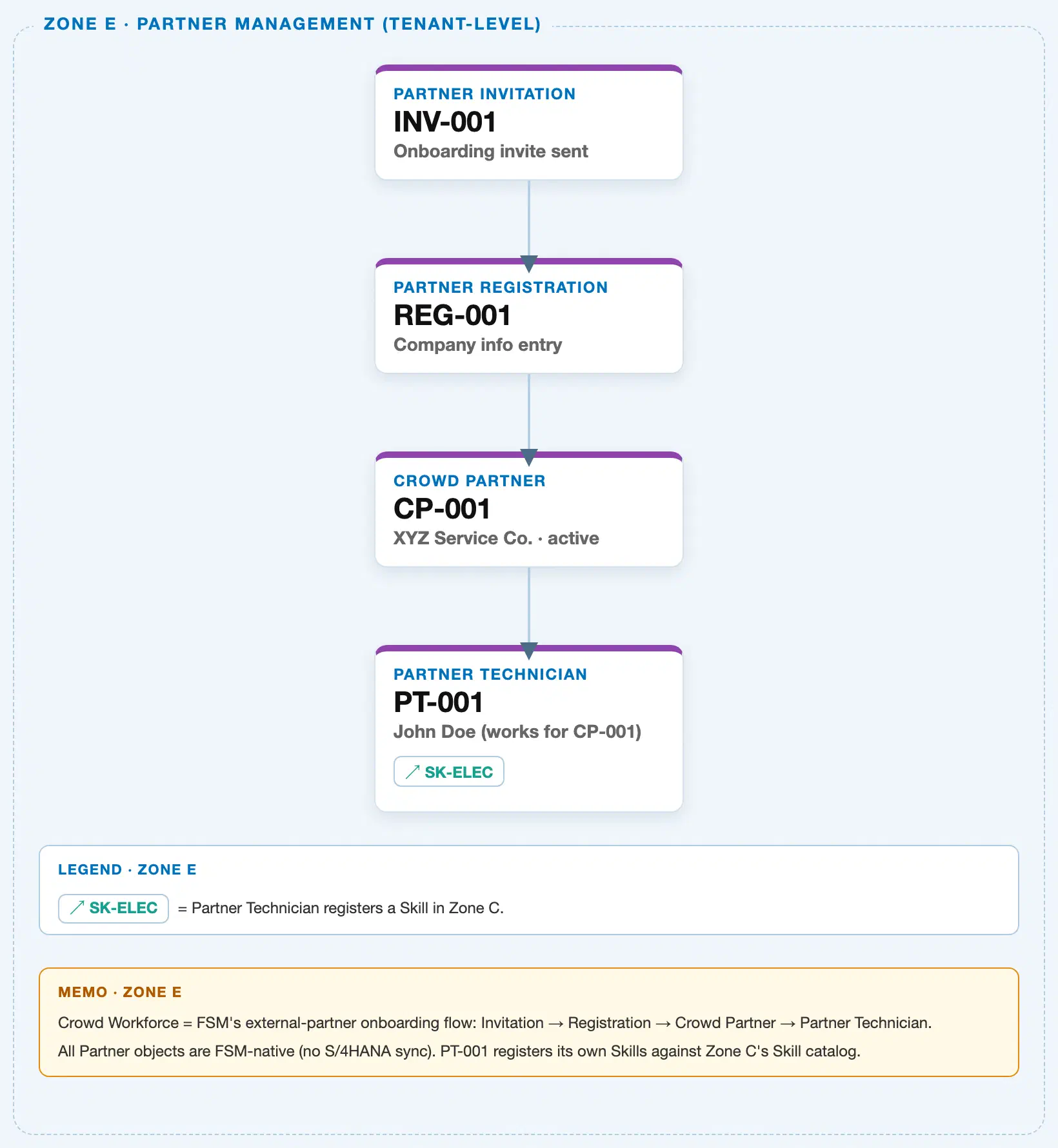
Data hierarchy with a concrete example
Client (FSM Tenant)
└── Partner Invitation "INV-001" — invite sent to partner@example.com, Status: Accepted
    └── Partner Registration "REG-001" — company info submitted by XYZ Service Co., Status: Completed
        └── Crowd Partner "CP-001" — XYZ Service Co., Status: Active
            └── Partner Technician "PT-001" — John Doe, works for CP-001
                                                          ── registers skill ──> Skill "SK-ELEC" (Zone C, Electrical Work L3)
Crowd Partner sits directly beneath a Completed Partner Registration — a 1:1 containment link, since approving exactly one Registration creates exactly one Crowd Partner — and directly above the Partner Technicians it employs, a 1:N link, since one Active company can register and roster many individual technicians over time. Partner Technician’s link to Skill remains a cross-zone reference, drawn as a side arrow rather than nested underneath, exactly as in the sibling Partner Invitation and Partner Registration articles.
Note on scope: Crowd Partner still does not sit under a Business Partner, Plant, or Region in the org hierarchy itself — it remains part of the self-contained, tenant-level onboarding flow. Region only enters as a coverage attribute recorded on the Crowd Partner record (see 2.3), used at dispatch-matching time; it is not a containing parent in this tree.
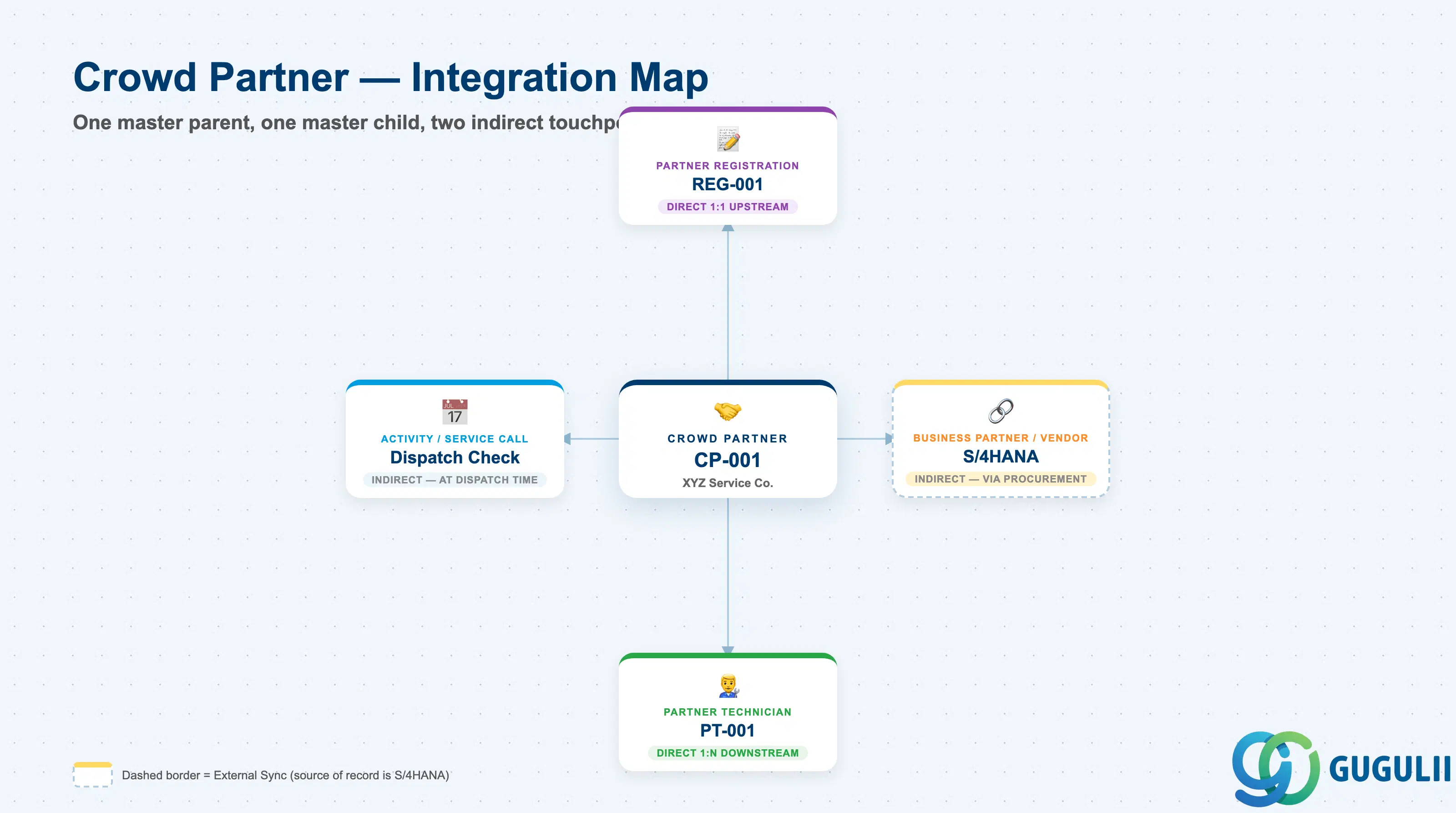
Crowd Partner is the object where the onboarding chain and the day-to-day operational world start to meet — it has exactly one upstream master prerequisite and one true downstream master child, plus two indirect touchpoints that matter operationally even though they are not containment relationships.
| Object | Relationship | Practical Notes |
|---|---|---|
| Partner Registration | Direct 1:1 upstream — a Crowd Partner can only exist because a Registration was Completed and approved | Consultants should carry the Source Registration ID forward onto the Crowd Partner record so the full onboarding audit trail (Invitation → Registration → Crowd Partner) remains traceable from a single record |
| Partner Technician | Direct 1:N downstream — an Active Crowd Partner can register any number of individual Partner Technicians | This is the relationship that makes Crowd Partner operationally meaningful: the company record itself is never dispatched to a job, only its registered Partner Technicians are |
| S/4HANA / ECC Business Partner or Vendor (external, indirect) | Referenced, not owned — used only once the partner is engaged through the Crowd Service Procurement flow | Confirms Crowd Partner has no automatic ERP-side counterpart; consultants should not assume a Vendor record exists until Purchase Requisition/Order processing for that partner has actually started |
| Activity / Service Call (transactional, indirect) | Referenced at dispatch time via “Activity [Assigned to Partner]” — not a master data link | Crowd Partner’s Status and Commodity Codes are read at this point to determine eligibility; consultants should treat this as a run-time check against the master record rather than a stored relationship |
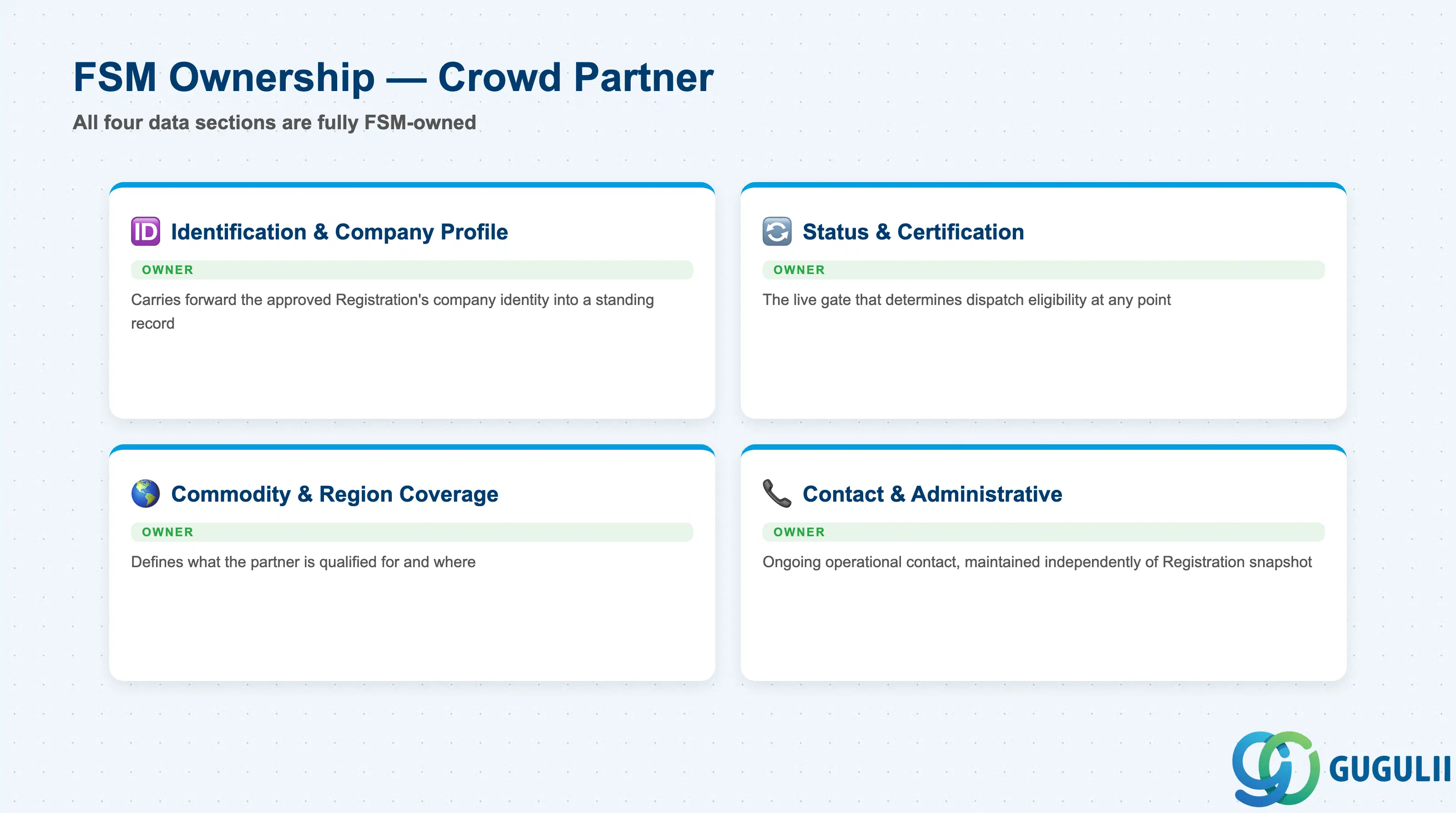
| Data Section | FSM Involvement | Notes |
|---|---|---|
| Identification & Company Profile | ◎ Owner | Entirely FSM-native; carries forward the approved Registration’s company identity into a standing record |
| Status & Certification | ◎ Owner | The live gate that determines dispatch eligibility at any point in the relationship |
| Commodity & Region Coverage | ◎ Owner | Defines what the partner is qualified for and where, feeding Skill Matching and Assisted Scheduling |
| Contact & Administrative Details | ◎ Owner | Ongoing operational contact information, maintained independently of the original Registration snapshot |
Legend: ◎ = Owner / Critical, ○ = Direct involvement
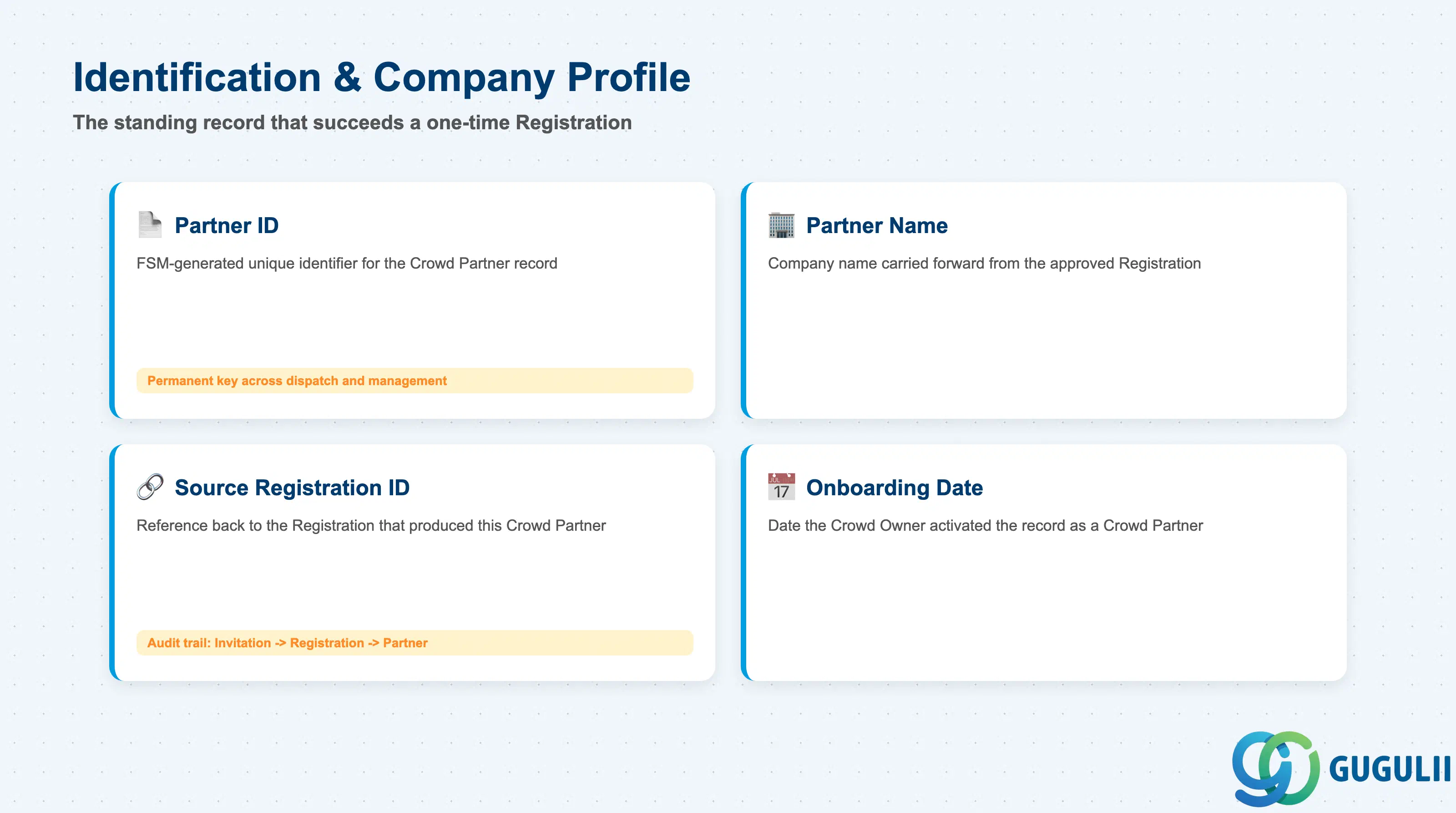
This section identifies the Crowd Partner record itself and preserves its link back through the onboarding chain — the data that turns a one-time Registration into a standing company profile.
| Field | Description | Practical Usage |
|---|---|---|
| Partner ID | FSM-generated unique identifier for the Crowd Partner record (e.g. CP-001) | Becomes the permanent tracking key used across Crowd Workforce management, Skill Matching, and dispatch; consultants should treat this as the ID that outlives the original Invitation/Registration IDs |
| Partner Name | The company name carried forward from the approved Partner Registration | Should match the Registration’s Company Name exactly at creation; if the partner rebrands later, update this field directly rather than re-running the onboarding chain |
| Source Registration ID | Reference back to the Partner Registration record that produced this Crowd Partner | The last link in the full audit chain (Invitation → Registration → Crowd Partner); useful when investigating a partner’s original onboarding documentation months or years later |
| Onboarding Date | Date the Crowd Owner activated the record as a Crowd Partner | Distinct from the Registration’s Submission Date — this is the actual “go-live” date for the relationship, and the reference point most consultants use when reporting on partner tenure |
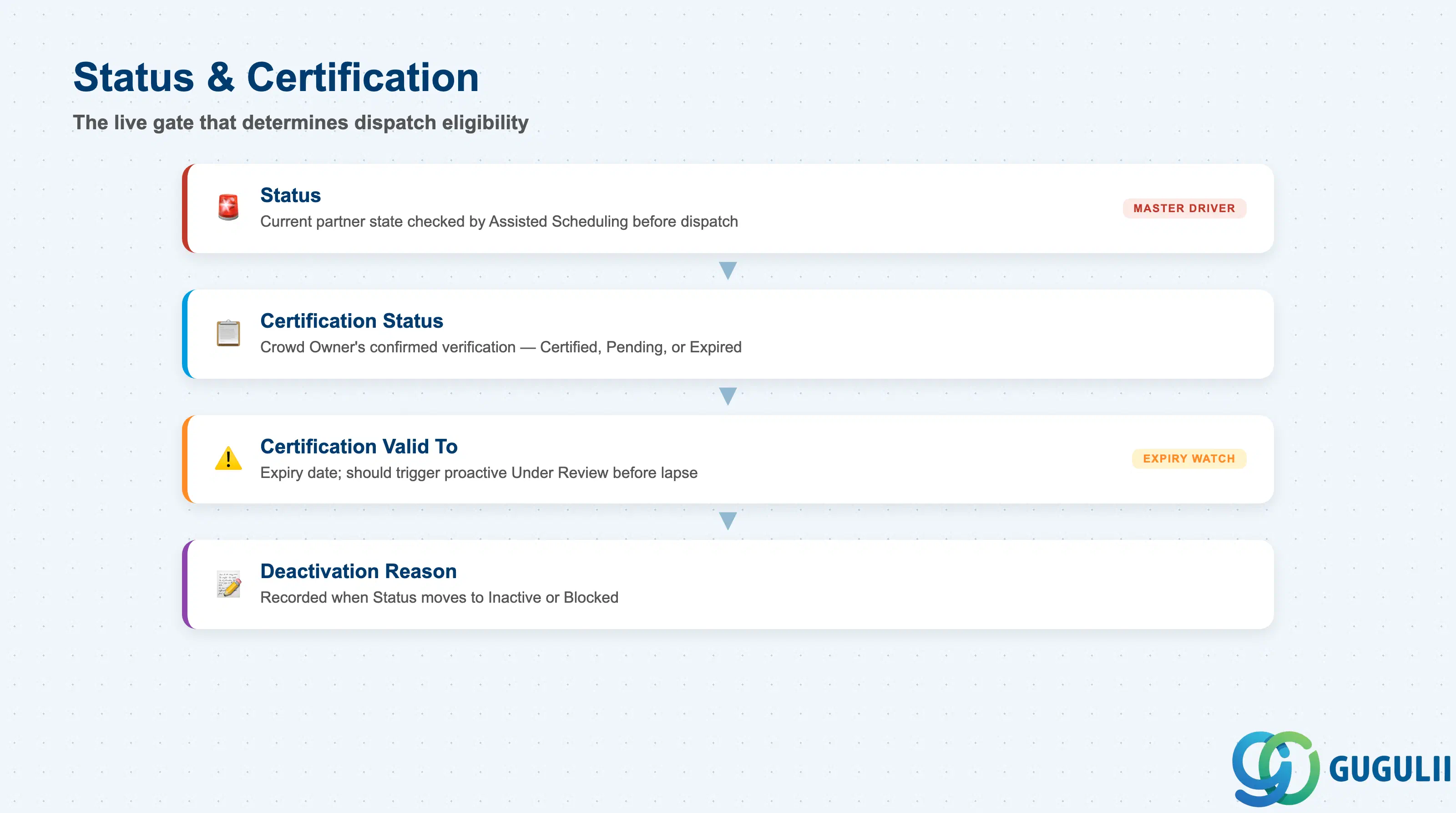
These fields drive whether — and for how long — a Crowd Partner remains eligible for dispatch, and they are re-evaluated repeatedly over the life of the relationship rather than set once.
| Field | Description | Practical Usage |
|---|---|---|
| Status | Current partner state — Pending, Under Review, Active, Inactive, or Blocked | The single field Assisted Scheduling checks before considering any of this partner’s technicians for a job; consultants should build any partner-health dashboard around this field, not the underlying certification detail |
| Certification Status | Whether the partner’s submitted certifications have been independently verified — typically Certified, Pending, or Expired | Distinct from the self-declared “Certifications Submitted” captured at Partner Registration — this is the Crowd Owner’s confirmed determination, and it can regress from Certified to Expired without any action by the partner |
| Certification Valid To | Expiry date of the partner’s current certification | Should drive a proactive Under Review trigger before expiry, rather than letting the partner silently lapse to non-dispatchable; consultants should confirm whether the client’s FSM configuration automates this transition or requires manual monitoring |
| Deactivation Reason | Free-text or coded reason recorded when Status moves to Inactive or Blocked | Only populated on a status downgrade; encourage a short controlled vocabulary (e.g. “Certification expired,” “Performance issue,” “Contract ended”) so partner-health reporting stays analyzable across the partner roster |
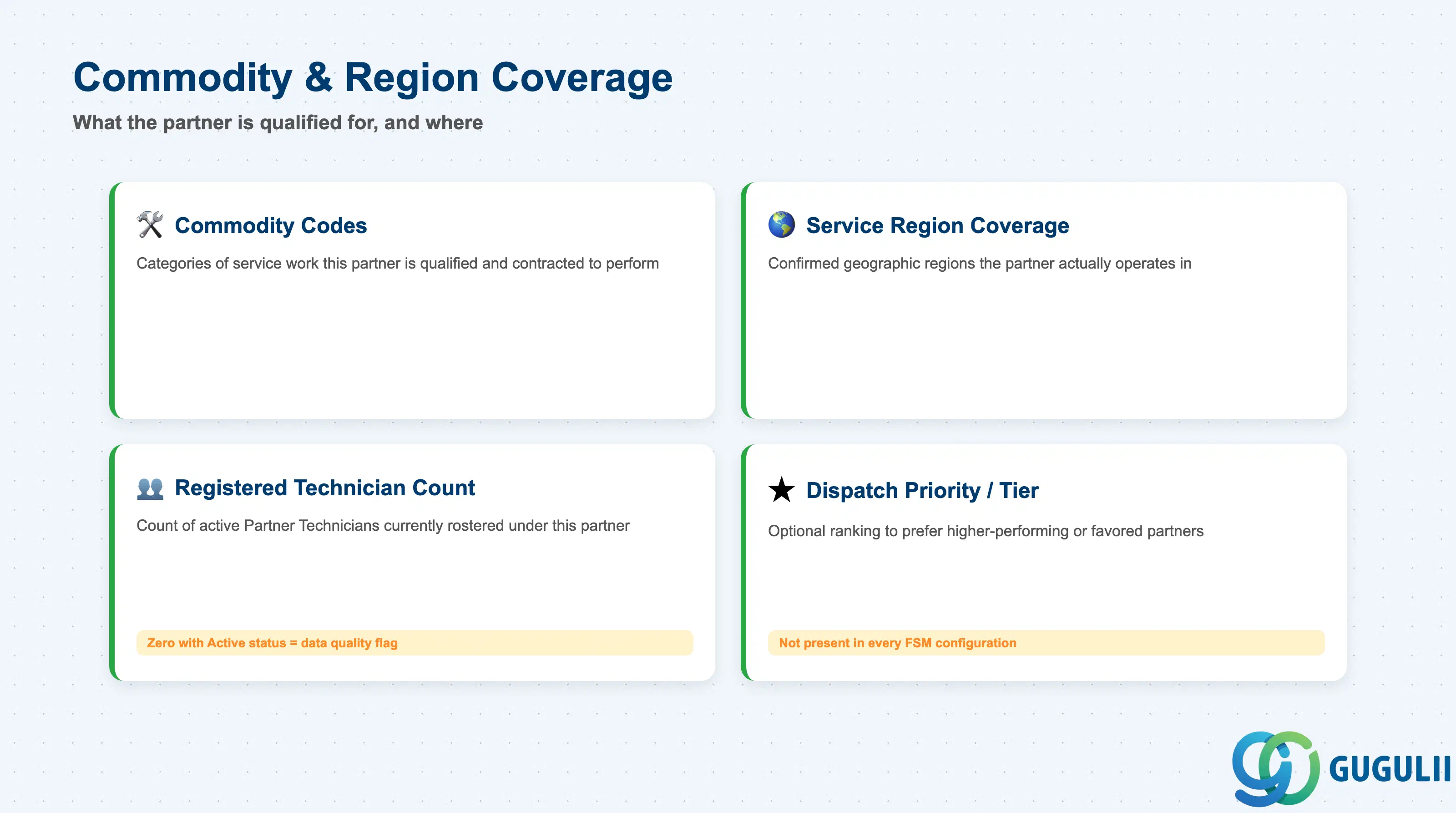
These fields define what kind of work this partner is qualified for and where — the inputs Skill Matching and Assisted Scheduling read when deciding whether to route a job to this Crowd Partner’s technicians at all.
| Field | Description | Practical Usage |
|---|---|---|
| Commodity Codes | Codes identifying the categories of service work this partner is qualified and contracted to perform | Carries forward from the planning-stage value set on Partner Invitation, but at this point represents a confirmed, certified capability rather than an initial intent — consultants should treat any mismatch between the two as a sign the original invitation scope needs revisiting |
| Service Region Coverage | The confirmed geographic region(s) this partner actually operates in | Feeds directly into dispatch-region planning alongside Region master data; unlike Partner Invitation’s forward-looking Region Assignment, this value should be kept current as the partner’s actual footprint changes |
| Registered Technician Count | Count of active Partner Technicians currently rostered under this Crowd Partner | A practical capacity indicator for planners deciding how much work can realistically be routed to this partner in a given period; zero technicians with an Active partner status is a common data-quality flag worth monitoring |
| Dispatch Priority / Tier | Optional ranking used to prefer higher-performing or contractually favored partners when multiple Crowd Partners can cover the same job | Not present in every FSM configuration; where used, consultants should confirm the ranking logic is transparent to partners to avoid disputes over perceived unequal treatment |
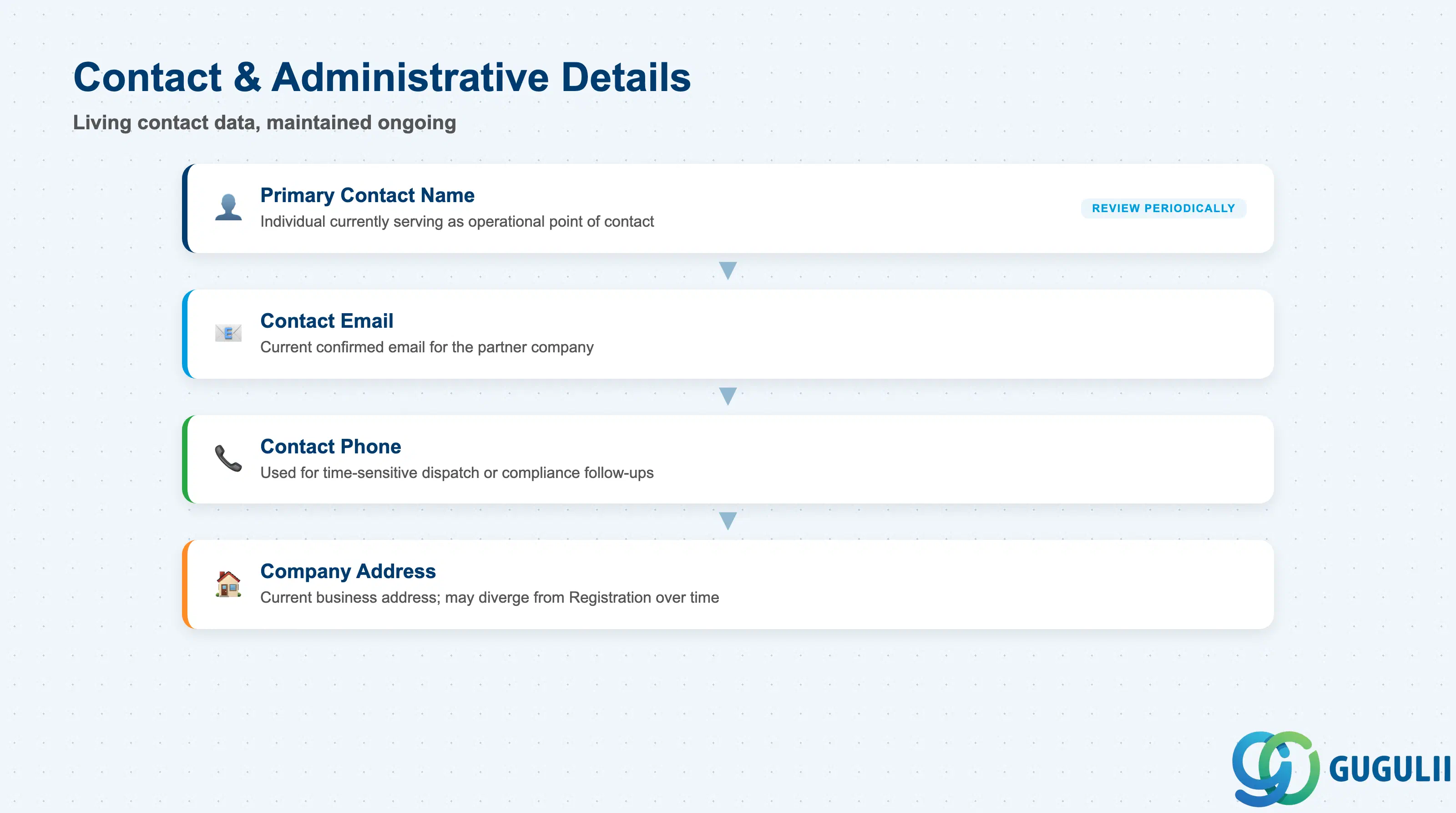
These fields keep the Crowd Owner able to reach the partner company on an ongoing basis, maintained as living data rather than the one-time snapshot captured at Partner Registration.
| Field | Description | Practical Usage |
|---|---|---|
| Primary Contact Name | Name of the individual currently serving as the operational point of contact for this Crowd Partner | Should be reviewed periodically — unlike the Registration snapshot, this is expected to change as partner-side staff turn over, and a stale contact here directly delays dispatch-related communication |
| Contact Email | Current confirmed email address for the partner company | Consultants should encourage clients to treat this as partner-maintained (via a self-service capability, if available) rather than something only the Crowd Owner updates, to keep it accurate over a long relationship |
| Contact Phone | Current phone number for the partner company’s primary contact | Used for time-sensitive dispatch or compliance follow-ups where email response is too slow |
| Company Address | Current registered or operating business address of the partner company | May diverge from the address captured at Partner Registration over time (office moves, added locations); consultants should confirm which address is authoritative for Service Region Coverage matching if the two differ |
| ID | Category | Title |
|---|---|---|
| fsm-001 | Overview | What is SAP FSM? |
| ID | Category | Title |
|---|---|---|
| fsm-a01 | Overview | SAP FSM Master Data: Overview, Hierarchy & Relationships |
| fsm-a02-02 | Master Data | SAP FSM Contact |
| fsm-a02-03 | Master Data | SAP FSM Address |
| fsm-a03-01 | Master Data | SAP FSM Equipment |
| fsm-a03-02 | Master Data | SAP FSM Equipment Hierarchy |
| fsm-a03-03 | Master Data | SAP FSM Service History |
| fsm-a04-01 | Master Data | SAP FSM Skill |
| fsm-a04-02 | Master Data | SAP FSM Work Time Pattern |
| fsm-a04-03 | Master Data | SAP FSM Region |
| fsm-a04-04 | Master Data | SAP FSM Technician |
| fsm-a04-05 | Master Data | SAP FSM Crew |
| fsm-a04-06 | Master Data | SAP FSM Absence |
| fsm-a04-07 | Master Data | SAP FSM Skill Requirement |
| fsm-a05-02 | Master Data | SAP FSM Generic Tool |
| fsm-a05-03 | Master Data | SAP FSM Serialized Tool |
| fsm-a05-04 | Master Data | SAP FSM Warehouse |
| fsm-a05-05 | Master Data | SAP FSM Van Stock |
| fsm-a06-01 | Master Data | SAP FSM Partner Invitation |
| fsm-a06-02 | Master Data | SAP FSM Partner Registration |
| fsm-a06-03 | Master Data | SAP FSM Crowd Partner 📍 |
| fsm-a06-04 | Master Data | SAP FSM Partner Technician |
| ID | Category | Title |
|---|---|---|
| fsm-b01 | Overview | SAP FSM Transactions: Process Flow, Hierarchy & Relationships |
Zone crop source: 04-fsm-a01-master-landscape.png (mtime: 2026-07-15 11:04)