Title here
Summary here

A Planning Operator is the SAP IBP object type that represents a background algorithm — statistical forecasting, supply heuristics and optimization, key-figure copying, inventory optimization, and several other computation types — that is associated with a Planning Area and reads/writes that area’s Key Figure data. Unlike Product Master, Location Master, or Key Figure, there is no single Fiori app literally named “Planning Operator”: the concept is a model/architecture entity realized through several operator-type-specific configuration apps (Copy Operator Profiles, S&OP Operator Profiles, Inventory Profiles, and others) plus the generic Application Jobs framework used to schedule and run any of them. This article covers what a Planning Operator is as a model concept, the operator types SAP IBP ships, its position in the org/data hierarchy relative to Planning Area and Key Figure, and the configuration/scheduling surface a consultant actually works with across these apps.
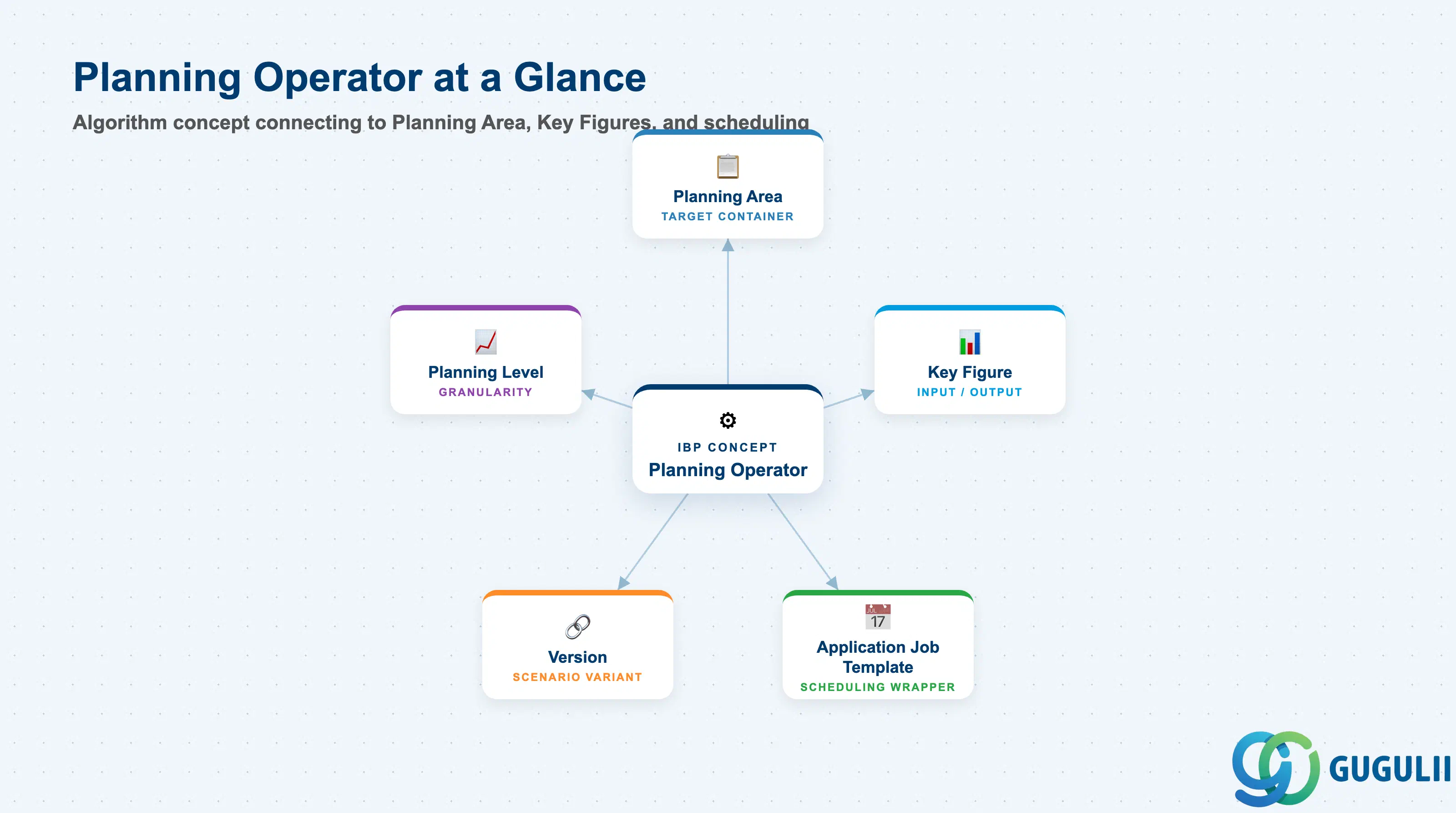
A Planning Operator uses an algorithm to compute large amounts of Key Figure data within a planning session. It is a function associated with a Planning Area — reading defined “Input Key Figures” and writing “Output Key Figures” — rather than a standalone master-data record a planner browses in a list. Because SAP IBP ships several distinct operator families, each with its own configuration UI, “Planning Operator” is best understood as the umbrella architectural concept, not the name of one screen a consultant opens.
| Aspect | Details |
|---|---|
| Role | A background algorithm/function, associated with a Planning Area, that computes large amounts of Key Figure data — reading Input Key Figures and writing Output Key Figures — within a planning session |
| Where it’s configured | No single “Planning Operator” app. Each operator family has its own profile-based configuration UI: Copy Operator Profiles (Copy Operator), S&OP Operator Profiles (Heuristic / Optimizer / S&OP Operator V2), Inventory Profiles (Inventory Planning Profile), and Configuration Expert (lower-level operator/PPF-object maintenance) |
| Where it’s scheduled/run | Application Jobs app (Fiori) — the generic execution surface for any operator type, via an Application Job Template; also runnable in batch mode from the SAP IBP Add-in for Excel (“Application Jobs” section of the ribbon’s Advanced group) |
| Processes using it | Demand Planning (Statistical Forecast), Supply Planning (Heuristic, Optimizer), Inventory Planning (Inventory Optimization / EOQ / Safety Stock), version and key-figure maintenance (Copy Operator, Realign Planning Data, Purge jobs), and classification (ABC/XYZ Segmentation) |
| Monitoring | Application Logs app (per-job status and log) and Monitor System Tasks app (runtime, key figures read/written) |
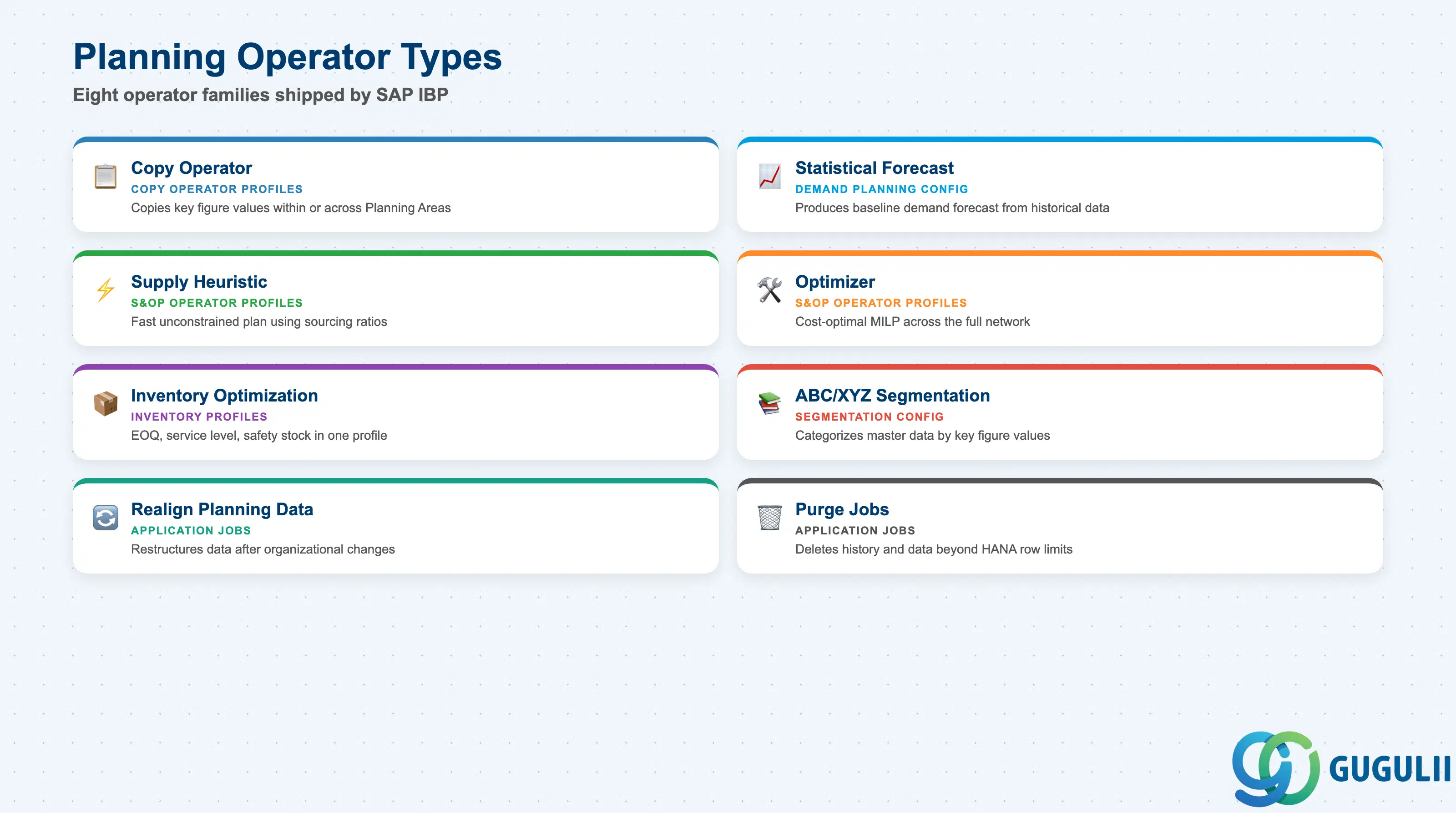
Every Planning Operator belongs to one of a fixed set of SAP-delivered operator types. Knowing which type an object belongs to matters because it determines which configuration app owns it, how heavy the computation is, and whether it can produce an infeasible result.
| Type | Configuration App | Use Case | Key Behavior |
|---|---|---|---|
| Copy Operator | Copy Operator Profiles | Copies key figure values within one Planning Area, or between two Planning Areas | Aggregates source values and disaggregates target values as needed to fit the target planning level. Renamed from “Copy Operator (Advanced)” at IBP release 2311, after absorbing the legacy COPY and DISAGG operators (mandatory migration of the legacy operators began at release 2108) |
| Statistical Forecast Operator | Demand planning configuration | Executes forecast models against historical Key Figure data | Produces a baseline/statistical demand forecast that feeds Consensus Demand Planning |
| S&OP Operator — Supply Heuristic | S&OP Operator Profiles | Generates an unconstrained (“infinite”) supply plan that matches demand exactly, using defined sourcing ratios/quotas | Fast, but may not find a feasible solution if real-world capacity constraints are binding |
| S&OP Operator — Optimizer | S&OP Operator Profiles | Solves supply planning as a cost-optimal, constraint-respecting Mixed-Integer Linear Program (MILP) | More computationally intensive than the Heuristic; yields a mathematically provable optimum across the network |
| Inventory Optimization (Inventory Planning Profile) | Inventory Profiles | Runs EOQ, service level, and safety stock calculations under a single profile | One profile can bundle multiple different inventory-planning functions rather than needing a separate operator per function |
| ABC/XYZ Segmentation | Segmentation configuration | Categorizes master data attributes based on Key Figure values | Produces a classification output, not a new transactional Key Figure value |
| Realign Planning Data | Application Jobs | Restructures existing planning data after organizational changes (new distribution center, new product) | A data-maintenance operator, not a forecasting or optimization algorithm |
| Purge jobs (e.g. Purge Key Figure Data Outside Planning Horizon) | Application Jobs | Manage SAP HANA per-table record limits (approx. 2,147,384,648 rows) by deleting change history, import batches, non-conforming data, and similar housekeeping data | Best practice: run in simulation mode first to preview what will be deleted before committing |
Design principle: “Planning Operator” names an algorithm type/family, not a single screen — the operator’s TYPE determines which app owns its configuration (Copy Operator Profiles, S&OP Operator Profiles, Inventory Profiles), while Application Jobs is the universal scheduling layer that runs any of them. SAP IBP ships a fixed, SAP-delivered set of operator types; a consultant configures an existing type through its profile app rather than authoring a new operator algorithm from scratch.
Data hierarchy with a concrete example
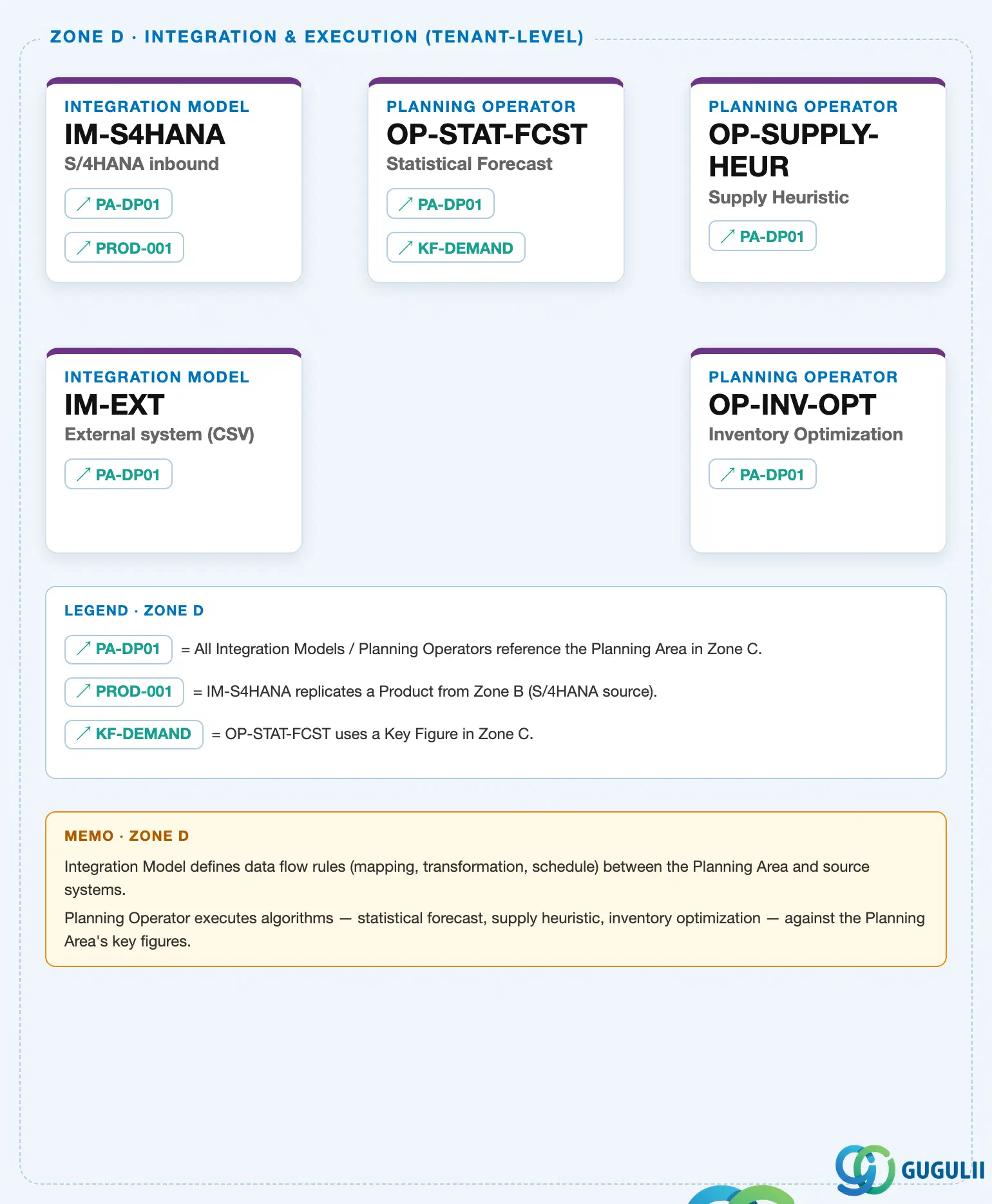
Client (SAP IBP Tenant)
   │
   ├── Planning Area "PA-DP01" — Demand Planning Planning Area          (IBP-A03-03)
   │      │
   │      └── Key Figure "KF-DEMAND" — Demand Quantity                   (IBP-A03-01)
   │
   ├── Planning Operator "OP-STAT-FCST" — Statistical Forecast   ── references ──> PA-DP01, KF-DEMAND
   ├── Planning Operator "OP-SUPPLY-HEUR" — Supply Heuristic     ── references ──> PA-DP01
   └── Planning Operator "OP-INV-OPT" — Inventory Optimization   ── references ──> PA-DP01
Design principle: A Planning Operator is not a child of the Planning Area it runs against — it is a Phase 4 (Execution Management) object that references a Planning Area and its Key Figures via configuration, not containment. Rendering it as nested underneath the Planning Area would wrongly imply the Planning Area owns the operator, when in fact the operator is configured and scheduled independently and simply points at the Planning Area (and specific Key Figures) it reads from and writes to.
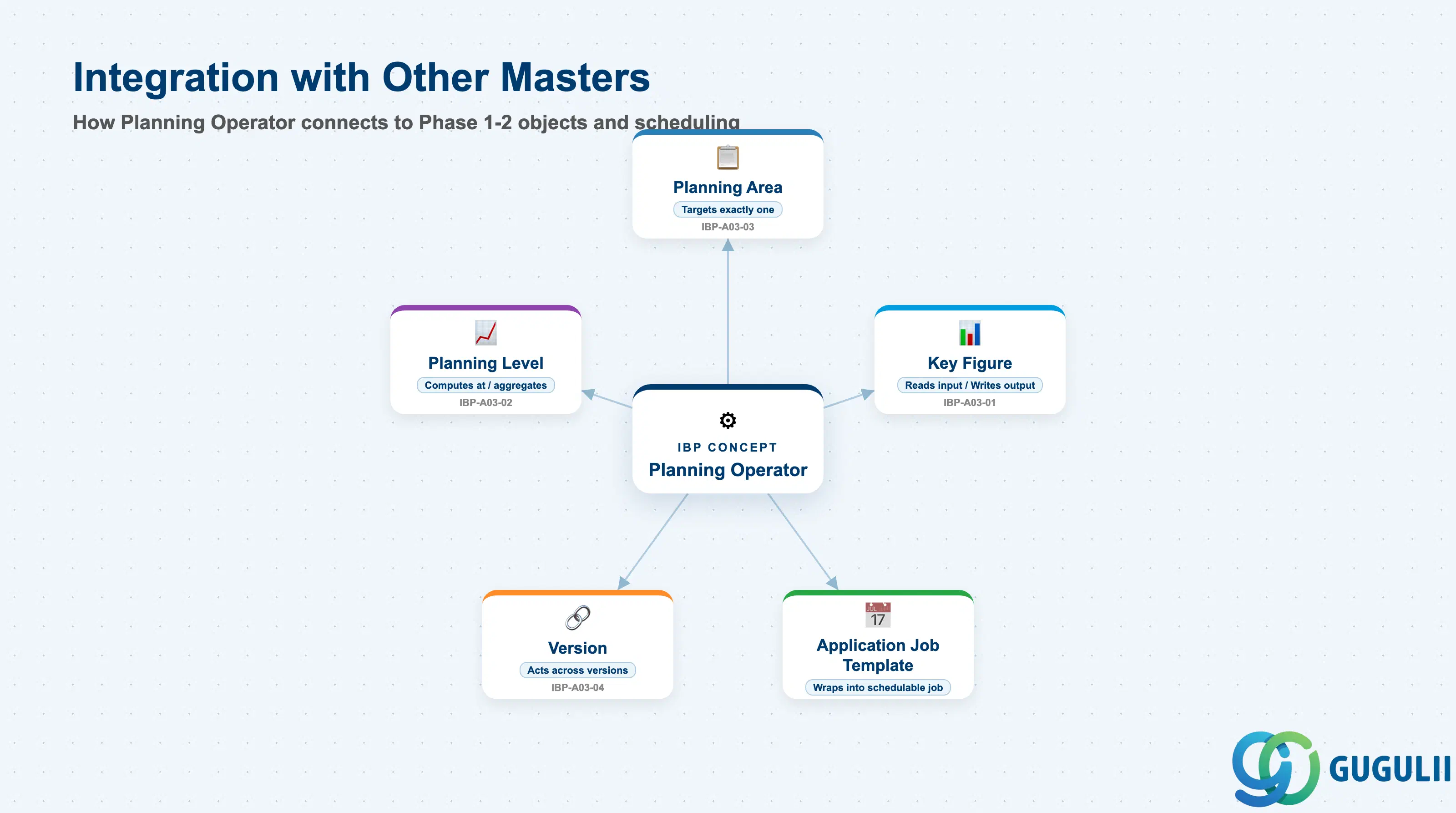
A Planning Operator does not stand alone — it exists downstream of the Phase 1–2 master data and planning-configuration objects, and is itself wrapped by a scheduling object before it can run.
| Object | Relationship | Practical Notes |
|---|---|---|
| Planning Area (IBP-A03-03) | Every Planning Operator run targets exactly one Planning Area — the operator reads/writes that area’s data | Full mechanics of the Planning Area container are covered in IBP-A03-03; this article treats it only as the target every operator references |
| Key Figure (IBP-A03-01) | Consumed as “Input Key Figures” and written as “Output Key Figures” when an operator runs | The Input/Output usage-role framing was introduced in IBP-A03-01 (Sections 1.2 and 2.5) — this is where it becomes an explicit, per-operator configuration setting |
| Planning Level (IBP-A03-02) | Operators compute at, aggregate to, or disaggregate from specific planning levels | A Copy Operator explicitly aggregates the source and disaggregates the target to fit each side’s planning level |
| Version (IBP-A03-04) | Certain operator variants (Copy Version Operator, Delete Version Operator) act across versions rather than staying within a single version | Distinct from the Copy (key figure) Operator, which typically stays within one version |
| Application Job Template | The scheduling wrapper that sequences one or more operators into a single chained job, stopping automatically if a step fails | Required to actually run any operator — an operator profile alone does not execute; it must be referenced by a job template |
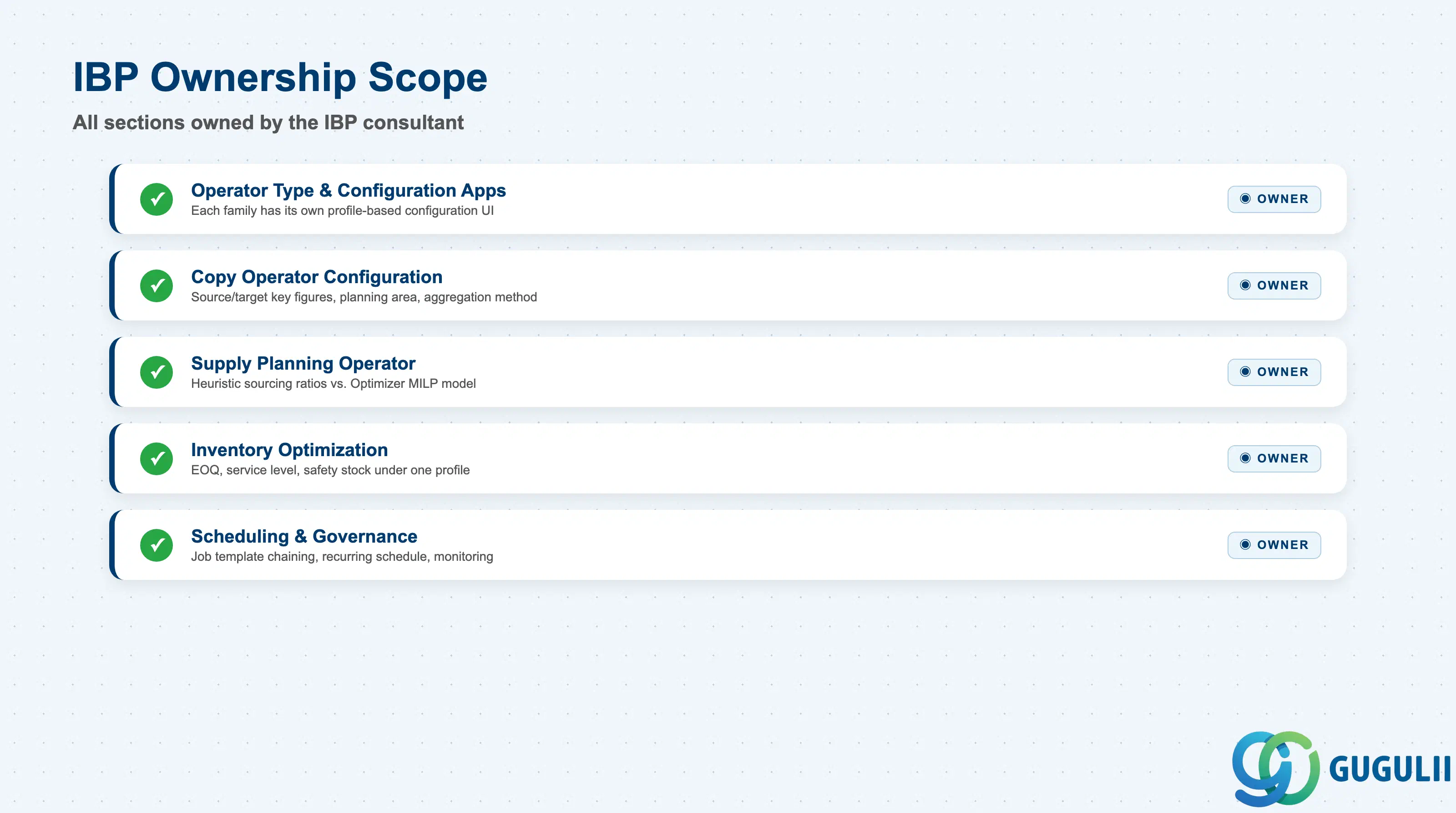
| Data Section | IBP Involvement | Notes |
|---|---|---|
| Operator Type & Configuration Apps | ◎ Owner | No single app owns all operator types — each family has its own profile-based configuration UI |
| Copy Operator Configuration | ◎ Owner | Source/target key figures, source/target planning area, aggregation/disaggregation method |
| Supply Planning Operator Configuration (Heuristic / Optimizer) | ◎ Owner | Sourcing ratios/quotas (Heuristic) vs. a cost-optimal MILP model (Optimizer) |
| Inventory Optimization Operator Configuration | ◎ Owner | EOQ, service level, and safety stock functions bundled under one Inventory Planning Profile |
| Scheduling, Execution & Governance | ◎ Owner | Application Job Template chaining, recurring schedule, batch vs. simulation mode, Application Logs, Monitor System Tasks, Configuration Expert authorization |
Legend: ◎ = Owner / Critical, ○ = Direct involvement
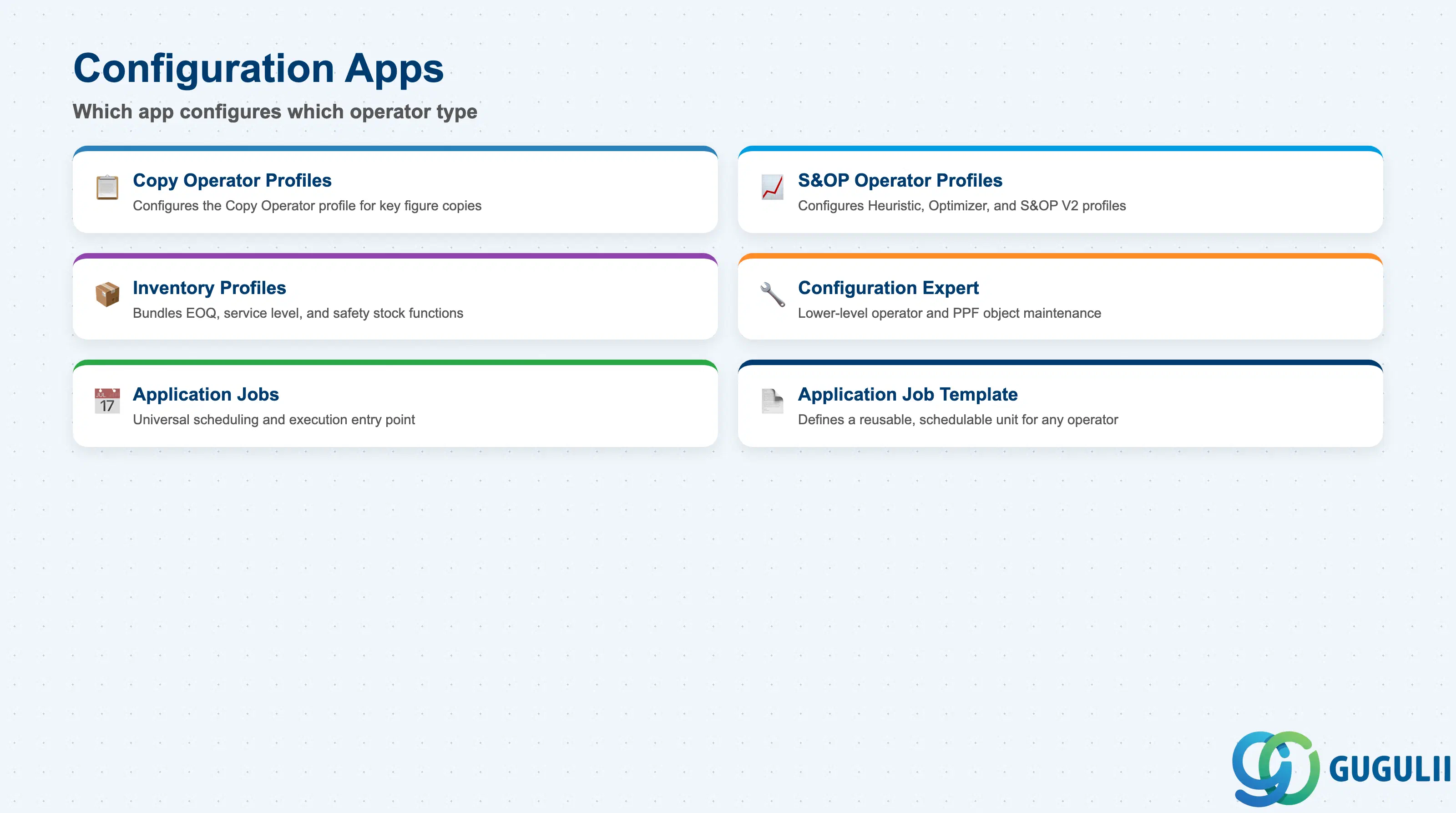
Because “Planning Operator” is a concept spanning several distinct algorithm families, the first thing a consultant needs to map is which app configures which operator type.
| Field / App | Description | Practical Usage |
|---|---|---|
| Copy Operator Profiles | Configures the Copy Operator — the profile-based successor to the legacy COPY and DISAGG operators | Source/target key figures, source/target planning area, and aggregation/disaggregation method are all set here. Legacy COPY/DISAGG operators began mandatory migration at release 2108; confirm the current-release operator name against the latest “What’s New” guide before documenting a specific landscape. |
| S&OP Operator Profiles | Configures supply-planning operator profiles — Heuristic, Optimizer, and S&OP Operator V2 | Stores which Planning Area the operator runs against and whether it can be invoked in batch mode vs. simulation mode. |
| Inventory Profiles | Configures the Inventory Planning Profile | A single profile can run multiple inventory functions (EOQ, service level, safety stock) rather than requiring one profile per function. |
| Configuration Expert | Lower-level maintenance of operator/PPF (Post-Processing Framework) objects, beyond the profile-based apps | Access is gated by a dedicated business catalog (reported in one source as SAP_IBP_BC_SOPOPERATOR_PC) — verify the exact catalog name against current authorization documentation before relying on it in a security design. |
| Application Jobs | The universal scheduling/execution entry point for any operator type, once a job template exists | This is the closest thing to a single “Planning Operator” screen — but it launches already-configured profiles; it does not configure the algorithm itself. |
| Application Job Template | Defines a reusable, schedulable unit referencing a specific operator type and profile (e.g. IO_PROFILE for an Inventory Planning Profile) | Required before any operator can run — profile-only configuration cannot execute on its own. Also the mechanism for chaining multiple operators into one job. |
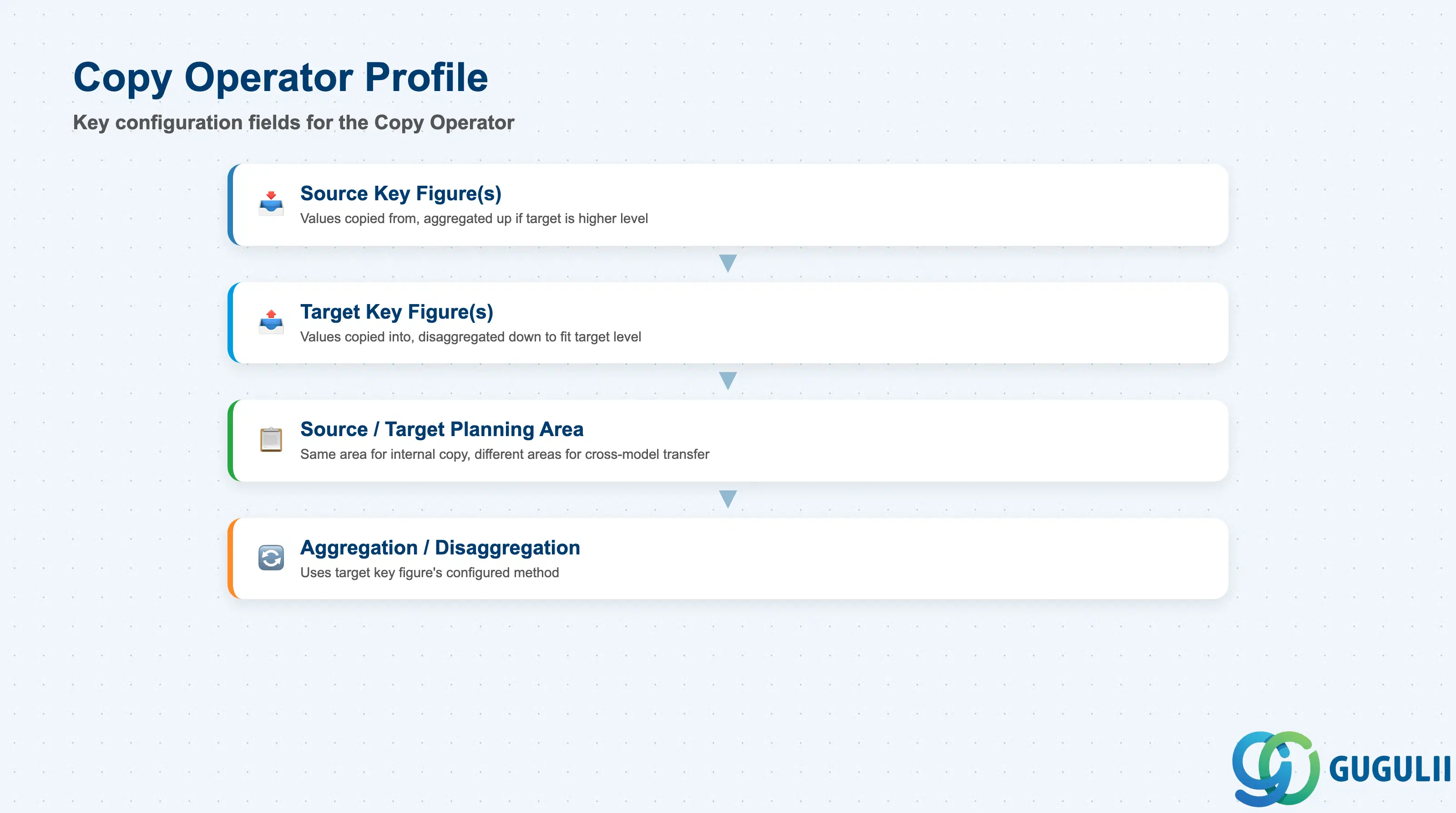
The Copy Operator is the most frequently configured operator in most implementations — used both for routine version-to-version copies and for cross-planning-area transfers.
| Field | Description | Practical Usage |
|---|---|---|
| Source Key Figure(s) | The key figure(s) whose values are copied from | Aggregated up from their stored planning level first if the target sits at a higher level. |
| Target Key Figure(s) | The key figure(s) the values are copied into | Disaggregated down to fit the target’s planning level when needed. |
| Source / Target Planning Area | The Planning Area(s) the copy reads from and writes to | Same Planning Area for an internal copy (e.g. Working → Baseline version); different Planning Areas when copying across models. |
| Aggregation / Disaggregation Method | How values are rolled up or split during the copy | Uses the same underlying mechanics as a Key Figure’s own Aggregation Mode / Disaggregation Mode settings (see IBP-A03-01, Sections 2.2–2.3) — the Copy Operator applies the target key figure’s configured method rather than introducing new math. |
| Release history | Copy Operator (Advanced) introduced at release 2002; legacy COPY/DISAGG mandatory migration began 2108; renamed to “Copy Operator” at 2311 | Exact profile field labels for the current release could not be fully verified during research — confirm against the live Copy Operator Profiles app before writing customer-facing configuration steps. |
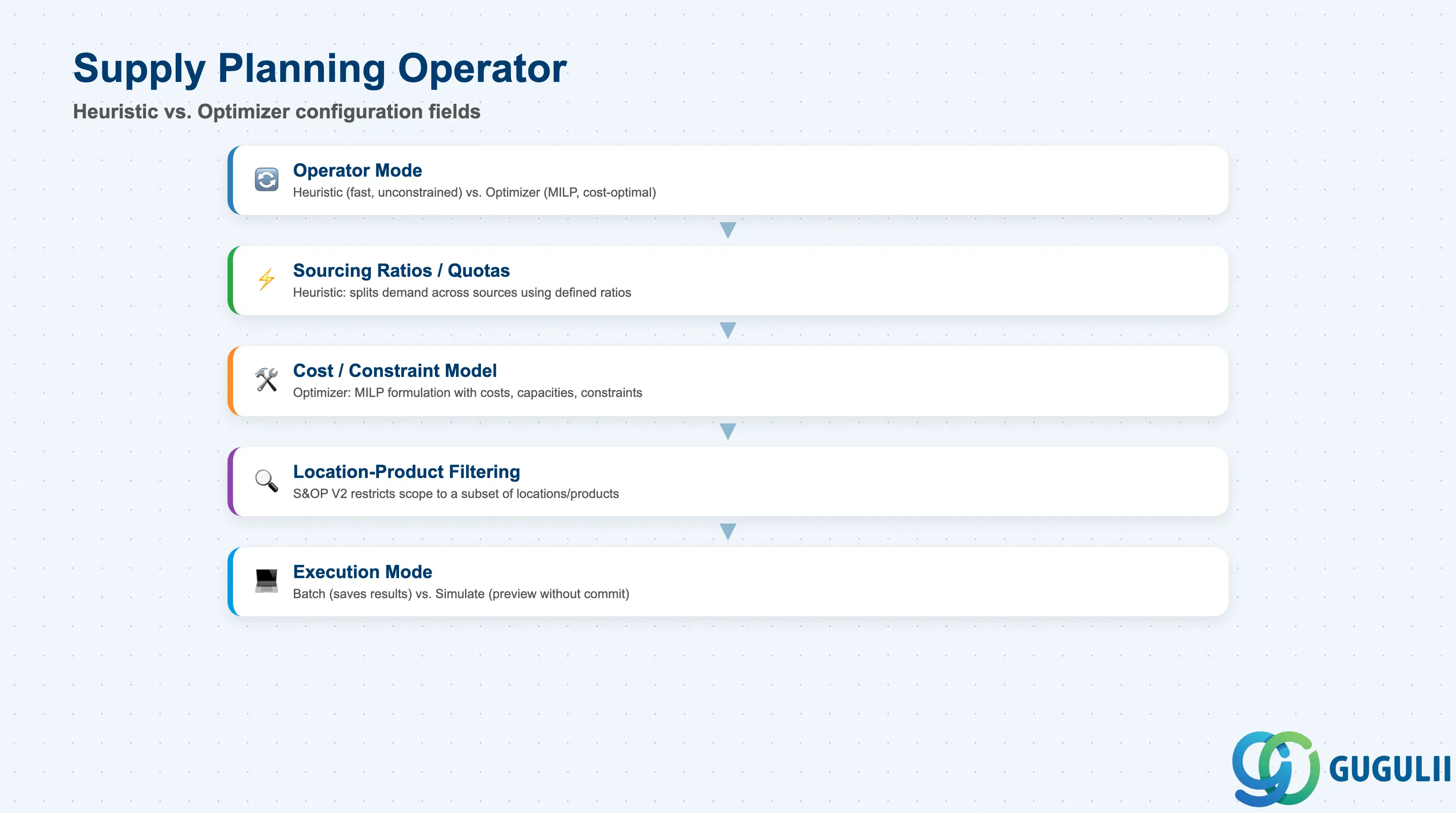
Supply Planning operators share one configuration app (S&OP Operator Profiles) but split into two structurally different execution modes.
| Field | Description | Practical Usage |
|---|---|---|
| Operator Mode | Heuristic vs. Optimizer, selected per run | Heuristic is fast and generates an unconstrained plan; Optimizer is slower but solves a true MILP for a constrained, cost-optimal plan. |
| Sourcing Ratios / Quotas (Heuristic) | Defines how demand is split across available sources when the Heuristic runs | Since the Heuristic doesn’t evaluate hard constraints, it can propose an infeasible plan if real-world capacity is binding — always sanity-check Heuristic output against known constraints. |
| Cost / Constraint Model (Optimizer) | The MILP formulation solved by the Optimizer — costs, capacities, and other constraints across the network | Computationally heavier than the Heuristic; reserve it for network-wide, cost-sensitive scenarios rather than every planning cycle. |
| Location-Product Filtering | S&OP Operator V2 supports flexible filtering of the run scope | Lets a consultant restrict a run to a subset of locations/products — useful for testing or partial re-runs without touching the full model. |
| Execution Mode | Batch (background) vs. Simulate | The Excel Add-in’s “Simulate” option runs the operator without committing/saving results — useful for testing configuration before a live batch run. |
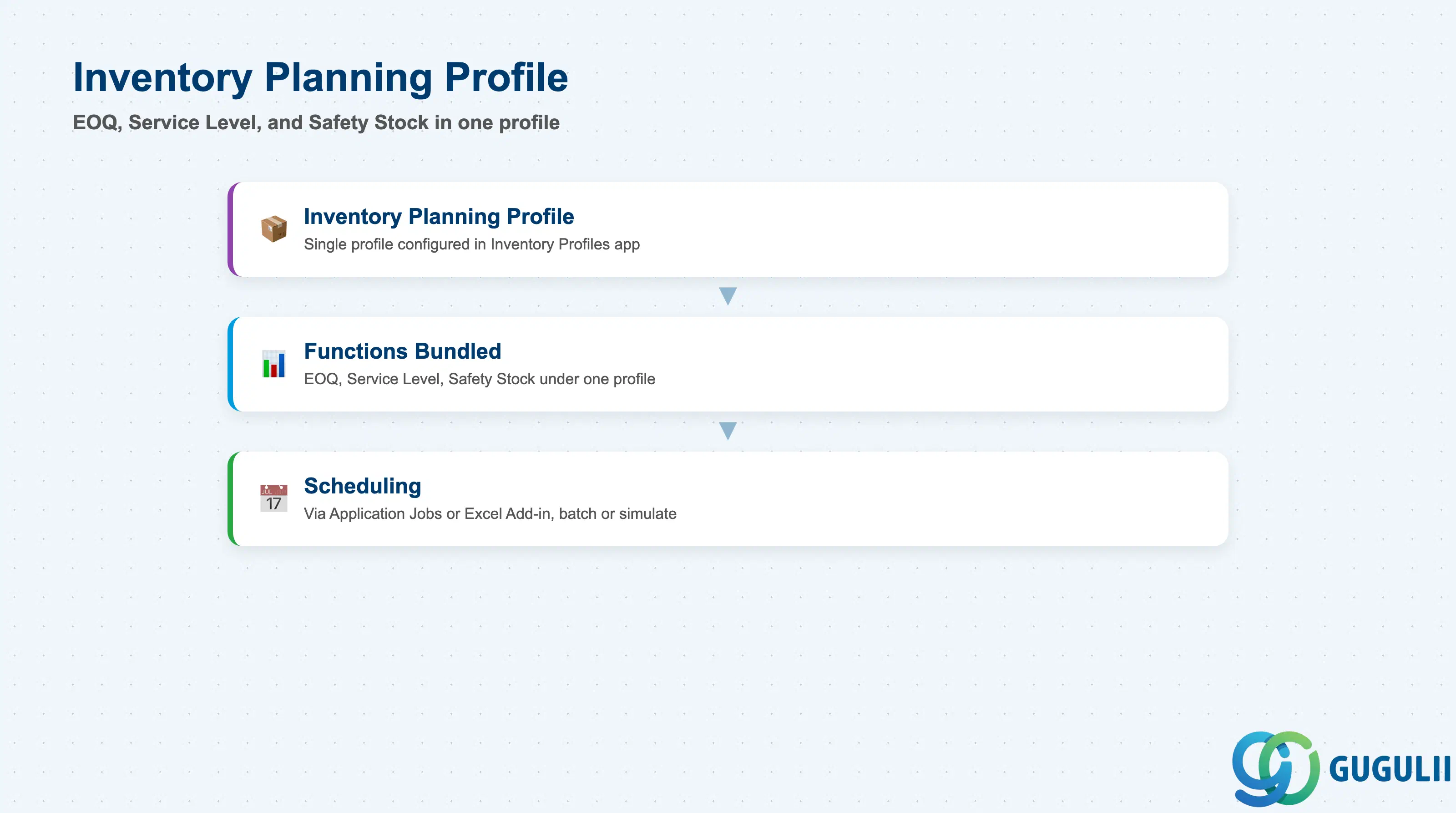
Inventory Optimization is configured as a single profile object rather than one operator per calculation.
| Field | Description | Practical Usage |
|---|---|---|
| Inventory Planning Profile | The single profile object configured in the Inventory Profiles app | Bundles multiple inventory functions rather than needing a separate operator configuration per function. |
| Functions bundled | Economic Order Quantity (EOQ), Service Level, and Safety Stock calculations | All can run under one profile; which functions are active depends on how the profile is set up. |
| Scheduling | Can be scheduled via Application Jobs, or triggered from the Excel Add-in (“Scheduling EOQ and Service Level Operators to Run in the Excel Add-In”) | Follows the same dual batch/simulate execution pattern as the Supply Planning operators (Section 2.3). |
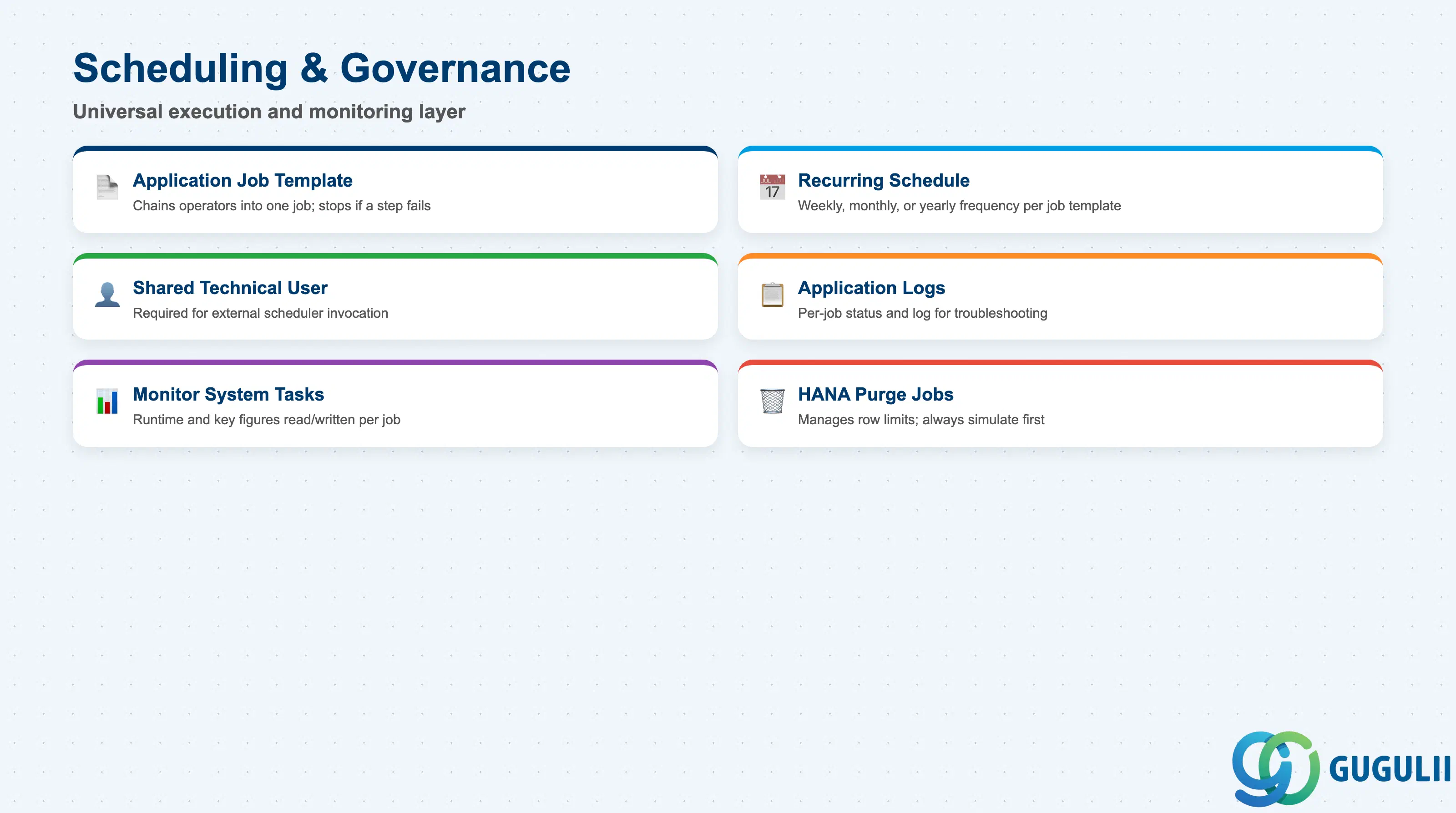
Regardless of operator type, every Planning Operator ultimately runs through the same scheduling and monitoring layer.
| Field | Description | Practical Usage |
|---|---|---|
| Application Job Template | Sequences one or more operators into a single chained job | Steps execute one by one; processing stops automatically if a step fails — do not assume a failed step is skipped while the rest of the chain continues. |
| Recurring Schedule | Weekly (selected days), monthly, or yearly frequency | Choose a frequency that matches the operator’s business cadence — a daily Statistical Forecast run and a monthly Purge job do not belong on the same schedule. |
| Shared Technical User | Required if an external scheduler (outside SAP IBP) needs to trigger the job template | The template must be explicitly shared with a background/technical user before an external tool can invoke it. |
| Application Logs | Per-job status and log, opened from the Application Jobs list | The first place to check after any run — click the job’s status to open its log. |
| Monitor System Tasks | Shows runtime and number of key figures read/written per job | Useful for spotting a job that is taking unexpectedly long or touching an unexpectedly large number of key figures. |
| HANA Record-Limit Purge Jobs | “Purge Key Figure Data Outside Planning Horizon,” plus purge jobs for change history, import batches, processes, non-conforming data, master data, and a “Delete Planning Notes” job | Exist to manage the ~2,147,384,648-row-per-table SAP HANA limit. Always run in simulation mode first to preview what will be deleted before committing. |
| ID | Category | Title |
|---|---|---|
| ibp-001 | Overview | What is SAP IBP? |
| ID | Category | Title |
|---|---|---|
| ibp-a01 | Overview | SAP IBP Master Data: Overview, Hierarchy & Relationships |
| ibp-a02-01 | Master Data | SAP IBP Master Data Types |
| ibp-a02-02 | Master Data | SAP IBP Attribute |
| ibp-a02-03 | Master Data | SAP IBP Time Profile |
| ibp-a02-05 | Master Data | SAP IBP Location Master |
| ibp-a03-01 | Master Data | SAP IBP Key Figure |
| ibp-a03-02 | Master Data | SAP IBP Planning Level |
| ibp-a03-03 | Master Data | SAP IBP Planning Area |
| ibp-a03-04 | Master Data | SAP IBP Planning Version |
| ibp-a03-05 | Master Data | SAP IBP Planning View |
| ibp-a04-01 | Master Data | SAP IBP Integration Model |
| ibp-a05-01 | Master Data | SAP IBP Planning Operator 📍 |
| ID | Category | Title |
|---|---|---|
| ibp-b01 | Overview | SAP IBP Transactions: Process Flow, Hierarchy & Relationships |