Title here
Summary here

The Business Role is SAP Service Cloud’s master record for a defined set of access rights — which Work Centers, Views, and Business Services a Business User is permitted to open and act on. Unlike Organizational Unit and Employee, it is not organizationally nested anywhere: it has no prerequisite of its own, and it reaches an Organizational Unit only indirectly, through the Business User it is assigned to. This article maps its scope, its relationship to the other Employee & Org masters, and every field administrators configure when defining or extending access.
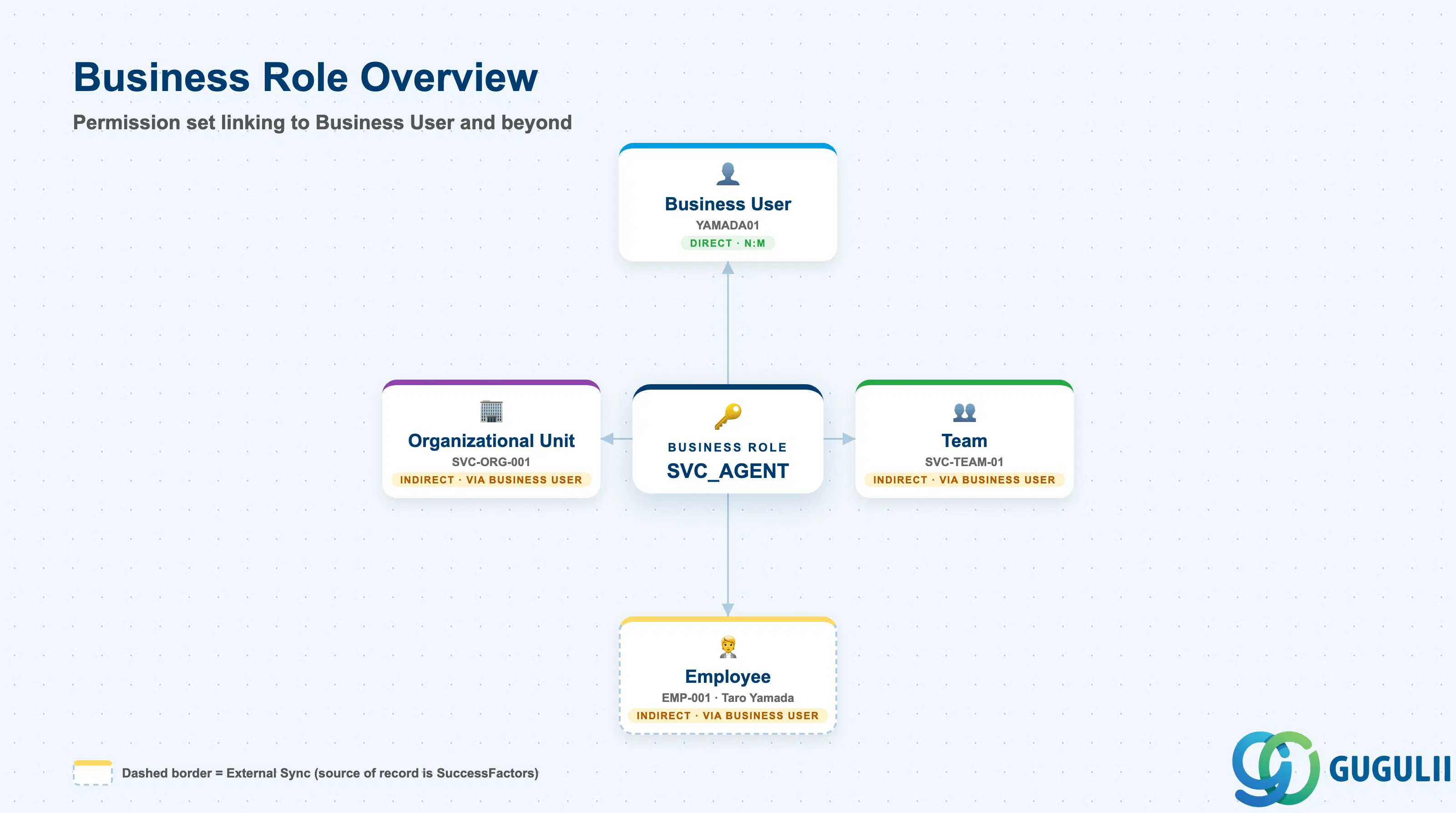
The Business Role represents a defined bundle of access rights — not a person, and not a place in the org chart, but a permission set that determines what a Business User can see and do inside the tenant. It exists so that access can be designed once, as a named role, and then assigned to any number of Business Users, rather than configuring permissions individually for every login.
| Aspect | Details |
|---|---|
| Role | Tenant-level access-control master defining Work Center, View, and Business Service permissions; assigned to Business Users on an N:M basis |
| Modules using it | SAP Service Cloud (Employee & Org — sole owner); referenced directly only by Business User (SC-A02-04); reached by Employee, Organizational Unit, and Team only indirectly |
| Transactions | SAP Service Cloud Admin Console: Settings > Business Roles |
| Key Tables | SAP Service Cloud: BusinessRole business object (Admin/Core API OData entity) — SAP Service Cloud is a multi-tenant SaaS solution and does not expose classical ABAP tables to consultants |
| S/4HANA note | Business Role is created and maintained natively inside the Service Cloud tenant; it is not replicated from any external system. Like Organizational Unit (SC-A02-01), it has no prerequisite — but unlike Organizational Unit, it is never organizationally nested; it stands entirely on its own until a Business User is assigned to it. |
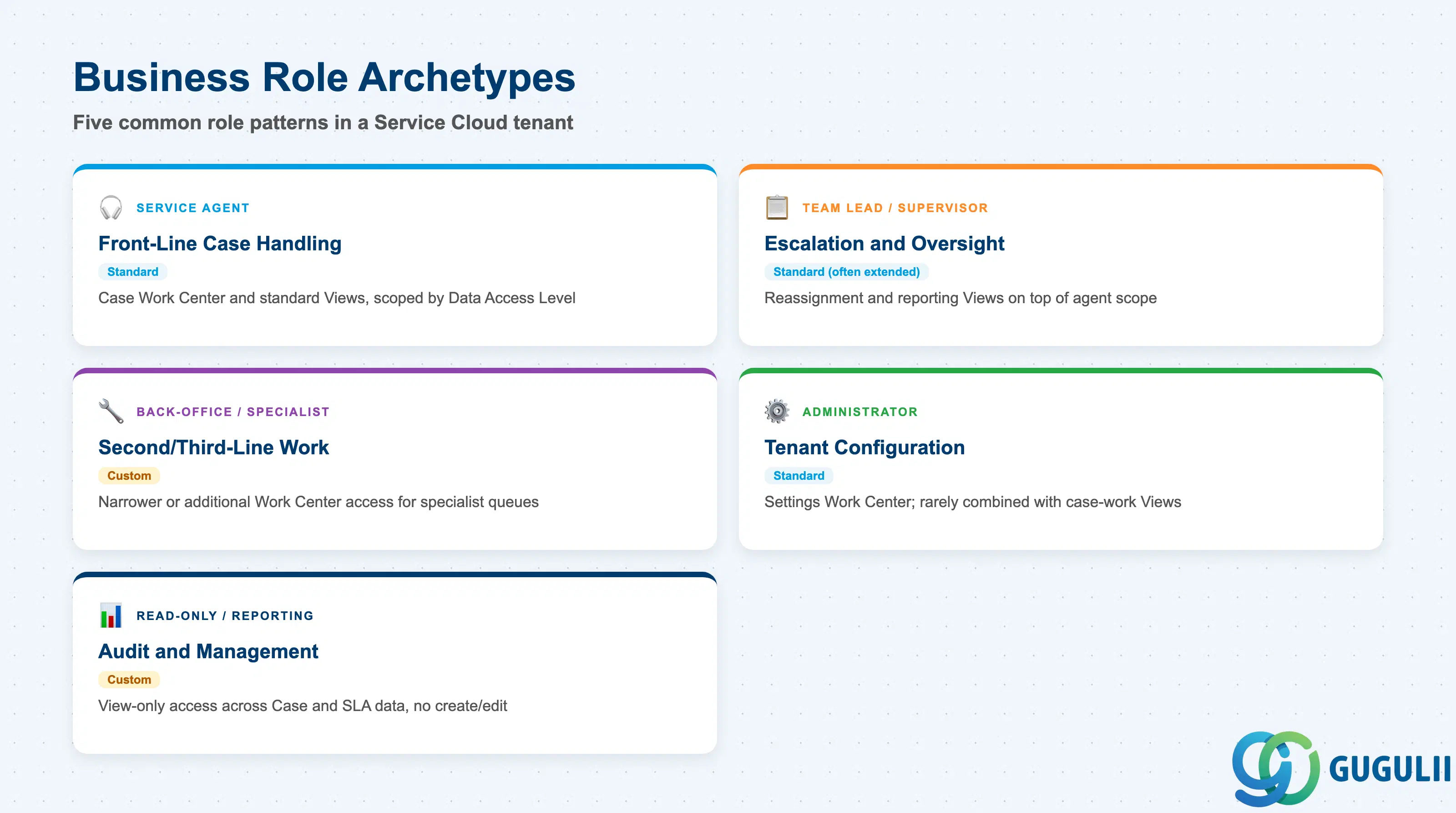
Service Cloud delivers a set of standard Business Roles out of the box, but administrators routinely extend or copy them to fit how access should actually be scoped. Getting this wrong either over-grants access — an agent who can edit Settings they should never touch — or under-grants it, leaving a genuine specialist unable to open the Work Center their job requires.
| Business Role Archetype | Role Type | Use Case | Key Behavior |
|---|---|---|---|
| Service Agent | Standard | Front-line case handling | Grants the Case Work Center and its standard Views, scoped by whatever Data Access Level the role carries; the delivered starting point for most Business Users |
| Team Lead / Supervisor | Standard (often extended) | Escalation handling, team oversight | Adds reassignment and reporting Views on top of the Service Agent scope; frequently copied and customized rather than used as delivered |
| Back-Office / Specialist | Custom | 2nd/3rd-line or product-specific work | Narrower or additional Work Center access tailored to a specialist queue not covered by any delivered role |
| Administrator | Standard | Tenant configuration | Grants the Settings Work Center; almost never combined with case-work Views on the same role |
| Read-Only / Reporting | Custom | Auditors, management reporting | View-only access across Case and SLA data; no create, edit, or delete rights on any Work Center |
Design principle: Build a custom Business Role by copying the closest delivered Standard role rather than starting from zero — this preserves the entity-level authorization checks baked into standard content that are easy to miss when assembling access from scratch.
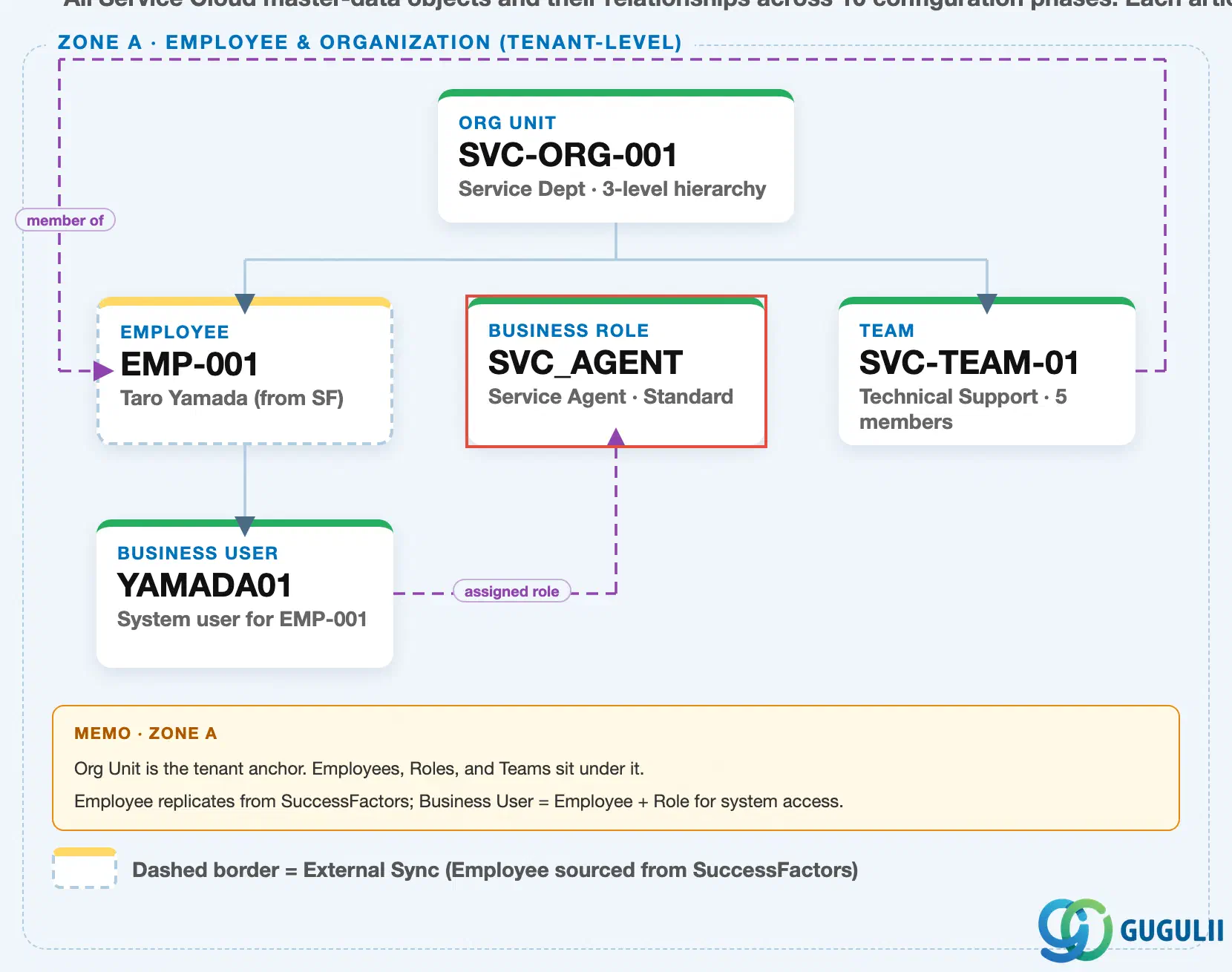
Data hierarchy with a concrete example (Zone A · Employee & Organization — tenant-level; SAP Service Cloud has no Company Code / Plant scoping above this)
Client (SAP Service Cloud Tenant)
   │
   ├── Organizational Unit "SVC-ORG-001" — Service Dept (3-level hierarchy: HQ → Dept → Section)
   │      │
   │      ├── Employee "EMP-001" — Taro Yamada (external sync from SuccessFactors Employee Central)
   │      │      │
   │      │      └── Business User "YAMADA01" — system login for EMP-001
   │      │
   │      └── Team "SVC-TEAM-01" — Technical Support (5 members)
   │
   └── Business Role "SVC_AGENT" — Service Agent · Standard (independent master, no prerequisite)

Business User "YAMADA01" ── assigned to ──> Business Role "SVC_AGENT"
Team "SVC-TEAM-01" ── references ──> Employee "EMP-001" (team lead / member)
Design principle: Business Role is the other Phase 1 master with no prerequisite — like Organizational Unit, it can be modeled and created before anything else in the phase exists. Its only downstream dependency is Business User (Phase 1, step 4), which cannot be assigned a role until that role has already been defined.
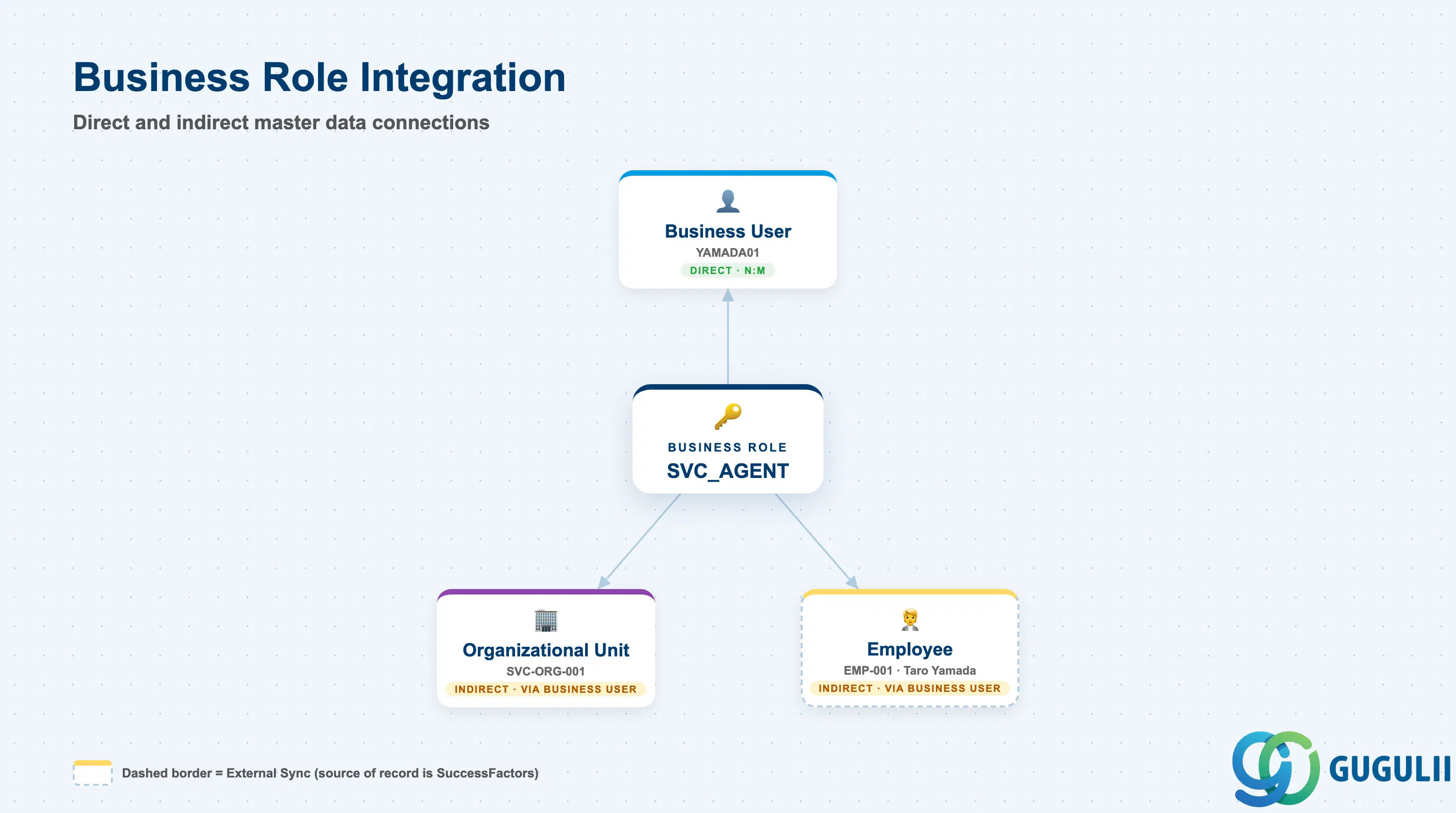
Business Role does not stand alone — but its only direct connection is to Business User; everything else in the Employee & Org phase reaches it, or is reached by it, second-hand.
| Object | Relationship | Practical Notes |
|---|---|---|
| Business User (SC-A02-04) | N:M — a Business User is granted one or more Business Roles, and a Business Role can be assigned to many Business Users | This is the only direct link Business Role has to any other master; every other relationship below is reached only through the Business User carrying the role. |
| Employee (SC-A02-02) | Reached only indirectly, through the Business User linked to that Employee | Business Role carries no direct Employee reference; an Employee’s category (SC-A02-02, Section 1.2) informs which roles they need, but the assignment itself happens on the Business User record. |
| Organizational Unit (SC-A02-01) | No organizational nesting or reference at all | Business Role governs Work Center, View, and entity-level access — not organizational scope. A Business User in any Organizational Unit can carry the same Business Role; org-based data restriction, where it applies, is a separate setting on the role, not a link to a specific unit. |
| Team (SC-A02-05) | No direct relationship | Team groups Employees for case-assignment capacity; it does not reference or constrain which Business Roles those Employees’ Business Users hold. |
| Case Routing Rule (SC-A07-01) | No direct relationship — Case Routing Rule targets Team or Employee, not Business Role | Business Role determines whether the targeted Employee’s Business User can actually act on the case once routed; a mismatch surfaces as an authorization error on the case, not a routing failure. |
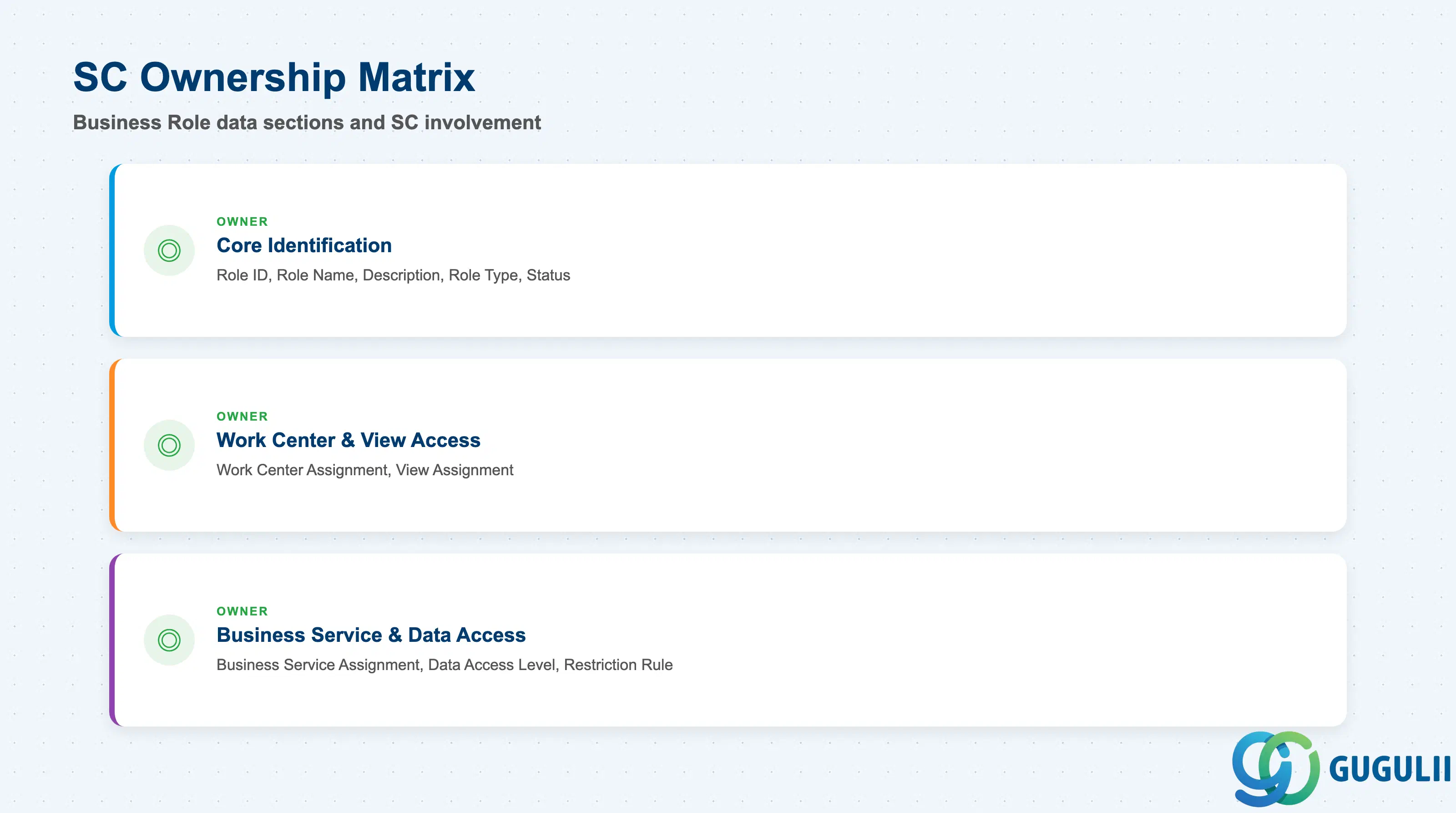
| Data Section | SC Involvement | Notes |
|---|---|---|
| Core Identification | ◎ Owner | Role ID, Role Name, Description, Role Type, Status — establishes which role this is and whether it is still usable |
| Work Center & View Access | ◎ Owner | Work Center Assignment, View Assignment — controls which navigable UI areas and screens the role can open |
| Business Service & Data Access Restrictions | ◎ Owner | Business Service Assignment, Data Access Level, Restriction Rule — controls which backend operations and how much data the role can reach within those Work Centers |
Legend: ◎ = Owner / Critical, ○ = Direct involvement
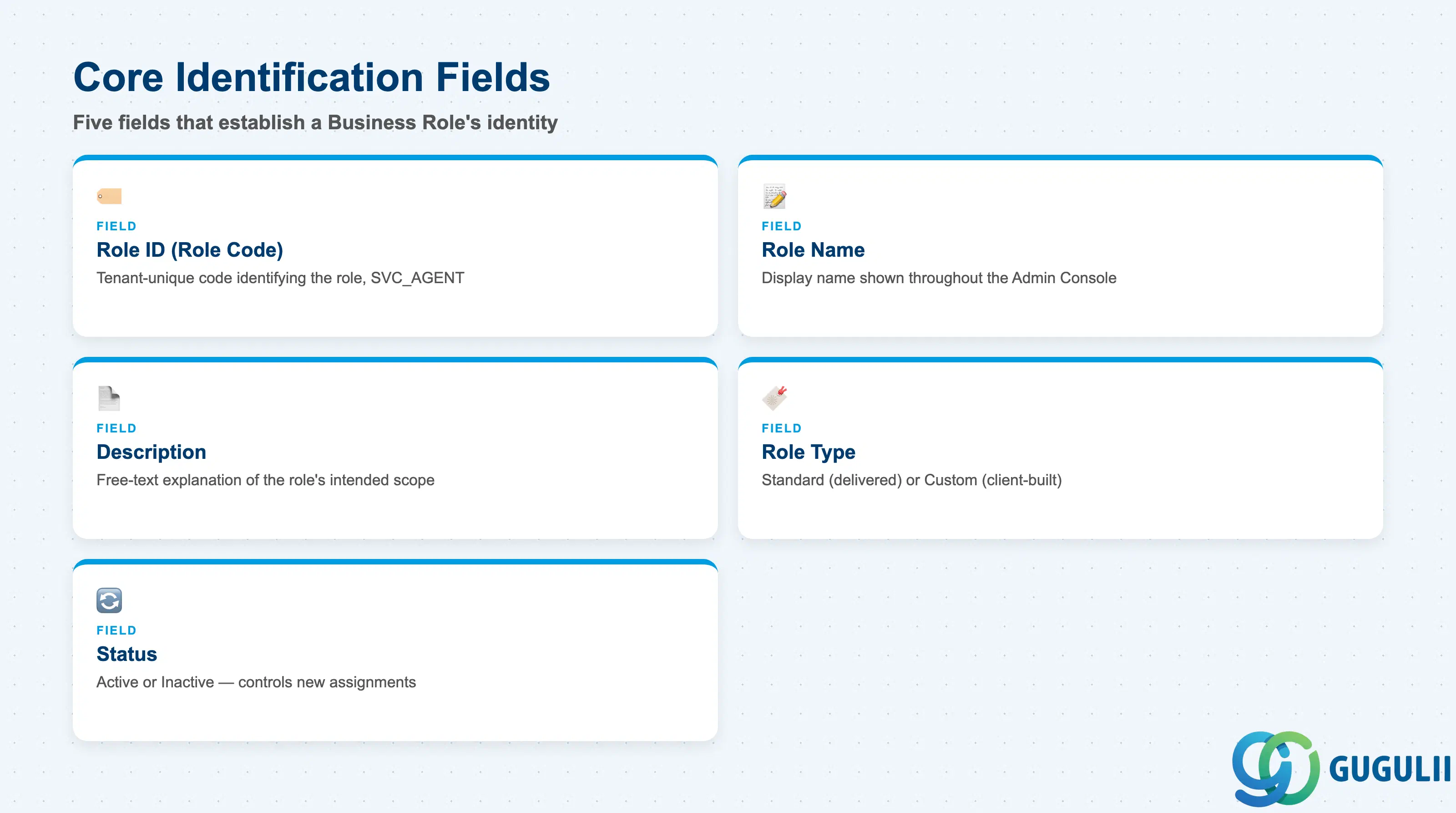
These fields establish which Business Role this is and whether it is still available for assignment — every access field below only matters once the role itself is properly identified.
| Field | Description | Practical Usage |
|---|---|---|
| Role ID (Role Code) | Tenant-unique code identifying the role (e.g. SVC_AGENT) | Use a short, descriptive code rather than a sequential number — the code appears in every Business User assignment screen and in authorization-error messages, so a readable code speeds up admin troubleshooting. |
| Role Name | Display name shown throughout the Admin Console | Keep names aligned with how the client actually talks about access levels (e.g. “L1 Support” vs. “Service Agent”) to avoid confusion during UAT when business users review who has what access. |
| Description | Free-text explanation of the role’s intended scope | Document the intent of a custom role here, not just its technical content — this is often the only place that survives staff turnover to explain why a role was built a particular way. |
| Role Type (Standard / Custom) | Indicates whether the role is delivered content or client-built | Standard roles are refreshed on upgrade and should not be edited directly; if delivered access needs to change, copy it to a Custom role first so upgrades don’t silently overwrite the customization. |
| Status (Active / Inactive) | Whether the role currently accepts new Business User assignments | Set to Inactive rather than deleting a retired role — Business Users historically assigned to it, and any audit trail referencing it, remain queryable. |
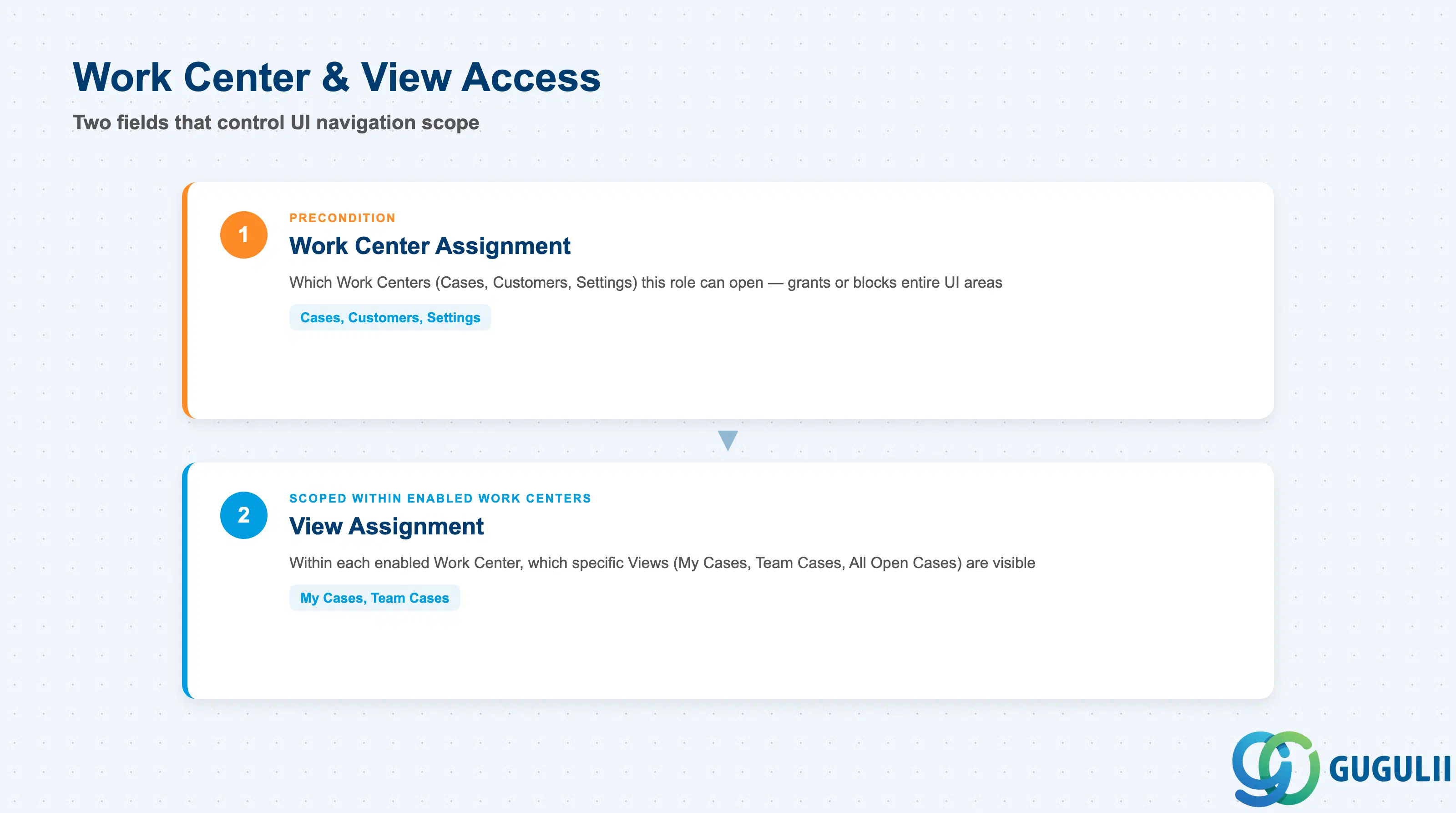
These fields define which parts of the Service Cloud UI the role can even open — access granted here is a precondition for any of the data-level restrictions in the next section to matter at all.
| Field | Description | Practical Usage |
|---|---|---|
| Work Center Assignment | The list of Work Centers (e.g. Cases, Customers, Settings) enabled for this role | Grant only the Work Centers a role’s holders actually need — an Administrator role with the Cases Work Center enabled “just in case” is a common source of accidental case edits by staff who were never meant to work cases directly. |
| View Assignment | Within each enabled Work Center, the specific Views (e.g. My Cases, Team Cases, All Open Cases) visible to the role | Narrow the default View for front-line roles to “My Cases” or “Team Cases” rather than “All Open Cases” — a role that defaults to seeing every case tenant-wide slows down agents and increases the risk of working the wrong case by mistake. |
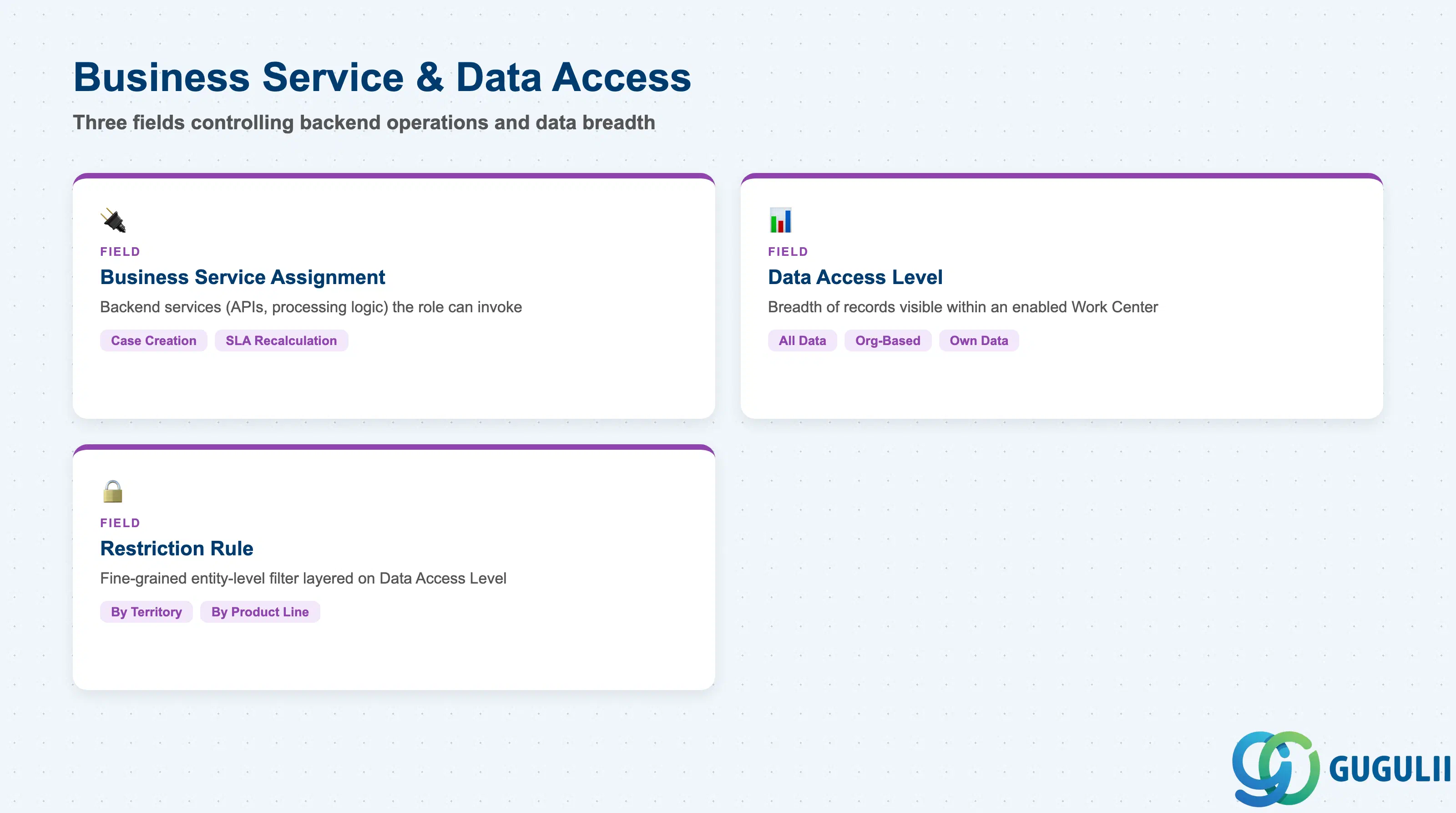
These fields go a level deeper than Work Center and View access — they control not just which screens the role can open, but how much of the underlying data it can see and act on once inside.
| Field | Description | Practical Usage |
|---|---|---|
| Business Service Assignment | The backend business services (APIs and processing logic, e.g. case creation, SLA recalculation) the role is permitted to invoke | Even with a Work Center enabled, a role missing the underlying Business Service will show the screen but block the action — a frequent root cause when an agent reports a button that “does nothing” after a role change. |
| Data Access Level (All Data / Org-Structure Based / Own Data Only) | The breadth of records the role can see within an enabled Work Center | Org-Structure Based is the most common setting for front-line roles — it scopes visibility to the holder’s Organizational Unit and Team without needing a separate Organizational Unit link on the Business Role itself. |
| Restriction Rule | Fine-grained, entity-level restriction (e.g. by Account territory, by Product line) layered on top of the Data Access Level | Use sparingly — every additional Restriction Rule adds a condition future admins must remember when troubleshooting “why can’t this Business User see that case,” and rules are easy to forget once the person who built them has moved on. |
| ID | Category | Title |
|---|---|---|
| sc-001 | Overview | What is SAP Service Cloud? |
| ID | Category | Title |
|---|---|---|
| sc-a01 | Overview | SAP Service Cloud Master Data: Overview, Hierarchy & Relationships |
| sc-a02-01 | Master Data | SAP Service Cloud Organizational Unit |
| sc-a02-02 | Master Data | SAP Service Cloud Employee |
| sc-a02-03 | Master Data | SAP Service Cloud Business Role 📍 |
| sc-a02-04 | Master Data | SAP Service Cloud Business User |
| sc-a02-05 | Master Data | SAP Service Cloud Team |
| sc-a03-01 | Master Data | SAP Service Cloud Email Channel |
| sc-a03-02 | Master Data | SAP Service Cloud Email Template |
| sc-a04-01 | Master Data | SAP Service Cloud Knowledge Base Provider |
| sc-a05-01 | Master Data | SAP Service Cloud Service Catalog |
| sc-a05-02 | Master Data | SAP Service Cloud Service Category |
| sc-a05-03 | Master Data | SAP Service Cloud Case Type |
| sc-a06-01 | Master Data | SAP Service Cloud Service Level |
| sc-a06-02 | Master Data | SAP Service Cloud Service Level Determination |
| sc-a07-01 | Master Data | SAP Service Cloud Case Routing Rules |
| sc-a10-04 | Master Data | SAP Service Cloud Warranty |
| sc-a11-01 | Master Data | SAP Service Cloud Installed Base |
| sc-a11-02 | Master Data | SAP Service Cloud Functional Location |
| ID | Category | Title |
|---|---|---|
| sc-b01 | Overview | SAP Service Cloud Transactions: Process Flow, Hierarchy & Relationships |