Title here
Summary here

The Team is SAP Service Cloud’s case-assignment grouping of Employees — a named pool such as “Technical Support” that cases can be routed into as a unit, rather than to one named individual. It is fed by two other Phase 1 masters, Employee and Organizational Unit, but it is not a true child of either one: reassigning an Employee’s Organizational Unit does not automatically move that Employee’s Team membership, and the Team-to-Employee link (team lead and members) is maintained as a separate cross-reference, not containment. Unlike its four Phase 1 siblings, Team is not an access-control or identity record at all — it exists purely to give case routing a group target, and it is the one object in this phase with a real, already-documented downstream consumer: Case Routing Rule. This article maps its dependencies, its relationship to the other Employee & Org masters, and every field administrators configure when building and maintaining a service team.
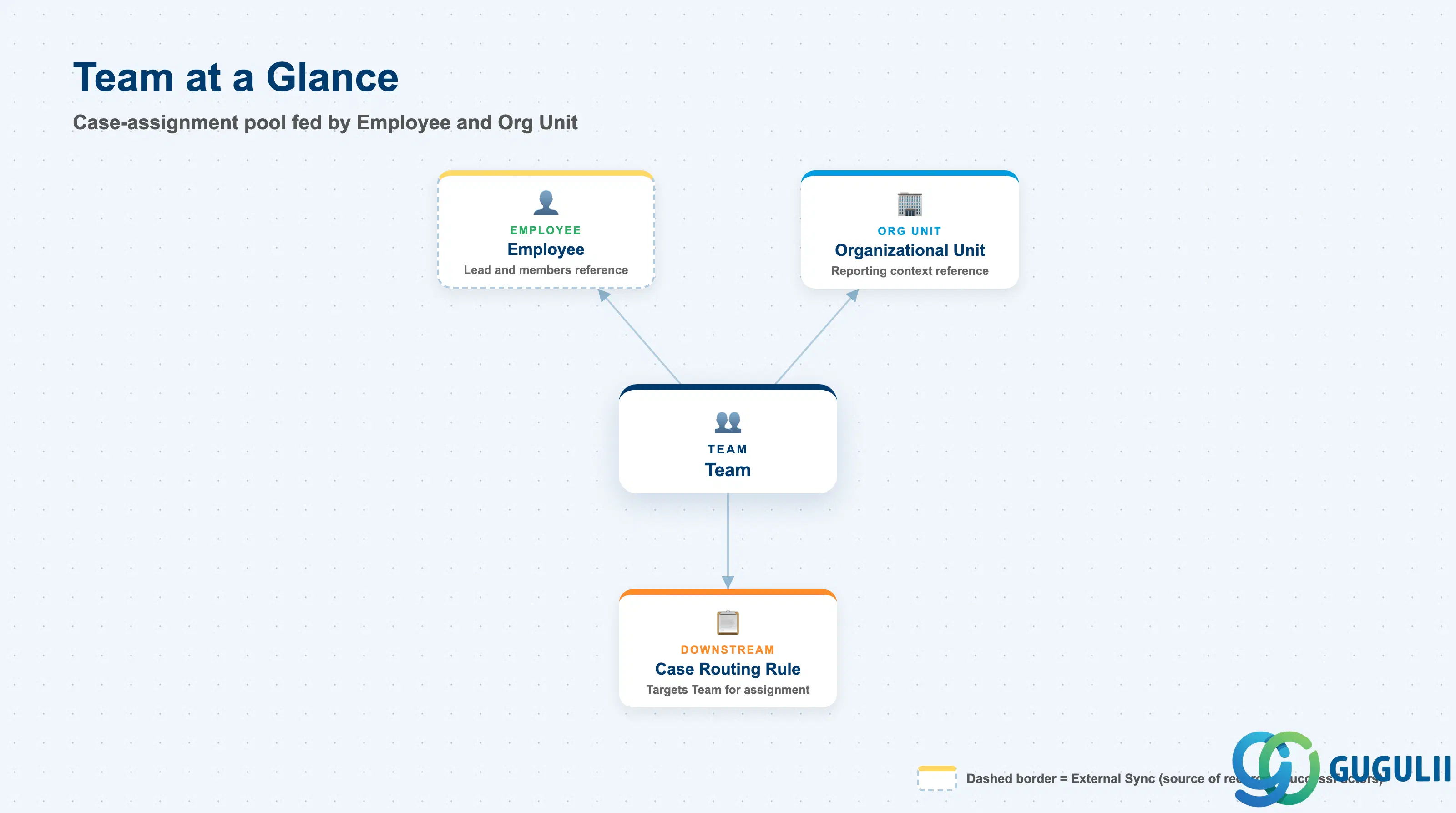
The Team represents a case-assignment pool, not an org-chart node and not a login — it groups a set of Employees together so that a case can be assigned to the group as a whole, with one member typically designated as Team Lead for escalation and oversight. It exists so that case routing can target a working group directly, independent of the formal Organizational Unit hierarchy and independent of any single Employee’s own workload.
| Aspect | Details |
|---|---|
| Role | Tenant-level grouping of Employees into a case-assignment pool, with one Employee typically designated as Team Lead |
| Modules using it | SAP Service Cloud (Employee & Org — sole owner); the record Case Routing Rule (SC-A07-01) targets when a case should be routed to a group rather than to one named Employee |
| Transactions | SAP Service Cloud Admin Console: Settings > Teams |
| Key Tables | SAP Service Cloud: Team business object (Admin/Core API OData entity) — SAP Service Cloud is a multi-tenant SaaS solution and does not expose classical ABAP tables to consultants |
| S/4HANA note | Team is created and maintained natively inside the Service Cloud tenant; it is not replicated from S/4HANA or SuccessFactors. Unlike Business User (SC-A02-04), it has no single hard prerequisite — it is fed by both Employee and Organizational Unit, but neither one is a true parent, and updating one link never automatically updates the other. |
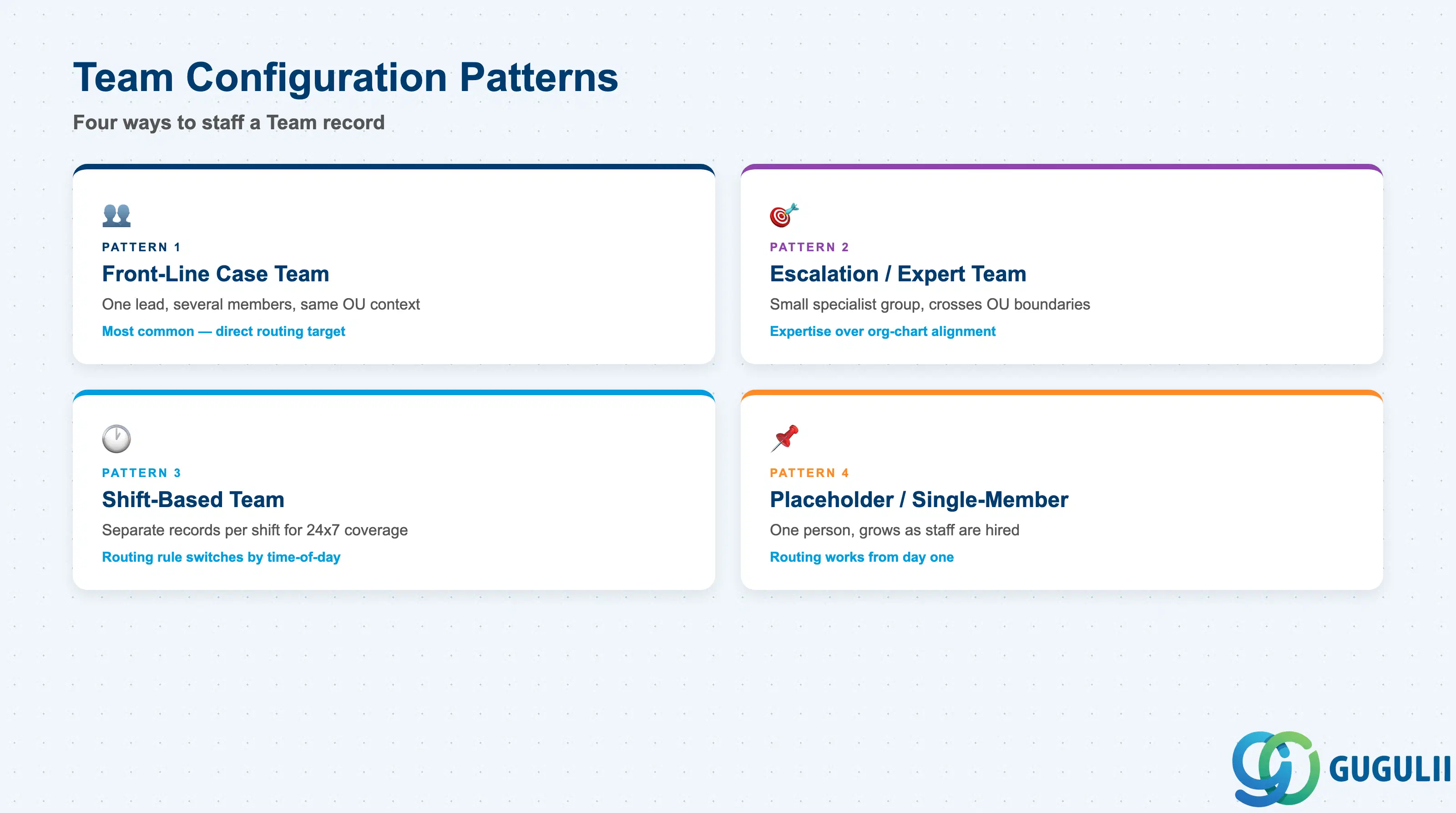
Service Cloud does not deliver a fixed “team type” field — the practical patterns below describe how a Team record is actually staffed and used once it exists. Getting this wrong either leaves a routing target under-staffed and cases piling up unassigned, or spreads members across so many overlapping teams that nobody can tell which pool is actually responsible for a given case.
| Team Pattern | Typical Configuration | Use Case | Key Behavior |
|---|---|---|---|
| Front-Line Case Team | One Team Lead, several Members, all sharing the same Organizational Unit context | First point of assignment for incoming cases in a given service line | The most common pattern — Case Routing Rule targets this Team directly, and any Member can pick up a case assigned to the pool |
| Escalation / Expert Team | Small Member list of senior or specialist Employees, often spanning multiple Organizational Units | Cases escalated past front-line resolution capacity | Membership deliberately crosses org boundaries, since expertise rather than reporting line determines who belongs here |
| Shift-Based Team | Separate Team records per shift (e.g. “Support-Day”, “Support-Night”), each with its own Members | 24x7 coverage split across time zones or shift patterns | Case Routing Rule typically switches its Team target by time-of-day condition rather than relying on a single always-on Team |
| Placeholder / Single-Member Team | Team Lead and Members point to the same one Employee, created ahead of hiring the rest of the group | New service line being stood up before staffing is complete | Functions correctly as a routing target from day one; Members are added incrementally without needing to recreate the Team or any Case Routing Rule that already targets it |
Design principle: Build Teams around how cases should actually be picked up, not around the formal org chart — a Team that mirrors Organizational Unit one-for-one usually means Team was created reflexively rather than to solve a real routing need.
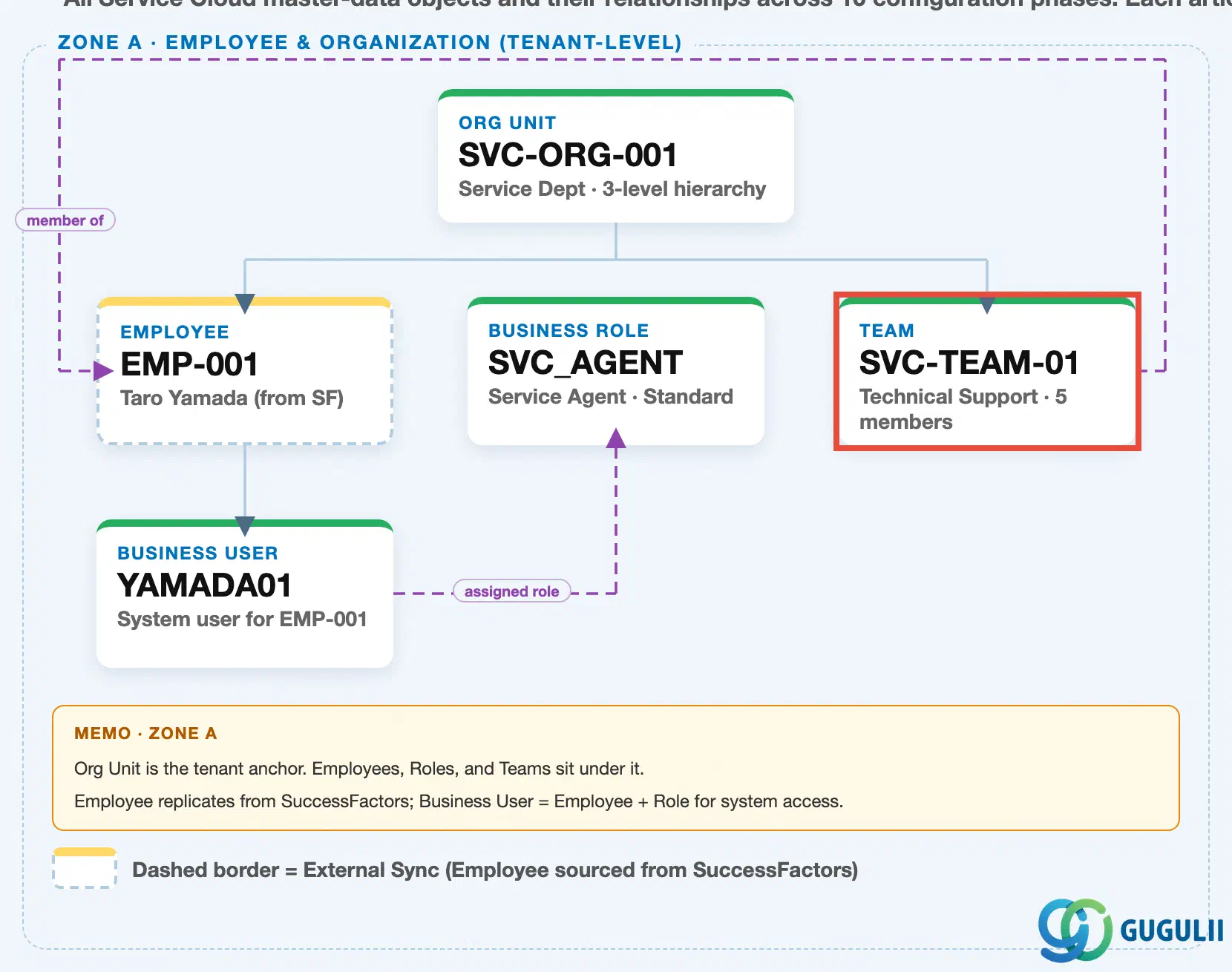
Data hierarchy with a concrete example (Zone A · Employee & Organization — tenant-level; SAP Service Cloud has no Company Code / Plant scoping above this)
Client (SAP Service Cloud Tenant)
   │
   └── Organizational Unit "SVC-ORG-001" — Service Dept (3-level hierarchy: HQ → Dept → Section)
          │
          ├── Employee "EMP-001" — Taro Yamada (external sync from SuccessFactors Employee Central)
          │      │
          │      └── Business User "YAMADA01" — system login for EMP-001
          │
          └── Team "SVC-TEAM-01" — Technical Support (5 members)

Business Role "SVC_AGENT" — Service Agent · Standard (independent master, no prerequisite)
Business User "YAMADA01" ── assigned to ──> Business Role "SVC_AGENT"
Team "SVC-TEAM-01" ── references ──> Employee "EMP-001" (team lead / member)
Case Routing Rule "RT-001" ── targets ──> Team "SVC-TEAM-01" (Phase 6 · downstream case-assignment consumer)
Design principle: Team is the one Phase 1 Employee & Org master with a real downstream consumer already in place — Case Routing Rule “RT-001” targets Team “SVC-TEAM-01” directly. Its own upstream links (to Employee for lead/members, to Organizational Unit for org context) are references, not containment: nothing about editing Organizational Unit “SVC-ORG-001” or reassigning Employee “EMP-001” to a different org unit automatically changes who belongs to Team “SVC-TEAM-01” — Team membership is maintained on its own.
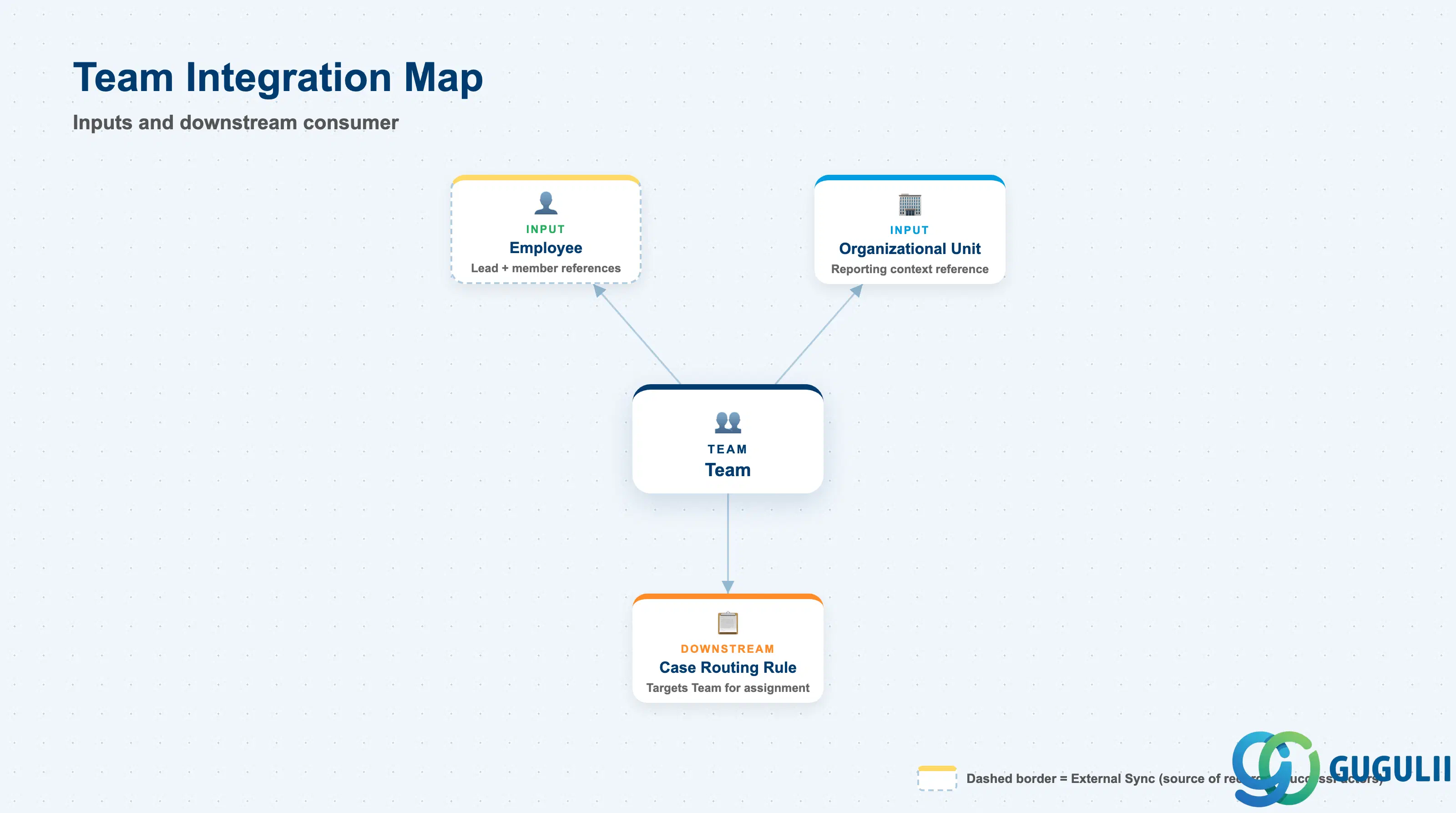
Team does not stand alone — it draws from two upstream masters and feeds exactly one documented downstream consumer, with no relationship at all to the two access-control objects in this phase.
| Object | Relationship | Practical Notes |
|---|---|---|
| Employee (SC-A02-02) | Reference, not containment — Team Lead and each Member point to an existing Employee record | An Employee can belong to, or lead, more than one Team at once. Removing an Employee from the organization (setting them Inactive) does not automatically remove them from a Team’s Member list — an administrator must update the Team record separately. |
| Organizational Unit (SC-A02-01) | Reference, not containment — Team carries an Organizational Unit field for reporting context | This is a separate link from the Employee link, not a derived one. Reassigning a Member Employee’s Organizational Unit does NOT move that Employee’s Team membership — the two records must both be maintained if org restructuring should also change team composition. |
| Business Role (SC-A02-03) | No direct relationship | Business Role governs system access, not case-assignment grouping; a Team has no Business Role field and a Business Role has no Team field. |
| Business User (SC-A02-04) | No direct relationship | Team membership tracks the person (Employee), not the login (Business User) — the two concerns are tracked on separate records by design. |
| Case Routing Rule (SC-A07-01) | Downstream consumer — a rule can target a Team directly, as an alternative to targeting a named Employee | This is Team’s one real, already-documented downstream use: when a routing rule’s target is a Team rather than an Employee, any current Member can pick up the case, and the pool automatically absorbs Membership changes without the rule itself needing to be edited. |
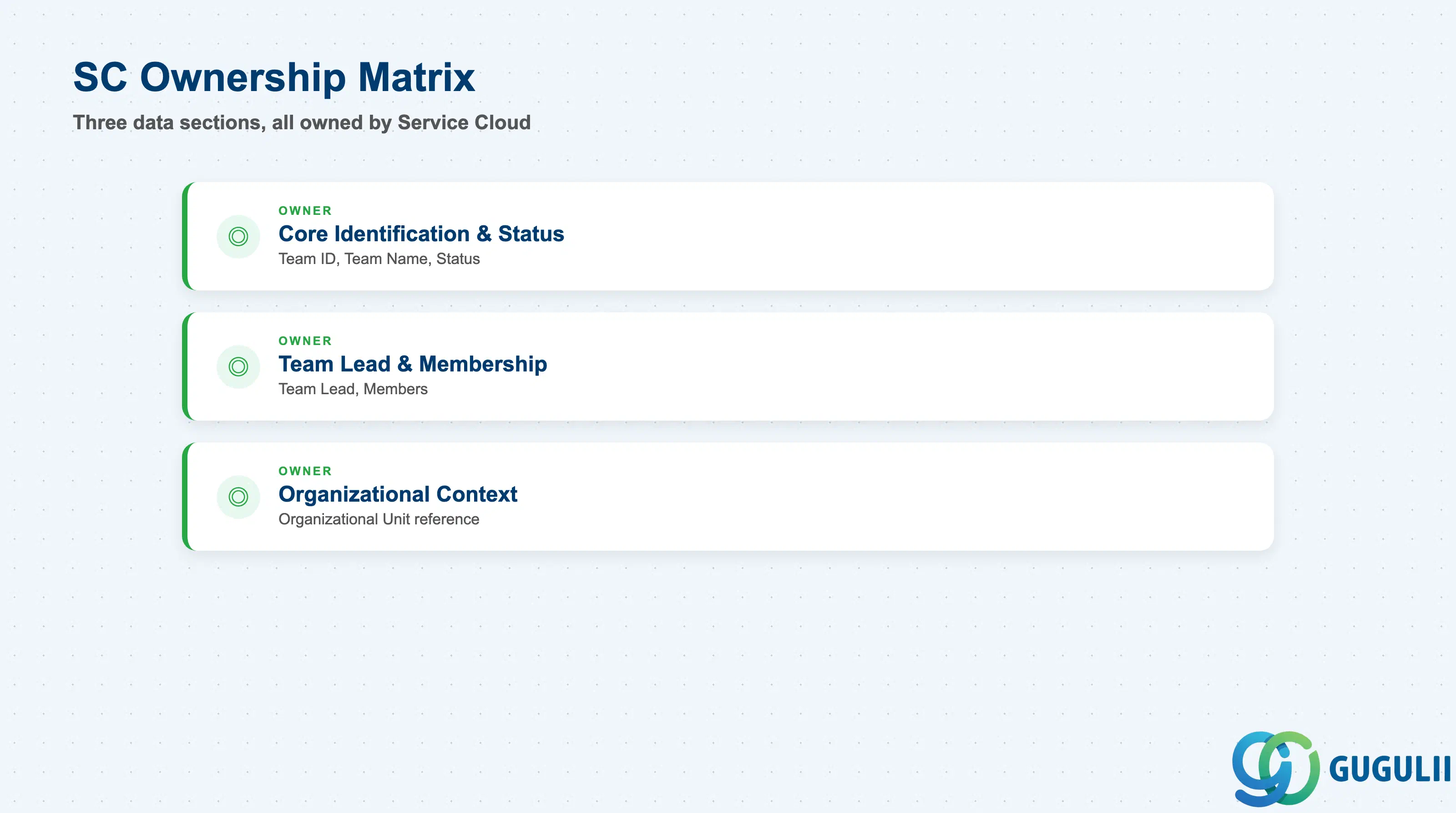
| Data Section | SC Involvement | Notes |
|---|---|---|
| Core Identification & Status | ◎ Owner | Team ID, Team Name, Status — establishes which Team this is, its display name, and whether it currently accepts case assignments |
| Team Lead & Membership | ◎ Owner | Team Lead, Members — establishes who leads the Team and which Employees can pick up cases routed to it |
| Organizational Context | ◎ Owner | Organizational Unit (reference) — ties the Team to a reporting org context without making it a child of that Organizational Unit |
Legend: ◎ = Owner / Critical, ○ = Direct involvement
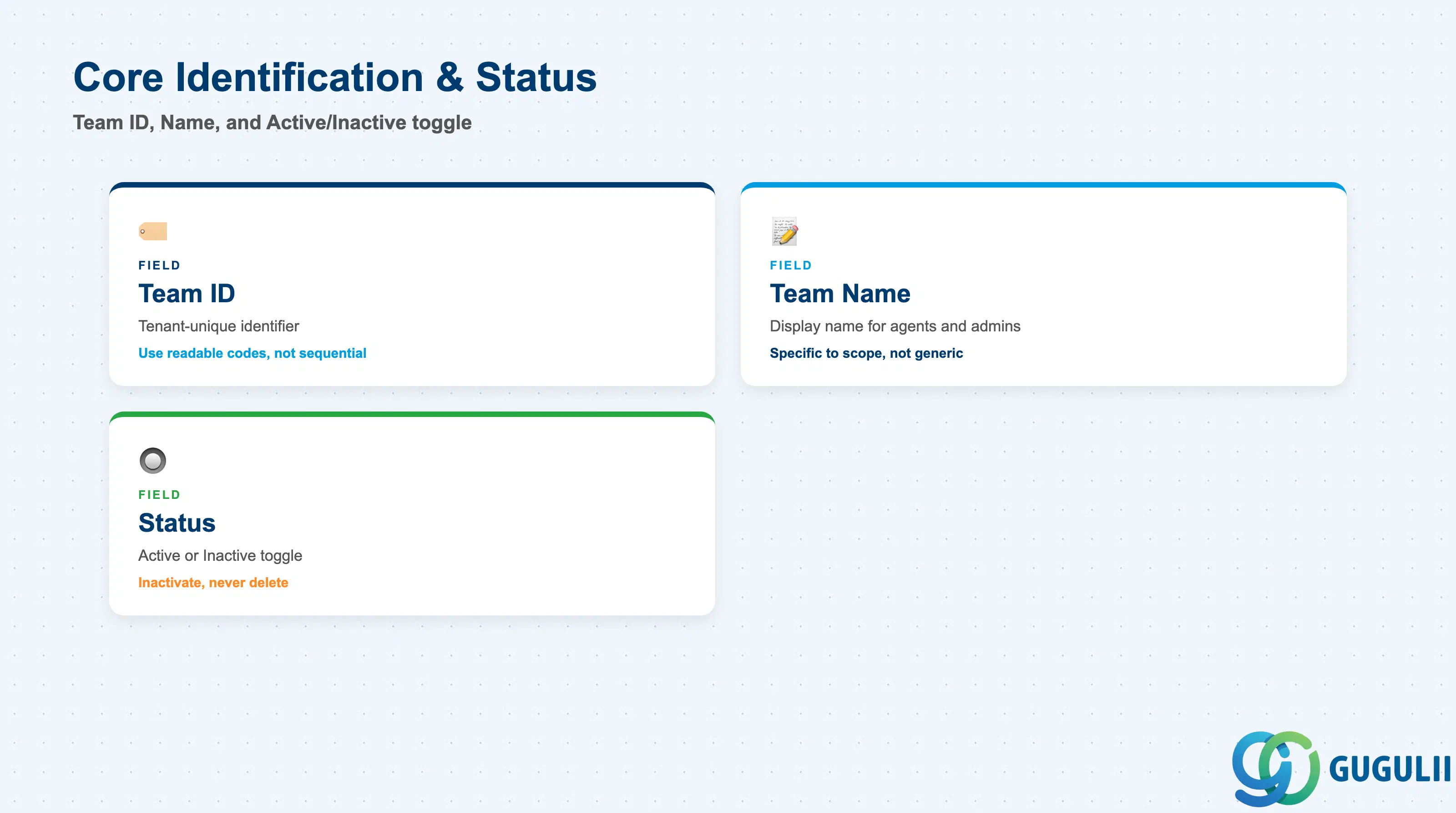
These fields establish which Team this is, its display name, and whether it currently accepts new case assignments — every lead, membership, and org-context field below only matters once these are set.
| Field | Description | Practical Usage |
|---|---|---|
| Team ID | Tenant-unique identifier for the Team record (e.g. SVC-TEAM-01) | Assign a readable, structured code rather than a system-generated sequential number — this ID surfaces on every Case Routing Rule that targets the Team, and a readable code speeds up admin troubleshooting when tracing why a case landed in a particular pool. |
| Team Name | Descriptive display name shown to agents and administrators (e.g. Technical Support) | Keep the name specific to the pool’s actual scope (product line, shift, or specialty) rather than a generic label like “Team 1” — agents use this name to recognize their own queue at a glance in the case worklist. |
| Status (Active / Inactive) | Whether the Team currently accepts new case assignments | Set to Inactive when retiring a Team rather than deleting it — case-assignment history against the Team remains queryable for audit, and any Case Routing Rule still pointing at it should be redirected first so cases don’t route into a dead end. |
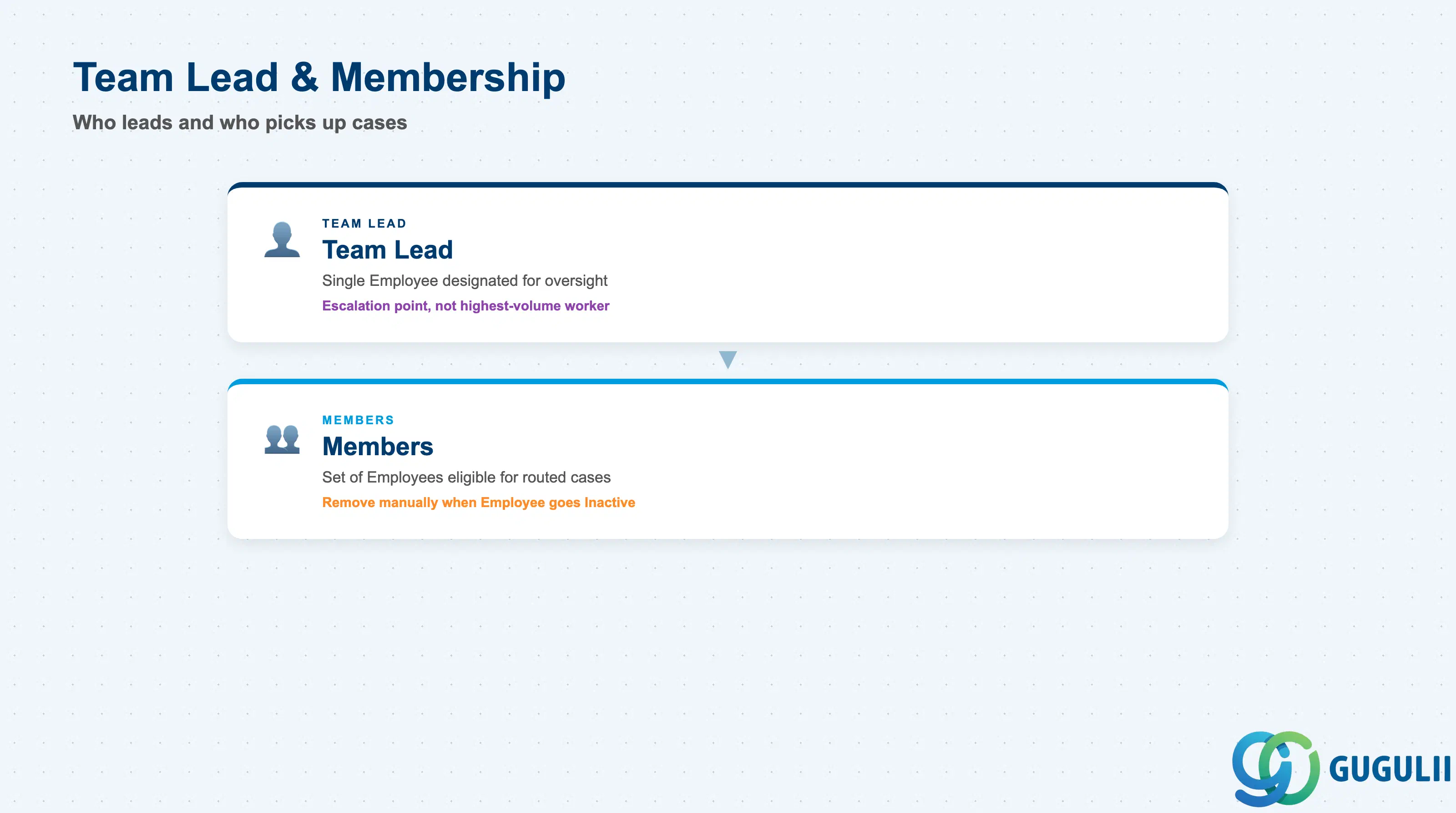
These fields determine who oversees the Team and which Employees are actually eligible to pick up a case routed to it — both are maintained independently of the Employee’s own Organizational Unit assignment.
| Field | Description | Practical Usage |
|---|---|---|
| Team Lead | The single Employee (SC-A02-02) designated to oversee this Team | The Team Lead is typically the point of escalation within the pool, not necessarily the case worker with the highest volume — set this deliberately rather than defaulting to whichever Employee was added first. |
| Members | The set of Employee (SC-A02-02) records eligible to work cases assigned to this Team | An Employee can be a Member of more than one Team at once; when an Employee leaves the organization, remove them from every Member list they appear in — Team membership does not update automatically when the underlying Employee record is set Inactive. |
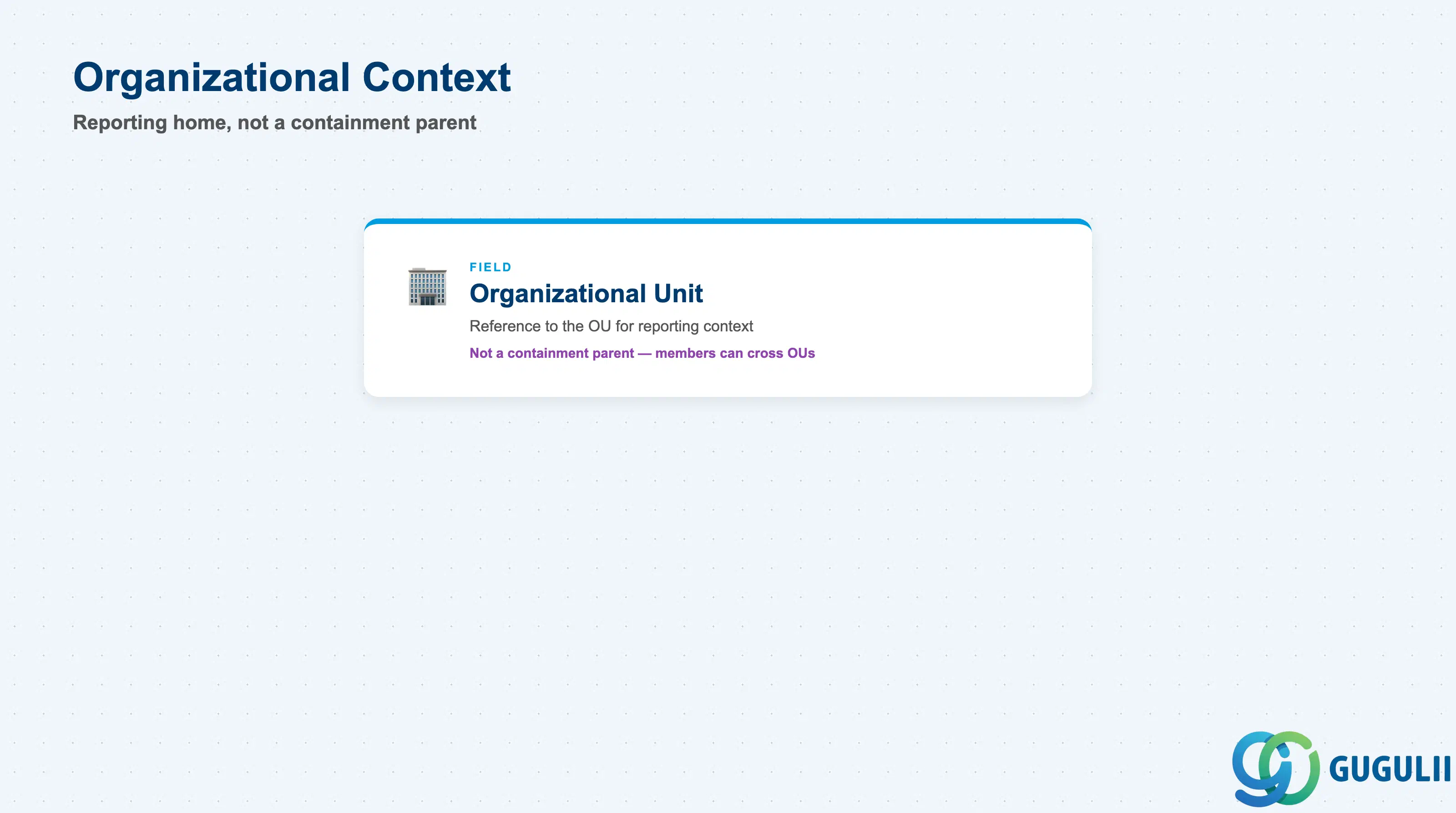
This field ties the Team to an Organizational Unit for reporting purposes only — it does not make the Team a child of that unit, and it does not have to match every Member’s own Organizational Unit.
| Field | Description | Practical Usage |
|---|---|---|
| Organizational Unit (Reference) | The Organizational Unit (SC-A02-01) this Team is associated with for reporting context | Use this for management reporting and cost-center-style rollups of Team activity, not as an access-control boundary — a Team can (and often does) draw Members from more than one Organizational Unit, so this field records a primary reporting home, not a hard membership rule. |
| ID | Category | Title |
|---|---|---|
| sc-001 | Overview | What is SAP Service Cloud? |
| ID | Category | Title |
|---|---|---|
| sc-a01 | Overview | SAP Service Cloud Master Data: Overview, Hierarchy & Relationships |
| sc-a02-01 | Master Data | SAP Service Cloud Organizational Unit |
| sc-a02-02 | Master Data | SAP Service Cloud Employee |
| sc-a02-03 | Master Data | SAP Service Cloud Business Role |
| sc-a02-04 | Master Data | SAP Service Cloud Business User |
| sc-a02-05 | Master Data | SAP Service Cloud Team 📍 |
| sc-a03-01 | Master Data | SAP Service Cloud Email Channel |
| sc-a03-02 | Master Data | SAP Service Cloud Email Template |
| sc-a04-01 | Master Data | SAP Service Cloud Knowledge Base Provider |
| sc-a05-01 | Master Data | SAP Service Cloud Service Catalog |
| sc-a05-02 | Master Data | SAP Service Cloud Service Category |
| sc-a05-03 | Master Data | SAP Service Cloud Case Type |
| sc-a06-01 | Master Data | SAP Service Cloud Service Level |
| sc-a06-02 | Master Data | SAP Service Cloud Service Level Determination |
| sc-a07-01 | Master Data | SAP Service Cloud Case Routing Rules |
| sc-a10-04 | Master Data | SAP Service Cloud Warranty |
| sc-a11-01 | Master Data | SAP Service Cloud Installed Base |
| sc-a11-02 | Master Data | SAP Service Cloud Functional Location |
| ID | Category | Title |
|---|---|---|
| sc-b01 | Overview | SAP Service Cloud Transactions: Process Flow, Hierarchy & Relationships |