Title here
Summary here

The Email Channel is SAP Service Cloud’s master record for a technical email inbox — an address such as support@example.com that the tenant monitors so that an inbound message automatically becomes a Case. It is the first object in Phase 2 (Channel), and it has no prerequisite of its own: it stands alone in the tenant, the same way Organizational Unit and Business Role stood alone as the entry points of Phase 1. Its one direct downstream dependency is Email Template (SC-A03-02), which cannot be created until an Email Channel already exists for it to attach to. This article maps the Email Channel’s scope, its relationship (and lack of relationship) to the tenant’s other master data, and every field administrators configure when standing up an email intake point.
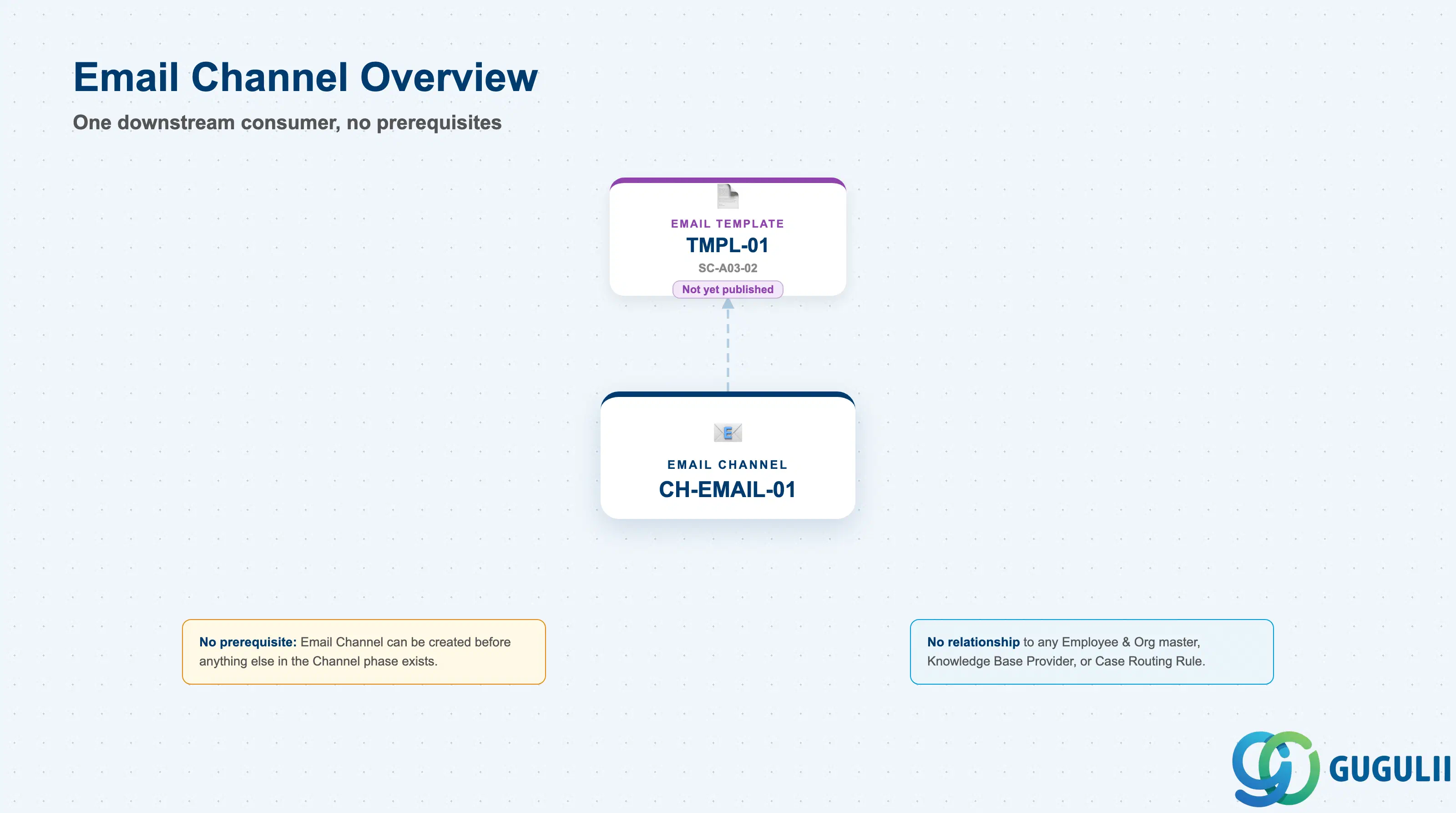
The Email Channel represents a monitored technical mailbox, not a person and not an org-chart node — it is the configuration record that tells the tenant which email address to watch and how an inbound message on that address should turn into a Case. It exists so that email intake can be defined once, as a named channel, and then referenced by any number of Email Templates and by the Case-creation logic that processes incoming mail.
| Aspect | Details |
|---|---|
| Role | Tenant-level record defining a technical email address monitored for inbound Case creation |
| Modules using it | SAP Service Cloud (Channel — sole owner); referenced directly only by Email Template (SC-A03-02); consumed by the Email Case Process transaction flow (SC-B02) when an inbound message arrives |
| Transactions | SAP Service Cloud Admin Console: Settings > Email Channels |
| Key Tables | SAP Service Cloud: EmailChannel business object (Admin/Core API OData entity) — SAP Service Cloud is a multi-tenant SaaS solution and does not expose classical ABAP tables to consultants |
| S/4HANA note | Email Channel is created and maintained natively inside the Service Cloud tenant; it is not replicated from S/4HANA or any external system. Like Organizational Unit and Business Role in Phase 1, it has no prerequisite — but it is the first object outside the Employee & Org phase, with no relationship at all to any Employee & Org master. |
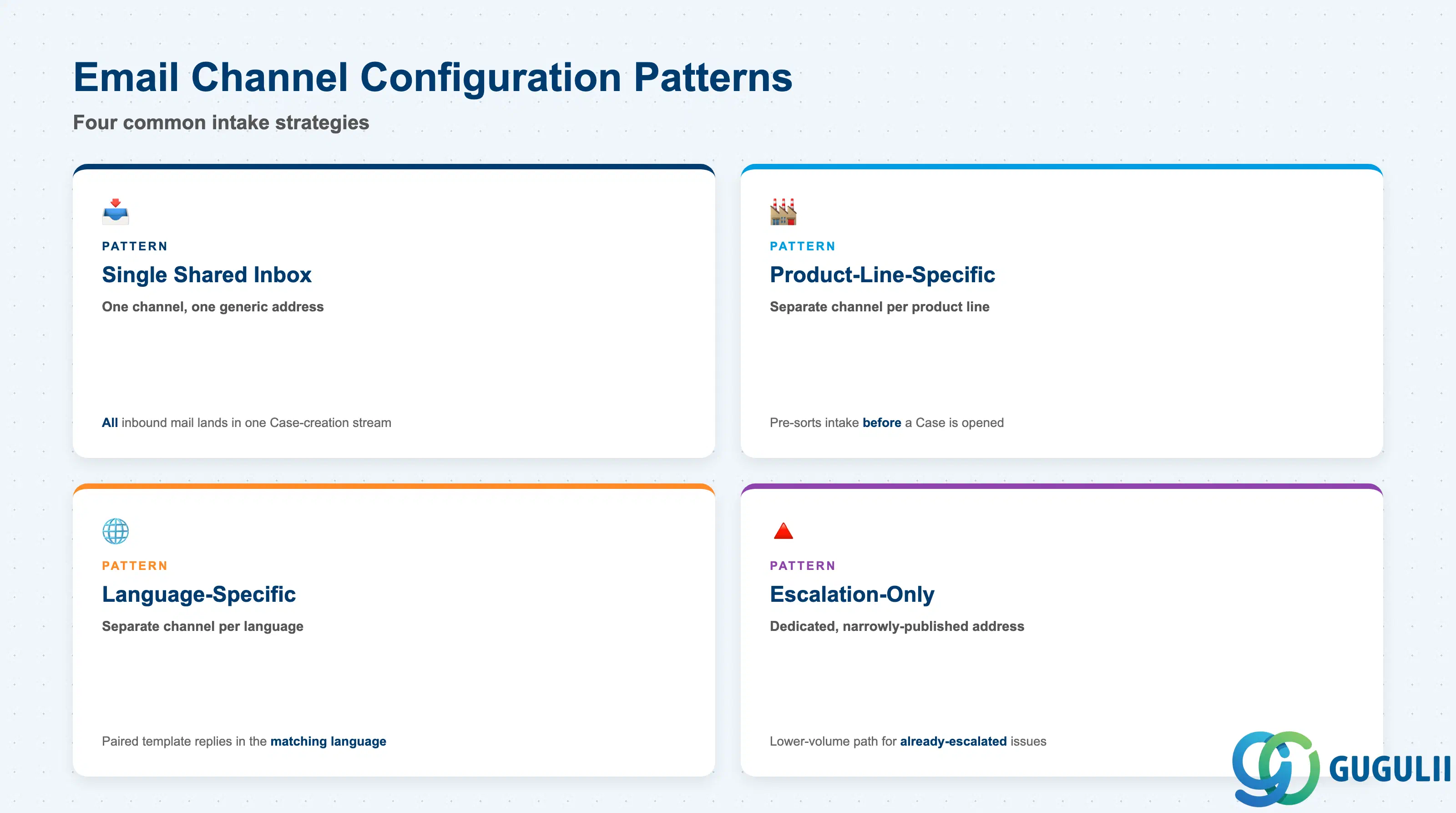
Service Cloud does not deliver a fixed “channel type” field on the Email Channel object itself — the practical patterns below describe how a channel record is actually set up and used once it exists. Getting this wrong either funnels every inbound email into one undifferentiated inbox that nobody can triage efficiently, or fragments intake across so many overlapping channels that customers never know which address to use.
| Pattern | Typical Configuration | Use Case | Key Behavior |
|---|---|---|---|
| Single Shared Inbox Channel | One Email Channel, one generic address (e.g. support@example.com) | Small service organizations, or an initial tenant rollout before intake volume justifies splitting | All inbound mail lands in one Case-creation stream; downstream Case Type or Category logic does the differentiation instead of the channel itself |
| Product-Line-Specific Channel | Separate Email Channel per product line or business unit (e.g. hardware-support@, software-support@) | Organizations where product-line teams need intake pre-sorted before a Case is even opened | Each channel typically pairs with its own Email Template set (SC-A03-02), so acknowledgment replies already reference the right product context |
| Language-Specific Channel | Separate Email Channel per supported language (e.g. support-jp@, support-en@) | Multi-region tenants supporting customers in more than one language | Lets the paired Email Template reply in the matching language automatically, without per-message language detection logic |
| Escalation-Only Channel | A dedicated, narrowly-published address (e.g. escalations@example.com) not advertised on general customer channels | Organizations that want a separate, lower-volume intake path for already-escalated issues | Typically monitored more tightly or routed with different urgency handling than the general-purpose channel(s) |
Design principle: Split Email Channels along a real operational need (product line, language, escalation tier) — not by department org chart. A channel that exists only because a department wanted “its own inbox” usually means the split reflects internal structure rather than how customers actually reach out.
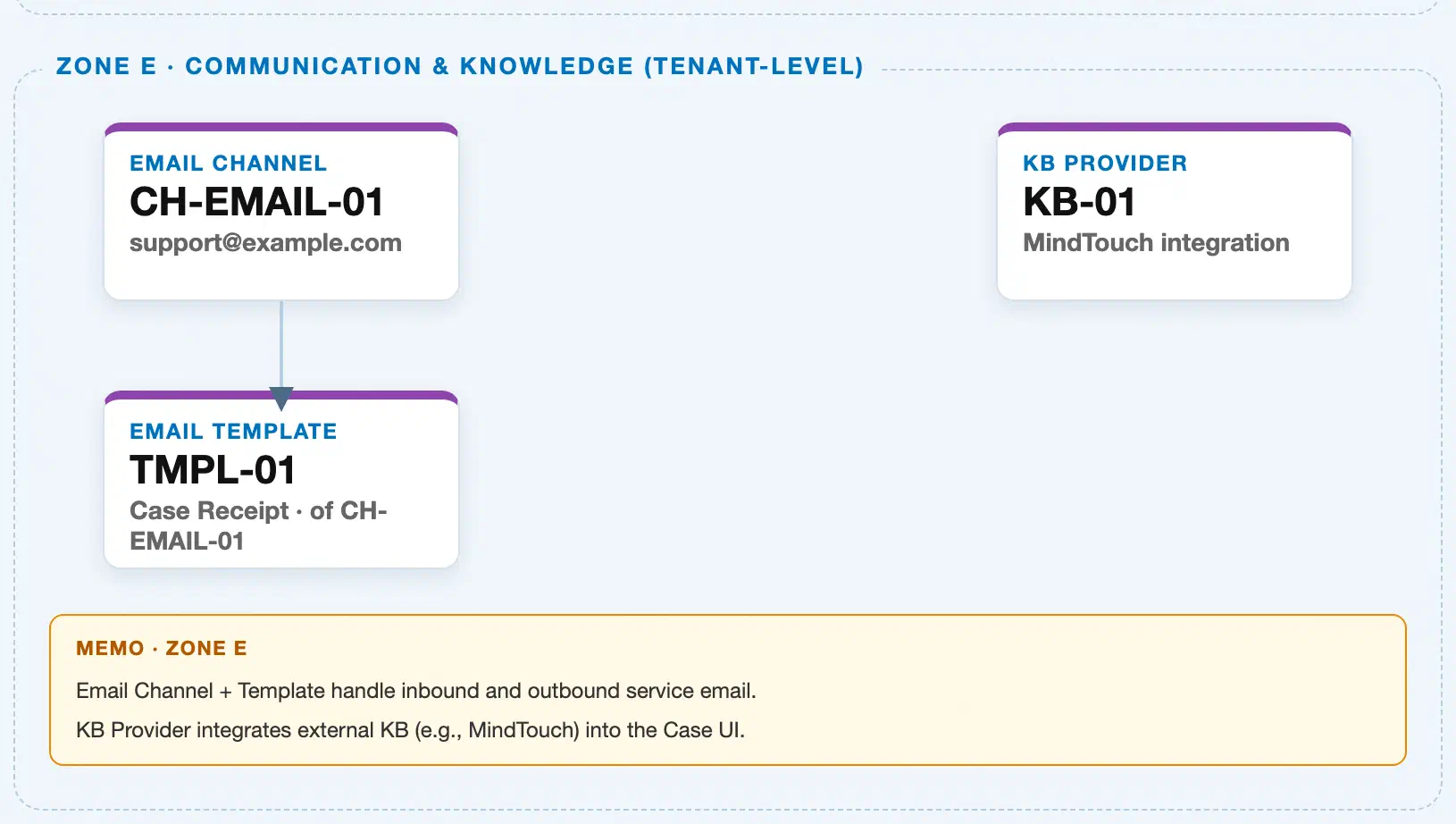
Data hierarchy with a concrete example (Zone E · Communication & Knowledge — tenant-level; SAP Service Cloud has no Company Code / Plant scoping above this)
Client (SAP Service Cloud Tenant)
   │
   ├── Email Channel "CH-EMAIL-01" — Technical Support Intake, Address "support@example.com"
   │
   └── Knowledge Base Provider "KB-01" — MindTouch integration (Zone E sibling; no relationship to Email Channel)

Email Channel "CH-EMAIL-01" ── referenced by ──> Email Template "TMPL-01" — Case Receipt Confirmation
   (forward reference; Phase 2 downstream dependency, SC-A03-02, not yet a real record described in this article)
Design principle: Email Channel is the entry point of the Channel phase — like Organizational Unit and Business Role were the entry points of Phase 1, it has no prerequisite and can be created before anything else in the phase exists. Its only downstream dependency, Email Template, is a reference relationship, not containment: an Email Template names the Email Channel it belongs to, but the channel itself never lists or owns its templates as child records.
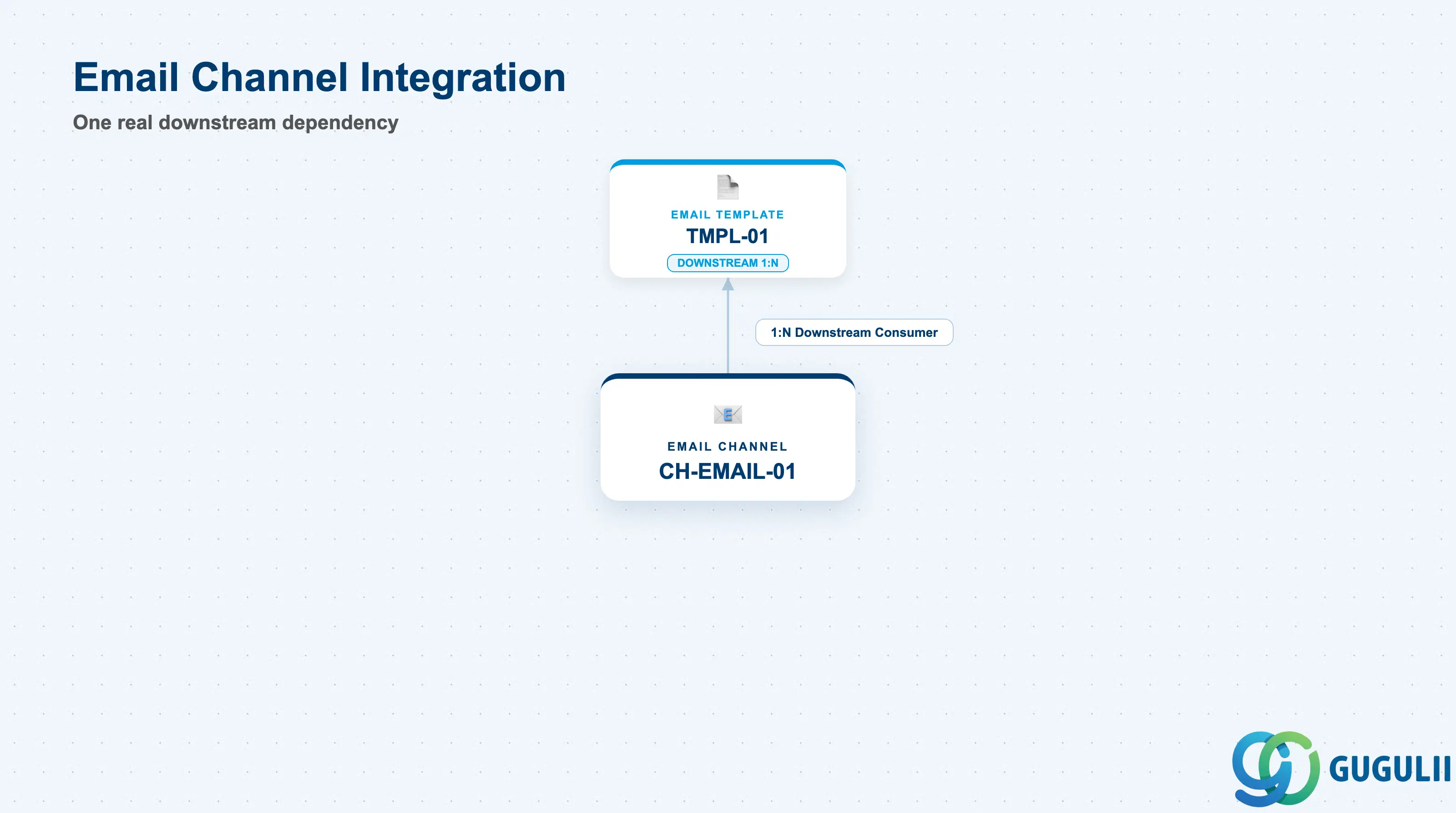
Email Channel is deliberately narrow in scope — it has exactly one real downstream consumer, and it is worth being precise about the objects it does not directly connect to, since the source documentation’s mention of “routing” is easy to over-read.
| Object | Relationship | Practical Notes |
|---|---|---|
| Email Template (SC-A03-02) | Downstream consumer, 1:N — one Email Channel can have multiple Email Templates | This is Email Channel’s only direct forward dependency. An Email Template record names the Email Channel it is associated with; the channel must already exist before the template can be created. SC-A03-02 is not yet published as of this article. |
| Case Routing Rule (SC-A07-01) | No direct field-level relationship | Case Routing Rule (Phase 6) targets a Team or an Employee, not an Email Channel. The Email Channel’s own Routing Rule field (Section 2.3) governs how a Case is initially generated and defaulted from that channel — it is not the same object, and does not populate or reference Case Routing Rule. The two only meet operationally: an inbound email creates a Case, and that Case is what later flows into whatever Case Routing Rule applies. |
| Knowledge Base Provider (SC-A04-01) | No relationship | Both are independent Phase-adjacent masters shown together only because they share the same tenant-level “no prerequisite” pattern and the same Zone in the master data landscape; neither references the other. |
| Organizational Unit, Employee, Business Role, Business User, Team (Phase 1) | No relationship | Email Channel is the first object outside the Employee & Org phase and has no field, reference, or dependency pointing to any Phase 1 master. |
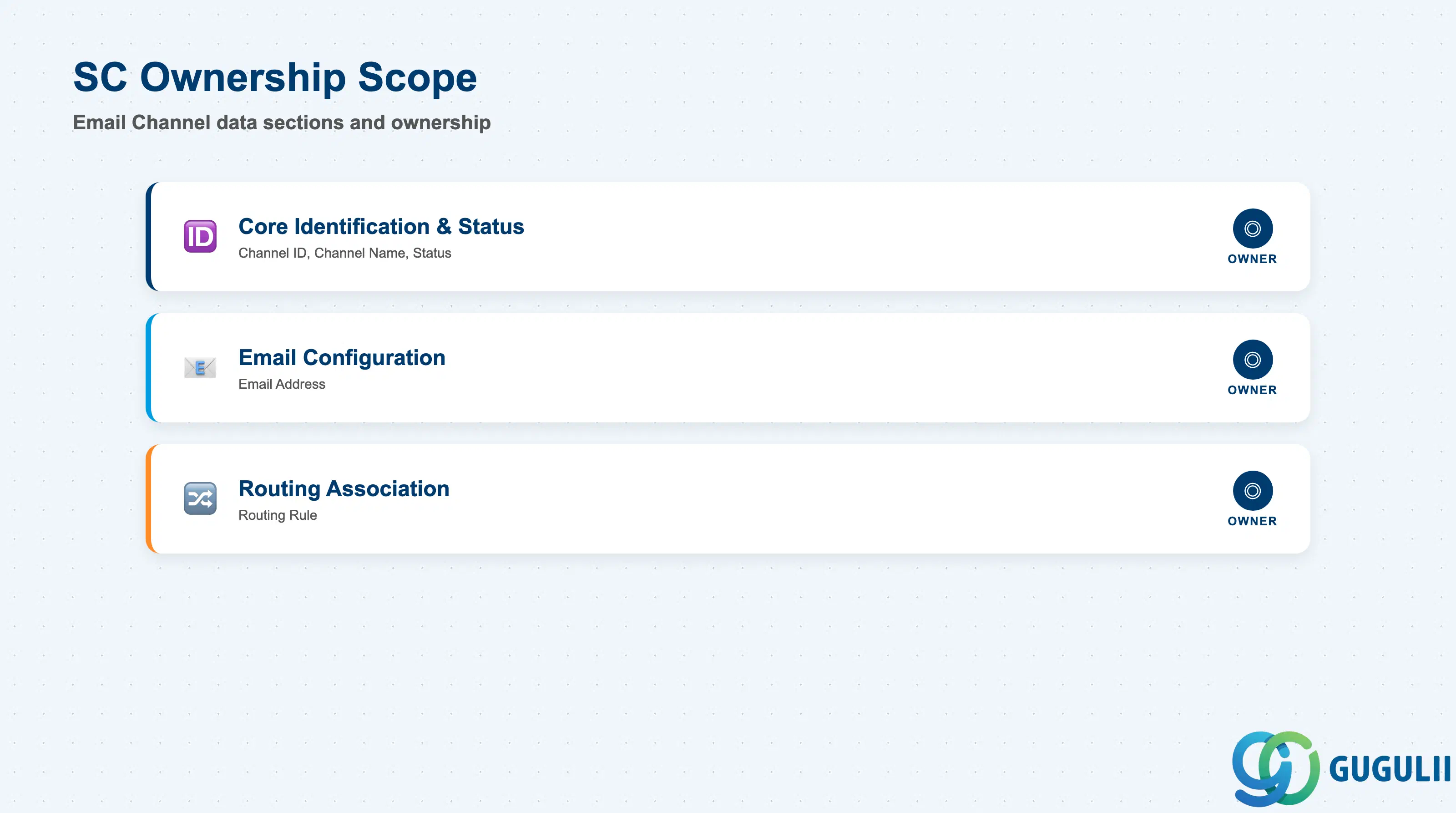
| Data Section | SC Involvement | Notes |
|---|---|---|
| Core Identification & Status | ◎ Owner | Channel ID, Channel Name, Status — establishes which channel this is and whether it currently accepts inbound mail |
| Email Configuration | ◎ Owner | Email Address — the technical address the tenant actually monitors |
| Routing Association | ◎ Owner | Routing Rule — the channel-level setting that defaults how a Case created from this channel is initially generated (distinct from the Case Routing Rule master object, SC-A07-01) |
Legend: ◎ = Owner / Critical, ○ = Direct involvement
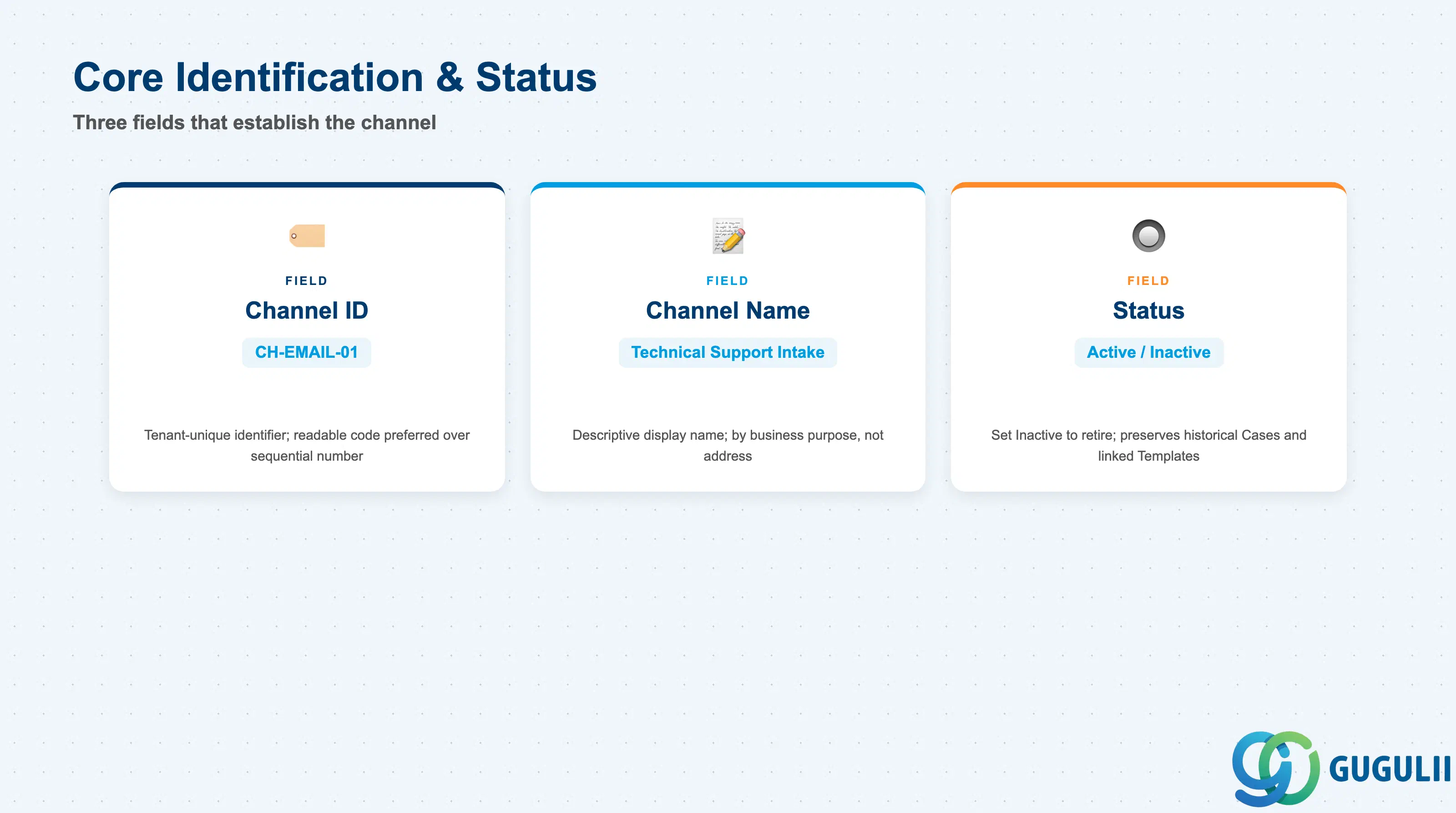
These fields establish which Email Channel this is and whether it currently accepts inbound mail — every configuration and routing field below only matters once these are set.
| Field | Description | Practical Usage |
|---|---|---|
| Channel ID | Tenant-unique identifier for the channel record (e.g. CH-EMAIL-01) | Assign a short, readable code rather than a system-generated sequential number — this ID surfaces on every Email Template associated with the channel and in Case-creation audit logs, so a readable code speeds up admin troubleshooting when tracing how a Case originated. |
| Channel Name | Descriptive display name shown in the Admin Console (e.g. Technical Support Intake) | Name the channel by its business purpose, not by the address alone — administrators managing several channels need to distinguish “Technical Support Intake” from “Billing Inquiries” at a glance, without having to read the email address itself. |
| Status (Active / Inactive) | Whether the channel currently accepts and processes new inbound mail | Set to Inactive rather than deleting a retired channel — historical Cases created through it remain queryable for audit, and any Email Template still associated with it is preserved rather than orphaned. |
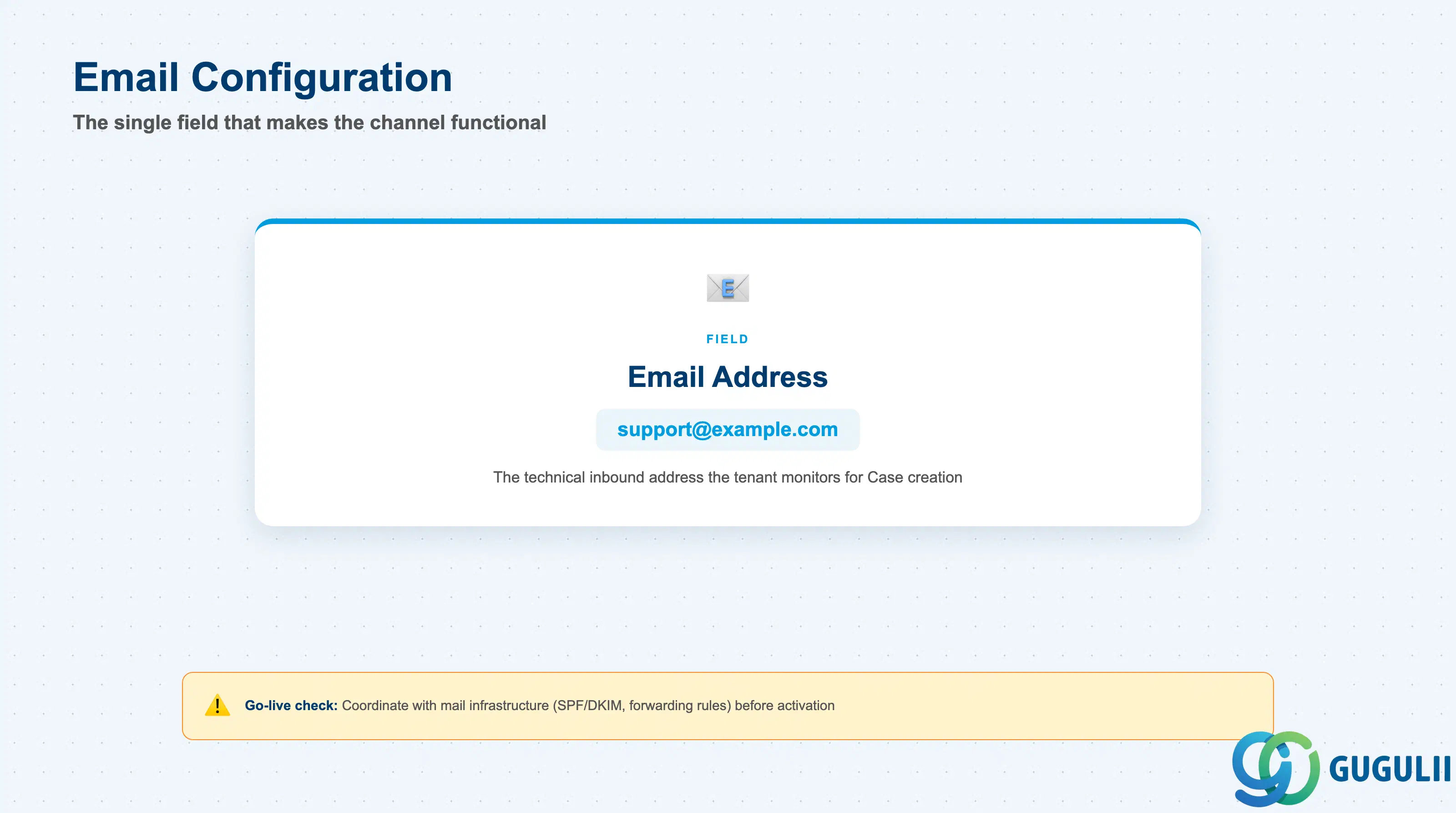
This is the field that actually makes the channel functional — everything else on the record describes or governs this one technical address.
| Field | Description | Practical Usage |
|---|---|---|
| Email Address | The technical inbound address the tenant monitors (e.g. support@example.com) | Coordinate this value with whatever mail infrastructure sits in front of Service Cloud (mail forwarding rules, SPF/DKIM configuration, any middleware relay) before go-live — a channel with a correctly configured address but a misconfigured mail-forwarding rule upstream will silently receive nothing, and the gap is easy to miss during testing if test mail is sent from an already-whitelisted account. |
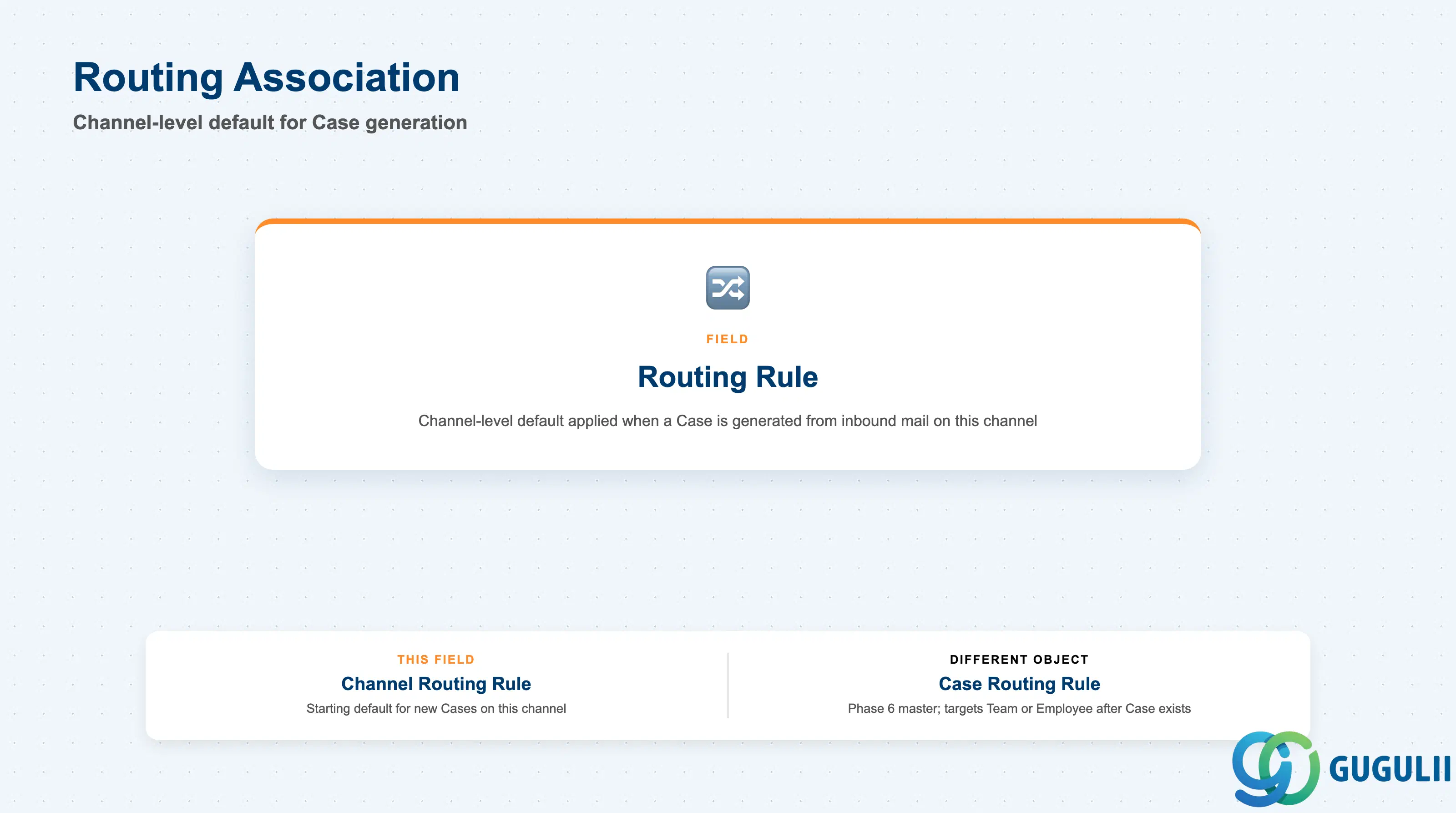
This field sets how a Case is initially generated from mail arriving on this channel — it is deliberately kept separate from the Case Routing Rule master object (SC-A07-01), which is a Phase 6 configuration that targets a Team or Employee only after the Case already exists.
| Field | Description | Practical Usage |
|---|---|---|
| Routing Rule | Channel-level default applied when a Case is generated from an inbound message on this channel (e.g. a default Case Type or Category) | Treat this as a starting default, not the tenant’s actual case-assignment logic — the Case this setting produces is what Case Routing Rule (SC-A07-01) subsequently evaluates against Team and Employee targets. Confusing the two during design is a common source of “why didn’t this route to the right team” questions, since the fix in most cases belongs on the Case Routing Rule record, not here. |
| ID | Category | Title |
|---|---|---|
| sc-001 | Overview | What is SAP Service Cloud? |
| ID | Category | Title |
|---|---|---|
| sc-a01 | Overview | SAP Service Cloud Master Data: Overview, Hierarchy & Relationships |
| sc-a02-01 | Master Data | SAP Service Cloud Organizational Unit |
| sc-a02-02 | Master Data | SAP Service Cloud Employee |
| sc-a02-03 | Master Data | SAP Service Cloud Business Role |
| sc-a02-04 | Master Data | SAP Service Cloud Business User |
| sc-a02-05 | Master Data | SAP Service Cloud Team |
| sc-a03-01 | Master Data | SAP Service Cloud Email Channel 📍 |
| sc-a03-02 | Master Data | SAP Service Cloud Email Template |
| sc-a04-01 | Master Data | SAP Service Cloud Knowledge Base Provider |
| sc-a05-01 | Master Data | SAP Service Cloud Service Catalog |
| sc-a05-02 | Master Data | SAP Service Cloud Service Category |
| sc-a05-03 | Master Data | SAP Service Cloud Case Type |
| sc-a06-01 | Master Data | SAP Service Cloud Service Level |
| sc-a06-02 | Master Data | SAP Service Cloud Service Level Determination |
| sc-a07-01 | Master Data | SAP Service Cloud Case Routing Rules |
| sc-a10-04 | Master Data | SAP Service Cloud Warranty |
| sc-a11-01 | Master Data | SAP Service Cloud Installed Base |
| sc-a11-02 | Master Data | SAP Service Cloud Functional Location |
| ID | Category | Title |
|---|---|---|
| sc-b01 | Overview | SAP Service Cloud Transactions: Process Flow, Hierarchy & Relationships |