Title here
Summary here

Service Category is the leaf-level classification record in SAP Service Cloud’s category structure: “Each service category must be associated with a service catalog.” A category cannot be created, imported, or displayed without a parent Service Catalog (SC-A05-01) reference, and it can nest up to three levels of subcategories beneath a top-level category — four levels in total. What a Service Category record does not do is equally important: it carries no object-type/channel field of its own (that scoping belongs entirely to the parent catalog), and — despite Case Type configuration screens making the catalog assignment look category-adjacent — a Case Type never stores or selects a specific category. This article covers the category’s own field set, its hierarchy and lifecycle rules, and resolves that Case Type question explicitly before moving into the field-level detail.
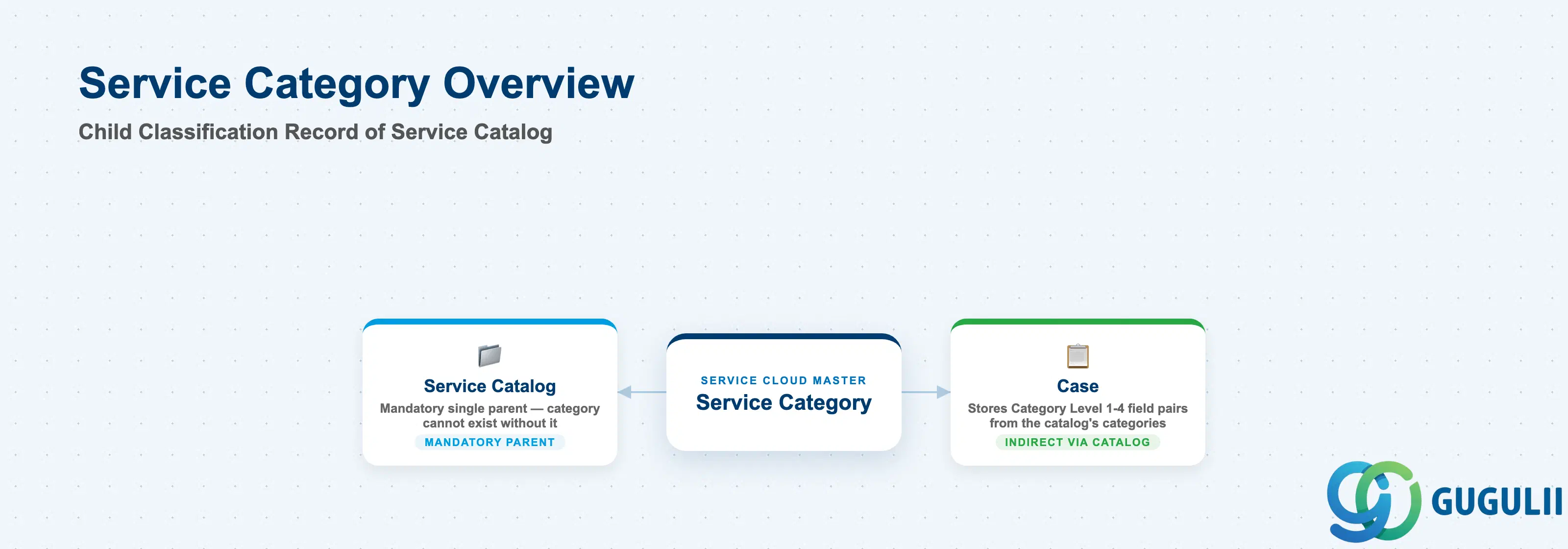
A category exists to give a case, phone call, chat, or email a consistent, structured label — “Engine > Oil Change,” not a free-text note an agent typed by hand. It is not the container; the grouping and channel scoping live one level up, on Service Catalog. Service Category is the record an administrator actually populates with a name, a status, and (optionally) a parent category, and it is the record an agent actually picks from when classifying a case.
| Aspect | Details |
|---|---|
| Role | Child/leaf classification master nested inside exactly one parent Service Catalog, up to four hierarchy levels deep; the entity agents select from when categorizing a case or interaction |
| Modules using it | SAP Service Cloud (sole owner); consumed by Case (Category Level 1–4 field pairs), the Phone Call / Chat / Email interaction screens, the Service Category Path display, and the Case Categorization AI/ML model |
| Transactions | Bulk: User Menu > System Settings > Monitoring > Data Import and Export (Service Category / Category Names / Category Descriptions entity templates). Single-record: User Menu > System Settings > All Settings > Service Catalogs > Catalog Definition — “Add Parent Category” icon for top-level categories, “Add Subcategory” icon (Action column) for children |
| Key Tables | SAP Service Cloud: Service Category business object (Admin/Core API OData entity, defined via the Data Import and Export field template). SAP Service Cloud is a multi-tenant SaaS solution and does not expose classical ABAP tables to consultants |
| S/4HANA note | Service Category is configured natively inside the Service Cloud tenant; it is not replicated from S/4HANA. Do not confuse it with the unrelated Forms-module “Form Categories” feature (see Section 1.4), which happens to share both the word “category” and the same four-level hierarchy convention |
Common misconception — Case Type does NOT reference Service Category directly. Readers may assume that because a Case Type ultimately determines which categories an agent can pick from, the Case Type record itself must store a category reference. It does not. Service Category’s own “Dependencies on Other Entities” table in the official Set Up Guide lists exactly one external dependency — Service Catalog — and no entry for Case Type, Case, Case Routing, or Service Level. Independently, the Case Type configuration procedure’s step for catalog assignment reads only “(Optional) Select a service catalog for the case type” — never a category. Any effect Category has on a Case Type is entirely indirect, mediated through the shared catalog. See Section 1.4 for the full relationship table.
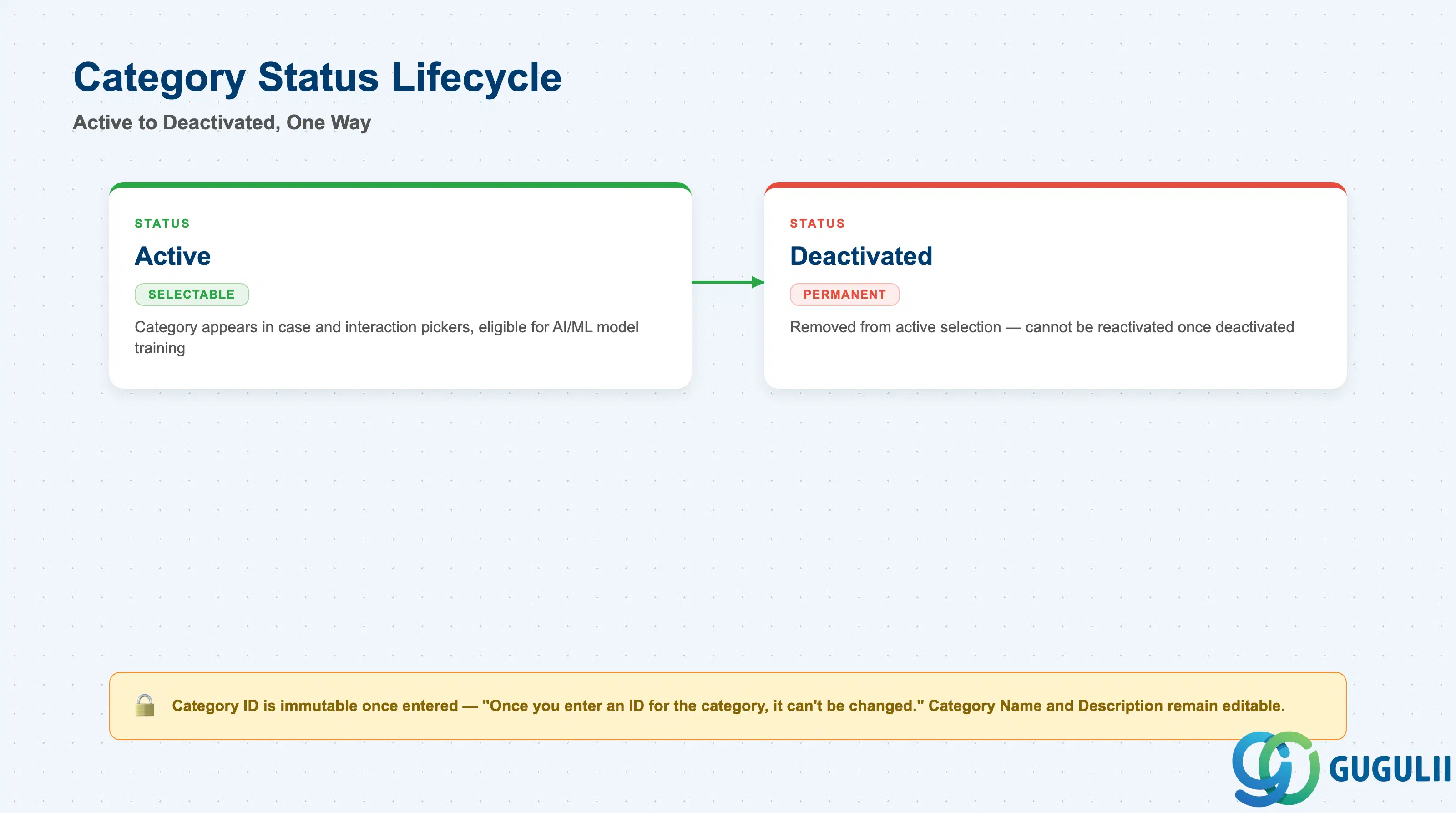
A category’s status governs whether it is selectable at all, and getting the activation sequence wrong is not something you can simply undo — SAP documents this restriction explicitly, which makes it worth treating as a design constraint rather than a UI detail.
| State | Description | Key Behavior |
|---|---|---|
| Active | Set via the Activate icon in the Action column on the Catalog Definition screen, or via a status code from the category-status reference file in a bulk import | Category is selectable in case/interaction category pickers and eligible for Case Categorization model training, provided its parent catalog is also active and scoped to the relevant object type |
| Deactivated | Set via the Deactivate icon in the same Action column, or the equivalent bulk status code | Removes the category from active selection; the transition is one-way — “once you deactivate a service category, you cannot activate it again” — so deactivation should be treated as permanent retirement, not a temporary hide |
Design principle: Category ID is immutable once entered — “Once you enter an ID for the category, it can’t be changed” — though Category Name and Description remain editable at any time. Combined with the one-way Activate/Deactivate rule, a category record’s identity and its status are both effectively permanent decisions once made. Plan category IDs and taxonomy carefully before go-live; neither a rename-the-ID nor a reactivate option exists as a fallback.
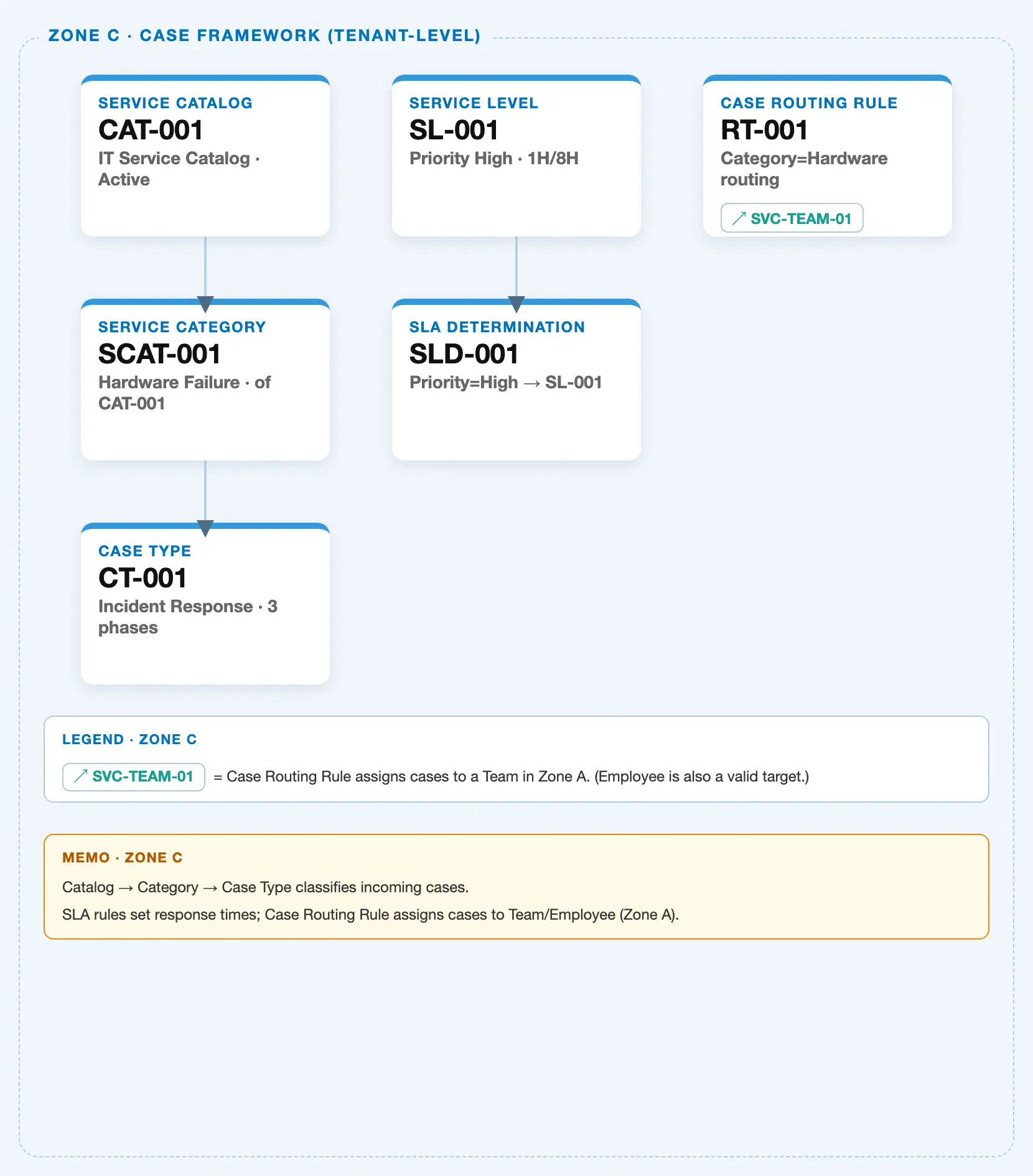
Data hierarchy with a concrete example (tenant-level; SAP Service Cloud has no Company Code / Plant scoping above this)
Client (SAP Service Cloud Tenant)
   │
   └── Service Catalog "SVC-CATALOG-AUTO" — Catalog Display ID: SVC-CATALOG-AUTO; Object Types Supported: Case, Phone, Chat, Email
           │
           └── Service Category (Level 1, top-level) "Vehicle Service" — Category Display ID: VEHICLE-SERVICE; Catalog Display ID: SVC-CATALOG-AUTO; Category Status: Active
                   │
                   └── Service Category (Level 2) "Engine" — Category Display ID: ENGINE; Parent Category Display ID: VEHICLE-SERVICE
                           │
                           └── Service Category (Level 3) "Oil Change" — Category Display ID: OIL-CHANGE; Parent Category Display ID: ENGINE
                                   │
                                   └── Service Category (Level 4, maximum depth) "Synthetic Oil Change" — Category Display ID: SYNTHETIC-OIL-CHANGE; Parent Category Display ID: OIL-CHANGE

   Case Type "Vehicle Repair Case" ── assigned to (draft status only) ──> Service Catalog "SVC-CATALOG-AUTO"
                                                                            (never assigned directly to any Service Category level above)
Design principle: “You can have up to three levels of subcategories under your top-level category, providing a total of four hierarchy levels for your category catalogs” — this is stated directly in the category’s own admin chapter, and independently corroborated by the Case entity’s
Category Level 1–4fields and the Case Categorization FAQ (“Case Categorization supports upto four levels”). SAP’s own Data Import tooling reinforces this from a fourth angle: Service Category — unlike Service Catalog — is flagged a “hierarchical entity” in the import capability matrix, a designation shared with only two other entities in the entire table (Organizational Unit and Product Groups). A category’sparent_external_key/ Parent Category Display ID fields are left blank only for top-level categories; every subcategory below Level 1 must declare its immediate parent category, not the catalog.
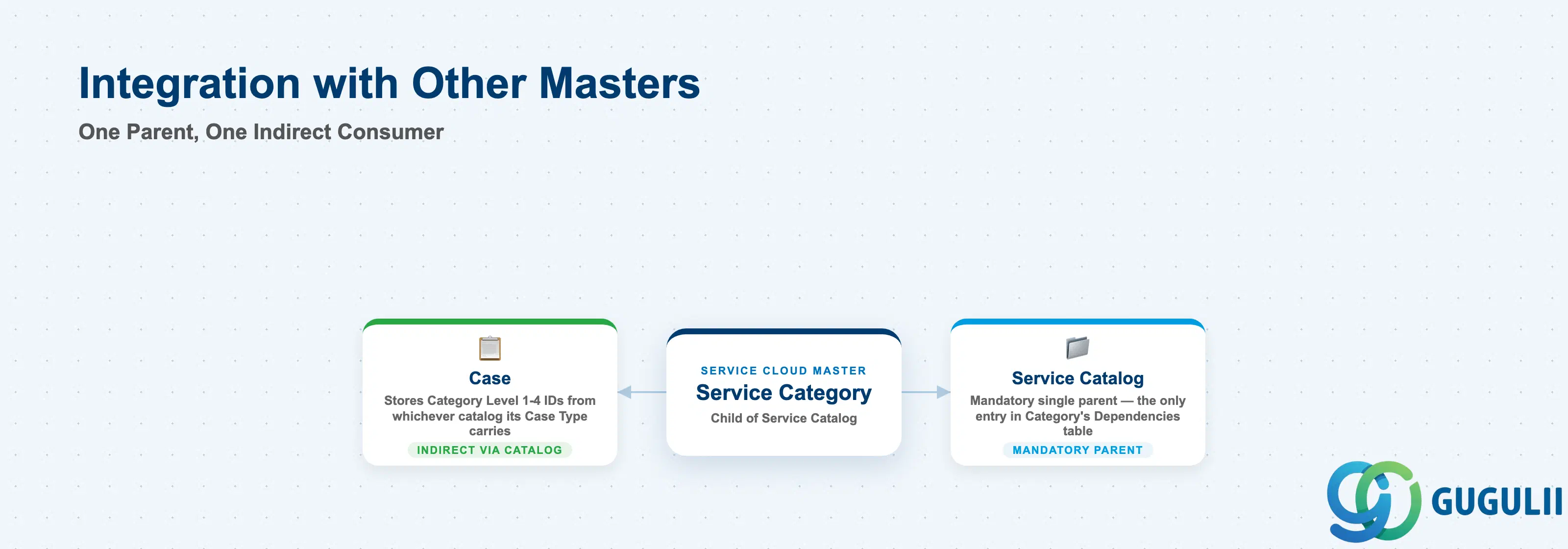
Service Category has exactly one genuine, sourced structural dependency — its parent Service Catalog — and no others. Several objects below could plausibly be assumed related by name, purpose statement, or shared hierarchy pattern; the table is explicit about which of those assumptions the documentation actually supports.
| Object | Relationship | Practical Notes |
|---|---|---|
| Service Catalog (SC-A05-01) | Direct, mandatory, single parent — the only entry in Category’s own Dependencies table | “Each service category must be associated with a service catalog.” A category is declared into exactly one catalog via its Catalog Display ID field at creation. No documented mechanism exists to move a category to a different catalog after creation (see the scope note below). |
| Case Type (SC-A05-03) | No direct relationship — myth-busting point, stated plainly | Category is absent from Case Type’s 16-step configuration procedure in both official guides, and absent from Category’s own Dependencies table. A Case Type optionally selects a Service Catalog only, and only while in draft status; the categories an agent then sees on cases of that type are simply whichever categories belong to the assigned catalog. The Case Type record itself never stores a specific Category reference. |
| Case (transaction object) | Indirect, via Case Type’s assigned catalog | A Case stores up to four Category Level ID/Display ID field pairs, populated by selecting categories from whichever catalog its Case Type carries — the Case does not reference Category’s own “Catalog Display ID” field; it consumes the hierarchy at the presentation layer. |
| Phone Call / Chat / Email interactions | Same indirect, catalog-gated pattern as Case | Category selection in these interaction dialogues is scoped by the parent catalog’s Object Types Supported value via the Service Category Catalog Selection and Service Category Path business services — Category itself carries no independent channel scoping (see Section 2.1). |
| Case Categorization (AI/ML model) | Downstream consumer, not a stored data relationship | Trained on “past cases and category catalog,” predicting categories bottom-up per hierarchy level up to four, gated by a confidence threshold per level. Restructuring a live catalog or category tree is not a free edit: “If you update your service category catalog, you must map new category IDs to existing categories and retrain your model.” |
| Case Routing Rule (if published as a separate SC-A0x object) | Unconfirmed at field level | The Case Routing to Employee/Team procedures describe a generic, administrator-configurable rules table without naming Category as a specific example column in either official source. Category could plausibly be added as a user-configured routing column given the generic table design, but this was not shown or stated. Treat as an open item, not a confirmed mechanism. |
| Service Level (if published as a separate SC-A0x object) | Unconfirmed / conflicting-source note | One source’s chapter-opening line states categories are used “for determining service level assignments,” but neither the Configure Service Levels nor Configure Service Level Determination procedures name Category as an example rules-table field in either official guide. Present the purpose statement as SAP’s own stated rationale for the feature, not as a confirmed field-level mechanism. |
| Form Categories (Forms module — unrelated entity) | No relationship — naming collision only | The Forms module has its own, separate “Form Categories” hierarchy, also four levels deep, with its own explicit re-parenting affordance: a Move Category button. Service Category has no equivalent move/re-parent action documented anywhere in either official source used for this article — do not assume one exists just because a similarly-named feature elsewhere in the product has it. |
| Organizational Unit, Business Role, Email Channel, Email Template, Knowledge Base Provider | No relationship | Same conclusion SC-A05-01 reached for Service Catalog, and by extension equally true for Category, since Category has no dependency beyond its parent Catalog. |
Scope notes: (1) No documented re-parenting mechanism — the admin UI chapter describes only “Add Parent Category” (create a new top-level category) and “Add Subcategory” (create a new child); no “move” action to a different parent category or catalog is described for Service Category anywhere in the sources used. (2) No category-only copy function exists — the “Copy Service Catalogs” procedure is catalog-scoped; copying a catalog duplicates its categories as a side effect, but there is no separate, category-level copy action. (3) The admin navigation path for both Catalog and Category is the same single screen:
User Menu > System Settings > All Settings > Service Catalogs > Catalog Definition— there is no Category-only settings page.
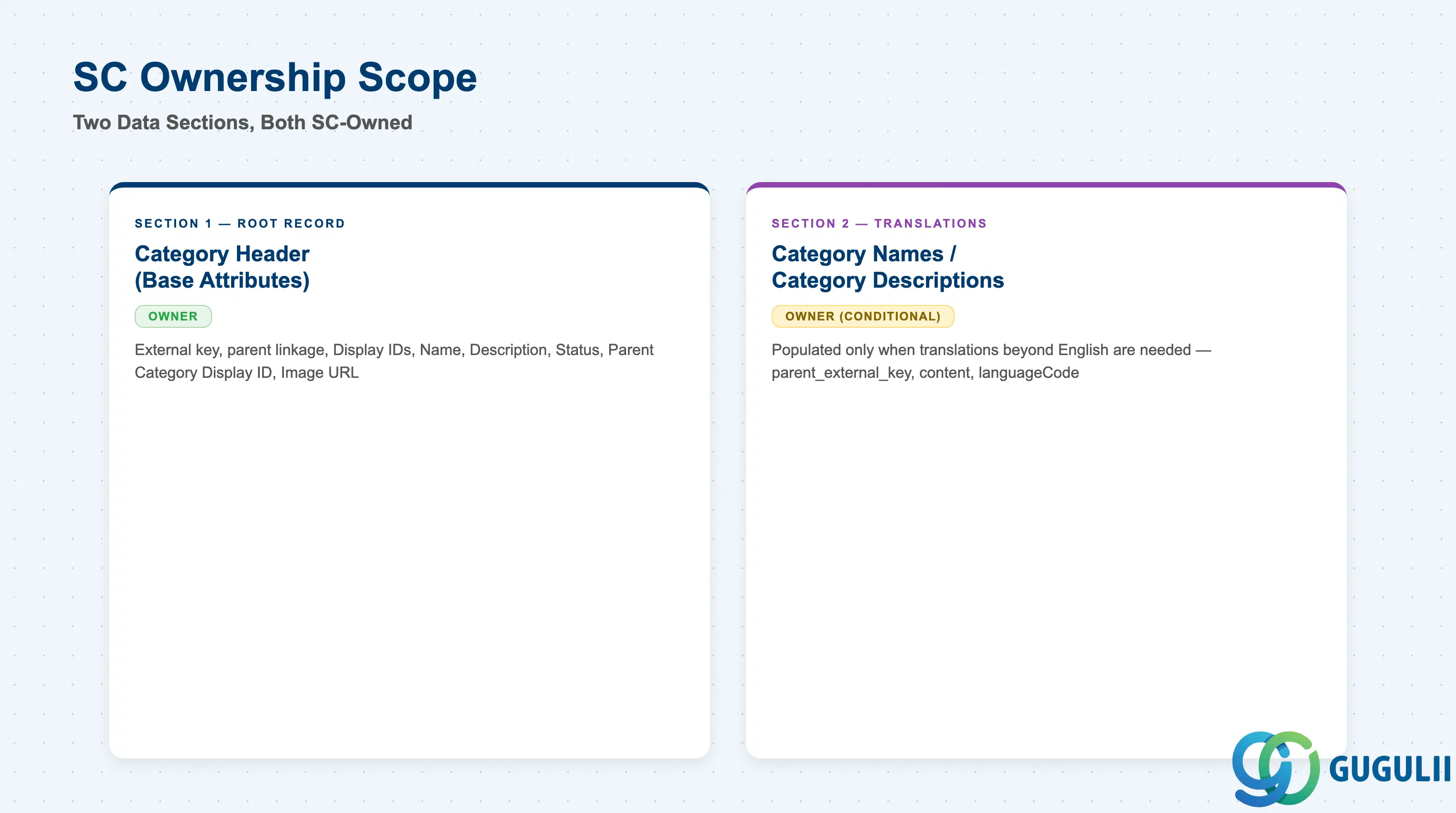
| Data Section | SC Involvement | Notes |
|---|---|---|
| Category Header (Base Attributes) | ◎ Owner | External key, parent linkage, display IDs, name, description, status, and image toggle — the single root record every category has. |
| Category Names / Category Descriptions (Translation Sub-files) | ◎ Owner (conditional) | Populated only when the category needs Name/Description translations beyond the English values already stored in the root record. |
Legend: ◎ = Owner / Critical, ○ = Direct involvement
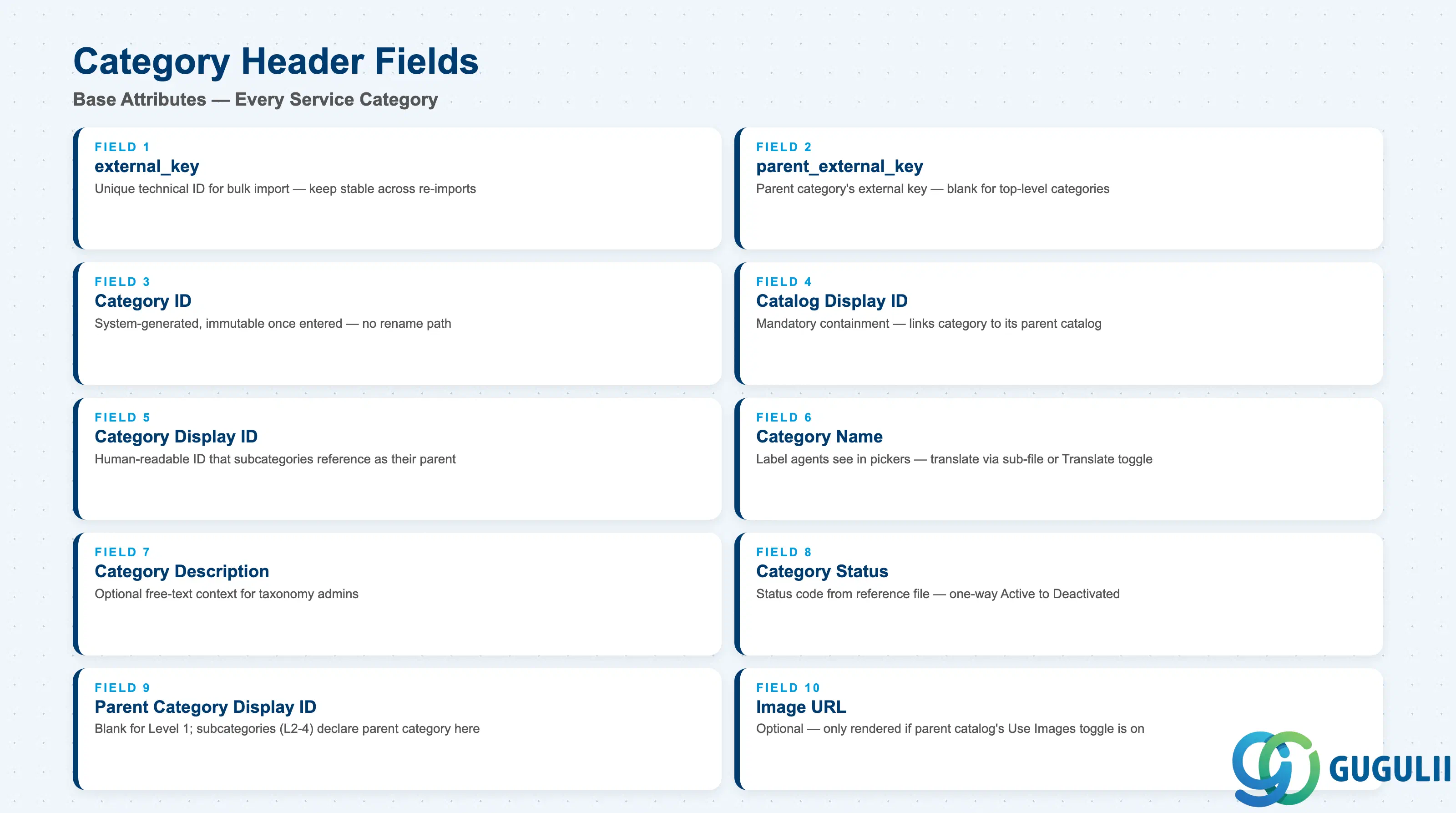
This is the single root record behind every Service Category — get these fields right and the category exists, is correctly parented (both to its catalog and, for subcategories, to its parent category), and is correctly statused.
| Field | Description | Practical Usage |
|---|---|---|
external_key | Unique technical ID for the category, used only in the Data Import and Export file | This is the bulk-load-file identifier, not the field users see in the UI — keep it stable across re-imports so updates target the same category rather than creating duplicates. |
parent_external_key | The external key of the parent category (not catalog); blank for top-level categories | Declares the position of this category inside the hierarchy relative to its sibling categories. Do not confuse with Catalog Display ID below, which declares the containing catalog — a category needs both a catalog reference and, for anything below Level 1, a parent category reference. |
| Category ID (system-generated, distinct from Category Display ID) | Assigned once the category is created via the admin UI | Immutable once entered — “Once you enter an ID for the category, it can’t be changed.” Choose category IDs deliberately at creation time; there is no rename path, only edits to Name and Description. |
| Catalog Display ID | Required; links the category to its parent catalog | This is the mandatory containment field — every category must resolve to exactly one existing Catalog Display ID. Validate this value against an already-loaded catalog before bulk-importing categories, since a category cannot exist without it. |
| Category Display ID | Required, human-readable identifier for the category | The value subcategories reference via their own Parent Category Display ID field to declare their position in the tree — get this value right before importing any child categories underneath it. |
| Category Name | Required; stored for English in the root import file | The label agents actually see in category pickers; translate via the Category Names sub-file (Section 2.2) or the Catalog Definition screen’s per-category Translate toggle rather than editing this field per language. |
| Category Description | Optional; stored for English in the root import file | Free-text context for administrators building out the taxonomy; same translation pattern as Category Name. |
| Category Status | Status code drawn from a separate category-status reference file | Governs whether the category is selectable — see Section 1.2 for the Active/Deactivated states and the one-way deactivation rule. Confirm the active status code against the reference file before bulk-loading categories intended for go-live use. |
| Parent Category Display ID | Blank for top-level categories; the UI-facing counterpart to parent_external_key | Populate this for every subcategory (Levels 2–4) with the Category Display ID of its immediate parent category — not the catalog’s Display ID. |
| Image URL | Optional | Only rendered in category-selection UIs if the parent catalog’s “Use Images” toggle (SC-A05-01, Section 2.1) is enabled; setting an Image URL on a category whose catalog has this toggle off has no visible effect. |
Note (absence, not oversight): Service Category has no
Object Types Supportedfield of its own — unlike Service Catalog, whose field template carries this array explicitly (Case / Phone / Chat / Email; see SC-A05-01, Section 2.1). A category’s applicable channels are scoped entirely by its parent catalog; the category simply inherits whatever object types the catalog declares, with no category-level override.
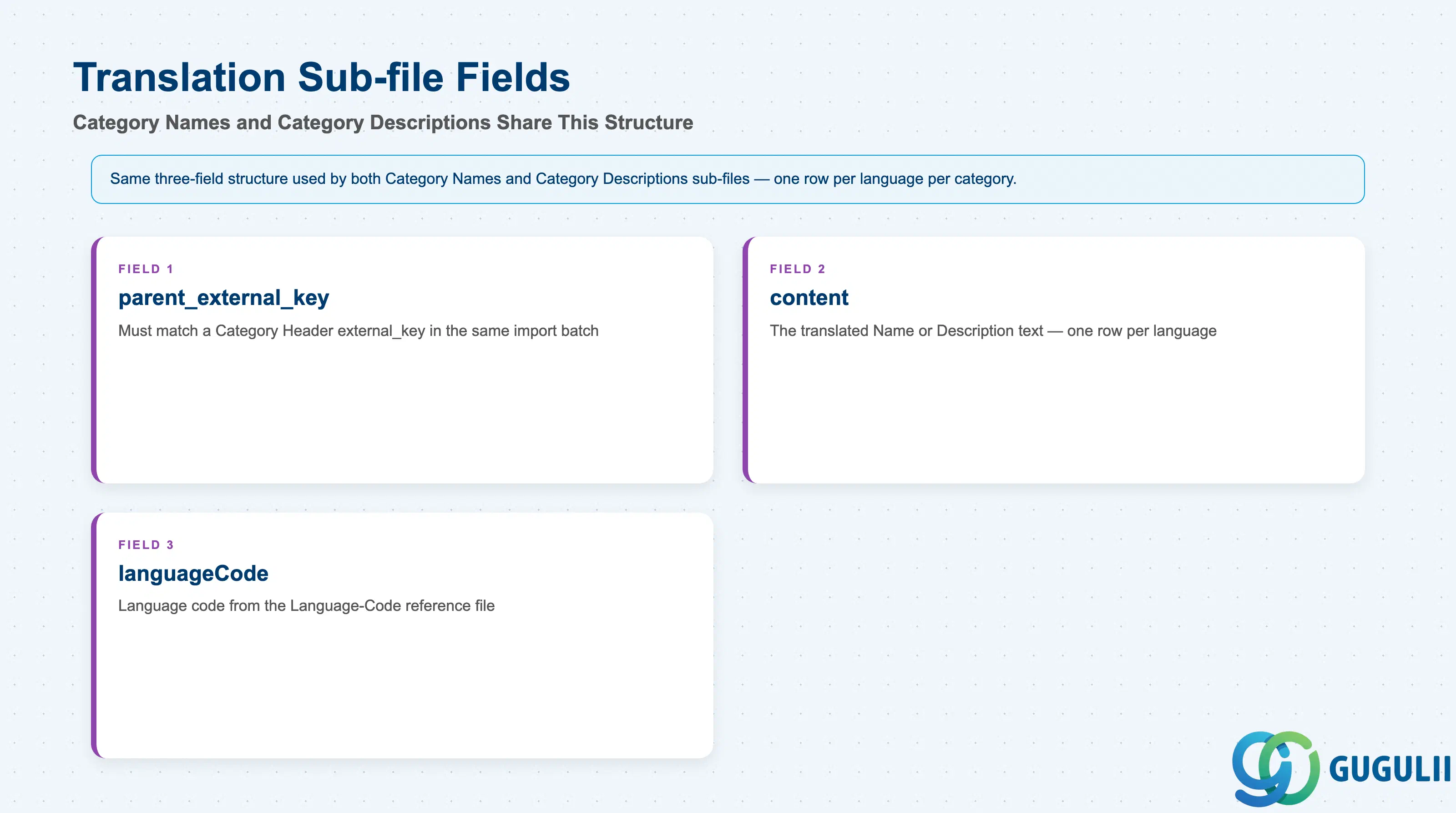
The root Category Header record only stores Name and Description in English. Additional languages are added through two parallel sub-files that share the same three-field structure — or, for a single record at a time, through a per-category toggle on the admin screen.
| Field | Description | Practical Usage |
|---|---|---|
parent_external_key | The external_key of the Category Header record this translation belongs to | Must exactly match a Category Header row already present in the same import batch (or an existing category); as with any parent-key reference in a bulk import, validate this match before loading — the Set Up Guide’s field documentation does not specify how a mismatched key is handled. |
content | The translated Name (in the Category Names file) or Description (in the Category Descriptions file) | One row per language per category; there is no single multi-language field — each translation is its own row. |
languageCode | Language code drawn from a separate Language-Code reference file | Confirm the exact code format against the reference file before bulk-loading; the Set Up Guide’s field documentation does not specify how an unrecognized code is handled, so treat this as a general import-hygiene check rather than an assumption about a specific failure mode. |
Prerequisite: This bulk pattern is identical to Service Catalog’s own Catalog Names / Catalog Descriptions sub-files one level up (SC-A05-01, Section 2.2) — the same
parent_external_key/content/languageCodestructure repeats at both levels. A second, UI-based alternative also exists and is not a bulk-file mechanism at all: on the Catalog Definition screen, enable the per-category Translate toggle, select the target language, and enter the translated name and description directly for that one category. Use the bulk sub-files for initial loads or large-scale updates; use the Translate toggle for one-off corrections to a single category’s translation.
| ID | Category | Title |
|---|---|---|
| sc-001 | Overview | What is SAP Service Cloud? |
| ID | Category | Title |
|---|---|---|
| sc-a01 | Overview | SAP Service Cloud Master Data: Overview, Hierarchy & Relationships |
| sc-a02-01 | Master Data | SAP Service Cloud Organizational Unit |
| sc-a02-02 | Master Data | SAP Service Cloud Employee |
| sc-a02-03 | Master Data | SAP Service Cloud Business Role |
| sc-a02-04 | Master Data | SAP Service Cloud Business User |
| sc-a02-05 | Master Data | SAP Service Cloud Team |
| sc-a03-01 | Master Data | SAP Service Cloud Email Channel |
| sc-a03-02 | Master Data | SAP Service Cloud Email Template |
| sc-a04-01 | Master Data | SAP Service Cloud Knowledge Base Provider |
| sc-a05-01 | Master Data | SAP Service Cloud Service Catalog |
| sc-a05-02 | Master Data | SAP Service Cloud Service Category 📍 |
| sc-a05-03 | Master Data | SAP Service Cloud Case Type |
| sc-a06-01 | Master Data | SAP Service Cloud Service Level |
| sc-a06-02 | Master Data | SAP Service Cloud Service Level Determination |
| sc-a07-01 | Master Data | SAP Service Cloud Case Routing Rules |
| sc-a10-04 | Master Data | SAP Service Cloud Warranty |
| sc-a11-01 | Master Data | SAP Service Cloud Installed Base |
| sc-a11-02 | Master Data | SAP Service Cloud Functional Location |
| ID | Category | Title |
|---|---|---|
| sc-b01 | Overview | SAP Service Cloud Transactions: Process Flow, Hierarchy & Relationships |