Title here
Summary here

Case Routing is not one configuration screen with an Employee/Team/Queue dropdown — it is two independent decision tables, “Case Routing to Employee” and “Case Routing to Team,” each with its own decision table ID, its own rows, and its own single Result value. Both tables reuse, unchanged, the same generic rules-table engine documented for Service Level Determination (SC-A06-02): up to 15 columns configured via Adapt Columns, AND-within-a-row / OR-across-rows evaluation, top-to-bottom first-match-wins short-circuiting, row position as the only precedence signal, an explicit Activate step, and Excel export/import for bulk maintenance. What differs is only the output: Case Routing to Employee’s Result column populates Party Role 40 (“Processor”), while Case Routing to Team’s Result column populates Party Role 28 (“Service and Support Team”). This article also resolves two common points of confusion: there is no formal “Queue” object anywhere in the official documentation, and the AI-driven “Case Type Determination” feature is a completely unrelated capability despite the similar name.
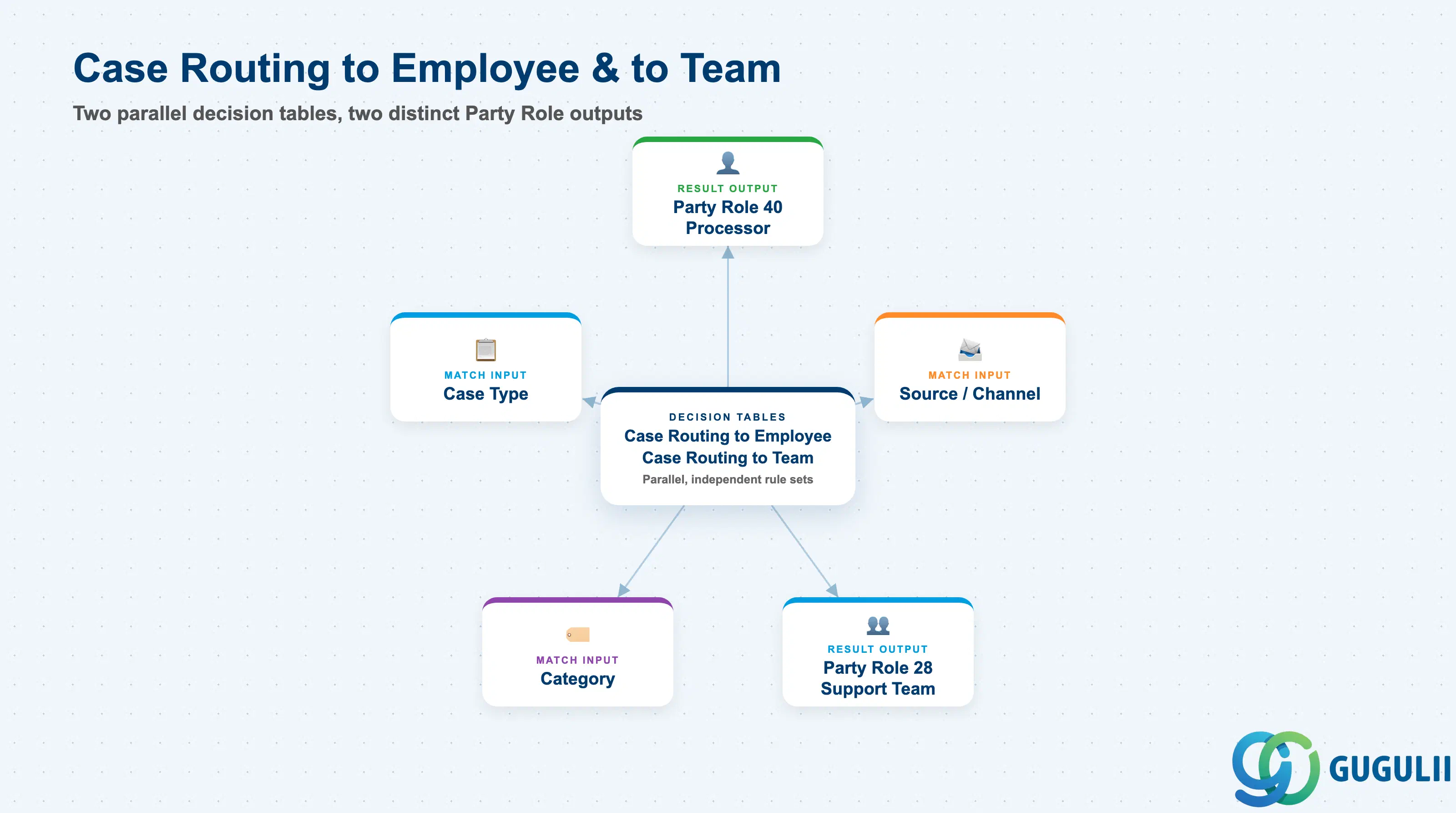
Case Routing exists to answer one operational question every time a Case is created or edited: given this Case’s field values, which employee — or which team — should own it? SAP Service Cloud answers this with two separate rules tables rather than one combined object: an administrator sets up “Case Routing to Employee” to assign an individual agent, and independently sets up “Case Routing to Team” to assign a service team. Neither table stores routing logic for the other; they are peers, not two modes of a shared screen, and each carries its own decision table ID.
| Aspect | Details |
|---|---|
| Role | Two independent decision-table engines that automatically assign a Case to an individual employee (Case Routing to Employee) and/or a service team (Case Routing to Team); neither is a superset or a mode of the other |
| Modules using it | SAP Service Cloud (sole owner); shares its underlying rules-table mechanism with Service Level Determination (SC-A06-02, separate configuration screen, same engine design); writes its Result values into Party Role 40 (Processor) and Party Role 28 (Service and Support Team) respectively, feeding the broader Party Determination framework |
| Transactions | User Menu → System Settings → All Settings → Cases → Case Routing to Employee (its own screen) and User Menu → System Settings → All Settings → Cases → Case Routing to Team (a separate, sibling screen — not nested inside the Employee screen) |
| Key Tables | SAP Service Cloud: two separate decision-table business objects (Admin/Core API OData entities), each configured via Adapt Columns, each capped at up to 15 columns including its own Result column. SAP Service Cloud is a multi-tenant SaaS solution and does not expose classical ABAP tables to consultants. |
| S/4HANA note | Configured natively inside the Service Cloud tenant; has no S/4HANA equivalent. Whether the classic, Ticket-based SAP Service Cloud (Cloud for Customer heritage) has a structurally similar Ticket-routing mechanism was not independently verified for this article — SC-A06-02 confirmed a near-identical Service Level Determination equivalent exists there, so a parallel routing feature is plausible but unconfirmed. |
Common misconception — there is no formal “Queue” routing target. Neither the Case Routing to Employee nor the Case Routing to Team screen exposes a “Queue” object as a Result value, and a full-text search of the official Solution Guide finds “queue” used only for unrelated integration/message queues (outbound topic queues, email retry queues) — never as a Case assignment target. The informal phrase “team queue,” seen in some training material, describes a workflow behavior — the list of Cases assigned to a team that a manager reviews or agents self-pick from — not a distinct, configurable object inside the rules table. Do not model or document a “Queue” column, Result value, or screen; the only two Result targets that officially exist are Processor (via Case Routing to Employee) and Service and Support Team (via Case Routing to Team).
Disambiguation — “Case Type Determination” is a different, unrelated AI feature. SAP Service Cloud’s Intelligent Services also include a capability called “Case Type Determination,” which uses NLP/AI to infer the Case Type field from a Case’s subject and description text — it has nothing to do with routing an already-typed Case to a person or team. The two features share only the generic word “Determination” in casual conversation; do not conflate AI-based Case Type inference with the decision-table-based Case Routing to Employee/Team mechanism covered in this article.
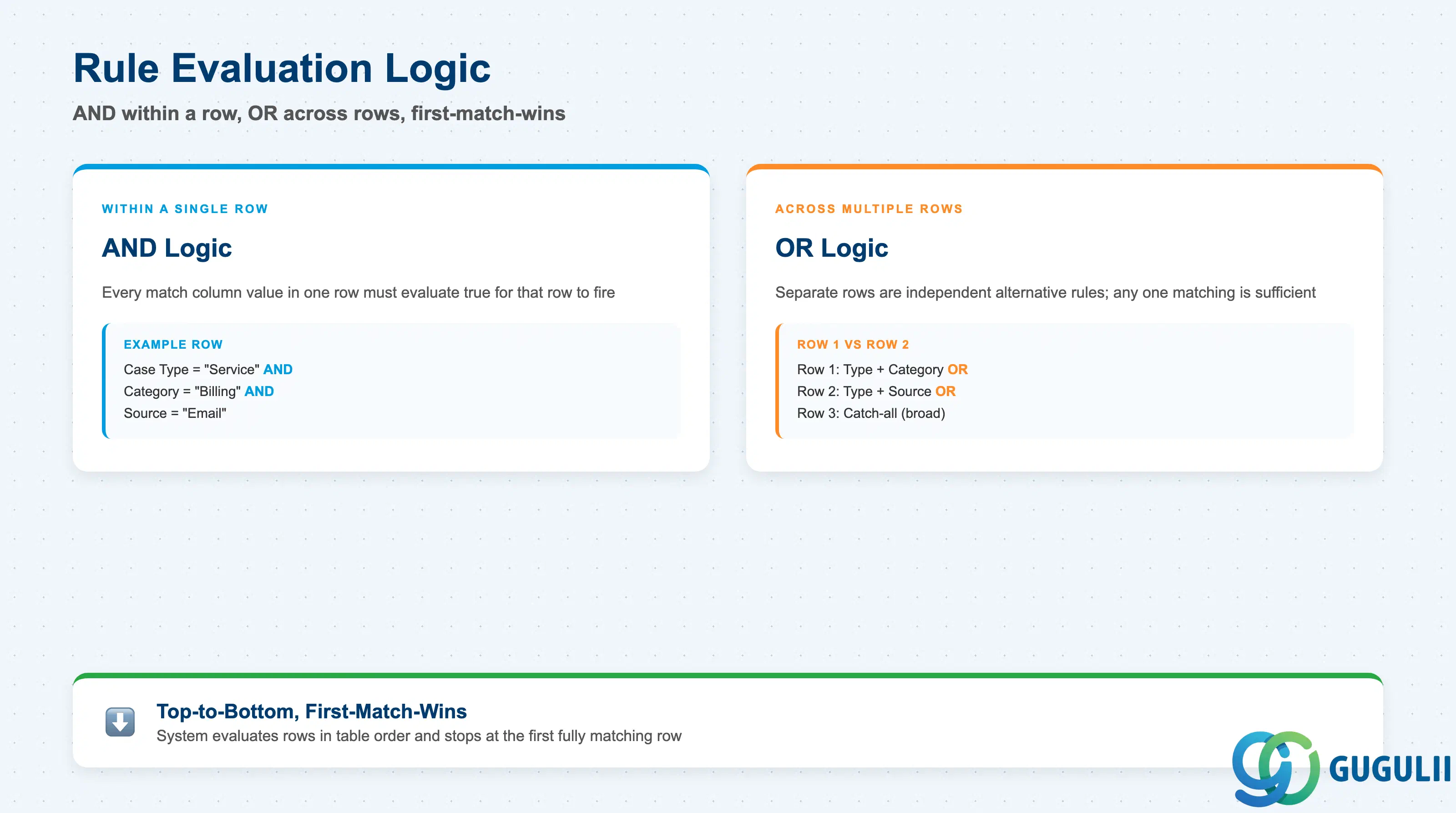
Both routing tables run on the exact same evaluation logic as Service Level Determination (SC-A06-02) — reusing it is not a coincidence but a documented, shared engine design, restated here so each article stands independently.
| Mechanic | Description | Practical Effect |
|---|---|---|
| AND within a row | Every match column value entered in a single row must evaluate true for that row to match a given Case | A row with three match columns populated is a three-condition rule; this holds identically in both the Employee table and the Team table, evaluated as two entirely separate rule sets. |
| OR across rows | Separate rows are independent alternative rules; any one of them matching is sufficient | Lets multiple, differently-scoped rules coexist in one table — e.g., one row for a specific Case Type and Source combination, a separate row for a different Case Type entirely. |
| Top-to-bottom, first-match-wins | The system evaluates rows in table order and stops at the first row that fully matches (short-circuit) | Rows below a matching row are never evaluated for that Case — this makes row order a functional part of the rule design in both tables, not just a display preference. |
| Row reordering = precedence | There is no separate numeric priority field on a row; the sort icon (row-move control) is the only way to change precedence | A newly added row defaults to the bottom of its table and must be moved above any broader rule it needs to take precedence over, or it will never fire. |
| Explicit Activation | Rule changes take effect only after an explicit Activate action; unsaved or unactivated edits leave the previously activated rule set live | Each table is activated independently — activating a change to Case Routing to Employee has no effect on the Case Routing to Team table’s live rule set, and vice versa. |
| Shared mechanism, not a bespoke routing engine | Identical Adapt Columns / AND-OR / top-to-bottom / Activate design also powers Service Level Determination (SC-A06-02) | Skills learned configuring any one of these three rules tables — Service Level Determination, Case Routing to Employee, Case Routing to Team — transfer directly to the other two; they are the same generic engine applied to a different Result column. |
Design principle — row position is the priority field, independently per table. As with Service Level Determination, there is no numeric priority column to set or audit. Because Case Routing to Employee and Case Routing to Team are separate tables, each has its own independent row ordering — reordering rows in one has zero effect on the other’s evaluation sequence.
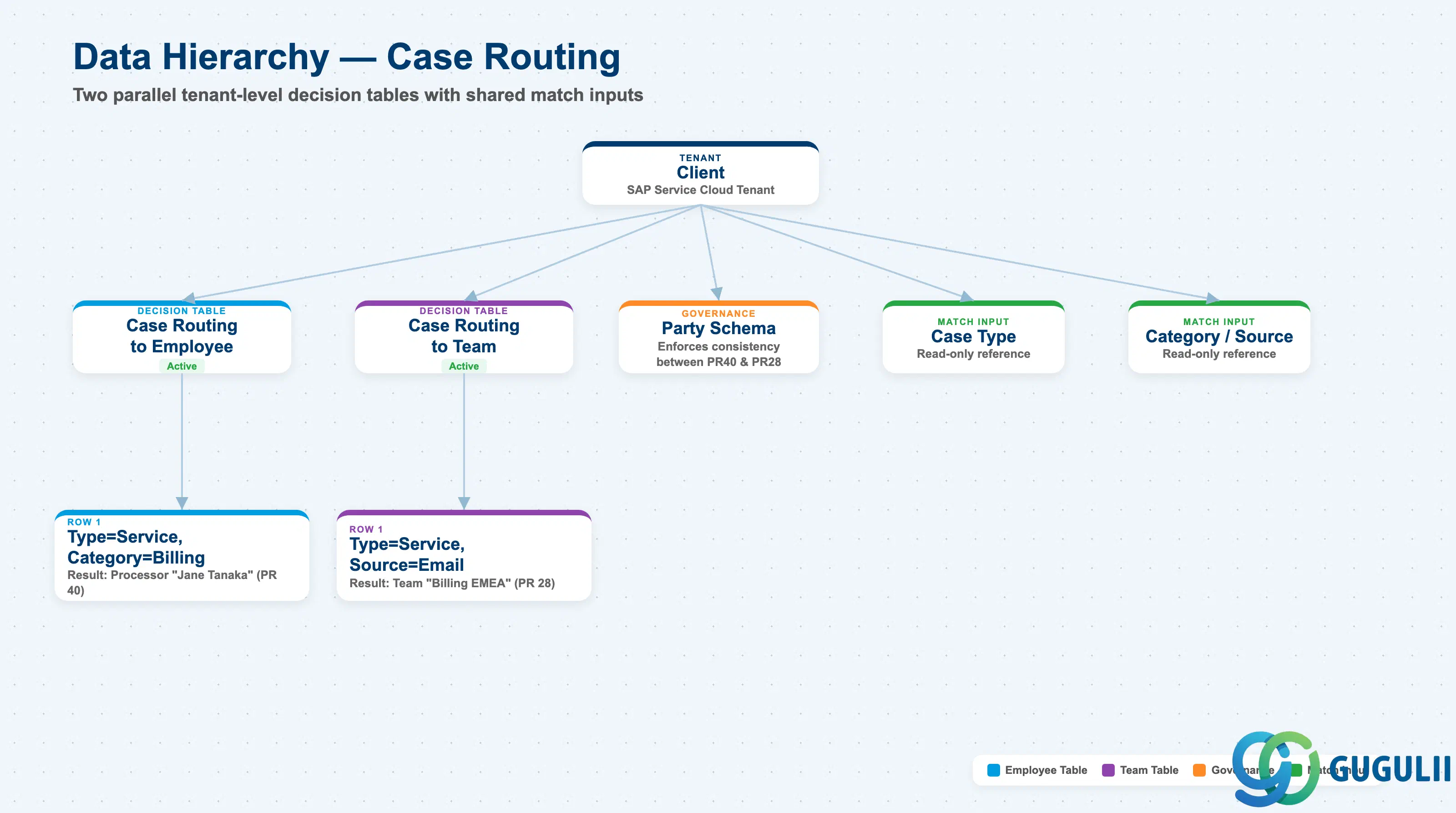
Data hierarchy with a concrete example (tenant-level; SAP Service Cloud has no Company Code / Plant scoping above this)
Client (SAP Service Cloud Tenant)
   │
   ├── Case Routing to Employee Rule Table (Status: Active)
   │        │
   │        ├── Row 1: Case Type = "Customer Service Case" AND Category = "Billing"
   │        │            ── Result ──> Processor "Agent: Jane Tanaka" (Party Role 40)
   │        │
   │        └── Evaluated top-to-bottom, independently of the Team table below
   │
   ├── Case Routing to Team Rule Table (Status: Active)
   │        │
   │        ├── Row 1: Case Type = "Customer Service Case" AND Source = "Email"
   │        │            ── Result ──> Service and Support Team "Billing Support EMEA" (Party Role 28)
   │        │
   │        └── Evaluated top-to-bottom, independently of the Employee table above
   │
   ├── Party Schema "Standard Case Party Schema" — governs both Party Role 40 (Processor)
   │        and Party Role 28 (Service and Support Team); with "Enforce consistency with
   │        source party" enabled, the system keeps the assigned Processor and the assigned
   │        Service and Support Team aligned, auto-clearing or updating one when the other
   │        is manually changed outside a valid team structure
   │
   ├── Case Type "Customer Service Case" ── read by both tables as a match column value
   │        (no field on either rule table pointing back to Case Type as an owned object)
   │
   └── Category "Billing" / Source "Email" ── read by their respective rows as match column
            values (same one-directional read, no reverse reference)
Design principle — the two Result outputs are operationally linked via Party Schema, not via the routing tables themselves. Case Routing to Employee and Case Routing to Team never reference each other directly, and there is no shared “master” table between them. The link exists one layer up, in the Party Schema configuration: when “Enforce consistency with source party” is enabled for Party Roles 40 and 28, the system automatically corrects a manually-assigned agent who falls outside their team’s structure. This means a Case can, in principle, receive its Processor and its Service and Support Team from two entirely separate rule evaluations that happen to agree — or need reconciling by this consistency check when they do not.
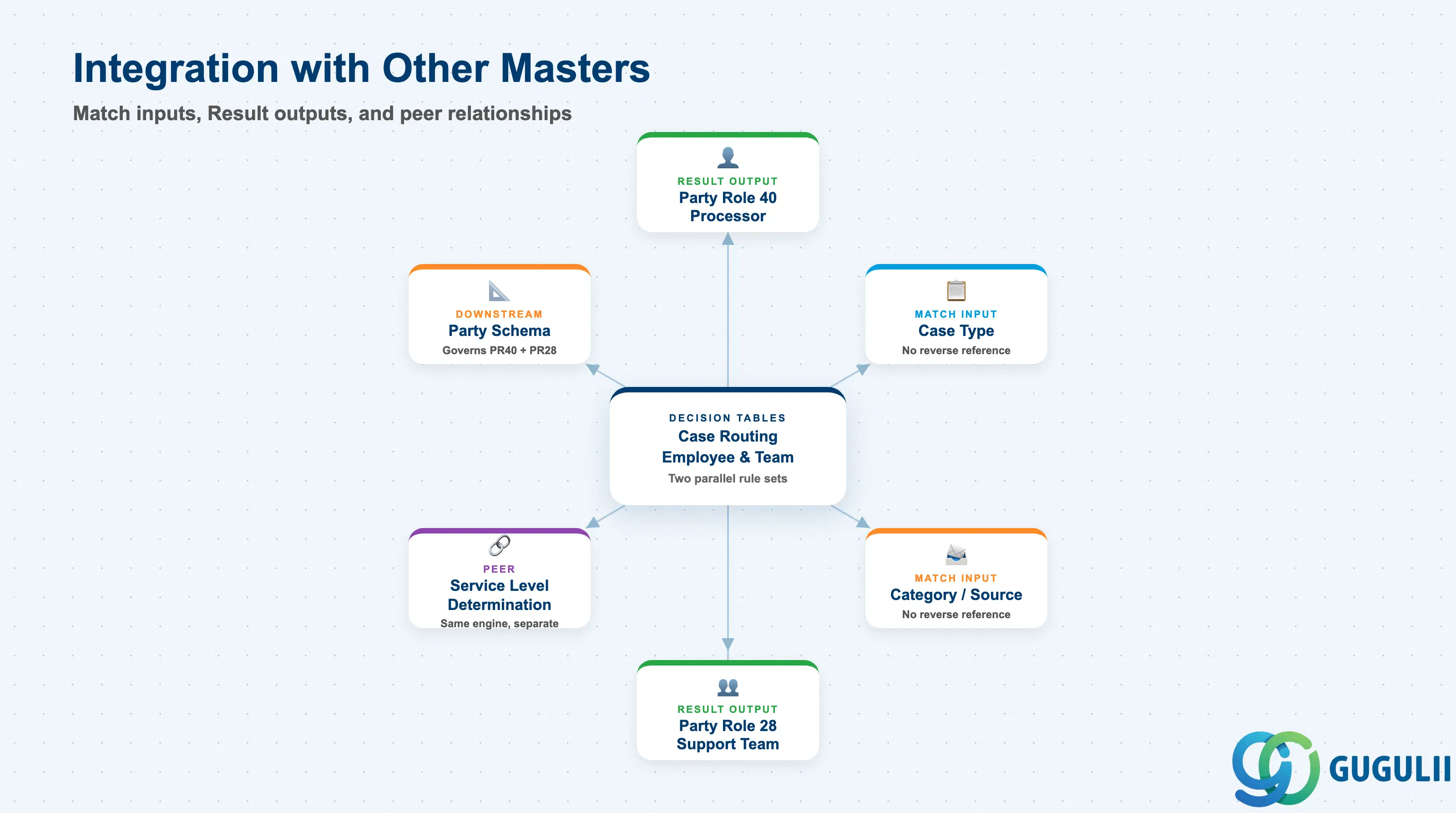
Case Routing touches several other objects, but always in the same two directions per table: it reads Case field values as match inputs, and it writes a single Party Role value as its Result. The table below is explicit about which relationships are sourced and which remain open items from the research pass.
| Object | Relationship | Practical Notes |
|---|---|---|
| Party Role 40 — Processor | Direct, mandatory Result value of Case Routing to Employee | The individual agent’s assignment on a Case; the Case Routing to Employee table’s sole reason to exist. |
| Party Role 28 — Service and Support Team | Direct, mandatory Result value of Case Routing to Team | The team assignment on a Case; the Case Routing to Team table’s sole reason to exist. |
| Case Type | Indirect — match column input only, no ownership either direction | Confirmed as a concrete example match field in both the Feature Scope Description and a training-material walkthrough; neither routing table stores a reference to Case Type as an owned object. |
| Category | Indirect — match column input only, no ownership either direction | Named explicitly in the Feature Scope Description’s one-line Case Routing entry (“Route by teams, processor, case type, or category”). |
| Source / Channel | Indirect — match column input only, corroborated by training material only | A training-material walkthrough example uses Source (e.g., email, telephony) as a match field; not confirmed in the primary Solution Guide procedures themselves. |
| Account | Indirect — informally corroborated, not officially enumerated | Training material describes routing “all Cases from that account… to the same agent” as a realistic scenario for employee-level routing; treat as plausible, not a confirmed default column. |
| Service Level Determination (SC-A06-02) | Peer — identical underlying engine, but a separate rule table instance in a separate feature area | Confirmed by the official guide’s transport section, which lists “service level determination, case routing to employee, and case routing to team” together as the same family of “decision table configurations.” |
| Party Schema (Section 1.3) | Downstream governance, not a routing input | Governs consistency between the two Result outputs after both rules have fired; does not feed match columns into either routing table. |
| Email Channel configuration | Cross-referenced, confirms broad applicability | The Email Channel setup procedure explicitly links to both “Configure Case Routing to Employee” and “Configure Case Routing to Team” as Related Information, confirming routing rules apply to Cases created via email, not only manually created ones. |
| Case Type Determination (AI/NLP feature) | No relationship — naming/topic collision only (Section 1.1) | Shares no mechanism, screen, or match/output field with Case Routing; infers the Case Type field itself using NLP, upstream of and unrelated to routing an already-typed Case. |
| Change Project / transport tooling | Neither table is transported through change projects | Both decision table configurations are excluded from change-project transport (tenant-specific data) and must instead be exported/imported via a TSV file; the decision table IDs themselves are transported as part of the case template version, requiring the tables to be re-created in the target tenant under the same display ID. |
Scope notes: (1) No exhaustive, current, official list of selectable match columns exists for either table — the mechanism (Adapt Columns, any available Case field, up to 15 columns) is confirmed, but the only named example fields across all sources are Case Type, Category, Source/Channel, and (informally) Account. (2) Whether each routing table is scoped per Case Type/Case Template or is one single global table is not conclusively confirmed — the transport section’s reference to “decision table IDs… within the case template version” hints at per-template scoping, but the core configuration procedures describe only one screen per routing direction. Treat this as an open question. (3) No documented fallback/default behavior exists for a Case matching zero rows in either table — see the Section 1.3 hierarchy note and the design principle below. (4) The underlying rules-engine technology is officially termed a “decision table” in the transport section of the Solution Guide, resolving the earlier open question from SC-A06-02 about the mechanism’s official name; it is not named as BRFplus or any other named technology.
Design principle — a catch-all final row in each table is good practice, not a documented system default. No official source states what happens when a Case matches zero rows in Case Routing to Employee, zero rows in Case Routing to Team, or both. The only related data point is that “unassigned case count” is a tracked Analytics KPI, confirming an unassigned state exists and is monitored — but not that it is specifically caused by routing-rule non-match rather than some other cause. Do not state a specific fallback mechanism in the article or in configuration guidance; treat adding a final wildcard row per table as a recommended safety practice, and confirm actual no-match behavior in a sandbox tenant before assuming any specific fallback exists in production.
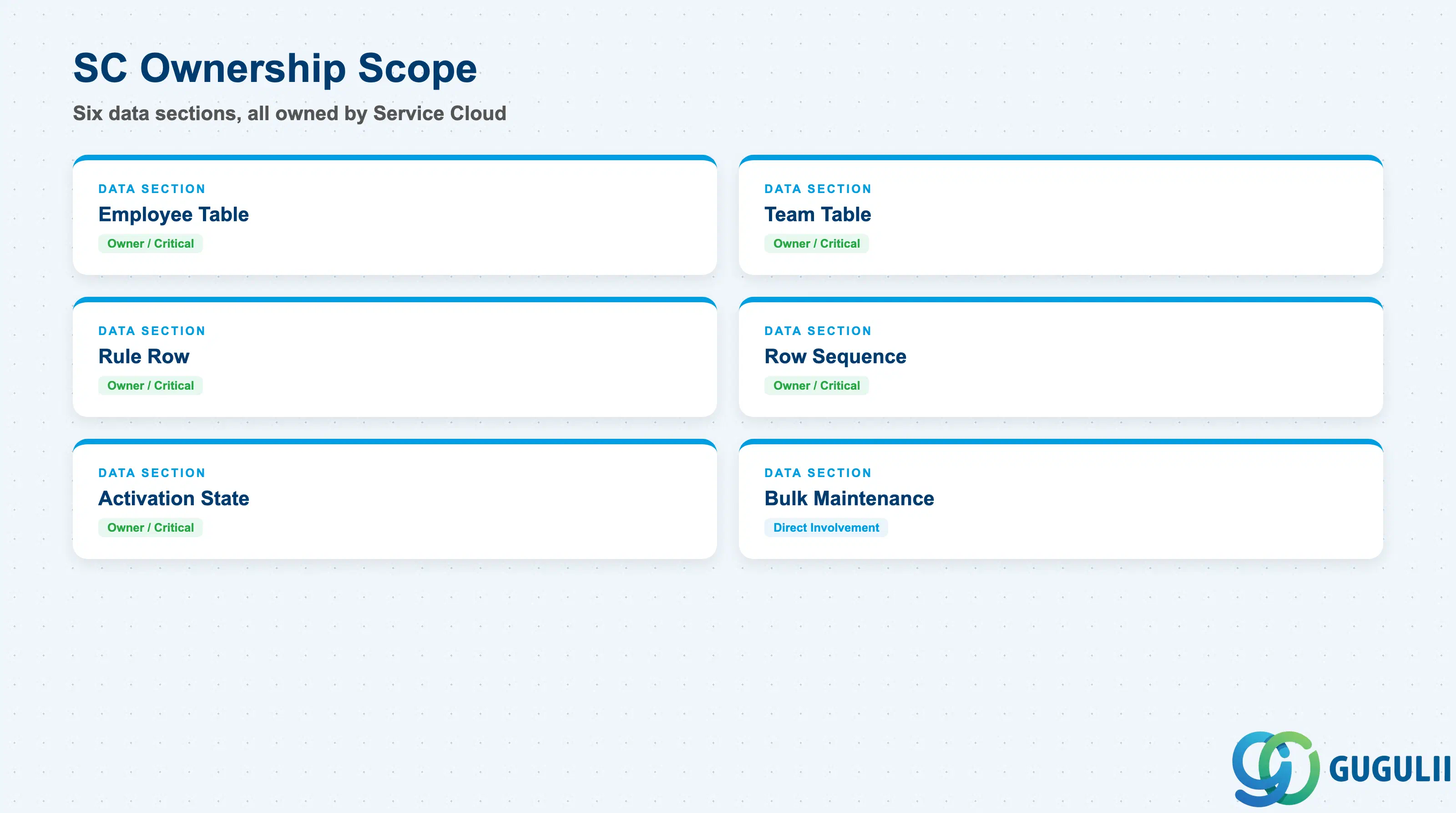
| Data Section | SC Involvement | Notes |
|---|---|---|
| Case Routing to Employee Table (Adapt Columns + Result) | ◎ Owner | Administrator-chosen set of Case fields exposed as match columns, plus the fixed Result column populating Party Role 40 (Processor) — capped at 15 columns total, independently of the Team table. |
| Case Routing to Team Table (Adapt Columns + Result) | ◎ Owner | Administrator-chosen set of Case fields exposed as match columns, plus the fixed Result column populating Party Role 28 (Service and Support Team) — capped at 15 columns total, independently of the Employee table. |
| Rule Row (Match Columns + Result Column) | ◎ Owner | Each row, in either table, is one complete rule: AND logic across its match column values, one Result value. |
| Row Sequence / Precedence | ◎ Owner | Row position (reordered via the sort icon) is the sole precedence mechanism in each table — no separate numeric field. |
| Activation State | ◎ Owner | Draft edits vs. the currently live, previously-Activated rule set — tracked independently per table. |
| Bulk Maintenance (Excel Export/Import) | ○ Direct involvement | Optional offline editing path for large rule sets in either table; does not replace the Adapt Columns setup step or the Activation step. |
Legend: ◎ = Owner / Critical, ○ = Direct involvement
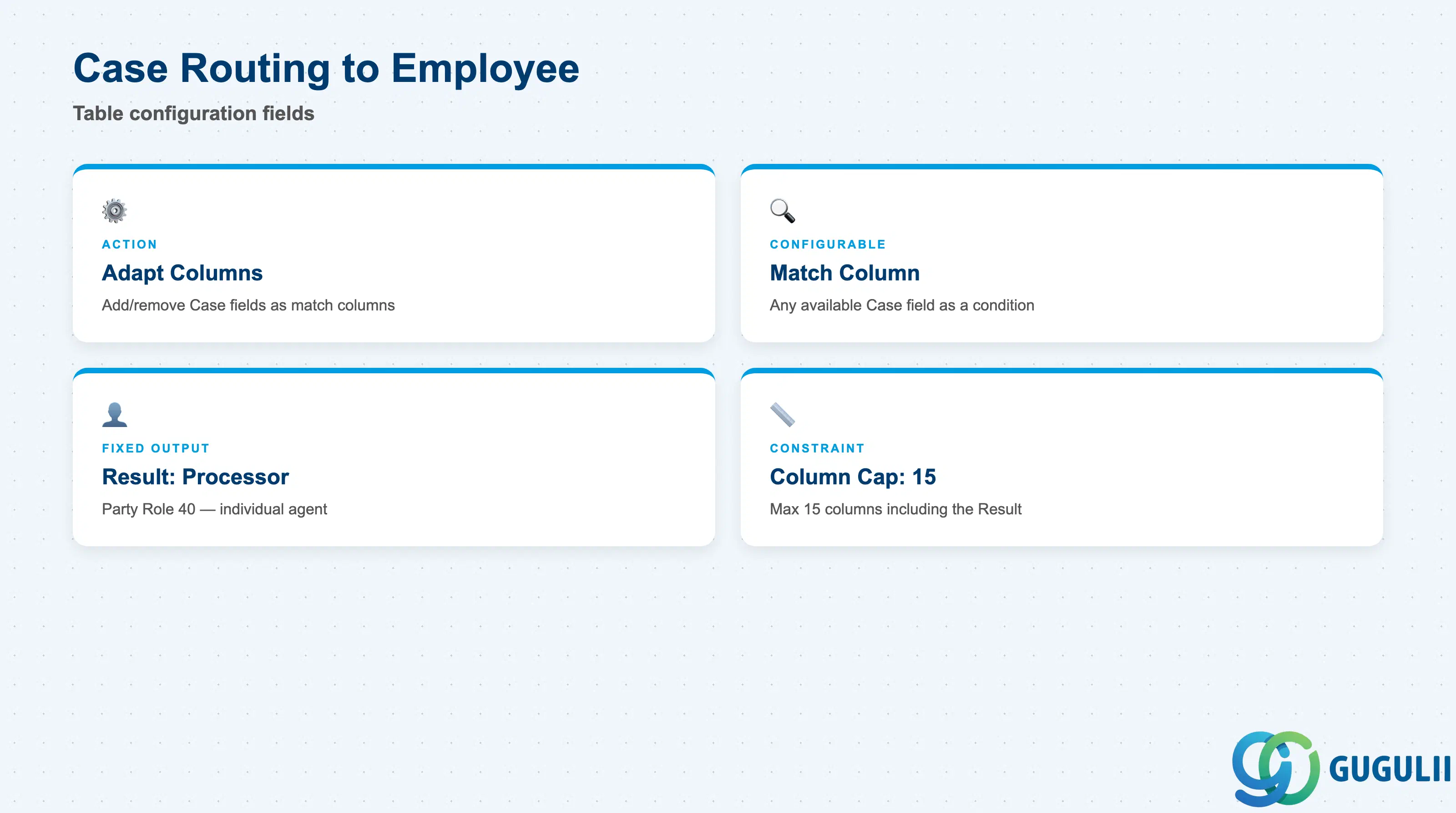
This is the screen an administrator opens to route individual Cases to a specific human agent, distinct from — and configured entirely separately from — the Team table in Section 2.2.
| Field | Description | Practical Usage |
|---|---|---|
| Adapt Columns (action) | Administrator-facing action that adds or removes which Case fields appear as columns in this table | Revisit whenever a new match criterion is needed (e.g., adding an Account column for account-based agent assignment); changing columns does not retroactively populate existing rows for a newly added column. |
| Match Column (configurable, any available Case field) | A column whose header is a Case field and whose row values are the specific values to match against | Corroborated concrete examples include Case Type, Category, Source/Channel, and (informally) Account; treat any other specific field name as illustrative rather than a confirmed current default. |
| Result Column — Processor (fixed) | The single output column every row must populate — the individual employee (Party Role 40) assigned when the row matches | This is the one column type that cannot be removed via Adapt Columns; it is the reason this table exists as a distinct screen from the Team table. |
| Column Cap | Maximum of 15 columns total, including the Result column | Leaves at most 14 possible match columns — a cap that applies independently to this table, separate from the Team table’s own cap. |
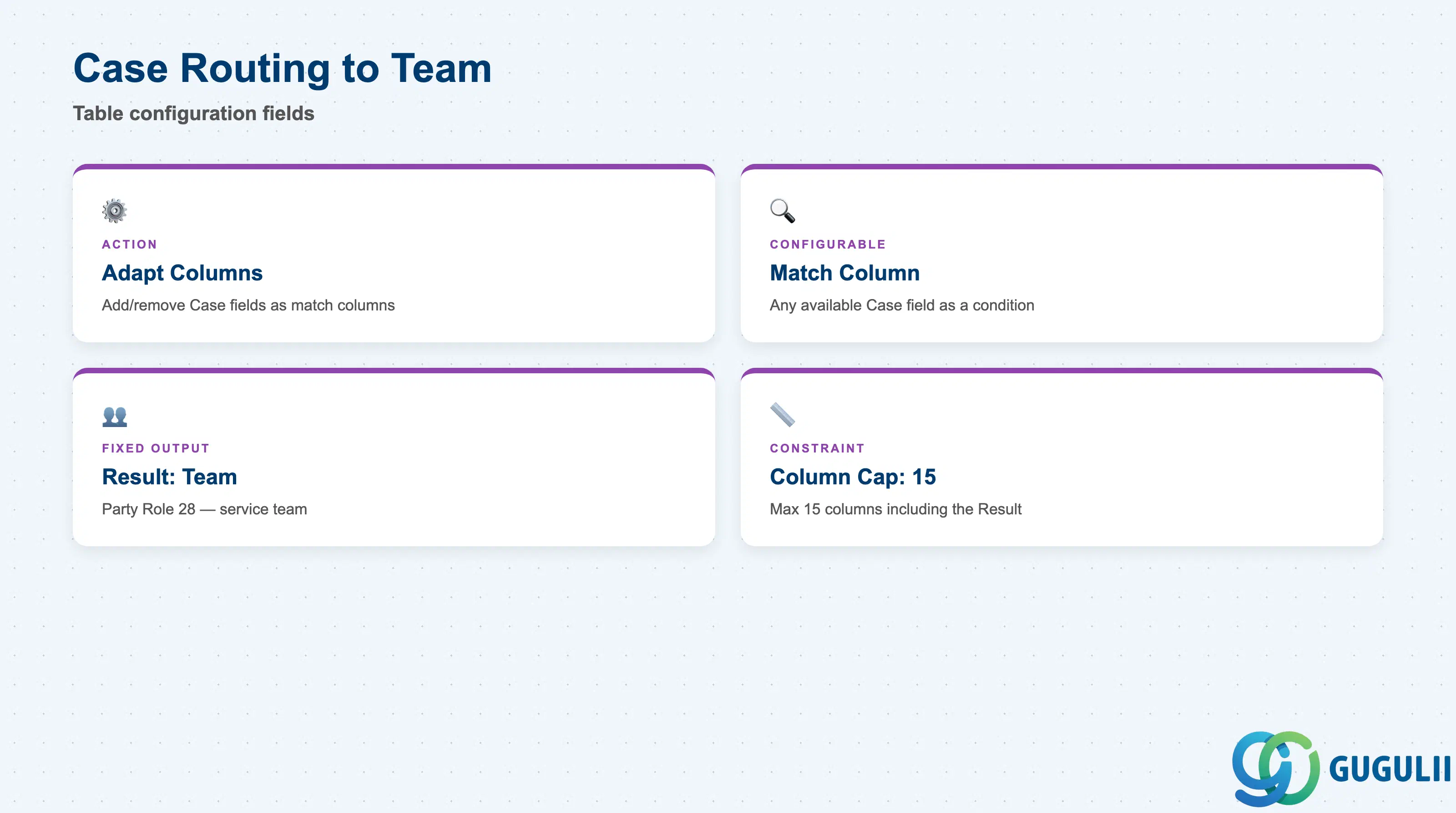
This is the sibling screen used to route Cases to a service team rather than an individual — reached via its own menu entry, not nested inside the Employee screen.
| Field | Description | Practical Usage |
|---|---|---|
| Adapt Columns (action) | Administrator-facing action that adds or removes which Case fields appear as columns in this table | Configured entirely independently of the Employee table’s column set — the two tables can expose a different set of match columns from each other if the business logic warrants it. |
| Match Column (configurable, any available Case field) | A column whose header is a Case field and whose row values are the specific values to match against | Same corroborated example fields as the Employee table (Case Type, Category, Source/Channel); no source states the two tables must use the same match columns. |
| Result Column — Service and Support Team (fixed) | The single output column every row must populate — the team (Party Role 28) assigned when the row matches | Populates the Service and Support Team party role, which SAP’s own Party Schema configuration can cross-check for consistency against the Processor set by the Employee table (Section 1.3). |
| Column Cap | Maximum of 15 columns total, including the Result column | Applies independently of the Employee table’s own 15-column cap. |
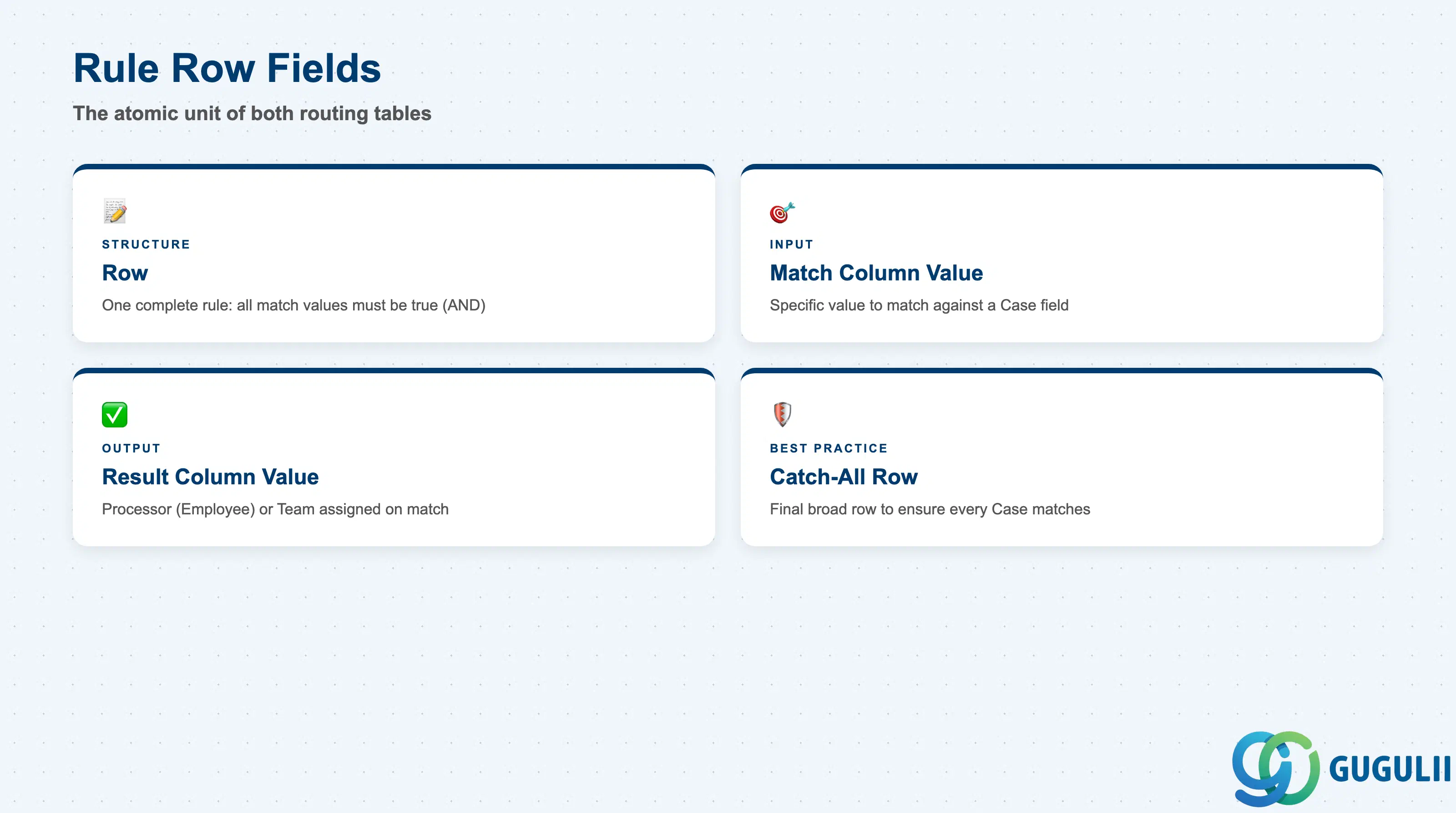
Each row is the actual, individually authored rule — the atomic unit of both routing tables, working identically in either one.
| Field | Description | Practical Usage |
|---|---|---|
| Row | One complete rule: every match column value in the row must evaluate true (AND) for the row to fire | Design each row as a fully self-contained condition — a row never applies partially; if any one match column value doesn’t match the Case, the entire row is skipped, in either table. |
| Match Column Value | The specific value entered in a match column for that row, e.g. Case Type = “Customer Service Case” | Keep match values as specific as the business rule actually requires; an overly broad value placed too high in either table can silently intercept Cases meant for a more specific rule further down. |
| Result Column Value | The Processor (Employee table) or Service and Support Team (Team table) assigned when the row matches | Each table’s Result column can only reference its own Party Role — a row in the Employee table cannot assign a team, and vice versa. |
| Catch-all row (recommended practice, not a documented system feature) | An optional final row using broad/wildcard match values intended to guarantee every Case matches something | No source documents what happens when zero rows match in either table; treat this row as good administrative practice in both tables independently, and confirm actual current behavior in a sandbox before relying on it (see Section 1.4). |
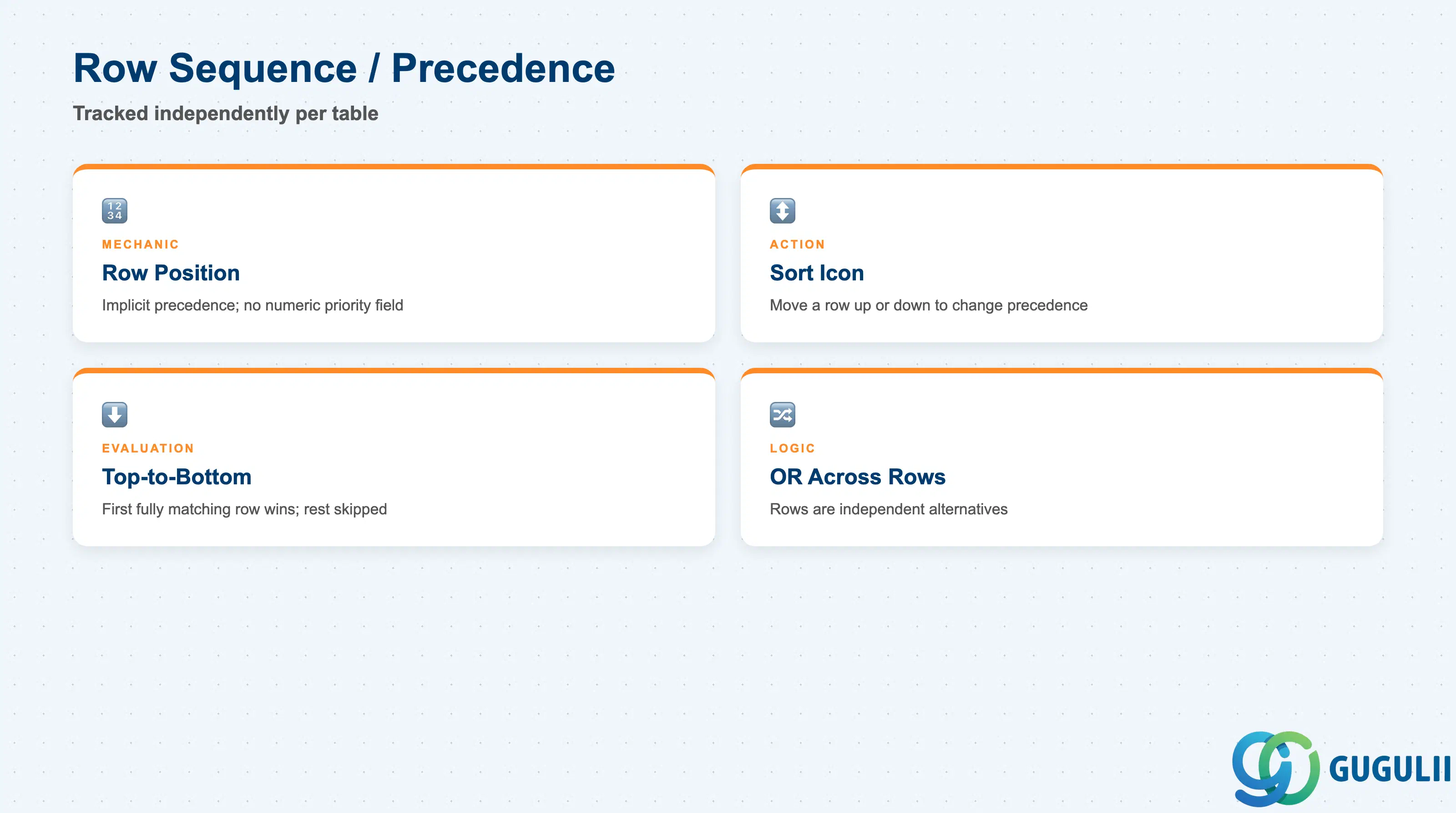
This is the mechanic that determines which rule actually wins when a Case could theoretically match more than one row — tracked entirely separately for the Employee table and the Team table.
| Field | Description | Practical Usage |
|---|---|---|
| Row Position | Implicit precedence value; there is no separate numeric priority field on a rule row, in either table | Reordering rows in the Employee table has no effect on the Team table’s row order, and vice versa — the two are independent sequences. |
| Sort Icon (reorder action) | UI control used to move a selected row up or down in the table | Use whenever a new, more specific rule needs to fire before an existing broader rule; a newly added row defaults to the bottom of whichever table it was added to. |
| Top-to-Bottom Evaluation | The system checks rows in table order and stops at the first row that evaluates true | Because evaluation short-circuits, rows after a matching row are never evaluated for that Case, in either table. |
| OR-Across-Rows | Separate rows are combined as alternatives to each other, even though each row’s own columns are combined with AND | This is what lets multiple independent rules coexist in one table: rule 1 OR rule 2 OR rule 3, where each rule internally is column1 AND column2 AND … — true independently for the Employee table and the Team table. |
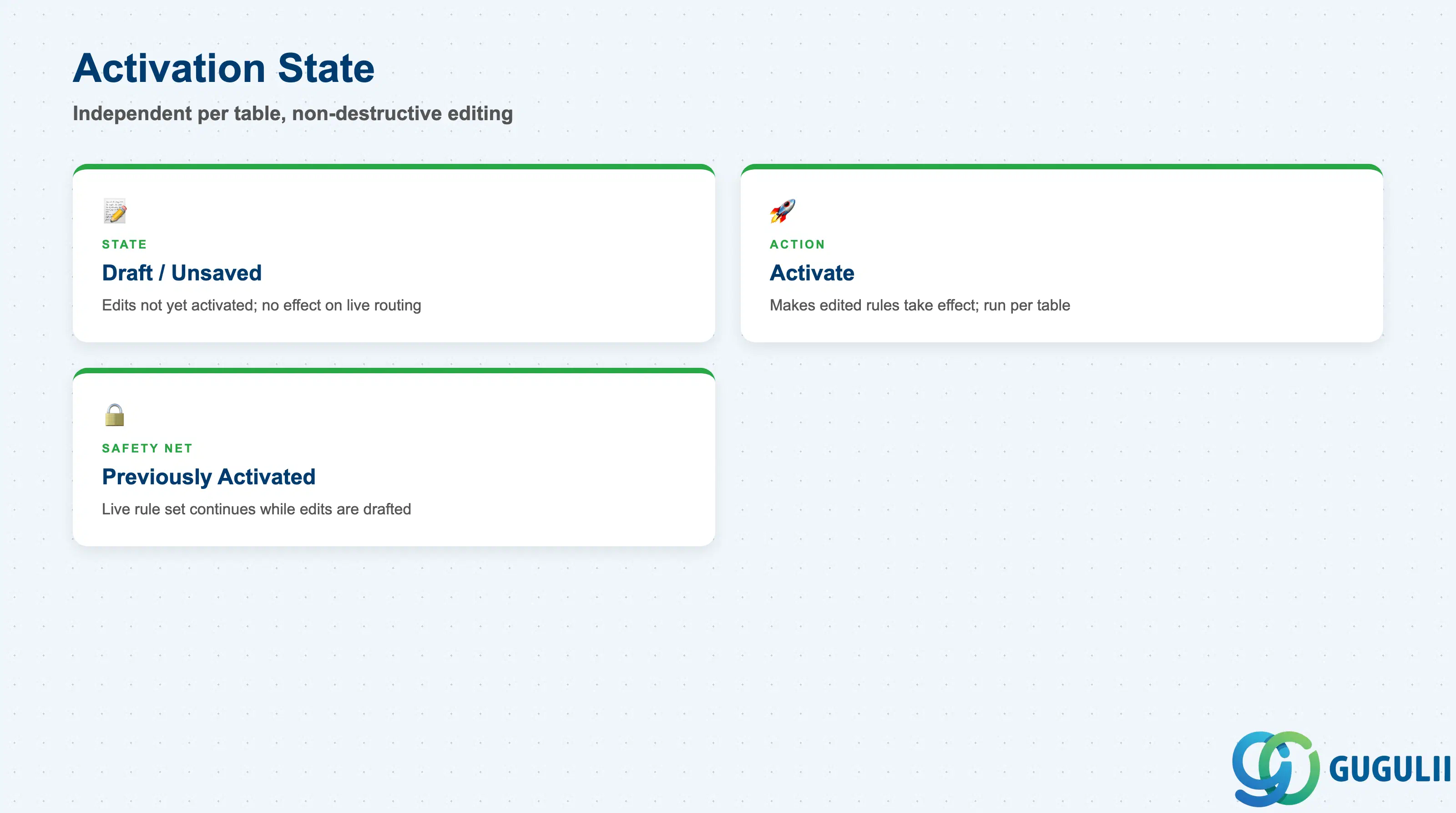
Editing either table is deliberately non-destructive to production behavior — nothing takes effect until an explicit step is completed, and the two tables’ activation states never affect one another.
| Field | Description | Practical Usage |
|---|---|---|
| Draft / Unsaved Changes | Edits made to a rules table (new rows, edited values, reordering) that have not yet been explicitly activated | Test rule changes fully before activating; unsaved changes in the Employee table have zero effect on live Processor assignment, and unsaved changes in the Team table have zero effect on live team assignment, until each table’s own Activation completes. |
| Activate (action) | Explicit action required to make edited rules take effect, run separately per table | Activating Case Routing to Employee does not activate any pending changes in Case Routing to Team — plan and communicate the two as separate go-live events if both are being edited at once. |
| Previously Activated Rule Set | The rule set the system continues to apply while newer edits sit unactivated, per table | Confirms that editing either table is safe — administrators can draft a next-iteration rule set for Employee or Team routing without disrupting current live Case assignment in either. |
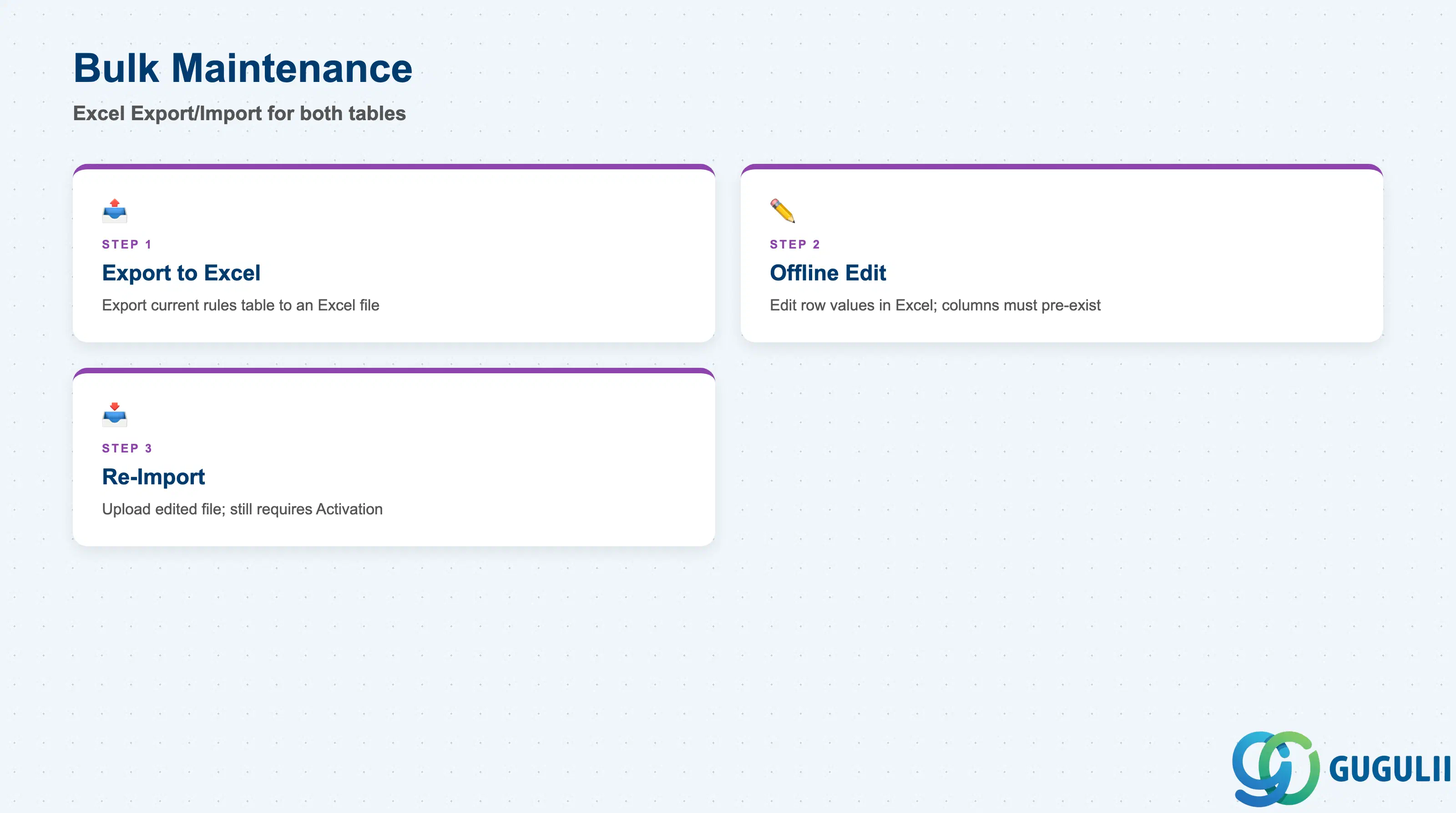
For rule tables that have grown large, editing row by row in the UI stops being practical — SAP provides the same offline path for both routing tables that it provides for Service Level Determination.
| Field | Description | Practical Usage |
|---|---|---|
| Export to Microsoft Excel | Exports the current rules table (columns and row values) to an Excel file — available for both the Employee table and the Team table independently | Useful once either table approaches the 15-column cap or accumulates dozens of rows, where row-by-row UI editing becomes impractical. |
| Offline Edit | Editing the exported file in Excel before re-importing | Column structure (which Case fields are configured as match columns) must already be set up via Adapt Columns in the UI before export/import, for whichever table is being maintained — bulk maintenance edits row values and additions, it does not itself define new columns. |
| Re-import | Bringing the edited Excel file back into the correct rules table | Re-imported rows still require the same table-specific Activation step (Section 2.5) before they take effect; bulk maintenance does not bypass the Draft → Activate lifecycle for either table, and an Excel file exported from the Employee table cannot be imported into the Team table (different Result column, different decision table ID). |
Prerequisite: Column structure must exist first — export/import is a row-value maintenance tool, not a column-design tool, and this holds independently for each of the two tables. Attempting to introduce a brand-new match field via an imported file without first running Adapt Columns in the UI is not a documented workflow.
| ID | Category | Title |
|---|---|---|
| sc-001 | Overview | What is SAP Service Cloud? |
| ID | Category | Title |
|---|---|---|
| sc-a01 | Overview | SAP Service Cloud Master Data: Overview, Hierarchy & Relationships |
| sc-a02-01 | Master Data | SAP Service Cloud Organizational Unit |
| sc-a02-02 | Master Data | SAP Service Cloud Employee |
| sc-a02-03 | Master Data | SAP Service Cloud Business Role |
| sc-a02-04 | Master Data | SAP Service Cloud Business User |
| sc-a02-05 | Master Data | SAP Service Cloud Team |
| sc-a03-01 | Master Data | SAP Service Cloud Email Channel |
| sc-a03-02 | Master Data | SAP Service Cloud Email Template |
| sc-a04-01 | Master Data | SAP Service Cloud Knowledge Base Provider |
| sc-a05-01 | Master Data | SAP Service Cloud Service Catalog |
| sc-a05-02 | Master Data | SAP Service Cloud Service Category |
| sc-a05-03 | Master Data | SAP Service Cloud Case Type |
| sc-a06-01 | Master Data | SAP Service Cloud Service Level |
| sc-a06-02 | Master Data | SAP Service Cloud Service Level Determination |
| sc-a07-01 | Master Data | SAP Service Cloud Case Routing Rules 📍 |
| sc-a10-04 | Master Data | SAP Service Cloud Warranty |
| sc-a11-01 | Master Data | SAP Service Cloud Installed Base |
| sc-a11-02 | Master Data | SAP Service Cloud Functional Location |
| ID | Category | Title |
|---|---|---|
| sc-b01 | Overview | SAP Service Cloud Transactions: Process Flow, Hierarchy & Relationships |