Title here
Summary here

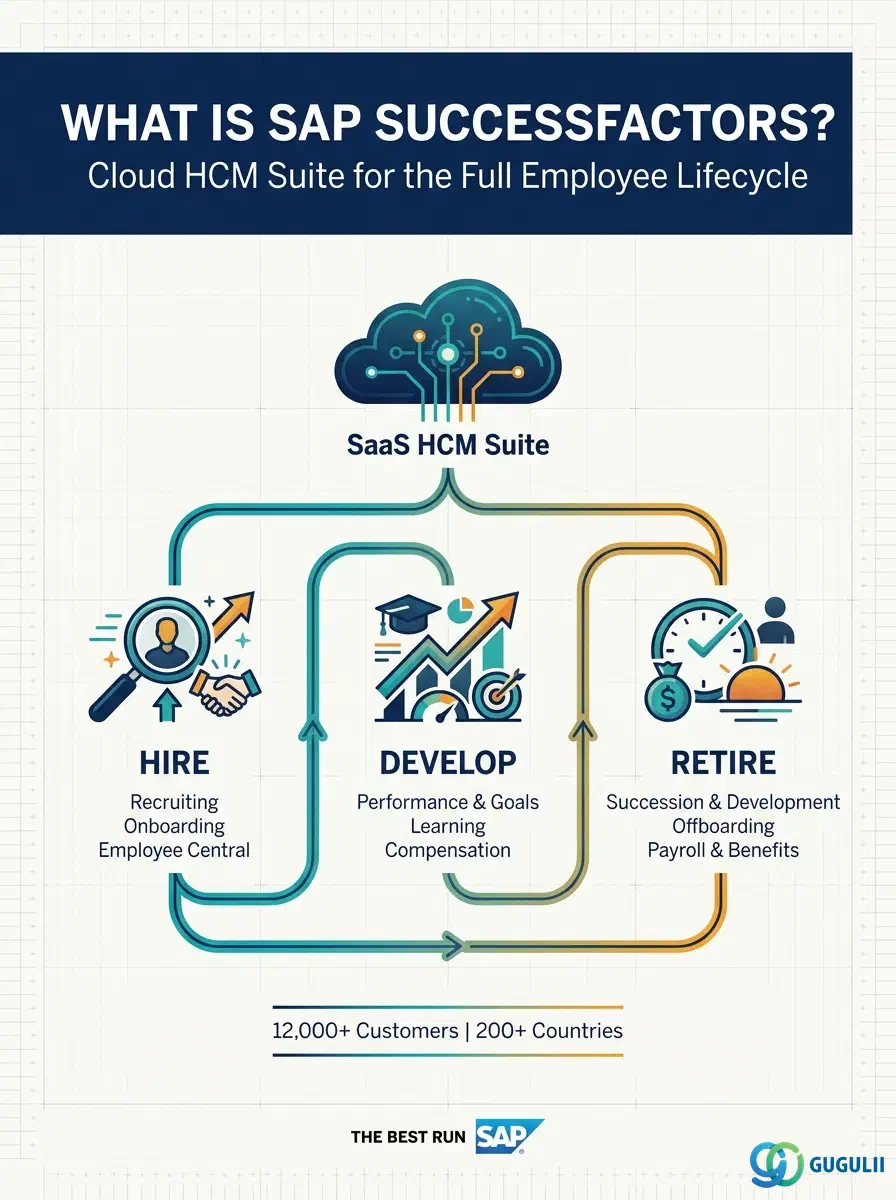
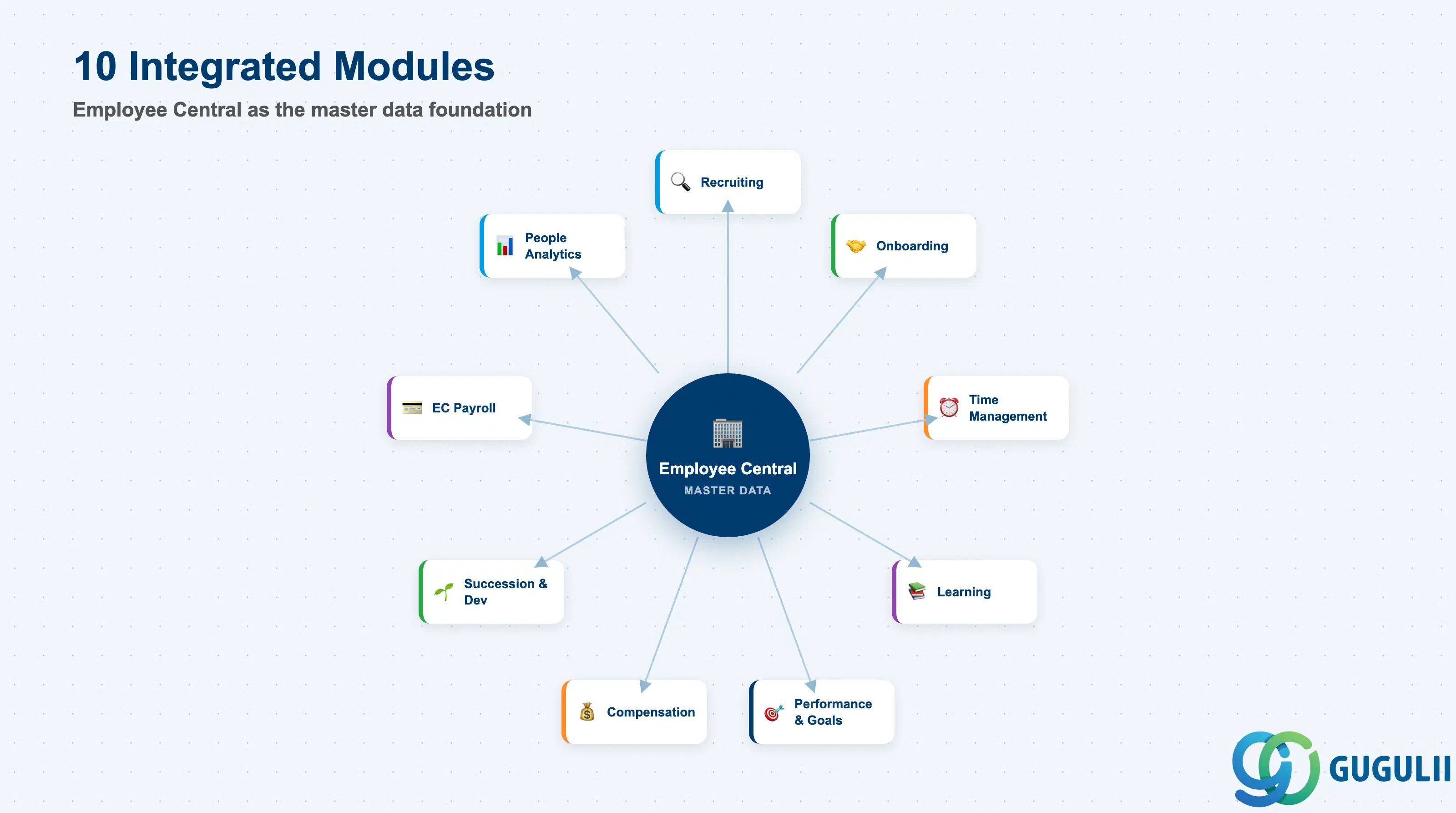
SAP SuccessFactors is a cloud-based Human Capital Management (HCM) suite operating on a SaaS multitenant model. Originally founded in 2001 by Lars Dalgaard and acquired by SAP in February 2012, the platform serves more than 12,000 customers across 200+ countries. It is organized into ten modules that together manage the full employee lifecycle — from hire to retire — and connect HR data with SAP S/4HANA and third-party systems.
Each module is independently deployable but designed to integrate. Employee Central acts as the HR system of record that feeds data to every other module.
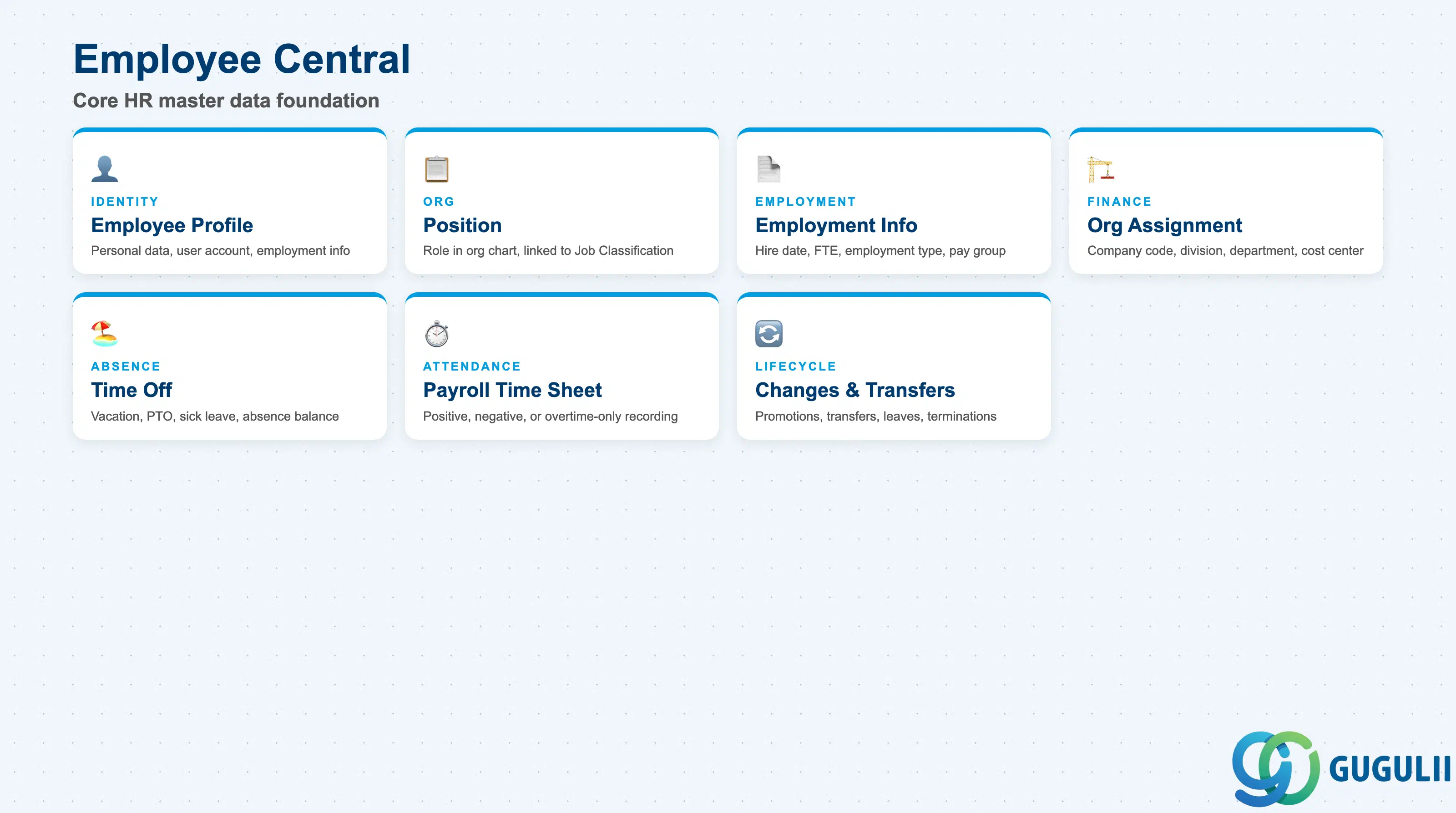
Employee Central (EC) is the Core HR module and the master data foundation for the entire SuccessFactors suite. It stores the HR master record — employee name, identification, username, organizational assignments, cost center, and position — and manages the complete employee lifecycle.
| Object | Description |
|---|---|
| Employee Profile | Personal data, identification, user account, and employment information |
| Position | Role defined in the org structure; linked to a Job Classification and org unit |
| Employment Information | Hire date, job entry date, employment type, FTE, and pay group |
| Organization Assignment | Company code, business unit, division, department, and cost center |
| Time Off | Vacation, PTO, sick leave, and absence balance tracking |
| Payroll Time Sheet | Attendance recording using positive, negative, or overtime-only methods |
| Changes & Transfers | Promotions, demotions, transfers, leave of absence, and terminations |
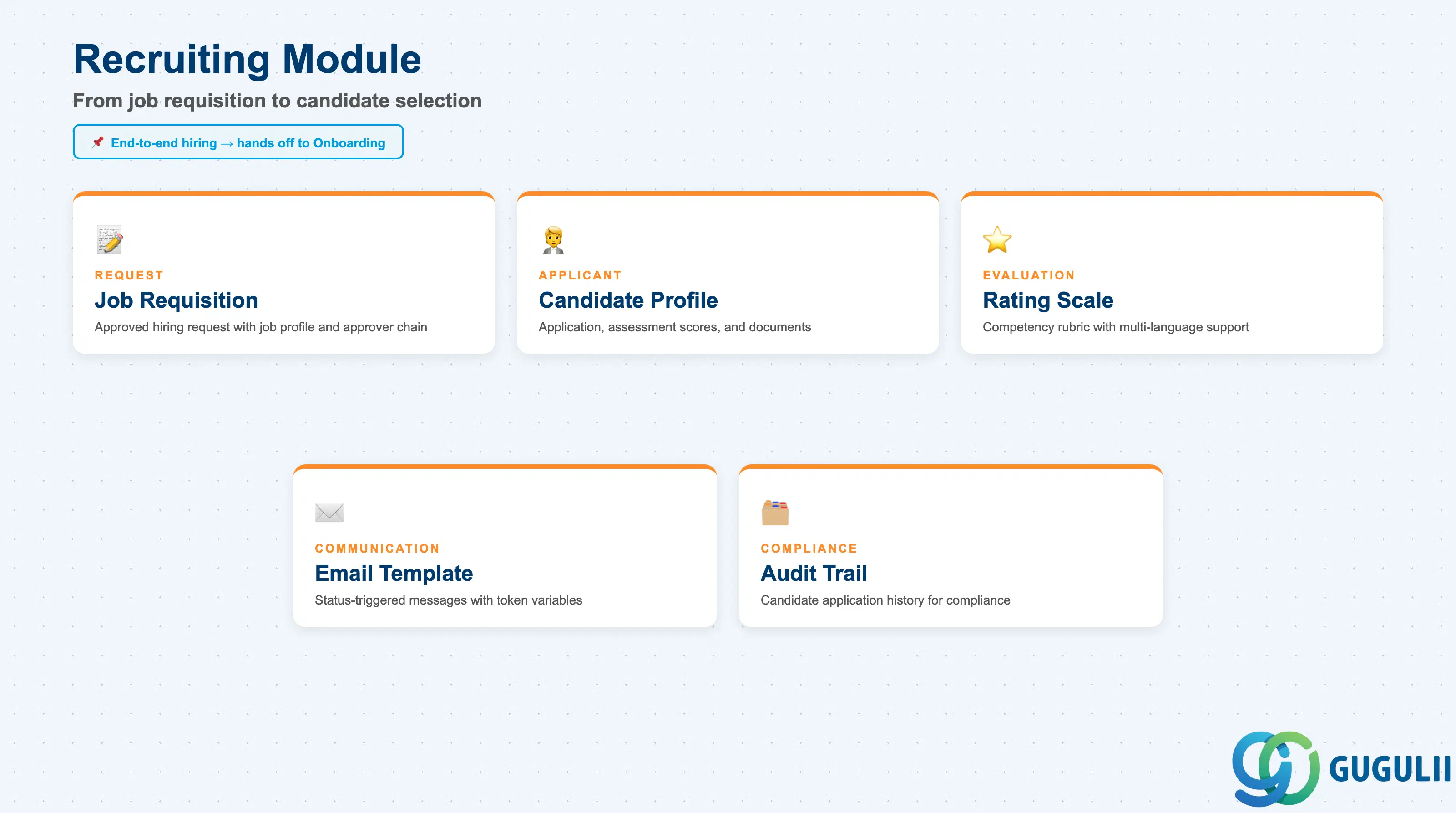
The Recruiting module sources, evaluates, and hires talent. It manages the end-to-end hiring process from job requisition publication through candidate selection, and hands off new hires directly to Onboarding.
| Object | Description |
|---|---|
| Job Requisition | Approved hiring request with job profile, criteria, and approver chain |
| Candidate Profile | Applicant data including application, assessment scores, and documents |
| Recruiting Rating Scale | Competency evaluation rubric supporting multi-language configurations |
| Email Template | Status-triggered communications with token variables and multi-language support |
| Audit Trail | Candidate application history for compliance purposes |
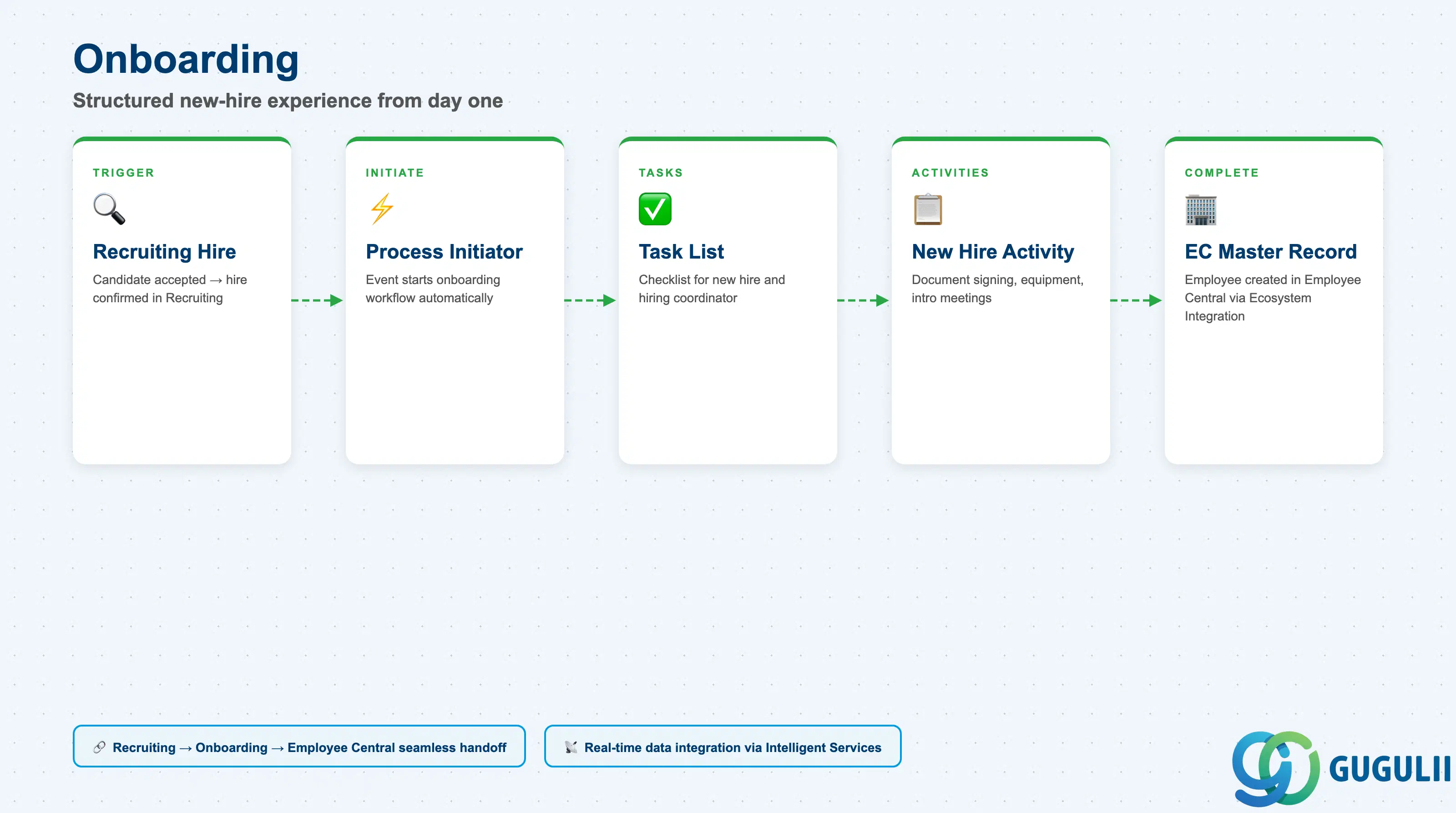
Onboarding delivers a structured new-hire experience from the employee’s first day. It is triggered by Recruiting when a candidate is hired, and integrates with Employee Central to create the HR master record.
| Object | Description |
|---|---|
| Onboarding Task List | Checklist of tasks assigned to the new hire and the hiring coordinator |
| Process Initiator | Event that starts the onboarding workflow upon hire confirmation |
| New Hire Activity | Individual task items (document signing, equipment request, introduction meetings) |
| Ecosystem Integration | Real-time connection to Recruiting and Employee Central for seamless data handoff |
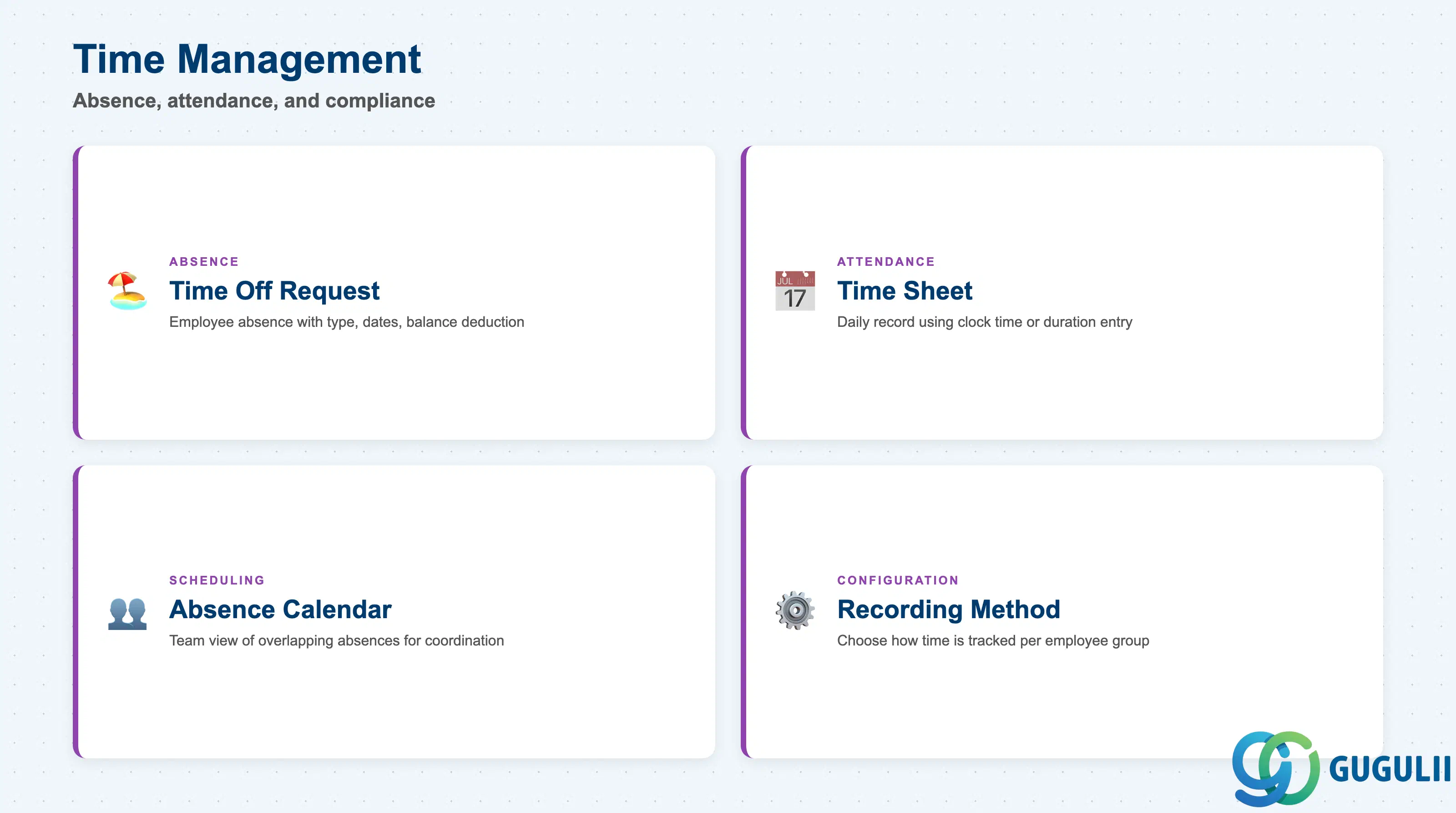
Time Management tracks employee time at and away from work. It supports absence requests, time sheet recording, team absence calendars, and compliance reporting. It operates as an extension of Employee Central’s Core HR functionality.
| Object | Description |
|---|---|
| Time Off Request | Employee-submitted absence with type, dates, and balance deduction |
| Time Sheet | Daily attendance record using clock time or duration entry |
| Absence Calendar | Team-level view of overlapping absences for scheduling coordination |
| Time Recording Method | Positive (all hours), Negative (exceptions only), or Overtime-only |
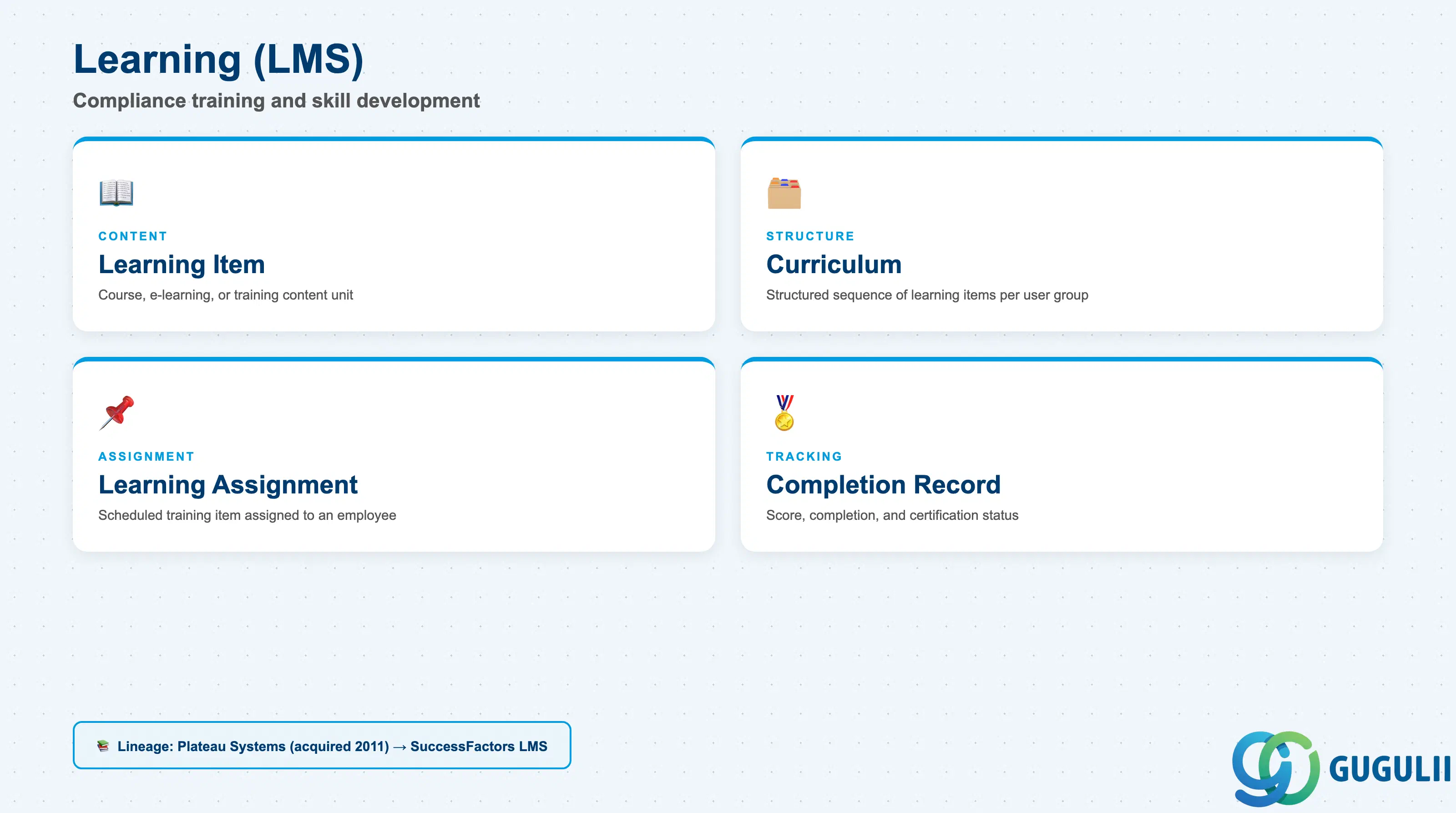
The Learning module is a cloud-based Learning Management System (LMS) with lineage from Plateau Systems, acquired by SuccessFactors in 2011. It supports compliance training, skill development, learning assignments, and certification tracking.
| Object | Description |
|---|---|
| Learning Item | Individual course, e-learning, or training content unit |
| Curriculum | Structured sequence of learning items assigned to a user group |
| Learning Assignment | Scheduled assignment of a learning item to an employee |
| Completion Record | Record of course completion, assessment score, and certification status |
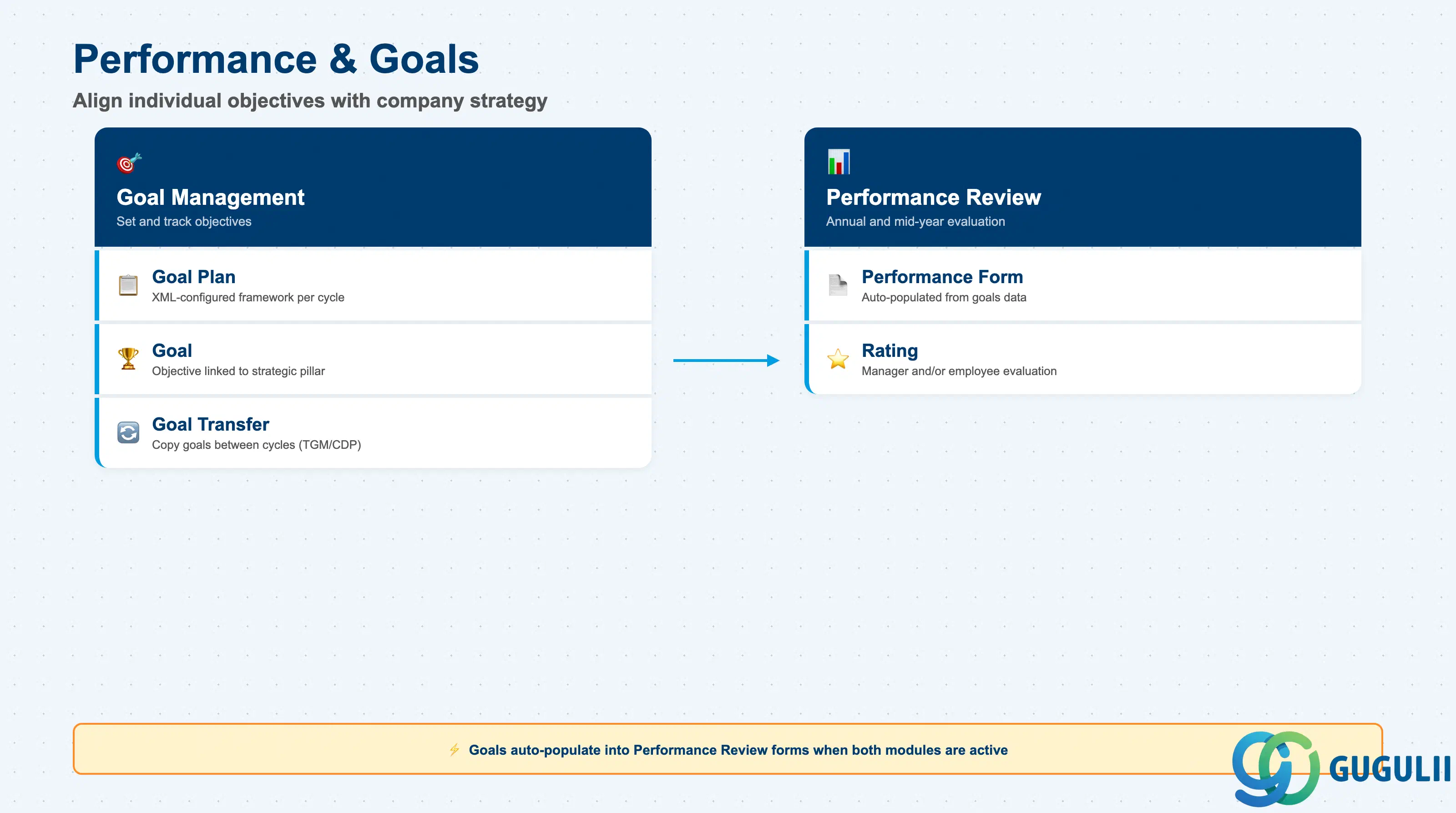
Performance and Goals aligns individual objectives with company strategy. When both the Goals and Performance modules are purchased, goals from Goal Management automatically populate into Performance Review forms, creating a seamless evaluation workflow.
| Object | Description |
|---|---|
| Goal Plan | Template defining the goal framework for a given cycle (XML-configured) |
| Goal | Individual objective linked to a company strategic pillar |
| Performance Form | Annual or mid-year review form populated from goals data |
| Rating | Numerical or categorical evaluation assigned by manager and/or employee |
| Goal Transfer | Wizard-based copy of goals between cycles (TGM/CDP Objective Transfer) |
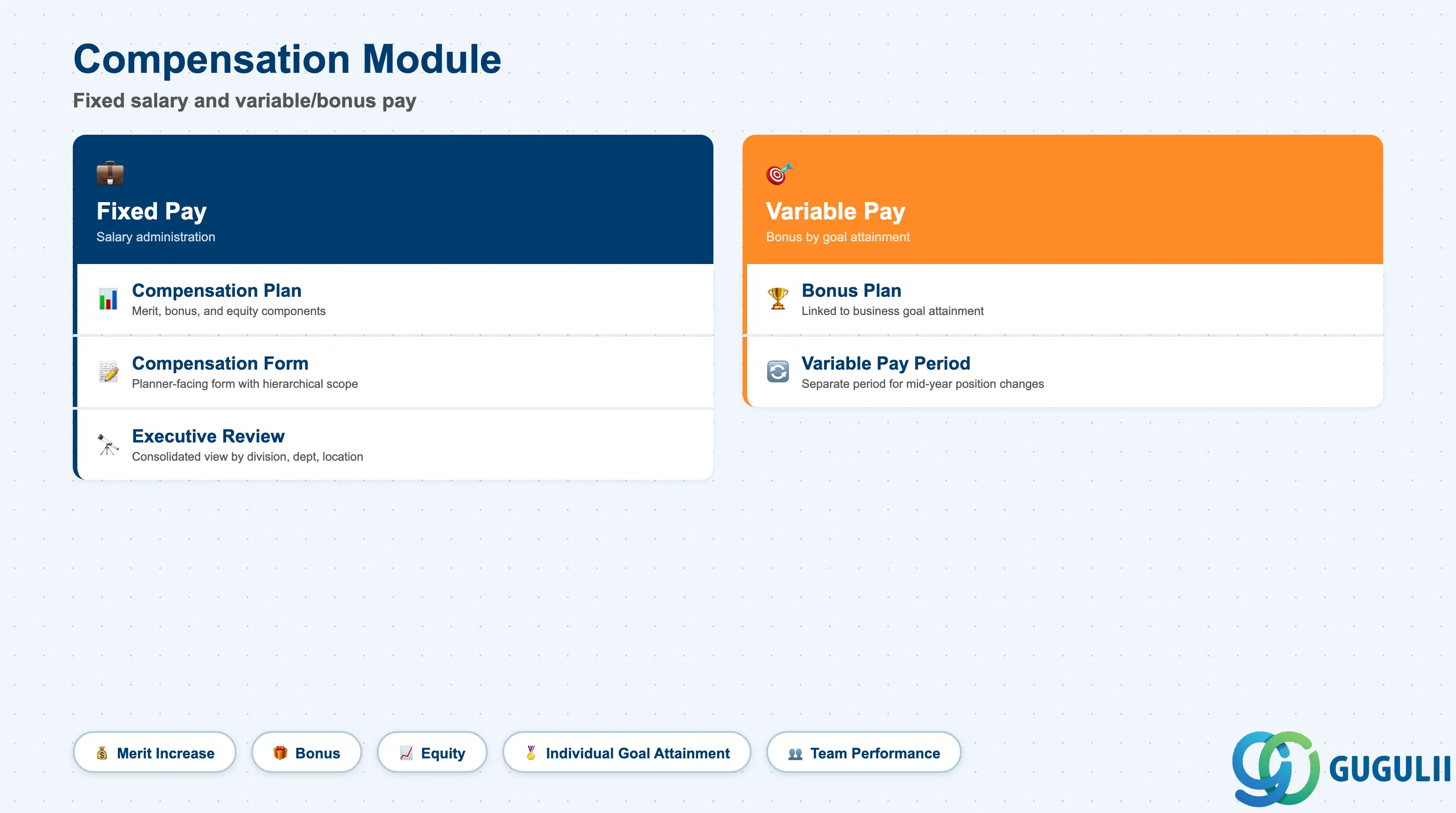
The Compensation module manages fixed salary administration and variable/bonus pay. Bonus calculations are based on individual, team, and group goal attainment. The Variable Pay component handles separate calculations for different periods within the same year, accommodating mid-year position changes.
| Object | Description |
|---|---|
| Compensation Plan | Salary review template defining merit, bonus, and equity components |
| Bonus Plan | Variable pay plan linked to business goal attainment |
| Variable Pay Period | Separate calculation period for employees who changed positions mid-year |
| Compensation Form | Planner-facing form with hierarchical scope for manager review |
| Executive Review | Consolidated view with filtering and export by division, department, or location |
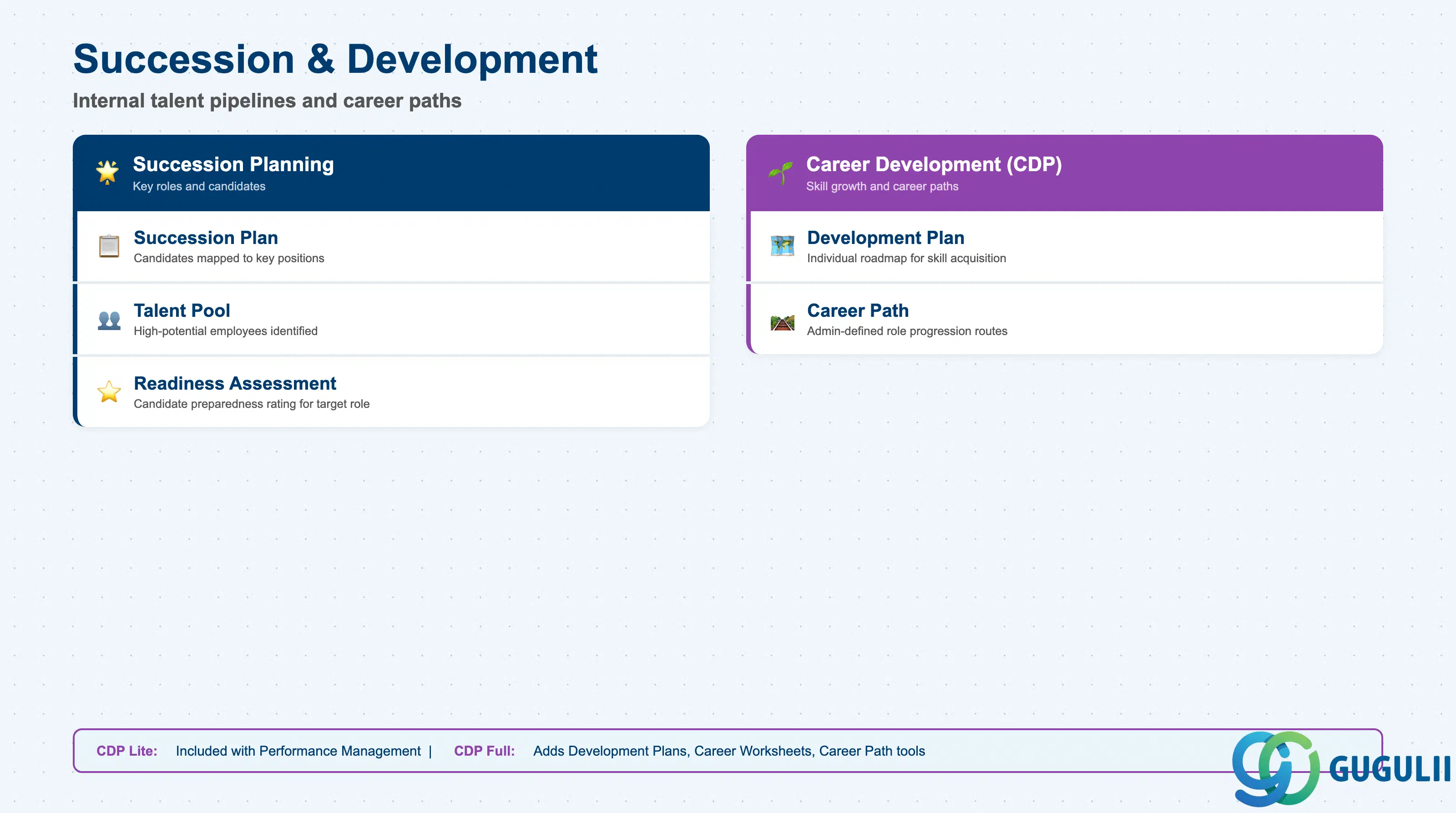
Succession and Development cultivates internal talent pipelines. Career Development Planning includes a Lite version (included with Performance Management) and a Full version (purchasable, adds Development Plans, Career Worksheets, and Career Path tools). Succession Planning identifies high-potential employees and maps them to critical roles.
| Object | Description |
|---|---|
| Succession Plan | Mapping of candidates to key positions with readiness ratings |
| Talent Pool | Group of high-potential employees identified for succession |
| Development Plan | Individual roadmap for skill acquisition and career progression |
| Career Path | Administrator-defined progression routes between job roles |
| Readiness Assessment | Rating indicating how prepared a candidate is for a target role |
Employee Central Payroll (EC Payroll) is a cloud-hosted payroll engine managed by SAP rather than the customer. It supports payroll execution across 35+ countries and handles wage configuration, pay statements, payroll runs, and reporting. Master data synchronization with legacy systems uses Dell Boomi or SAP HCI (HANA Cloud Integration).
| Object | Description |
|---|---|
| Payroll Area | Grouping of employees sharing the same payroll run schedule |
| Wage Type | Classification of pay elements (base salary, overtime, allowances, deductions) |
| Pay Statement | Employee-facing payslip showing gross, deductions, and net pay |
| Payroll Control Center | Dashboard for payroll administrators to monitor and correct payroll issues |
| Remittance | Transfer of net pay and third-party deductions to banks and authorities |
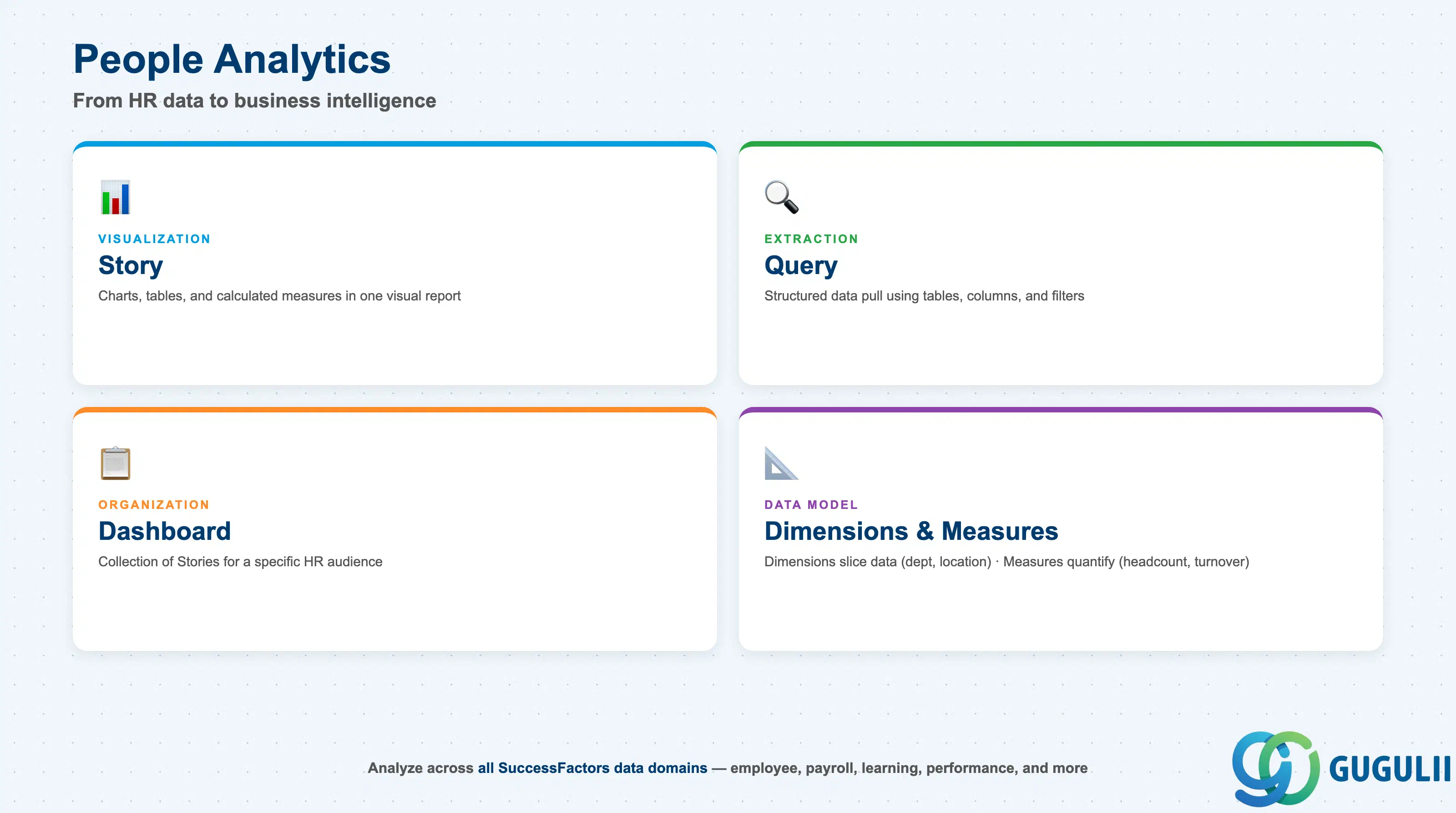
People Analytics transforms employee data into actionable business intelligence. It supports query-based reporting, Stories-based visual dashboards (charts, measures, dimensions), and ad-hoc analysis across all SuccessFactors data domains.
| Object | Description |
|---|---|
| Story | Visual report combining charts, tables, and calculated measures |
| Query | Structured data extraction using tables, columns, and filter conditions |
| Dashboard | Collection of Stories organized for a specific HR audience |
| Dimension | Categorical attribute (e.g., department, location, job level) used to slice metrics |
| Measure | Quantitative indicator (e.g., headcount, turnover rate, time-to-hire) |
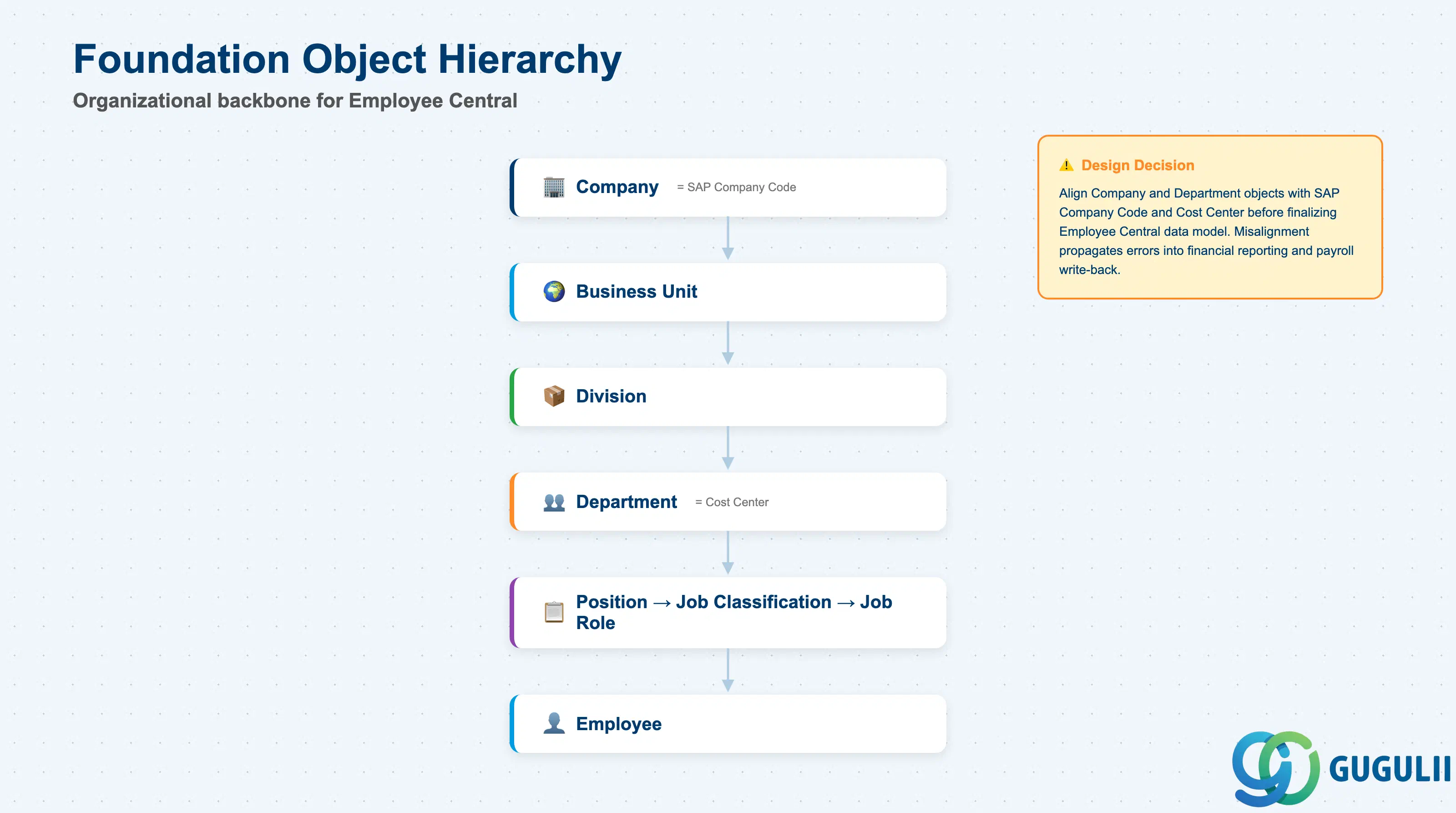
SAP SuccessFactors uses a layered Foundation Object hierarchy to represent organizational structure. This hierarchy is configured in Employee Central and serves as the organizational backbone for every other module and for any integration with SAP S/4HANA.
| Foundation Object | Description |
|---|---|
| Company | Legal entity; maps to SAP Company Code in S/4HANA |
| Business Unit | Segment of the company (e.g., region or product line) |
| Division | Sub-segment of a Business Unit |
| Department | Team or cost center within a Division |
| Location | Physical workplace; used for time zone, pay rules, and benefits |
| Job Classification | Standard role definition (job family, pay grade, FLSA status) |
| Job Role | Instance of a Job Classification within a specific context |
| Position | Headcount slot within the org chart linked to a Job Classification |
| Cost Center | Financial assignment that maps an employee’s position to S/4HANA cost accounting |
Organizational relationship (simplified):
Company
└── Business Unit
    └── Division
        └── Department
            └── Position (→ Job Classification → Job Role)
                └── Employee
Key design decision: The depth and granularity of the Foundation Object hierarchy is a critical configuration choice. Over-segmenting (too many Business Units or Divisions) creates maintenance overhead; under-segmenting reduces reporting fidelity. Align the hierarchy with the company code and cost center structure in S/4HANA before the Employee Central data model is finalized.
Design Callout: If Employee Central will serve as the HR master of record for S/4HANA, the Company and Department objects must map cleanly to SAP Company Code and Cost Center. Misalignment at this layer propagates errors into financial reporting and payroll write-back.
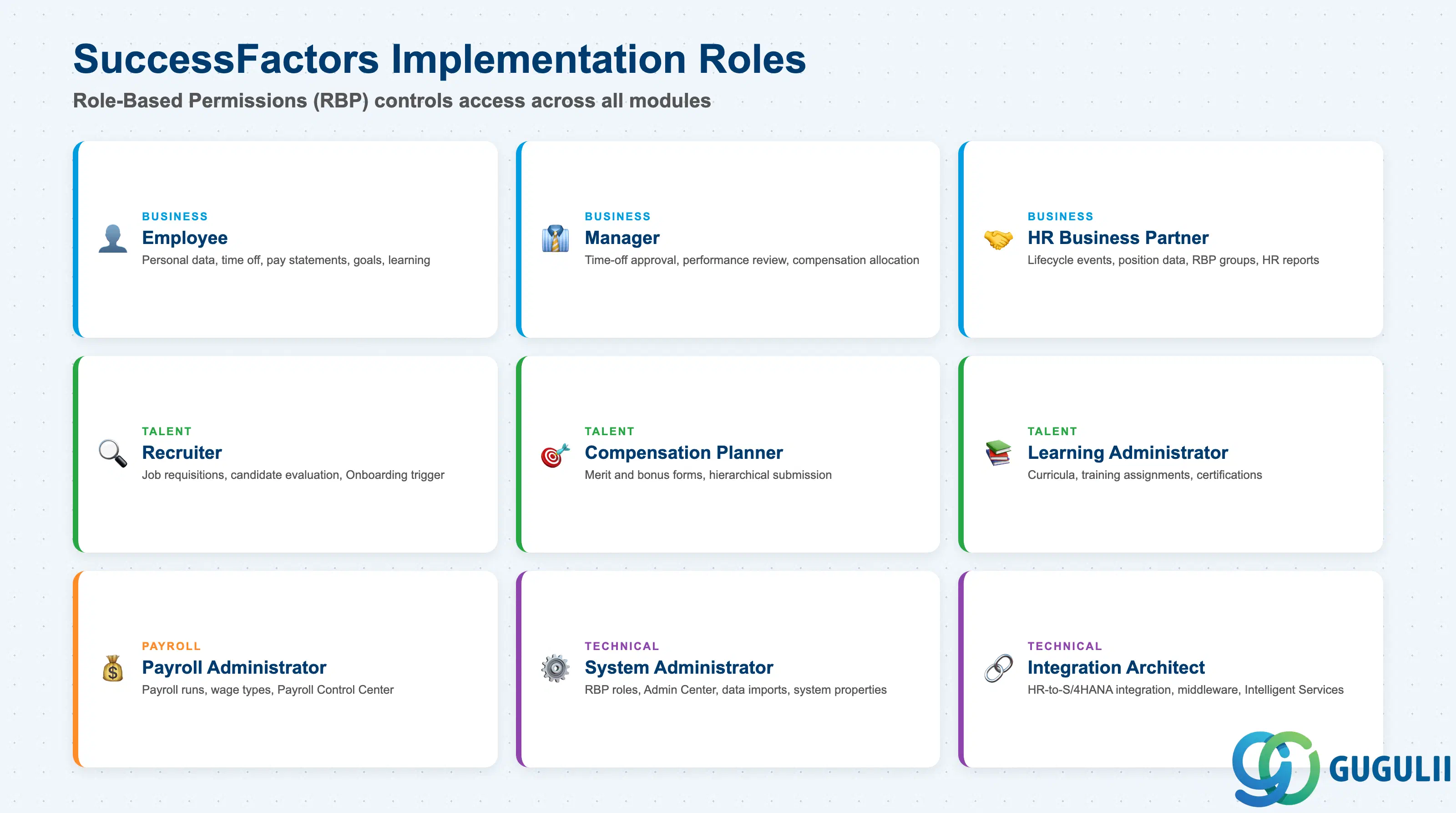
SAP SuccessFactors implementations involve a range of business and technical roles. Role-Based Permissions (RBP) — configured in Admin Center > Set User Permissions > Manage Permission Roles — controls what each role can see and do within the system.
| Role | Primary Activities |
|---|---|
| Employee | Update personal data, request time off, enter time sheets, view pay statements, complete learning assignments, set goals, participate in performance reviews |
| Manager | Approve time-off requests, review subordinate performance forms, allocate compensation budget, initiate talent reviews, access manager self-service dashboards |
| HR Business Partner | Configure employee lifecycle events (hire, transfer, promotion, termination), manage position data, support RBP group assignments, run HR reports |
| Recruiter | Manage job requisitions, evaluate candidates, trigger Onboarding for accepted offers, configure recruiting rating scales and email templates |
| Payroll Administrator | Execute payroll runs, validate wage types, review and correct pay statements via Payroll Control Center, manage remittances |
| Learning Administrator | Create and publish learning items and curricula, assign training to employee groups, track completion and certification records |
| Compensation Planner | Complete compensation forms within hierarchical scope, recommend merit increases and bonuses, submit for manager approval |
| System Administrator | Configure RBP roles and permission groups, manage Admin Center settings, perform data imports/exports, maintain system properties |
| Integration Architect | Design and configure HR-to-S/4HANA integration scenarios, select middleware (Integration Suite/HCI vs. PI), configure Intelligent Services event subscriptions |
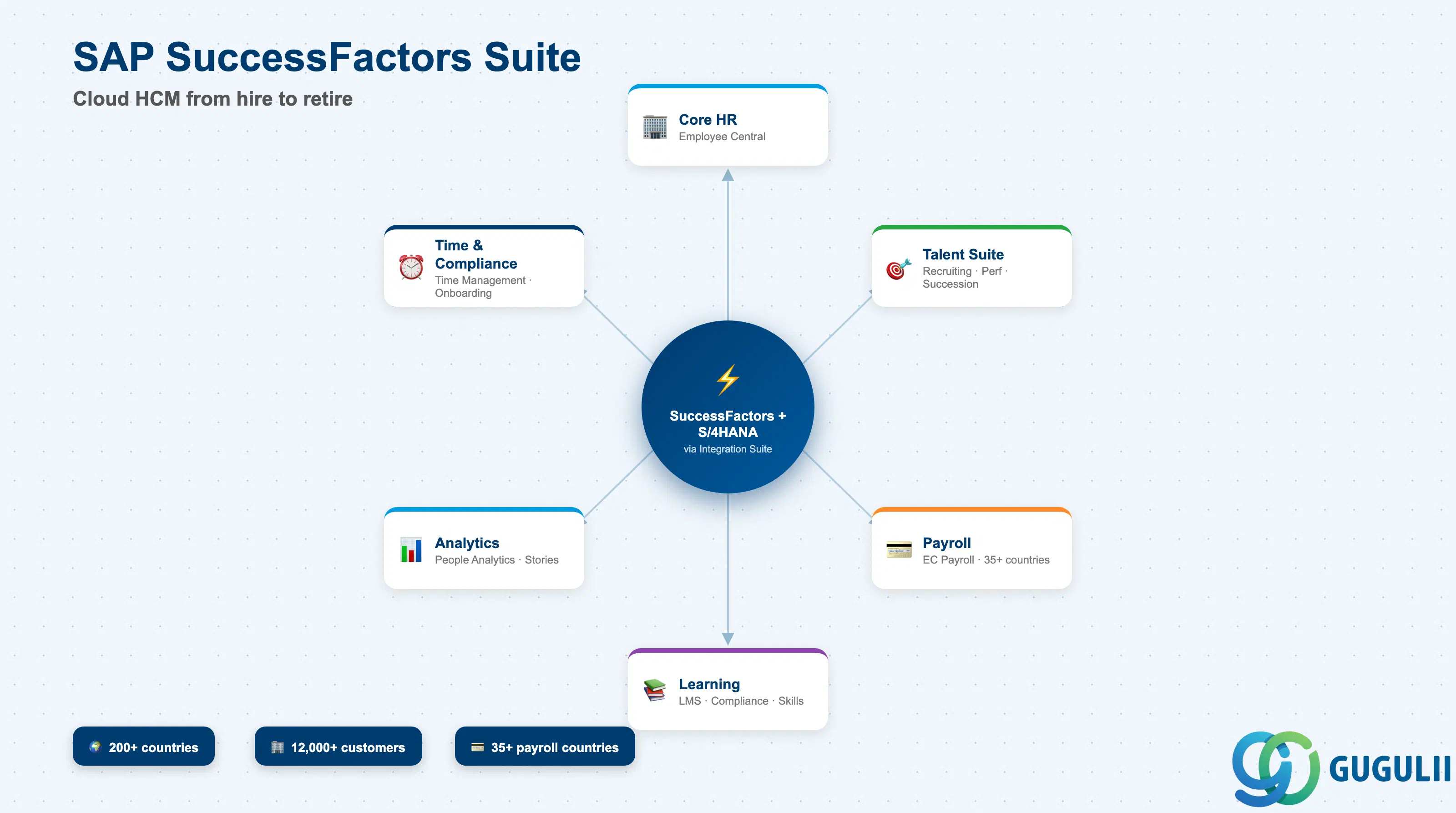
SAP SuccessFactors is SAP’s strategic HCM platform, combining Core HR, talent management, payroll, learning, and workforce analytics in a single cloud suite. Employee Central is the foundation — every other module and every integration with SAP S/4HANA depends on the data model defined there.
For organizations running SAP S/4HANA, SuccessFactors connects via SAP Integration Suite (HCI) or SAP PI, supporting two deployment models: Talent Hybrid (SuccessFactors for talent on top of existing SAP HCM) and Full Cloud HCM (Employee Central replaces on-premise HR). Intelligent Services extend integration beyond batch replication by broadcasting real-time HR business events — hires, transfers, terminations — to S/4HANA and connected systems.
The next article in this series covers the core business processes that run through SuccessFactors: the Hire-to-Onboard cycle, the Performance and Compensation cycle, and the payroll run sequence — together with the integration touchpoints to SAP S/4HANA Finance and Payroll.
| ID | Category | Title |
|---|---|---|
| sf-001 | Overview | What is SAP SuccessFactors? 📍 |
| ID | Category | Title |
|---|---|---|
| sf-b01 | Overview | SAP SuccessFactors Transactions: Process Flow, Hierarchy & Relationships |