Title here
Summary here

Legal Entity is the top-level organizational master data object in SuccessFactors Employee Central — it represents the legal, tax-registered entity (typically a company or subsidiary) that employs staff and anchors every level of the organizational hierarchy below it. Every Business Unit, Division, Department, and Cost Center that a consultant configures is ultimately assigned to exactly one Legal Entity, and every Employment record references a Legal Entity as the employee’s legal employer. This article covers what Legal Entity is, how it sits in the broader hierarchy, and every field an Employee Central consultant configures.
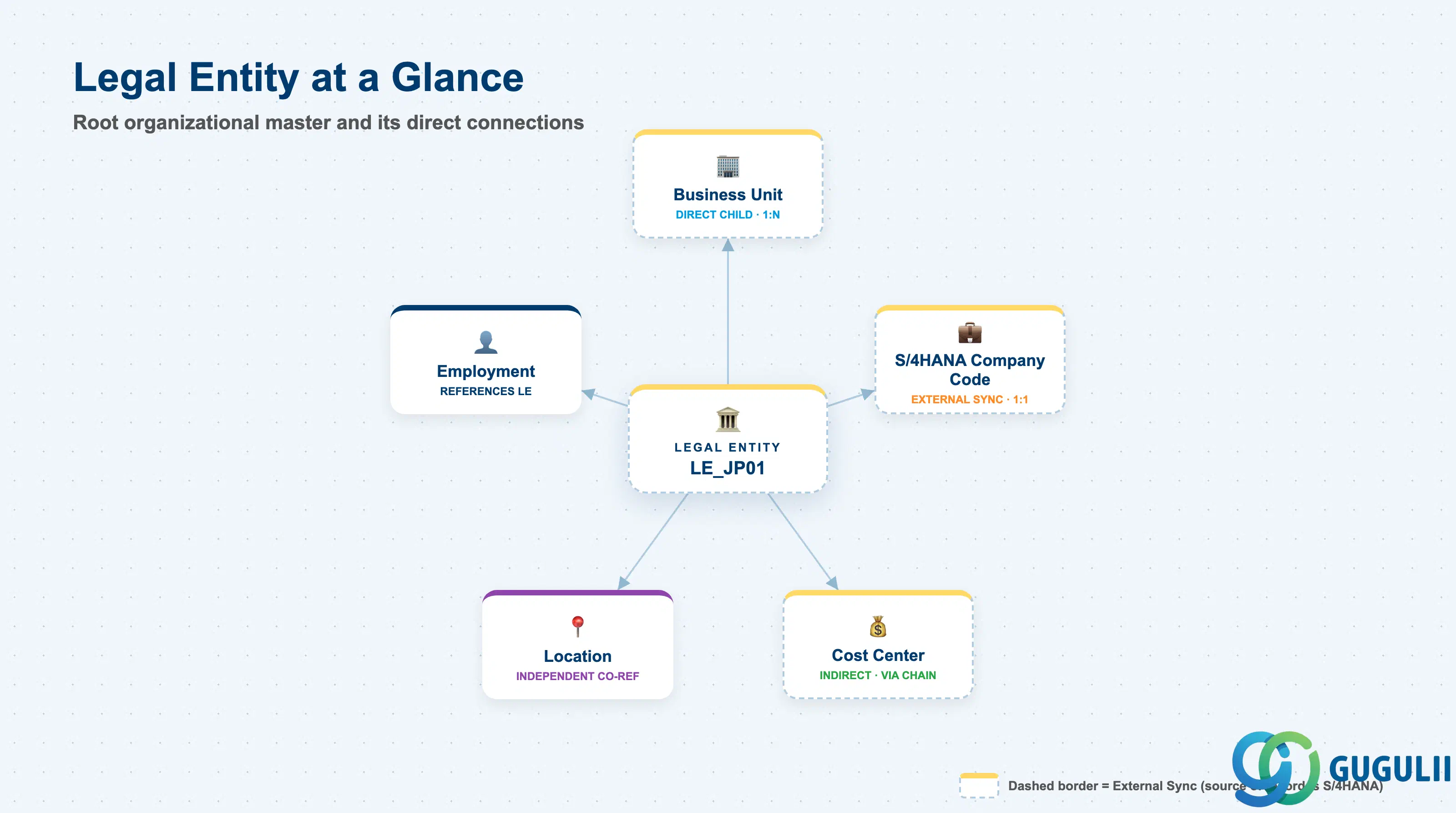
Legal Entity is a foundation object — the highest level of the SuccessFactors organizational structure. It does not represent a reporting line or a team; it represents the actual legal/statutory registration under which employees are hired, paid, and reported to authorities. Everything below it (Business Unit, Division, Department, Cost Center) exists to organize people and cost within the boundary that Legal Entity defines.
| Aspect | Details |
|---|---|
| Role | Root of the organizational hierarchy; the legal/statutory employer boundary that every Employment record references |
| Modules using it | Employee Central (owner — foundation object framework), Employee Central Payroll (groups payroll runs by legal employer for statutory reporting), Recruiting/Onboarding (job requisitions and new hires typically inherit the Legal Entity of the hiring organization) |
| Transactions | Admin Center → “Manage Organization, Pay and Job Structures” (create/edit foundation object records); “Import and Export Data” (mass load via CSV); Business Rules can auto-derive Legal Entity from other Employment fields |
| Key Tables | OData API entity FOLegalEntity (Foundation Object) — SuccessFactors has no classic ABAP table; each record is effective-dated rather than table-row based |
| S/4HANA note | Legal Entity is commonly mapped 1:1 to an S/4HANA FI Company Code. It can be created natively in SuccessFactors or synced inbound from S/4HANA — the sync direction is a blueprint decision (see 1.2) |
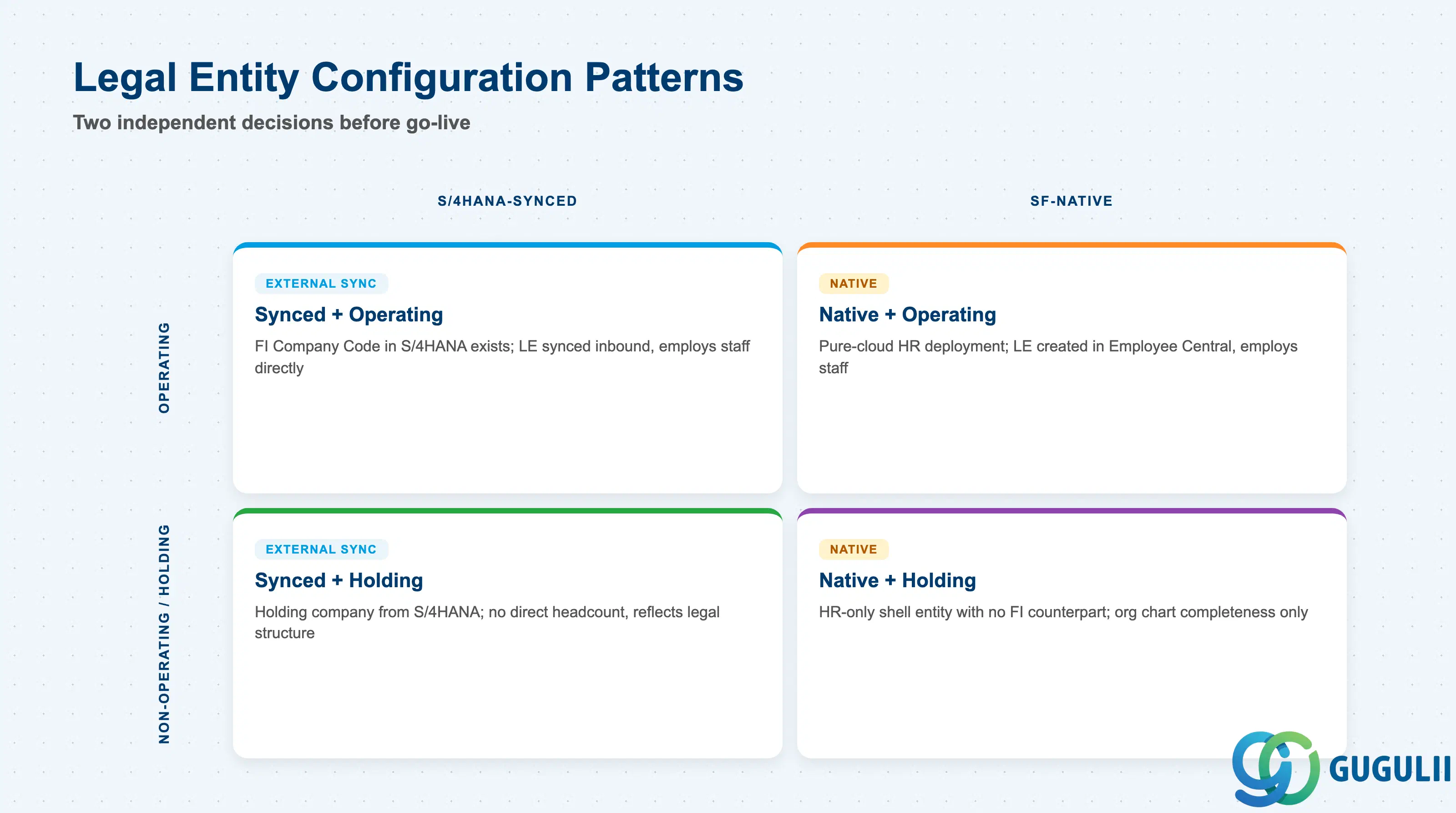
Legal Entity is not selected from a fixed SAP type code the way a purchasing document type is — but every implementation still has to decide two independent dimensions before go-live: where the record is mastered, and whether the entity actually employs people.
| Pattern | Marker | Use Case | Key Behavior |
|---|---|---|---|
| S/4HANA-Synced Legal Entity | External Sync | Client already runs FI Company Code in S/4HANA/ECC | Legal Entity is created and maintained via inbound integration from S/4HANA; manual edits in SuccessFactors are typically restricted or get overwritten on the next sync run |
| SuccessFactors-Native Legal Entity | Native | Pure-cloud HR deployment, or an entity that exists only for HR purposes (e.g. an HR shared-service company with no FI counterpart) | Legal Entity is created and maintained directly in Employee Central Admin Center; no downstream FI dependency |
| Operating Legal Entity | Operating | Entity directly employs staff | Has active Employment records against it; drives payroll country/legal grouping and statutory reporting |
| Non-Operating / Holding Legal Entity | Holding | Entity exists for corporate/legal structure completeness only (e.g. a holding company with no direct headcount) | Configured in the picklist but rarely or never referenced by an Employment record; used only so the org chart reflects the real legal structure |
Design principle: Decide the sync direction (S/4HANA-synced vs. SF-native) once, at blueprint. Flipping an existing Legal Entity from native to synced later requires a data reconciliation project, since the External Code / Company Code mapping becomes the system-of-record key going forward.
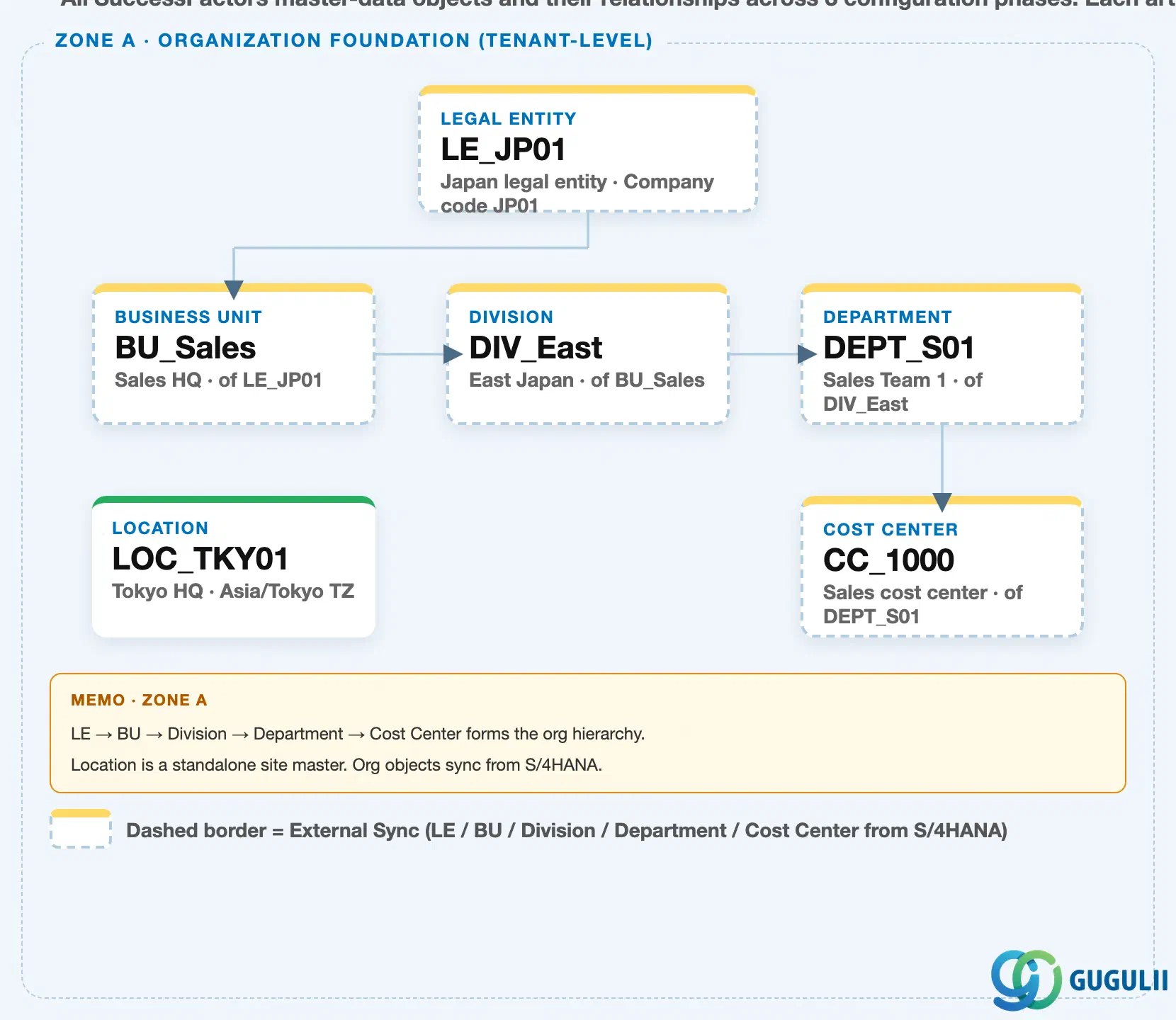
Data hierarchy with a concrete example
Client (SuccessFactors Instance)
   │
   └── Legal Entity "LE_JP01" — Japan Legal Entity, Company Code JP01
          │
          ├── Business Unit "BU_Sales" — Sales HQ, of LE_JP01
          │      │
          │      └── Division "DIV_East" — East Japan, of BU_Sales
          │             │
          │             └── Department "DEPT_S01" — Sales Team 1, of DIV_East
          │                    │
          │                    └── Cost Center "CC_1000" — Sales cost center, of DEPT_S01
          │
          └── (external sync) ──> S/4HANA FI Company Code "JP01"

Location "LOC_TKY01" — Tokyo HQ, Asia/Tokyo TZ
   (independent tenant-level master — not nested under Legal Entity)

Employment "EMP_000001" (Employee Central) ── assigned to ──> Legal Entity "LE_JP01"
   (every hire's Employment record references exactly one Legal Entity as legal employer)
Design principle: Legal Entity → Business Unit → Division → Department → Cost Center is a strict single-parent chain — every object below Legal Entity must resolve to exactly one Legal Entity at the top, with no cross-entity sharing.
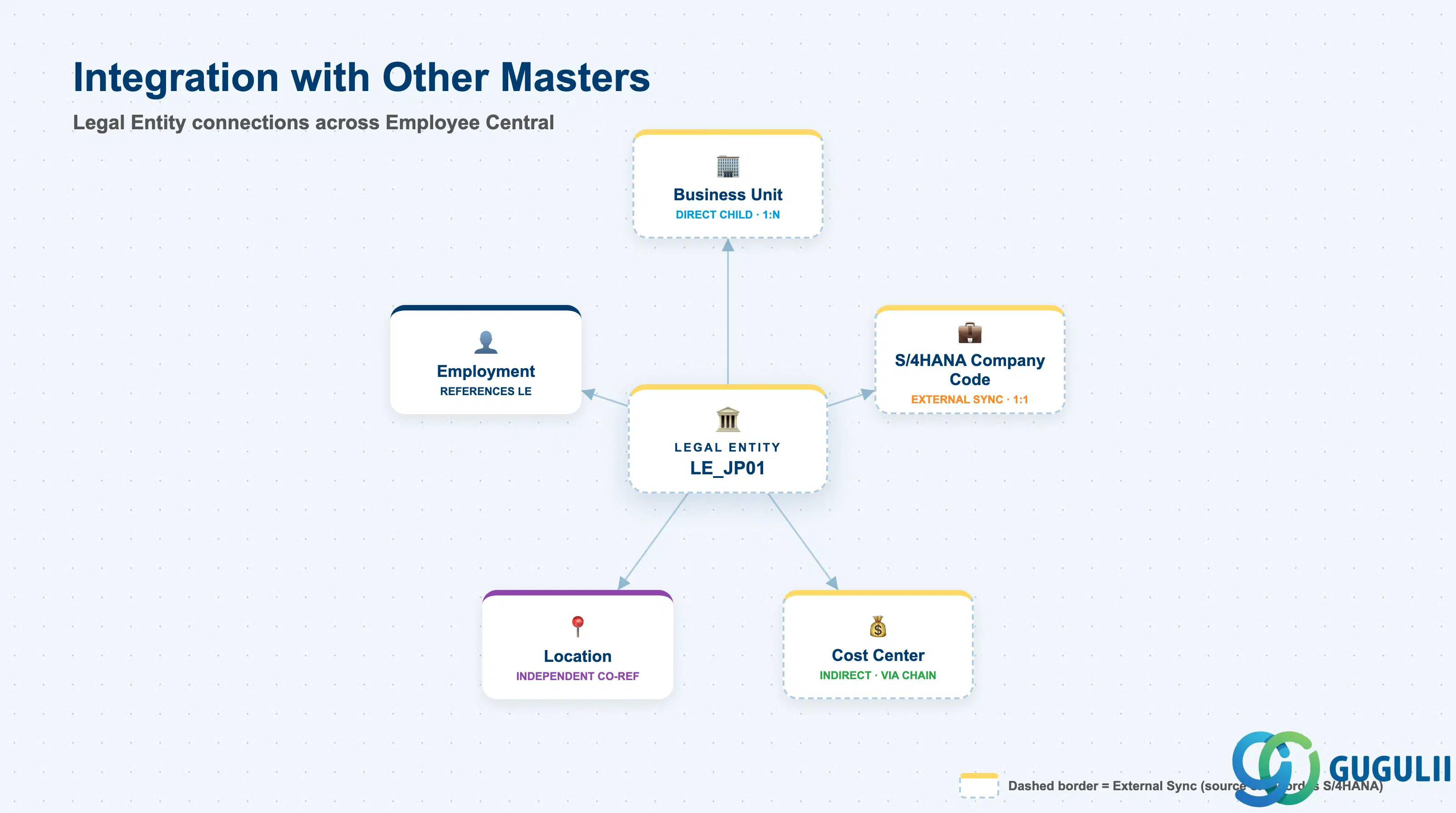
Legal Entity does not stand alone — it is the anchor that every other organizational and employee-data object ultimately references, directly or indirectly.
| Object | Relationship | Practical Notes |
|---|---|---|
| Business Unit | Direct child (1:N) — every Business Unit must belong to exactly one Legal Entity | The first and only mandatory step below Legal Entity when Business Unit is enabled; if Business Unit is not used, Division/Department attach one level higher |
| Employment | Employment record references Legal Entity as the legal employer | Determines the statutory reporting group and, in Employee Central Payroll deployments, the payroll country grouping for the employee |
| S/4HANA FI Company Code | External sync source/target — Legal Entity commonly mirrors an S/4HANA Company Code 1:1 | Keeps the HR legal-entity structure aligned with the FI company code, which matters for headcount cost allocation and consolidated statutory reporting |
| Location | Independent tenant-level master, frequently co-referenced on the same employee | Employees are typically assigned both a Legal Entity (via Employment) and a Location (via Job Information) — the two dimensions are maintained separately and answer different questions (“who employs this person” vs. “where do they physically work”) |
| Cost Center | Indirect, via the Business Unit → Division → Department → Cost Center chain | Legal Entity does not directly own Cost Center, but every Cost Center ultimately rolls up to one Legal Entity through the org hierarchy — relevant when building headcount cost reports segmented by legal entity |
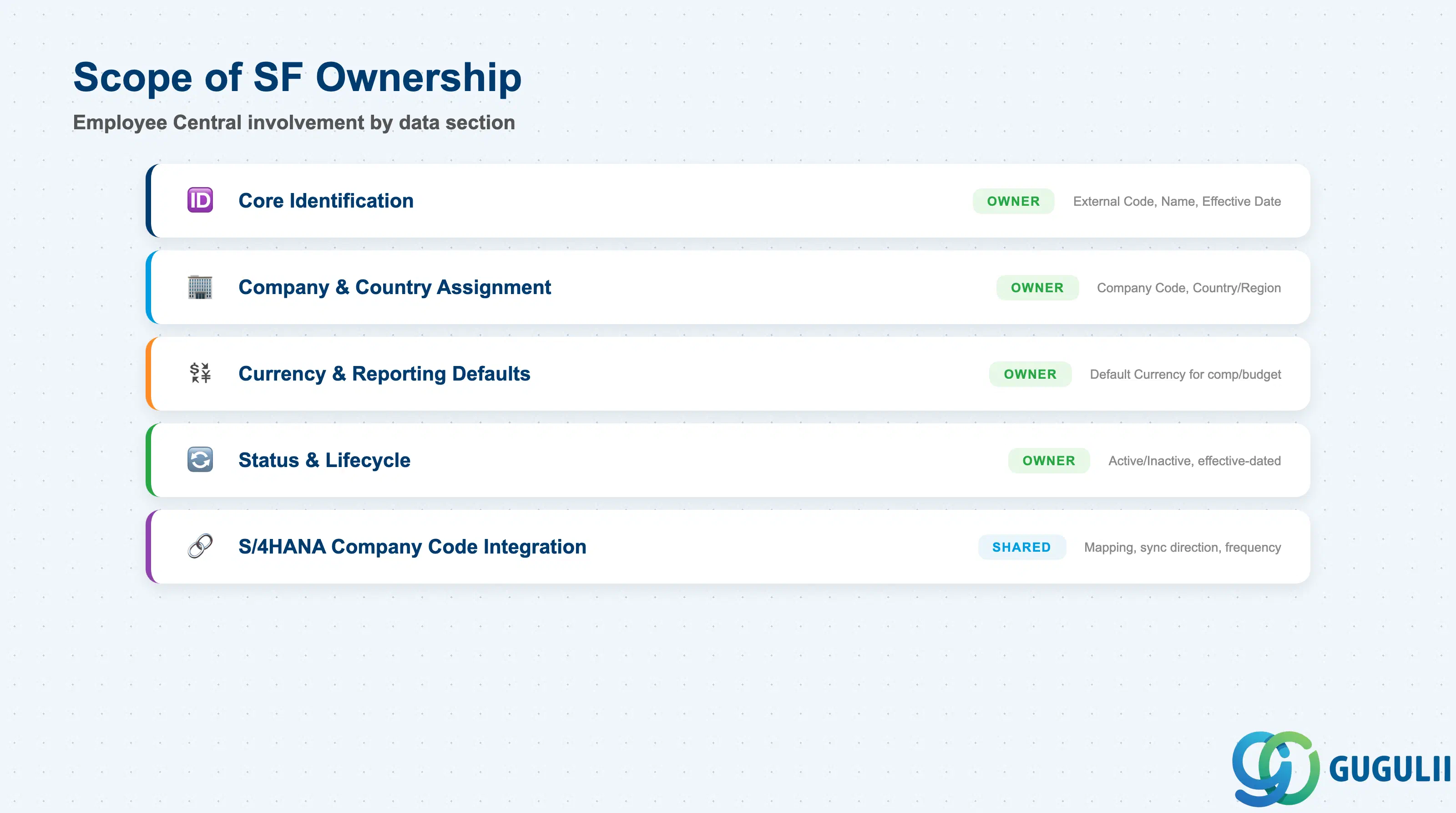
| Data Section | SF Involvement | Notes |
|---|---|---|
| Core Identification | ◎ Owner | External Code, Name, Effective Start Date |
| Company & Country Assignment | ◎ Owner | Company Code, Country/Region |
| Currency & Reporting Defaults | ◎ Owner | Default Currency used for compensation and budget defaults |
| Status & Lifecycle | ◎ Owner | Active/Inactive status, effective-dated change history |
| S/4HANA Company Code Integration | ○ Shared with FI/Basis | External Code mapping, sync direction, sync frequency |
Legend: ◎ = Owner / Critical, ○ = Direct involvement
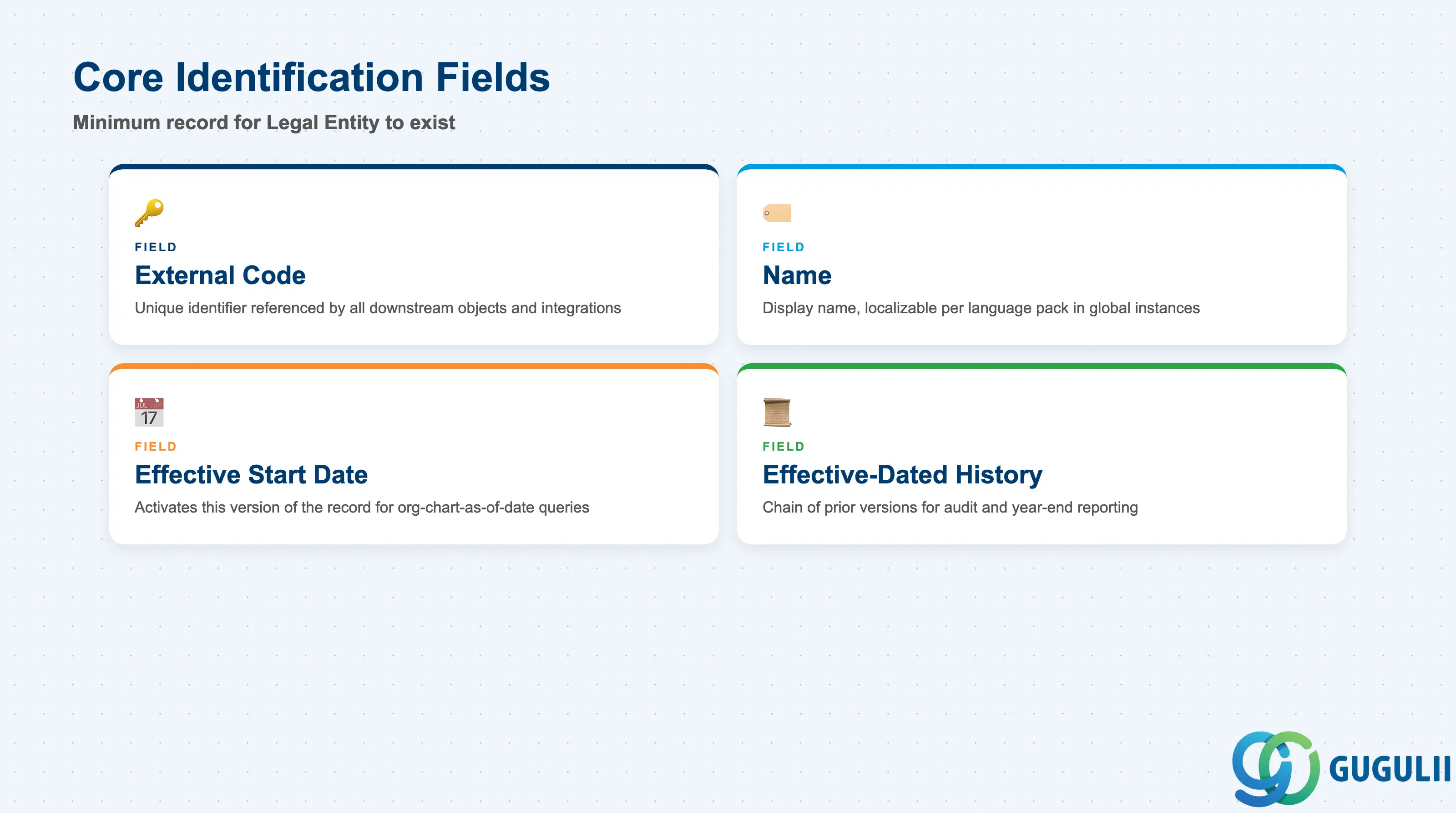
Core Identification is the minimum record a Legal Entity needs to exist — it is what every other foundation object references when it points “up” to a Legal Entity.
| Field | Description | Practical Usage |
|---|---|---|
| External Code | Unique identifier for the Legal Entity | The key value every downstream reference (Business Unit, Employment, integration payloads) points to. Should be decided once with the integration team — changing it after go-live breaks any middleware mapping keyed on the old value. |
| Name | Display name of the Legal Entity | Localizable per language pack in a global instance. Keep the naming convention consistent with the FI Company Code short text when synced, so HR and Finance teams recognize the same entity across systems. |
| Effective Start Date | Date this version of the record becomes active | Every field change is captured as a new effective-dated row, not an overwrite. This is what allows an org-chart-as-of-date query to reconstruct historical structure — critical for audit and year-end reporting. |
| Effective-Dated History | Chain of prior versions of this Legal Entity record | Used to answer “what was this entity’s status/name/currency on date X.” Consultants should avoid deleting history rows; correct forward with a new effective-dated entry instead. |
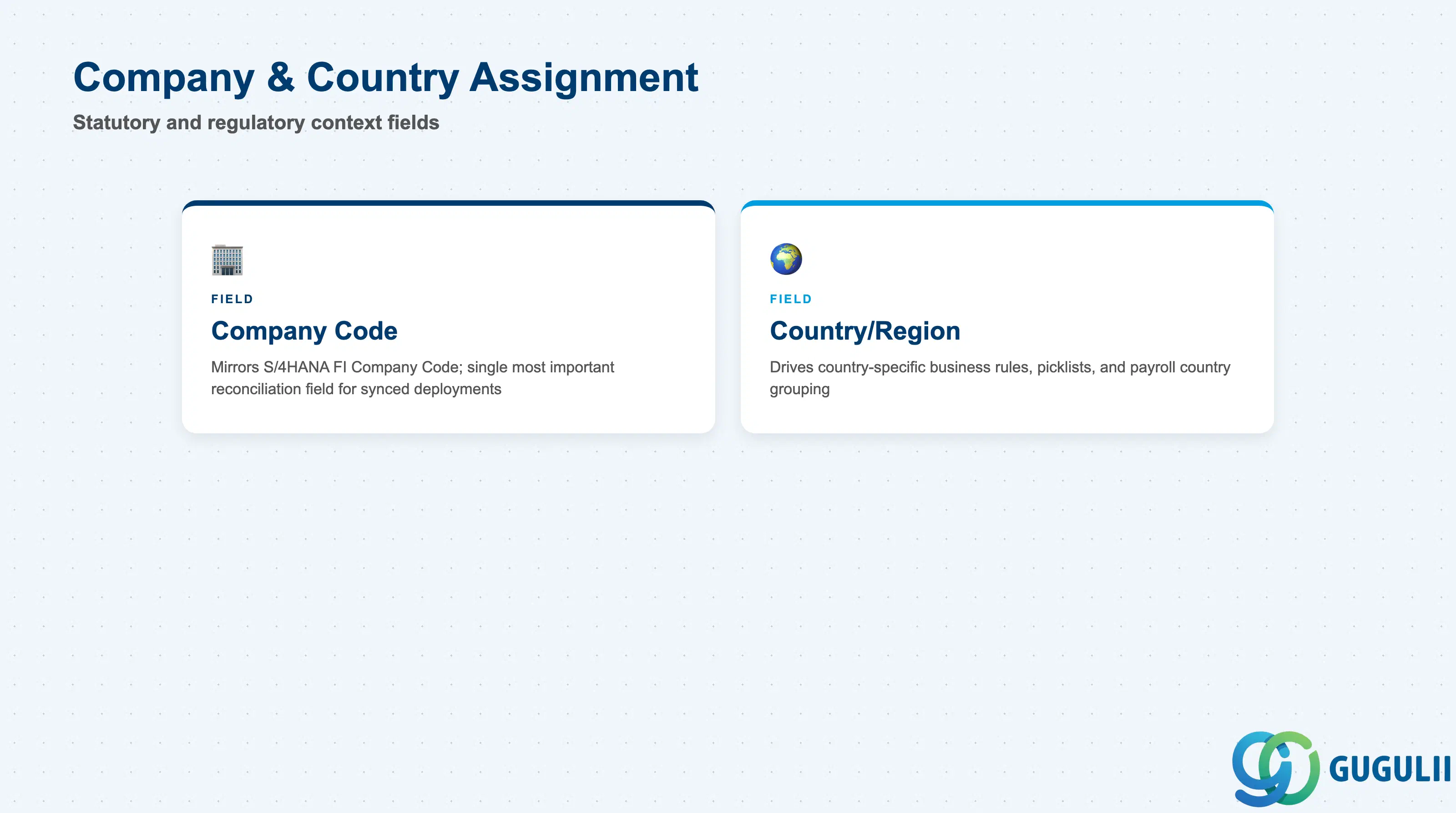
This section ties the Legal Entity record to the statutory/regulatory context it operates under, and is the field pair most frequently reconciled against S/4HANA.
| Field | Description | Practical Usage |
|---|---|---|
| Company Code | The company/legal-entity code, typically mirroring the S/4HANA FI Company Code | The single most important reconciliation field for S/4HANA-synced deployments. During blueprint, confirm whether this field is inbound-only (from S/4HANA) or maintained natively — mixing both leads to conflicting updates. |
| Country/Region | Statutory country of registration | Drives which country-specific Employee Central business rules, picklists, and (in Employee Central Payroll deployments) payroll country grouping apply to employees assigned to this Legal Entity. |
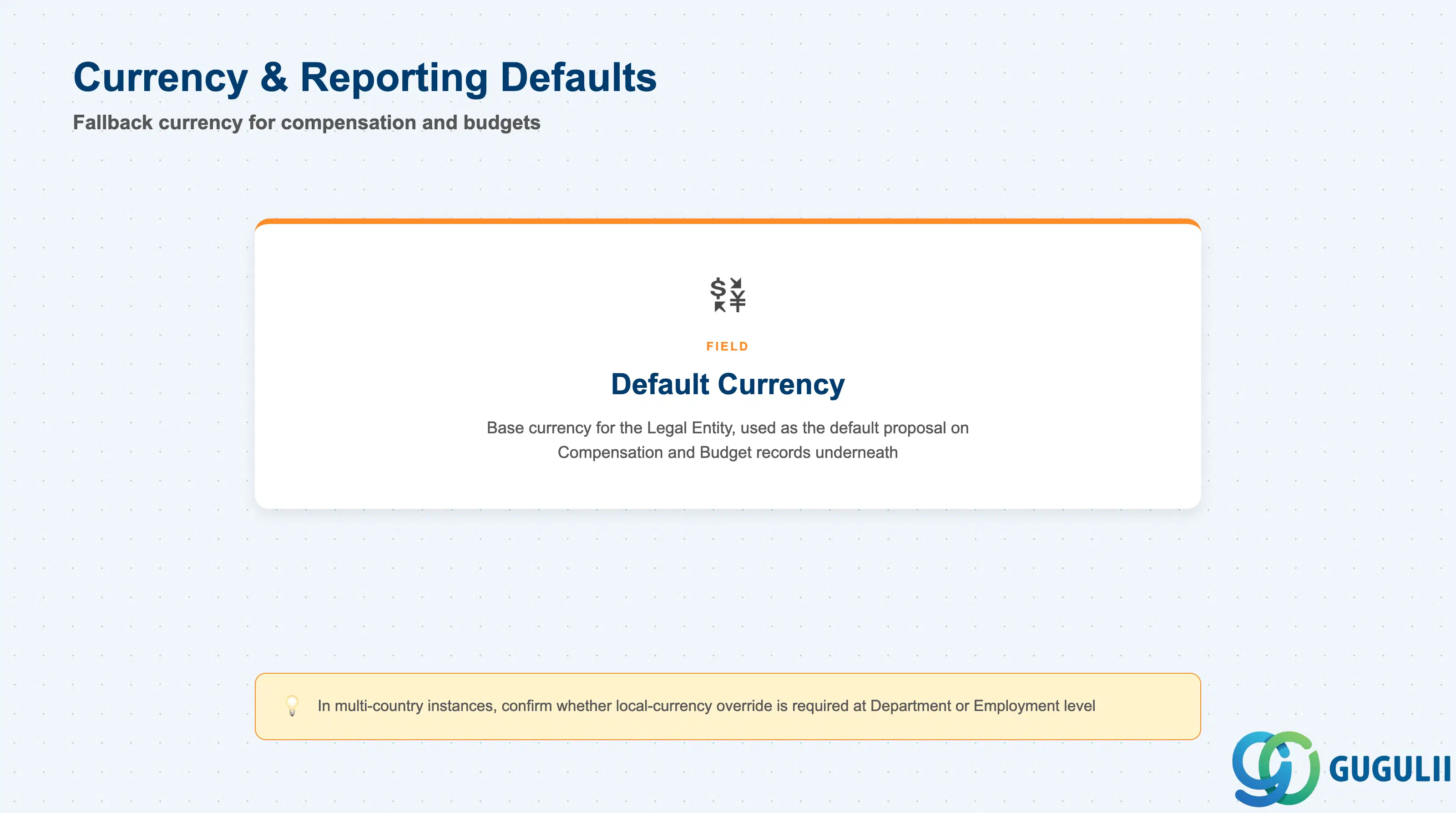
Currency set at the Legal Entity level becomes the fallback default for compensation, budget, and reporting objects assigned underneath it, unless overridden lower in the hierarchy.
| Field | Description | Practical Usage |
|---|---|---|
| Default Currency | Base currency for the Legal Entity | Used as the default currency proposal on Compensation Information and Budget records for employees/departments under this Legal Entity. In multi-country instances, confirm with the Compensation team whether local-currency override is required at Department or Employment level. |
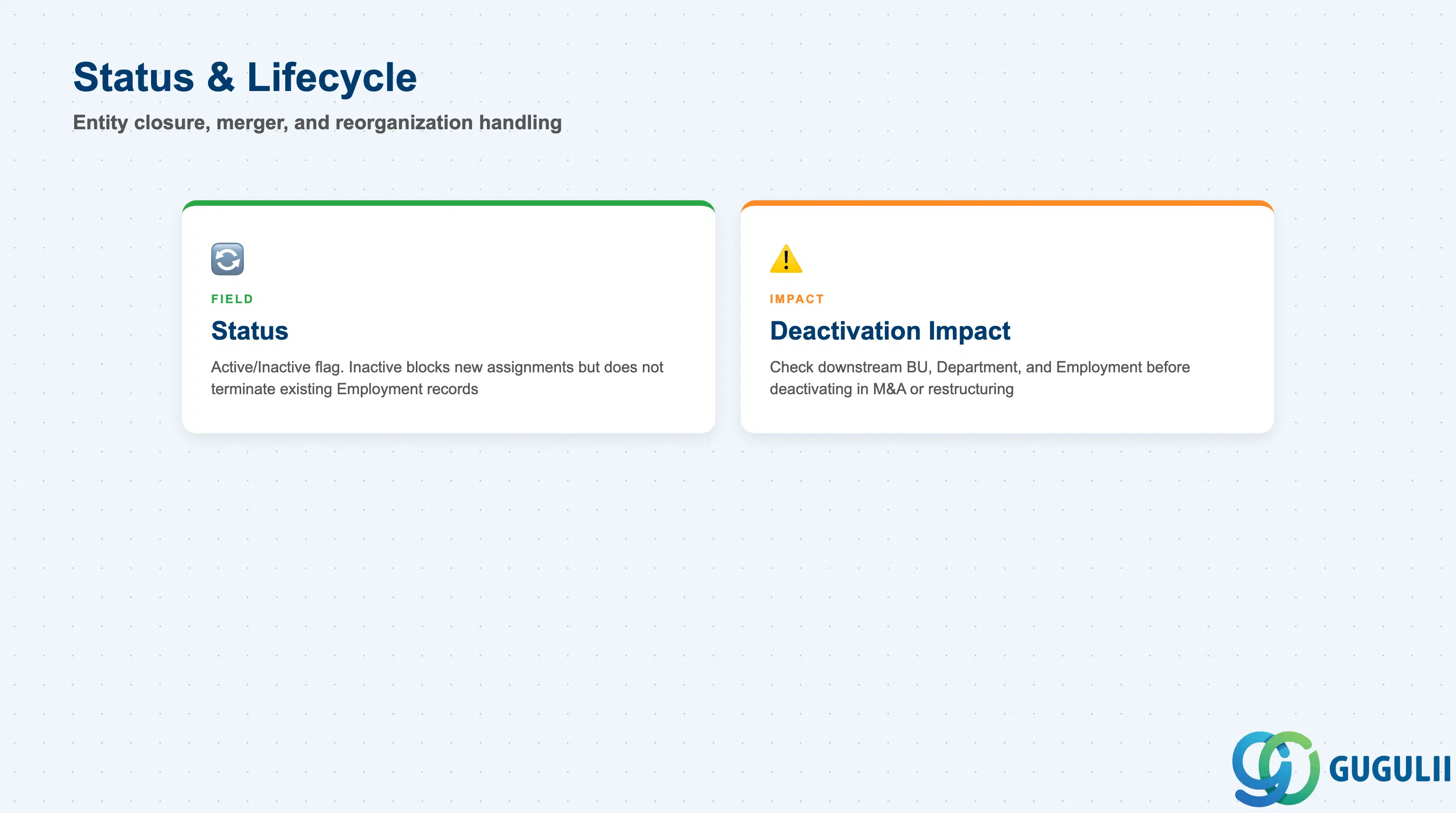
Status governs whether a Legal Entity is available for new assignments — this section is where consultants handle entity closures, mergers, and reorganizations.
| Field | Description | Practical Usage |
|---|---|---|
| Status | Active / Inactive flag | Setting a Legal Entity Inactive does not terminate existing Employment records — it only blocks the entity from being selected on new records going forward. Deactivation should always be effective-dated to match the actual legal closure/merger date, not the date the admin makes the change in the system. |
| Deactivation Impact | Downstream effect of an Inactive Legal Entity | Before deactivating, check for any Business Unit, Department, or open Employment record still pointing to the entity — those need to be re-pointed to the surviving Legal Entity first in an M&A or restructuring scenario. |
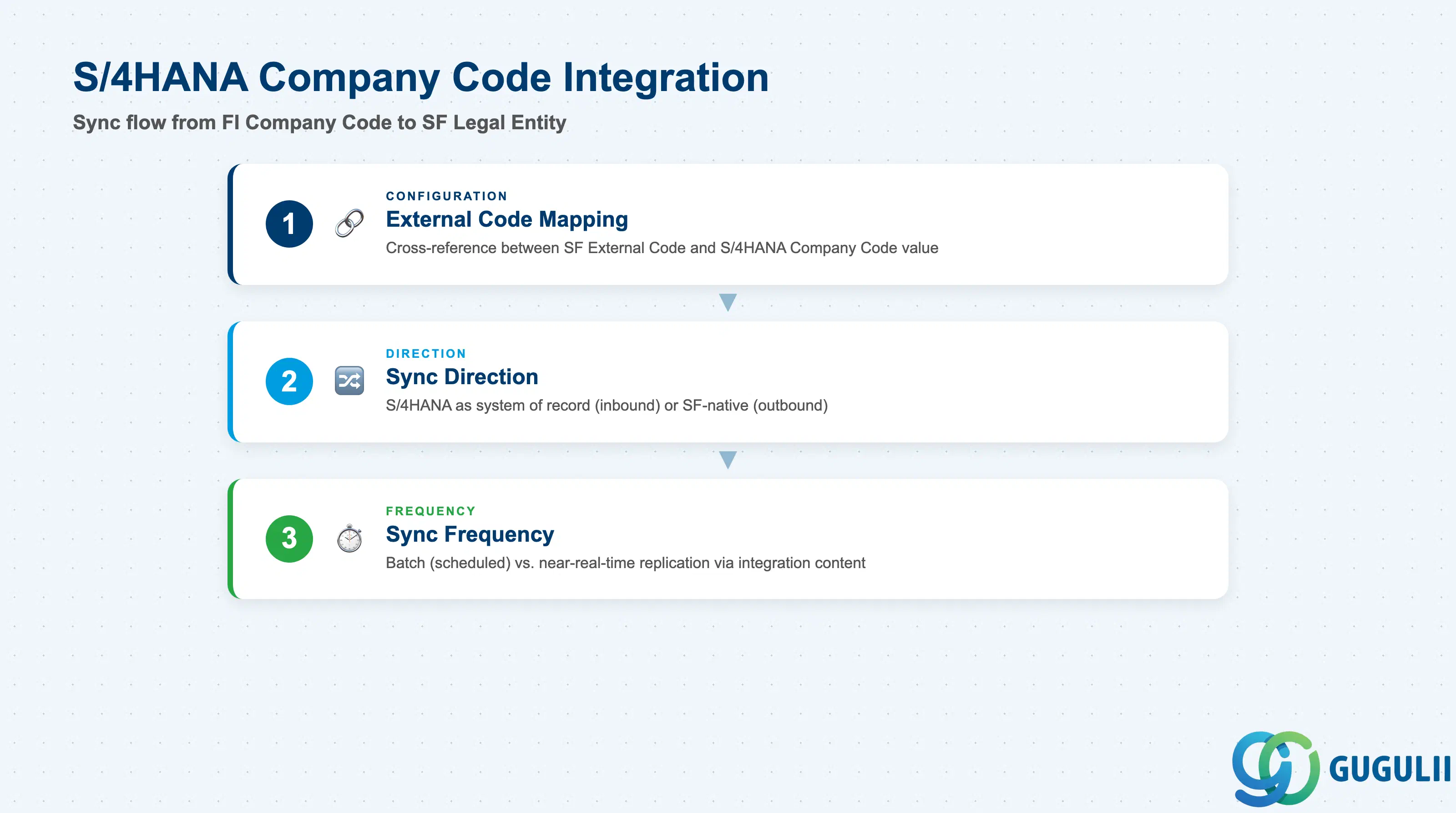
For clients running S/4HANA FI alongside SuccessFactors Employee Central, Legal Entity is typically the first foundation object reconciled between the two systems, since Company Code is a hard prerequisite for FI postings.
| Field | Description | Practical Usage |
|---|---|---|
| External Code Mapping | Cross-reference between SuccessFactors External Code and the S/4HANA Company Code value | Confirm during blueprint whether the two codes are identical strings or require an explicit mapping table — identical values dramatically simplify every downstream integration (payroll, cost allocation, reporting). |
| Sync Direction | Whether S/4HANA is the system of record (inbound to SF) or SuccessFactors is (outbound to S/4HANA) | Most implementations treat S/4HANA FI as the system of record for Company Code/Legal Entity, since statutory entity creation is a Finance-led, not HR-led, event. Confirm ownership explicitly to avoid both teams maintaining the same entity independently. |
| Sync Frequency | Batch (scheduled) vs. near-real-time replication | Typically delivered via SAP-provided integration content (e.g. Employee Central to S/4HANA master data replication) or custom middleware. Batch-only sync means a newly created S/4HANA Company Code is not immediately usable in Employee Central — plan hire dates around the sync schedule during go-live cutover. |
| ID | Category | Title |
|---|---|---|
| sf-001 | Overview | What is SAP SuccessFactors? |
| ID | Category | Title |
|---|---|---|
| sf-b01 | Overview | SAP SuccessFactors Transactions: Process Flow, Hierarchy & Relationships |