Title here
Summary here

Job Family is the master data object that groups related Job Codes into functional classifications — such as “Sales,” “Engineering,” or “Finance” — at the top of the Job Structure Management branch in SuccessFactors Employee Central. Unlike Business Unit or Department, it does not organize people by reporting line or cost; it organizes roles by the kind of work they represent, independently of both the Legal Entity → Business Unit → Division → Department → Cost Center organizational chain and the standalone Location master. This article covers what Job Family is, how its branch differs from the two other master data groupings already documented in this series, and every field an Employee Central consultant configures for it.
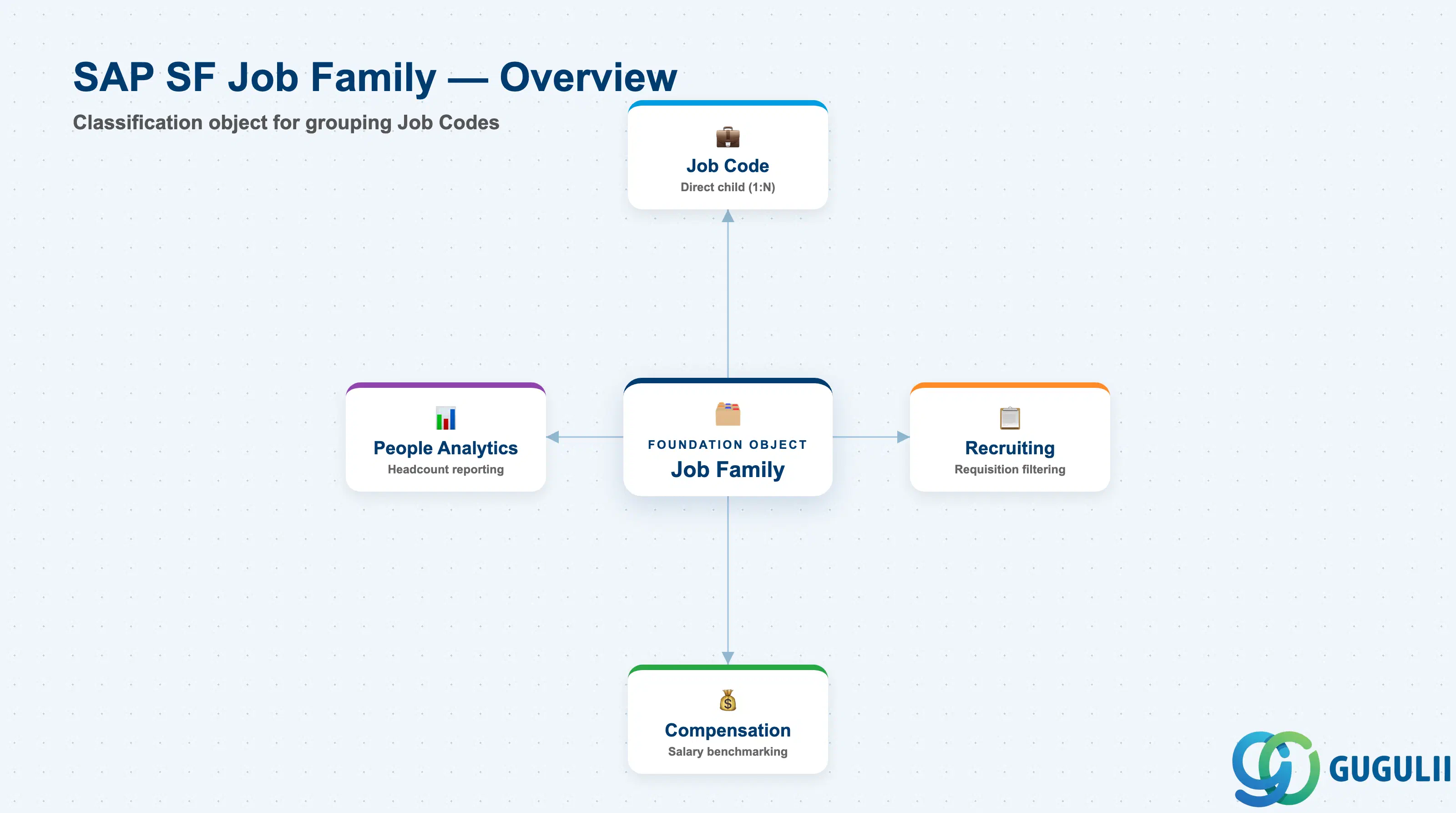
Job Family is a classification/grouping object — it does not represent a place, a cost bucket, or a reporting line, only a category of work. Where Department answers “which team,” and Location answers “which physical place,” Job Family answers “what kind of role is this” — and every Job Code, from “Sales Representative” to “Sales Manager,” is expected to roll up to exactly one Job Family so that recruiting, compensation, and workforce reporting can segment by function consistently.
| Aspect | Details |
|---|---|
| Role | Top of the Job Structure Management branch — a classification/grouping object that organizes related Job Codes (e.g. all sales roles, all engineering roles) independently of the organizational hierarchy chain and Location |
| Modules using it | Employee Central (owner — Foundation Object framework), Recruiting (Job Requisitions and Job Postings can be filtered and grouped by the Job Family of the underlying Job Code), Compensation (Job Family provides functional context for salary benchmarking and market-pricing work alongside Pay Grade), People Analytics / Reporting (job-family-level headcount and workforce composition reporting) |
| Transactions | Admin Center → “Manage Organization, Pay and Job Structures” (create/edit Job Family Foundation Objects); “Import and Export Data” (mass load via CSV) |
| Key Tables | OData API entity FOJobFamily (Foundation Object) — SuccessFactors has no classic ABAP table; each record is effective-dated rather than table-row based |
| S/4HANA note | Job Family has no standard native S/4HANA sync counterpart — it is configured and owned natively in Employee Central. The loosest on-premise analogue is a Job Group / Job classification used in classic SAP HCM Organizational Management, but the concepts do not map 1:1 and no delivered integration content ships between them |
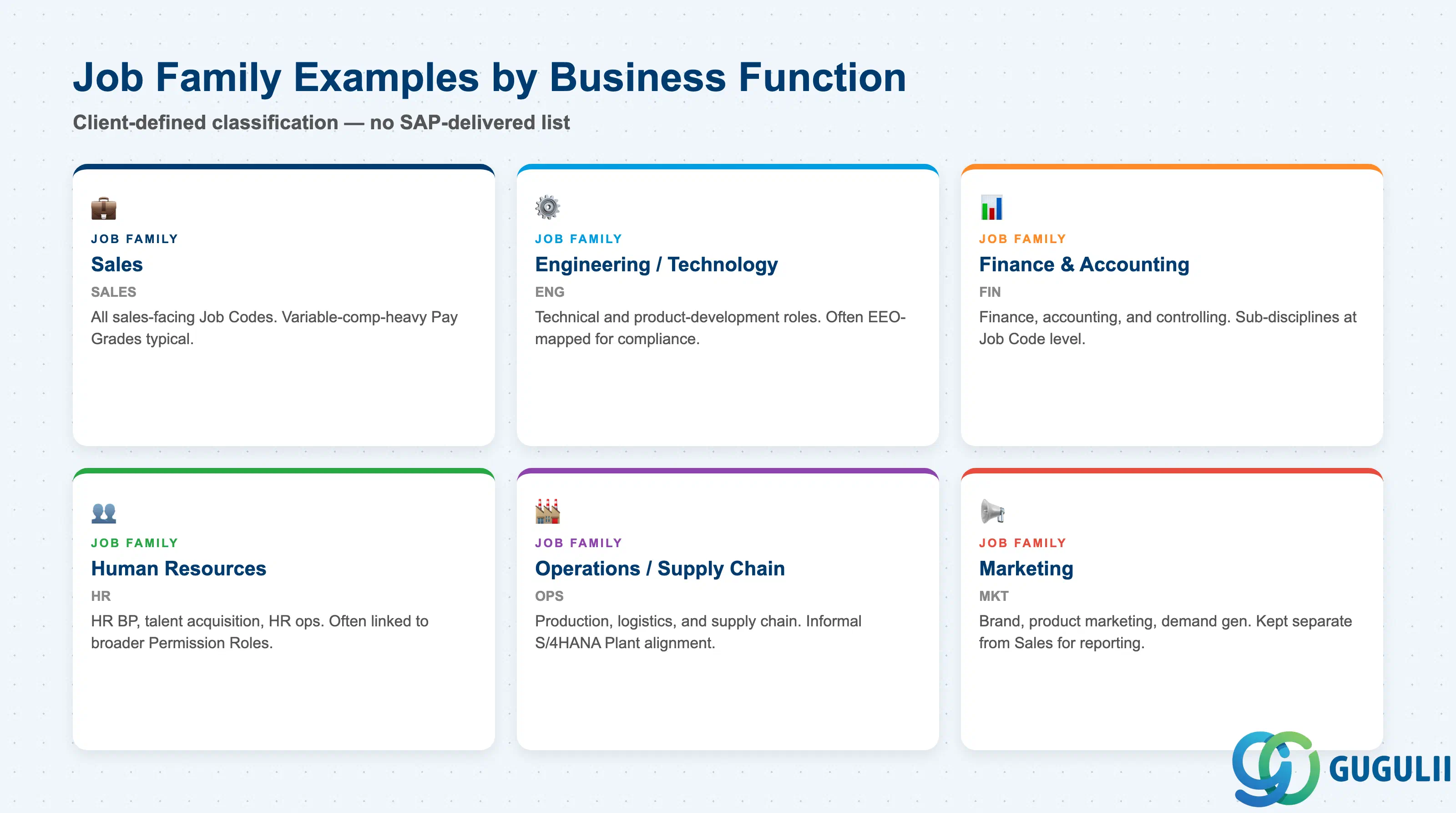
Job Family is not selected from a fixed SAP-delivered code list the way Legal Entity’s country or Cost Center’s category is — it is entirely client-defined descriptive classification. Getting the grouping wrong mostly costs reporting clarity and recruiting search usability rather than breaking the data model, but re-grouping after go-live is disruptive, so it is worth deciding the list deliberately at blueprint.
| Job Family | Code | Use Case | Key Behavior |
|---|---|---|---|
| Sales | SALES | Groups all sales-facing Job Codes (Account Executive, Sales Representative, Sales Manager) | Job Codes in this family are commonly paired with variable-compensation-heavy Pay Grade structures and are heavily used by Recruiting for sales-pipeline reporting |
| Engineering / Technology | ENG | Groups technical and product-development Job Codes | Frequently mapped to a distinct EEO/labor category on the underlying Job Code for statutory workforce reporting where local law requires it |
| Finance & Accounting | FIN | Groups finance, accounting, and controlling Job Codes | Often segmented further at the Job Code level by sub-discipline (FP&A, Controlling, Treasury) rather than by creating additional Job Families |
| Human Resources | HR | Groups HR business partner, talent acquisition, and HR operations Job Codes | Job Codes here are commonly cross-referenced by Permission Role logic that grants HR-specific system access, since HR roles often need broader employee-data visibility |
| Operations / Supply Chain | OPS | Groups production, logistics, and supply-chain Job Codes | Frequently aligned informally with S/4HANA Plant-level headcount reporting, even though no systemic link exists between the two objects |
| Marketing | MKT | Groups brand, product marketing, and marketing operations Job Codes | Usually a smaller Job Family by headcount; still kept separate from Sales so campaign and demand-generation roles report distinctly from quota-carrying roles |
Design principle: Job Family names and codes are entirely client-defined — SuccessFactors ships no standard delivered list. Decide the list once at blueprint and keep it stable after go-live; re-grouping Job Codes across Job Families later breaks reporting trend lines and requires re-pointing every affected Job Code.
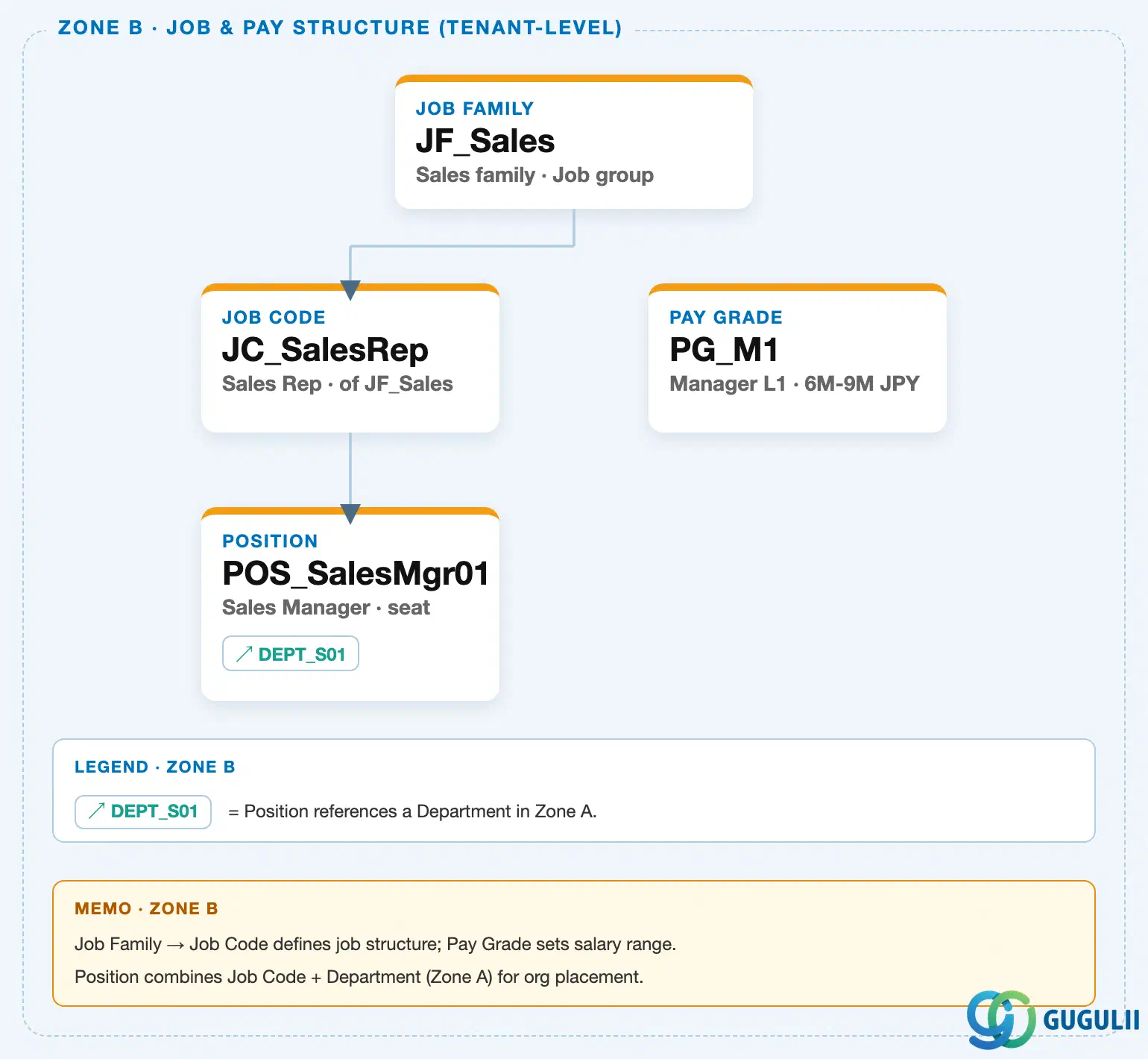
Data hierarchy with a concrete example
Client (SuccessFactors Instance)
   │
   └── Job Family "JF_Sales" — Sales family, Job group
          │
          └── Job Code "JC_SalesRep" — Sales Rep, of JF_Sales
                 │
                 └── Position "POS_SalesMgr01" — Sales Manager, seat
                        │
                        └── assigned to ──> Department "DEPT_S01" — Sales Team 1 (org hierarchy chain, Zone A)

Pay Grade "PG_M1" — Manager L1, 6M-9M JPY
   (sibling object in the Job & Pay Structure branch — referenced independently for salary range,
    not a child of Job Family or Job Code)

Location "LOC_TKY01" — Tokyo HQ, Asia/Tokyo TZ
   (independent tenant-level master — outside the Job & Pay Structure branch entirely)
Design principle: Job Family sits at the top of a distinct Job Structure Management branch — separate from the Legal Entity → Business Unit → Division → Department → Cost Center organizational chain and from the standalone Location master (see SF-A02-01 through SF-A02-06). Job Family owns only Job Code (a strict 1:N parent-child relationship); Pay Grade and Position sit alongside or below Job Code but are not children of Job Family itself, and a Position’s reporting-line placement is driven by Department, not by which Job Family its Job Code belongs to.
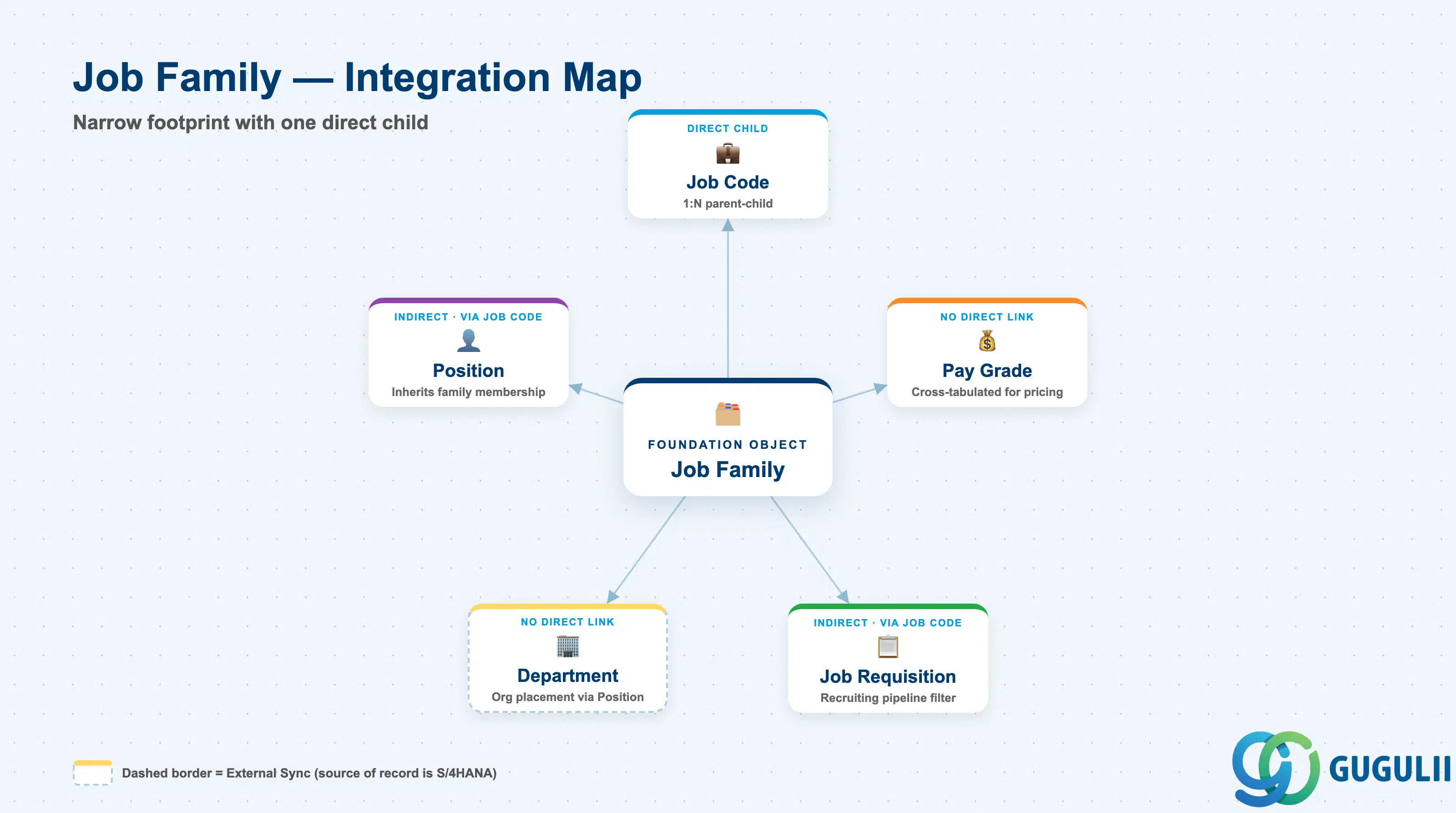
Because Job Family sits outside the organizational hierarchy chain, most of its relationships to other master data are one hop (direct child) or indirect (via Job Code) rather than deep nesting — Job Family itself is a shallow object with a narrow, well-defined footprint.
| Object | Relationship | Practical Notes |
|---|---|---|
| Job Code | Direct child (1:N) — every Job Code belongs to exactly one Job Family | This is the only true parent-child link Job Family has. Every Job Code picklist in the system is effectively pre-filtered or groupable by its parent Job Family, which is why getting the initial Job Family list right at blueprint matters more than it might first appear. |
| Position | Indirect, via Job Code — a Position inherits its Job Family membership through the Job Code assigned to it | Job Family-level headcount and workforce-composition reports actually read Position → Job Code → Job Family, not a direct Position-to-Job-Family link; there is no field on Position that references Job Family directly. |
| Pay Grade | Indirect, no direct system link — Job Family classifies “what kind of work,” Pay Grade classifies “what it pays,” and the two dimensions are maintained independently | Compensation teams frequently cross-tabulate Job Family × Pay Grade for market-pricing analysis, but this is a reporting-layer combination, not a configured relationship between the two Foundation Objects. |
| Job Requisition (Recruiting) | Referenced by (1:N, via Job Code) — recruiters filter and group open Job Requisitions by Job Family when building a talent pipeline | Job Family is one of the most common facets used in Recruiting dashboards and career-site job search filters, since candidates search by function (“Sales jobs”) more naturally than by Job Code. |
| Department | No direct link — Job Family classifies work function, Department classifies organizational placement, and neither constrains the other | A single Job Family’s Job Codes are commonly assigned to Positions spread across many different Departments (e.g. “Sales” Job Codes exist in every regional sales Department), and a single Department typically employs Positions from several different Job Families. |
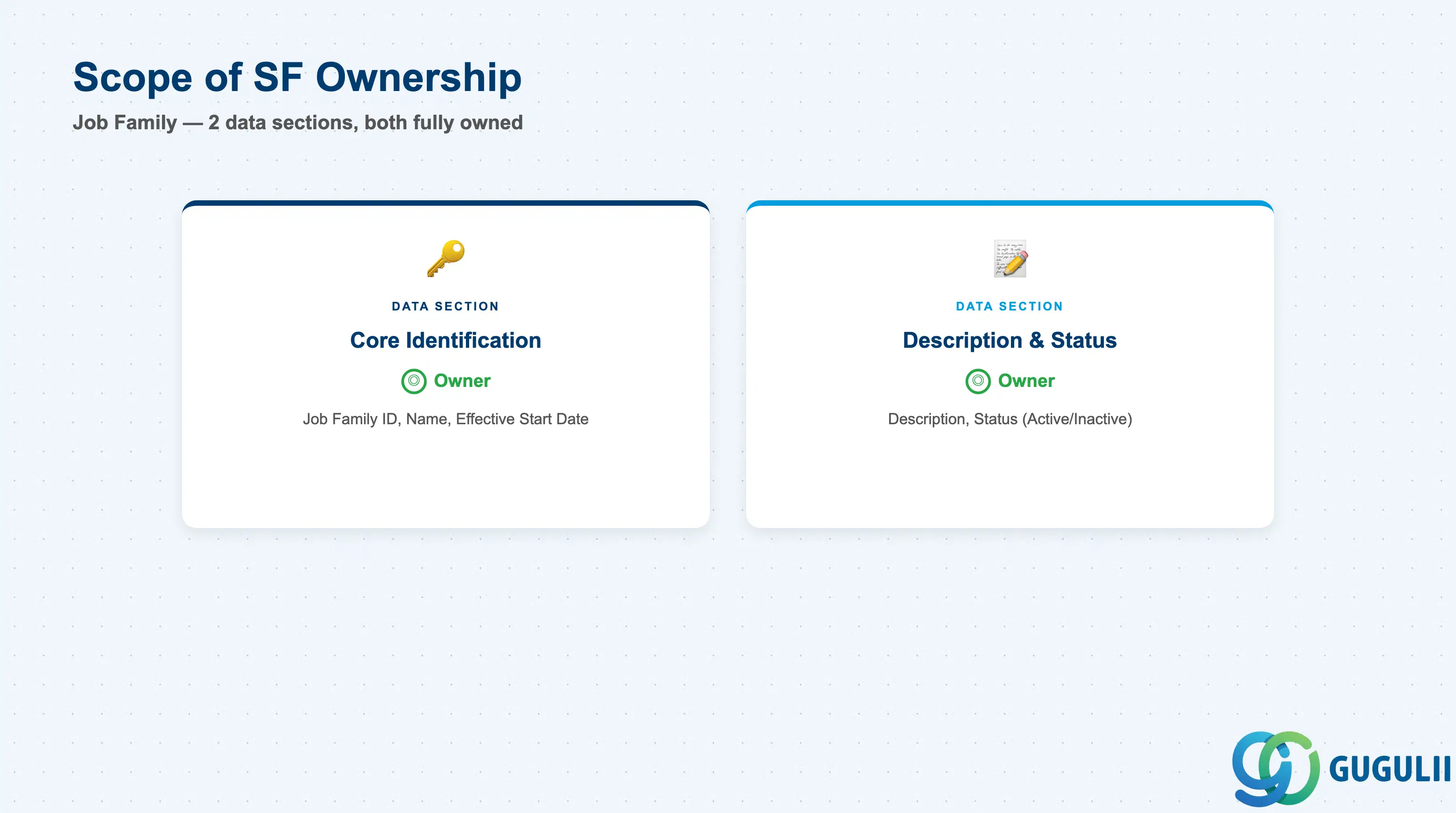
| Data Section | SF Involvement | Notes |
|---|---|---|
| Core Identification | ◎ Owner | Job Family ID, Name, Effective Start Date |
| Description & Status | ◎ Owner | Description, Status |
Legend: ◎ = Owner / Critical, ○ = Direct involvement
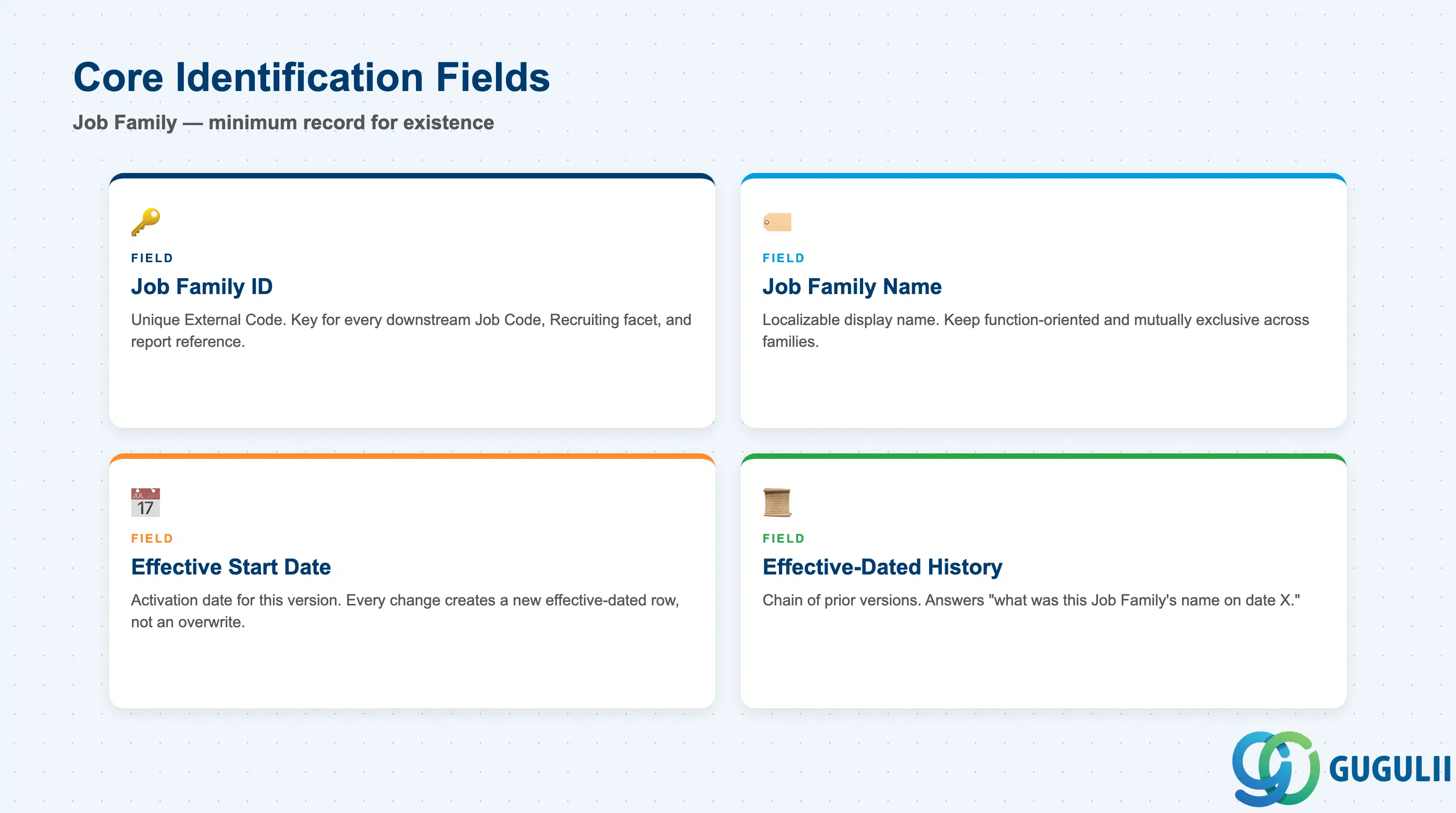
Core Identification is the minimum record a Job Family needs to exist — it is what every Job Code assigned to it, and every Job Family-filtered picklist or report, resolves back to.
| Field | Description | Practical Usage |
|---|---|---|
| Job Family ID | Unique identifier for the Job Family (External Code) | The key value every Job Code’s Job Family reference, and every downstream Recruiting/Reporting facet, points to. Agree the coding convention once with the HRIS team; changing it after go-live requires re-mapping every Job Code that references it. |
| Job Family Name | Display name of the Job Family | Localizable per language pack in a global instance. Keep names function-oriented and mutually exclusive (“Sales” vs. “Engineering”) — overlapping or vague names cause Job Code assignment errors during Job Code setup and confuse candidates filtering by function on a career site. |
| Effective Start Date | Date this version of the record becomes active | Every field change is captured as a new effective-dated row, not an overwrite. Most Job Family records change infrequently after go-live (a rename or a status change), so this history is mainly consulted when reconciling why a historical headcount-by-family report doesn’t match current picklist values. |
| Effective-Dated History | Chain of prior versions of this Job Family record | Used to answer “what was this Job Family’s name or status on date X” — relevant when a rename or a Job Family consolidation needs to be traced through past reporting periods. Correct forward with a new effective-dated entry rather than deleting history rows. |
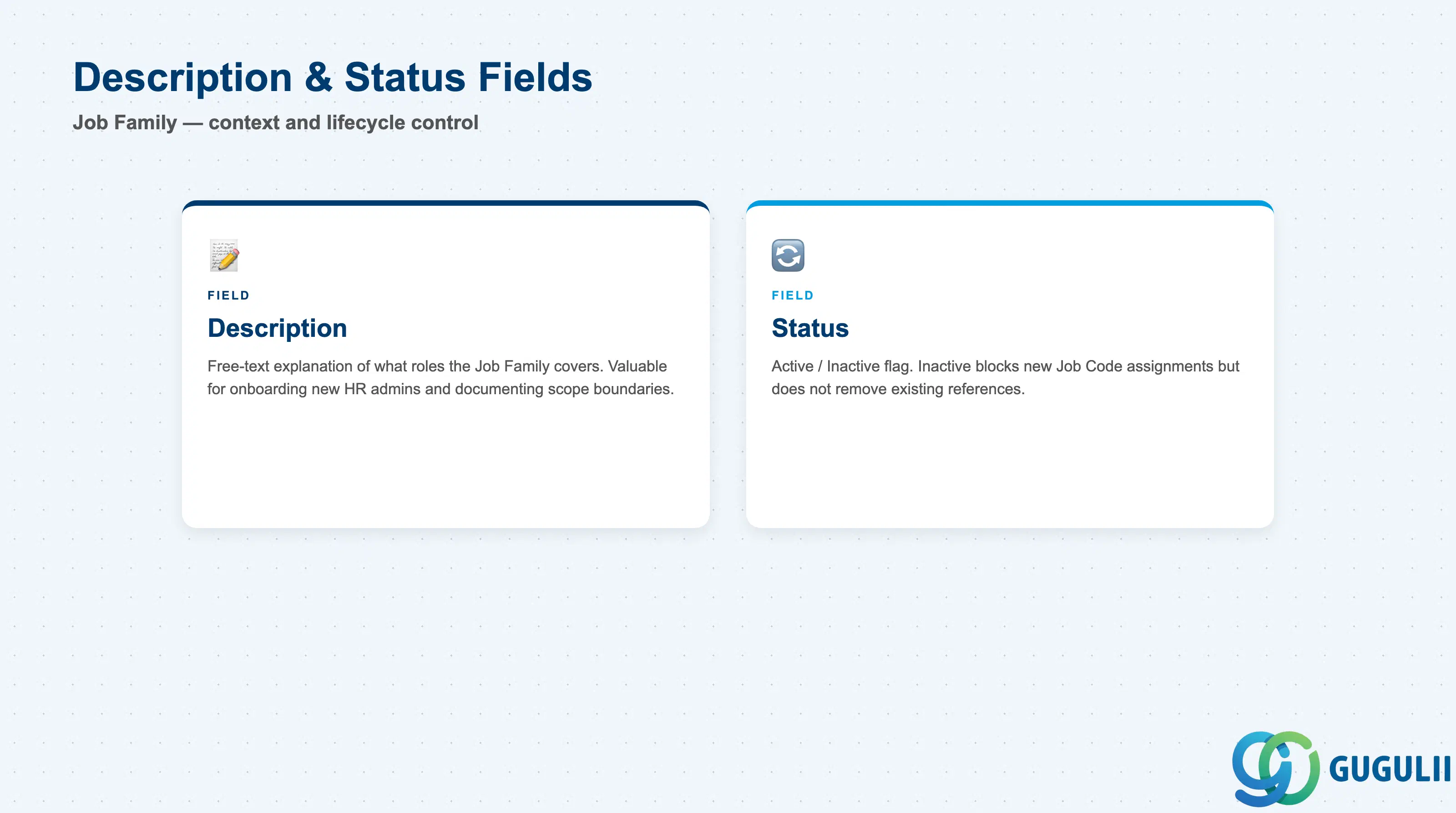
These two fields round out the record: one gives humans context on what the Job Family actually covers, the other governs whether it remains selectable going forward.
| Field | Description | Practical Usage |
|---|---|---|
| Description | Free-text explanation of what roles/work the Job Family covers | Not shown in most compact picklists, but valuable in Admin Center for onboarding new HR administrators and for documenting scope boundaries between similarly named families (e.g. clarifying where “Operations” ends and “Supply Chain” would begin, if the client later splits the family). |
| Status | Active / Inactive flag | Setting a Job Family Inactive does not remove existing Job Code references — it only blocks the Job Family from being selected on new Job Code records going forward. Before deactivating a Job Family (e.g. during a functional reorganization), check for any Job Code still assigned to it and re-point those Job Codes to the surviving Job Family first. |
| ID | Category | Title |
|---|---|---|
| sf-001 | Overview | What is SAP SuccessFactors? |
| ID | Category | Title |
|---|---|---|
| sf-b01 | Overview | SAP SuccessFactors Transactions: Process Flow, Hierarchy & Relationships |