Title here
Summary here

Pay Grade is the master data object that defines a compensation band — a salary range with a minimum, midpoint, and maximum — such as “Manager L1” or “Professional P2,” in the Job Structure Management area of SuccessFactors Employee Central. Unlike Job Family and Job Code, which classify what the work is, Pay Grade classifies what it pays, and the two dimensions are maintained as separate, independently configured objects rather than one feeding the other automatically. This article covers what Pay Grade is, how it actually connects (and does not connect) to the surrounding master data, and every field an Employee Central consultant configures for it.
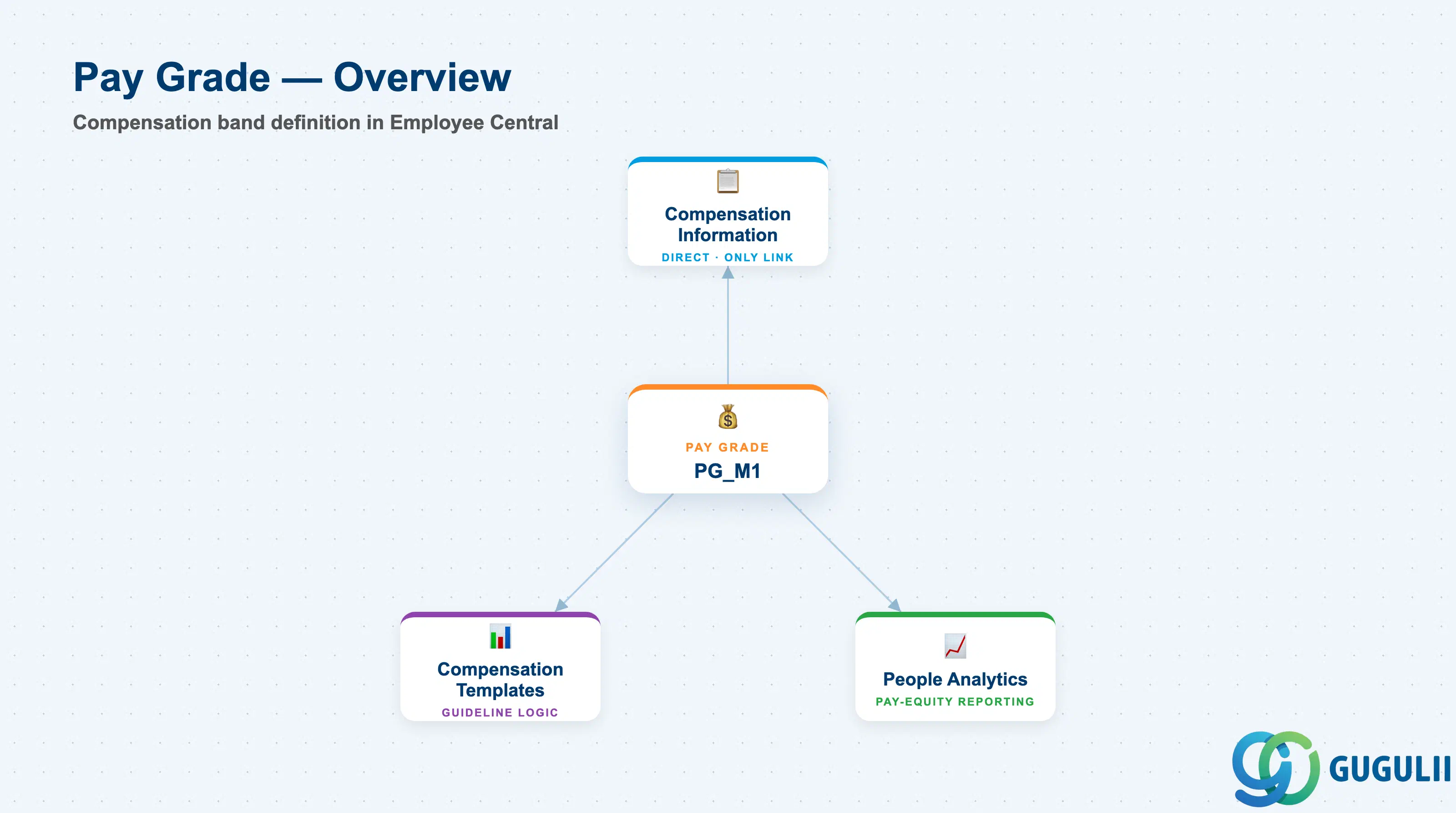
Pay Grade is a compensation-classification object — it does not describe job content the way Job Code does, and it does not represent an org placement the way Department does. It groups employees into a defined salary band so that base-pay decisions, market pricing, and pay-equity analysis can be evaluated against a consistent range rather than against each employee’s individual number in isolation.
| Aspect | Details |
|---|---|
| Role | Standalone compensation-band definition in the Job Structure Management area — sets the minimum/midpoint/maximum salary range that Compensation Information records are evaluated against |
| Modules using it | Employee Central (owner — Foundation Object framework, referenced directly from Compensation Information), Compensation (Pay Grade underlies Compa-Ratio and range-penetration calculations, and Compensation Template guidelines frequently vary increase percentages by where an employee sits within their Pay Grade), People Analytics / Reporting (pay-equity and market-pricing analysis segmented by Pay Grade) |
| Transactions | Admin Center → “Manage Organization, Pay and Job Structures” (create/edit Pay Grade and its associated Pay Range Foundation Objects); “Import and Export Data” (mass load via CSV) |
| Key Tables | OData API entity FOPayGrade (Foundation Object), with associated Pay Range values stored under FOPayRange — SuccessFactors has no classic ABAP table; each record is effective-dated rather than table-row based |
| S/4HANA note | Pay Grade has no standard native S/4HANA sync counterpart — it is configured and owned natively in Employee Central. The loosest on-premise analogue is a Pay Scale Group/Level in classic SAP HCM Personnel Administration, but the concepts do not map 1:1 and no delivered integration content ships between them |
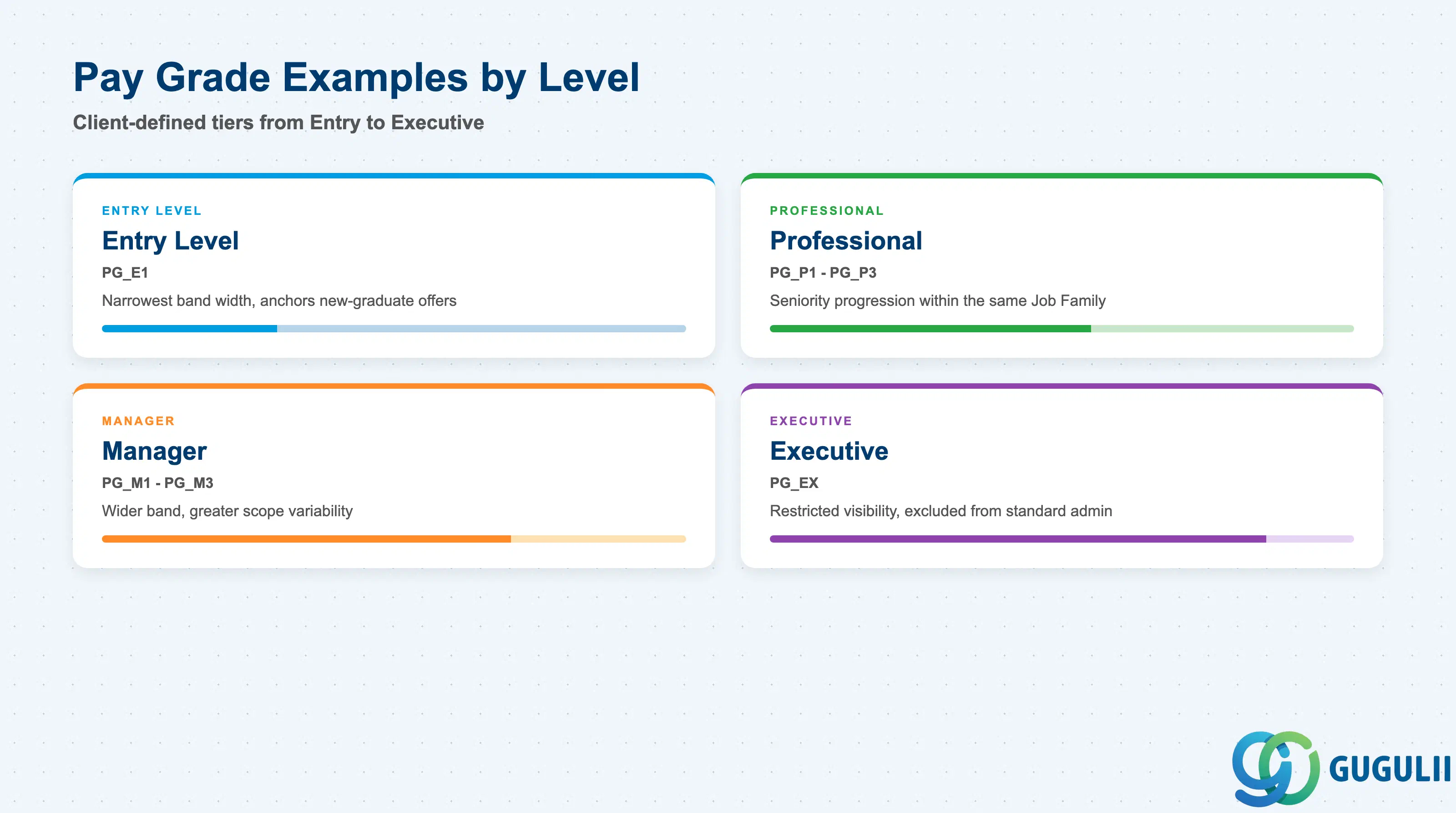
Pay Grade is not selected from a fixed SAP-delivered list — like Job Family and Job Code, it is entirely client-defined. What does vary structurally is how many tiers a client builds and whether the same Pay Grade set applies uniformly, or whether each Pay Grade carries a different Pay Range per country (a global “Manager L1” Pay Grade with a JPY range for Japan and a separate USD range for the US, for example).
| Pay Grade | Code | Use Case | Key Behavior |
|---|---|---|---|
| Entry Level | PG_E1 | Individual-contributor roles with no prior experience requirement | Narrowest band width of the set; used to anchor new-graduate hiring offers within a tight, defensible range |
| Professional | PG_P1 – PG_P3 | Individual-contributor roles across increasing seniority (Analyst → Senior Analyst → Principal) | Multiple grades let a client differentiate pay progression within the same Job Family/Job Code population without changing job content |
| Manager | PG_M1 – PG_M3 | People-management roles across increasing span of control | Typically shows wider band width than Professional grades, reflecting greater variability in scope across roles that share a management title |
| Executive | PG_EX | Senior leadership roles | Often maintained with restricted field-level permissions, since Executive Pay Range values are commonly excluded from standard Compensation Admin visibility |
Design principle: Pay Grade names, codes, and range widths are entirely client-defined — decide the number of tiers and the country/currency scoping strategy once at blueprint. Adding or splitting tiers after go-live requires re-evaluating every Compensation Information record currently pointing at the affected grade, since Compa-Ratio calculations shift the moment a range boundary moves.
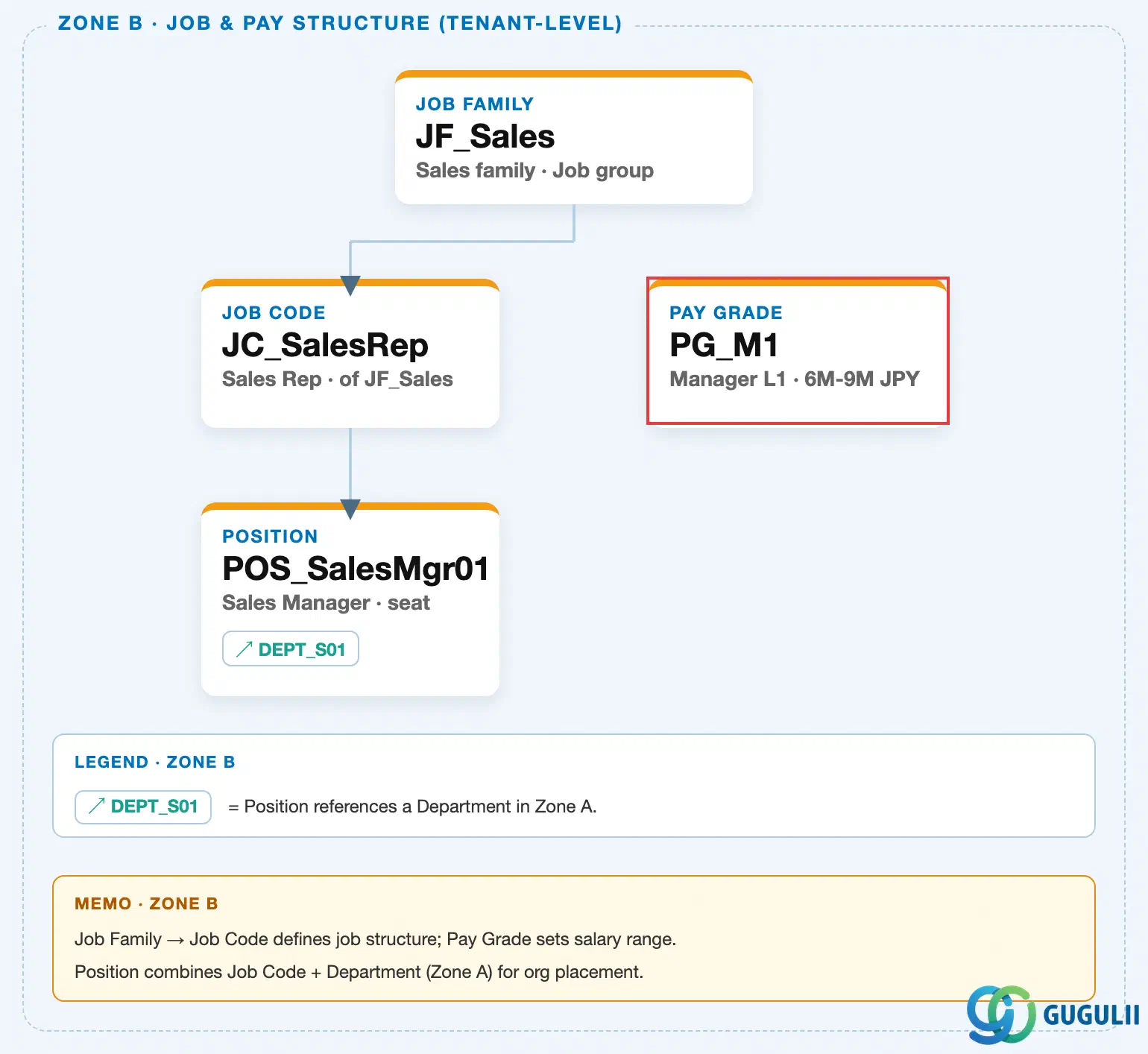
Data hierarchy with a concrete example
Client (SuccessFactors Instance)
   │
   └── Job Family "JF_Sales" — Sales family, Job group
          │
          └── Job Code "JC_SalesRep" — Sales Representative, of JF_Sales
                 │
                 └── Position "POS_SalesMgr01" — Sales Manager, seat
                        (Job & Pay Structure branch — no configured link to Pay Grade)

Pay Grade "PG_M1" — Manager L1, 6M-9M JPY
   (standalone Foundation Object in the Job & Pay Structure branch, positioned
    alongside Job Family/Job Code/Position — not a parent or child of any of them)

Employment "EMP_000001" (Employee Data branch, Zone E)
   │
   └── Compensation Information "CI_001" — Base Salary 7.5M JPY ── references ──> Pay Grade "PG_M1"
MANDATORY landscape verification note: the module Master.md’s ER Diagram describes a “Job Code — N:M — Pay Grade” relationship in prose. The published SuccessFactors Master Data Landscape (
sf-a01/images/04-sf-a01-master-landscape.html) draws Pay Grade as a standalone node in Zone B with no SVG connector to Job Family, Job Code, or Position — the same finding already confirmed from Job Code’s side in SF-A02-08. The only connector that actually touches the Pay Grade node in the landscape is the Zone E → Zone B reference chip on Compensation Information (↗ PG_M1). This article follows the landscape’s drawn topology rather than the source prose: Pay Grade is referenced directly only by Compensation Information at the employee-record level, not by Job Code.
Design principle: Pay Grade sits in the Job Structure Management branch as an independent node with no configured Foundation Object parent or child — separate from the Legal Entity → Business Unit → Division → Department → Cost Center organizational chain, from the Job Family → Job Code → Position chain in the same branch, and from the standalone Location master. The only system-drawn link touching Pay Grade runs from Compensation Information, a child record of Employment in the Employee Data branch — not from Job Code, Job Family, or Position.
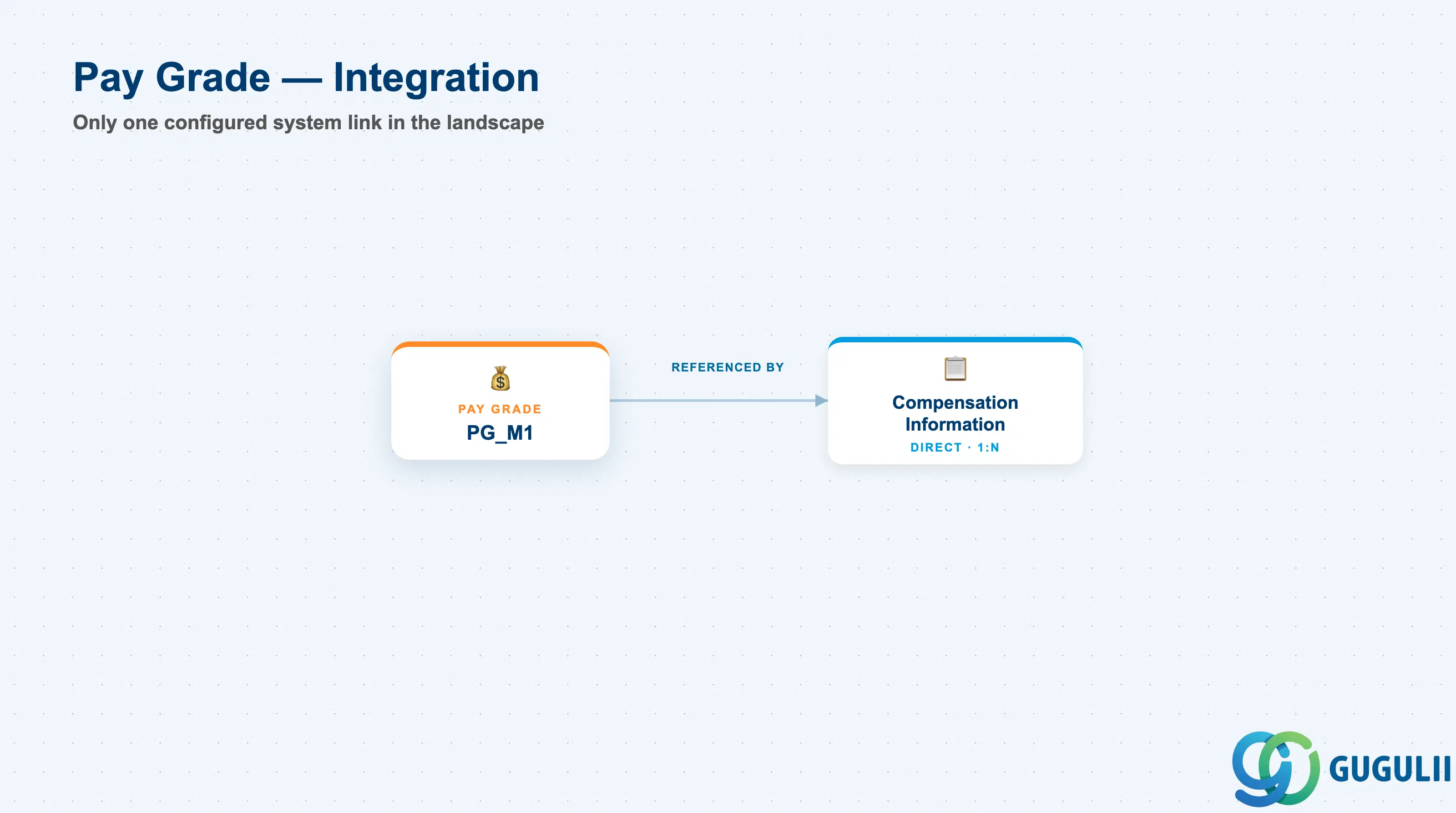
Pay Grade has the narrowest configured footprint of any object in the Job Structure Management branch — a single direct, system-drawn reference, with every other relationship a reader might expect (to Job Code, to Position) turning out to be a reporting-layer combination rather than a configured link.
| Object | Relationship | Practical Notes |
|---|---|---|
| Compensation Information | Referenced by (1:N, direct) — every Compensation Information record can reference exactly one Pay Grade | This is the only configured system link touching Pay Grade in the landscape. It happens at the employee-record level (Employment → Compensation Information → Pay Grade), not via a Foundation Object relationship on Pay Grade itself. |
| Job Code | No direct system link, despite the two objects being commonly discussed together as “what the work is” vs. “what it pays” | Compensation teams frequently cross-tabulate Job Code × Pay Grade for market-pricing and pay-equity analysis, but this is a People Analytics reporting-layer combination, not a system link. Clients migrating from a platform where Job Code auto-derived Pay Grade sometimes assume the same behavior here by default — confirm at blueprint that this must be built explicitly (e.g. via a business rule on Job Information), since the platform does not enforce it out of the box. |
| Position | No direct system link — Position carries Job Code and Department, not Pay Grade | A compensation-range check for a given seat is not resolved through Position; it happens only when Compensation Information is entered against the employee occupying that seat, referencing Pay Grade directly. |
| Compensation Plan / Compensation Template | No direct link — Pay Grade defines the salary band, Compensation Plan/Template define the annual increase cycle and guideline logic | The two are frequently combined inside Compensation Template guideline rules (e.g. “increase % varies by Compa-Ratio within Pay Grade”), but this is a business-rule-level combination configured in Compensation, not a Foundation Object relationship on Pay Grade itself. |
| Job Family | No direct link | Same non-relationship pattern as Job Code — Job Family and Pay Grade are maintained independently and combined only at the reporting layer, never through a configured Foundation Object reference. |
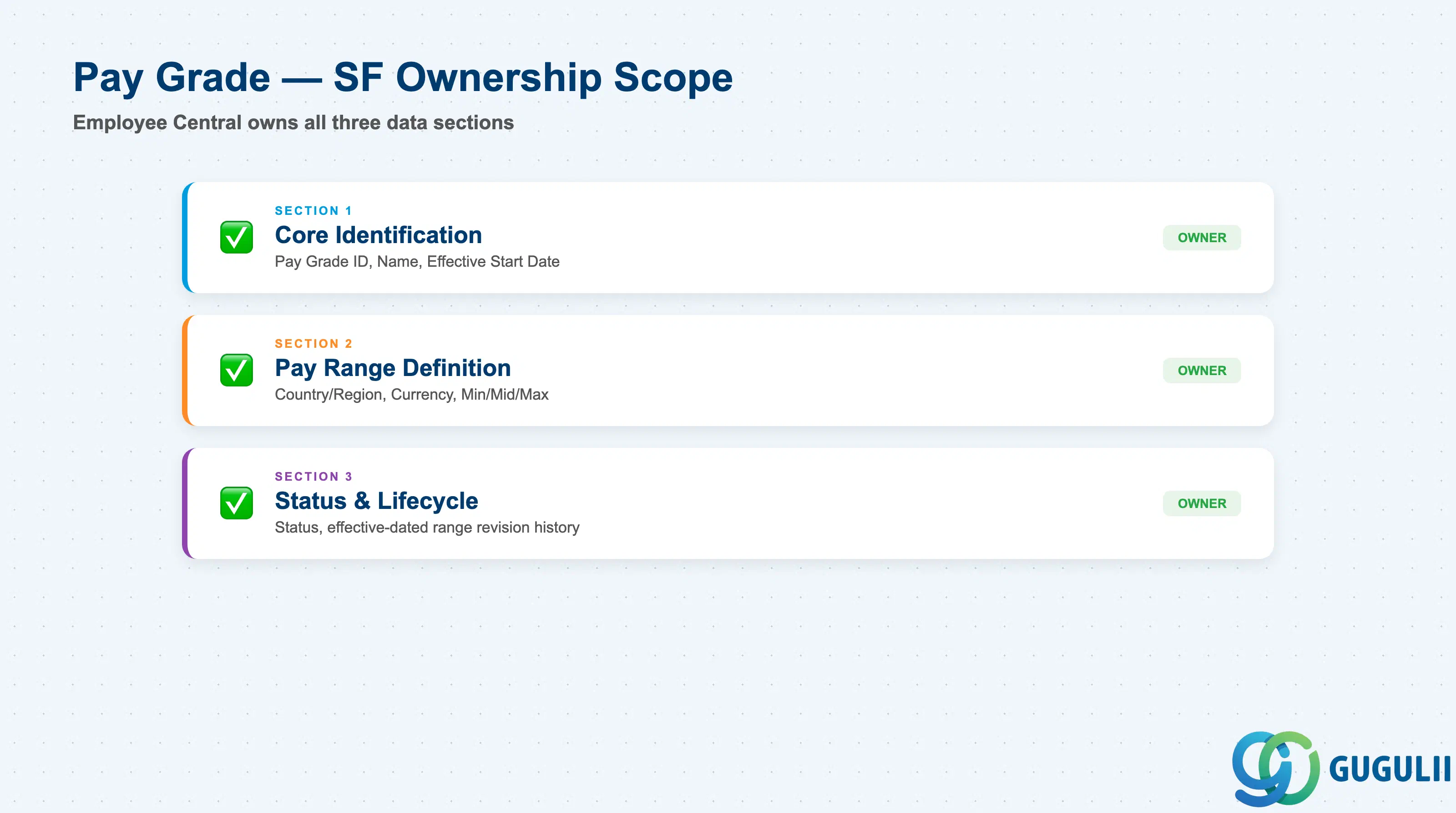
| Data Section | SF Involvement | Notes |
|---|---|---|
| Core Identification | ◎ Owner | Pay Grade ID, Pay Grade Name, Effective Start Date |
| Pay Range Definition | ◎ Owner | Country/Region, Currency, Minimum, Midpoint, Maximum |
| Status & Lifecycle | ◎ Owner | Status, Effective-dated range revision history |
Legend: ◎ = Owner / Critical, ○ = Direct involvement
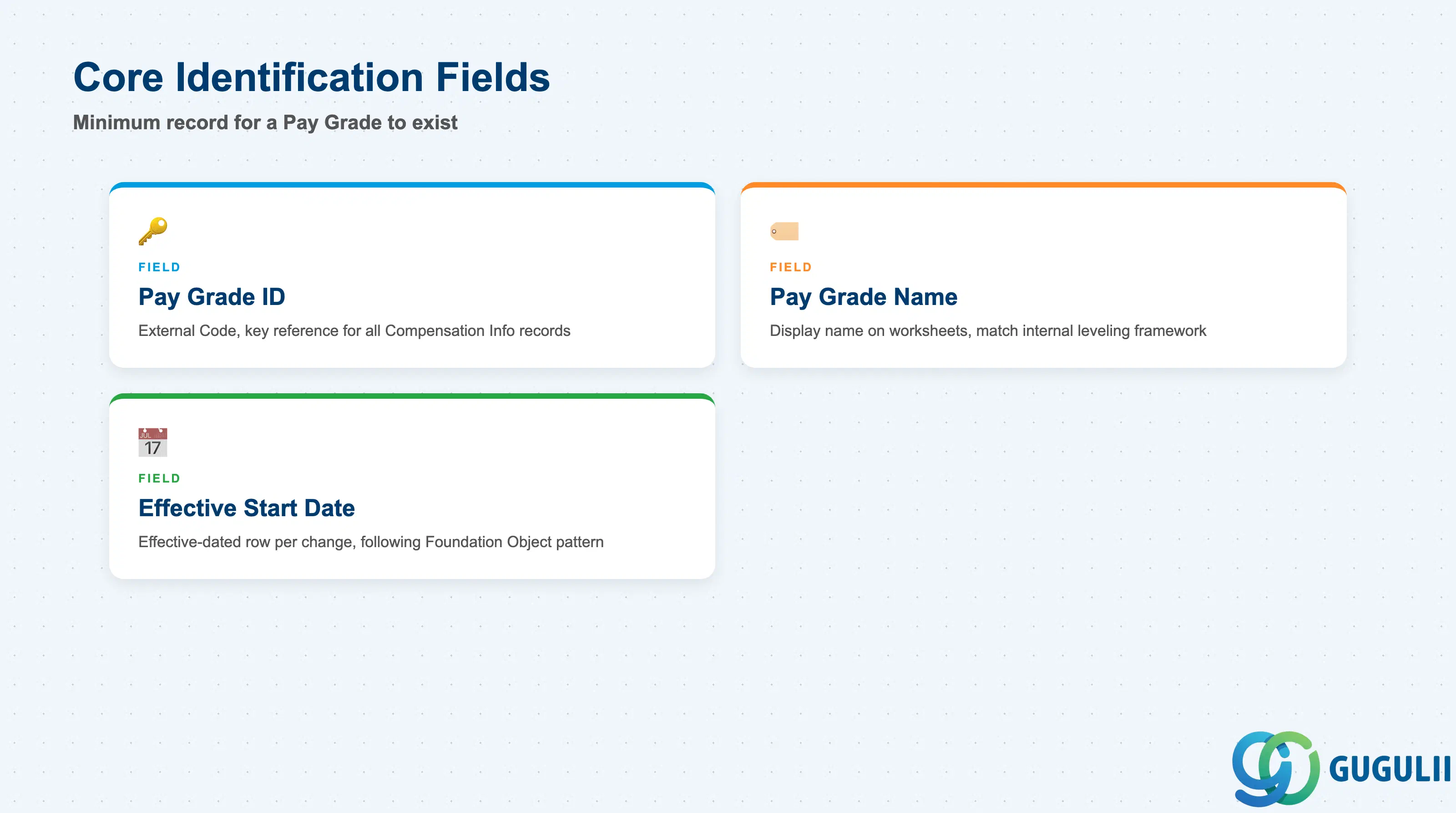
Core Identification is the minimum record a Pay Grade needs to exist — it is what every Compensation Information record referencing it, and every Pay-Grade-filtered compensation report, resolves back to.
| Field | Description | Practical Usage |
|---|---|---|
| Pay Grade ID | Unique identifier for the Pay Grade (External Code) | The key value every Compensation Information record’s Pay Grade reference points to. Agree the coding convention (e.g. tier + level, PG_M1) once with the Compensation team; renumbering after go-live requires re-mapping every employee record that references it. |
| Pay Grade Name | Display name of the Pay Grade, shown on Compensation Information and Compensation worksheets | Keep it consistent with the internal job-leveling framework the client already uses in offer letters and pay statements — a mismatch here creates confusion for managers reviewing compensation worksheets during the annual cycle. |
| Effective Start Date | Date this version of the record becomes active | Every field change — a rename, a range revision, a status change — is captured as a new effective-dated row rather than an overwrite, following the same effective-dating pattern used across the SF Foundation Object framework. |
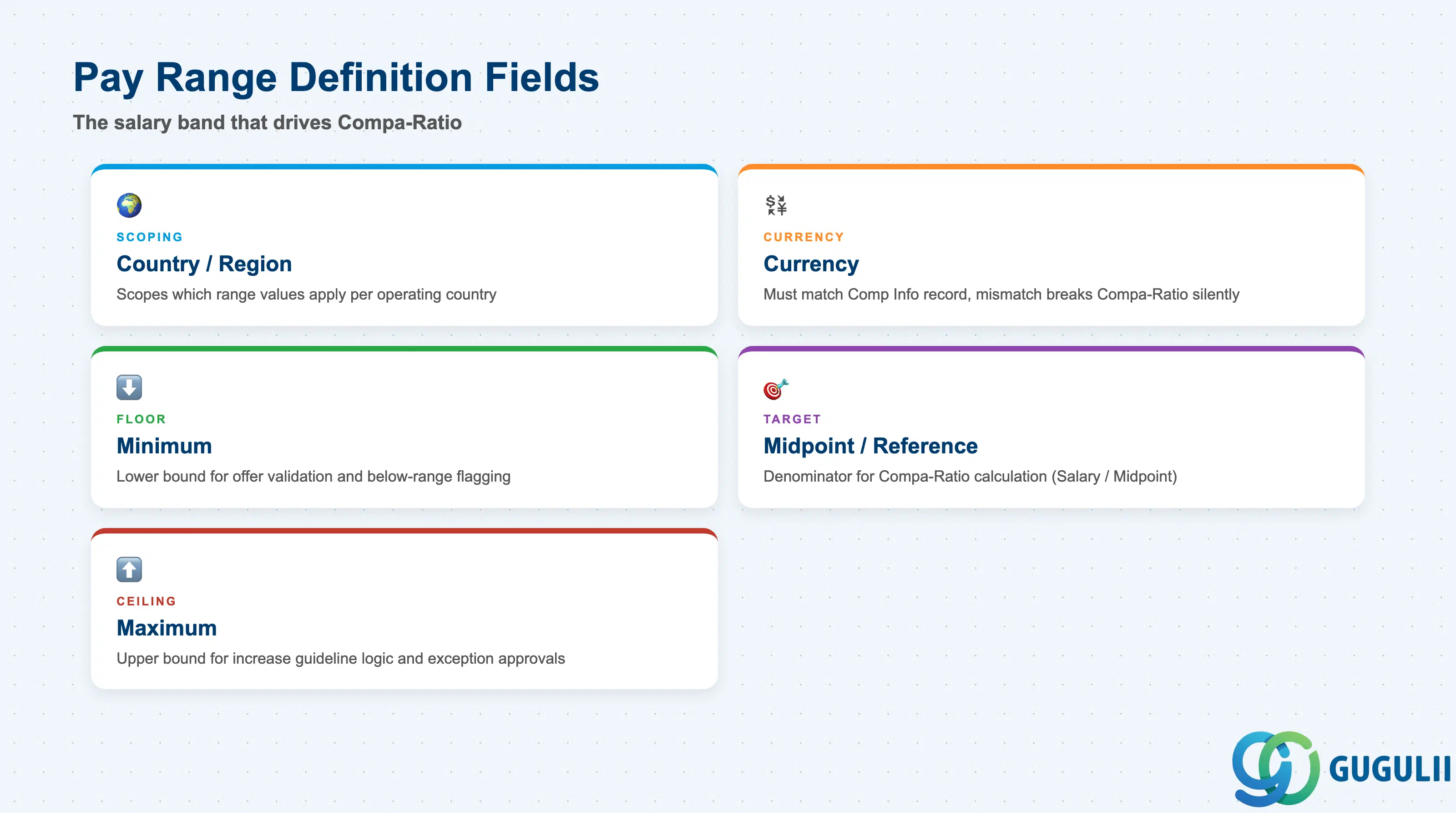
This is the section that gives Pay Grade its actual purpose — the salary band values that Compensation Information, Compa-Ratio calculations, and Compensation Template guideline logic all read from.
| Field | Description | Practical Usage |
|---|---|---|
| Country/Region | Scopes which country’s Pay Range values apply to a given Pay Grade | A single global Pay Grade (e.g. “Manager L1”) commonly carries a separate Pay Range row per operating country, since a role at the same level pays differently in different labor markets. Confirm at blueprint whether the client needs country-specific ranges or a single global range in one reporting currency. |
| Currency | Currency of the Minimum/Midpoint/Maximum values for this country’s Pay Range | Must match (or have a defined conversion basis to) the currency used on the employee’s Compensation Information record; a mismatch breaks Compa-Ratio calculations silently rather than throwing a validation error. |
| Minimum | Lower bound of the compensation band | Used as the floor for new-hire offer validation and for flagging employees whose base salary has fallen below range (e.g. after a market adjustment moves the range up but individual pay does not move with it). |
| Midpoint / Reference Point | Target salary within the band, typically representing full market competency at that level | This is the denominator in the standard Compa-Ratio calculation (Base Salary ÷ Midpoint). Compensation Template guideline rules frequently branch increase percentages based on where an employee’s Compa-Ratio falls relative to 100%. |
| Maximum | Upper bound of the compensation band | Used as the ceiling for standard merit-increase guideline logic — employees near or above Maximum are commonly routed to an exception approval workflow rather than a standard percentage increase. |
Prerequisite: Confirm with the client’s Compensation team whether Pay Range values are maintained per-country under a single Pay Grade or as fully separate Pay Grades per country before blueprint — this decision changes both the Pay Grade picklist size and how market-pricing reports segment results.
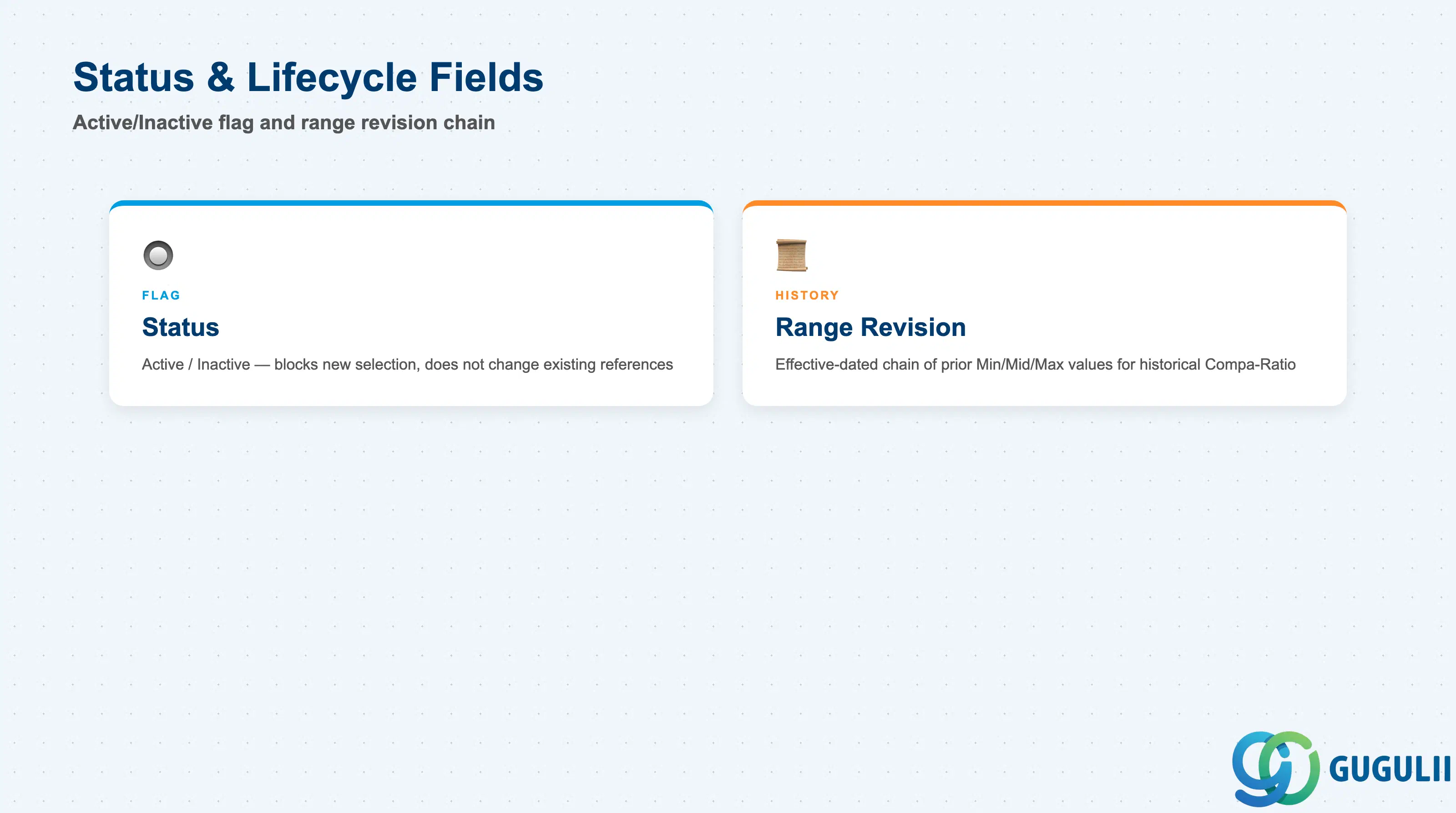
Status and revision history govern whether a Pay Grade remains selectable and how past range values are preserved when a market adjustment updates the band.
| Field | Description | Practical Usage |
|---|---|---|
| Status | Active / Inactive flag | Setting a Pay Grade Inactive does not change existing Compensation Information references — it only blocks the Pay Grade from being selected on new records going forward. Before deactivating a Pay Grade (e.g. during a job-leveling framework redesign), check for employees still assigned to it and plan their re-mapping to the surviving Pay Grade. |
| Effective-Dated Range Revision | Chain of prior Pay Range versions (Minimum/Midpoint/Maximum) under the same Pay Grade | Annual market adjustments are entered as a new effective-dated Pay Range row rather than an overwrite of the existing one, which is what allows Compa-Ratio to be recalculated correctly against the range that was in effect on any given historical date, not just the current one. |
| ID | Category | Title |
|---|---|---|
| sf-001 | Overview | What is SAP SuccessFactors? |
| ID | Category | Title |
|---|---|---|
| sf-b01 | Overview | SAP SuccessFactors Transactions: Process Flow, Hierarchy & Relationships |